Work Order Dispatch Software: How Construction Fleets Assign Repairs


Hi, I’m Maham Ali. I write about construction equipment management, helping teams use fleet data and maintenance intelligence to improve uptime, control costs, and run smoother jobsites.
A maintenance problem rarely becomes downtime in a single step.
At 6:40 on a Monday morning, a 30-ton excavator on a jobsite 40 miles from the shop throws a hydraulic pressure fault. The operator spots a weeping hose on his walkaround, writes it up, and keeps digging. By Tuesday the shop has two work orders for the same problem, one from the fault code and one from the inspection, and neither has a mechanic on it. By Wednesday a mechanic is assigned, but the hose is on back order and the superintendent wants to know if the machine will make Thursday's trench work.
The repair takes three hours. The waiting takes three days.
That gap is what work order dispatch software exists to close. In most construction fleets it sits inside construction equipment maintenance software. Its job is to move each repair from the first warning to a named mechanic, a scheduled slot, the right parts, and a machine back in service.
What Is Work Order Dispatch Software?
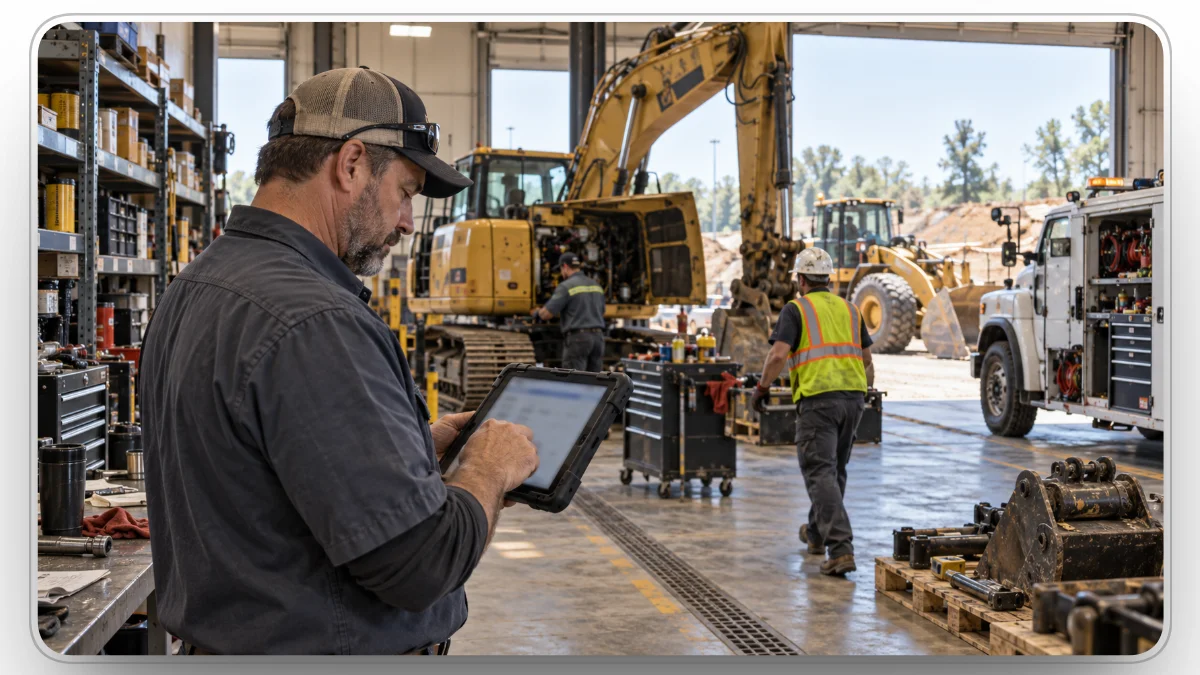
Work order dispatch software is the part of a maintenance system that decides who fixes what, when, and with which parts. It takes a validated repair need, ranks it, assigns it to a mechanic or outside vendor, schedules it against shop capacity, and tracks it until the machine returns to service.
Basic work order management records the job and later marks it complete. Dispatch manages everything in between. The useful test is whether a repair is only recorded or actually moving toward resolution.
Work Order Dispatch vs. Scheduling, Work Order Management, and Equipment Dispatch
Four related tools get confused in buying conversations, and each answers a different question.
Scheduling plans the week. Dispatch handles the day, including the jobs nobody planned for at 7 a.m.
.webp)
Why Is Work Order Dispatch Different for Construction Fleets?
A facilities team sends technicians to fixed buildings. A construction shop sends mechanics to machines that move, report through different systems, and sometimes cannot legally run until the repair is done.
- The machine is rarely at the shop. An excavator can be on a site 40 miles away today and at another project next week. Every repair starts with a field-or-shop decision: send a service truck, or haul the machine in. Hauling means a lowboy, a driver, and often a state-issued oversize permit.
- Some defects are legal stop signs. Under OSHA's motor vehicle rule, vehicles on a jobsite must be checked at the start of each shift, and all defects corrected before the vehicle is placed in service. For the trucks that haul your equipment, a safety defect on a driver vehicle inspection report (DVIR) has to be repaired and certified under 49 CFR 396.11 before the truck runs again. Dispatch has to treat "out of service" and "scheduled for repair" as two separate facts.
- The same machine lives in several systems. A loader can carry a fleet number, a PIN, an OEM telematics ID, and an ERP asset number. If those identifiers don't resolve to one asset, a fault attaches to the wrong machine and a repair cost lands on the wrong record.
- Mechanic hours are the scarcest input. The Bureau of Labor Statistics counted 242,400 heavy vehicle and mobile equipment service technician jobs in 2025 and projects about 20,300 openings a year through 2035. An open slot on a skilled mechanic's calendar is something you plan around, not something you can assume.
Signs Your Repair Dispatch Is Costing You Uptime
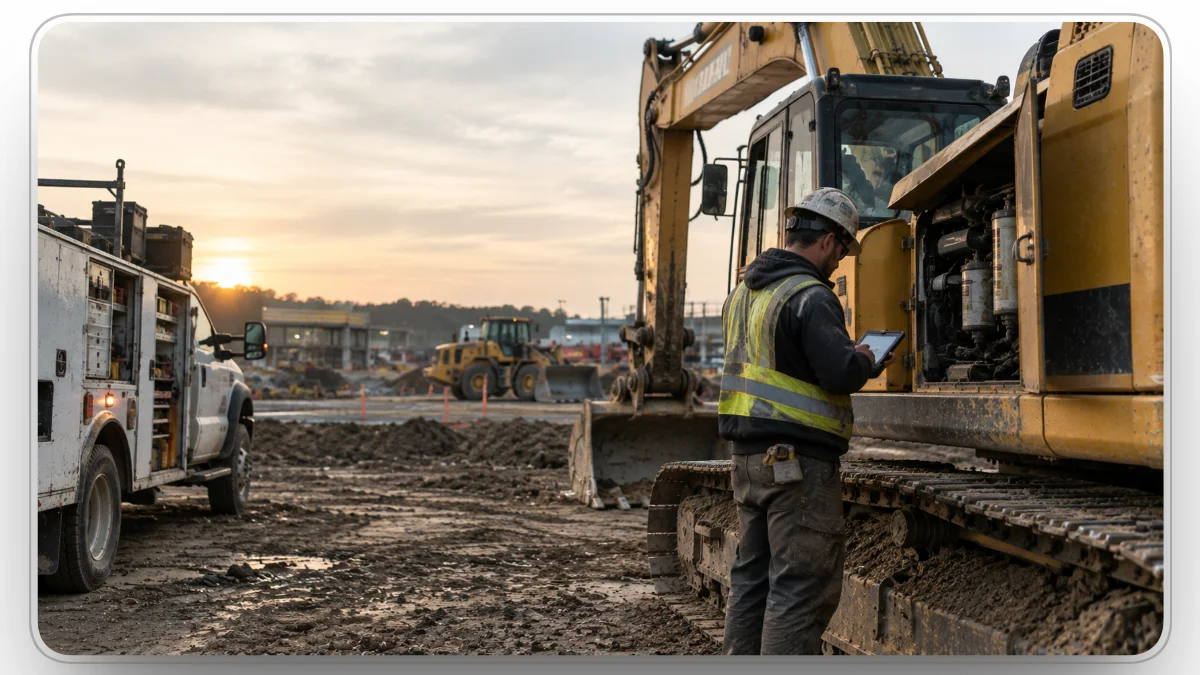
Planned work leaks time too. Take a 1,000-hour service on an excavator: the work might take three hours, yet the machine can still be down for 20. The PM sits until someone notices it, the mechanic gets assigned a day later, the filter kit is missing, and the project won't release the machine until Friday. None of those delays show up in the mechanic's labor hours.
Watch for these patterns:
- Work orders sit unassigned overnight. Nobody owns the queue, so jobs wait for the morning meeting.
- Mechanics arrive without the part. The job was scheduled before anyone checked stock.
- One defect, three work orders. The operator request, the inspection, and the fault code each open their own ticket.
- Dispatch sends out a machine the shop pulled. Maintenance status never reached the dispatch board.
- MTTR looks healthy but downtime doesn't. Repair duration gets measured, while waiting time goes uncounted.
- Outside repairs vanish until the invoice arrives. Dealer and vendor work never gets a work order, so its cost and downtime stay invisible.
How Construction Fleets Dispatch a Repair, Step by Step
Every repair passes through the six decisions below, and each one is a place it can stall.
1. Capture the Issue Once
Maintenance needs come from operator requests, failed inspection items, PM triggers, fault codes, and mechanic findings. Volume is rarely the problem. Duplicates and dead ends are: a failed hydraulic hose recorded in an inspection history, with no owner, never becomes a repair.
Good intake sends every source to the same queue, tied to the asset, with photos and notes carried along. In Clue, a new inspection issue can be attached to an open work order for the same asset instead of opening a duplicate.
2. Set Priority and Machine Status
A cracked mirror and a failed swing brake are both maintenance issues, but they should not share a place in line. A usable priority model weighs safety risk, asset criticality, production impact, the risk of secondary damage, and dependencies such as warranty coverage.
The deciding question is whether the machine can keep working. A safety defect may require parking the machine immediately, even if no mechanic can reach it for hours. The system has to hold both facts: the machine is down, and the repair still needs a slot. Clue's work order types separate these cases, from a Quick Fix the operator can handle, to a Repair on a machine that can still run, to an Emergency Repair on one that cannot. A consistent work order classification scheme keeps those calls the same from one shop to the next.
3. Assign the Right Mechanic or Vendor
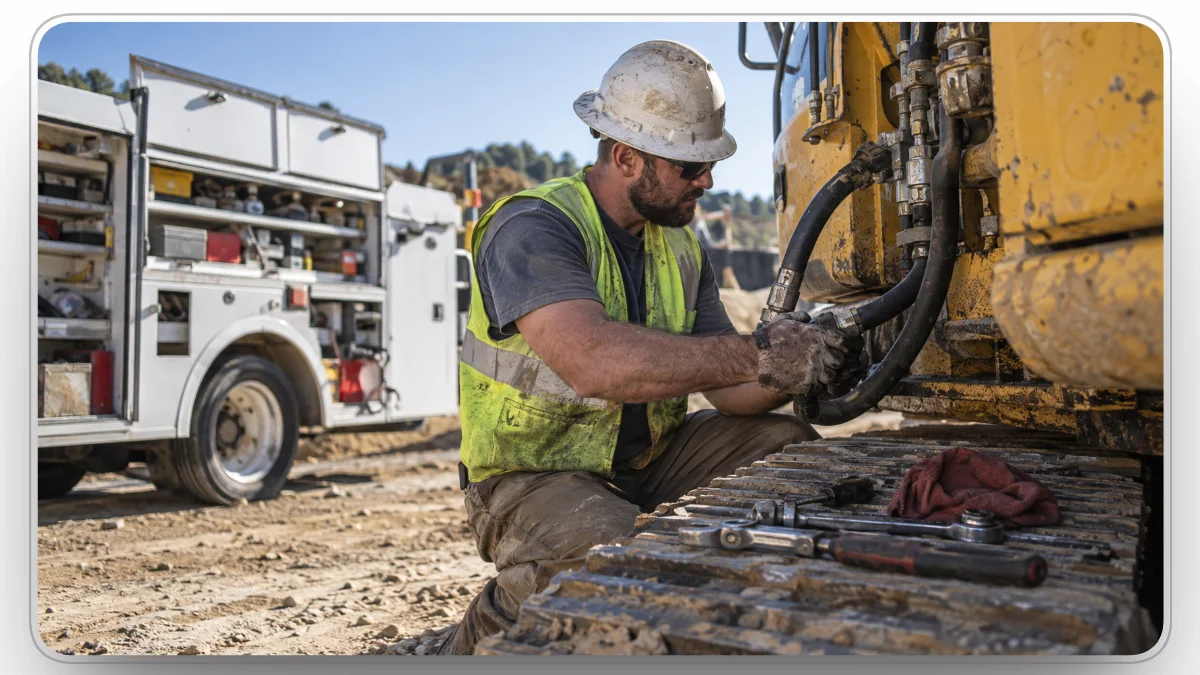
An empty calendar does not make a mechanic the right person for the job. Assignment depends on skills and certifications, current workload, location and travel time, familiarity with the machine, expected duration, and the tools the job needs.
Warranty work may belong at the dealer, and overflow may go to an outside vendor. Either way, the job still needs the same work order, asset history, and cost record as internal work. Clue's mechanic schedule view compares workload, open capacity, skills, and certifications, and a filter for unassigned work orders shows what nobody owns yet.
4. Confirm Parts Before the Job Starts
A scheduled work order without its part is a delayed work order with a different status. Checking stock before the job is scheduled is what separates a parts-ready repair from a wasted drive to a jobsite 40 miles out.
That changes the shop's question from "has someone assigned this?" to "can this job actually start?" In Clue, mechanics can request a part from the work order, and the request moves from Pending to Approved, Ordered, and Received, so the shop can see when a job is ready.

5. Execute and Record the Work in the Field
Construction mechanics rarely work from a desk, so the information has to travel with the job: machine details, service history, the fault or inspection that triggered the repair, instructions, parts, and photos. Labor should be logged as the work happens rather than rebuilt from memory on Friday.
Clue's mobile app keeps work orders on the mechanic's phone, labor entries roll into the work order's total cost, and the app switches to offline mode when the signal drops. Whatever vendor you choose, test this on a real site: lose the connection, log labor and photos, reconnect, and check exactly what synced.
6. Return the Machine to Service and Close the Cost
Closing the work order is not the same as returning the machine. Someone has to verify the repair, clear any out-of-service tag, and put the machine back into the pool that dispatch draws from. For a truck with a DVIR defect, that includes the carrier's repair certification.
The cost closes at the same time: internal labor, parts, and vendor invoices attached to the work order, coded the way finance expects. In Clue, cost codes flow from work order tasks into timecard entries, with ERP formats for Vista, Spectrum, Sage via Construct, and HeavyJob.
How Telematics Turns Machine Data Into Work Orders
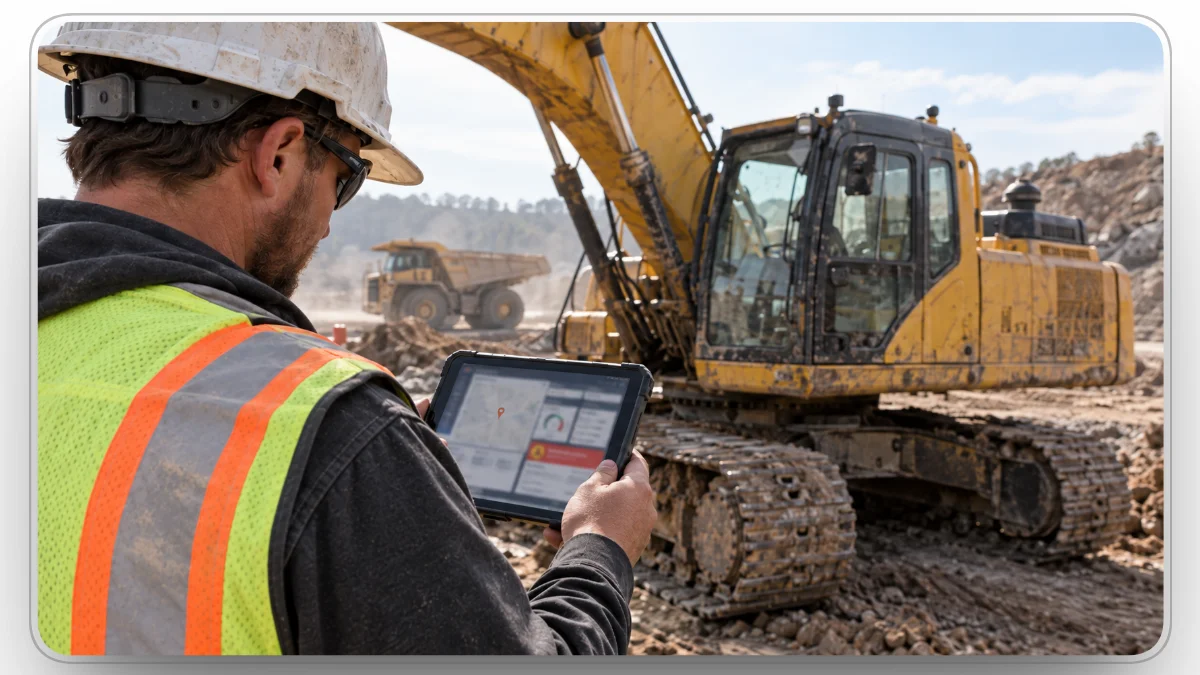
Telematics earns its keep when a reading becomes a maintenance action. Three feeds matter most for dispatch:
- Engine hours drive PM. Heavy equipment is serviced by hours, so meter readings should flow into the preventive maintenance schedule and open the work order when the interval comes due.
- Fault codes flag unplanned work. A code only helps when it reaches someone who can link it to the asset and decide what to do. A critical code on a machine in production is a different dispatch call than a minor code on one parked in the yard.
- Location shapes the assignment. Where the machine sits decides travel time, field versus shop repair, and which mechanic is closest.
The mixed-fleet standard for this data is ISO/TS 15143-3 (AEMP 2.0), which defines how a telematics server sends machine status data to customer applications. A deeper guide to heavy equipment telematics covers where each data point comes from. Clue pulls fault codes, hours, fuel, and location from OEM telematics providers including Cat, John Deere, Komatsu, and Volvo, sorts codes by severity, and lets the shop open a work order straight from the code.
How Should Maintenance and Dispatch Share Equipment Status?
Suppose the shop pulls a loader for a transmission repair. The shop sees down, the dispatch board still shows available, and the project manager expects the loader Monday. Each team is reading accurate data from its own system, and the fleet still makes the wrong call.
The fix is clear ownership. Define which maintenance states remove a machine from the available pool, who can put it back, and which system is the record for each. This dispatch and maintenance playbook walks through status rules and handoffs step by step. In Clue, the Magnet Board lets dispatchers update availability directly from the dispatch board.
What to Look for in Work Order Dispatch Software
Start with the process rather than the feature list. The system should let you follow one repair from the first alert to the final invoice.
For a vendor-by-vendor comparison, see Clue's roundup of top work order management software for construction.
How Should Fleets Measure Work Order Dispatch Performance?
A shop can close thousands of work orders and still lose hours it can't explain. The better question is where the time went.
One number is never enough. MTTR says a repair took six hours. It does not say whether the machine waited four hours for an owner, sat overnight for a part, or lost an hour to travel.
A useful system lets a manager drill from fleet to asset to work order, then to each status change, mechanic, part, and labor entry. Without that trail, a rising downtime number is a symptom without a cause.
Where Does AI Help in Work Order Dispatch?
AI is most useful where the data is already clean. It can summarize fault history, draft repair descriptions, catch duplicate requests, and check invoices against completed work. It cannot fix a wrong asset ID, stale inventory counts, or missing mechanic skills.
Clue's AI features stay close to the work order. Clue AI answers questions about equipment status and open work orders by text or voice, and walks users through creating a work order. Anyone filing a repair request can snap a photo and let AI draft the issue description. For safety-critical calls, keep a named person accountable for the final decision.
How to Roll Out Work Order Dispatch Software
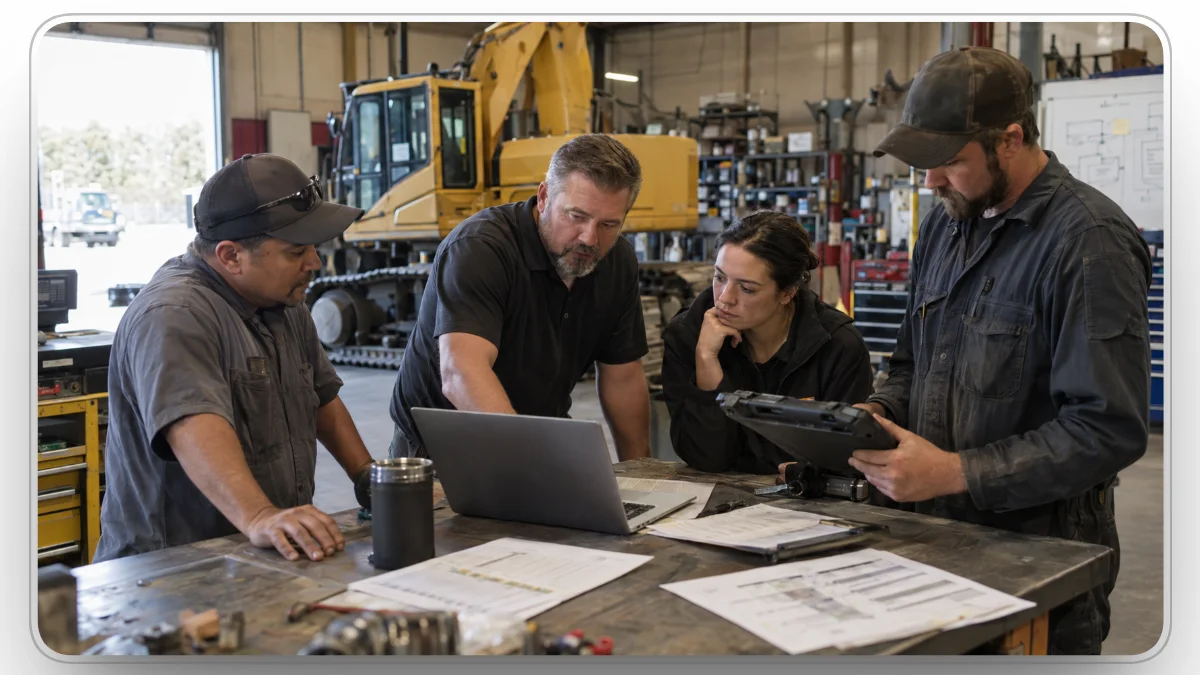
Software does not fix an unclear process. Before go-live, decide who owns the equipment record, who owns availability status, what opens a work order, what makes a job urgent, who can return a machine to service, and which system holds labor, parts, and cost.
Then clean the asset master, load mechanic skills and certifications, map integrations, and baseline your KPIs. Pilot with one shop and a representative mix of machines, and reconcile open work orders and meter readings against the old system before cutting over.
Retire the shadow spreadsheet on day one. If the team keeps it "just in case," it becomes a second system of record.
How Clue Helps
Clue ties each repair to the machine it belongs to, so every team works from the same record.
- Shop managers see incoming repairs from every source in one queue and assign them against mechanic capacity.
- Mechanics get the work order, service history, and parts requests on their phone, and log labor as they go.
- Dispatchers and equipment managers handle equipment requests, transport, and returns in the same platform the shop uses.
- Finance gets repair costs coded to the asset, the project, and the phase.
With 80+ integrations across OEM telematics, GPS, and ERP systems, Clue connects to the tools your team already runs.
Final Thoughts
Go back to the excavator with the weeping hose. The repair was never the hard part. The three days came from a duplicate ticket, an empty assignee field, and a part nobody checked.
Work order dispatch software earns its place by shrinking that waiting time: one intake, a clear priority, a mechanic with capacity, parts confirmed before the truck rolls, and a machine formally returned to service. Start by pulling your last 20 closed repairs and splitting each one into waiting time and wrench time. The biggest gap tells you where to fix first.
Clue runs those steps from fault code to final cost in one platform, so the next weeping hose is a three-hour repair instead of a three-day wait.
FAQs
What Is the Difference Between Work Order Dispatch Software and Field Service Management Software?
Work order dispatch software moves internal maintenance work from a reported issue to a completed repair on your own equipment. Field service management covers customer-facing service, such as appointments, routing, contracts, and billing. Construction fleets usually need dispatch, because their repairs depend on asset history, engine-hour PM, telematics, parts, and equipment availability.
What Is the Difference Between a Maintenance Request and a Work Order?
A maintenance request reports a problem, and a work order authorizes and tracks the repair. Requests come from operators, inspections, or fault codes and get reviewed first. Once validated, the request becomes a work order with an owner, a priority, parts, labor, and cost. Clue can generate both directly from inspection issues.
How Do You Calculate Dispatch Latency?
Subtract the validated request timestamp from the assignment timestamp. That gap is dispatch latency: how long a confirmed repair waited for an owner. Track it separately from MTTR, which measures the repair itself, so you can tell whether downtime comes from slow assignment or slow repairs.
Should a Construction Repair Be Done in the Field or at the Shop?
It depends on the job, the tools it needs, and the cost of moving the machine. Hoses, filters, sensors, and diagnostics usually suit a field service truck. Major component work that needs a crane, a clean bay, or specialty tools usually goes to the shop, and the haul time belongs in the downtime estimate.
How Should Construction Fleets Handle Equipment With No Telematics?
Treat it as a full asset. Untracked machines still need an asset record, service history, manually entered hour readings, and a PM schedule, and they should appear in the same reports as connected machines. Ask vendors how operators or mechanics log hours and how quickly those readings update PM due dates.
How Long Does It Take to Implement Work Order Dispatch Software?
It depends more on your data than on the software. Asset master cleanup, the number of integrations, business units, and permission structures drive the timeline. Plan a phased rollout instead of a single go-live date: map the process, clean the data, connect integrations, pilot with one shop, then expand.
What Should You Ask About AI in Work Order Dispatch Software?
Ask what data the AI uses, whether its suggestions can be reviewed and overridden, and what it does when data is missing. Also ask which third-party models it relies on, how accuracy is measured, and whether AI features cost extra. Judge AI inside a real repair, not a standalone demo.
Transform Your Equipment Management


%20A%20Complete%20Overview.webp)

