Top 10 Construction Equipment Maintenance Software for 2026


Every contractor has experienced the nightmare of a critical piece of equipment failing in the middle of a project, causing delays, rising repair costs, and shrinking margins. The real issue isn’t just the breakdown itself, but the lack of visibility into equipment condition, incomplete service histories, and the reactive maintenance that follows. Paper logs and spreadsheets are no longer enough to keep up with the demands of modern construction projects.
As projects become more data-driven, contractors need a better way to plan inspections, schedule services, and track utilization. Construction equipment maintenance software centralizes work orders, asset histories, alerts, and analytics to help prevent failures before they happen.
By shifting to a structured, software-driven approach, contractors can reduce downtime, extend equipment life, and improve forecasting for both capital and operational expenses. In this guide, we’ll review Clue and other top tools recognized for 2026 to help you choose the right platform for your business.
New to this category? Start with what construction equipment maintenance software is.
How We Evaluated These Maintenance Tools
Construction equipment maintenance works best when teams can prevent failures instead of reacting to breakdowns. The strongest platforms help contractors schedule preventive maintenance, manage work orders, track service history, and reduce downtime.
We evaluated each tool based on maintenance depth, construction fleet fit, mobile usability, integrations, reporting, scalability, security, customer feedback, and support. Clue is included in the ranking, but every platform was reviewed using the same framework for a fair and practical comparison.
Evaluation Criteria
These criteria prioritize platforms that help construction teams move from reactive repairs to planned, data-driven maintenance. The strongest software options are those that keep field crews, shop teams, and equipment managers aligned while reducing downtime, extending asset life, and improving visibility across the entire fleet.
Sources
- Vendor websites and maintenance management documentation
- Public information on work orders, preventive maintenance, fault codes, service history, and telematics integrations
- Customer reviews, ratings, and construction maintenance case studies
- Fleet maintenance and equipment management resources
- Software review platforms covering CMMS, fleet, and equipment maintenance tools
Editorial Review
Maintenance software was reviewed for its ability to reduce unplanned downtime, improve preventive maintenance, streamline work orders, preserve service history, and keep field, shop, and office teams aligned.
Comparison for top construction equipment maintenance software
Below is a high-level comparison of Clue and the tools highlighted in this article.
1. Clue
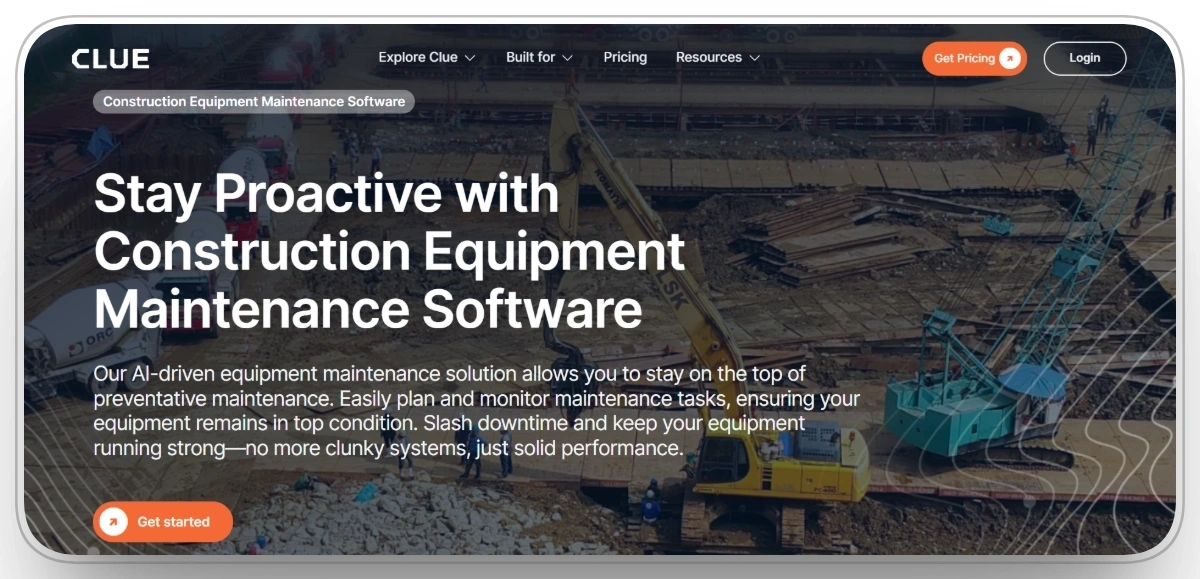
Ideal for: Heavy civil, infrastructure, and specialty contractors that need a construction-first platform to manage equipment health, reduce downtime, and connect field and office.
Clue is a leading construction equipment maintenance platform in 2026, built specifically around the realities of heavy equipment fleets. It centralizes service history, inspections, meter readings, and work orders so your maintenance team can see exactly what each asset needs and when.
With real-time data flowing from operators and connected equipment, Clue helps you plan preventive maintenance, avoid mid-project breakdowns, and extend the life of high-value assets. Field-ready mobile access means technicians and supervisors can log issues, upload photos, and close work orders directly from the job site, keeping everyone on the same page.
Clue Key Features
Preventive Maintenance
Clue’s preventive maintenance feature lets you build plans based on hours, mileage, or dates and automatically trigger tasks when thresholds are hit. This helps you catch issues early, reduce breakdowns, and keep critical machines ready for the next phase of the project.
Work Orders
With Clue’s work order management, you can create, assign, and track maintenance jobs in one system, often generated automatically from inspections, fault codes, or PM triggers. Mechanics know exactly what to do and when, which shortens turnaround time and minimizes equipment downtime.
Inspections
Clue digitizes equipment inspections so operators and mechanics can complete checklists on their phones and submit issues in real time. Defects from daily inspections can be converted into work orders with a few clicks, keeping your fleet compliant and in safe working condition.
Fault Codes and Diagnostics
Clue pulls engine fault codes and diagnostics from telematics and OEM sources and translates them into clear, actionable alerts. Your team can see which machines are throwing codes, prioritize repairs, and fix problems before they turn into costly on-site failures.
Utilization
Utilization reporting in Clue shows how often each machine is working, idling, or parked, directly tied to maintenance planning. This helps you time services around real usage, right-size the fleet, and avoid overspending on underused or unnecessary equipment.
iOS & Android Apps
Clue’s iOS and Android apps let operators, fuelers, and mechanics log issues, complete inspections, and update work orders from the field or yard. That means maintenance data stays live and accurate, and shop teams can respond faster to problems that would otherwise delay production.
Pros
- Purpose-built for heavy construction equipment and job sites.
- Real-time maintenance data that reduces downtime and surprises.
- User-friendly interface that simplifies maintenance planning and execution.
- Mobile access so crews can manage work orders and inspections in the field.
- Automated maintenance schedules and reminders for each asset.
- Integrates with OEM systems and telematics for better visibility into equipment health.
Cons
- Workflow customization may require collaboration with the Clue team.
Clue Reviews
G2: 4.7/5 (9 reviews)
Capterra: 4.7/5 (11 reviews)
2. UpKeep
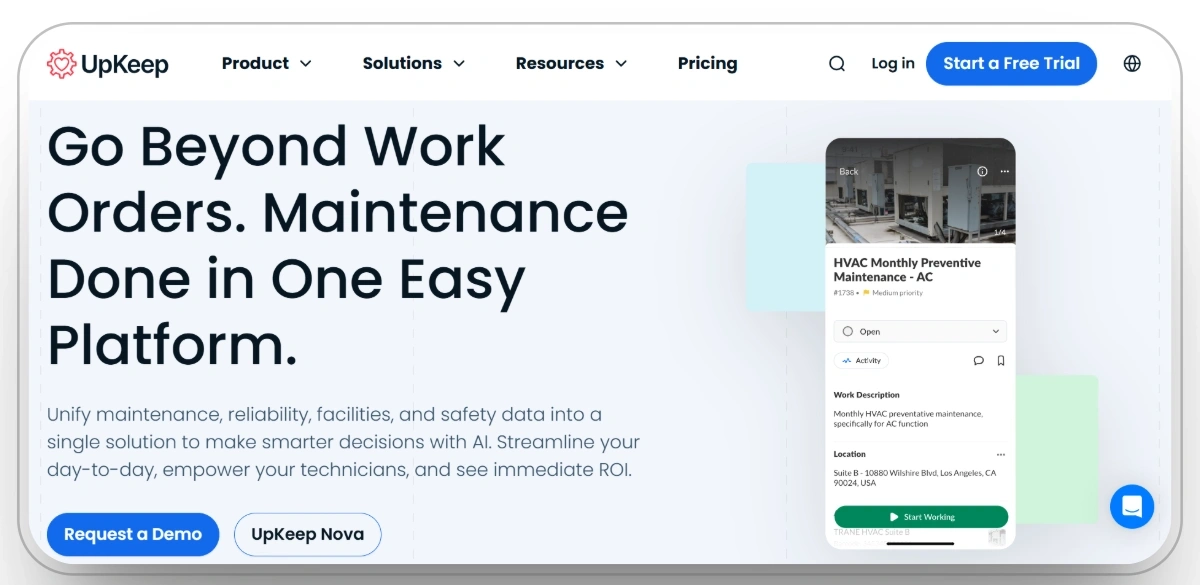
Ideal for: Small to mid-sized construction and service contractors who want a straightforward, mobile-first CMMS to get out of spreadsheets and into structured maintenance.
UpKeep is known for its clean, mobile-friendly maintenance platform. For construction, it supports core workflows like creating work orders, tracking parts, logging inspections, and attaching photos from the field. Crews can submit requests when they see issues, while managers prioritize and schedule tasks to fit project timelines.
Because UpKeep is designed around mobile use, it works well for dispersed teams that need to update maintenance data from job sites, shops, and yards. For many contractors, it is a practical entry point into digital maintenance without overwhelming complexity.
Pros
- Mobile-first design that suits technicians and operators working in the field.
- Simple interface that helps teams adopt the system quickly.
- Centralized work orders and asset records compared to paper or spreadsheets.
- Support for photos, notes, and checklists on each job.
Cons
- Less construction-specific than some other tools in this list.
- Advanced reporting and integrations may require higher-tier plans.
- May be limited for very large or complex equipment fleets.
UpKeep Reviews
G2: 4.5/5 (1070 reviews)
Capterra: 4.6/5 (1320 reviews)
3. Fiix
%20homepage.webp)
Ideal for: Contractors that want a cloud-based CMMS with structured preventive maintenance scheduling and good integration options.
Fiix Software helps construction and industrial teams move from reactive maintenance to a planned, preventive program. It offers work order management, asset histories, spare parts tracking, and scheduling capabilities that reduce surprise failures and keep more machines available when needed.
For construction companies, Fiix’s integrations and centralized data model make it easier to analyze downtime, identify problematic assets, and justify replacements or rebuilds. The mobile app allows technicians to receive jobs, record time and materials, and close work in the field, improving data quality and compliance with maintenance plans.
Pros
- Cloud platform with real-time updates and anywhere access.
- Strong preventive maintenance features to avoid emergency repairs.
- Integrates with other tools for centralized equipment data.
- Mobile capabilities allow field teams to stay aligned with the shop.
Cons
- Learning curve for teams new to formal CMMS processes.
- Mobile app may occasionally feel slower than the desktop experience.
- Pricing can be higher than very basic solutions.
Fiix Reviews
G2: 4.6/5 (471 reviews)
Capterra: 4.5/5 (627 reviews)
4. Limble CMMS
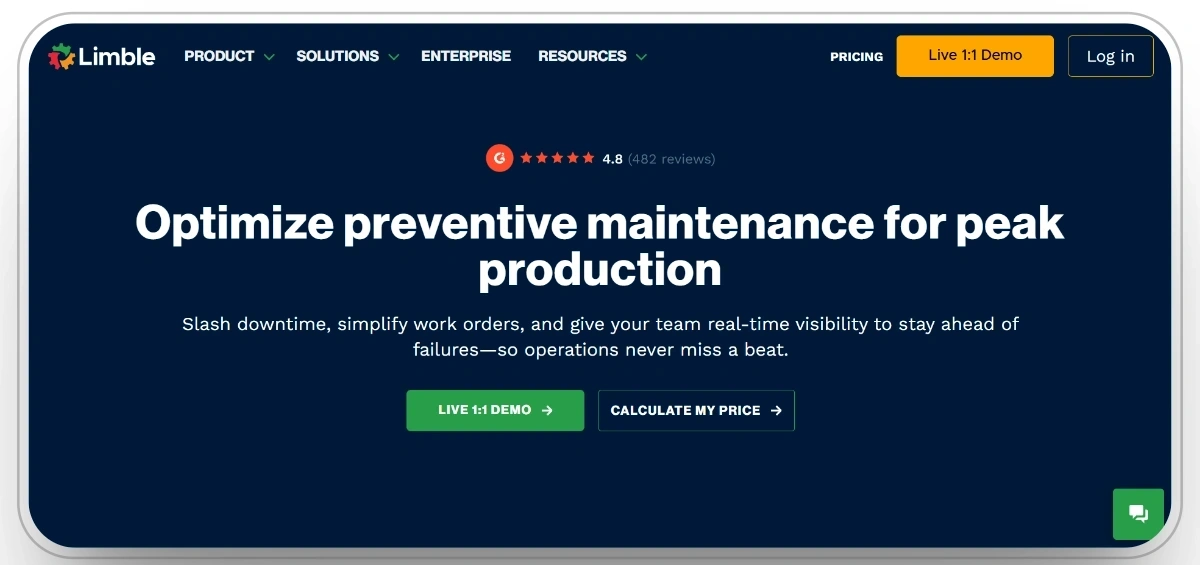
Ideal for: Maintenance teams that want an intuitive CMMS with easy configuration and strong preventive maintenance workflows.
Limble CMMS is known for a clean, modern interface that helps teams quickly adopt digital maintenance. For construction, it supports work orders, preventive schedules, asset hierarchies, and checklists, making it easier to standardize how inspections and repairs are performed across projects and yards.
The platform is designed to reduce time spent on admin and increase time spent on productive maintenance. Supervisors can track backlog, identify recurring issues, and measure the impact of preventive work on downtime and costs.
Pros
- Intuitive interface that encourages everyday use by technicians.
- Robust preventive maintenance scheduling and checklists.
- Flexible asset structures for complex fleets.
- Good fit for contractors moving off spreadsheets or older systems.
Cons
- Not construction-specific, so some terminology and workflows may need configuration.
- Advanced analytics and integrations may require additional setup.
- Maybe more than is needed for very small teams.
Limble CMMS Reviews
G2: 4.8/5 (610 reviews)
Capterra: 4.8/5 (711 reviews)
5. MaintainX
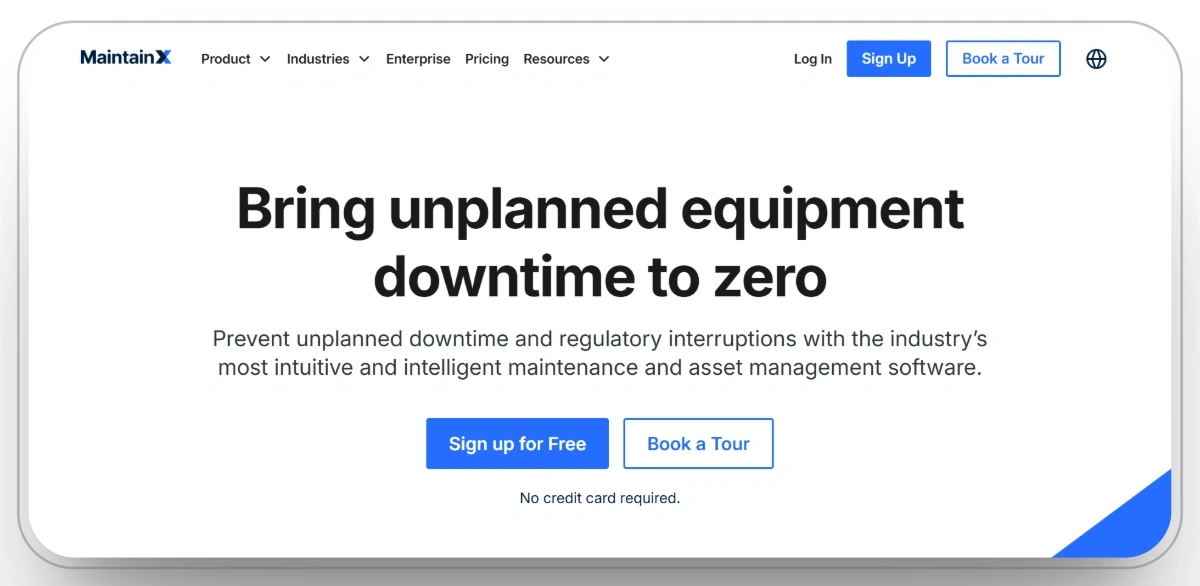
Ideal for: Construction companies with distributed crews that need collaborative work orders, procedures, and safety checklists.
MaintainX combines CMMS features with communication tools, making it attractive for teams that want to capture not only work orders but also standard operating procedures and inspection forms. In a construction context, that means operators and technicians can access step-by-step instructions for equipment checks directly from their phones.
The platform supports real-time messaging, photos, and comments within each work order, helping to reduce miscommunication between field and shop. For operations leaders, MaintainX provides visibility into open tasks, overdue work, and trends in breakdowns or defects across sites.
Pros
- Strong collaboration and communication inside work orders.
- Easy-to-build digital checklists and procedures for inspections and safety.
- Good fit for teams that previously relied heavily on messaging apps and paper.
- Helps standardize how inspections and maintenance are performed.
Cons
- Not built exclusively for construction, so some configuration is needed.
- Complex fleets may require careful asset structuring to get the most value.
- Reporting depth may not match larger enterprise CMMS or EAM systems.
MaintainX Reviews
G2: 4.8/5 (1273 reviews)
Capterra: 4.8/5 (920 reviews)
6. eMaint
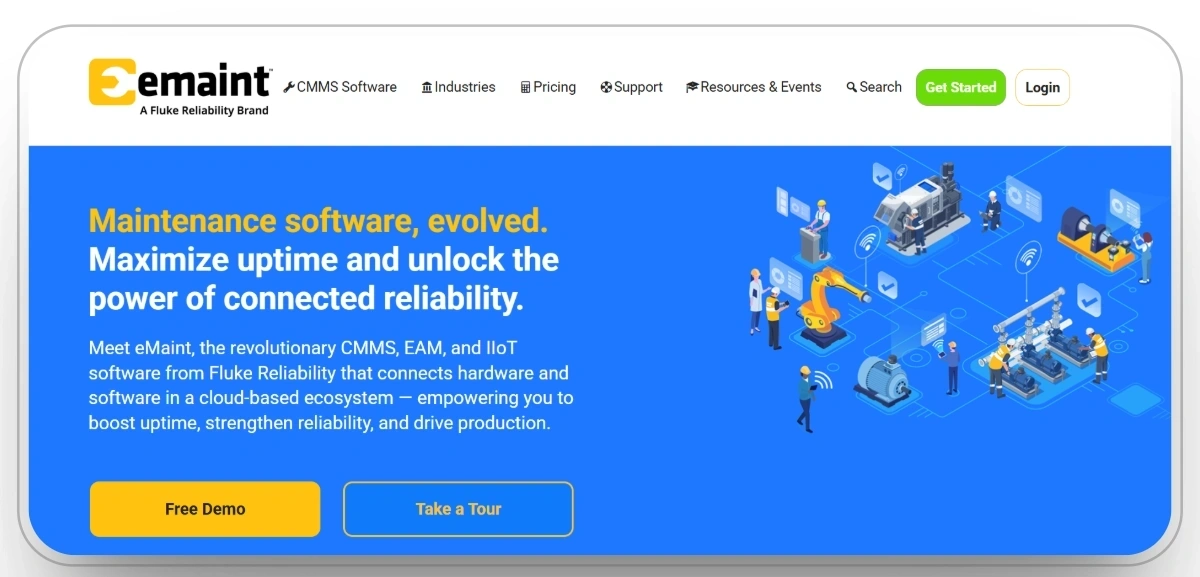
Ideal for: Organizations that need a mature, highly configurable CMMS capable of supporting multiple facilities, yards, and sites.
eMaint offers a powerful, cloud-based maintenance platform with strong asset management and preventive maintenance capabilities. For construction, it can support everything from heavy equipment and vehicles to fixed plant on permanent or long-term sites. Its flexibility allows teams to tailor workflows, notifications, and reports to their specific operational needs.
The software excels at automating recurring tasks, tracking work order histories, and managing inventory. With mobile access and scalability, eMaint can support small fleets as well as large contractors looking for a single maintenance backbone across regions.
Pros
- Highly configurable workflows and fields for complex operations.
- Strong preventive maintenance automation to reduce breakdowns.
- Cloud-based with real-time access from any location.
- Scales from smaller contractors to larger, multi-site organizations.
Cons
- Configuration options create a steeper learning curve.
- Mobile app may not expose every advanced feature.
- Pricing can be a challenge for very small businesses.
eMaint Reviews
G2: 4.5/5 (229 reviews)
Capterra: 4.4/5 (322 reviews)
7. FMX
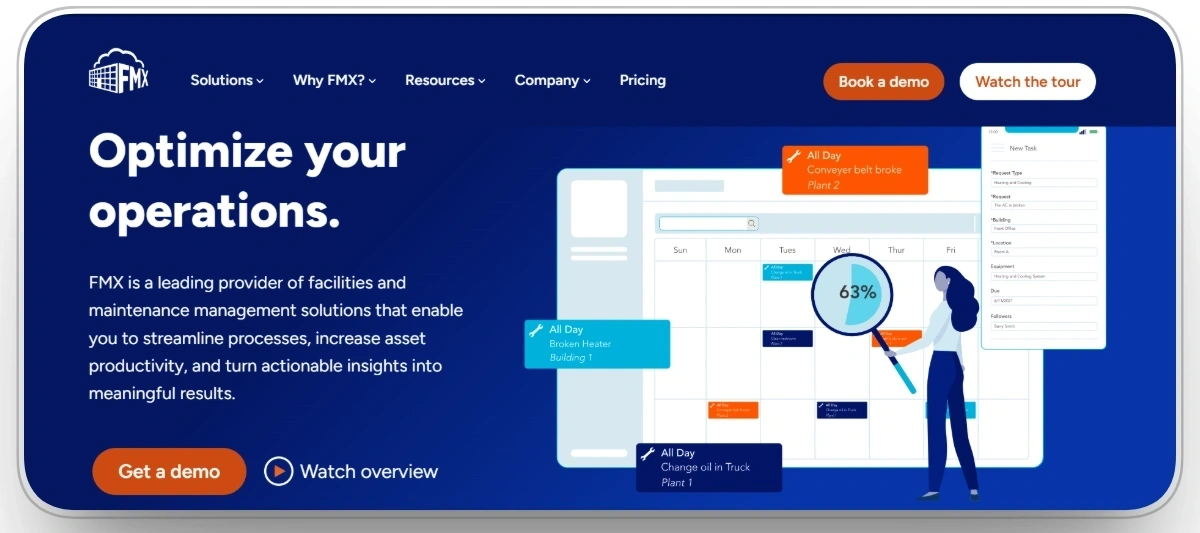
Ideal for: Teams balancing facilities and equipment maintenance who want a straightforward platform for requests, scheduling, and tracking.
FMX is often used in facility management but can also support construction equipment maintenance where fleets are tied closely to sites and buildings. It offers request portals, work order scheduling, asset records, and calendar-style planning, giving stakeholders a clear view of what maintenance is happening and when.
For contractors with permanent yards, maintenance shops, or fabrication facilities, FMX can unify site maintenance and equipment maintenance in one place. It helps ensure that both buildings and machines are ready to support project delivery.
Pros
- Simple scheduling and request workflows.
- Useful for organizations that manage both facilities and equipment.
- Calendar and dashboard views that make planning clear.
- Good fit for non-technical users and support staff.
Cons
- Less specialized for heavy equipment fleets.
- Complex telematics and IoT integrations may require extra work.
- May not offer the deepest analytics for large construction fleets.
FMX Reviews
G2: 4.7/5 (26 reviews)
Capterra: 4.7/5 (413 reviews)
8. IBM Maximo

Ideal for: Large contractors and infrastructure owners that need enterprise-grade asset management integrated with broader IT and business systems.
IBM Maximo is a full enterprise asset management (EAM) platform designed for organizations with significant asset portfolios. In construction and infrastructure, it can manage fleets, fixed assets, and long-lived infrastructure with sophisticated workflows, approvals, and compliance capabilities.
Maximo is often chosen where integration with enterprise ERP, procurement, and IT systems is critical. It enables deep reporting, regulatory tracking, and advanced maintenance strategies, but typically requires dedicated internal ownership and possibly external implementation partners.
Pros
- Very robust asset and maintenance management capabilities.
- Strong fit for regulated and complex environments.
- Deep integrations within the IBM and enterprise IT ecosystem.
- Supports large, multi-site, multi-business-unit operations.
Cons
- Overkill for small and mid-sized contractors.
- Implementation can be lengthy and resource-intensive.
- Requires strong internal governance to stay effective.
IBM Maximo Reviews
G2: 4.4/5 (610 reviews)
Capterra: 4.2/5 (82 reviews)
9. Knack
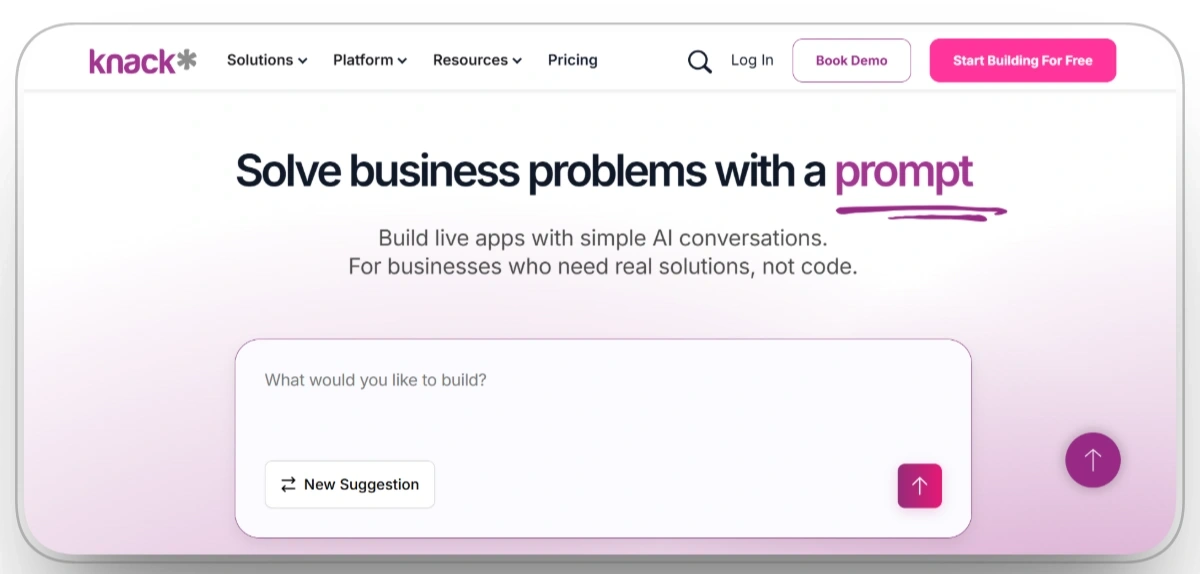
Ideal for: Contractors that want a flexible, database-driven approach to maintenance tracking with custom forms and workflows.
Knack is a no-code/low-code database platform that teams can configure into maintenance and asset tracking applications. For construction, it can be used to build custom screens for equipment records, work orders, inspections, and reports, without needing full custom software development.
This flexibility is useful for companies with unique processes or mixed asset types. However, building and maintaining a Knack-based solution requires someone internally to own the structure, data model, and long-term configuration.
Pros
- High flexibility to design maintenance workflows around your exact needs.
- No-code approach reduces dependence on traditional development.
- Can combine equipment, facilities, and other operational data in one system.
- Useful when off-the-shelf CMMS tools do not match specialized processes.
Cons
- Requires internal expertise to design and maintain the application.
- Lacks some out-of-the-box maintenance features present in dedicated CMMS tools.
- Complex analytics or integrations may need additional effort.
Knack Reviews
G2: 4.3/5 (114 reviews)
Capterra: 4.5/5 (98 reviews)
10. AlignOps (ToolWatch)
.webp)
Ideal for: Construction businesses that want strong asset, tool, and equipment tracking aligned to projects, with maintenance as part of a wider operations picture.
AlignOps, incorporating ToolWatch capabilities, focuses on tracking tools, equipment, and materials across jobs, yards, and warehouses. For maintenance, it helps ensure that assets are inspected, serviced, and ready before they are dispatched to a site, reducing downtime once they arrive on the project.
The platform’s construction focus means it aligns well with project cost codes, job sites, and field logistics. This makes it attractive to equipment and warehouse managers who need both location visibility and basic maintenance controls in a single system.
Pros
- Built with construction workflows and project structures in mind.
- Strong asset and tool tracking across yards and jobs.
- Helps ensure only compliant, serviced equipment goes to site.
- Supports better cost allocation of equipment usage.
Cons
- Maintenance capabilities may be less deep than dedicated CMMS platforms.
- Full value often requires broader deployment across operations.
- Reporting may need configuration to match each company’s KPIs.
AlignOps Reviews
G2: 4.7/5 (165 reviews)
Capterra: 4.2/5 (62 reviews)
8 Features to Look for in Equipment Maintenance Tools
Construction equipment maintenance tools should help teams catch problems earlier, organize repairs, and keep accurate records across machines, jobsites, yards, and shops. When comparing platforms, focus on features that directly improve how maintenance work is identified, scheduled, completed, and tracked.
1. Preventive Maintenance Scheduling
Look for software that can schedule maintenance by operating hours, mileage, calendar dates, or service intervals. Automatic reminders and usage-based triggers make it easier to service equipment when it is actually due and reduce the risk of missed maintenance.
2. Work Order Management
A strong maintenance tool should support the full work order process, from reporting an issue to completing the repair. Teams should be able to assign technicians, set priorities, record labor and parts, add notes or photos, and track repair status in one place.
3. Inspection and Defect Workflows
Inspections should connect directly with maintenance. Look for customizable checklists, photos, comments, defect reporting, and the ability to turn failed inspection items into maintenance work without manually entering the same problem again.
4. Telematics and Equipment Data Integration
For connected construction equipment, software should be able to use data such as engine hours, meter readings, diagnostic fault codes, and equipment alerts. Reliable OEM and telematics integrations help teams base maintenance decisions on actual machine condition and usage.
5. Parts and Inventory Management
Parts availability can directly affect repair time. Look for tools that track parts on hand, usage, locations, and reorder levels while linking parts to specific work orders. This gives maintenance teams better visibility before a repair begins and creates a clearer record of repair costs.
6. Mobile Maintenance Access
Operators and technicians need to work from jobsites, yards, and shops rather than only from an office. Mobile access should allow teams to report issues, complete inspections, review assigned work, upload photos, enter notes, and update work orders from the field.
7. Equipment Service History
Each asset should have a complete maintenance record showing inspections, preventive services, completed repairs, recurring problems, and previous work orders. A reliable service history helps teams troubleshoot repeated failures and understand how an asset's maintenance needs change over time.
8. Maintenance Reporting and Cost Visibility
Look for reporting that shows downtime, maintenance backlog, labor, parts costs, recurring failures, and maintenance spending by asset. These insights help managers identify problem equipment, compare repair trends, and make better decisions about continued maintenance, rebuilds, or replacement.
Conclusion
Equipment failures are one of the most expensive and disruptive problems on a construction project. In 2026, relying on paper logs, scattered spreadsheets, and reactive repair calls is no longer enough. Purpose-built maintenance software lets you plan inspections, schedule services, and respond to issues before they become delays.
The right platform will help your team reduce downtime, extend equipment life, improve safety, and get a clearer picture of fleet costs. Whether you choose a construction-specific solution or a broader CMMS, the key is to select software that your field and shop teams will actually use, and that fits your existing tech stack.
Clue stands out as a leading choice for construction companies that want a maintenance system aligned with real job-site realities, from heavy equipment and telematics to mobile workflows and clear reporting.
FAQs
What is construction equipment maintenance software?
Construction equipment maintenance software is a digital system that manages work orders, inspections, service schedules, parts, and equipment histories. It helps contractors keep machines in safe working condition, reduce unplanned downtime, and make better decisions about repairs, replacements, and fleet sizing.
How is this different from a general CMMS?
Many general CMMS platforms can be used in construction, but may not reflect job-site workflows, telematics data, or project-based cost structures. Construction-focused tools are built around heavy equipment, mixed fleets, and project delivery, making it easier to connect maintenance work to jobs, utilization, and production.
What are the main benefits for construction companies in 2026?
Key benefits include fewer mid-project breakdowns, improved safety and compliance, longer asset life, better planning of rentals and capital purchases, and clearer visibility into true fleet costs. Strong mobile apps and integrations are especially important in 2026, as teams expect real-time information on any device.
How do I justify the cost of maintenance software to leadership?
You can build a business case by quantifying reduced downtime, fewer emergency repairs, longer replacement cycles, lower rental costs, and better warranty and compliance management. Even small improvements in uptime for critical assets often cover the software cost many times over.
What should construction teams look for during implementation?
Focus on clean asset data, clear maintenance standards, and simple workflows that technicians can follow. Start with core features like work orders, inspections, and preventive schedules, then expand into analytics and integrations. Strong training and ongoing support are critical so the system becomes part of daily operations rather than another forgotten tool.
Transform Your Equipment Management