How to Choose Construction Equipment Software
The software you choose today will shape your margins, asset performance, and competitive advantage for the next decade.

Built on Industry Insight
According to CONEXPO-CON/AGG, 60% of construction companies in the U.S. rely on telematics to monitor equipment and vehicles.
What’s Inside the Guide
 Avoiding lock-in to proprietary hardware
 Choosing a comprehensive solution
 Avoiding obsolete legacy software
 Recognizing the importance of strategic implementation
Next steps: a simple 4-step decision framework
01
Avoid Hardware lock-in
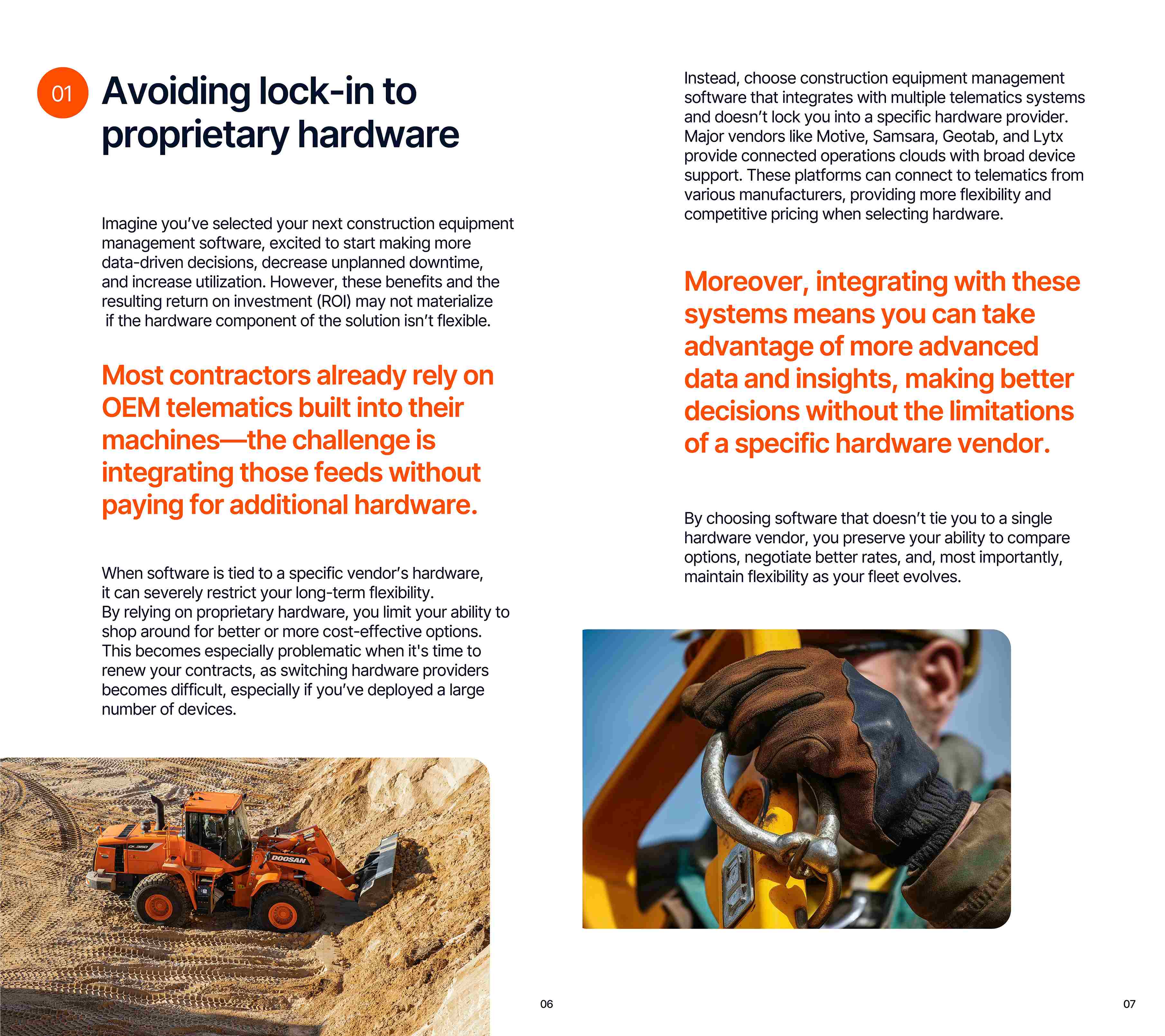
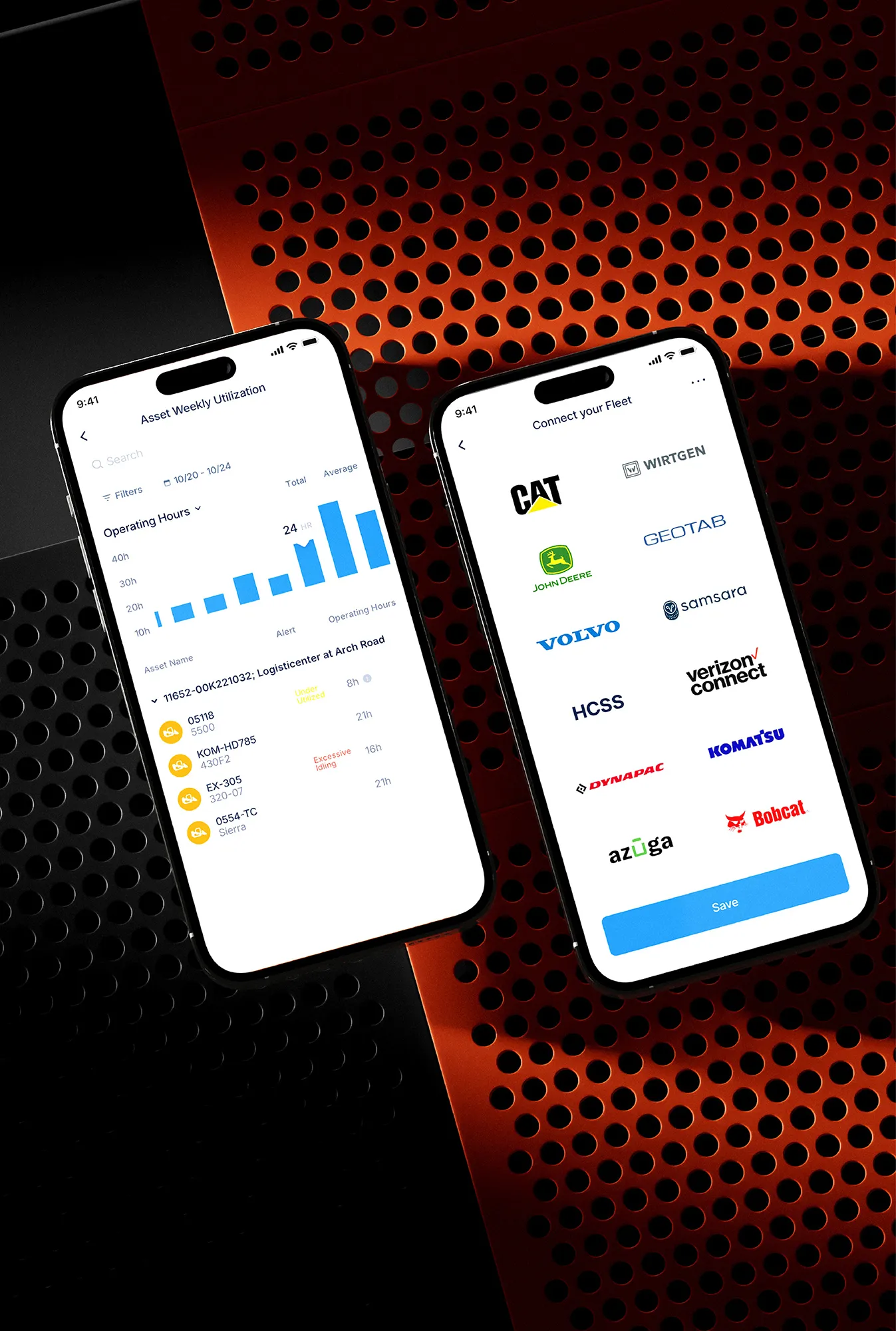
Vendor-tied hardware limits choice and makes switching hard after rollout. Most contractors have OEM feeds. Choose software that connects them without added hardware.
Quick Checklist:
 Does the software integrate with multiple telematics systems (not just one)?
 Can you change hardware providers without rebuilding your setup?
02
Choose a Complete Solution
Basic tools may miss field and shop needs. Purpose-built construction equipment management software saves time because it fits construction work.
What “Complete” Include:
 Automated work order creation from fault codes + easy forms for manual entry
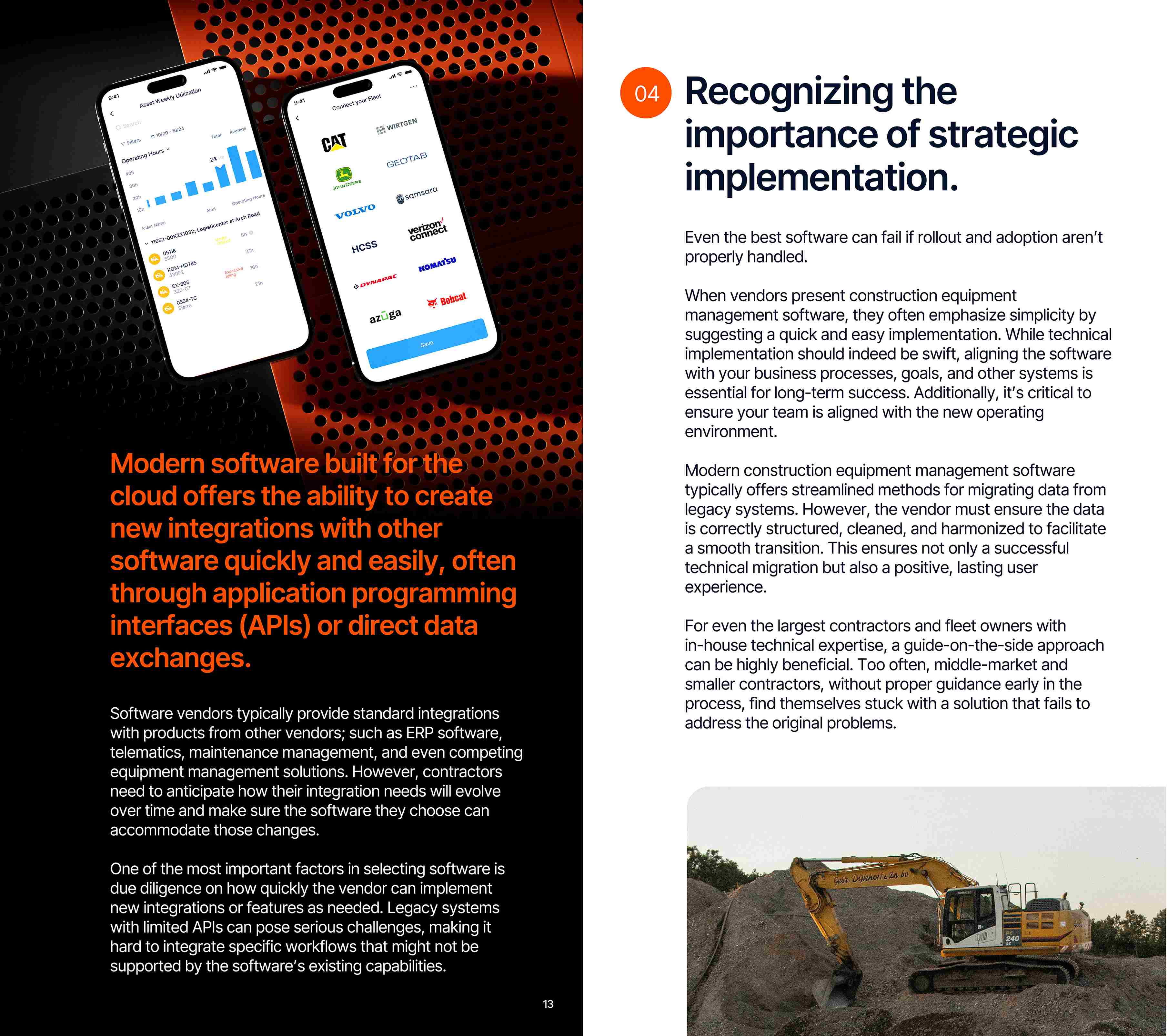
 API integrations across OEMs and telematics systems
 Mobile workflows that work even without cell service
 Role-based security by user type
 Preventive maintenance dashboards and automated recurring work
Integration Note (ERP):
The software must connect with your ERP, your system of record, to be complete.
03
Avoid Obsolete Legacy Software
Old client-server or desktop systems may list many features, yet cause speed and connection issues. Modern software cuts upkeep and offers a stronger future.
04
Don’t Underestimate Implementation
Results depend on rollout and adoption. Software must fit your processes, goals, and systems. Teams need training. Data needs a clean move.
What Good Vendor Support Looks Like:
 End-user training
 Data migration (equipment + service history + more)
 ERP integration and clean data flow
 Role-based security by user type
 Setup for geofences/alerts and asset controls
FAQ
Who is this whitepaper for?
Contractors, fleet owners, CFOs, and equipment managers seeking to maximize ROI and utilization.
Do I need telematics already in place?
Not necessarily. The guide explains how data can be leveraged whether you’re starting from scratch or upgrading.
Is this tied to a specific vendor?
No. The focus is on how to evaluate software, not a single solution.
How will I receive the whitepaper?
You’ll get instant access after filling out the short form.
Is it relevant for mixed fleets and multiple OEMs?
Yes. It focuses on evaluating software that works across OEM telematics sources.
What will I get out of it right away?
Clear questions to ask vendors plus a simple decision framework to compare options.
Make the Right Choice for Your Fleet
Avoid costly mistakes and choose the right equipment software for your fleet.