Construction asset tracking
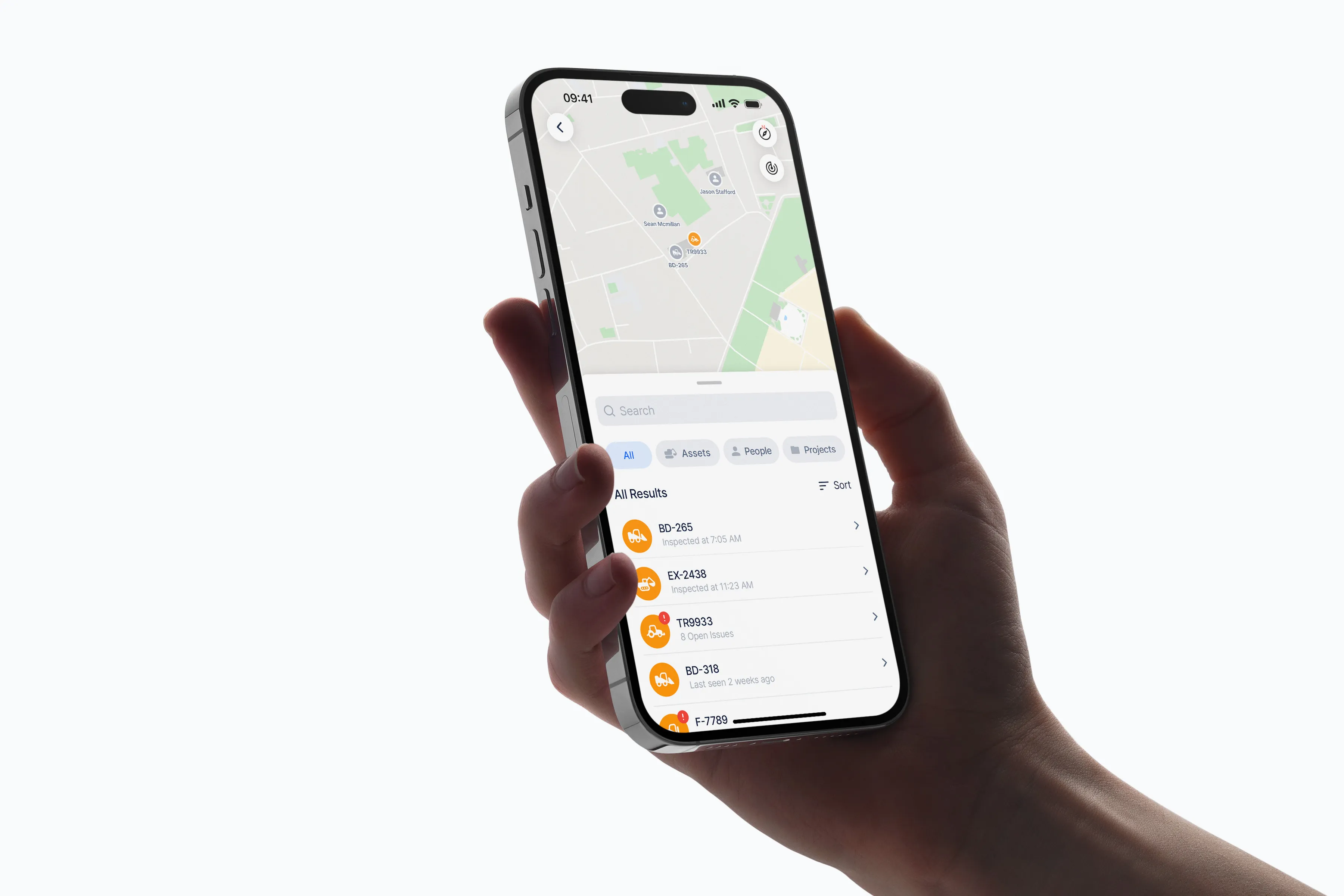
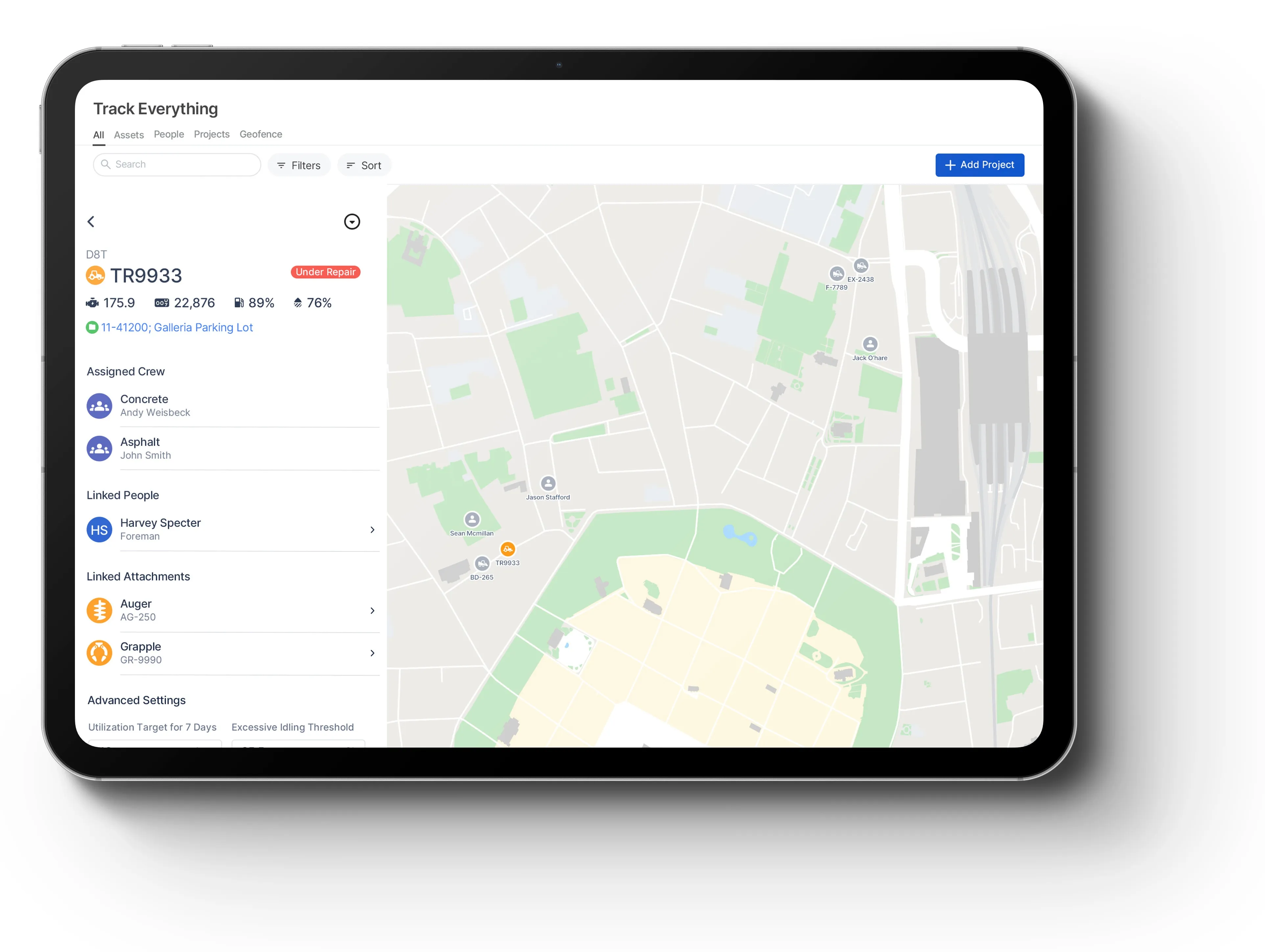
Clue's construction asset tracking software shows each asset's live location, movement, and latest report time. Teams see equipment across jobsites, yards, and shops in one map.
Live map: view tracked assets, jobsites, and geofences from one map.
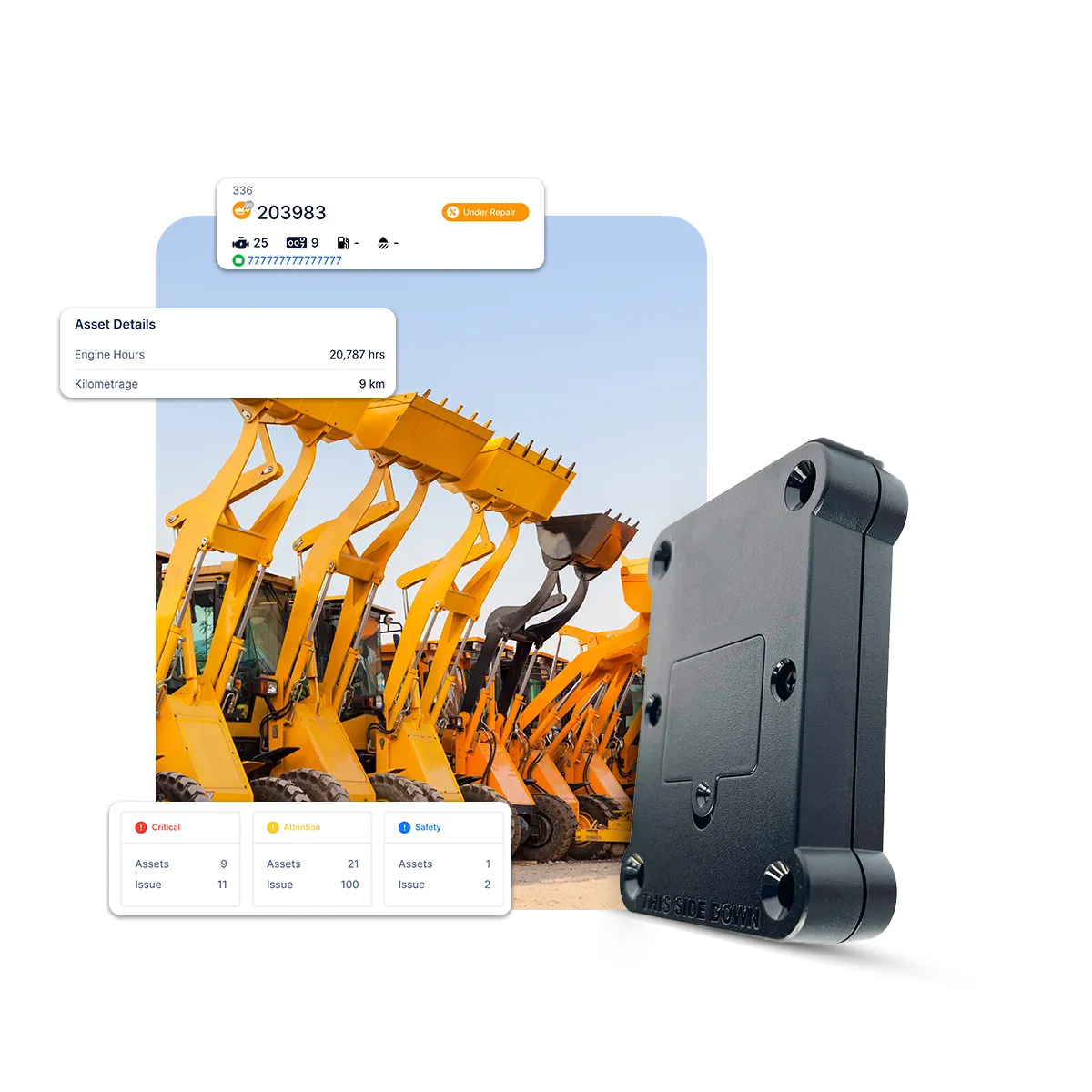
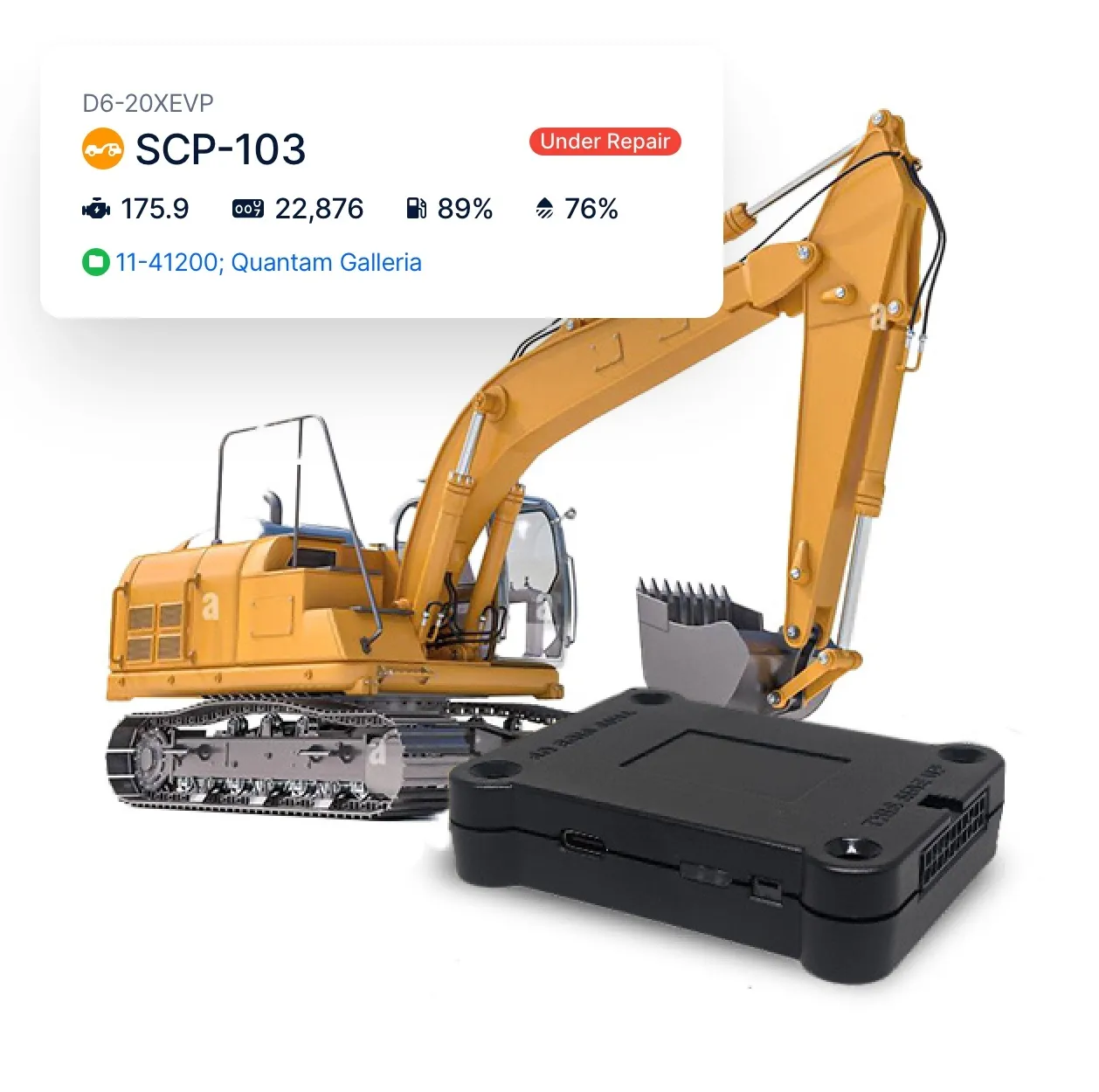
Asset details: see asset name, ID, current location, last update time, and status.
Movement status: track whether an asset is moving, idle, or stopped.
Location sharing: give external teams live location access, no login required.
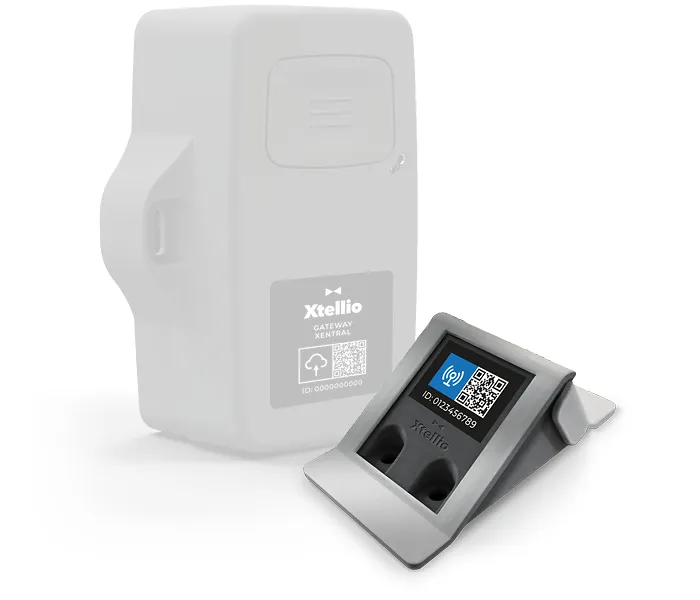
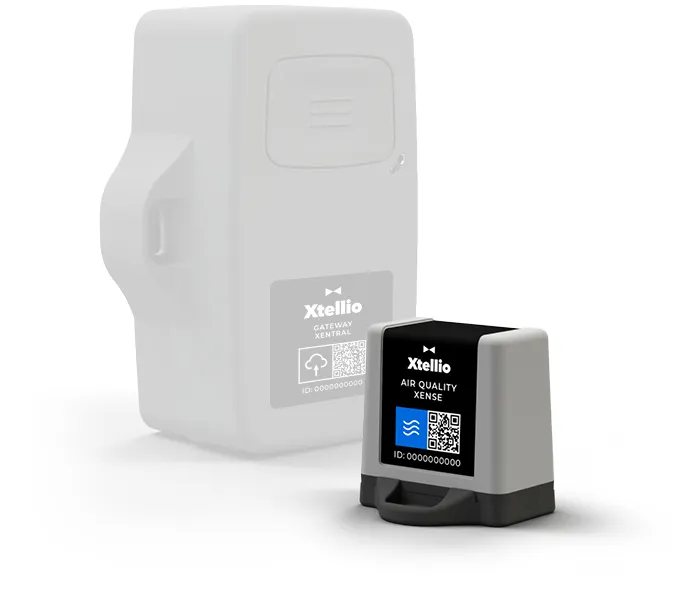
Clue connects with OEM telematics, GPS providers, and the systems your fleet already uses. Location, hours, odometer readings, utilization, fuel data, and telematics signals flow into one asset profile so teams can manage a mixed fleet in one place.
OEM integrations: connect supported systems including John Deere, CAT, Komatsu and other major GPS or OEM telematics providers.
GPS and telematics feeds: pull location, engine hours, odometer readings, fuel data, and fault codes from connected providers.
Tracked and untracked assets: manage equipment with GPS, OEM telematics, or no tracker in the same workflow.
AEMP support: standardize mixed-fleet telematics with AEMP 2.0 (ISO 15143-3) where available.
Teams use asset tracking for construction to draw saved geofences around jobsites, yards, shops, staging areas, and restricted areas. Clue logs each entry or exit and sends an alert. Teams use geofences as pickup and dropoff points.
Boundary setup: draw saved boundaries around the locations your team needs to monitor.
Entry and exit tracking: track when assets enter or leave a saved boundary.
Geofence alerts: trigger location-based alerts when equipment crosses a boundary.
Dispatch support: use geofences for pickup and dropoff locations in Dispatch.
Bulk geofence import: upload KMZ or KML files to create multiple jobsite boundaries faster.
Teams review asset locations before setting pickup and dropoff points. They compare the distance to each jobsite and choose the nearest available equipment.
Available assets map view: see available equipment on the map before creating a dispatch.
Nearest asset visibility: find the available asset closest to the jobsite.
Dispatch-ready location view: review asset location before assigning pickup, dropoff, or movement details.
The report shows engine hours, odometer readings, fuel rate, and daily utilization for each asset. Teams compare daily utilization with each asset's target percentage. They match telematics hours to logged hours to find gaps.
Utilization report: review engine hours, odometer readings, fuel rate, and daily utilization per asset.
Target performance: compare asset utilization against target utilization percentages.
Hours reconciliation: compare telematics hours against logged hours to catch usage discrepancies.
Built for every role
Field, shop, and office teams use the same system. Equipment managers, fleet managers, operations leaders, CFOs, and executives see equipment details for their work.
Why teams track with Clue
Clue brings equipment location, use, and records into one view. Teams can plan work, protect job costs, and put more equipment to work.
Spot equipment with light usage early, so it can move to the next shift, phase, or job that needs it.
Compare engine hours, fuel rate, daily utilization, and target performance to see which assets are earning their keep and which ones to reassign, return, or review.
Reconcile telematics hours against logged hours so equipment usage lands on the right project and job costs stay accurate.
Keep rental assets tied to return requests and condition records so teams can return equipment as soon as the job wraps.
Give dispatch a clearer view of available equipment, asset location, and pickup or dropoff needs so the right asset moves on time.
Each asset record holds documents, photos, inspections, maintenance activity, and utilization history in one place.
Clue brings data from 80+ integrations into one fleet view. It connects OEM telematics, GPS and aftermarket trackers, plus ERP, accounting, and CMMS systems. Manual equipment records sit in the same view.
From the people who use it every day
“Our field guys were tired of having a new product, a new something to learn each time.”
Rob Judge, Sr. Procurement & Program Manager
“The big thing with Clue is that we’re able to bridge the gap between our field, our operators in our shop, and other departments.”
Brent Scarbrough & Company
“There were entire teams dedicated to approving spreadsheets one by one.”
Fort McKay First Nation
“The biggest difference has been the user friendliness.”
William A. Hazel
“It exposes dead cost or overhead that maybe we don’t know about because it gets lost in those three different systems.”
Moss Utilities
“Clue’s real-time data capability has completely changed the way we manage our assets.”
Darrin Sheriff, Director of Maintenance and Purchasing
“It was probably taking the better part of a day to combine all the data from the telematics.”
Derek Wolfe, Equipment Manager, George Igel Co.
“Clue allows us to effectively control our operations: financially, effectively and safely.”
Joseph Yammine, Project Manager, Graham
“QR codes have been a game changer for us with regards to operator inspections.”
Ben Benoit, Operations Manager
“It’s a single pane of glass where you see everything across your fleet, from the field to the phone to the computer.”
Abe Sharaf, Corporate Equipment Engineer
“Our equipment is in far better shape since we started using Clue, for sure.”
Jake Farley, Equipment Manager, Silver Star Construction


Common questions
What is construction asset tracking software?
Construction asset tracking software shows where equipment is, its status, and how crews use it. It gives fleet teams one view of owned, rented, and operated equipment across jobsites.
How does Clue track construction assets in real time?
Clue connects with GPS providers and OEM telematics sources to bring asset location, movement status, engine hours, odometer data, and related equipment information into one live map and asset record. Teams can see tracked assets on the map, open asset details, and review movement status without switching between separate GPS or OEM portals.
Do I need to install new GPS hardware to use Clue?
Your fleet can use its current GPS and OEM telematics systems with Clue. Manual equipment records sit in the same fleet view.
How do geofences work in Clue?
Clue lets teams create saved boundaries around jobsites, yards, staging areas, and other operating locations. When equipment enters or exits a geofence, teams can receive alerts and review location-based activity. Geofences can also support dispatch workflows by helping define pickup and dropoff locations.
See dispatch management softwareCan I track rented equipment alongside owned assets?
Yes. Clue gives teams one system for equipment they own, rent, or operate. Rental assets can stay tied to asset records, inspections, return requests, and project workflows so teams can manage rental activity from assignment through return.
What data does Clue pull from OEM telematics and GPS systems?
Clue can pull equipment data such as GPS location, engine hours, odometer readings, fault codes, tire pressure where supported, and other telematics signals from connected providers. That data helps teams reduce manual entry, monitor asset activity, reconcile usage, and respond faster when equipment issues appear.
See all Clue integrationsCan Clue track equipment without GPS?
Clue includes equipment with manual records beside GPS-tracked equipment in one fleet view. Teams can manage records, inspections, and maintenance for both. Live location comes from a tracker.
What types of assets can be tracked in Clue?
Clue can manage heavy equipment, rented equipment, operated assets, support assets, attachments, tools, and asset records. Each asset can include details such as documents, photos, inspection records, maintenance activity, utilization history, and related equipment data.
How does asset tracking improve jobsite security?
Asset tracking improves jobsite security by showing where equipment is, when it moves, and whether it crosses a saved geofence. Location, movement status, and geofence alerts give teams a clearer trail when equipment leaves a jobsite, moves after hours, or needs to be located quickly.
How does Clue help improve asset utilization?
Clue combines utilization reporting, engine hours, odometer readings, fuel rate, daily utilization, and target utilization to show how assets are performing. Teams can also reconcile telematics hours against logged hours to catch usage discrepancies before they affect billing, job costing, or equipment chargebacks.
See equipment utilization softwareHow much does Clue asset tracking cost?
Clue creates a personalized plan around your equipment, crew, and job requirements. The short pricing form collects your needs. A team member will review them and walk you through your tailored plan.
See Clue pricingWhat does setup involve?
Setup starts with your asset list and your tracking sources. A Clue analyst connects your GPS and OEM providers with your team, so your first day of tracking runs on your own data.
Can I share an asset's live location with people outside my company?
You can share an asset's live location with people outside your company by sending them a link. A vendor, subcontractor, or superintendent can open that link in a browser. The link gives the recipient direct access to the asset's live location.
Can I import many jobsite geofences in one upload?
You can create many jobsite geofences from one KMZ or KML upload. This option fits teams that need to set up a large group of jobsites. One file creates the full set of saved geofences for the team to use.
Does Clue work with Caterpillar, John Deere, and Komatsu telematics?
Clue works with Caterpillar, John Deere, and Komatsu telematics. It connects through VisionLink for Caterpillar and Komtrax for Komatsu. It accepts AEMP 2.0 feeds that follow ISO 15143-3. Clue syncs engine hours and odometer readings from these systems. Its integration library includes 80+ integrations.
Can Clue track equipment rented from rental companies?
Clue can track rental equipment through connections with United Rentals and Sunbelt Rentals. Construction equipment tracking puts rented and owned equipment in one fleet view. Teams can tie each rental to return requests and inspections. The same view helps teams manage both equipment types.
What is the difference between construction asset tracking and construction asset management?
Asset tracking shows where equipment is and how crews use it, while asset management adds maintenance, inspections, work orders, and costs. Construction asset management software covers that full scope. Clue brings both sides into one system with GPS, telematics, geofences, and utilization.
How does asset tracking help cut idle time?
Equipment tracking software shows which equipment is moving, idle, or stopped, so teams can act on idle time. The utilization report compares each asset with its target utilization percentage. Teams can spot underused equipment and move it to the next job.
Clue brings live equipment locations into one view across jobsites. Your walkthrough covers your equipment types, current GPS or OEM systems, and workflows.