Implementation Built Around Your Operation
One dedicated team plans your construction equipment software rollout, builds your integrations, and stays with you long after go-live.
Trusted by leading construction fleets.





Anyone Can Sell Features. Implementation Decides If It Works.
The typical handoff
- A new team takes over at go-live
- Integrations outsourced to a third party
- A data feed fails, and no one notices
- Every issue becomes a new ticket
The Clue approach
- One accountable team from kickoff onward
- In-house engineers build every integration
- Feeds monitored and repaired proactively
- A named success manager who stays on
Your First 12 Weeks
Data Collection
- Share telematics credentials
- Send equipment, PM, and inspection details
- Identify users and roles
Configuration
- Clean and load equipment records
- Configure PMs, checklists, and inspections
- Set work orders, users, and permissions
Pilot
- Pilot in 1 or 2 shops
- Train pilot users
- Validate inspections, work orders, faults, and repairs
Rollout
- Expand shop by shop
- Train remaining users
- Monitor adoption and address issues
Single shop: 6 to 8 weeks. Complex PMs or custom inspections: 10 to 14 weeks. An accounting integration runs on its own 4-week track. Past work orders can be loaded into Clue during implementation. Which history comes over is scoped at kickoff.
Set the Plan in Week 1
Remote Kickoff
StandardHeld over video.
On-Site Kickoff
Added feeThe same kickoff, at your office or yard.
- 1
Meet the Team
Champion, sponsor, IT, and Clue team share names and one goal each.
- 2
Scope and Cadence
Set scope, team, and meeting cadence.
- 3
Go-Live and Success
Confirm the target date. Define success at three months and one year.
- 4
Drive Clue Live
Map the main yard. Open the first work order.
We Show Up Where the Work Happens
The People Behind Your Rollout
Experience drawn from heavy construction software, Caterpillar telematics, equipment sales, and contractor fleet rollouts.
Implementation Lead
Owns your setup, training, and go-live plan from day one.
Integration Engineer
Builds, tests, and maintains every connection to your systems.
Customer Success Manager
Joins at kickoff and stays your escalation point long after launch.
Who You Need on Your Side
- Admins60 min
- Equipment Managers45 min
- Dispatch & Planners45 min
- Field Users on Mobile30 min
A Clear Rhythm From Day One
During implementation
- WeeklyWorking call, plus configuration calls as needed
- Every two weeksExecutive call with your sponsor
After everyone is live
- Week 1Daily
- Weeks 2-4Weekly
- Months 2-3Every two weeks
- Month 4 onMonthly
Ready to Go Live
- Priority modules configured and tested
- Equipment data flowing
- Key users trained and logged in
- Your admin can manage users
- Escalation path written down
- 30-day check-in booked
Every System, Connected
More than 80 integrations across telematics, GPS, ERP, accounting, fuel, rentals, and parts. Our engineers build and maintain each one, resolving API changes and expired keys before they disrupt your data. An open REST API with webhooks covers the rest.
What Customers Say About Implementation
from Moorhead's dispatch request to a working build
It doesn't feel like a vendor-client relationship, it feels like a team.
An implementation that adapted to us
“I've gone through a lot of software implementations, and you adapted to our needs.”
Weekly meetings, constant improvement
“We have weekly meetings with Josh and we're constantly getting keys of improvement.”
Real support, one step away
“The other programs that we tried, they were a little bit more difficult and you felt like you were all on your own.”
From the people who use it every day
What contractors say
“It was probably taking the better part of a day to combine all the data from the telematics.”
Derek Wolfe, Equipment Manager, George Igel Co.
“The big thing with Clue is that we’re able to bridge the gap between our field, our operators in our shop, and other departments.”
Brent Scarbrough & Company
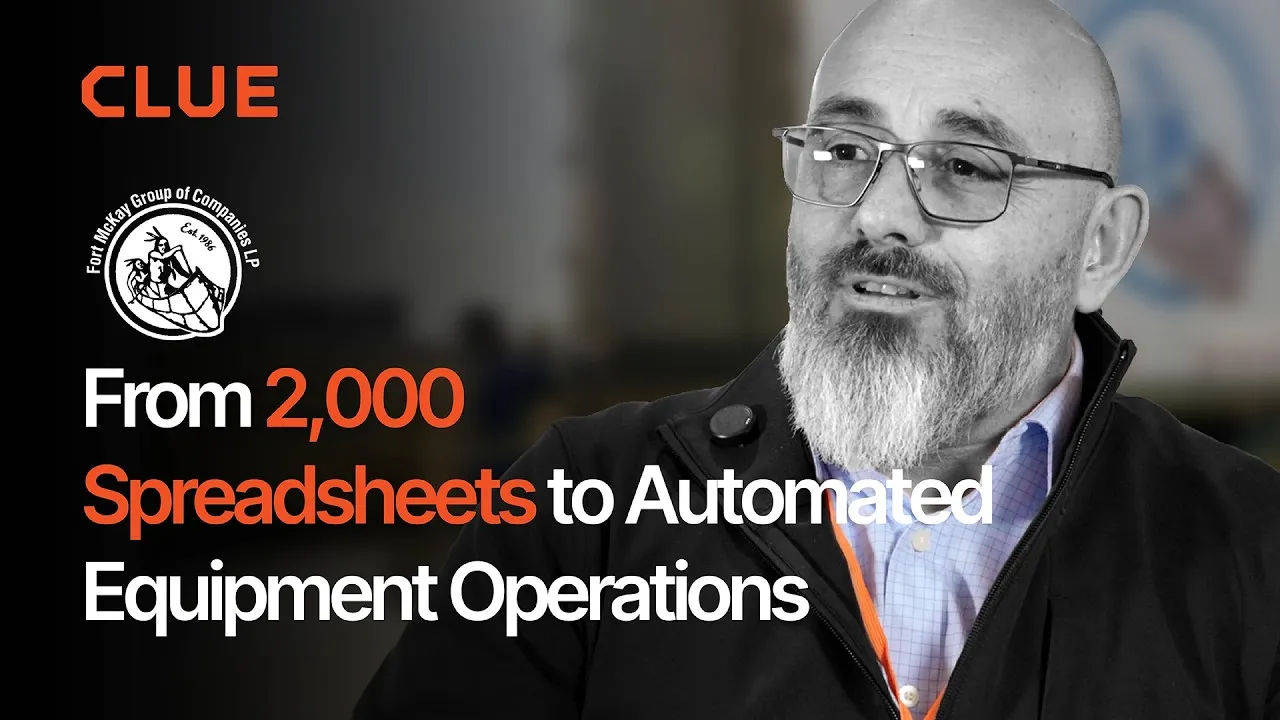
“There were entire teams dedicated to approving spreadsheets one by one.”
Fort McKay First Nation
“The biggest difference has been the user friendliness.”
William A. Hazel
“It exposes dead cost or overhead that maybe we don’t know about because it gets lost in those three different systems.”
Moss Utilities
“Clue’s real-time data capability has completely changed the way we manage our assets.”
Darrin Sheriff, Director of Maintenance and Purchasing
“Clue allows us to effectively control our operations: financially, effectively and safely.”
Joseph Yammine, Project Manager, Graham
“QR codes have been a game changer for us with regards to operator inspections.”
Ben Benoit, Operations Manager
“It’s a single pane of glass where you see everything across your fleet, from the field to the phone to the computer.”
Abe Sharaf, Corporate Equipment Engineer
“Our field guys were tired of having a new product, a new something to learn each time.”
Rob Judge, Sr. Procurement & Program Manager
“Our equipment is in far better shape since we started using Clue, for sure.”
Jake Farley, Equipment Manager, Silver Star Construction










Frequently Asked Questions
How long does implementation take?
About 3 months for most fleets. Your go-live date is set together at kickoff.
What do we need to have ready?
Telematics credentials for each provider you use, and a master equipment list.
Do we need IT staff?
Not a full team. One IT contact tests your credentials in weeks 1 and 2.
What if our system is not on the integration list?
We review it at kickoff and scope the work with you. If it needs custom development, plan on 2 to 6 extra weeks.
Who owns our account after rollout?
Your customer success manager, once every module is through its first weeks of close support and you confirm the rollout worked.
Start Planning Your Rollout
Tell us about your fleet, and we will show you what your first 12 weeks could look like.