Construction superintendents are responsible for schedule, safety, and resources across one or more projects. Clue gives supers a mobile-first tool to see every piece of equipment, coordinate resources, and catch issues early, before they turn into delays.


Project equipment view
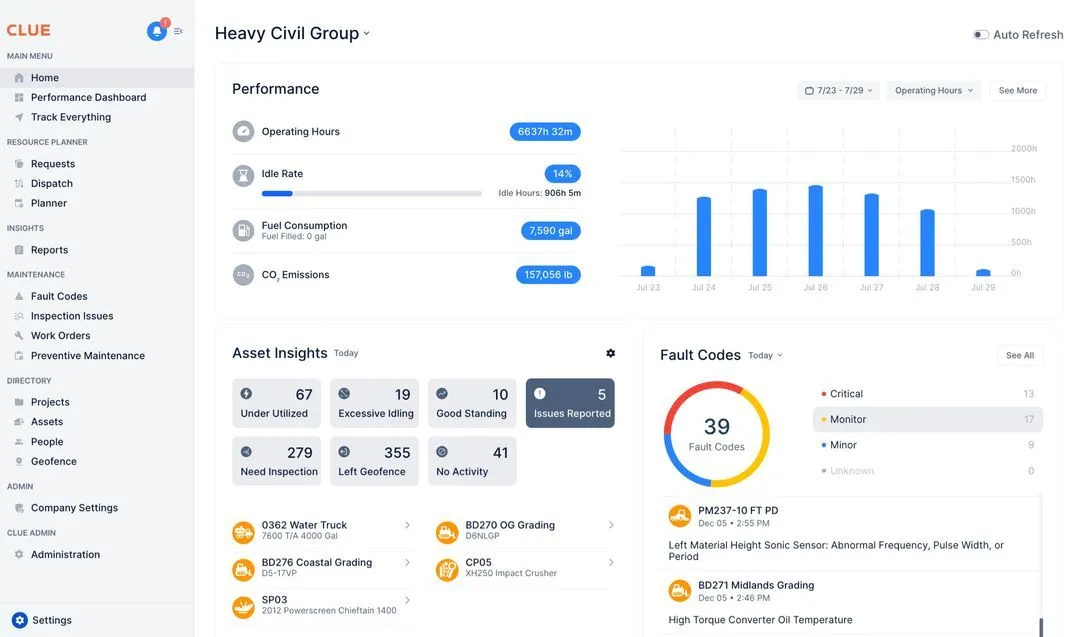
See all your equipment across every active project on a single screen. Know what is deployed, what is idle, and what is in transit, all on one screen instead of a call to the equipment manager or the dispatcher.
Submit equipment requests for your projects directly in Clue. Track approval status and expected delivery in real time. You know when your equipment is arriving.
See inspection completion rates for all equipment on your projects. Clue flags overdue inspections so you can resolve compliance gaps before a safety audit or MSHA visit.
Create, assign, and track toolbox talks across your jobsites. Operators acknowledge digitally and Clue tracks completion rates. Safety documentation is always current and audit-ready.
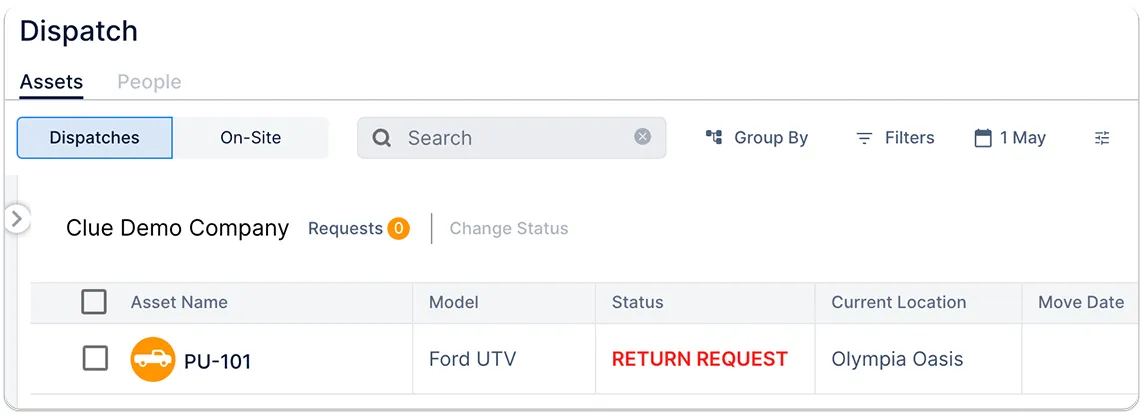
Communicate equipment needs to dispatch directly through Clue. Track what is arriving, what is heading back, and coordinate with other supers when you need to share equipment between projects.
Log daily equipment hours, operator assignments, and site conditions in Clue. Clue stores shift summaries digitally and gives the equipment manager and project manager access for billing and tracking.
Built for every role
Field, shop, and office teams use the same system. Equipment managers, fleet managers, operations leaders, CFOs, and executives see equipment details for their work.
Through the superintendent's day
Multi-project command. Mobile-first. Safety always covered.
Clue is designed for the field. Run inspections, submit requests, and view fleet status from your phone at the jobsite.
Submit requests and get status updates in Clue instead of hunting down the dispatcher or equipment manager by phone.
Know what equipment on your site has overdue inspections before it creates a compliance issue.
Manage equipment across multiple projects simultaneously from one Clue account.
Clue logs every request, assignment, inspection, and toolbox talk digitally, useful for incident reporting and project closeout.
No signal at the jobsite? Clue works offline and syncs when you have connectivity.
Clue offers 80+ integrations for OEM telematics, GPS and aftermarket trackers, ERP, accounting, and CMMS systems. Engine hours sync from telematics. Teams add equipment by hand to the same fleet view.
From the people who use it every day
“Clue allows us to effectively control our operations: financially, effectively and safely.”
Joseph Yammine, Project Manager, Graham
“The big thing with Clue is that we’re able to bridge the gap between our field, our operators in our shop, and other departments.”
Brent Scarbrough & Company
“There were entire teams dedicated to approving spreadsheets one by one.”
Fort McKay First Nation
“The biggest difference has been the user friendliness.”
William A. Hazel
“It exposes dead cost or overhead that maybe we don’t know about because it gets lost in those three different systems.”
Moss Utilities
“Clue’s real-time data capability has completely changed the way we manage our assets.”
Darrin Sheriff, Director of Maintenance and Purchasing
“It was probably taking the better part of a day to combine all the data from the telematics.”
Derek Wolfe, Equipment Manager, George Igel Co.
“QR codes have been a game changer for us with regards to operator inspections.”
Ben Benoit, Operations Manager
“It’s a single pane of glass where you see everything across your fleet, from the field to the phone to the computer.”
Abe Sharaf, Corporate Equipment Engineer
“Our field guys were tired of having a new product, a new something to learn each time.”
Rob Judge, Sr. Procurement & Program Manager
“Our equipment is in far better shape since we started using Clue, for sure.”
Jake Farley, Equipment Manager, Silver Star Construction


Common questions
What can superintendents see in Clue?
Superintendents see all equipment across their assigned project location, status, utilization, inspection compliance, and maintenance history from the Clue mobile app or web portal.
See Clue pricingCan superintendents submit equipment requests directly?
Yes. Supers submit equipment requests through Clue and can track approval status and expected delivery without calling dispatch.
How does Clue help with safety compliance on the jobsite?
Clue tracks inspection completion and toolbox talk attendance for operators and equipment on the superintendent's projects. Overdue items are flagged automatically.
Can Clue be used across multiple jobsites at once?
Yes. Superintendents managing multiple projects see all their jobsites in a single Clue view. Equipment and compliance data is segmented by project.
Does Clue work in areas with poor cell coverage?
Yes. Clue's mobile app has offline capability. Data collected without connectivity syncs automatically when signal is restored.
Can superintendents get alerts when equipment leaves or enters their jobsite?
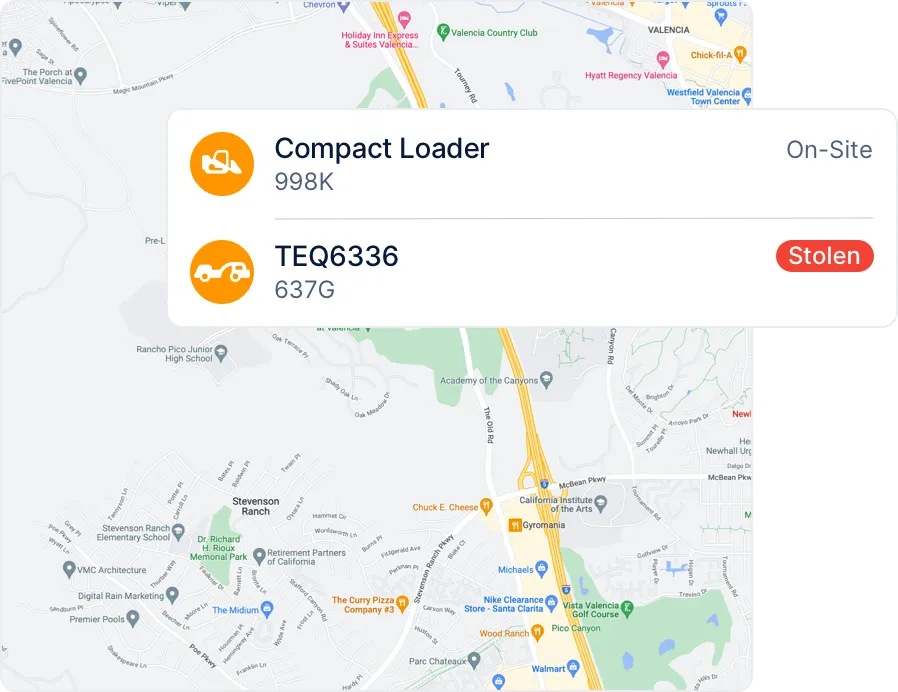
Yes. Clue's geofencing lets superintendents set virtual boundaries around their project and receive instant alerts when any asset crosses them, day or night.
Can superintendents see when maintenance is scheduled for their equipment?
Yes. Clue shows scheduled work orders per jobsite so superintendents can flag conflicts before equipment gets pulled for service at a critical point in the project.
What happens when an operator flags a breakdown on site?
The breakdown report goes directly into the shop's work order queue the moment it is submitted. Superintendents can track repair status in real time without calling the shop.
Who it's for
Role
Manage all equipment in one view, avoid costly downtime, and go digital.
Role
Digitally handle inspections, work orders, and inventory management effortlessly.
Role
Access service history and timecards in one efficiency-enhancing app.
Role
Optimize efficiency and asset utilization with comprehensive operational insights.
Role
Streamline financials from timecards to asset management, monitoring costs effectively.
Role
Manage equipment costs and utilization with real-time operational data.
Role
Quickly allocate resources and streamline dispatch with digital efficiency.
Role
Minimize IT overhead with seamless integrations and easy data access.
Role
Control costs and maximize efficiency with real-time data and maintenance alerts.
Role
Locate and fuel equipment efficiently with precise directions.
Role
Manage on-site equipment efficiently with real-time updates and requests.
Role
Inspect and report on equipment quickly with a user-friendly app.
Company type
Streamline operations with integrated systems, trusted by construction leaders.
Company type
Manage joint equipment with unified telematics data, reducing operational costs.
Company type
Simplify equipment management on a single platform, enhancing efficiency.
Book a demo focused on field superintendent workflows and multi-project management.