Clue AI: Voice and Text Assistant
CLUE AI is a built-in AI assistant that answers questions about your fleet using text or voice. You can ask CLUE AI about equipment status, open work orders, rental summaries, or anything else. It can also perform actions like creating work orders using voice commands!
How to Use CLUE AI on Mobile Devices?
1. Open Clue AI
Tap on the AI button located in the bottom right of the mobile app.

2. Typing or Using Quick Actions
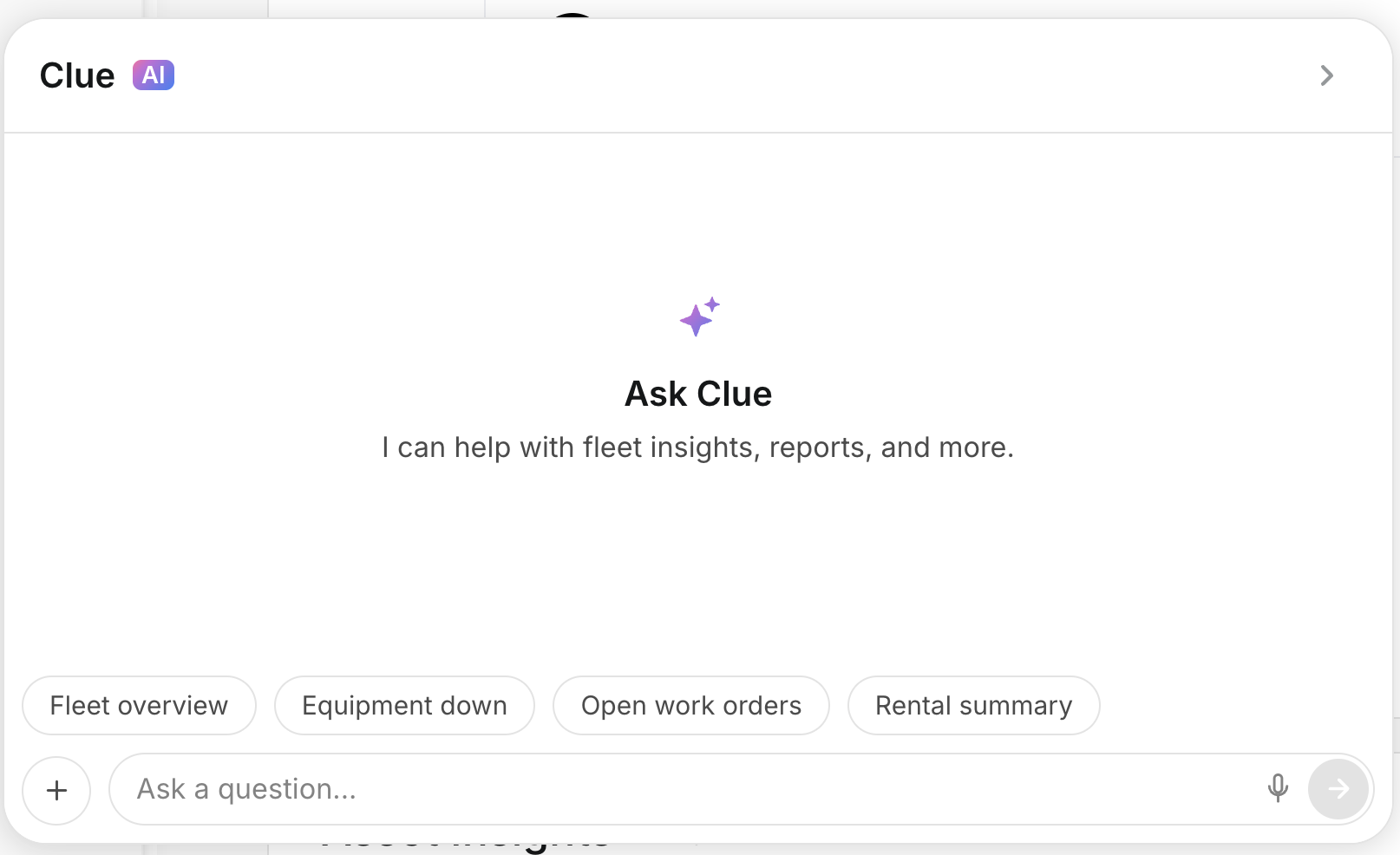
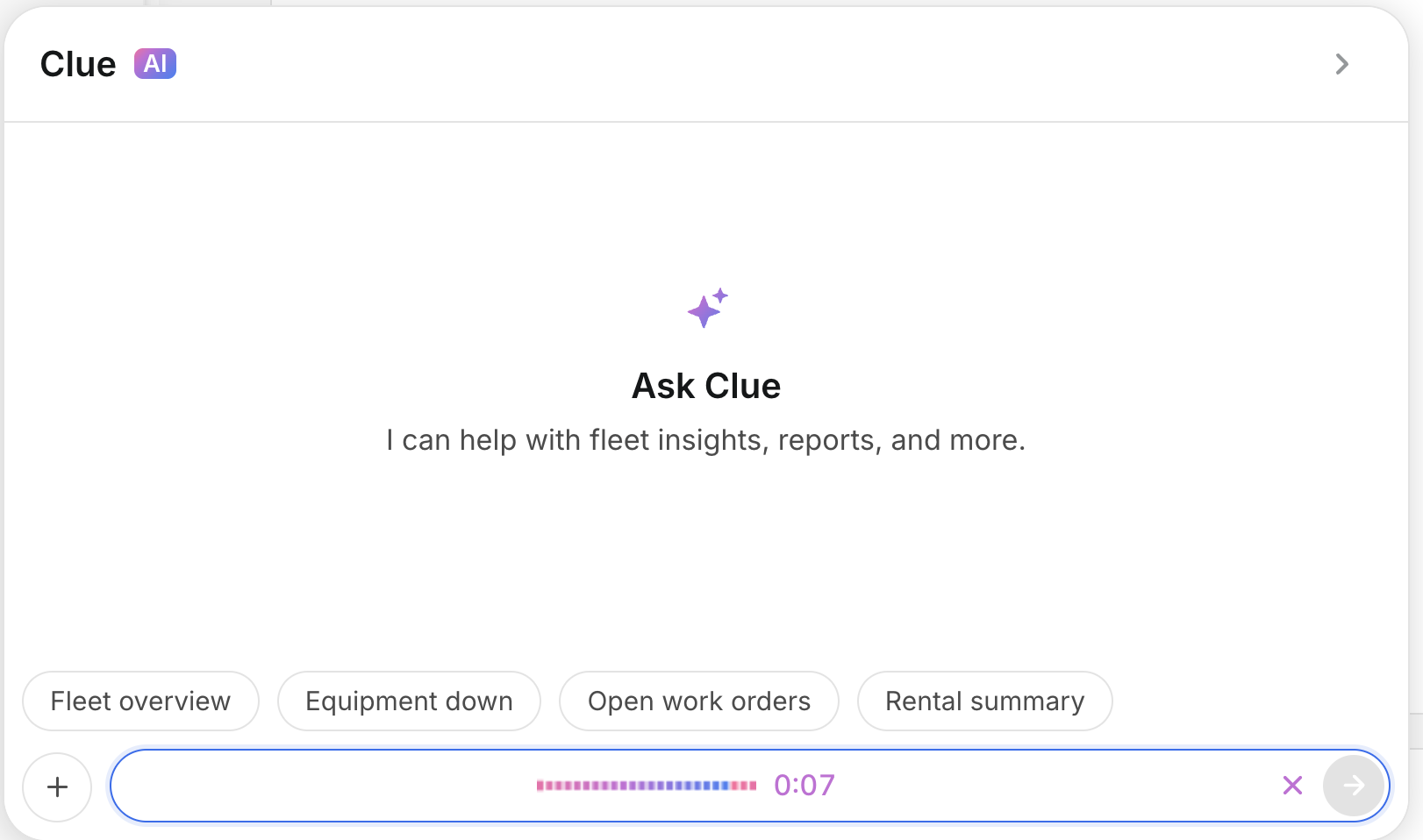
You can type your question in the text field, or tap on one of the provided quick actions: Fleet overview, Equipment down, Open work orders, or Rental summary.
3. Using Voice Input
Tap on the microphone icon and speak your question to CLUE AI. Clue AI automatically converts your speech into text and then processes the request. This will send back a response in text format.
4. Tap the Speaker Icon for Voice Mode
Tap on the speaker icon on any of CLUE AI's responses and it will be read aloud to you. This is useful when you're multi-tasking and not necessarily available to look at your phone to read the response.

5. Use CLUE AI To Assist in Work Order Creation
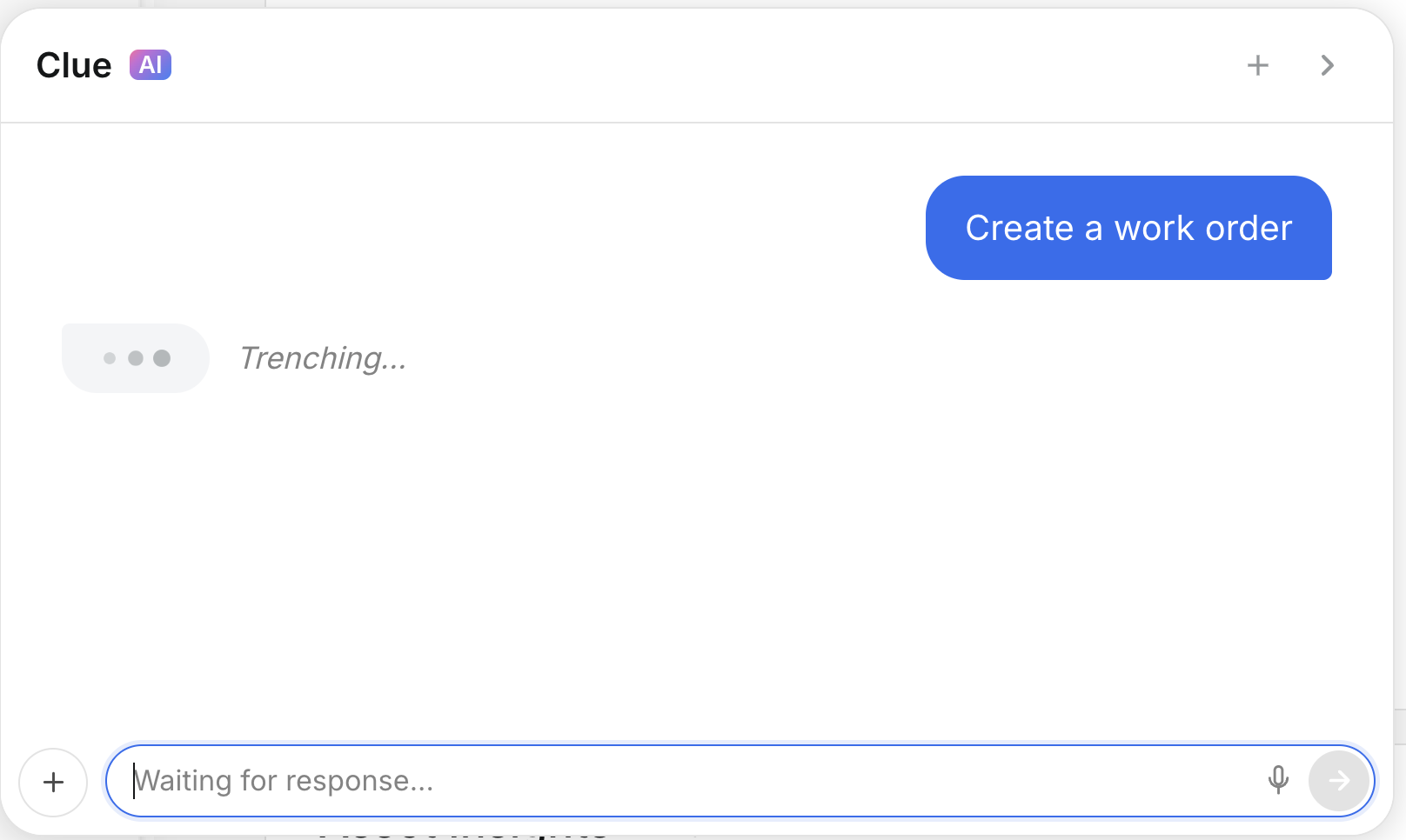
CLUE AI can do more than answer questions. For example, say "Create a work order" and it will walk you through the steps to create the work order conversationally.