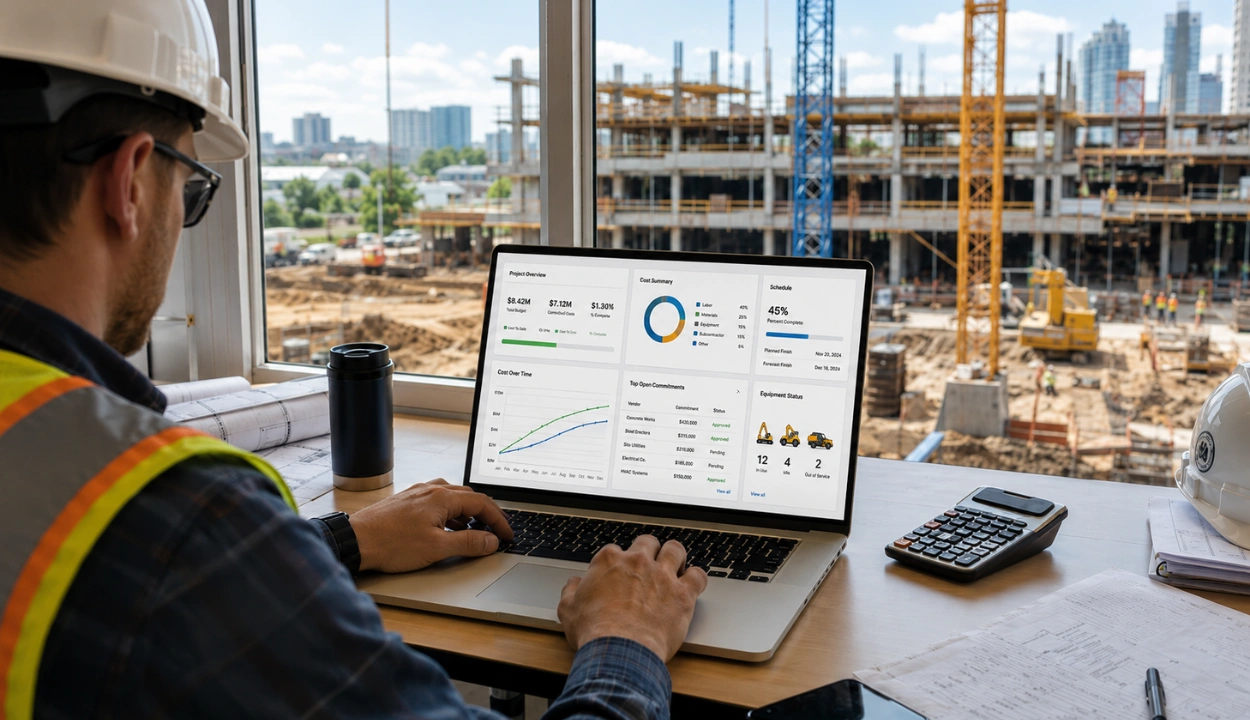
The leading construction GPS integration software platforms in 2026 are Clue for contractors that need every GPS and telematics feed merged into one operations platform, Samsara for fleets that want premium tracking hardware with built-in safety and compliance, and Geotab for large mixed fleets that prefer rugged devices on an open platform.
The right platform depends on where your GPS data comes from and how many sources it has to reconcile. A fleet standardized on a single hardware brand can work directly in that vendor's portal, whether that is Samsara, Geotab, or Motive.
The harder case is the common one: a contractor running OEM feeds from Cat, Komatsu, and John Deere alongside aftermarket trackers, where no single portal shows the whole fleet. That contractor needs GPS integration software such as Clue, which connects with more than 80 GPS, OEM, ERP, maintenance, fuel, rental, and related systems. A fleet map that shows only half the fleet still leaves a dispatcher tracking down the rest by phone.
This guide compares the top 10 construction GPS integration software platforms of 2026 across telematics depth, construction workflow fit, asset visibility, integrations, and verified review data, so you can match the tool to the way your fleet actually operates.
How We Evaluated These GPS Integration Tools
GPS data earns its keep when it changes decisions. The strongest platforms turn location, engine hours, idle time, and fault codes into better maintenance, dispatch, safety, and cost calls. A dot on a map that never triggers an action is a subscription, not a system.
Each platform was reviewed against construction-specific GPS criteria rather than generic vehicle tracking use cases. Clue was evaluated alongside every other vendor using the same scoring framework, so the comparison stays consistent, practical, and fair.
Evaluation Criteria
| Criteria | Weight | Focus |
|---|---|---|
| GPS & Telematics Data Depth | 25% | Real-time tracking, refresh rate, OEM telematics, AEMP 2.0 support, engine hours, fuel data, idle time, and fault codes |
| Construction Workflow Fit | 20% | Mixed fleets, heavy equipment, attachments, multi-jobsite visibility, geofencing, and dispatch coordination |
| Maintenance, Safety & Compliance Linkage | 20% | Usage-based preventive maintenance, inspections, DVIR/ELD support, safety alerts, and audit trails |
| Asset Visibility & Accountability | 15% | Live maps, movement history, GPS replay, check-in/check-out logs, after-hours alerts, and theft prevention |
| Integrations & Scalability | 10% | ERP, CMMS, accounting, fuel card, OEM, and API connectivity across fleet sizes |
| Usability, Deployment & Support | 10% | Mobile access, implementation speed, hardware flexibility, support quality, and pricing clarity |
We deliberately excluded consumer GPS trackers and map-only apps. They can show a location, but they do not model engine hours, maintenance triggers, geofence accountability, or multi-provider data merging, so they score poorly on construction fit no matter how clean their interfaces look.
Sources
- Vendor websites and GPS integration product documentation
- Public information on OEM telematics, AEMP/ISO data standards, geofencing, and asset tracking features
- Customer reviews and ratings on G2 and Capterra, checked live in July 2026
- Fleet management and telematics industry resources covering construction use cases
Editorial Review
This list was reviewed from a construction fleet perspective, with a focus on mixed hardware, OEM data, field usability, and how effectively each platform turns telematics information into maintenance, dispatch, safety, and cost decisions.
Compare the Best Construction GPS Integration Software
Use this table to quickly compare all 10 options before reviewing the full breakdowns below.
| Software | GPS Integration Focus | Mobile App | Best For |
|---|---|---|---|
| Clue | Unifies GPS, OEM telematics, and operational fleet data in one platform | Yes | Mixed fleets with multiple telematics sources |
| Trackunit | Construction-specific CAN bus telematics across OEM brands | Yes | Rental and contractor fleets needing deep machine data |
| HCSS Telematics | Mixed-fleet tracking wired into the HCSS software suite | Yes | Heavy civil contractors already using HCSS |
| Samsara | Premium tracking hardware with safety and compliance | Yes | Vehicle-heavy fleets with DOT exposure |
| Geotab | Rugged open-platform devices with AEMP 2.0 | Yes | Large fleets standardizing hardware |
| Motive | 2-second GPS updates with AI safety tools | Yes | Fleets mixing trucks and heavy equipment |
| EquipmentShare T3 | Telematics tied to an equipment rental ecosystem | Yes | Fleets that rent and own mixed equipment |
| Verizon Connect | Enterprise vehicle compliance and ELD tracking | Yes | Large centralized vehicle fleets |
| GPS Insight | Time-on-site tracking and billing support | Yes | Small to mid-size contractors |
| Teletrac Navman | Global coverage with flexible hardware | Yes | Multi-region operations |
Below are the top 10 construction GPS integration software platforms to consider in 2026.
1. Clue

Best for: Contractors and equipment rental businesses running mixed heavy fleets that need multiple GPS and telematics sources unified into one operations platform.
Clue provides construction equipment tracking software for contractors managing mixed fleets and GPS data from multiple sources. Teams running Cat, Komatsu, John Deere, and aftermarket tracking devices can bring fragmented equipment-location data into one connected system. Clue consolidates GPS and OEM telematics data into a single operational view, giving teams one place to monitor supported information such as live locations, engine hours, fuel usage, idle time, and fault codes. Its broader ecosystem connects with more than 80 GPS, OEM, ERP, maintenance, fuel, rental, and related systems. GPS replay and geofencing provide additional visibility into equipment movements and after-hours activity.
GPS data also feeds directly into day-to-day fleet operations. Meter readings trigger preventive maintenance, dispatchers assign equipment from a live fleet map, and check-in/check-out records create a timestamped history of equipment movements. Rather than acting as another tracking portal, Clue connects location data with maintenance, dispatch, inspections, and equipment management workflows.
Our observation: Clue is strongest when the core problem is fragmented data rather than basic tracking. A standardized fleet may be managed effectively through one telematics provider, while Clue becomes more valuable when contractors need to combine several GPS and OEM feeds with maintenance, dispatch, inspections, and cost workflows.
Our rating: 9.5/10
Mobile App
Yes, iOS and Android, with live fleet maps, equipment requests, inspections, and work orders in the field.
Pros
- Consolidates GPS, inspections, maintenance, and job costing in one platform.
- Integrates with major OEMs via AEMP 2.0 for real-time data.
- Connects DVIR findings and inspection issues with maintenance workflows and work orders.
- Provides mobile access to fleet maps, equipment requests, inspections, and work orders.
- Built specifically for construction fleets and workflows.
Limitations
- Requires compatible GPS hardware or active OEM telematics feeds.
- Initial setup takes coordination across multiple data sources.
- Single-provider fleets may not need an extra integration layer.
- Data depth and refresh rates depend on each connected provider.
Clue Reviews
Capterra: 4.6/5
G2: 4.7/5
"If you're in search of an effective solution for monitoring equipment, managing real-time data and locations, handling audit and inspection forms, managing work orders, and Utilization, I would highly suggest considering Clue as a viable choice."jeremy S
2. Trackunit
Best for: Rental companies and contractors running mixed-OEM heavy fleets that want deep machine health data, not just location.
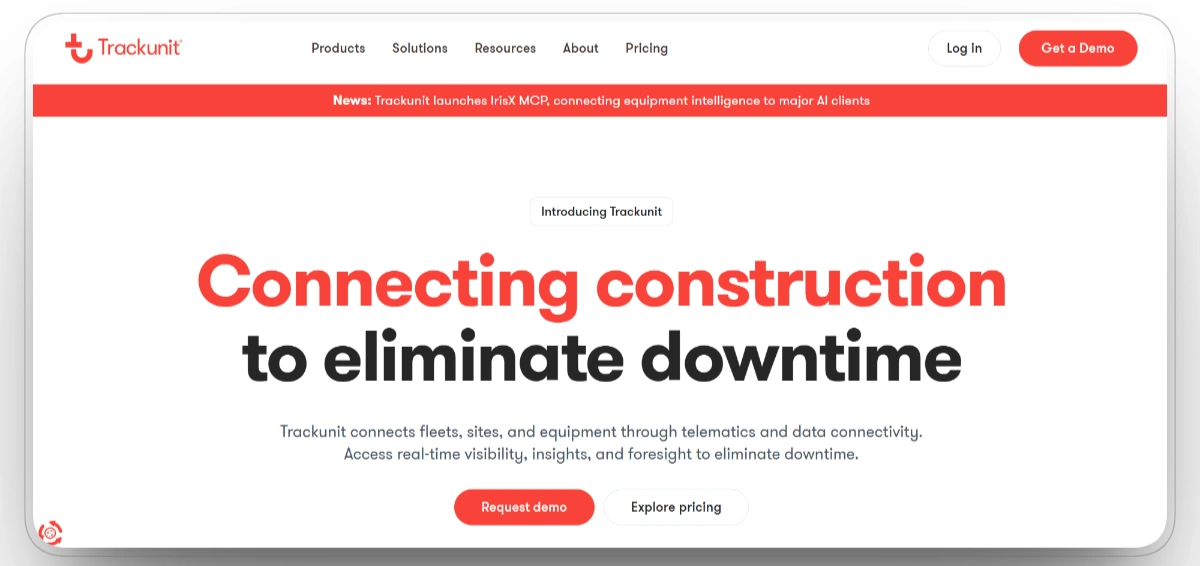
Trackunit is a telematics platform built specifically for construction rather than a vehicle-fleet tool adapted to equipment. It reads CAN bus data directly from machine control units, so equipment managers see engine fault codes, machine health, fuel consumption, and utilization alongside GPS location. The platform pulls data from all major equipment brands, including Cat, Komatsu, and John Deere, into one connected dashboard, with real-time tracking, predictive maintenance alerts, geofencing, and jobsite visibility across the fleet.
Trackunit’s IrisX MCP allows supported AI tools to query fleet data in natural language and perform permitted actions involving assets, alerts, services, inspections, and other fleet records. The depth of its machine data is the main draw for rental fleets and larger contractors that manage maintenance at scale. That same depth requires careful configuration, particularly for large fleets managing many alerts and data sources. Public pricing is limited, so contractors must confirm hardware, subscription, and implementation costs directly.
Our observation: Trackunit is one of the strongest options for teams prioritizing machine health and uptime across a mixed-OEM fleet. It is less suited to contractors who mainly need vehicle tracking and driver safety, where a road-first platform will fit better and cost less.
Our rating: 9.3/10
Mobile App
Yes, with field access to equipment location, machine health, and utilization data.
Pros
- Purpose-built for construction rather than adapted from vehicle tracking.
- CAN bus data gives deep machine health and diagnostics visibility.
- Works across all major OEM brands without separate systems.
- Predictive maintenance alerts and jobsite geofencing.
- Wide hardware range for different equipment types.
Limitations
- Large fleets may need careful alert configuration to prevent excessive or low-priority notifications.
- Premium pricing is harder to justify for small and mid-size contractors.
- Advanced telematics and analytics workflows may require more configuration and training than simpler tracking tools.
- Reporting customization is limited for very specific needs.
Trackunit Reviews
Capterra: 4.3/5
G2: 2.8/5
"Trackunit has been a greate help in our rental buisness for tracking and managing our fleet."Orvar T
3. HCSS Telematics

Best for: Heavy civil contractors already running HCSS software who want equipment tracking wired into their existing bidding, job costing, and maintenance tools.
HCSS Telematics is purpose-built for heavy civil construction rather than sold as a general GPS product. It shows a mixed fleet in one map view, collects machine data directly from the ECU, and pulls feeds from more than 30 OEMs and third parties through HCSS OEM Link, covering brands such as John Deere, Cat, Volvo, and Komatsu. Users can monitor live location, engine status, active fault codes, fuel levels, and driver safety events, and draw geofences that match jobsite boundaries.
The platform's advantage is how tightly it connects to the rest of the HCSS suite. Meter readings and equipment locations flow into Equipment360 to automate preventive maintenance, and verified GPS hours feed HeavyJob time cards and dispatching, which reduces double entry across the office. Hardware plans cover OBD-II and wired units, satellite tracking for non-powered assets, and a plan that runs on existing OEM telematics. HCSS launched its Samsara integration in April 2025, bringing Samsara location, diagnostics, usage, fault-code, ignition, and fuel data into HCSS Telematics.
Our observation: HCSS Telematics makes the most sense for contractors already invested in the HCSS ecosystem, where the integration removes manual steps between tracking, maintenance, and costing. Teams outside the HCSS ecosystem may receive less workflow value, and the available data can vary by connected OEM, hardware device, and integration source.
Our rating: 9.1/10
Mobile App
Yes, with mixed-fleet location, machine data, and alerts through web and mobile access.
Pros
- Built specifically for heavy civil construction.
- Direct ECU data plus OEM Link across more than 30 manufacturers.
- Deep integration with HeavyJob, Equipment360, and Dispatcher.
- Hardware options for powered, non-powered, and OEM-connected assets.
- Automates meter readings into maintenance schedules and time cards.
Limitations
- Most valuable only for teams already using HCSS software.
- Available data fields and update frequency can vary by OEM, device, and connected telematics provider.
- Some limits on data read from certain OBD-II units.
- Initial configuration can be complex.
HCSS Telematics Reviews
Capterra: 3.5/5
G2: 4.6/5
"I use HCSS HeavyBid and HCSS Precon, and I find it user-friendly. It’s great for storing subcontractor information, tracking bid status, and integrating with our accounting system. I also appreciate that HCSS is actively working on improving the software, as this consistency pushes our company to improve and grow along with it."Christen C
4. Samsara

Best for: Vehicle-heavy fleets that want premium GPS hardware with dashcams, ELD compliance, and driver safety in the same subscription.
Samsara sells the full stack of its own trackers, cameras, and sensors, all streaming into one cloud platform. Hardware ranges from hardwired units for heavy machinery to solar and battery-powered tags for trailers and attachments that sit between sites for weeks, so powered and non-powered assets appear on the same map. Live location, fuel usage, speed, and CAN bus diagnostics arrive in near real time, and dispatchers can set geofences, route plans, and alerts without leaving the dashboard.
Samsara's 2026 focus is AI. The platform now adds automated driver coaching, AI dashcam event detection, and workflows that act on telematics events, which widens its lead on road safety. For fleets already running Samsara hardware on their trucks, Clue publishes a direct Samsara integration that brings that feed into a construction-wide equipment view.
Our observation: Samsara is particularly strong in vehicle telematics, dashcams, driver safety, and compliance workflows. Samsara remains primarily vehicle-focused, so contractors needing deeper heavy-equipment maintenance, equipment dispatch, and job-cost workflows may require additional construction-specific software.
Our rating: 9.0/10
Mobile App
Yes, iOS and Android, covering live tracking, driver workflows, and alerts.
Pros
- Real-time GPS, diagnostics, and fuel usage tracking.
- Built-in safety tools including dashcams and ELD.
- Tracks maintenance schedules and usage trends.
- Scalable platform with strong API and integrations.
- Trusted by enterprise fleets.
Limitations
- Setup and features may overwhelm small fleets.
- High initial cost and hardware investment.
- Mixed customer support feedback.
- Heavy training and configuration required.
- Detailed location, camera, and driver data require clear internal policies for access, retention, and employee communication.
Samsara Reviews
Capterra: 4.5/5
G2: 4.5/5
"My overall experience with Samsara has been great. I appreciate the ease of use, the great communication with many departments, and the customer support that is offered. It is also a great tool to keep up with driving logs. It is easy to pull reports involving specific vehicles that record stops and starts and duration driven."Shannon B
5. Geotab

Best for: Large mixed fleets standardizing on rugged, open-platform GPS hardware that survives construction environments and feeds any software they choose.
Geotab is one of the largest telematics providers in the world, and its construction answer is the GO RUGGED device, an IP67-rated unit built to withstand dirt, water, vibration, and temperature swings on heavy equipment. AEMP 2.0 connectivity pulls data directly from Caterpillar, John Deere, and Komatsu factory telematics, so on-road vehicles and off-road iron share one MyGeotab view with GLONASS-assisted accuracy, fault code monitoring, and customizable geofencing.
The open platform is the real differentiator. A marketplace of more than 500 third-party apps, an open API, and the Geotab Ace AI assistant for natural-language fleet queries make Geotab less a finished product and more a data backbone that contractors build on, which is why platforms like Clue and Fleetio sit on top of it.
Our observation: Geotab is a strong hardware-and-platform option for fleets that want an open and configurable telematics foundation. Because Geotab primarily provides a telematics data platform, contractors may need integrations or additional software to support construction-specific maintenance, dispatch, and cost workflows.
Our rating: 8.8/10
Mobile App
Yes, with live tracking and driver tools through MyGeotab and companion apps.
Pros
- Rugged hardware designed for construction environments.
- AEMP 2.0 integration with major OEMs.
- Open platform with extensive third-party integrations.
- Accurate GPS tracking with dual-satellite support.
- Scalable from small fleets to enterprise deployments.
Limitations
- Interface can feel complex for first-time users.
- Requires some technical knowledge for advanced customizations.
- Hardware costs can add up for large fleets.
- Customer support response times vary by region.
Geotab Reviews
Capterra: 4.4/5
G2: 4.4/5
"Overall it is a good prodict and service. We like tracking outr mileage and stops the buses make. It make is easier to locate vehicles that are stationed at other facilities when maintenance is due."Nathaniel Q
6. Motive
Best for: Construction fleets mixing highway trucks with heavy equipment that need fast GPS refresh, ELD compliance, and AI safety in one platform.
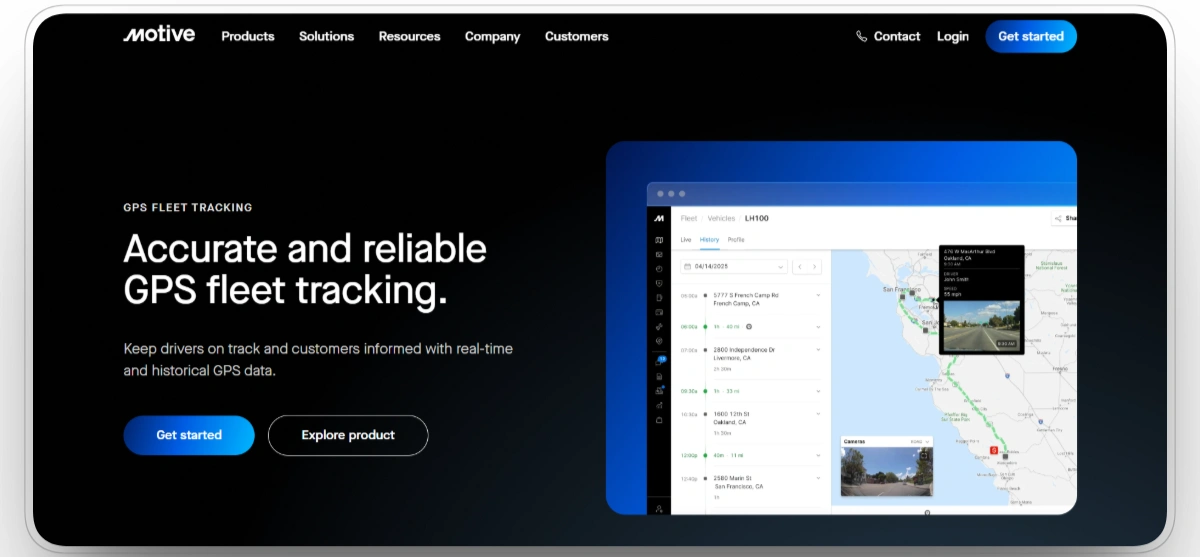
Motive combines GPS tracking with driver safety and compliance tools built for fleets operating both on and off the road. Vehicle locations update as frequently as every two seconds, while AI-powered dashcams, ELD compliance, and AEMP 2.0 connectivity help bring trucks and heavy equipment into a single platform. Rugged asset trackers support construction environments and can be deployed on powered and non-powered equipment.
The platform also connects location data with operational insights. Geofences trigger real-time alerts, idle time is tracked by location, and engine diagnostics help identify equipment that is accumulating hours without productive use. Contractors with large truck fleets will benefit most from Motive's safety and compliance capabilities, while equipment-specific workflows remain less comprehensive than construction-focused platforms.
Our observation: Motive is the best fit on this list for contractors whose fleet risk lives mostly on the road, with a meaningful but secondary equipment component. Its safety and compliance capabilities are competitive with other vehicle-focused platforms, although equipment-specific workflows and optional modules should be evaluated carefully.
Our rating: 8.6/10
Mobile App
Yes, iOS and Android, with driver workflows, tracking, and alerts.
Pros
- Very fast GPS refresh rates (2-second updates).
- AEMP 2.0 support for construction equipment.
- Strong safety features with AI dash cams.
- Rugged hardware for harsh environments.
- Combines ELD compliance with fleet tracking.
Limitations
- Pricing can escalate with add-on features.
- Some users report occasional GPS accuracy issues in remote areas.
- Customer support response times vary.
- Interface can feel cluttered with many features enabled.
Motive Reviews
Capterra: 4.5/5
G2: 4.4/5
"Motive has been shown for us great value, we're looking now for the bluetooth device to help us in trailers for example."Emerson F
7. EquipmentShare T3
Best for: Contractors that mix rented and owned equipment and want telematics, maintenance, and access control on one platform tied to a national rental network.
EquipmentShare T3 is a cloud-based operating system for construction that connects owned and rented assets, regardless of make or model, into one view. Telematics trackers and harnesses digitize data from each machine, and the T3 Fleet app shows location, utilization, and maintenance status across the fleet in real time. Alerts cover machine location and performance, operator behavior, fuel levels, and jobsite entry and exit, while cloud-connected keypads add access control and usage tracking on heavy equipment.
T3's distinguishing feature is its link to EquipmentShare's rental business. Every machine in the rental fleet ships with T3, so contractors manage owned iron and rentals in the same system, and OEM-certified technicians can flag maintenance issues before they cause downtime. Safety tools include dash cameras with in-cab collision and following-distance warnings, while telematics and access-control records support operational oversight. In an EquipmentShare-published customer reference, Yates Construction estimated a 20% improvement in overall jobsite efficiency after using T3 alongside EquipmentShare’s wider services and operational support.
Our observation: T3 fits contractors who already rent from EquipmentShare or want tracking and rental management in one ecosystem. Because pricing is often bundled with rental services and is not published, and because independent review data is still limited, teams outside that ecosystem should scope the platform carefully against standalone telematics options.
Our rating: 8.3/10
Mobile App
Yes, iOS and Android, with fleet location, utilization, maintenance, and alerts.
Pros
- Tracks owned and rented equipment on one OEM-agnostic platform.
- Telematics tied to a national rental and service network.
- Dash cams and safety tools support DOT and OSHA compliance.
- Access-control keypads add security and usage tracking.
- Award-recognized platform used across a very large connected fleet.
Limitations
- Pricing is often bundled with rentals and not published.
- Value is strongest for existing EquipmentShare rental customers.
- Limited independent, verified review data so far.
- Broad feature set can require setup time for complex operations.
EquipmentShare T3 Reviews
Capterra: N/A
G2: N/A
8. Verizon Connect

Best for: Large centralized vehicle fleets that need ELD enforcement, DVIR, and compliance tracking at enterprise scale.
Verizon Connect brings carrier-grade infrastructure to fleet tracking. Heavy equipment modules plug into OEM ports or run on AEMP-compatible trackers, streaming location, engine hours, and idle time to a portal with a 30-second GPS refresh, and the compliance stack covers ELD, DVIR, driver behavior alerts, and AI dashcams in one contract. Route optimization and fuel card integrations round out a platform designed for fleets counted in the hundreds.
The catch shows up in the review scores. Customer service complaints, contract complexity, and billing disputes recur across feedback channels, and the platform's center of gravity is commercial vehicles, so construction-specific workflows take configuration work rather than arriving out of the box.
Our observation: Verizon Connect makes sense for municipal and enterprise operations that need compliance depth and can dedicate an administrator to the platform. Smaller contractors, and anyone whose fleet is mostly yellow iron, will find the support experience and vehicle-first design a poor trade for the feature list.
Our rating: 7.9/10
Mobile App
Yes, with tracking, alerts, and driver compliance workflows.
Pros
- Full-featured GPS for vehicles and powered assets.
- Built-in ELD, DVIR, and compliance tools.
- Safety options like dashcams and driver behavior alerts.
- Modular pricing with integration options.
- High detail and reliability for enterprise fleets.
Limitations
- Customer service issues frequently cited in reviews.
- Complex billing and contract terms.
- Learning curve for reporting setup.
- Not specifically tailored to construction workflows.
- Performance and usability inconsistencies reported.
Verizon Connect Reviews
Capterra: 3.2/5
G2: 3.8/5
"My overall experience with Verizon Connect was generally positive, but with a few frustrations. The platform is really strong when it comes to features, especially for tracking vehicles, monitoring driver behavior, and improving efficiency. It’s clear that it’s designed for businesses that need detailed data and control over their fleet operations."Yasmin M
9. GPS Insight
Best for: Small to mid-size contractors that need construction-specific tracking with time-on-site reporting they can bill against.
GPS Insight focuses on the operational needs of contractors and field service businesses. In addition to live tracking, it provides theft alerts, maintenance scheduling, and time-on-site reporting that helps teams verify how long equipment remained at a project location. These records can support billing, utilization analysis, and job costing.
The platform also includes route optimization, idle monitoring, and scheduling tools that help dispatchers allocate nearby equipment. Its time-on-site reporting and fleet-management capabilities make it a practical option for small and midsize contractors seeking straightforward tracking workflows.
Our observation: GPS Insight is suited to small and midsize contractors that prioritize time-on-site reporting, theft alerts, and straightforward fleet tracking. Larger fleets should compare its hardware, reporting, and integration depth with broader enterprise platforms.
Our rating: 7.6/10
Mobile App
Yes, though functionality is more basic than the market leaders.
Pros
- Construction-specific features like time-on-site tracking.
- More affordable than enterprise platforms.
- Easy-to-use interface with quick deployment.
- Good integration with accounting and maintenance software.
Limitations
- Hardware options are more limited than larger competitors.
- Fewer advanced features for very large enterprise fleets.
- Advanced OEM telematics normalization and construction maintenance workflows may require additional systems or integrations.
- Mobile app functionality is more basic than competitors.
GPS Insight Reviews
Capterra: 4.5/5
G2: 4.5/5
"Great. Friendly customer service. Great when managing fleet and planing routes. Accurate locations for my fleet."Ernesto L
10. Teletrac Navman
Best for: Multi-region contractors that need GPS coverage across territories with flexible hardware for varied asset types.
Teletrac Navman offers GPS tracking for contractors operating across multiple regions and managing a variety of asset types. Its hardware portfolio ranges from plug-and-play units for light vehicles to hardwired devices for heavy equipment, with features including geofencing, maintenance scheduling, driver safety, and ELD compliance.
The platform emphasizes dependable fleet visibility over advanced construction-specific workflows. Its long history in fleet management and international coverage make it a reasonable choice for organizations with geographically dispersed operations. However, compared with newer competitors, the interface feels less modern and pricing requires direct engagement with the sales team.
Our observation: Teletrac Navman may suit multi-region contractors that prioritize established fleet tracking, ELD capabilities, and flexible hardware. Contractors focused on deep heavy-equipment workflows should compare it carefully with construction-specific platforms.
Our rating: 7.3/10
Mobile App
Yes, though functionality trails the market leaders.
Pros
- Flexible hardware options for different asset types.
- Global GPS tracking support for multi-region operations.
- Good balance of features and ease of use.
- ELD compliance built into the platform.
- Established company with long track record.
Limitations
- Interface feels dated compared to newer competitors.
- Customer support quality varies by region.
- Pricing not transparent, requires sales contact.
- Some advanced features require add-on modules.
- Mobile app functionality more basic than market leaders.
Teletrac Navman Reviews
Capterra: 2.7/5
G2: 3.5/5
"DO NOT RECCOMEND THIS COMPANY DUE TO LACK OF CUSTOMER SERVICE!!! If you are lucky and have no issues getting setup, great for you! However if you have any issues with tech support, good luck on 50 min wait times and no responses to emails."Tom G
Choosing the Best Construction GPS Integration Software for Your Team
The right platform depends on where your GPS data comes from and who has to act on it when a machine goes missing, idles all morning, or blows past a service interval.
Best GPS Integration Software by Contractor Type
| Contractor Type | What They Need Most | Best-Fit Software |
|---|---|---|
| Mixed-fleet heavy civil and earthwork contractors | Every OEM and aftermarket GPS feed merged into one dashboard | Clue |
| Rental and contractor fleets focused on machine health | Deep CAN bus diagnostics and uptime | Trackunit |
| Heavy civil contractors on the HCSS suite | Tracking wired into bidding, job costing, and maintenance | HCSS Telematics |
| Vehicle-heavy fleets with DOT exposure | ELD, dashcams, and driver safety in one stack | Samsara, Motive |
| Large fleets standardizing their hardware layer | Rugged open-platform devices with AEMP 2.0 | Geotab |
| Fleets mixing rented and owned equipment | Telematics and rental management in one ecosystem | EquipmentShare T3 |
| Small to mid-size contractors watching budget | Affordable tracking with fast deployment | GPS Insight |
| Contractors billing clients for machine time | Time-on-site records that hold up on an invoice | GPS Insight, Clue |
| Multi-region and international operations | Global coverage with flexible hardware | Teletrac Navman |
| Fleets fighting theft and after-hours use | Geofencing, movement alerts, and GPS replay | Clue |
Before choosing a platform, confirm where your GPS data comes from, which teams need access to it, and whether it must connect with maintenance, dispatch, safety, or cost tracking.
Related: our guide to the best construction equipment tracking software compares the leading platforms for 2026.
FAQs
What is the best construction GPS integration software?
The best construction GPS integration software depends on your hardware situation. For contractors running multiple telematics brands and OEM feeds, Clue is the strongest option because it merges more than 28 GPS providers into one platform tied to maintenance, dispatch, and cost data. Samsara leads for vehicle-heavy fleets that want premium hardware with built-in safety, and Geotab leads for large fleets standardizing on rugged, open-platform devices.
What is the difference between GPS tracking hardware and GPS integration software?
GPS hardware is the physical tracker on the machine, sold by providers like Geotab, Samsara, and Motive or built into equipment by OEMs like Caterpillar and John Deere. GPS integration software sits above the hardware, merging feeds from multiple providers into one dashboard and connecting location data to maintenance, dispatch, and costing workflows. Platforms like Clue are hardware-agnostic, so contractors keep the trackers they already own.
What is AEMP 2.0 and why does it matter for construction fleets?
AEMP 2.0, formalized as ISO 15143-3, is the industry standard that lets equipment manufacturers share telematics data like location, engine hours, fuel burn, and fault codes in one common format. It matters because mixed fleets can pull Cat, Komatsu, John Deere, and Volvo data into a single platform such as Clue, Geotab, or Trackunit without installing extra hardware on machines that already report from the factory.
Can GPS software track non-powered assets like attachments and trailers?
Yes, with the right hardware. Battery and solar-powered tags from providers like Samsara and Geotab report location on a slower schedule suited to attachments, trailers, and containers that sit between moves. Integration platforms like Clue then show those non-powered assets on the same map as powered equipment, with check-in and check-out logs that record who took what to which site.
What features should I look for in construction GPS fleet tracking software?
Look for real-time tracking with a fast refresh rate, OEM telematics support via AEMP 2.0, geofencing with after-hours alerts, usage-based maintenance triggers, fuel and idle monitoring, and mobile access for the field. The strongest platforms also link GPS history to accountability records like check-in/check-out logs and DVIR, so location data feeds safety and billing rather than sitting in a map view.
How much does construction GPS tracking software cost?
Pricing varies based on the number and type of assets, required hardware, GPS update frequency, cameras, compliance modules, integrations, and contract length. Hardware-based platforms may include device and installation costs, while integration-first platforms can often connect with existing OEM or GPS feeds. Contractors should request a quote based on their full mix of vehicles, powered equipment, trailers, and attachments.
Can GPS tracking software integrate with my existing systems?
Yes. Leading platforms connect with ERP systems like SAP and Oracle, accounting tools like QuickBooks and Sage, and construction management suites such as HCSS. OEM feeds from Cat, JDLink, and Volvo flow in via AEMP 2.0, and most vendors publish open APIs for custom connections. Clue supports more than 80 integrations across GPS, OEM telematics, ERP, maintenance, fuel, rental, and related systems.
Conclusion
Construction GPS integration software should do more than display equipment on a map. It should connect location and telematics data with the teams responsible for maintenance, dispatch, safety, utilization, and cost control.
Fleets standardized on one hardware provider may be well served by that provider’s telematics platform. Contractors managing several OEM and aftermarket feeds should place greater emphasis on integration depth, data consistency, and the ability to use GPS information across operational workflows.
Clue ranks first in this comparison because it brings GPS, OEM telematics, maintenance, dispatch, inspections, and cost data into one construction-focused system. The final choice should depend on fleet composition, existing hardware, required workflows, and implementation requirements.

Transform Your Equipment Management