The best construction equipment tracking software in 2026 is Clue for construction-specific teams, with Motive and HCSS Equipment360 the strongest alternatives for mixed fleets and heavy civil shops. The right choice depends on your fleet size, equipment type, and whether your operations need construction-specific workflows or general telematics. This guide compares 10 platforms across GPS tracking, maintenance alerts, utilization reporting, geofencing, and cost control to help you find the right fit for your team.
Equipment managers and operations teams lose time and money when they cannot see where machines are, whether they are working or sitting idle, when maintenance is due, or what they cost to run. The stakes are significant: construction equipment theft costs the U.S. industry over $1 billion annually, with less than 25% of stolen assets ever recovered without tracking technology (National Equipment Register / National Insurance Crime Bureau Equipment Theft Report). Beyond theft, missed maintenance is one of the largest controllable costs on any fleet — the U.S. Department of Energy’s Operations & Maintenance Best Practices Guide found that condition-based maintenance programs cut unplanned downtime by 35–45% compared with reactive approaches (DOE/PNNL, 2010). GPS tracking adds the visibility that lifts utilization: idle machines get reassigned instead of duplicated with rentals.
Construction asset tracking software connects location, utilization, maintenance, and cost data across every asset in a fleet. For equipment-heavy contractors in heavy civil, earthwork, paving, road and bridge, and infrastructure work, that visibility directly affects uptime, project costs, and equipment ROI.
Curious how the trackers themselves are managed? See how tracker management systems work for equipment tracking.
This guide covers the 10 best construction equipment tracking software options in 2026. Each platform was reviewed for real-time GPS tracking, maintenance alerts, utilization reporting, geofencing, fuel tracking, mobile access, and fit with construction equipment operations.
How We Evaluated These Equipment Tracking Tools
Good equipment tracking software does more than show where assets are. It helps teams act on that data: schedule maintenance before breakdowns, cut idle time, reduce unauthorized use, improve asset deployment across sites, and lower the cost of running a fleet.
Each platform was reviewed against real construction equipment tracking needs, including GPS visibility, utilization reporting, maintenance management, geofencing, fuel tracking, mobile access, integrations, and fit with construction-specific workflows. Clue is included in this list, but all vendors were assessed using the same criteria for a consistent, practical comparison.
Evaluation Criteria
| Criteria | Weight | Focus |
|---|---|---|
| Real-Time GPS and Jobsite Visibility | 25% | Live asset location, update frequency, geofencing, equipment status (working, idle, or transit), and multi-site visibility for assets, heavy equipment, and attachments |
| Maintenance Alerts and Equipment Health | 20% | Preventive maintenance scheduling, engine-hour and mileage-based alerts, fault codes, inspection history, DVIR support, and downtime prevention |
| Utilization and Productivity Insights | 20% | Working vs. idle time, asset utilization rates, equipment availability, productivity dashboards, AI-powered insights, and data to improve fleet deployment decisions |
| Geofencing and Theft Prevention | 15% | Geofence alerts, after-hours notifications, unauthorized use detection, equipment boundary monitoring, and jobsite movement visibility |
| Fuel Tracking and Cost Control | 10% | Fuel consumption tracking, idle-related fuel waste, fuel cost reporting, fuel card integrations, and operating cost visibility |
| Mobile Access, Integrations, and Scalability | 10% | Mobile apps for iOS and Android, web dashboards, telematics integrations, ERP and project management connections, ease of adoption, and scalability for growing operations |
These criteria prioritize tools that turn equipment location data into actionable operations decisions. The strongest options combine GPS tracking with maintenance alerts, utilization insights, geofencing, and fuel reporting so equipment managers can reduce downtime and make faster decisions across jobsites.
Sources
- Vendor websites and construction equipment tracking product documentation
- Public information on real-time GPS, mobile apps, geofencing, maintenance alerts, and utilization features
- Customer reviews, ratings, and construction equipment tracking case studies
- Construction technology resources covering telematics and equipment management workflows
- Software review platforms covering GPS tracking and mobile equipment applications; Capterra ratings are shown as published in 2026
Editorial Review
This list was reviewed from a construction equipment tracking perspective, with a focus on real-time visibility, utilization insights, maintenance alerts, geofencing, fuel control, and operational decision-making across jobsites.
Compare the Best Construction Equipment Tracking Software
Use this table to quickly compare the top 10 options before reviewing the full breakdowns below.
| Software | GPS Tracking | Maintenance Alerts | Platforms | Pricing |
|---|---|---|---|---|
| Clue | Working, idle, and transit status per asset | Engine-hour and usage-based alerts | Web, iOS, Android | Custom — contact for demo |
| Motive | Real-time GPS with geofencing | Engine-hour and fault-code alerts | Web, iOS, Android | Not publicly listed |
| Geotab | Real-time tracking with geofencing | Automated schedules and engine diagnostics | Web, iOS, Android | Not publicly listed — sold through resellers |
| Samsara | Second-by-second live tracking | Fault-code alerts and maintenance notifications | Web, iOS, Android | Not publicly listed |
| HCSS Equipment360 | GPS tied to repair workflow data | Linked to repair orders and cost tracking | Web, iOS, Android | Not publicly listed |
| Asset Panda | GPS and Bluetooth | Scheduling and service alerts | Web, iOS, Android | From ~$1,500/year — verify on site |
| Fleetio | Integrates with 50+ GPS providers | Preventive maintenance scheduling and work orders | Web, iOS, Android | From ~$4/asset/month — verify on site |
| EquipmentShare T3 | Real-time GPS, all makes and models | Service alerts and diagnostic codes | Web, iOS, Android | Not publicly listed |
| Trackunit | Real-time GPS across all makes and models | Predictive alerts from CAN bus machine data | Web, iOS, Android | Not publicly listed — enterprise pricing |
| Verizon Connect | Real-time GPS for heavy equipment and assets | Engine-hour maintenance alerts and service reminders | Web, iOS, Android | Not publicly listed |
Ranked List of Top Construction Equipment Tracking Software
1. Clue: Best Overall for Construction Equipment Tracking
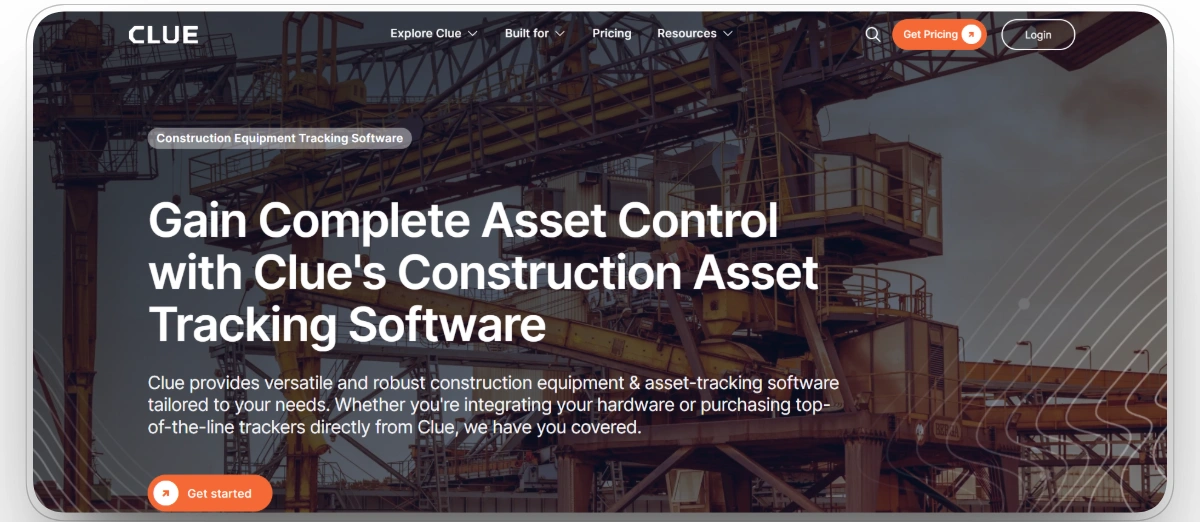
Best for: Mid-size to enterprise construction teams in heavy civil, earthwork, paving, and infrastructure operations.
Clue is purpose-built for construction equipment teams. It gives managers a real-time view of every asset in the fleet, whether the machine is working on a jobsite, sitting idle, or in transit between projects. That status visibility helps teams act faster on underused assets, avoid unnecessary rentals, and make better dispatch decisions across multiple sites.
Clue consolidates GPS tracking, preventive maintenance, work orders, inspections, fuel management, utilization reporting, and geofencing in one connected system, with alerts tied to actual engine hours rather than calendar dates. Every role — from equipment managers and mechanics to dispatchers, project managers, and executives — accesses the same data through iOS and Android apps, keeping the shop, office, and jobsite connected.
Key Strengths
- Unified asset tracking across on-road, off-road, tools, and crew in one platform
- Automated work orders and maintenance logs linked to actual asset usage and engine hours
- Customizable digital inspections with photo capture and compliance tracking
- Real-time utilization monitoring with working, idle, and transit status for every asset
- AI-powered productivity insights with alerts for abnormal equipment usage patterns
- Live GPS location with jobsite movement and geofencing boundary alerts
- Fuel management tools to track consumption, identify waste, and reduce idle-related fuel costs
- Reports and analytics on asset performance, maintenance history, utilization rates, and operating costs
- iOS and Android mobile apps for field access to inspections, work orders, and real-time asset data
- 80+ integrations with OEM telematics, ERP, CMMS, and GPS systems
Mobile App
Yes — iOS and Android.
Pros
- Real-time working, idle, and transit status gives complete asset visibility without switching between systems
- Usage-based maintenance scheduling keeps alerts tied to actual engine hours, not calendar dates
- AI-powered insights surface equipment inefficiencies automatically so managers can respond faster
- Work order automation links maintenance tasks to real asset performance data
- Field teams can log inspections, submit reports, and manage work orders directly from a mobile device
- Customizable reporting across fuel usage, utilization, maintenance history, and operating costs
Cons
- Some users report a learning curve during initial setup due to the breadth of features
- Pricing is not publicly listed and requires a demo call, which makes upfront cost comparison harder
Capterra: 4.6/5
"my experience with Clue has been positive. The efficiency and customization it offers have been game-changers for our equipment management. While there were some challenges during the initial setup and adaptation phase, the long-term benefits have certainly outweighed these drawbacks."Howard H
2. Motive: Best for Mixed Fleet Tracking and Asset Visibility
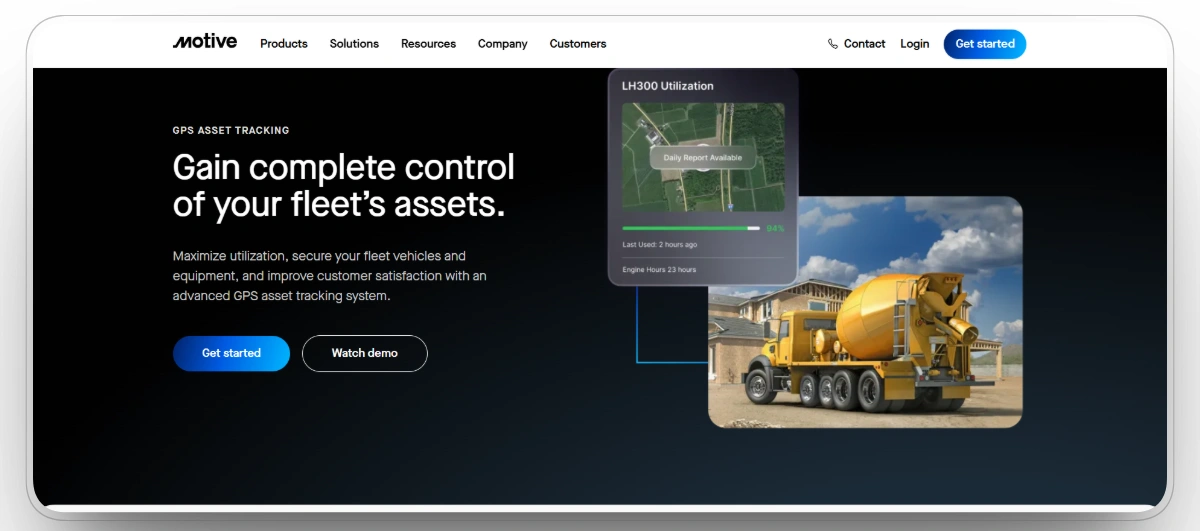
Best for: Construction teams managing mixed fleets of heavy equipment and on-road vehicles needing real-time GPS, asset visibility, and compliance.
Motive is an AI-powered fleet and asset tracking platform that gives construction managers real-time GPS visibility across distributed jobsites, tracking location, utilization, engine hours, fuel consumption, and equipment health from one dashboard. Its Asset Gateway hardware installs quickly on both powered and non-powered equipment, making it easy to track excavators, trailers, and small tools alongside on-road vehicles without needing separate systems.
Key Strengths
- Real-time GPS tracking across heavy equipment, vehicles, and non-powered assets
- Engine-hour and usage-based maintenance alerts with fault-code notifications
- Geofencing with after-hours movement and unauthorized use alerts
- Fuel consumption and idle-time monitoring per machine
- AI-powered dash cams and driver behavior monitoring
- ELD and HOS compliance tools for mixed fleets
Mobile App
Yes. Motive offers iOS and Android apps for field and office teams.
Pros
- Tracks heavy equipment and on-road vehicles in one unified platform
- Wireless asset trackers install quickly on powered and non-powered equipment
- Strong compliance tools for teams managing mixed fleets with ELD requirements
- AI-powered insights surface safety and utilization issues automatically
Cons
- Less specialized for construction-specific workflows like shop and repair management
- Pricing is not publicly listed and requires direct contact
- Some users report a learning curve with advanced reporting features
Capterra: 4.5/5
"We are using motive for my than six years. Highly recommended.Live GPS is very useful feature.must for all."Jaspal B
Construction teams using Clue can connect Motive as a GPS integration through Clue's GPS provider integrations.
3. Geotab: Best for Fleet and Telematics Data
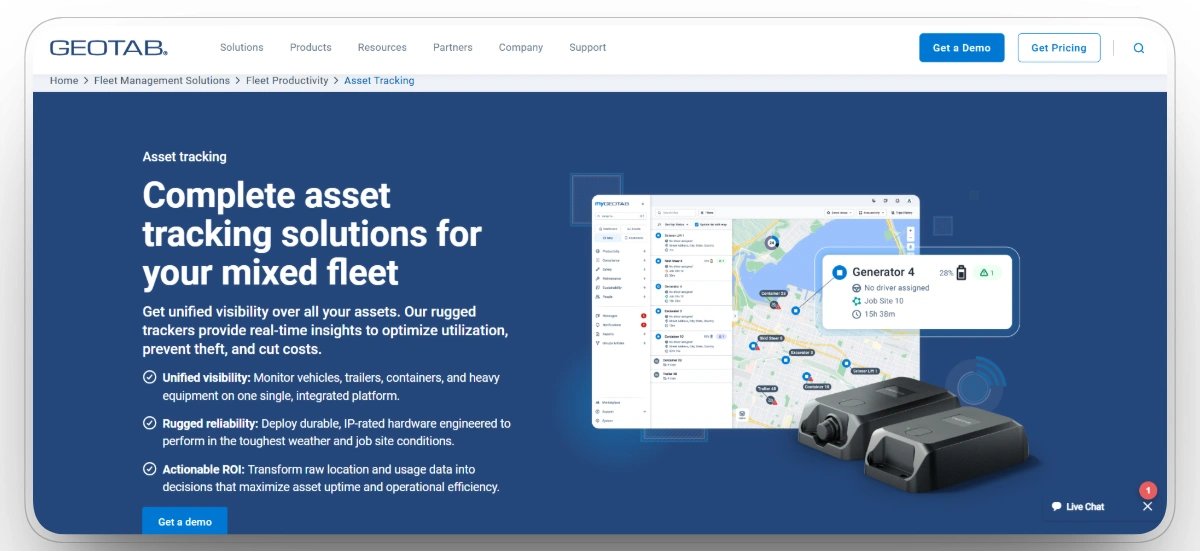
Best for: Large fleets needing deep telematics integrations, customizable dashboards, and scalable reporting across vehicles and equipment.
Geotab offers real-time vehicle and asset location, driver behavior monitoring, geofencing, automated maintenance scheduling, fuel consumption reporting, and engine diagnostic alerts. The platform includes customizable dashboards, route optimization, idle-time management, crash sensors, mobile applications, and extensive third-party integrations.
Geotab is highly extensible and scales well for large, diverse fleets. It works best for teams that need deep telematics data, detailed driver behavior analysis, and the ability to connect fleet tracking with a broad ecosystem of third-party tools and systems.
Key Strengths
- Real-time vehicle and asset tracking with geofencing and boundary alerts
- Automated maintenance schedules with engine diagnostic notifications
- Fuel usage and idle-time reporting
- Customizable dashboards and scalable reporting
- Extensive third-party integration ecosystem
- Scalable architecture suitable for large and enterprise fleets
Mobile App
Yes. Geotab has a mobile app supporting field and office access.
Pros
- Highly customizable dashboards for fleet management and data reporting
- Scalable for large fleets with thousands of assets
- Strong third-party integration ecosystem for enhanced fleet functionality
- Strong engine diagnostic alerts and automated maintenance scheduling
Cons
- Interface can feel less intuitive compared to construction-first platforms
- Pricing is not publicly available and requires direct contact
- Support is primarily through resellers, which can affect consistency
Capterra: 4.4/5
"Overall the product is really good. We use it for GPS and Dash cams. There are still more features included which we have not used yet."Brent W
Geotab also integrates with Clue — see Clue's GPS provider integrations for a full list of supported providers.
4. Samsara: Best for Mixed Fleets
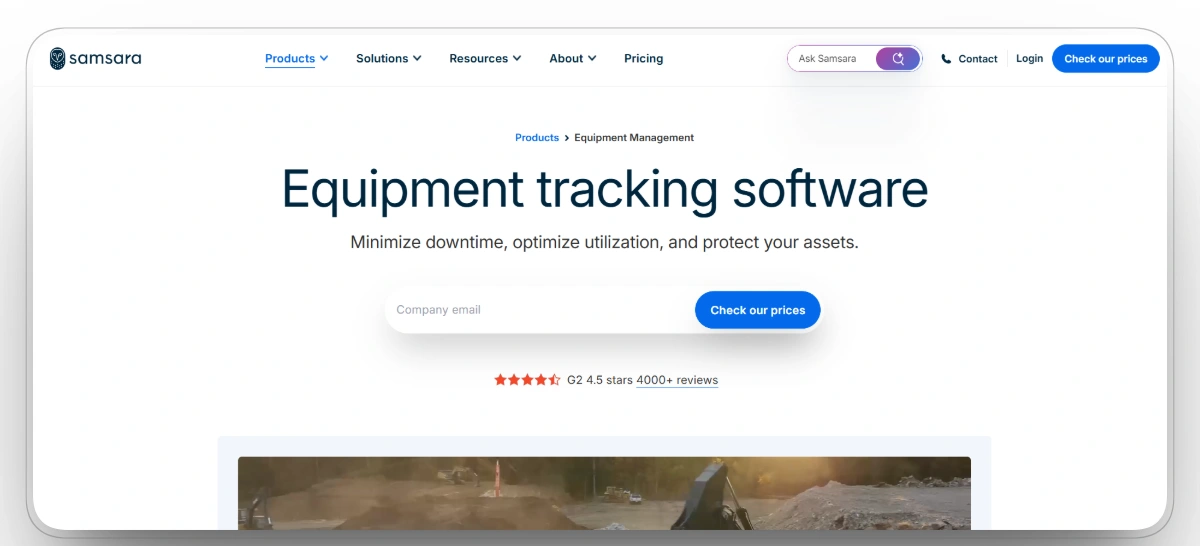
Best for: Fleets tracking both vehicles and heavy equipment with a priority on safety, compliance, and second-by-second real-time visibility.
Samsara provides second-by-second GPS tracking across both heavy equipment and mixed fleets, monitoring fuel consumption, idle time, engine hours, and equipment utilization in real time. The platform surfaces machine-level data through customizable dashboards and delivers maintenance alerts via fault-code notifications through dashboards, email, text, or push notifications. For contractors running a mix of construction equipment and on-road vehicles on the same jobsite, Samsara connects both asset types in one platform.
Construction teams using Clue can connect Samsara as a GPS integration. Teams comparing options can review a full breakdown at Clue vs Samsara.
Key Strengths
- Second-by-second live GPS tracking across heavy equipment and mixed fleets
- Real-time fuel consumption and idle-time monitoring per machine
- Fault-code alerts and maintenance notifications via dashboard, email, or text
- Equipment utilization reporting across active jobsites
- Geofencing and after-hours movement alerts
- Customizable dashboards with real-time equipment status
Mobile App
Yes. Samsara offers iOS and Android apps for field and office teams.
Pros
- Combines GPS tracking, equipment utilization, and maintenance alerts in one platform
- Real-time fuel and idle-time data helps reduce operating costs across the fleet
- Works across both heavy construction equipment and on-road vehicles in one system
Cons
- Pricing is not publicly disclosed and requires direct contact
- Upfront hardware costs can be significant for large fleets
- Support is primarily through online portals for some users
Capterra: 4.5/5
"The platform is easy to use, reliable, and provides valuable information for managing fleet operations. It helps us track assets, monitor vehicle health, and quickly find the information we need, making daily tasks more efficient"EDGAR H
5. HCSS Equipment360: Best for Heavy Civil Contractors
Best for: Heavy civil, highway, and infrastructure contractors that need equipment tracking connected to repair workflows, shop management, and cost data.
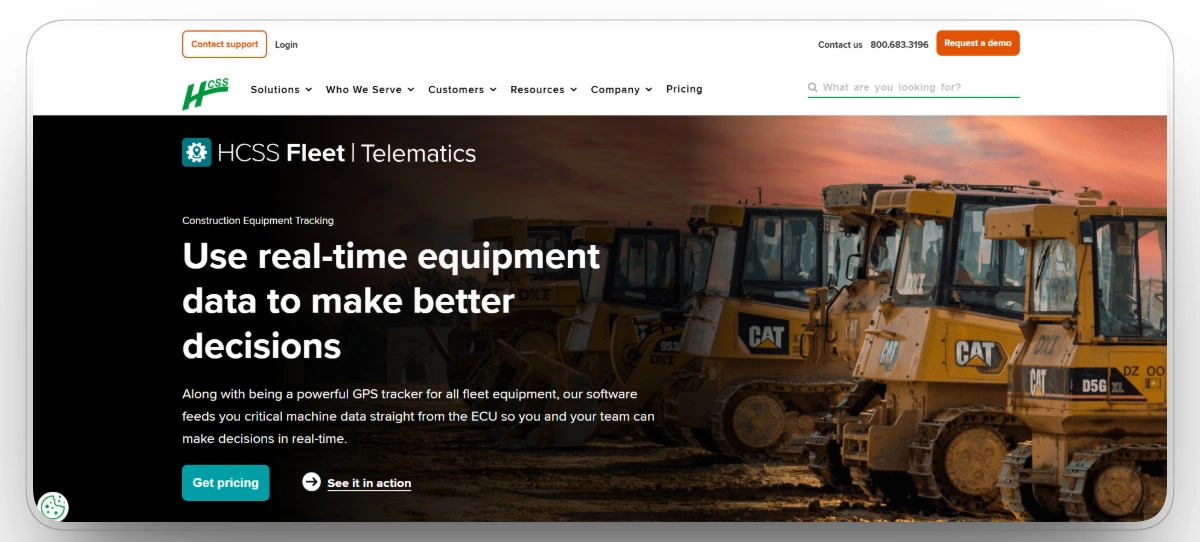
HCSS Equipment360 connects equipment tracking directly to repair workflows, mechanic productivity, and cost data. The platform tracks GPS location, maintenance history, repair orders, parts inventory, fuel usage, and equipment costs in one system. It is designed for heavy civil contractors already working within the HCSS software ecosystem, including HeavyJob and HeavyBid.
Equipment360 helps shop managers and mechanics stay current on maintenance, track repair costs per machine, and keep equipment available for the field. Teams comparing options can see a full breakdown at Clue vs HCSS Equipment360.
Key Strengths
- GPS tracking tied directly to repair workflows and equipment cost data
- Maintenance management with parts inventory and repair order tracking
- Mechanic productivity tracking and work order management
- Fuel usage and equipment cost reporting per machine
- HCSS ecosystem integration with HeavyJob and HeavyBid
Mobile App
Yes. HCSS Equipment360 has a mobile app for field and shop access.
Pros
- Purpose-built for heavy civil with strong repair, cost, and mechanic productivity tracking
- Tight integration with the broader HCSS software ecosystem
- Useful for shop managers and mechanics handling complex repair workflows
- Equipment cost data provides a clearer view of true operating costs per machine
Cons
- Works best for teams already within the HCSS software ecosystem
- Can require more ramp time for teams without prior HCSS experience
- Some users report a steeper learning curve for advanced reporting features
Capterra: 4.1/5
"We are implementing E360 right now at Shirley Contracting and completely excited to get this program under our feet."Kolyn B
6. Asset Panda: Best for Customizable Workflows
Best for: Enterprise teams and contractors that need highly configurable asset tracking, auditing, and maintenance workflows tailored to how their operations run.
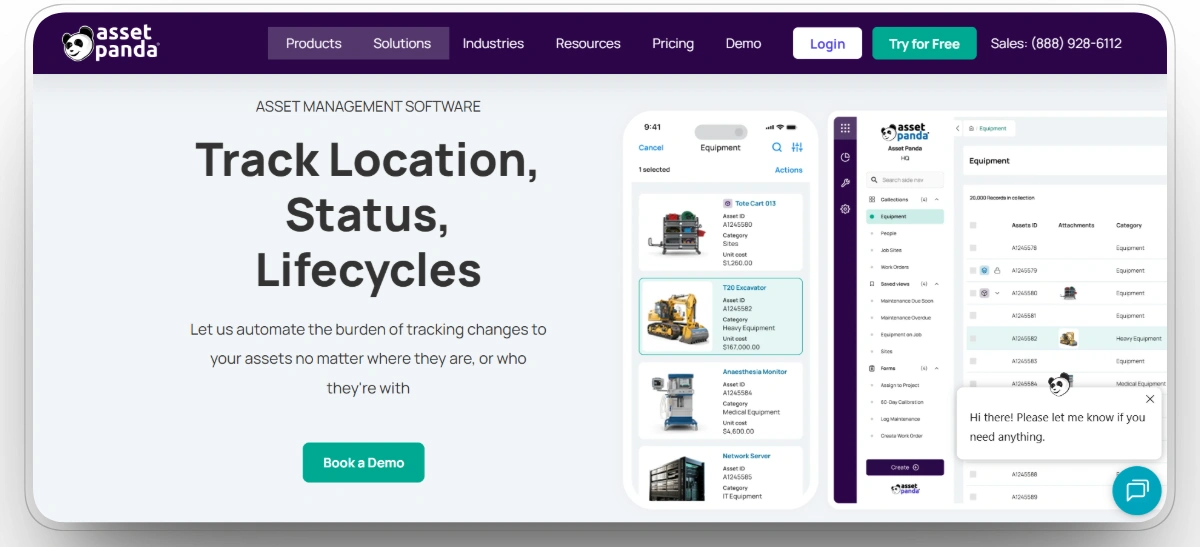
Asset Panda is a flexible asset tracking platform that allows teams to build custom workflows, forms, and processes for tracking equipment, tools, and inventory. It supports GPS and Bluetooth tracking, customizable inspection forms, maintenance scheduling, audit trails, and integrations with enterprise systems. Asset Panda works across a wide range of asset types, making it a strong option when standard tracking workflows do not match how a team operates.
Key Strengths
- Highly customizable tracking workflows and inspection forms
- GPS and Bluetooth asset tracking for powered and non-powered assets
- Maintenance scheduling and service alerts
- Audit trails and compliance reporting for asset accountability
- Enterprise-level system integrations
Mobile App
Yes. Asset Panda offers iOS and Android apps for field tracking and auditing.
Pros
- Highly flexible workflows let teams track assets exactly how they operate
- Supports both GPS and Bluetooth for a range of asset types and sizes
- Strong audit trails and compliance reporting for internal accountability
- Works across diverse asset types beyond just construction equipment
Cons
- Less specialized for heavy civil or construction-specific workflows compared to purpose-built tools
- Customization can require setup time and internal configuration work
- Fuel management is not a primary feature
Capterra: 4.6/5
"Overall, it’s been a fantastic experience for myself and my team. Once you get past the initial learning stage, it’s great!"Aifton C
7. Fleetio: Best for Maintenance-First Equipment Management
Best for: Small to mid-size construction teams that need clean preventive maintenance workflows, digital inspections, parts tracking, and fuel management with flexible GPS integration.
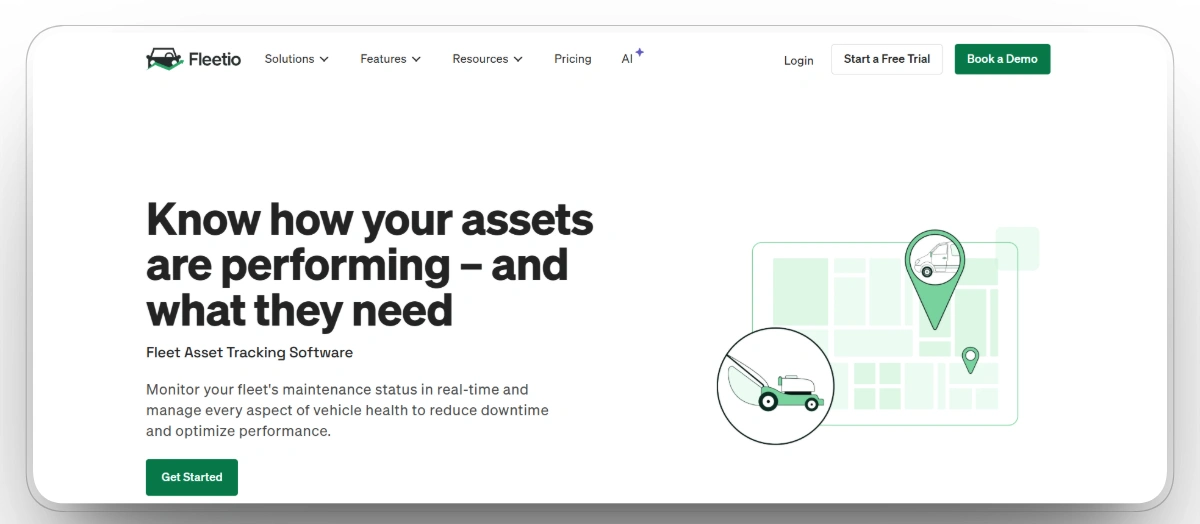
Fleetio is a fleet and equipment management platform built around maintenance as its core strength. It helps construction teams manage work orders, preventive maintenance schedules, inspection records, parts inventory, and fuel tracking in one organized system. Instead of proprietary GPS hardware, Fleetio integrates with more than 50 telematics providers including Samsara, Geotab, and Motive, letting teams connect their existing GPS setup to Fleetio's maintenance workflows. For teams comparing options, see Clue vs Fleetio.
Key Strengths
- Preventive maintenance scheduling tied to engine hours, mileage, and time intervals
- Digital work orders with service history per asset
- Mobile inspections with photo capture and defect reporting
- Parts inventory and vendor tracking
- Fuel tracking and cost reporting per machine
- Integrates with 50+ GPS and telematics providers
Mobile App
Yes. Fleetio offers iOS and Android apps for field inspections, work orders, and equipment reporting.
Pros
- Strong preventive maintenance workflows with engine-hour and mileage-based scheduling
- Digital inspections and work orders reduce paperwork for shop and field teams
- Flexible GPS integration works with most major telematics providers
Cons
- No native GPS hardware; requires a separate telematics provider for real-time location
- Less specialized for heavy civil workflows compared to construction-first platforms
Capterra: 4.7/5
"Overall, my experience using Fleetio has been good. It helps keep maintenance, work orders, and unit information organized in one place, which makes day-to-day operations easier to manage. There are a few things that could be simpler or faster, but overall it has been a helpful system for tracking and staying organized."EDGAR H
8. EquipmentShare T3: Best for Connected Construction Operations
Best for: Construction contractors that need one platform connecting real-time equipment tracking, maintenance, utilization, and jobsite safety across all makes and models.
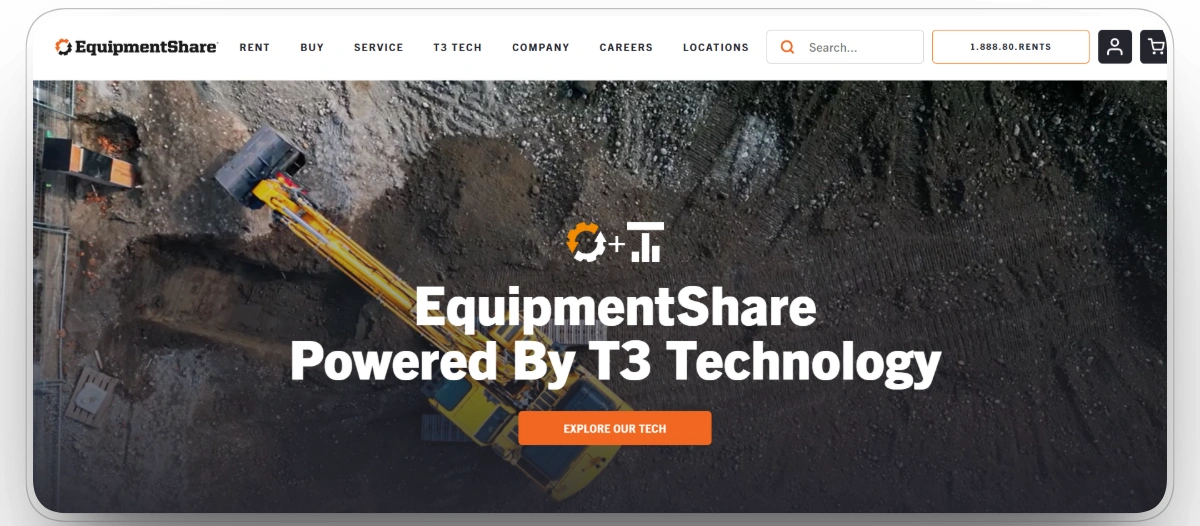
EquipmentShare T3 is a cloud-based fleet management platform built specifically for construction. It connects to all equipment types and manufacturers, giving equipment managers real-time GPS location, machine use history, diagnostic codes, utilization data, and maintenance alerts from one dashboard.
T3 covers the full equipment management workflow from tracking machine location and usage to scheduling maintenance, creating work orders, and monitoring jobsite entry and exit through geofencing.
Key Strengths
- Real-time GPS tracking across all equipment types, makes, and models
- Service alerts, diagnostic codes, and work order management
- Utilization monitoring with machine use history and idle-time data
- Geofencing with jobsite entry, exit, and after-hours movement alerts
- Safety accountability and compliance reporting for DOT and OSHA requirements
- Mobile and desktop access for field and office teams
Mobile App
Yes. T3 is available on mobile and desktop for field and office access.
Pros
- Purpose-built for construction, not a vehicle fleet platform adapted to equipment
- Works across all makes and models without needing separate systems
- Combines GPS tracking, maintenance, utilization, and safety in one platform
Cons
- Pricing is not publicly listed and is sometimes bundled with EquipmentShare rental services
- Some advanced features may require additional setup time for complex operations
9. Trackunit: Best for Mixed-OEM Construction Fleets
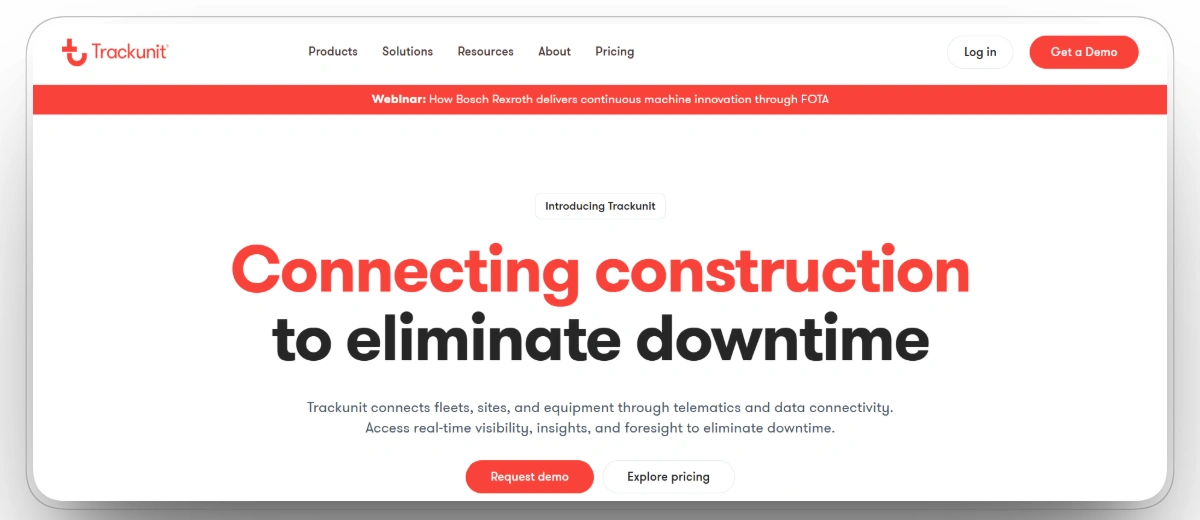
Best for: Contractors managing equipment from multiple manufacturers who need one platform that standardizes telematics data across every machine brand on the fleet.
Trackunit is a construction-specific telematics platform that pulls data from all major equipment brands including Cat, Komatsu, and John Deere into one connected dashboard. It reads CAN bus data directly from machine ECUs, giving equipment managers visibility into engine fault codes, machine health, fuel consumption, and utilization beyond basic GPS location.
The platform covers real-time tracking, predictive maintenance alerts, geofencing, and jobsite visibility across mixed-OEM fleets. Its Iris marketplace also allows teams to connect third-party apps based on specific operational needs.
Key Strengths
- Real-time GPS tracking across all makes and models
- CAN bus data for engine fault codes, machine health, and fuel consumption
- Predictive maintenance alerts based on actual machine performance
- Geofencing and jobsite boundary monitoring
- Utilization and availability reporting per machine
- AEMP 2.0 integration with major OEM telematics systems
- Trackunit Iris marketplace for third-party app connections
Mobile App
Yes. Trackunit has a mobile app for field access to equipment location, machine health, and utilization data.
Pros
- Purpose-built for construction, not a fleet platform adapted to equipment
- Works across all major OEM brands without needing separate systems
- CAN bus data gives deeper machine health visibility than basic GPS
Cons
- Volume of telematics alerts can overwhelm operators on large fleets
- Premium pricing is harder to justify for small and mid-size contractors
Capterra: 4.3/5
"Trackunit has been a greate help in our rental buisness for tracking and managing our fleet"Orvar T
10. Verizon Connect: Best for Large-Scale Equipment Tracking and Compliance
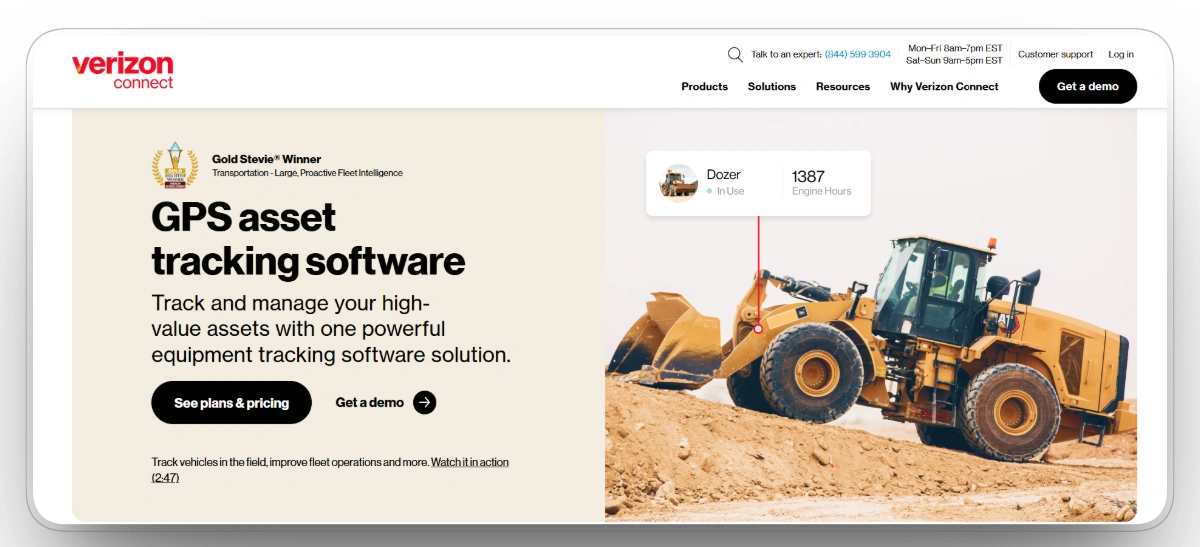
Best for: Large construction contractors and enterprise fleets needing GPS tracking, utilization reporting, fuel monitoring, and compliance tools across heavy equipment and mixed assets.
Verizon Connect offers a dedicated heavy equipment tracking solution covering GPS location, engine hour monitoring, fuel consumption, idle-time reporting, and maintenance scheduling for construction equipment including loaders, cranes, dozers, and backhoes. It integrates with Cat, Komatsu, and John Deere through AEMP, letting teams pull all equipment data into one dashboard.
Key Strengths
- Real-time GPS tracking for heavy equipment across all asset types
- Engine-hour based maintenance scheduling and service reminders
- Fuel consumption, PTO usage, and idle-time reporting
- Geofencing with unauthorized use and after-hours alerts
- AEMP integration with Cat, Komatsu, and John Deere OEM telematics
- Non-powered asset tracking with long-life battery trackers
Mobile App
Yes. Verizon Connect offers iOS and Android apps for field and office access.
Pros
- Engine-hour based maintenance alerts tied to actual equipment usage
- AEMP integration pulls Cat, Komatsu, and John Deere OEM data into one dashboard
- Tracks both powered and non-powered assets in one system
Cons
- Pricing is not publicly listed and requires direct contact
- Can feel complex for smaller teams with simpler tracking needs
Capterra: 3.2/5
"I used Verizon connect in the past and had a positive experience with it was helpful for traking vehicles."EDGAR H
Choosing the Right Construction Equipment Tracking Software
The best construction equipment tracking software depends on the type of equipment you manage, the size of your fleet, the complexity of your jobsite operations, and what your team needs most visibility into.
Best Equipment Tracking Software by Contractor Type
| Contractor Type | What They Need Most | Best-Fit Software |
|---|---|---|
| Heavy civil contractors | Real-time equipment location, maintenance management, cost tracking, and compliance across multiple jobsites | Clue, Motive, HCSS Equipment360 |
| Road and bridge contractors | Equipment availability, fuel tracking, preventive maintenance, and multi-site visibility | Clue, Motive, Geotab |
| Earthwork and demolition contractors | Idle time reduction, equipment utilization, GPS tracking, and maintenance alerts for heavy equipment | Clue, Motive, Samsara |
| Paving and infrastructure contractors | Asset tracking, dispatch coordination, fuel monitoring, and jobsite geofencing | Clue, Geotab, HCSS Equipment360 |
| Utility contractors | Equipment availability, maintenance readiness, GPS visibility, and jobsite coordination | Clue, Motive, Verizon Connect |
| Enterprise contractors | Multi-site visibility, customizable reporting, integrations, and scalable asset tracking | Clue, Geotab, Trackunit, Asset Panda |
| Small and mid-size contractors | Affordable, easy-to-deploy tracking with GPS, maintenance alerts, and mobile access | Clue, Fleetio |
| Tool-heavy contractors | Jobsite tool accountability, loss prevention, and small tool tracking | Asset Panda, EquipmentShare T3 |
Best Equipment Tracking Software by Team Role
| Team Role | What They Need from Equipment Tracking Software | Best-Fit Software |
|---|---|---|
| Equipment managers | Full fleet visibility, utilization rates, maintenance scheduling, dispatch planning, and rental management | Clue, Trackunit |
| Shop managers | Work orders, maintenance history, repair tracking, parts inventory, and equipment availability | Clue, HCSS Equipment360 |
| Mechanics | Preventive maintenance alerts, inspection records, fault codes, and repair history | Clue, HCSS Equipment360 |
| Dispatchers | Real-time asset location, equipment status, jobsite assignments, and availability scheduling | Clue |
| Project managers | Equipment availability, asset deployment visibility, utilization reporting, and jobsite GPS data | Clue, Motive, Fleetio |
| Superintendents | Field equipment location, GPS tracking, tool accountability, and jobsite asset visibility | Clue, Motive, EquipmentShare T3 |
| Foremen | Equipment and crew location, tool tracking, and jobsite resource visibility | Fleetio, EquipmentShare T3 |
| VP operations | Utilization insights, fleet productivity, cost reporting, and multi-project equipment visibility | Clue, Geotab, Verizon Connect |
| CFOs | Equipment costs, fuel spend, rental reduction, utilization ROI, and total cost of ownership | Clue, HCSS Equipment360, Verizon Connect |
| IT teams | Integrations, security, permissions, and system reliability at scale | Clue, Geotab, Asset Panda |
For most construction equipment teams, the biggest risk is not choosing the wrong tracking platform. It is continuing to manage assets without real-time visibility. Equipment sitting idle on a jobsite, missing scheduled maintenance, or being used after hours without authorization all cost money that the right construction equipment tracking platform can help prevent.
Conclusion
Construction equipment teams lose time and money without real-time visibility into where machines are, how they are used, and what they cost to run. The right platform depends on the type of work, fleet composition, and what your team needs most.
Clue is purpose-built for construction equipment operations with unified tracking, maintenance, and cost visibility in one system. Motive and HCSS Equipment360 serve heavy civil and mixed-fleet contractors well. Geotab and Samsara cover mixed fleets with deep telematics. Asset Panda, Fleetio, EquipmentShare T3, Trackunit, and Verizon Connect each fill a defined role based on fleet size, equipment type, and budget.
The right platform is the one your team will actually use every day. If you want one connected system for tracking, maintenance, utilization, and cost control
FAQs
What is construction equipment tracking software?
It gives equipment managers real-time visibility into where assets are, how they are being used, when maintenance is due, and what they cost to operate.
What is the best construction equipment tracking software in 2026?
It depends on your fleet size and equipment type. Clue is the top choice for construction-specific teams, Motive and HCSS Equipment360 are strong for heavy civil and mixed fleets, and Geotab and Samsara cover broader fleet needs well.
How is construction equipment tracking different from fleet tracking?
Fleet tracking focuses on over-the-road vehicles and drivers. Construction equipment tracking covers a broader range of assets including excavators, loaders, compactors, and attachments, with a focus on utilization, maintenance, and jobsite deployment.
Can equipment tracking software track non-powered assets?
Yes. Modern platforms use GPS trackers, Bluetooth tags, QR codes, and RFID to track trailers, attachments, and small tools alongside powered equipment.
How often does equipment data update?
It depends on the platform. Some update every few minutes, while others sync continuously in real time as operations happen on the jobsite.
What features should equipment-heavy contractors look for?
Real-time GPS tracking, preventive maintenance scheduling, utilization reporting, geofencing, fuel monitoring, mobile access, and integrations with existing telematics and ERP systems.
How does equipment tracking software reduce downtime?
It helps teams catch maintenance needs early, identify idle machines, and flag unauthorized use before problems take equipment out of service.
How much does construction equipment tracking software cost?
Most construction equipment tracking platforms use custom pricing based on asset volume, hardware requirements, and contract length. Enterprise platforms including Clue, Trackunit, Samsara, HCSS Equipment360, and Verizon Connect all require direct contact for a quote. Fleetio and Asset Panda publish starting prices on their websites and tend to be more accessible entry points for smaller fleets. Most providers charge per asset per month, and teams typically offset that cost through theft prevention, reduced idle time, and fewer duplicate rentals.

Transform Your Equipment Management


