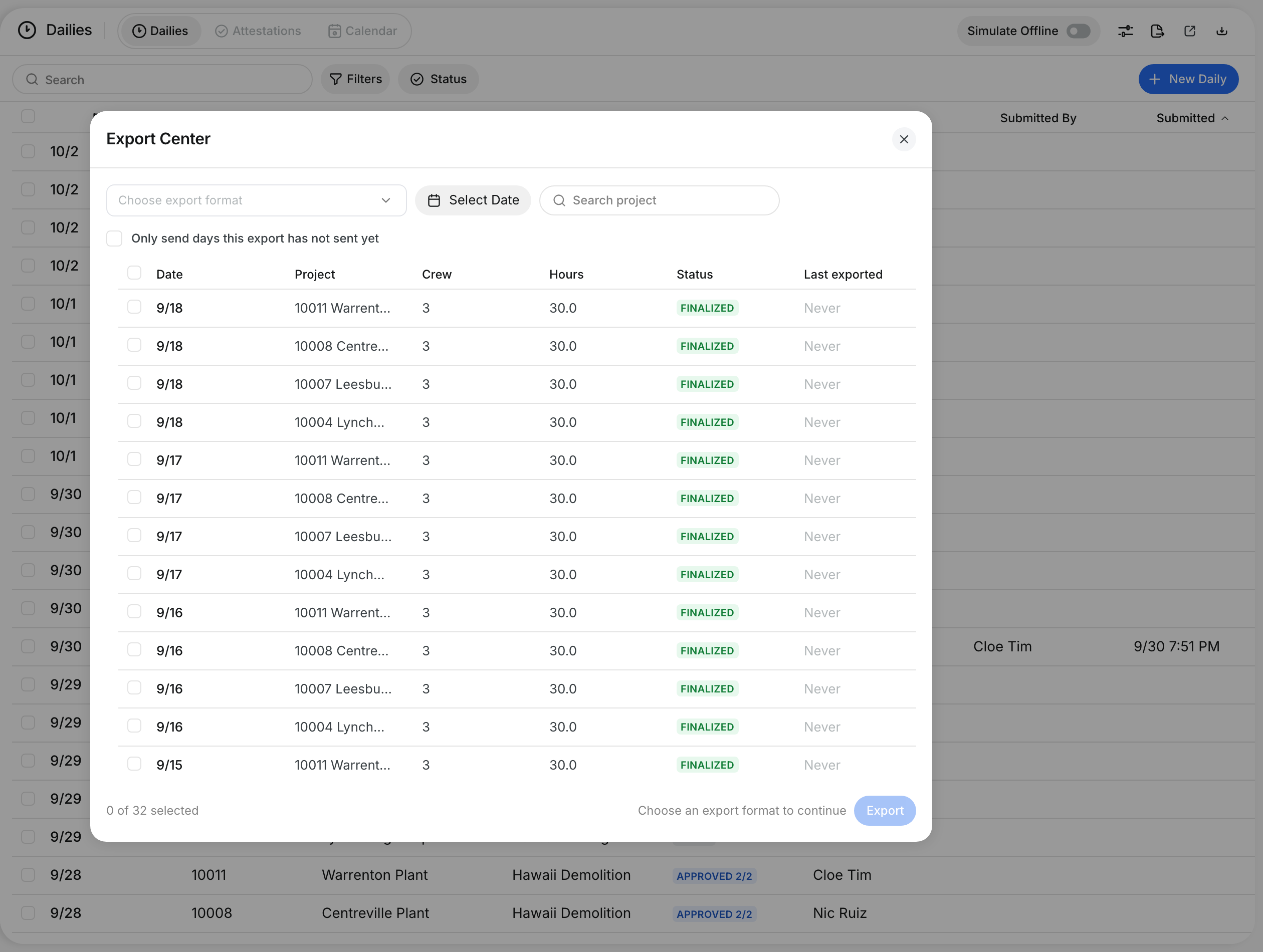
What is this?
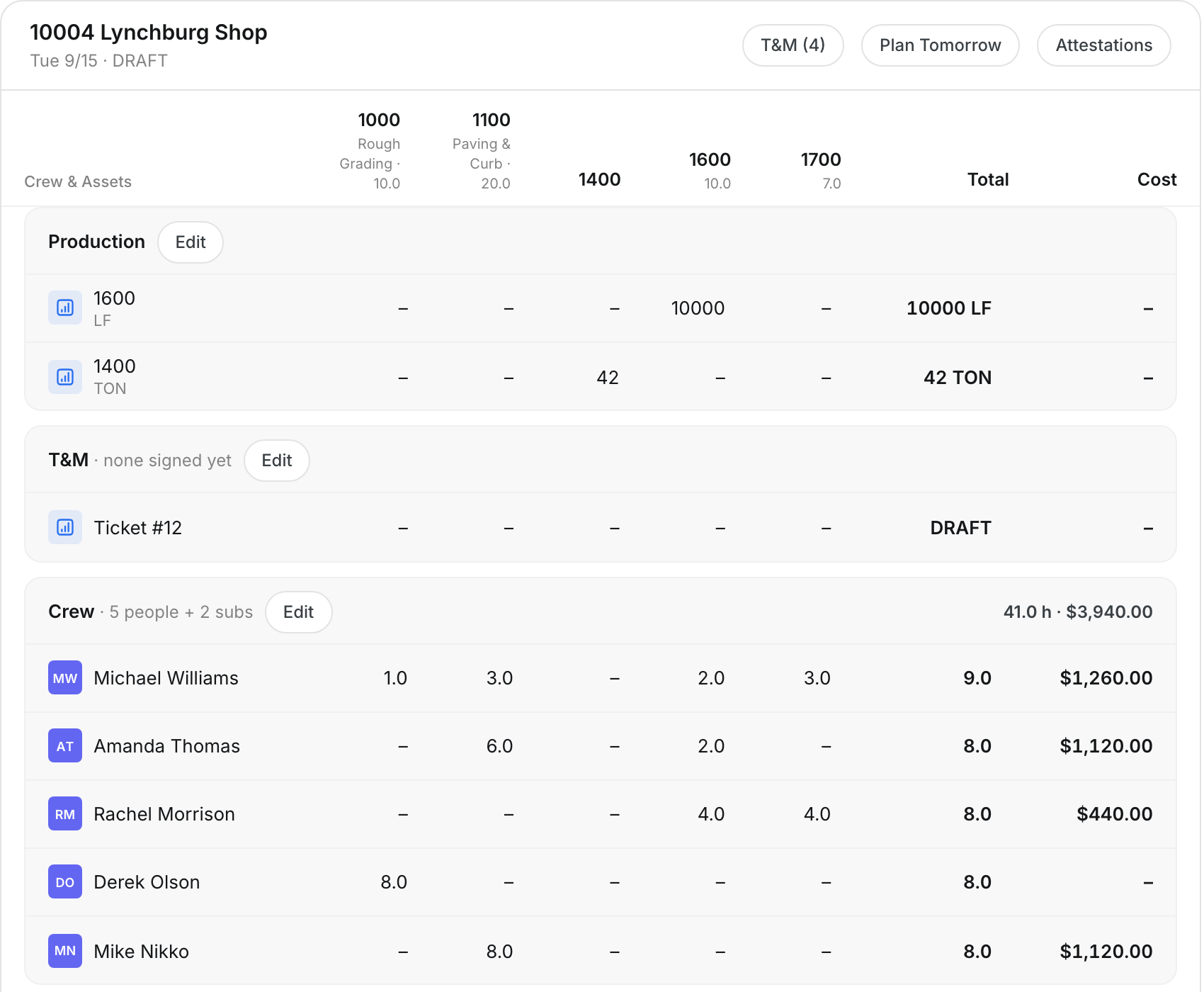
The daily report shows the whole day on one page. You see crew, assets, materials and production by phase code, with totals and cost. You add notes and photos, check the weather, and submit the daily for review.
Who's this for?
- Foreman, check the day and submit it.
- Superintendent, review the daily before you approve it.
- Project manager, see cost and production per phase code.
How to use it
Step 1: Open the report
After the production step, the Daily Report opens. The header shows the project, date and status, with T&M, Plan Tomorrow and Attestations.

Step 2: Check each section
Each section shows hours by phase code with a total and cost. Click Edit on a section to go back to that step.
Step 3: Add notes, photos and weather
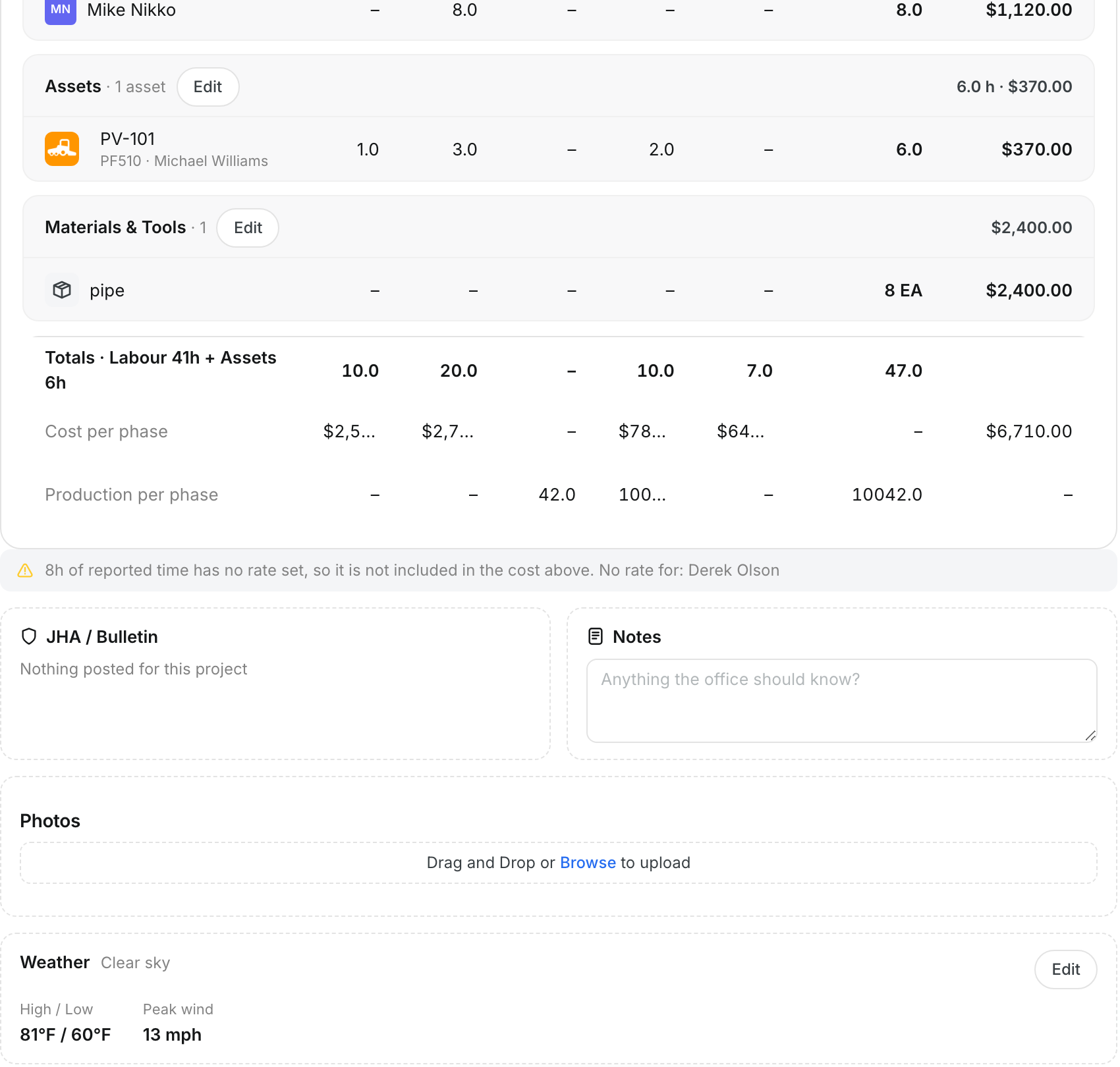
Scroll down. Check the totals and Cost per phase. Fill in Notes, add Photos, and check Weather and the Site map.
Step 4: Review T&M tickets
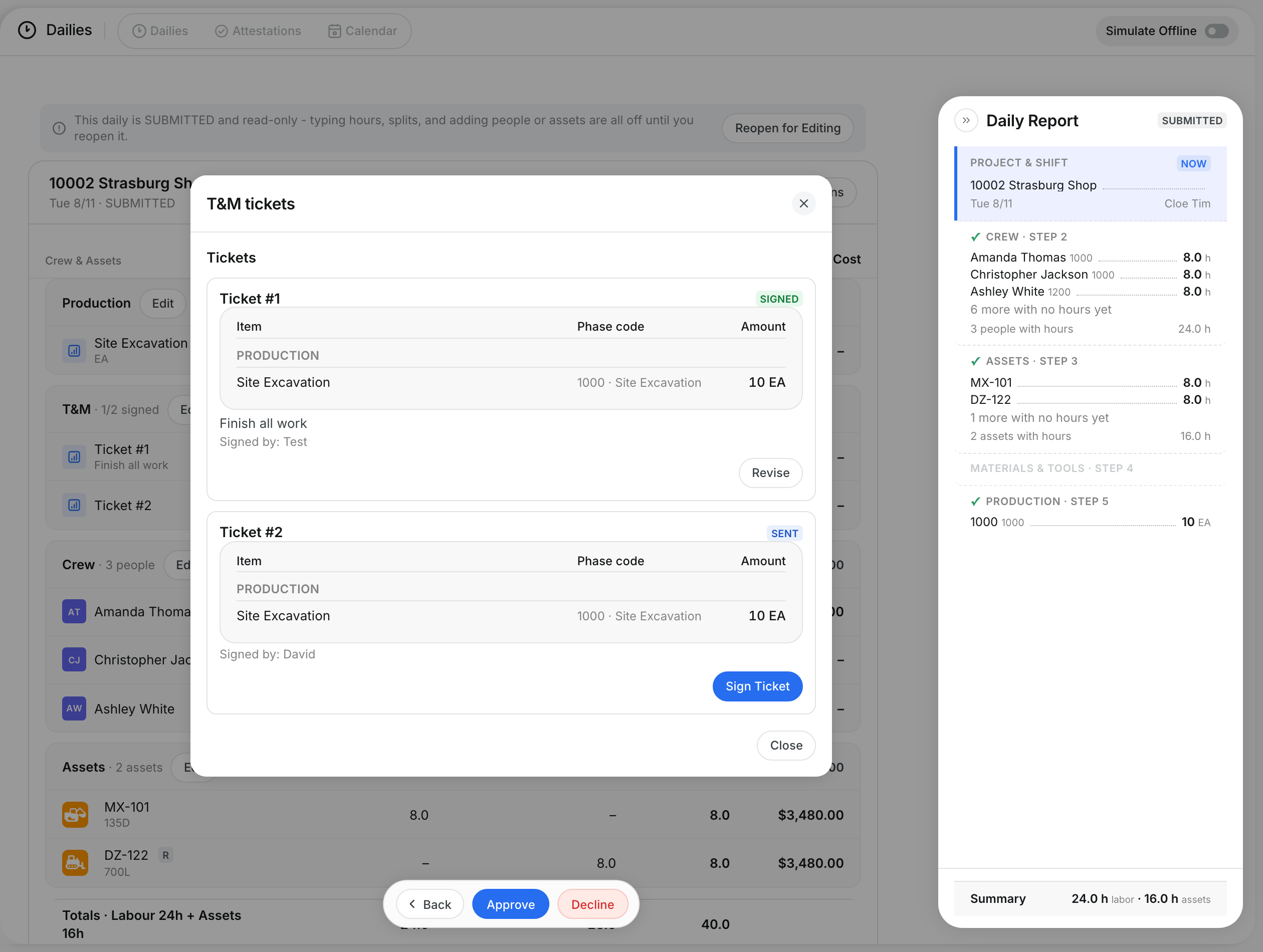
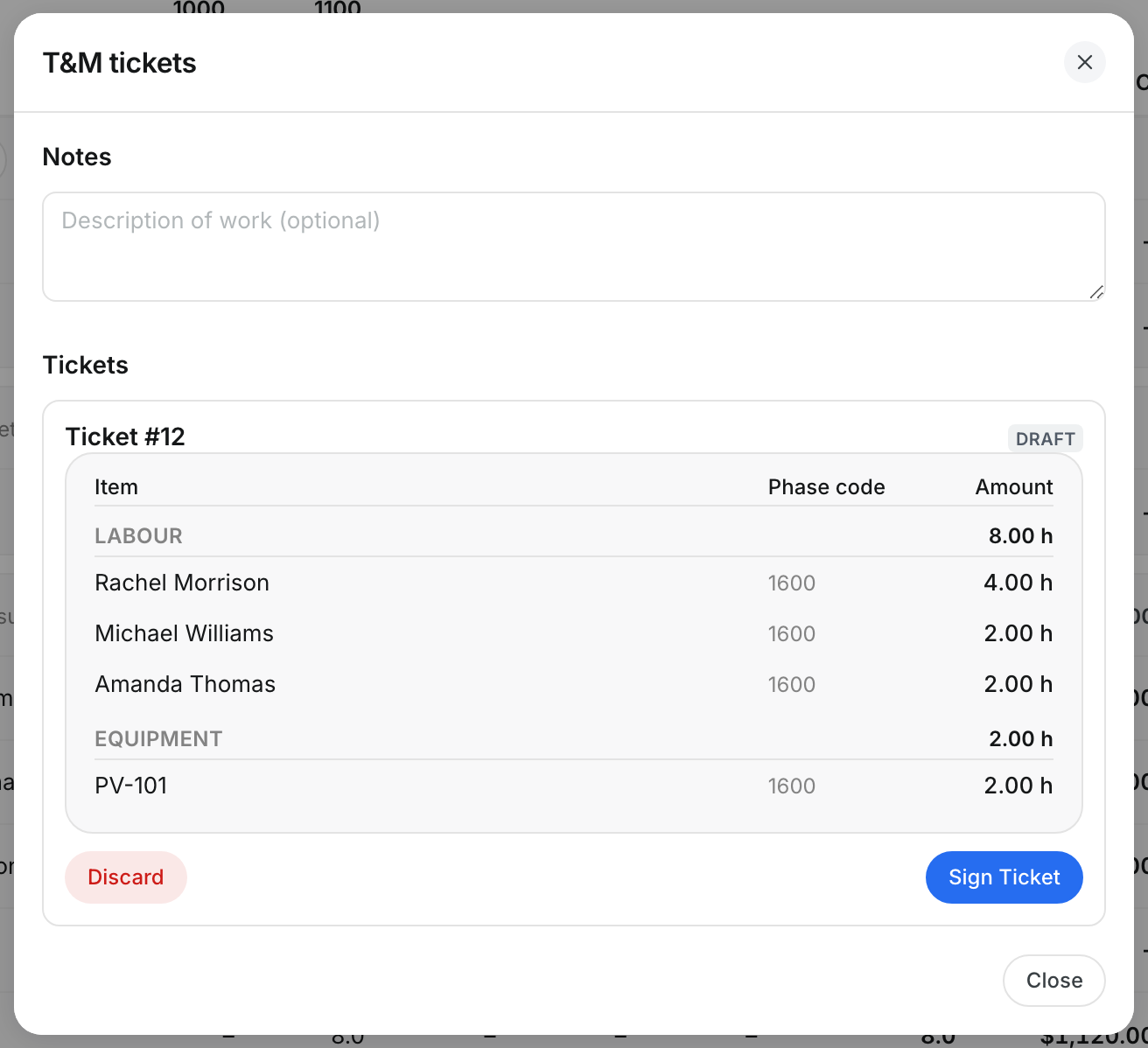
Click T&M to see the extra-work tickets for the day. The owner rep signs each ticket.
Step 5: Send attestations
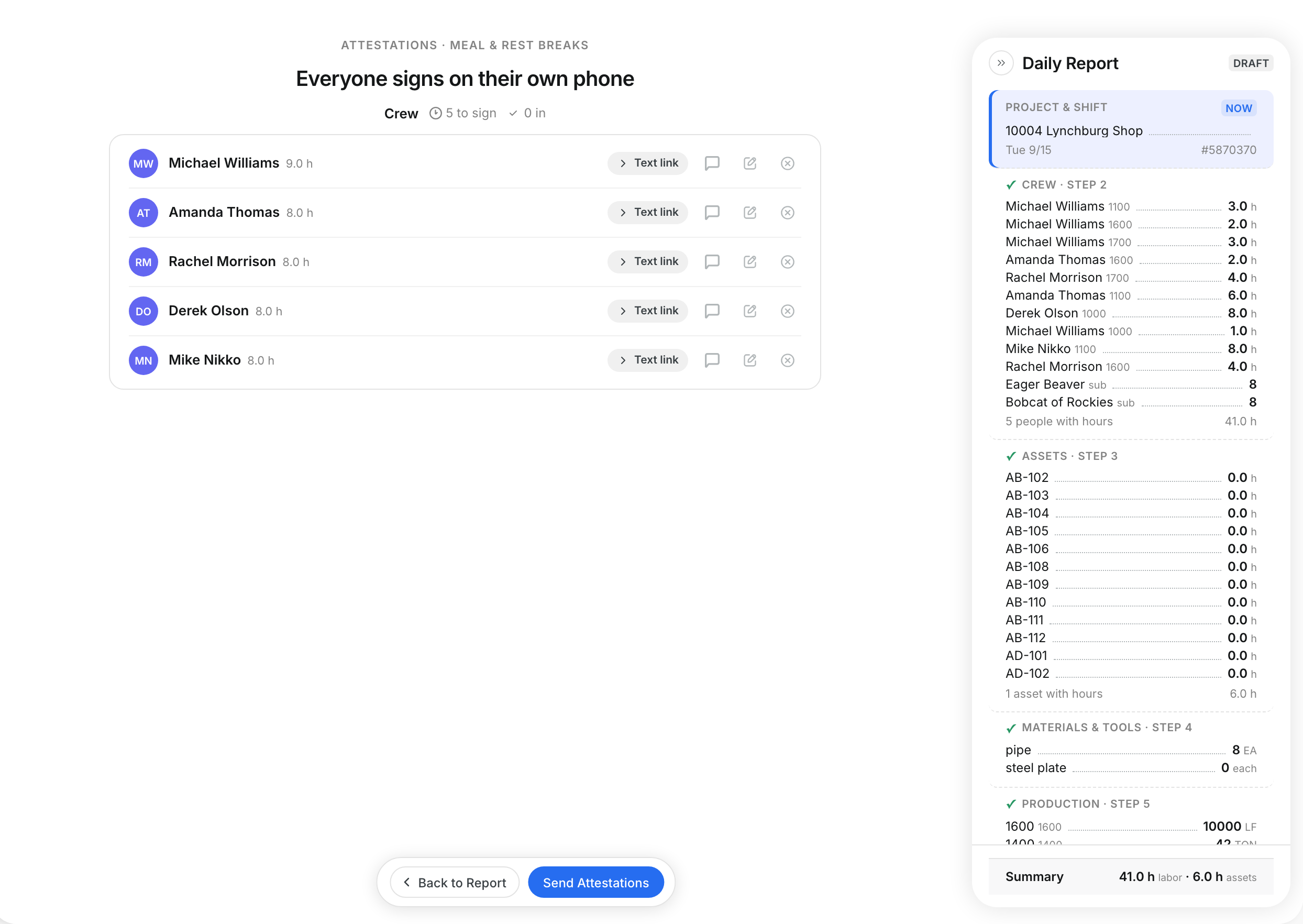
Click Attestations. Each worker confirms their hours and breaks on their own phone.
Step 6: Submit the daily
Click Submit Daily to send it for review. Click Save as Draft to finish later.

Step 7: Know when it is locked
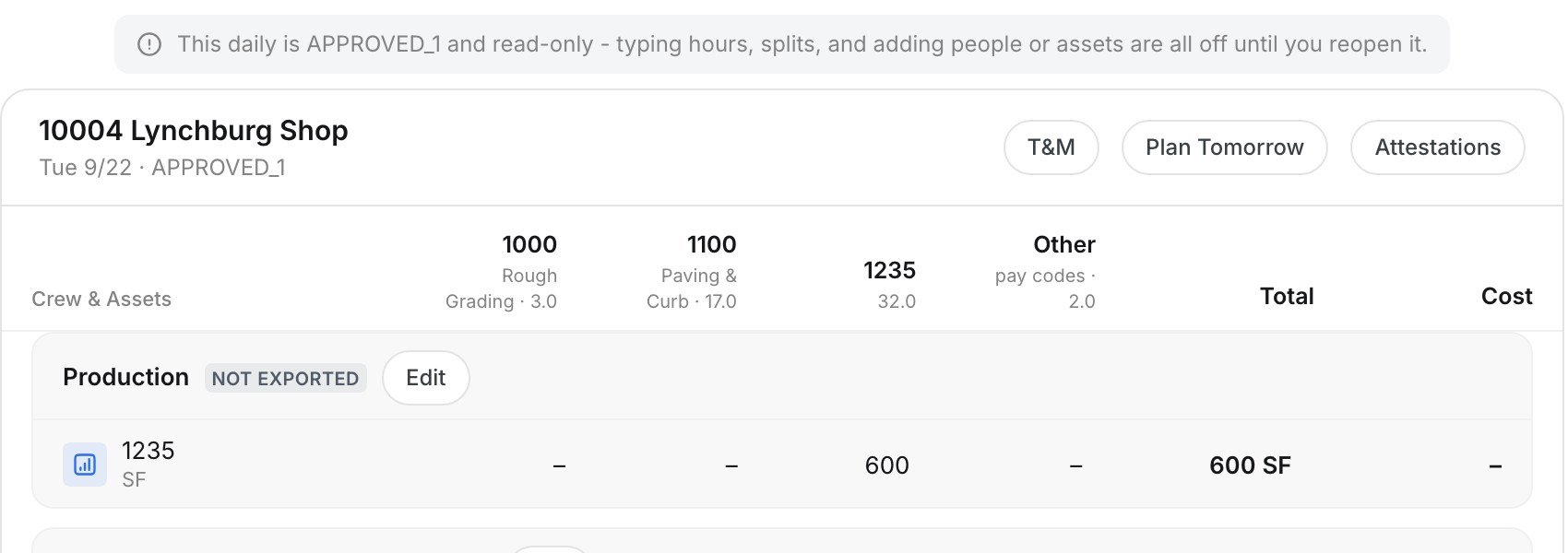
After approval, a banner says the daily is read-only. Reviewers see Finalize and Decline instead of Submit Daily.
The full details
- Totals: Labor and asset hours for each phase code.
- Cost per phase: The cost for each phase code. A warning lists anyone with no rate set.
- Production per phase: The quantity built for each code.
- JHA / Bulletin: Safety posts for the project.
- Notes: Anything the office should know.
- Photos: Drag and drop, or browse to upload.
- Weather: Filled from the site location. Click Edit to correct it.
- Site map: Where the day's assets reported.
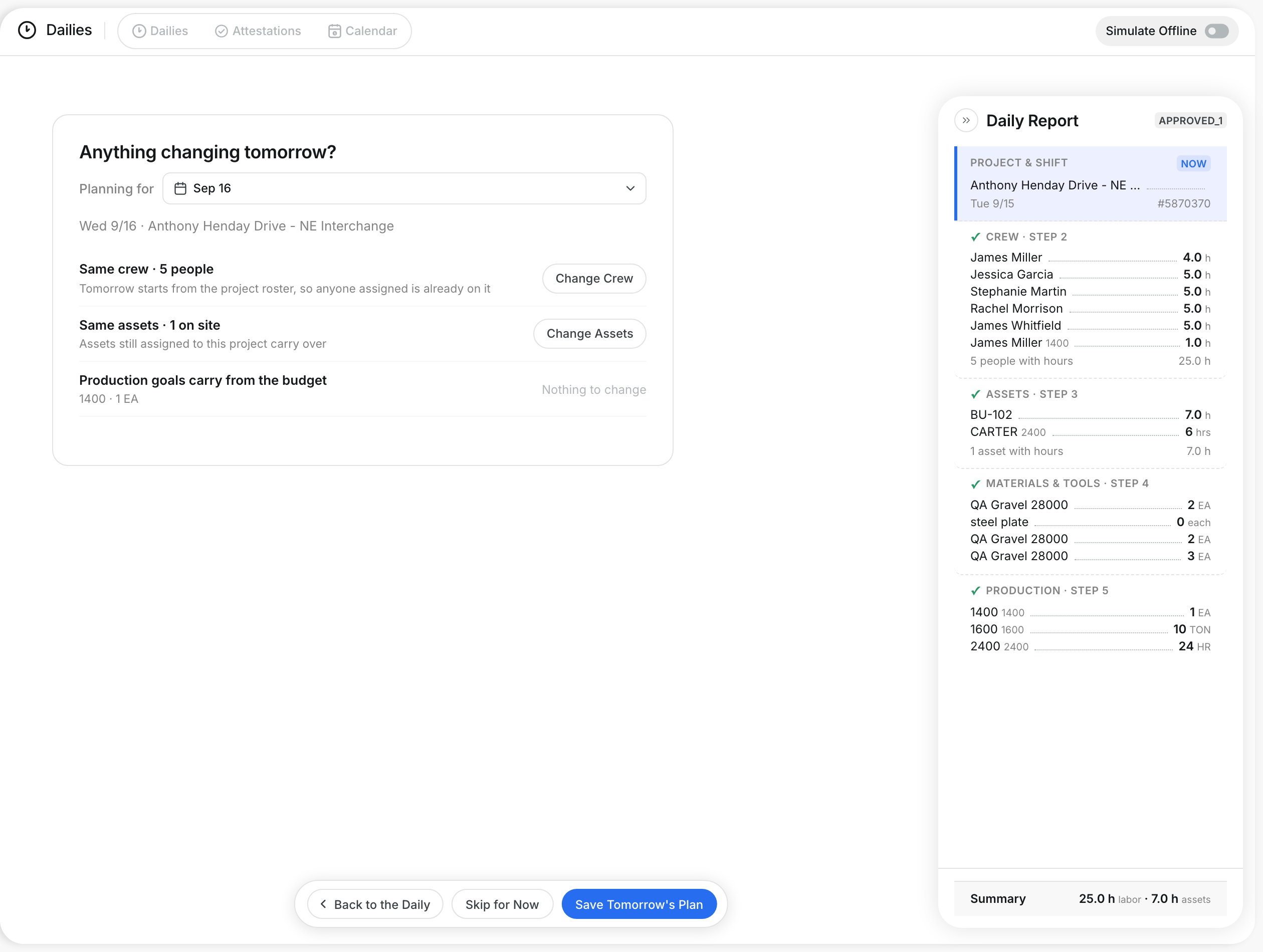
- Plan Tomorrow: Plans the next day's work.
- Status badge: Shows Draft, Submitted, Approved and more under the project name.
Tips
- Read the cost warning before you submit. People with no rate are not in the cost.
- To change an approved daily, a reviewer reopens it first.