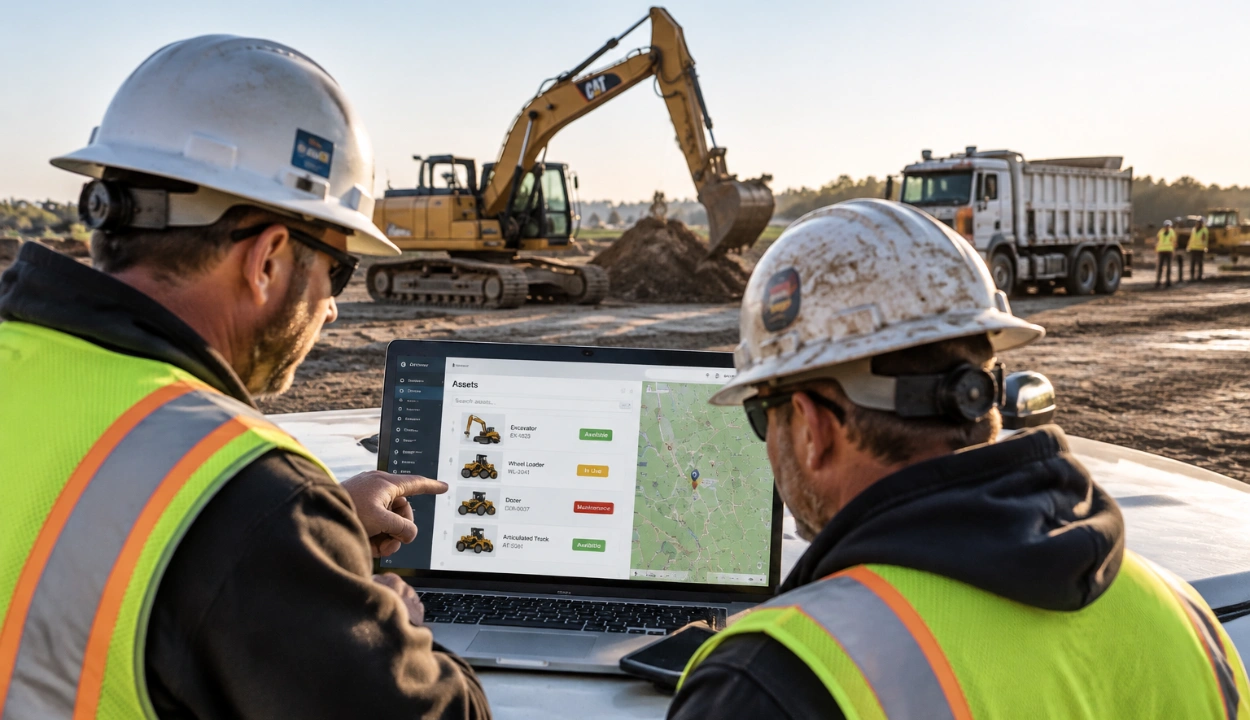
Equipment Dispatch Software: What It Is and How Construction Fleets Use It


Hi, I’m Maham Ali. I write about construction equipment management, helping teams use fleet data and maintenance intelligence to improve uptime, control costs, and run smoother jobsites.
Most construction fleets do not struggle because they cannot move equipment. They struggle because the information behind each move is spread across different teams.
A superintendent needs an excavator for the next phase of work. The dispatcher finds one sitting at a yard 10 miles away, and the move looks simple.
But three other teams know something the dispatcher does not. The shop has the machine booked for a hydraulic repair on Thursday. Another project has it scheduled from the 15th. And the only lowboy that can haul it is committed to a different job that day.
Every team has part of the answer. None of them has the whole picture.
That gap is what equipment dispatch software is built to close. It replaces phone calls, whiteboards, and spreadsheets with one shared process for requesting, assigning, moving, and returning equipment, so every decision is made from the same facts.
What Is Equipment Dispatch Software?
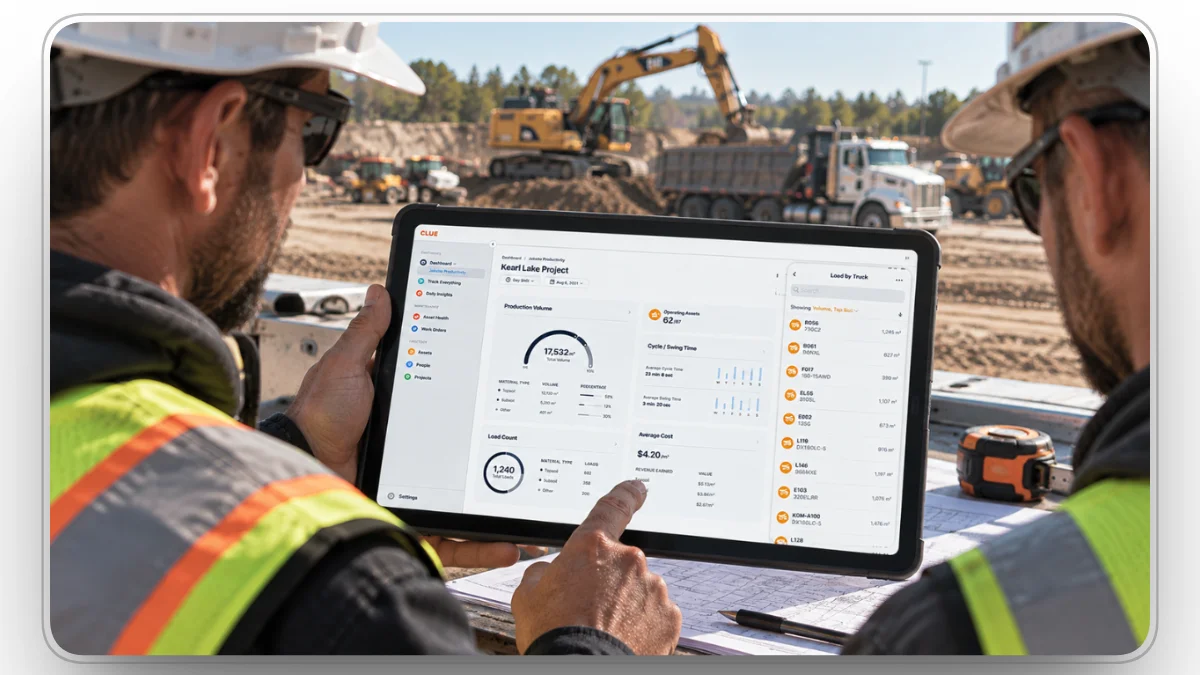
Equipment dispatch software is a platform that helps construction companies request, assign, schedule, and track equipment moves between jobsites, yards, and shops. It gives field crews, dispatchers, the shop, and transport one shared record of which machine is going where, when, and why.
It answers one practical question: can we get the right machine to the right job when the crew needs it?
Construction makes that question harder than it sounds, because a machine can be physically available but operationally unavailable. An excavator sitting in the yard may still be the wrong choice if:
- It has an open repair or a failed inspection.
- It is committed to another project next week.
- Its attachment, such as a breaker, thumb, or tilt bucket, is on another job.
- The lowboy needed to haul it is already booked.
A map can show where a machine is. It cannot show whether that machine should move. That is why good dispatch software checks assignments, maintenance status, inspections, and transport before it offers a machine as available. The question changes from "Where is the equipment?" to "Can this equipment support this project right now?"
Equipment Dispatch vs GPS Tracking, Scheduling, and Fleet Management
Dispatch software is often confused with the tools around it. Each one answers a different question, and dispatch depends on the other three for accurate status.
Why Construction Equipment Dispatch Is Different
Construction fleets do not work like delivery or service fleets. A delivery van usually runs a set route and is back at the depot by evening. A dozer can stay on one project for a month, then move to a yard, the shop, a rental return, or another business unit, all based on changing project demand.
Four things make construction dispatch harder:
- Most heavy equipment cannot drive itself between sites. Every move needs a truck, a trailer, and a qualified driver. Loads over legal size or weight limits also need an oversize or overweight permit, which each state issues, not the federal government.
- Assignments last days or weeks, not hours. A poor assignment ties up a machine for a whole phase of work, and the next project that needed it pays for the mistake.
- Every move changes who pays. Equipment time is charged to projects, so an unrecorded move turns into a job-costing error.
- The machine often needs the right operator too. For cranes, OSHA requires each operator to be trained, certified or licensed, and evaluated before operating the equipment.
A machine's location, assignment, and condition can change several times in a single month. Generic dispatch tools built for vehicles and routes rarely track all three.
Signs You Have Outgrown Phone-and-Spreadsheet Dispatch
Many construction companies still manage equipment moves through informal conversations:
- A project manager calls a dispatcher.
- The dispatcher calls another project.
- Someone checks a spreadsheet.
- Another person confirms where the machine actually is.
This works while one experienced dispatcher knows the fleet by heart. It starts to break when the asset count grows, projects spread across regions, or that dispatcher changes roles. Common warning signs:
- Superintendents hold machines "just in case" because they are not confident they will get them back when needed.
- Double bookings are discovered on site, when two crews expect the same machine on the same day.
- Rentals come in while owned machines sit idle in another yard or on a finished job.
- Hauls get canceled at the last minute because the machine was not ready or the trailer was already booked.
- Nobody can say who had a machine when it was damaged, because moves and conditions were never recorded.
The problem is not the communication itself. The problem is that important equipment decisions live in conversations instead of a shared system.
How Construction Fleets Use Equipment Dispatch Software
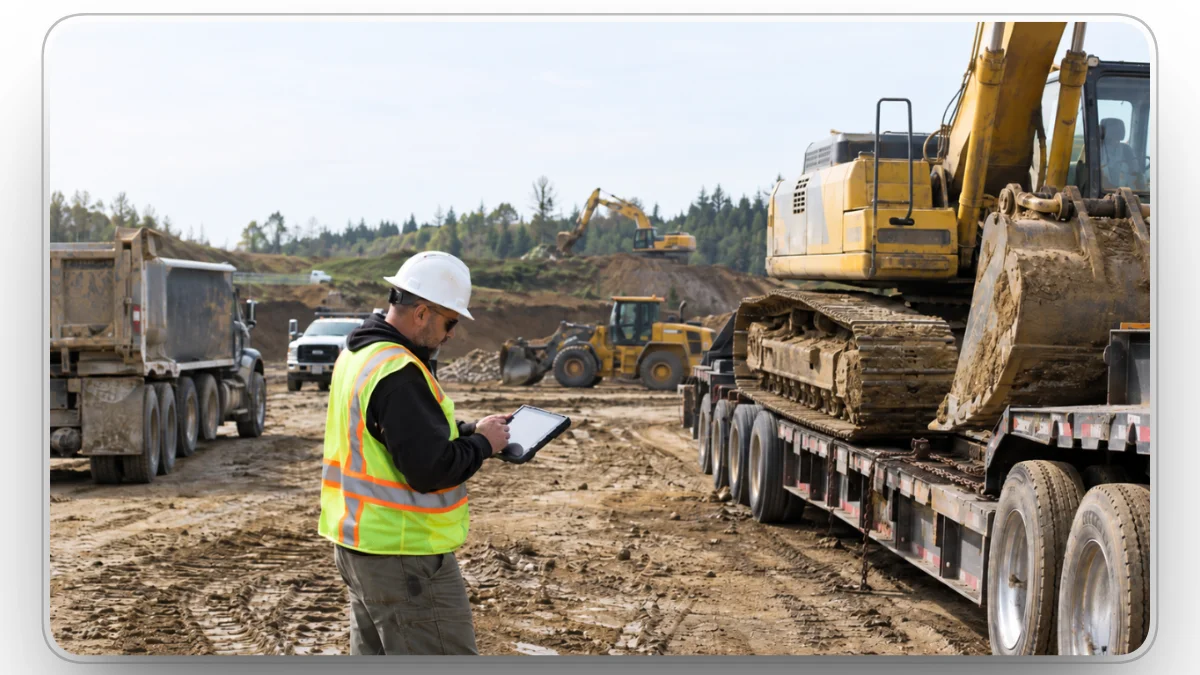
Dispatch software turns every equipment move into a tracked process with clear owners. A typical move runs through seven steps:
- A crew requests equipment.
- Dispatch checks availability and assigns a machine.
- Transport is booked and the driver is notified.
- The machine is inspected at handoff.
- Maintenance status stays in sync with the assignment.
- Arrival and use are confirmed with telematics.
- The machine is returned, reassigned, or taken off rent.
1. Capturing Equipment Requests From the Field
Equipment requests are usually where dispatch problems start. A crew may need a skid steer for site prep, an excavator for trenching, or a loader for material handling. Without a structured process, those requests get lost in texts and voicemails.
In dispatch software, each request becomes a record with:
- Equipment type and any required attachments
- Project and delivery location
- Start date and expected duration
- Who asked for it
- Current status
With Clue's Equipment Requests, supervisors request equipment from the mobile app, and the dispatch team reviews, fills, and dispatches it from the same record.
2. Checking Availability and Assigning the Right Machine
Once a request exists, dispatch decides which machine should go. The nearest machine is not always the right one. A good assignment checks:
- Current location and distance to the job
- Existing and upcoming project commitments
- Open repairs, failed inspections, and upcoming service
- Attachments and operator requirements
- Whether a truck and trailer are free on the move date
Good dispatch software flags conflicts before they reach the field, such as a machine booked on two projects or scheduled for service in the middle of an assignment. Clue's dispatch matches requests with available assets while prioritizing proximity and utilization, which helps teams use owned equipment before ordering a rental.
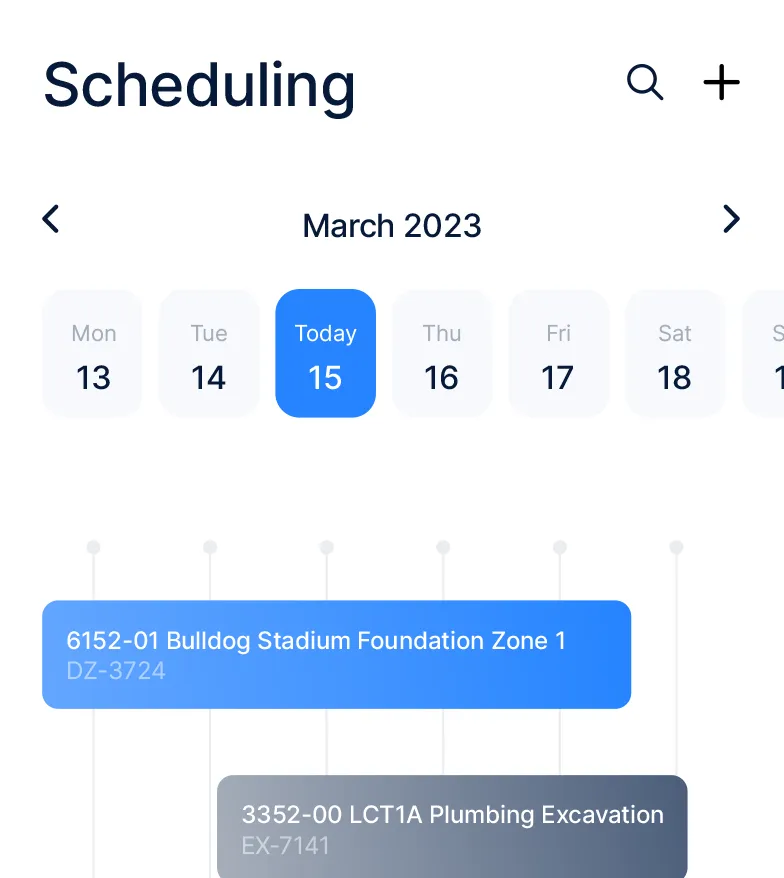
Clue's Magnet Board puts equipment across every project on one visual board. Dispatchers drag and drop to create or reassign dispatches, move several machines at once, and see upcoming moves for the next 7, 14, or 30 days.
3. Planning Transport and Notifying Drivers
Assigning the machine is only half the move. Someone still has to book the truck and trailer, confirm pickup and drop-off points, check whether the load needs a permit, and tell the driver where to go.
When transport lives outside the dispatch system, this is where moves fail. The machine is ready, but the lowboy is on another job, or the driver shows up at the wrong gate.
In Clue, dispatchers arrange transport and drivers get their next job by SMS and email. Linking pickup and drop-off points to project geofences replaces vague text addresses with exact site boundaries.
4. Inspecting Equipment at Every Handoff
Every move is a handoff. A machine leaves one crew's responsibility and becomes another's.
Say a loader moves from one project to another, and the receiving crew finds a cracked bucket after arrival. Without a condition record, nobody knows:
- When the damage happened
- Who found it
- Whether the machine is safe to run
- Which project should pay for the repair
A quick inspection at pickup and at delivery answers all four. The record should capture condition, existing damage, photos, and any follow-up needed.
For some equipment, inspections are also a legal gate. OSHA requires cranes to get a shift inspection by a competent person, a comprehensive inspection by a qualified person at least every 12 months, and removal from service when a deficiency is a safety hazard.
Clue's dispatch workflow supports four-corner inspections when equipment is delivered, and Clue inspections capture photos and video so the receiving team records condition before the machine goes to work. For a ready-to-use list, see this pre- and post-use equipment inspection checklist.
5. Keeping Dispatch and Maintenance on the Same Status
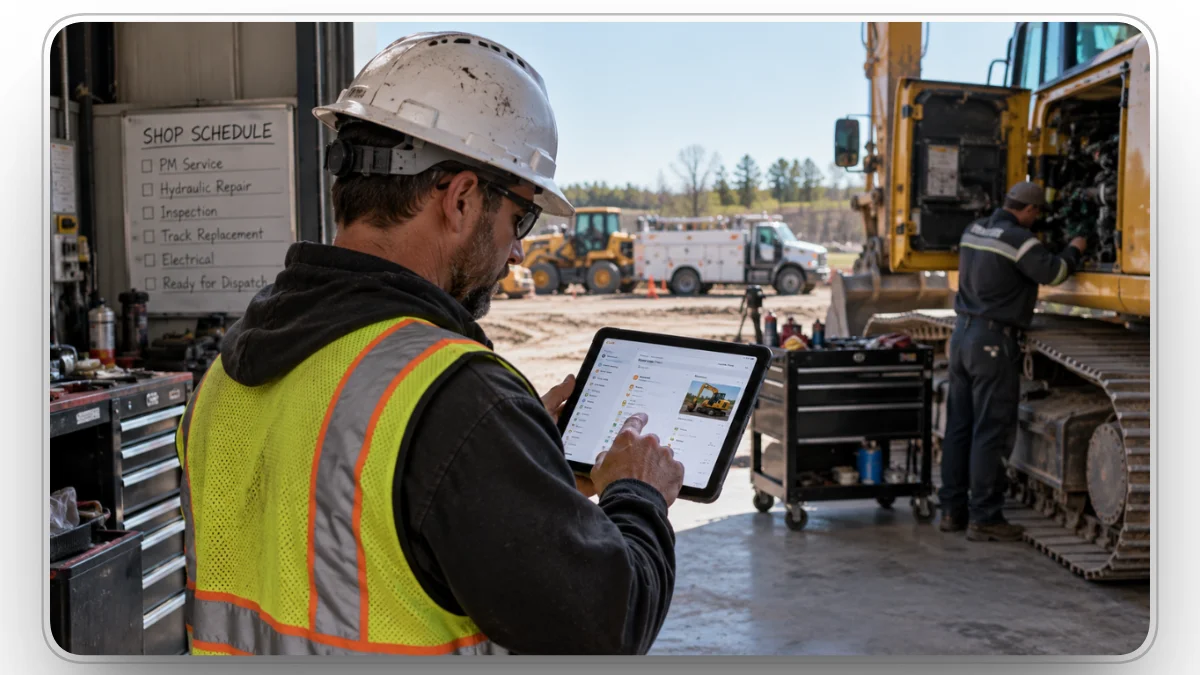
Dispatch and maintenance manage the same machines from different angles. Dispatch keeps projects supplied. The shop keeps machines safe and reliable. Both goals are right. The trouble starts when the two teams work from different versions of the same machine's status.
A machine can look available to dispatch while the shop has already scheduled it for repair. The shop can plan service without knowing a project expects that machine on Monday. The result is rarely a major failure. More often it shows up as small, costly problems:
- A lowboy makes a wasted trip.
- A crew waits for equipment.
- A rental is added that nobody needed.
- A preventive maintenance task slips.
The fix is one equipment record that both teams read. Assignments, inspection results, work orders, preventive maintenance schedules, and fault codes should all feed the same availability status. When an operator finds a problem in the field, it should reach the shop without being retyped.
Clue can automatically create mechanic work orders from fault codes and inspection findings, so a failed item on the jobsite becomes a repair task in the shop.
6. Confirming Arrival and Tracking Use With Telematics
Telematics tells dispatch what happened after the move: did the machine arrive, and is it actually working? The catch is that most fleets get this data from several places:
- OEM portals, such as Cat VisionLink, John Deere Operations Center, and Komatsu Komtrax
- Aftermarket GPS trackers on older machines, trailers, and attachments
- Fleet telematics platforms for trucks and service vehicles
A dispatcher does not need another dashboard. They need that data to answer operational questions. Did the machine reach the site? How many hours is it running? Is a fault code blocking the next assignment? Has it sat idle long enough to move?
Many OEMs share machine data through ISO/TS 15143-3, also known as AEMP 2.0, a standard that lets one platform pull machine data from different brands' telematics servers. Add a geofence to each project, and arrival is confirmed automatically, with no check-in call needed.
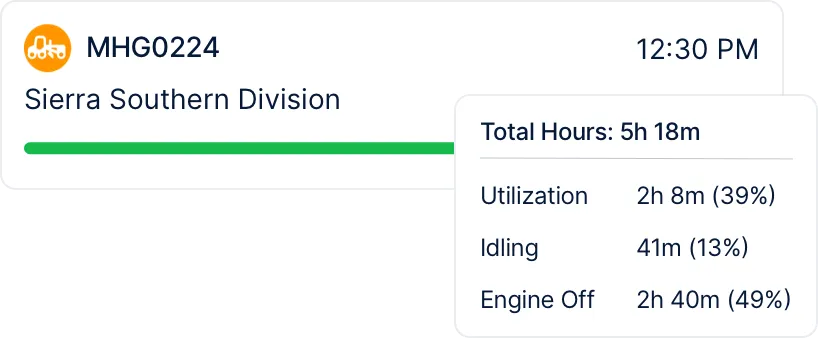
Clue connects to telematics providers instead of replacing them. It pulls OEM and GPS data into one view through 80+ integrations, and utilization alerts flag machines that have sat idle too long so managers can reassign them. For a deeper look, see this guide to heavy equipment telematics.
7. Returning, Reassigning, and Managing Rentals
A move is not finished until the machine is released. When a crew is done, the machine should be marked ready for return so dispatch can reassign it, send it to the shop, or send it back to the rental yard.
Rentals need the closest watch at this step. The American Rental Association forecasts U.S. equipment rental revenue of $83.5 billion in 2026, and every rented machine on a job needs the same dispatch discipline as an owned one. A rental nobody calls off keeps billing. A rental that comes back damaged, with no delivery inspection on file, is hard to dispute.
Dispatch software keeps owned and rented equipment in the same view, with return dates next to assignments. Clue's rental management tracks rental costs, maintenance status, and usage, and its equipment economics reporting helps recover fuel, maintenance, and damage costs from the projects that used the equipment.
Why Mixed-Fleet Support Matters
Few construction fleets are uniform. A contractor may run new connected machines, older machines without telematics, rentals, attachments, and small equipment across many sites.
A dispatch system that only works for connected equipment leaves gaps. Every machine still has to be assigned, moved, inspected, and returned, whether it reports data or not. An untracked machine should still have its equipment record, maintenance history, and assignment history next to the connected ones.
Clue keeps tracked and untracked equipment in the same system, so no machine is left out of dispatch just because it has no telematics device. For more on this, see how construction fleet software differs from general fleet tools.
How to Measure Dispatch Performance
Dispatch is easy to judge by feel and hard to judge by number. Most teams know a bad week when they see one. Fewer can say whether this month ran better than last.
Once requests, assignments, hauls, and returns are recorded in one place, the numbers come out of normal work instead of a separate reporting exercise. Track a short list and review it monthly.
Two are worth starting with: rental days after the work ended, and request-to-onsite time. Both are simple to pull once moves are recorded, and both turn into money inside a quarter.
What to Look for in Equipment Dispatch Software
The right platform is the one that fits how your operation actually works, not the one with the longest feature list. Use these questions in every demo:
For a side-by-side look at vendors, see our comparison of the top construction dispatch software.
Rolling It Out Without Disrupting the Field
Dispatch software fails the same way most field tools fail. It goes live everywhere at once, the field keeps calling the dispatcher anyway, and the system fills with half-entered records nobody trusts. Then people go back to the phone.
A staged rollout holds up better:
- Record the moves you already make. Keep the phone calls for now. Enter every assignment, haul, and return so the system holds a true picture of the fleet within a few weeks. Nothing else works until this is real.
- Move requests into the system. Pick two or three projects and ask supervisors to request equipment in the app instead of calling. Dispatch answers in the system, not by phone. That one rule is what makes it stick.
- Connect maintenance and telematics. Once availability reflects open work orders, failed inspections, and real machine hours, dispatch stops guessing and the shop stops getting surprised.
- Turn on reporting. Review utilization, rental days, and canceled hauls every month with dispatch, the shop, and project teams in the same room.
One more thing decides whether it lasts: name an owner. Dispatch sits between projects, the shop, and transport, so it belongs to none of them by default. Without one person accountable for the process, it drifts back to whoever answers the phone fastest.
How Clue Helps Construction Fleets Coordinate Equipment
Clue is built on a simple idea: equipment decisions should not depend on separate spreadsheets, disconnected systems, or one person's memory. It gives construction fleets a single pane of glass for the equipment they own, rent, or operate, with dispatch, inspections, work orders, preventive maintenance, and telematics on the same equipment record.
- For dispatch teams: field requests, the Magnet Board, transport planning, and driver notifications in one place, with availability that reflects the shop's real status.
- For maintenance teams: work orders that open automatically when a problem is found, plus visibility into which machines are committed to upcoming jobs.
- For project teams: equipment requests from the Clue mobile app, which also runs inspections offline and syncs once signal returns, and more confidence that equipment will be ready when work begins.
Clue also connects with systems contractors already use, including Viewpoint Vista and HCSS HeavyJob and Equipment360, so equipment data moves between teams instead of being entered twice.
Final Thoughts
Dispatch breaks down when each team works from its own version of the truth. The shop knows about the repair, the project knows about next week's schedule, and the dispatcher sees only a machine on a map.
Equipment dispatch software closes that gap by tying every request, move, and machine status together. The result is fewer canceled hauls, fewer idle machines, and fewer rentals nobody needed.
If your moves still start with a phone call, start there. Put every request into one system, then connect it to maintenance and telematics. Clue gives construction fleets one place to coordinate equipment from request through return.
FAQs
Who uses equipment dispatch software in a construction company?
Dispatchers and equipment managers use it to assign and schedule machines. Superintendents and foremen use it to request equipment from the field. Shop teams use it to see which machines are committed before planning repairs, and drivers use it to get pickup and drop-off details for each move.
Is equipment dispatch software the same as GPS tracking?
No. GPS tracking shows where a machine is. Equipment dispatch software decides where it should go next, based on assignments, maintenance status, inspections, and transport. The two work best together: GPS confirms arrival and use, while dispatch manages the request, assignment, and move.
Do you need telematics to use equipment dispatch software?
No. Telematics improves dispatch by confirming location, hours, and fault codes automatically, but a good dispatch system also handles machines without tracking devices. Older equipment, attachments, and many rentals run through the same requests, assignments, and inspections, with status updated by the field team.
How does dispatch software reduce equipment downtime?
It keeps machines with open repairs or failed inspections from being assigned, so crews do not receive equipment that cannot work. It also shows idle machines that can move to a project that needs them, instead of leaving that project waiting on a rental or a delayed haul.
Can dispatch software manage rental equipment?
Yes. Rented machines are requested, assigned, and inspected the same way as owned ones, with return dates tracked next to each assignment. That helps crews call rentals off on time and use idle owned equipment before ordering a new rental.
How does dispatch software prevent double-booking?
Every assignment is stored with dates on a shared board, so the system can flag a conflict as soon as two projects request the same machine for overlapping dates. Dispatch resolves it before the move, instead of a crew discovering it on site.
Can the same software dispatch crews as well as equipment?
Many construction platforms handle both. In Clue, Dispatch Crews lets teams assign people to projects and notify them by text, email, or in-app message, with notes such as driving directions or safety information sent automatically.
What is the difference between scheduling and dispatching?
Scheduling is the plan. It says which phases need equipment and when. Dispatching is the execution. It decides which exact machine goes, which truck hauls it, and who drives. A schedule can say a project needs two excavators in March. Dispatch decides that a specific excavator leaves the yard on the 3rd, on a named lowboy, with a driver who knows the gate.
What does an equipment dispatcher do every day?
A dispatcher opens the day with the requests that came in overnight and the moves already booked. They check which machines are free, which are down for repair, and which trucks and drivers are available. Then they assign machines, book hauls, send drivers their pickup and drop-off details, and rework the plan as the day changes. A breakdown, a rained-out site, or a project that finishes early can rewrite an afternoon.
How much does equipment dispatch software cost?
Most vendors price by asset count, user count, or modules, so the cost tracks fleet size and how much of the workflow you cover. Ask each vendor what the base price includes, what counts as an add-on, whether telematics connections cost extra, and what implementation and training cost in year one. Compare the total for year one, not the monthly number.
What is the difference between dispatch software and fleet management software?
Dispatch software manages day-to-day equipment requests, assignments, and moves. Fleet management software covers the full life of each asset, including maintenance, inspections, utilization, costs, and replacement. Construction platforms increasingly connect the two, so assignments reflect each machine's real condition.
Transform Your Equipment Management