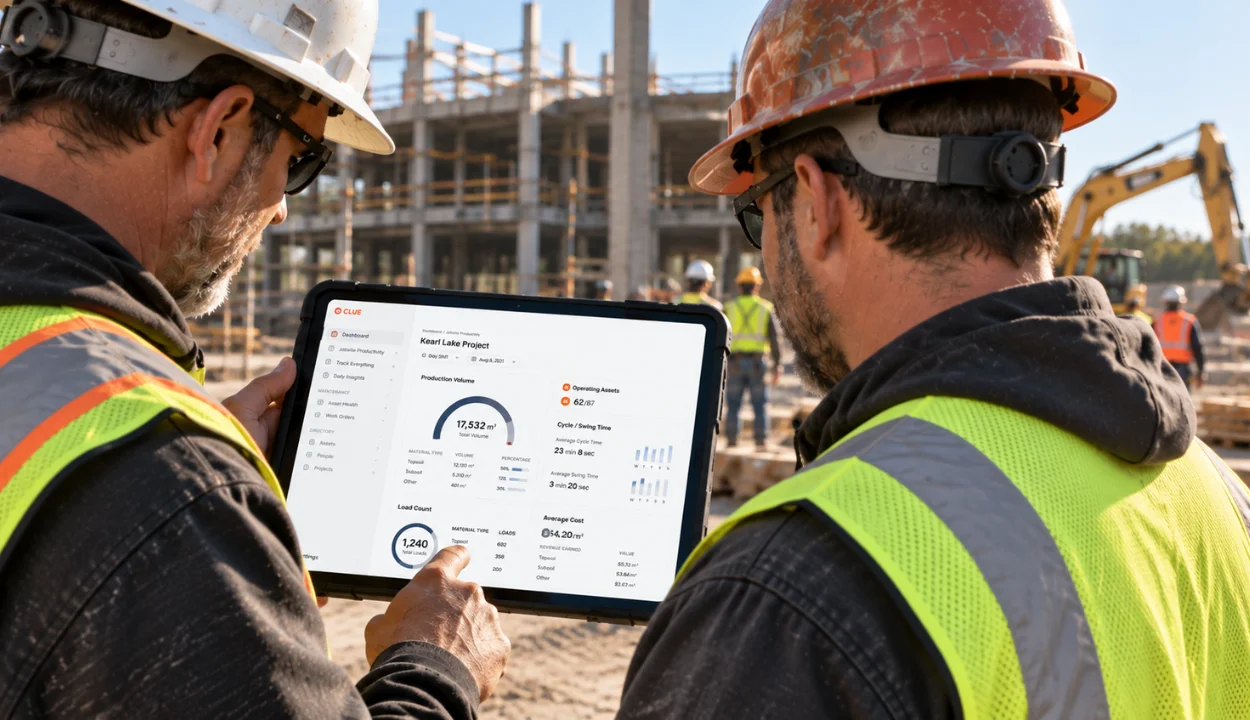
Construction fleet management software is a purpose-built telematics platform that unifies GPS tracking, real-time machine data, and AI so every vehicle and piece of iron runs as one system. It tightens safety, boosts output, and cuts costs by turning raw signals into decisions.
Construction fleets aren’t bleeding time. They’re bleeding money. Unplanned outages can run ~$125,000 per hour across industrial operations. One bad day on a critical machine? Seven figures. And fuel? Idle is the quiet leak. A machine can burn ~1 gal per hour doing nothing. Multiply that across sites and you’ve got a budget with holes.
The fix isn’t more spreadsheets; it’s a clean signal. Live location, run and idle hours, operator behavior, and job-site geofences in one view. Inspections that become work orders. Faults that become fixed before failure. Data that moves via AEMP 2.0 and ISO 15143-3 so mixed-brand fleets finally speak one language. Hardware that’s off-road tough with theft deterrence and compliance baked in.
This guide is for the people who sign off on uptime and budgets. What to buy. What to measure. What actually reduces rentals, repairs, and risk.
How We Evaluated These Fleet Management Tools
Construction fleet management requires more than tracking vehicles on a map. The strongest platforms connect equipment, vehicles, maintenance, safety, compliance, fuel, and utilization data into one operational workflow.
Each platform was reviewed using product documentation, customer feedback, public pricing details, integration capabilities, and construction-specific use cases. Clue is included, but every vendor was assessed using the same framework for a fair, practical comparison.
Evaluation Criteria
| Criteria | Weight | Focus |
|---|---|---|
| Construction Fleet Fit | 20% | Support for mixed fleets, heavy equipment, vehicles, trailers, jobsites, geofencing, dispatch visibility, and construction-specific workflows |
| Telematics & Real-Time Visibility | 20% | GPS tracking, engine hours, idle time, fault codes, live status, OEM data, AEMP/ISO 15143-3 support, and mixed-brand fleet visibility |
| Maintenance, Inspections & Uptime | 20% | Preventive maintenance, DVIR/site inspections, service history, fault alerts, work orders, repair tracking, and downtime reduction |
| Safety & Compliance | 15% | Driver behavior, AI dashcams, speeding/harsh-event alerts, ELD/HOS, DVIR, audit-ready records, and field accountability |
| Utilization, Fuel & Cost Control | 15% | Run vs. idle hours, fuel usage, rental reduction, job-level reporting, cost-code visibility, and asset productivity insights |
| Integrations, Usability & Support | 10% | ERP/CMMS/fuel card integrations, APIs, mobile usability, onboarding, training, support quality, scalability, and pricing clarity |
These criteria prioritize platforms that help construction teams move beyond basic GPS tracking and toward a connected fleet operation. Higher-ranked solutions give managers a clearer view of where assets are, how they are being used, what needs service, which risks need attention, and where costs can be reduced across jobsites.
Sources
- Vendor websites and fleet management documentation
- Public information on GPS tracking, maintenance, inspections, safety, compliance, fuel, and utilization features
- Customer reviews, ratings, and fleet management case studies
- Construction fleet, telematics, and compliance resources
- Software review platforms covering fleet, maintenance, and vehicle management tools
Editorial Review
Fleet management tools were reviewed for their ability to connect vehicles, heavy equipment, maintenance, inspections, safety, compliance, fuel usage, and utilization data into one practical operating system for contractors.
Must-Have Features for Construction Fleet Management Software
- Vehicle & equipment tracking
See every truck, trailer, and machine on a live map with current status. Check run hours and idle time so you know what’s working and what’s parked. Mixed brands show together using AEMP 2.0 (ISO 15143-3), so you don’t juggle multiple portals.
- Driver monitoring & safety
Track speeding, harsh braking, and idling to spot risks early. You can add AI dashcams for clips when an event happens, which makes coaching simple and fair. Weekly scorecards show who’s improving and where to focus. - Maintenance & work orders
Use engine hours, temperatures, and fault codes to find issues before they become breakdowns. Turn a fault or failed inspection into a work order with parts and labor prefilled, then log the fix. A clear service history helps plan PMs and avoid surprise downtime. - Fuel & idling control
Pull in fuel card and tank data to see spend by asset and job. Get alerts for abnormal fills and high idle so you can act the same day. Trend views show which machines or sites waste the most fuel and what’s changing after you coach. - Compliance & inspections
Keep ELD/HOS, DVIR, and site inspection forms in one place. Drivers and operators can add photos, notes, and signatures, creating an audit-ready record without paper. Alerts flag missed logs or failed items so nothing slips. - Utilization by hours & jobs
See actual work time by asset run vs. idle hours so you can move underused equipment to the right site. Roll up usage and cost by job and cost code to justify rentals and plan the next shift. Clear reports make it easy to show results to finance and ops.
Top 10 Construction Fleet Management Software in 2026
Let’s pick the construction fleet software that pays back fast.
| Solutions | Best Fit | Standout Strengths | Real-Time Fault Code Alerts | Pricing / Contract & Openness |
|---|---|---|---|---|
| Clue | Construction fleets managing heavy equipment, vehicles, trailers, and mixed OEMs | Construction-first maintenance, inspections, work orders, utilization, job-cost visibility, OEM/telematics integrations | Yes. Real-time fault-code alerts from connected OEM and GPS/telematics sources. Fault rules can prioritize severity, suppress duplicates, or automatically create work orders. | Customized quote. Hardware-agnostic approach with OEM, GPS, ERP, CMMS and other integrations. |
| Samsara | Mixed vehicle fleets prioritizing telematics, safety and compliance | GPS, AI video safety, ELD/HOS, DVIR, vehicle diagnostics, maintenance and broad integrations | Yes. Samsara supports vehicle diagnostics and live engine fault-code alerts. Engine Fault On/Off events are also supported through its platform/API infrastructure. | Quote-based, generally priced per asset/month. Samsara says agreements are often multi-year depending on fleet size and scope. |
| Fleetio | Small to mid-size fleets focused heavily on maintenance, inspections and shop workflows | Work orders, PM schedules, parts, service history, inspections and extensive telematics integrations | Via integrations. Fleetio can receive DTC/fault alerts from supported telematics providers and notify users when they arrive. Update speed varies by provider. | Public plans currently start at $4/vehicle/month billed annually, with Professional at $7 and Premium at $10 under stated assumptions. |
| Geotab | Data-intensive fleets requiring deep engine diagnostics, configurability and an open ecosystem | Engine diagnostics, telematics, custom rules, SDK/API, reports and large Marketplace | Yes. GO devices read engine DTCs and transmit them to MyGeotab. Rules can trigger fault notifications through email, SMS, popup alerts and other channels. | Pricing is provided through authorized resellers. Geotab emphasizes an open platform, SDK and partner ecosystem. |
| Motive | Road fleets prioritizing safety, ELD compliance, AI cameras and fleet visibility | AI dashcams, ELD/HOS, GPS, inspections, maintenance and vehicle diagnostics | Yes. Motive explicitly monitors DTCs in real time through its Vehicle Gateway and provides real-time fault-code notifications. Newer fault features also classify codes by severity. | Pricing generally requires a sales quote. Motive publishes fleet-software pricing guidance but not standard list pricing for its complete platform. |
| Lynx Fleet | Refrigerated transport and cold-chain fleets using transport refrigeration units | Reefer GPS, temperature monitoring, TRU health, remote diagnostics, operating-mode monitoring and cold-chain records | TRU-specific alerts. Lynx Fleet provides real-time exception alerts and remote diagnostic information for refrigeration equipment. Official materials emphasize temperature, fuel/battery, operating-mode and TRU alarms rather than general vehicle DTC alerting. | Carrier offers multiple Lynx Fleet service tiers, with activation and commercial arrangements typically handled through Carrier Transicold/dealer channels. |
| Powerfleet, formerly Fleet Complete | Vehicle fleets needing GPS, engine data, driver safety and compliance capabilities | GPS tracking, vehicle health data, DTCs, safety, ELD/DVIR and telematics reporting | Yes. The platform captures diagnostic trouble codes and official documentation describes real-time notifications for vehicle trouble codes. | Quote-based with subscription packages based on fleet size, operational requirements and reporting needs. |
| Verizon Connect | Mid-size to enterprise vehicle fleets needing GPS, routing, safety and driver management | Near-real-time GPS, routing, diagnostics, AI dashcams, DVIR and maintenance tools | Yes, as an add-on. Reveal supports Diagnostic Trouble Code alerts for accounts with ECM enabled. Alerts can trigger when a DTC activates, deactivates, or both. | Pricing and package terms are provided through Verizon Connect's sales/pricing process rather than a universal public per-vehicle list price. |
| Chevin FleetWave | Larger fleets requiring configurable fleet information, maintenance, compliance and cost management | FMIS, maintenance, defects, fuel, reporting, configurable workflows and integrations | Yes, through connected telematics. FleetWave can integrate telematics data for instant fault-code alerts and updates, and engine fault codes can be connected with maintenance/work-order workflows. | Published pricing currently lists FleetWave Core at £5/vehicle/month; Advanced requires a sales quote. Integrations are supported through Smart Integrate. |
| Azuga Fleet | Small to mid-size fleets focused on GPS tracking, driver safety and straightforward fleet management | GPS, driver scoring, safety cameras, maintenance, geofencing and vehicle diagnostics | Yes. Azuga documents real-time diagnostic alerts that capture DTCs when a vehicle reports an issue and notify the fleet so maintenance can respond. | Basic Fleet is currently advertised at $25/vehicle/month, with higher tiers and customized fleet quotes available. |
1. Clue
Clue is built for construction fleets and focuses on the things managers care about every day. You can see which fleet is on site, how many hours they ran, which ones are sitting idle, and what needs service now or next. Inspections are quick on mobile with photos and notes, faults trigger alerts, and every repair is logged so you keep a clean service history and cut surprise downtime.
It also shows usage and costs by job and cost code, so you know where time and money are going. Clue works seamlessly with data from different equipment brands, keeps PM schedules organized, and makes it easy for the field and the shop to stay in sync. This helps ensure the right machine is ready when the crew needs it, reducing unnecessary rentals and project delays.
Why CLUE stands out
Vehicle & equipment tracking
CLUE shows every truck, trailer, and machine on a live map with clear status like running, idling, or stopped. You can see engine hours and idle hours without opening other tools. Data from different makers comes in through AEMP 2.0 and OEM feeds, so one screen covers the whole fleet.
Driver monitoring & safety
CLUE tracks speeding, harsh events, and long idle time for road vehicles. If you use AI dashcams, video clips appear with the event so coaching is simple and fair. Weekly scorecards highlight trends, making it easy to see who is improving and where risk remains.
Maintenance & work orders
CLUE turns engine hours, temperatures, inspection results, and fault codes into the next action. A failed check can open a work order with parts and labor already filled in. Preventive schedules stay organized, and complete service history helps you plan work and avoid surprise breakdowns.
Fuel & idling control
CLUE shows fuel spend by asset and by job. When partner or OEM telematics feeds include fuel level and burn, you see them next to utilization. When they do not, idle trends still point to easy savings. Alerts flag unusual fills and high idle, so you can fix issues the same day and track the change.
Compliance & inspections
Keep ELD and HOS, DVIR, and site inspections in one place. Operators capture photos, notes, and signatures in the mobile app, which creates an audit ready record without paper. Alerts call out missed logs and failed items so nothing is left open.
Utilization by hours
CLUE tracks actual work time for each asset, displaying running and idle hours by job and cost code. This helps you move underused equipment to the right site, reduce rentals, and plan the next shift. Clear, insightful reports and analytics make it easy to share results with operations and finance.
AI insights
CLUE turns live telematics into clear, AI-driven priorities so you know what to fix, move, or check next—fast. Real-time status stays current across sites in one view.
Pros
- Built specifically for construction equipment fleets.
- Clear utilization and idle views for fast reallocation.
- PM schedules tie directly to work orders and service history.
- Mobile inspections with photo proof and timestamps.
- Fault-code alerts from OEM telematics for early action.
- Open integrations and AEMP 2.0 support for mixed fleets.
- Documented customer outcomes on the site.
Limitations
- Initial setup requires mapping your construction fleet list and PM intervals inside Clue but it’s a one-time task and templates speed it up, so day-to-day use isn’t affected.
Clue Reviews
G2 4.7/5 (9 reviews)
Capterra 4.7/5 (11 reviews)
"If you're in search of an effective solution for monitoring equipment, managing real-time data and locations, handling audit and inspection forms, managing work orders, and Utilization, I would highly suggest considering Clue as a viable choice."Jeremy S
Pricing
Explore Clue's pricing options.
2. Samsara

Samsara is a mature fleet and safety platform with strong telematics, AI dashcams, GPS visibility, ELD and HOS, DVIR, and polished mobile apps. For construction fleets it delivers solid real time location and health data, video supported safety coaching, and compliance workflows that are easy for crews to follow.
Its scope serves many industries, which is why it ranks high overall. It is a great fit if your program emphasizes safety, driver oversight, and compliance for on road units. If you want deeper equipment utilization by hours tied to jobs and cost codes and inspection to work order flows for heavy iron, compare it with a construction focused system.
Pros
- Strong AI dashcams and safety coaching
- Reliable GPS and engine data visibility
- ELD and HOS and DVIR in one place
- Good mobile experience for field teams
- Large ecosystem and partner integrations
Limitations
- Broader focus than construction equipment programs
- Utilization and job and cost code reporting may need extra setup or another tool
- Pricing and terms often require sales contact and longer commitments
Samsara Reviews
G2 4.8/5 (1,160 reviews)
Capterra 4.4/5 (714 reviews)
"I use Samsara through my employer which makes my job easier while I am locating over twenty technicians and their vehicles. It is essential how straightforward the Samsara program is and the ease of implement. I enjoy the amount of details that Samsara gives me on each vehicle like how much gas they have left or the voltage of the battery in the vehicle."Alli T
Pricing
Contact Samsara for a personalized quote
3. Fleetio
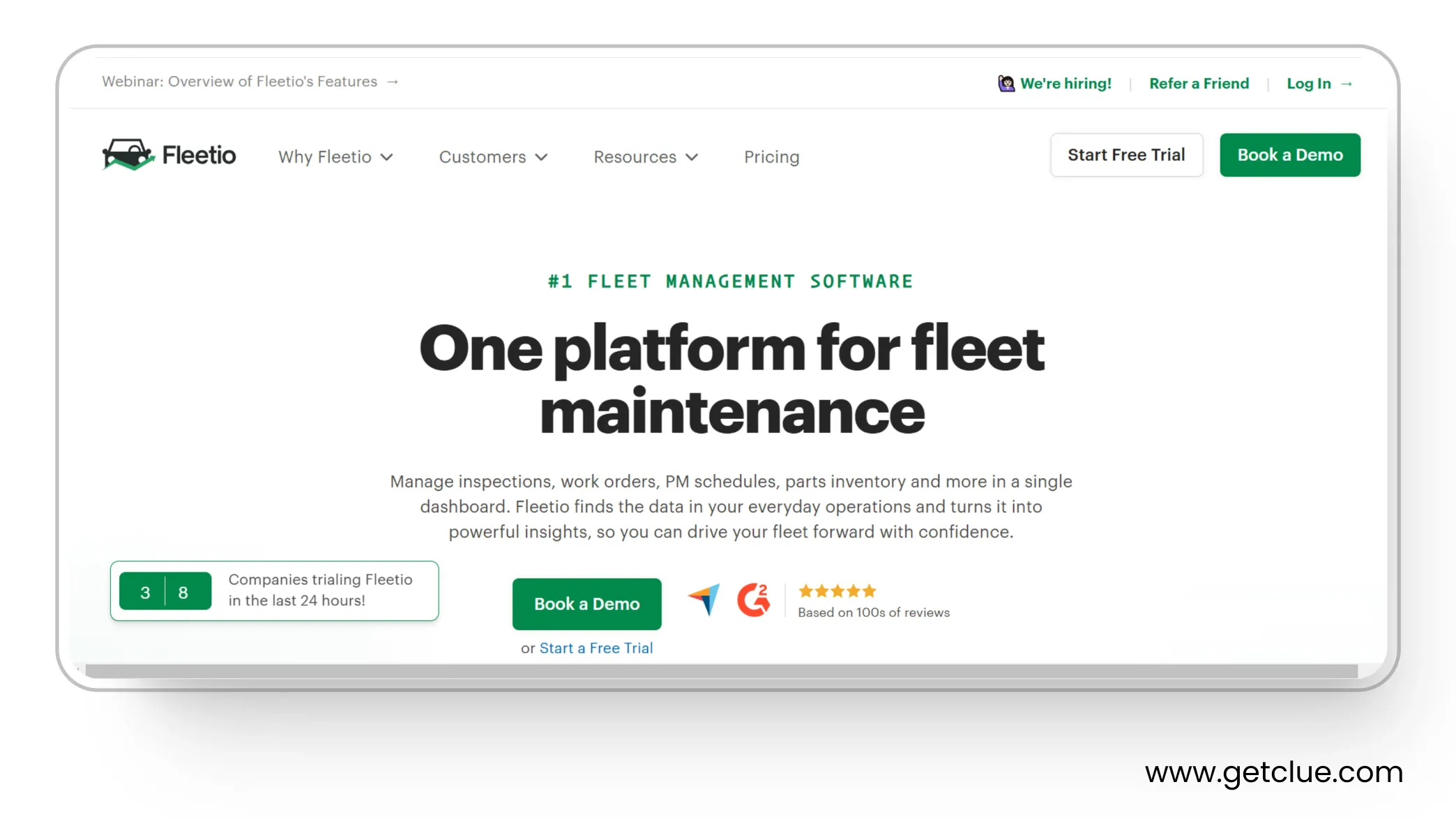
Fleetio is a maintenance-centered fleet platform that works well for construction teams that want clean work orders, PM schedules, service history, and inspection records without heavy setup. It excels at shop workflows and makes it easy to track parts, labor, and vendor service while pulling odometer and hour data from telematics partners.
It suits small to mid sized equipment programs that want a modern replacement for spreadsheets and a simple mobile app for inspections and work approvals. If you need deep utilization by hours tied to jobs and cost codes and heavy equipment specific health signals, you may pair Fleetio with a construction focused telematics layer.
Pros
- Clear work orders and PM scheduling
- Easy mobile inspections with photos and comments
- Parts and vendor management built in
- Good reporting for service history and costs
- Integrations with common telematics and fuel cards
Cons
- Relies on partner telematics for live engine and location data
- Utilization by jobs and cost codes is limited without extra tooling
- Fewer heavy equipment specific workflows than construction first systems
Fleetio Reviews
G2 4.5/5 (155 reviews)
Capterra 4.8/5 (204 reviews)
"One of the biggest reasons I chose Fleetio was the digital PTI and the paperless shop. The ability for Operations, Dispatch, and Maintenance to have the same real-time information will be a giant step forward. The system was easy to get started with and very intuitive to use. The implementation/onboarding team was very helpful, and customer support has been great. We have a fleet of 50 and I am in Fleetio multiple times a day."Bryan M
Pricing
Check out Fleetio for a personalized quote
4. Geotab
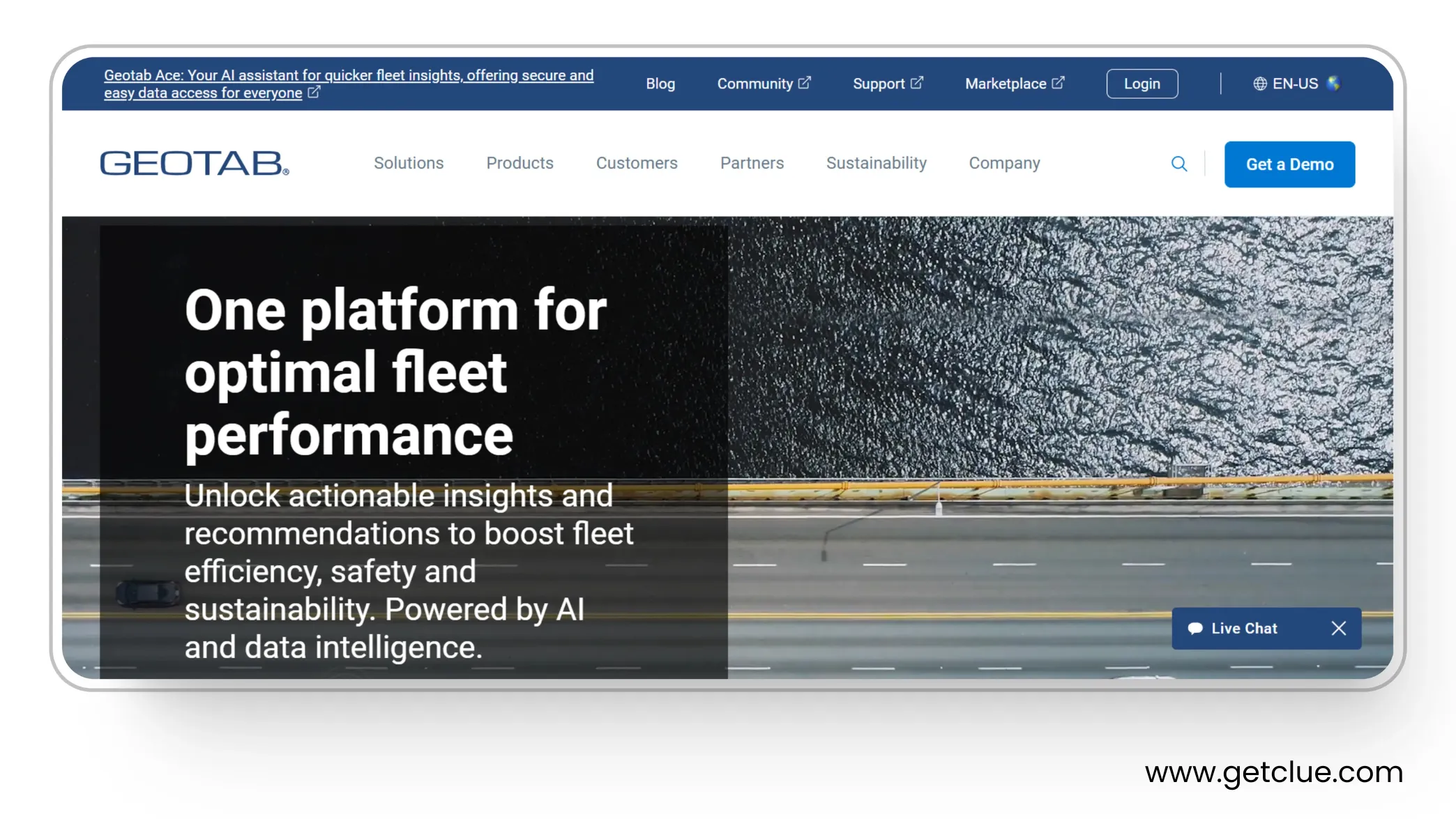
Geotab is a data-strong telematics platform known for deep engine diagnostics, reliable device hardware, and a large add-on marketplace. For construction fleets it’s a solid backbone for location, engine hours, fault codes, and idling, and it plays well with mixed-brand equipment via partner and OEM data connections.
It fits teams that want high-quality telemetry and flexibility to build their own stack. If you’re looking for construction-specific workflows inspection forms that flow into work orders, utilization by job and cost code, shop scheduling you’ll usually pair Geotab data with a construction-first system.
Pros
- Robust engine data and fault-code visibility
- Stable hardware and wide device support
- Flexible rules and alerts for idling and safety events
- Large marketplace and partner ecosystem
- Scales well across big, mixed fleets
Cons
- Not a construction-first workflow tool out of the box
- Inspections, PMs, and work orders often require third-party apps
- Pricing and support vary by reseller and package
Geotab Reviews
G2 4.4/5 (75 reviews)
Capterra 4.4/5 (95 reviews)
The incredible thing about this software is its simplicity; anyone can easily use it. This UI is so attractive to see and use; all the tools are arranged professionally and interestingly. Best known for tracking all the data and information, anytime and from anywhere."Gautam P
Pricing
Contact Geotab for a personalized quote
5. Motive
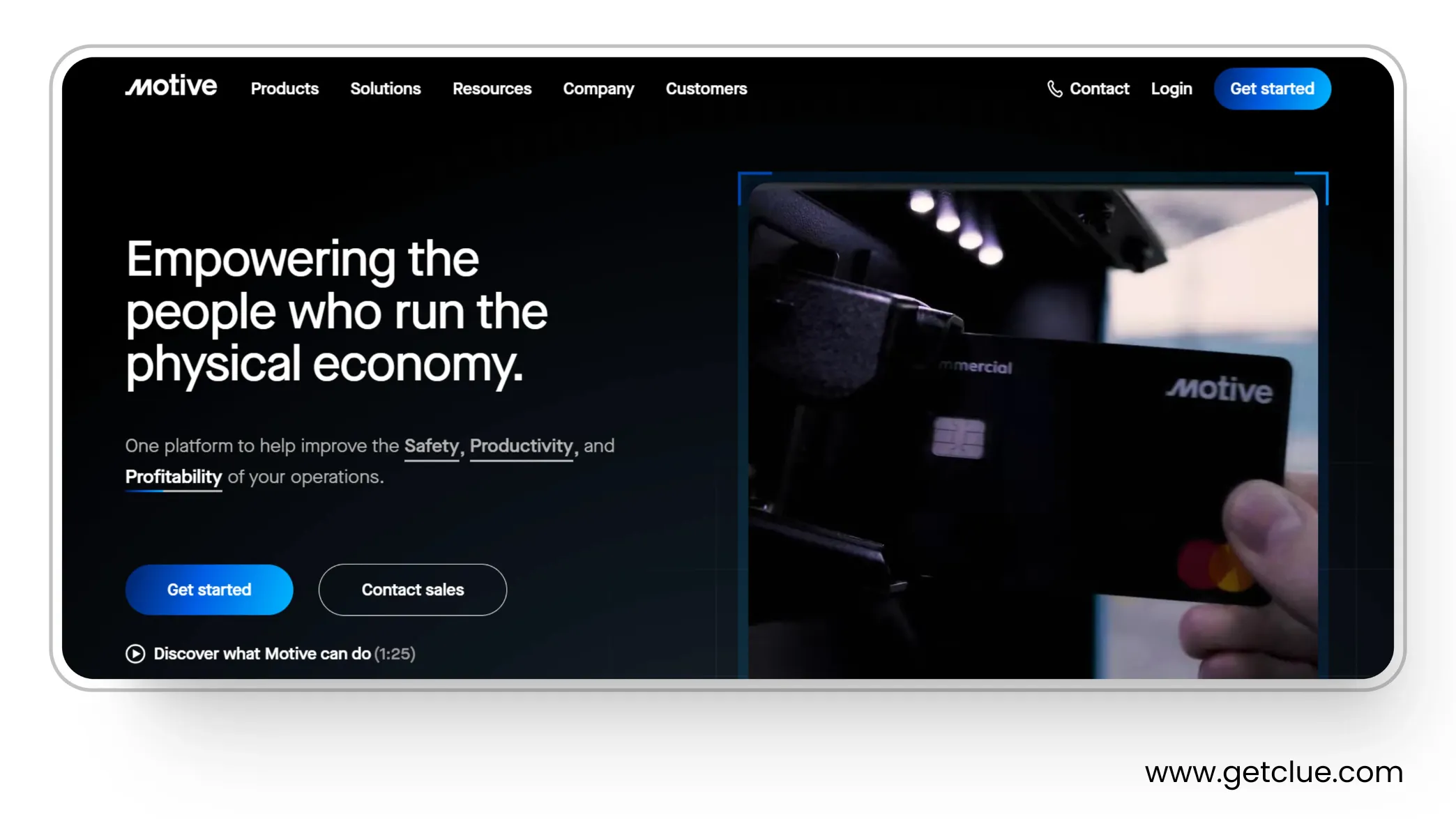
Motive is a well known fleet platform focused on safety, compliance, and day to day visibility. It combines AI dashcams, live GPS, ELD and HOS, DVIR, and maintenance tools so managers can see issues early, coach drivers, schedule service, and keep clean records.
For construction fleets this brings strong video safety and compliance coverage with helpful engine and fault alerts where supported. Maintenance pages and the help center show inspections, service schedules, and fault workflows that reduce surprise downtime. Pricing is quote based and often discussed with sales.
Pros
- AI dashcams with real time alerts and coaching.
- Reliable GPS and status visibility for assets and vehicles.
- ELD and HOS and DVIR in one platform.
- Maintenance module for inspections and service scheduling.
- Marketplace integrations to extend workflows.
Cons
- Built for many industries, not only construction equipment programs.
- Deeper equipment utilization by job and cost code may need another system.
- Public list pricing is limited and terms are usually handled by sales.
Motive Reviews
G2 4.5/5 (2,040 reviews)
Capterra 4.5/5 (1681 reviews)
"The issue I have is that the app is always having minor updates and patches, which sometimes causes the previous functions on older versions to not be fully functional and updates do not always perform automatically. Sometimes you do not know you have an older version. It could use a few more customizable features (ie. profiles, summaries,etc.)"Ross K
Pricing
Contact Motive for a personalized quote
6. Lynx
Lynx is a vehicle-fleet telematics platform built around refrigerated transport. It combines GPS tracking with TRU health, temperature monitoring, alerts, and digital recordkeeping to help fleets protect loads and meet cold-chain requirements. Recent updates added an API toolkit for TMS integrations and support for electric TRUs.
It’s a strong fit if you run reefers and want compliance-ready temperature histories plus standard fleet visibility in one place. It also supports dry vans and mixed manufacturers, so you’re not locked to a single OEM view. Activation and plans are handled via Carrier Transicold dealers.
Pros
- GPS + TRU health with temperature, fuel/battery, and mode change alerts.
- Digital temperature records that support FSMA/shippers’ audit needs.
- API toolkit for sharing data with most major TMS; broad mixed-fleet support.
- Cellular + satellite connectivity and over-the-air updates to TRUs.
Limitations
- Reefer-centric: best for cold-chain fleets, not heavy-equipment workflows.
- Hardware/subscription setup typically goes through Carrier dealers.
Lynx Reviews
G2 4.5/5 (1 reviews)
Capterra 4.3/5 (4 reviews)
"We've been using Lynx for about 3 years now and couldn't work without it. We have an average of forty projects to manage at the same time. The global view (resources / skills) enables us to anticipate deviations."Emmanuel W
Pricing
Quote-based subscription with tiered service plans; activation/commissioning via authorized Carrier Transicold dealers.
7. Fleet Complete
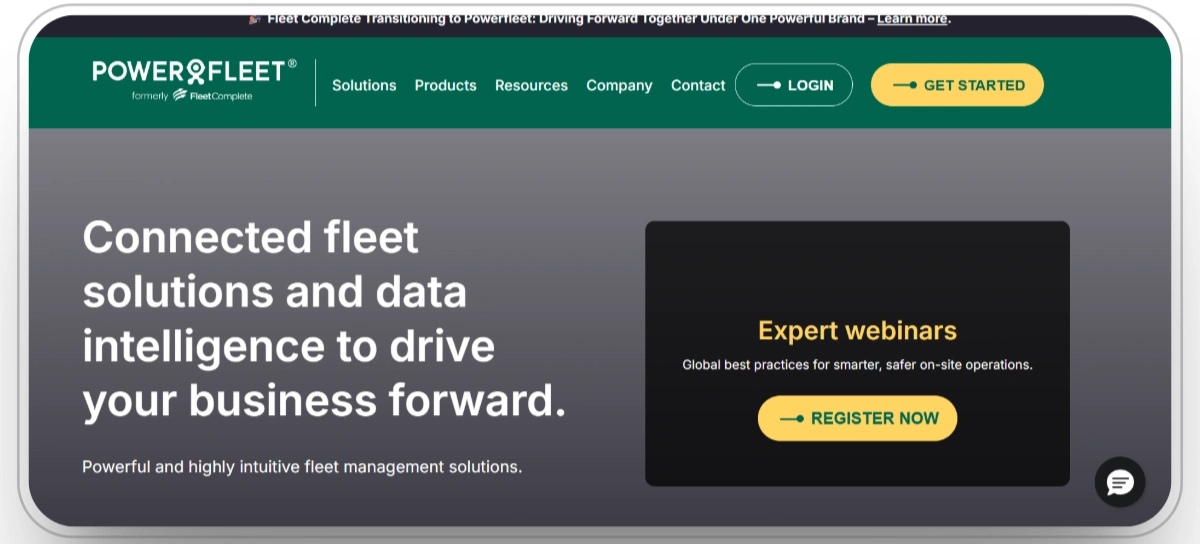
Fleet Complete is a vehicle-fleet telematics platform that brings GPS tracking, driver safety (AI dashcams), ELD/HOS, DVIR, and maintenance/inspection tools into one stack. The suite includes BigRoad for ELD compliance, Vision AI dash cameras, and mobile inspection apps, with packaging handled through quote-based plans.
It’s a good fit for fleets that want road-vehicle visibility, driver coaching, and compliance workflows without heavy customization. If you need temperature-controlled cargo monitoring or asset tracking, the ecosystem also pairs with carrier partners and add-ons. Contracts and legal terms are published, and service is often delivered via carrier/reseller channels.
Pros
- ELD/HOS with BigRoad plus DVIR in the same environment.
- AI dashcams (Vision) for real-time event detection and coaching.
- Mobile inspections with photos, signatures, and defect tracking.
- Quote-based packages with a public plan comparison page.
Limitations
- Branding is in transition, which can make documentation and support links vary by region.
- Advanced workflows may require additional tools or integrations.
Fleet Complete Reviews
G2 2.8/5 (3 reviews)
"It has a good user interface and that is about it."Paul H
8. Verizon Connect
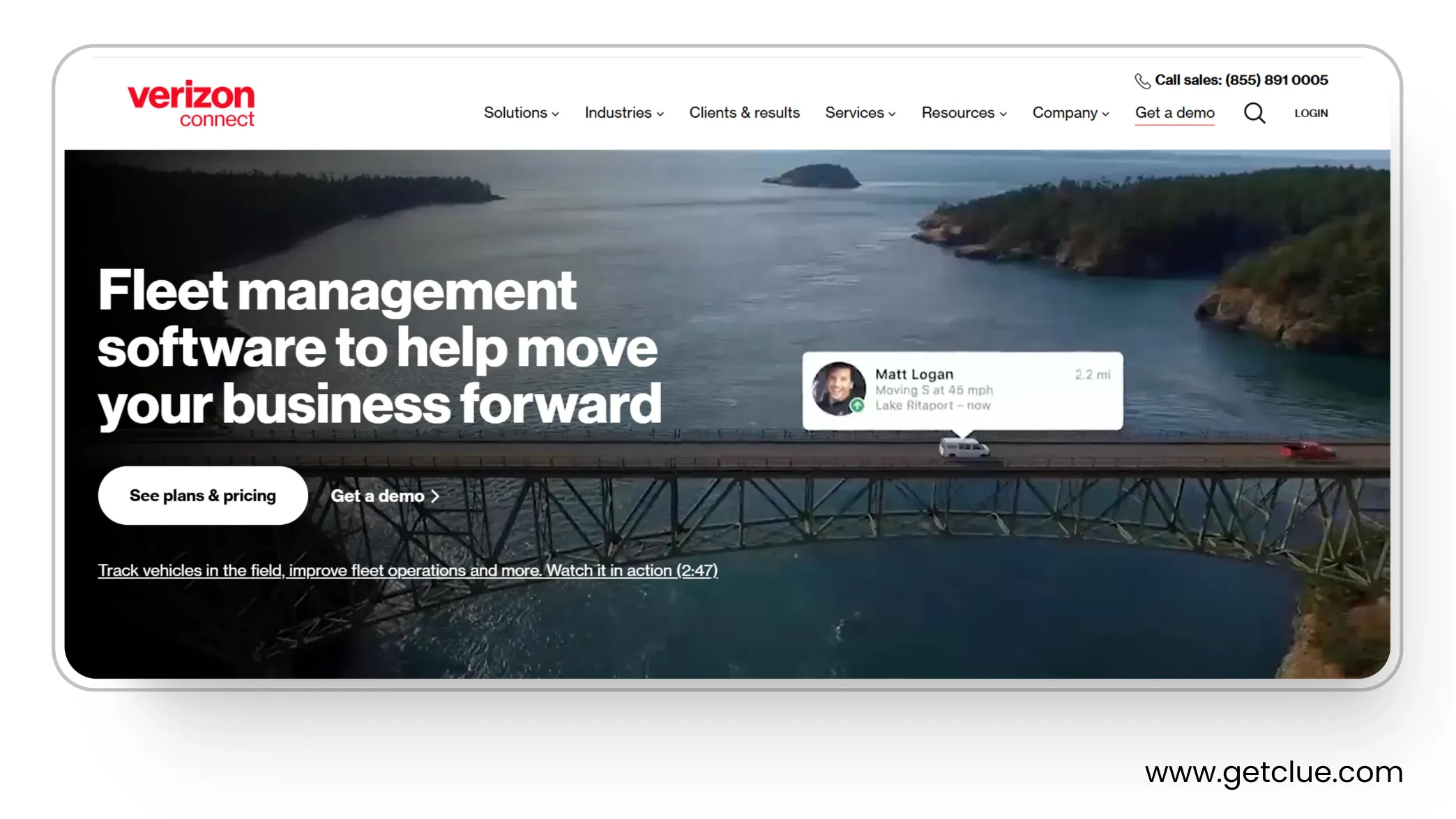
Verizon Connect Reveal is a broad fleet platform that covers GPS visibility, diagnostics, maintenance scheduling, DVIR, and AI dashcams. The DVIR workflow is integrated and supports photos and signatures, and the dashcam portfolio focuses on real time event detection and coaching.
Construction fleets get strong compliance and safety coverage with a large vendor behind the product. EV monitoring and a wide feature set help mixed use cases, though packages and terms are typically handled with sales.
Pros
- Integrated DVIR with mobile capture and desktop reporting.
- AI dashcams with event alerts and coaching.
- GPS and diagnostics that scale to large fleets.
- EV fleet features are available in Reveal.
- Backed by a large provider with broad support.
Cons
- Built for many industries, not only construction programs.
- Breadth can add a learning curve for new users.
- Pricing and terms are not listed and often longer.
Verizon Connect Reviews
G2 3.8/5 (949 reviews)
Capterra 3.2/5 (928 reviews)
"Both powered and non-powered tackers are riddled with problems. I have about 100 plus trackers and it's a constant battle with Verizon to actually get equipment that works. The website half the time is delayed by 30 minutes. Expect to be on the phone for at least an hour with customer service if something goes wrong."Nick T
9. Chevin FleetWave
Chevin FleetWave is an enterprise fleet information system with configurable workflows for asset, maintenance, fuel, and compliance management. It offers a construction page and product editions that scale from lite to advanced, with web access for teams and integrations to telematics, fuel cards, and ERP.
For construction fleets, FleetWave centralizes equipment and vehicle records, schedules service, tracks costs, and produces audit-ready reports. It is a good fit if you want a flexible FMIS that can connect to your existing stack and standardize data across large or mixed programs.
Pros
- Construction solution page and industry alignment.
- Service, fuel, compliance, and cost reporting in one system.
- Editions (lite, core, advanced) to match program size.
- Integrations for telematics, fuel cards, and ERP.
- Web access for distributed teams.
Cons
- Broad FMIS scope means more configuration effort up front.
- Heavy equipment signals rely on connected telematics feeds.
- Pricing is per vehicle per month but final quotes are handled with sales.
Chevin Fleetwave Reviews
G2 4.5/5 (3 reviews)
Capterra 4.3/5 (9 reviews)
"All of our fleet data is now in one place, in a standardised manner, easy to view and report on."Andreea B
10. Azuga Fleet
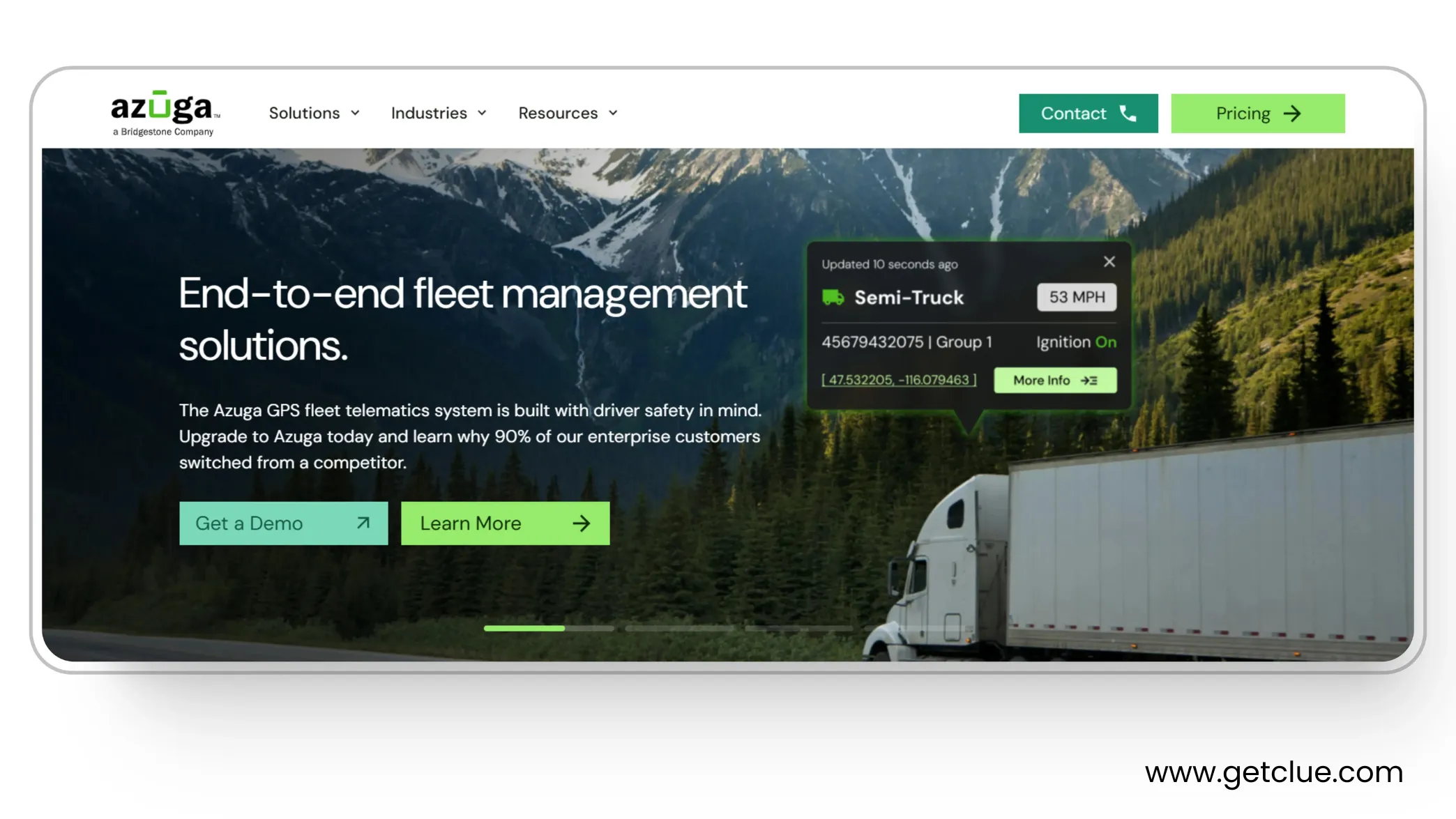
Azuga provides GPS tracking, driver scoring, maintenance tools, DVIR, and widely used AI dashcams, with a dedicated page for construction and heavy equipment. Public pages show tiered plans and a pricing flow that generates custom quotes, plus regular product updates in the knowledge base.
For construction fleets, Azuga delivers clear safety features, location awareness, inspections, and helpful fault and maintenance workflows. It is a strong choice if you want driver coaching and camera evidence with simple fleet tools, and you are comfortable pulling deeper equipment analytics from connected OEM feeds where available.
Pros
- Construction and heavy equipment industry page.
- AI dashcams with real time events and coaching.
- DVIR, maintenance scheduling, and alerts are documented.
- Pricing flow and plan tiers are visible on site.
- Frequent product release notes for web and mobile.
Cons
- Focus spans many industries, not only construction equipment.
- Deep utilization by hours and cost code mapping may need another system.
- Exact monthly pricing is often finalized through sales despite tier pages.
Azuga Fleet Reviews
G2 4.5/5 (3 reviews)
Capterra 4.3/5 (9 reviews)
"The only issue that we have experienced with Azuga is that there is a small learning curve on the admin side. Knowing how to set up admins who are also drivers seemed more counterintuitive than it maybe should have been. That said, it was a small hurdle and doesn't detract from the value we have received."Timothy S
How to Choose Construction Fleet Software in 2026
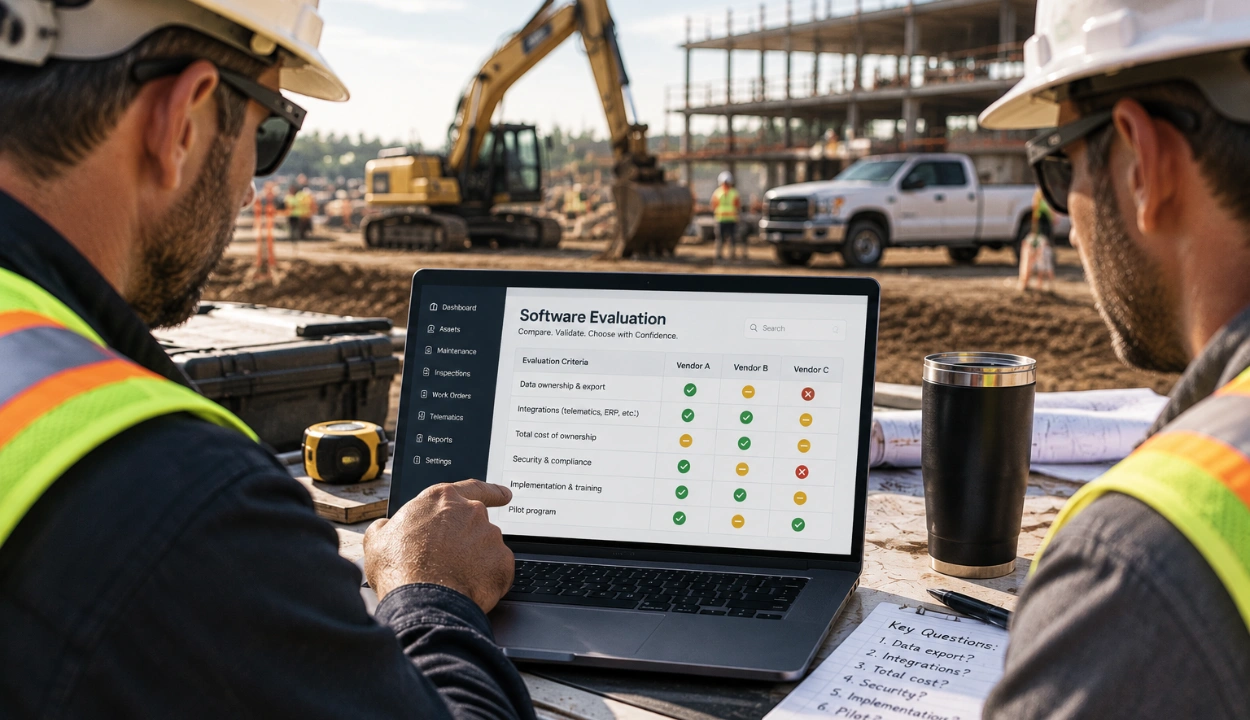
You've seen the ten. Picking the right one comes down to a few questions that decide whether a platform survives on a real jobsite.
- Does it manage mixed assets in one view? On-road trucks and off-road iron, powered and unpowered, on the same screen. If not, you're back to juggling portals.
- Does it track maintenance by engine hours, not miles? Heavy machinery wears by runtime. The right system schedules PMs on hours and fault codes, then turns a failed inspection into a work order with parts and labor prefilled.
- Does the mobile app work offline? Crews log inspections where there's no signal. It has to capture photos, notes, and signatures offline and sync later, or field records fall through the cracks.
- Can you see location, idle, and geofences in real time? Live status and run vs. idle hours are what protect assets and expose the quiet fuel leak.
- Does it cover your whole compliance mix? ELD/HOS and DVIR for on-road units, safety and inspection records for heavy equipment, all in one audit-ready trail.
- Does it tie usage to jobs and cost codes? This is where fleet software pays for itself, telling you what to move, what to rent, and what to sell, with a number finance trusts.
- Will it connect to your stack? It should talk to your accounting, ERP, and project tools, and support AEMP 2.0 / ISO 15143-3 so mixed-brand telematics speak one language. Watch total cost too, hardware and onboarding, not just the sticker price.
- Then demo your workflows, not a generic tour. Get these right and the shortlist narrows fast, usually to the platform built for construction from the ground up rather than a vehicle tool stretched to fit.
Conclusion:
Each fleet management system brings its own strengths. Samsara excels in real-time tracking, Fleetio in maintenance, and Azuga in driver safety. Yet, most focus on individual features rather than offering a complete solution.
Clue stands apart by bringing everything together in one powerful, unified platform. It delivers real-time insights, predictive maintenance, and proactive risk management all designed to adapt and grow with your business.
If you’re ready to streamline operations and elevate efficiency, Clue is the all in one fleet management solution built to drive your success.
FAQs:
Q. What is the difference between fleet management and logistics?
Fleet management focuses on operating, maintaining, and optimizing a company’s vehicles reducing costs, ensuring safety, and improving uptime. Logistics is broader: it handles the flow of goods, including inventory, warehousing, and transport between locations.
Q. Why do we need a fleet information management system?
It centralizes all vehicle, driver, and operational data in one place giving you clarity, real-time insight, and faster, informed decision-making across your fleet.
Q. How much does a fleet management system cost?
Prices typically fall between $8,000 and $15,000 for a full-featured setup, depending on features, number of vehicles, and integration complexity.
Q. What size fleet requires fleet management software?
Any fleet with 5 or more vehicles can benefit small fleets, too, can see improvement in efficiency, reduced fuel use, and better maintenance tracking.
Q. What core features should fleet software include?
Key must-have features are GPS tracking, maintenance scheduling, driver behavior monitoring, route optimization, and analytics dashboards
Q. Can fleet software help with regulatory compliance?
Yes. Most robust systems support ELD (electronic logging), HOS (hours-of-service) rules, DVIR reporting, and audit-ready records.
Q. Will fleet software reduce fuel and maintenance costs?
Definitely. By optimizing routes, reducing idle times, predicting maintenance needs, and improving driver behavior, the software can achieve significant cost savings.
Q. Is fleet management software scalable for growth?
The best systems are built to scale from a small number of vehicles to hundreds or thousands without losing performance or insight.

Transform Your Equipment Management