Top 10 Construction Dispatch Software in 2026


Hi, I’m Maham Ali. I write about construction equipment management, helping teams use fleet data and maintenance intelligence to improve uptime, control costs, and run smoother jobsites.
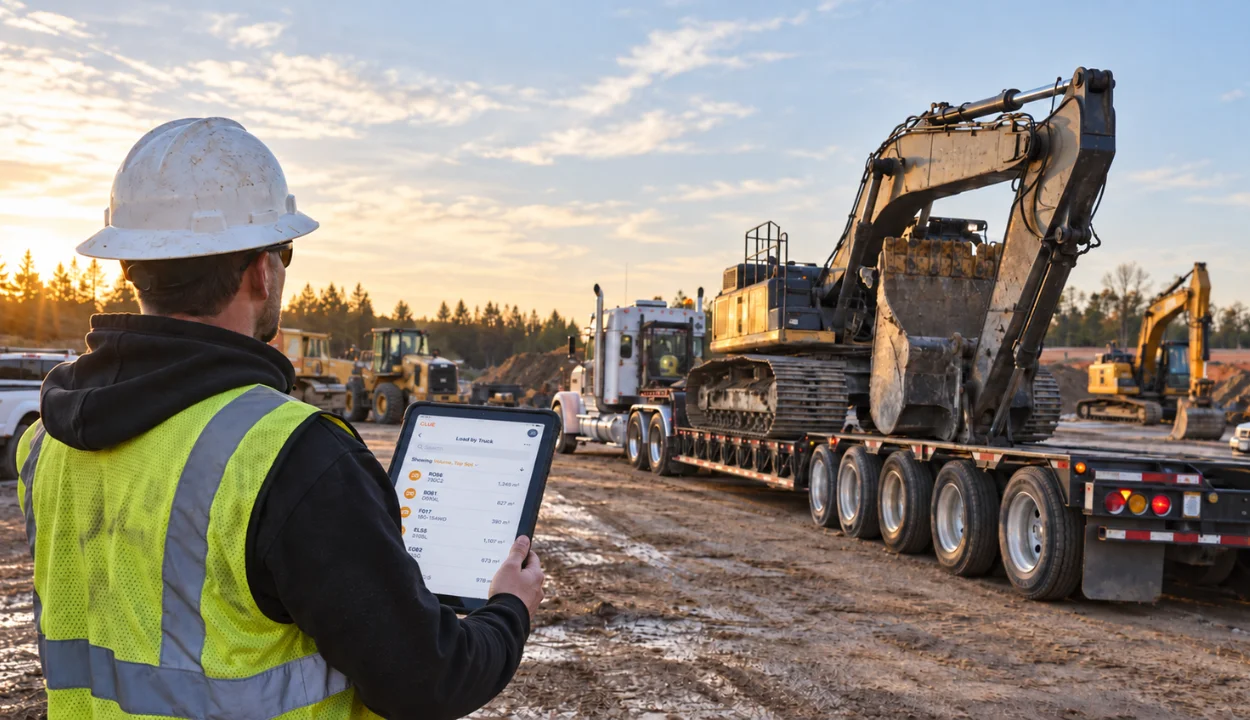
The best construction dispatch software helps contractors coordinate equipment, crews, trucks, tools, and materials across active jobsites without relying on whiteboards, phone calls, texts, or scattered spreadsheets.
The best fit depends on what your team dispatches most. Equipment-heavy contractors need live asset visibility, maintenance status, rental tracking, and field confirmations, which is where Clue stands out for equipment-heavy operations. Hauling teams may need Toro TMS, labor-focused contractors may prefer Workyard, and heavy civil teams may compare HCSS Dispatcher or B2W Schedule.
This guide compares the top construction dispatch software platforms in 2026 across dispatch depth, construction fit, mobile usability, integrations, and verified review data, so contractors can choose a system that matches how work actually moves between the office, shop, yard, and job site.
How We Evaluated These Dispatch Tools
Good dispatch software does more than manage a calendar. It helps teams act on live data by assigning the right machine and crew to the right job, spotting conflicts before they cause downtime, and keeping the shop, office, and field aligned around the same information.
Each platform was reviewed against construction-specific dispatch criteria, not generic fleet or trucking use cases. Clue was evaluated alongside every other vendor using the same scoring framework, so the comparison stays consistent, practical, and fair.
Evaluation Criteria
We deliberately excluded telematics-first and trucking-first products such as Samsara, Motive, and Route4Me. They handle over-the-road fleets well, but they do not natively model crews, heavy iron, or job site logistics, so they score poorly on construction fit even where their GPS features are strong.
Sources
- Vendor websites and construction dispatch product documentation
- Public information on dispatch, scheduling, and maintenance-linked features
- Customer reviews and ratings on G2 and Capterra, checked live in July 2026
- Construction technology resources covering dispatch and fleet workflows
Editorial Review
This list was reviewed from a construction dispatch perspective, with a focus on equipment and crew scheduling depth, field usability, and fit with how construction teams actually move resources between job sites.
Compare the Best Construction Dispatch Software
Use this table to quickly compare the top 10 options before reviewing the full breakdowns below.
Ranked List of Top Construction Dispatch Software
Below are the top construction dispatch software platforms to consider in 2026.
1. Clue
Best for: Heavy civil, infrastructure, and fleet-heavy contractors that want equipment dispatch, maintenance, rentals, and fleet costs running on the same data.
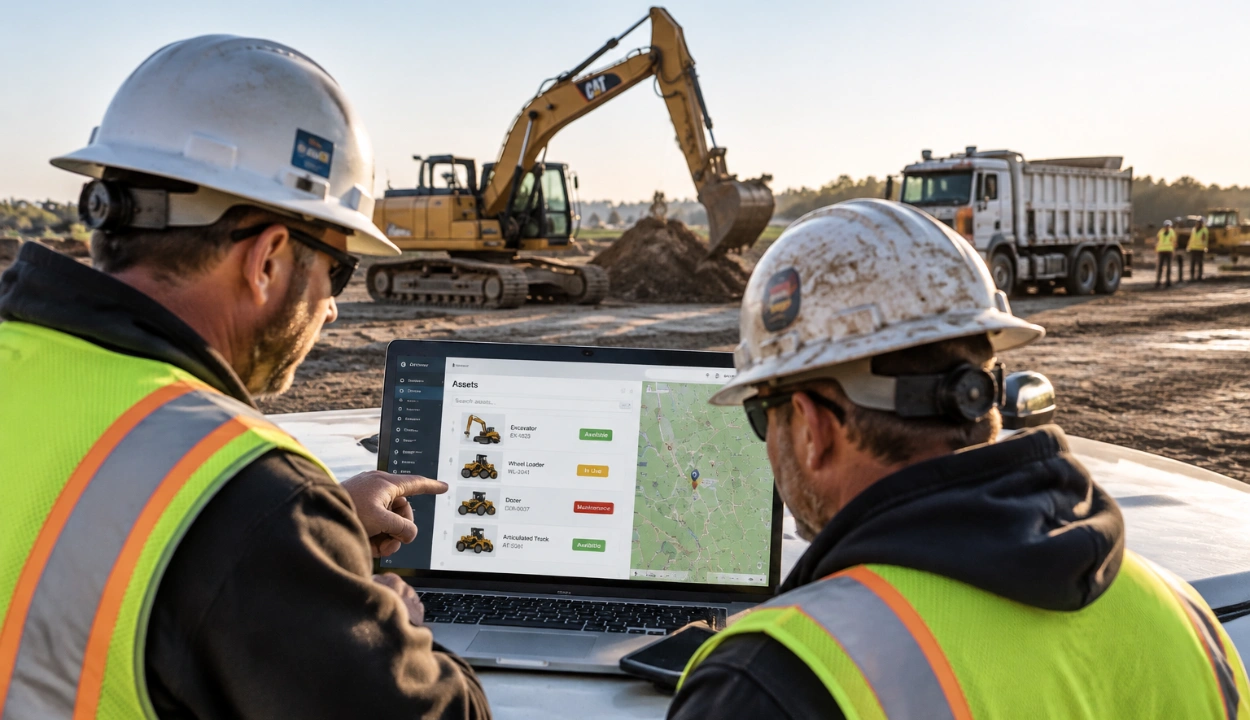
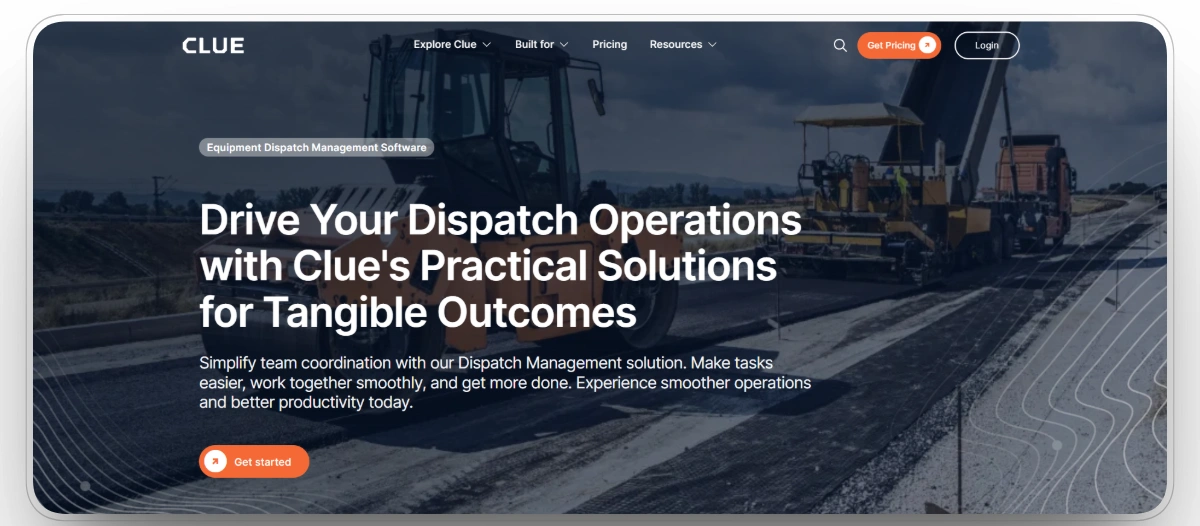
Clue is a construction equipment management software platform built from the ground up for heavy fleets, and dispatch sits at the center of it. Where most tools treat dispatch as a standalone calendar, Clue connects every assignment to the machine's real condition. Dispatchers see live location, hours, fault codes, and maintenance status before committing an asset, so a dozer with an overdue service never gets sent to a critical job.
The equipment dispatch workflow covers both machines and crews. Field teams request equipment from the mobile app, dispatchers assign from a drag-and-drop board, and operators confirm arrivals and log status from the job site. Because rentals management lives in the same system, dispatchers also see rented iron alongside owned assets and get alerts before rental returns come due. Contractors including Walsh Group, Skanska, VINCI, Graham, and Pulice Construction run their fleets on Clue, with more than 600,000 assets managed on the platform.
Our observation: Clue is strongest for equipment-heavy contractors that need dispatch decisions tied to asset condition, rental status, maintenance history, inspections, and fleet cost data. It is less suited for teams that only need a basic crew calendar or simple task scheduling.
Key Strengths
- Real-time dispatch board that assigns equipment and crews with live GPS location and availability
- Preventive maintenance and OEM fault codes connected directly to the dispatch decision, so machines with active issues stay off critical assignments
- Clue AI assistant that can pull a rental summary, check which machines are down, or dispatch a unit and operator from a single chat, using live fleet data
- Work orders, inspections, requests, and time cards run from the same mobile app that field crews already use
- 80+ native integrations, including Caterpillar VisionLink, John Deere Operations Center, Komatsu, Volvo, Samsara, Geotab, Verizon Connect, HCSS, and Viewpoint Vista, unified through one integration layer
- Job-level cost reporting through equipment economics, so every dispatch decision has a cost attached to it
Mobile App
Yes, iOS and Android, with field workflows for inspections, work orders, requests, and dispatch confirmations.
Pros
- Purpose-built for heavy construction equipment and multi-job fleets
- Dispatch, maintenance, rentals, and cost data in one system with no double entry
- Works with existing telematics hardware instead of forcing a rip-and-replace
- Fast implementation, typically one to two weeks from contract to live dashboard
- AI assistant that takes dispatch actions, not just answers questions
Cons
- Highly specialized dispatch workflows outside heavy construction may need configuration with the Clue team
- Full-platform pricing is quote-based, so a side-by-side sticker price against simpler point tools takes a conversation
Clue Reviews
Capterra: 4.6/5 (11 reviews)
2. Toro TMS
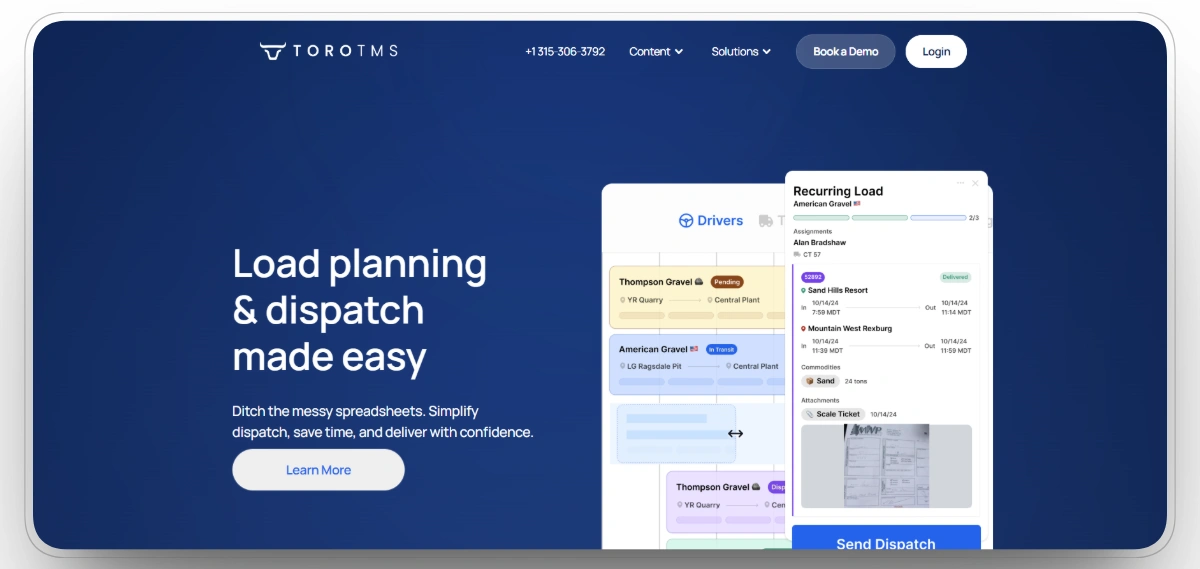
Best for: Contractors and aggregate haulers that run their own dump trucks, mixers, and material transport at scale.
Toro TMS is a trucking management system built specifically for dry and liquid bulk haulers, which makes it a natural fit for construction companies hauling aggregates, asphalt, and concrete. Dispatchers build loads with drag-and-drop templates that store material type, quantity, pickup and drop-off points, truck type, and haul rate, then send assignments to drivers by text. Drivers upload tickets from a mobile-optimized web view rather than a dedicated app, and the system carries load data straight through to invoicing and payroll.
Our observation: Toro TMS is a strong fit when the dispatch problem is construction hauling, especially aggregates, asphalt, concrete, dump trucks, mixers, and material movement. It should not be treated as a full equipment dispatch platform because it does not manage heavy equipment, crews, maintenance, and rentals in one workflow.
Key Strengths
- Load templates for repeat hauling jobs involving aggregates, asphalt, concrete, and bulk materials
- Dispatch workflow connects loads, tickets, haul rates, drivers, and job details
- Mobile-optimized driver workflow for uploading tickets and documents
- Load data supports invoicing, payroll, and driver settlement workflows
- Integrates with ELD providers and QuickBooks
Mobile App
No dedicated iOS or Android app. Drivers use a mobile-optimized web workflow to upload tickets and documents from their phones.
Pros
- Very strong fit for contractors where hauling is the main dispatch challenge
- Helps reduce manual ticket handling between drivers, dispatchers, and back office teams
- Useful for repeat material movement routes and high-volume trucking operations
- Reviewers consistently mention responsive, hands-on support
- Better suited to dump trucks, mixers, and material transport than general fleet systems
Cons
- Trucking only, with no heavy equipment or crew dispatch
- No dedicated mobile app, and no public pricing published on the vendor site
Toro TMS Reviews
Capterra: 5/5 (23 reviews)
3. HCSS Dispatcher
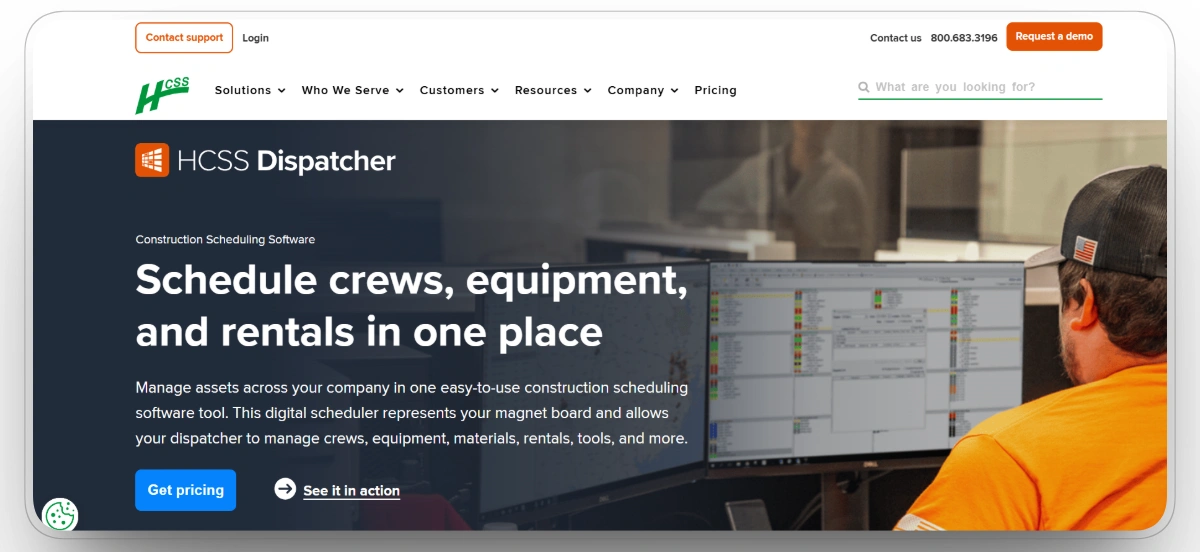
Best for: Established heavy civil firms, especially ones already running HeavyBid, HeavyJob, or Equipment360.
HCSS Dispatcher is the digital version of the magnet whiteboard that heavy civil back offices have used for decades. Dispatchers schedule crews, equipment, materials, and rentals through a point-and-click board that shows where every resource sits across projects. Because it belongs to the HCSS suite, it shares data with estimating, field tracking, telematics, and equipment maintenance, which is a major draw for contractors already invested in that ecosystem.
Our observation: HCSS Dispatcher works best for established heavy civil contractors that already think in terms of dispatch boards, equipment moves, crews, and rentals. Its biggest advantage is familiarity for traditional dispatch teams, but its structure can feel less flexible than newer cloud-first tools.
Key Strengths
- Digital dispatch board built around heavy civil equipment, crews, materials, and rentals
- Point-and-click scheduling mirrors traditional dispatch board workflows
- GPS pairing helps teams see equipment location and movement
- Connects with the broader HCSS ecosystem, including HeavyBid, HeavyJob, and Equipment360
- Supports resource visibility across multiple jobs and active projects
Mobile App
Yes, with field access to schedules, equipment status, and location updates.
Pros
- Familiar layout for dispatchers moving away from whiteboards or magnet boards
- Strong option for contractors already using HCSS products
- Good fit for established heavy civil teams with large resource pools
- Handles equipment, crew, and rental coordination better than generic scheduling tools
- Support reputation is a clear advantage in customer feedback
Cons
- Workflows are rigid, and reviewers describe the system as fairly fixed in how it was written
- Significant upfront cost compared with per-user SaaS tools
HCSS Dispatcher Reviews
Capterra: 4.3/5 (14 reviews)
4. Workyard
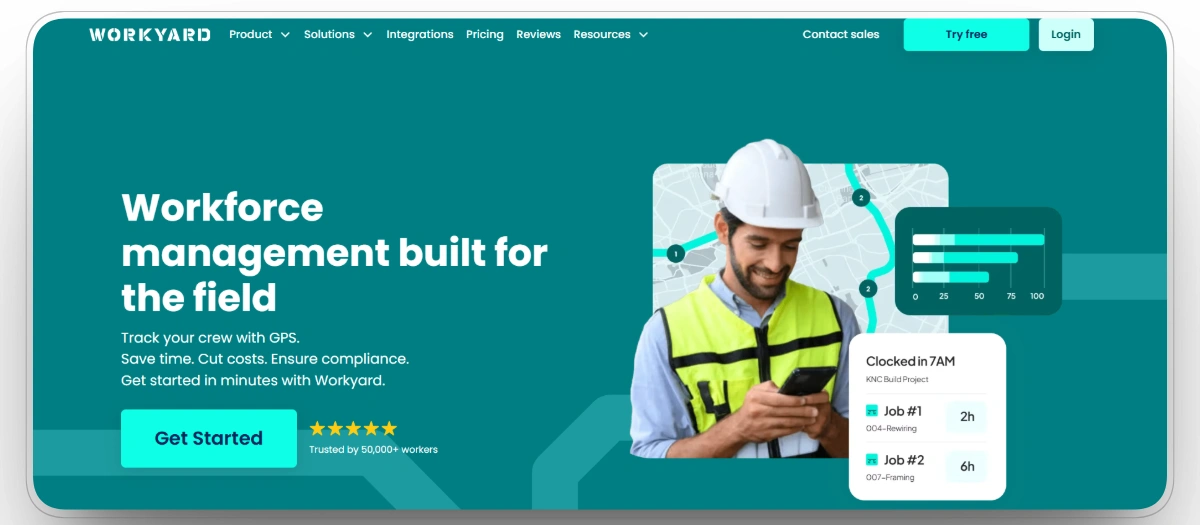
Best for: Small and mid-sized contractors where labor, not equipment, is the dispatch bottleneck.
Workyard combines high-accuracy GPS time tracking with drag-and-drop crew scheduling. Managers assign workers to jobs, crews receive schedules with checklists and job details on their phones, and every clock-in carries a GPS-verified timestamp. That makes job costing and payroll dramatically more accurate, and it gives dispatchers a live map of where every crew member actually is during the day.
Our observation: Workyard is strongest when the real dispatch issue is labor visibility, crew scheduling, GPS time tracking, and payroll accuracy. It is not the right choice for contractors that need to dispatch heavy equipment, manage asset availability, or connect assignments to maintenance status.
Key Strengths
- GPS-verified time tracking tied to worker schedules and job locations
- Drag-and-drop crew scheduling for assigning workers to jobs
- Mobile app delivers schedules, job details, checklists, and clock-in workflows
- Labor costs can be captured by job and cost code
- Integrates with payroll and accounting systems
Mobile App
Yes, iOS and Android, built around field clock-ins and schedule delivery.
Pros
- Best fit when the dispatch problem is labor visibility rather than equipment movement
- Helps reduce timesheet disputes and payroll cleanup
- Gives managers a clearer view of where crews are during the workday
- Simple enough for small and mid-sized contractors to adopt quickly
- Strong value for teams that need scheduling, time tracking, and job costing together
Cons
- No equipment dispatch or maintenance features
- Per-user pricing scales up quickly as the workforce grows
- Some advanced geofence automation is locked behind higher tiers
Workyard Reviews
Capterra: 4.8/5 (102 reviews)
5. B2W Schedule by Trimble
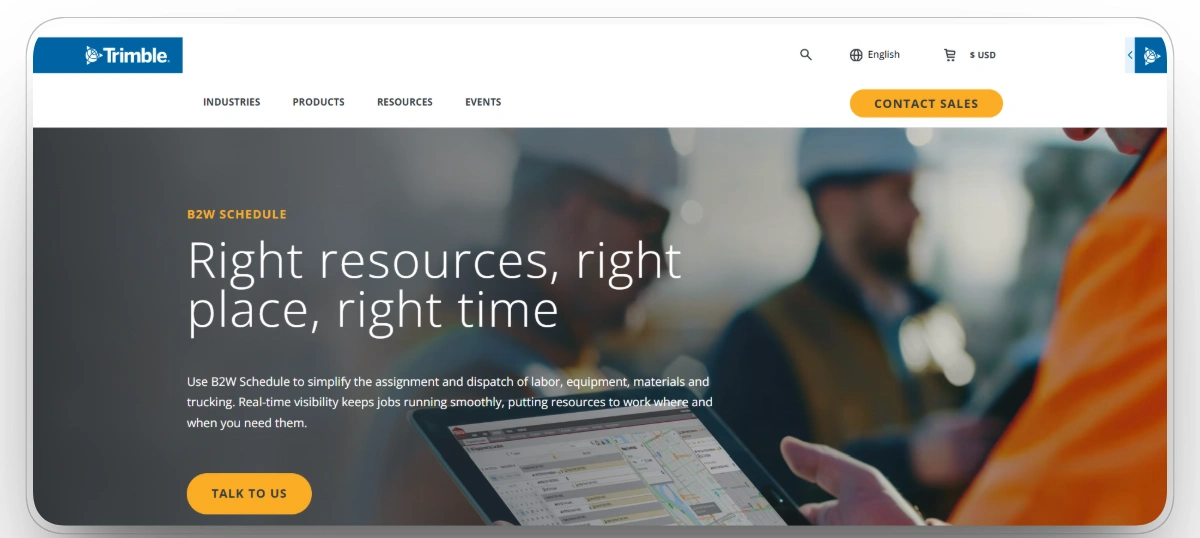
Best for: Mid-size to enterprise heavy and highway contractors that want scheduling and dispatch unified with estimating and field tracking.
B2W Schedule, now part of Trimble, handles coordinated scheduling and dispatching of employees, crews, equipment, materials, and trucking across job locations. It flags conflicts when a resource is double-booked, suggests resolutions, and syncs with B2W Estimate, Track, and Maintain so assignments, field logs, and repair statuses stay connected. Push and pull rescheduling is a favorite among seasonal road contractors who lose days to weather.
Our observation: B2W Schedule is best for heavy and highway contractors that need scheduling, equipment, crews, materials, and trucking connected across larger operations. It has strong enterprise value, but teams usually get the most from it when they are already using or planning to use the wider B2W ecosystem.
Key Strengths
- Schedules employees, crews, equipment, materials, and trucking from one system
- Conflict alerts help identify double-booked resources
- Push and pull scheduling supports changing project timelines
- Integrates with B2W Estimate, Track, and Maintain
- Designed for larger heavy, highway, and infrastructure operations
Mobile App
Tablet-optimized access for field use rather than a phone-first app.
Pros
- Strong fit for enterprise contractors coordinating many resource types at once
- Helps reduce scheduling conflicts across crews, equipment, and trucking
- Useful for roadwork and seasonal projects where plans shift often
- Offers more value when paired with the wider B2W platform
- Better suited to complex resource planning than simple crew scheduling tools
Cons
- Requires meaningful setup, especially for road jobs where the site moves daily
- Best value requires the wider B2W suite
- Very little public rating data to benchmark against
B2W Schedule Reviews
Capterra: 4.3/5 (9 reviews)
6. Fieldwire by Hilti
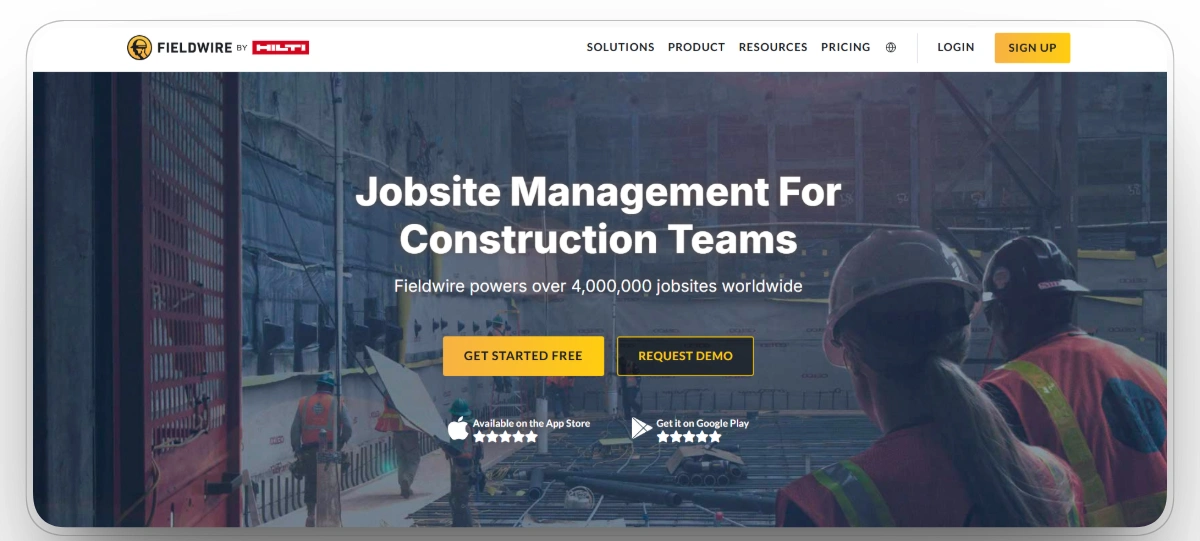
Best for: Superintendents and specialty contractors that dispatch tasks against drawings rather than a fleet board.
Fieldwire approaches dispatch from the field management side. Tasks are pinned to exact locations on plan sheets, assigned to crews, and tracked to completion with photos and notes. For superintendents coordinating punch lists, inspections, and installation work across large sites, that plan-linked dispatching is far more natural than a generic task list. The platform is trusted on more than four million projects worldwide.
Our observation: Fieldwire is most useful when dispatch means assigning field tasks against drawings, plans, inspections, and punch work. It is a strong field coordination tool, but it should not be positioned as equipment dispatch software because it does not manage fleet availability, rentals, maintenance, or machine movement.
Key Strengths
- Tasks can be assigned directly to locations on plan sheets
- Field teams can update work with photos, notes, and status changes
- Real-time drawing and markup sync across devices
- Mobile app supports task coordination from the jobsite
- Large review base across major software review platforms
Mobile App
Yes, iOS and Android, built around field tasks and plan markup.
Pros
- Excellent for superintendents assigning work by drawing location
- Reduces confusion around where a task needs to happen on site
- Strong fit for punch lists, inspections, installations, and field coordination
- Easier to adopt for small teams because of its free plan
- More practical for task dispatch than equipment or fleet dispatch
Cons
- No equipment, vehicle, or materials dispatch
- Per-user cost adds up beyond five or six people
- Reporting requires several screens to generate
Fieldwire by Hilti Reviews
Capterra: 4.6/5 (98 reviews)
7. Arrivy
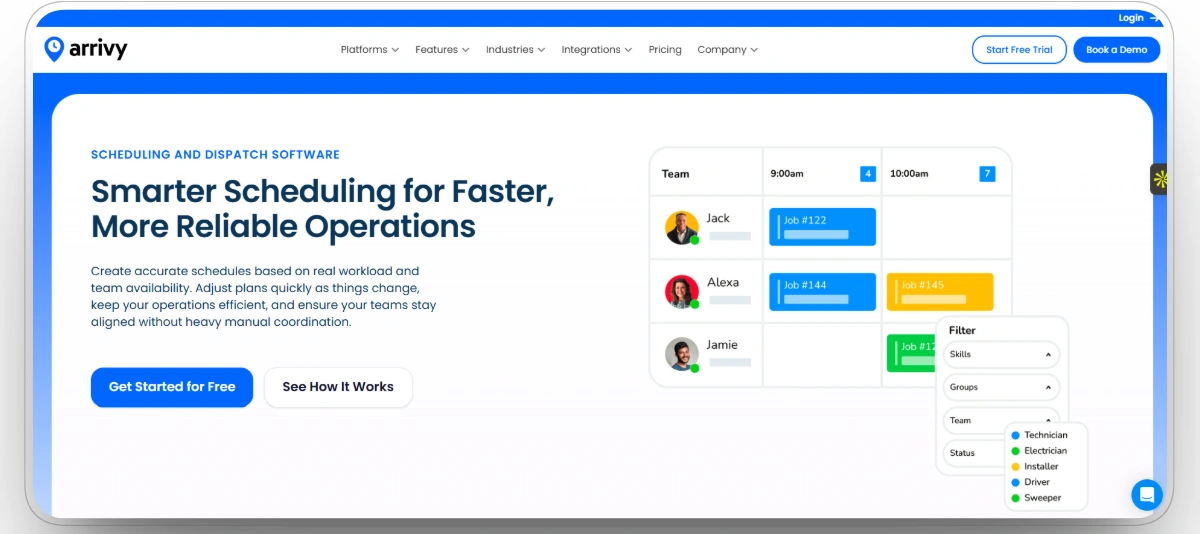
Best for: Construction and service teams that need a synchronized pipeline between the office, field crews, and customers.
Arrivy positions itself as an operations cloud that connects booking, dispatch, routing, and on-site execution. Dispatch teams issue work orders to crews, the system automatically notifies customers and field staff, and compliance rules can block a crew from advancing until required digital paperwork is complete. With more than 40 integrations into CRMs, ERPs, and payment systems, it slots into an existing stack rather than replacing it.
Our observation: Arrivy fits teams that need office-to-field coordination, customer updates, work order movement, and crew communication. It works better for service-adjacent construction workflows than for heavy equipment dispatch, where asset condition, telematics, and maintenance status matter more.
Key Strengths
- Dispatches work orders from the office to field crews
- Automated notifications keep customers and crews updated
- Compliance gating can require paperwork before a task moves forward
- Routing and scheduling tools support field service-style workflows
- Integrates with CRMs, ERPs, payment tools, and business systems
Mobile App
Yes, iOS and Android, for field crews and dispatchers.
Pros
- Good fit for construction teams that need customer-facing coordination
- Helps reduce phone tag between office staff, crews, and customers
- Useful when job progress depends on forms, approvals, and required documentation
- Can fit into an existing software stack instead of replacing every system
- Better for service-adjacent construction workflows than heavy fleet dispatch
Cons
- Small public review base on both major platforms
- Task prioritization and spreadsheet imports have limitations
- Not built for heavy equipment tracking
Arrivy Reviews
Capterra: 5/5 (1 reviews)
8. EZO
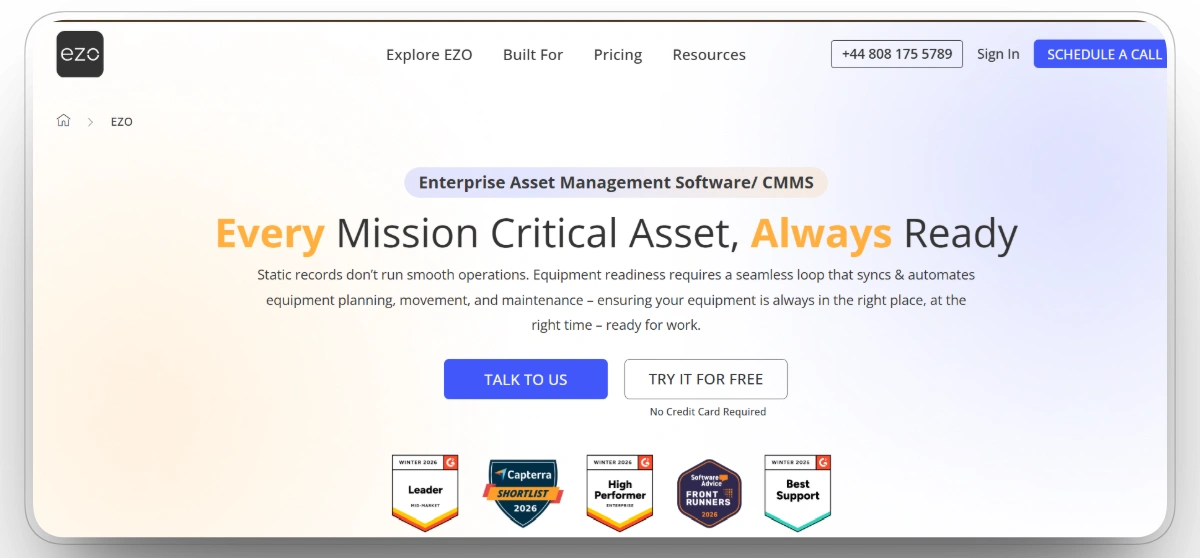
Best for: Contractors that need to dispatch and recover tools, attachments, and mid-size equipment across yards and job sites.
EZO, formerly EZOfficeInventory, is an enterprise asset management platform with a built-in CMMS and a native request and dispatch engine. Field teams request gear through a portal, the system checks real-time availability so an item is never promised to two places at once, and QR, barcode, and RFID scanning handle check-in and check-out in a single click. GPS and telematics sync covers larger equipment, while Bluetooth and QR tracking covers the small tools most fleet systems ignore.
Our observation: EZO is strongest for contractors managing tools, attachments, and small equipment across yards, warehouses, and job sites. Its request and check-in workflow is useful for asset control, but it is not built to handle full crew dispatch, trucking dispatch, or heavy fleet scheduling.
Key Strengths
- Request portal lets field teams ask for tools and equipment
- Availability checks help prevent the same item from being assigned twice
- QR, barcode, RFID, GPS, and Bluetooth tracking options
- Check-in and check-out workflows support jobsite and yard movement
- Built-in CMMS supports preventive maintenance and work orders
Mobile App
Yes, iOS and Android, built around QR and barcode scanning in the field.
Pros
- Strong fit for tool rooms, yards, warehouses, and small equipment control
- Helps contractors recover tools and reduce missing-item confusion
- Useful for managing attachments, small assets, and mid-size equipment
- Unlimited users on entry pricing can make field adoption easier
- Covers asset control and maintenance better than basic inventory tools
Cons
- Not a crew or trucking dispatch tool
- Costs climb with large item counts and higher tiers
- Mobile app trails the desktop experience in features
EZO Reviews
Capterra: 4.6/5 (1544 reviews)
9. AlignOps
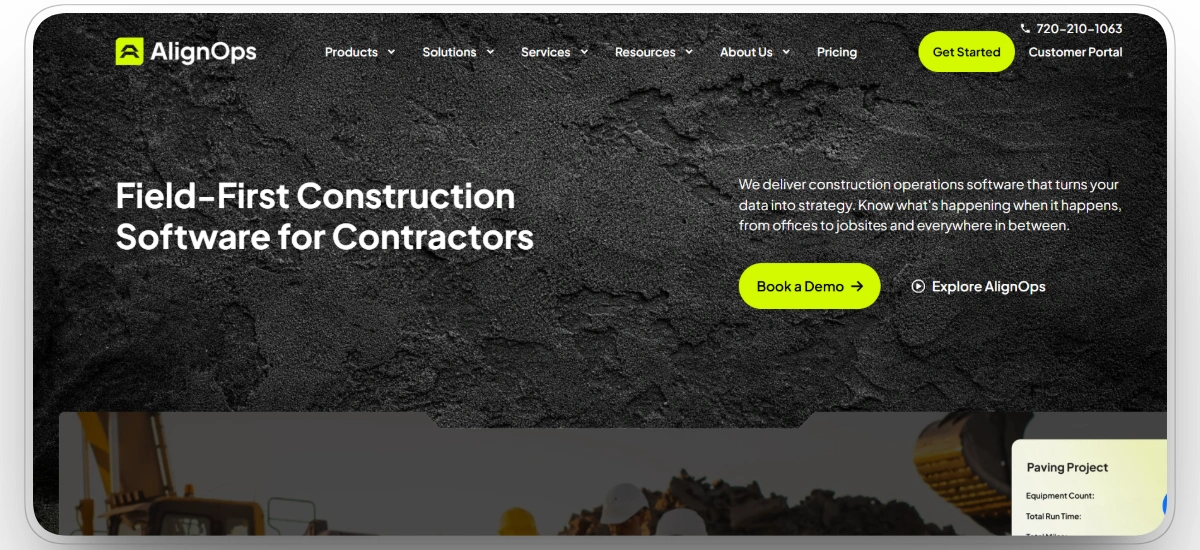
Best for: Contractors moving tools, materials, and equipment between warehouses and job sites at volume.
AlignOps, built around the long-running ToolWatch platform, is a construction operations system for tracking and dispatching tools, equipment, and materials across job sites, warehouses, and service centers. Field teams submit requests from their phones, warehouse teams fulfill them through pick tickets and transfers, and everything ties back to job costing through integrations with Sage 300 CRE, Viewpoint Vista, Procore, and Geotab. One customer runs 25,000 barcoded tools and 2,200 consumables across seven trades on it.
Our observation: AlignOps is a strong fit for contractors with large tool inventories, warehouse-to-field logistics, and material movement needs. It is especially useful when tool control and job costing matter, but teams looking for live heavy equipment dispatch may need a more fleet-centered platform.
Key Strengths
- Field request workflow connects jobsites with warehouse fulfillment
- Pick tickets, transfers, and returns support tool and material movement
- Built around ToolWatch-style tracking for tools, equipment, and consumables
- Integrates with Sage 300 CRE, Viewpoint Vista, Procore, and Geotab
- Supports preventive maintenance, service tracking, billing, and job costing
Mobile App
Yes, for field requests and warehouse fulfillment.
Pros
- Strong choice for contractors with large tool inventories and warehouse operations
- Helps connect field demand with shop, yard, and warehouse fulfillment
- Useful when tools, materials, and equipment need to be charged back to jobs
- Proven in large-scale contractor environments with high item counts
- Better for warehouse-to-field logistics than simple asset tracking tools
Cons
- Mixed feedback on stability, with some reports of freezing and sync delays
- Ease-of-use scores lag the category on Capterra
- Pricing has risen as features were bundled
AlignOps Reviews
Capterra: 4.7/5 (11 reviews)
10. Procore
Best for: General contractors that want dispatch and resource decisions anchored to the master project plan.
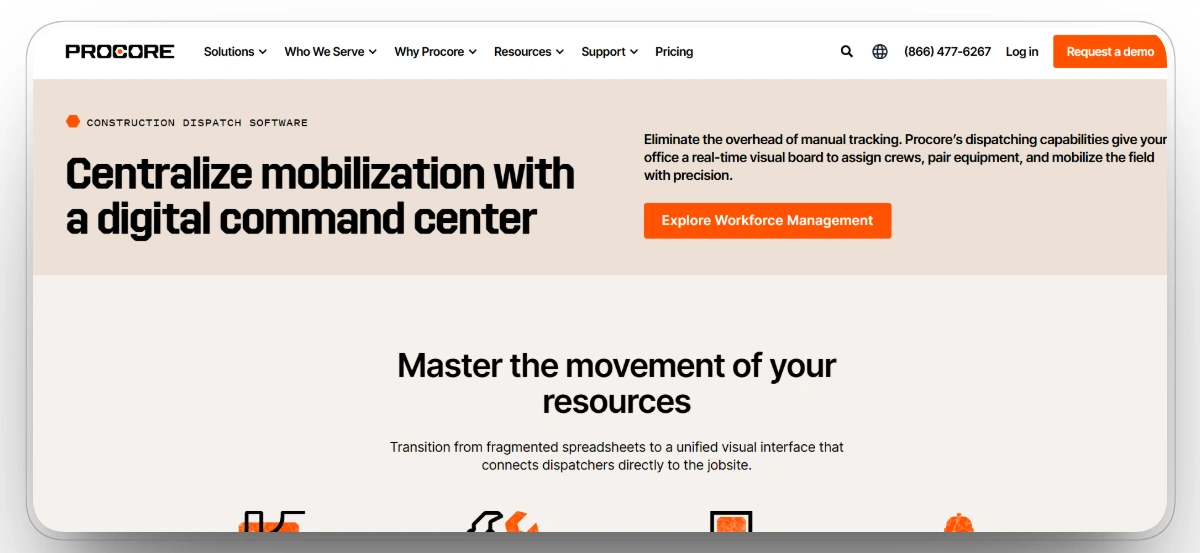
Procore is the industry-standard construction project management platform, and while it is not a dispatch board in the strict sense, its workforce planning and resource management tools shape when and where crews and equipment move. Because schedules, RFIs, and field communication live in one system with unlimited users, dispatch decisions made alongside Procore reflect actual project commitments instead of stale spreadsheets. Its marketplace also connects to dedicated dispatch and fleet tools, including AlignOps.
Our observation: Procore is valuable when dispatch decisions need to stay connected to project schedules, field communication, documents, and overall project management. It is not a dedicated dispatch system, so equipment-heavy contractors will usually need a specialized dispatch or fleet platform alongside it.
Key Strengths
- Connects resource planning with schedules, RFIs, documents, and field communication
- Workforce planning tools help teams coordinate labor and project needs
- Unlimited user model supports broad project team adoption
- Marketplace connects with dedicated fleet, dispatch, and resource tools
- Mobile app gives field teams access to project information and updates
Mobile App
Yes, iOS and Android, covering schedules, field data, and resource planning.
Pros
- Strong fit for general contractors that want dispatch decisions tied to project context
- Helps keep resource planning aligned with the master schedule
- Reduces silos between field teams, office teams, and project managers
- Integration marketplace makes it easier to connect specialized dispatch tools
- Best used as the project management hub rather than a dedicated fleet dispatch board
Cons
- Not a dedicated dispatch or fleet system
- No published pricing, with quotes based on construction volume
- Reviewers report meaningful annual price increases at renewal
Procore Reviews
Capterra: 4.7/5 (11 reviews)
Choosing the Best Construction Dispatch Software for Your Team
The right platform depends on what you are actually dispatching and who on your team feels the pain first.
Best Dispatch Software by Contractor Type
Best Dispatch Software by Team Role
For most construction teams, the biggest risk is not choosing the wrong dispatch platform. It is continuing to run dispatch off a whiteboard or a phone tree while a competitor's crews and machines move faster because the right asset was already confirmed before anyone made a call.
FAQs
What is the best construction dispatch software?
The best construction dispatch software depends on what your team needs to dispatch most. Clue is the best overall choice for contractors managing heavy equipment fleets because it connects equipment and crew dispatch with live GPS, preventive maintenance, rental tracking, work orders, inspections, and fleet cost data. Toro TMS is a stronger fit for construction hauling, while Workyard is better for labor-only scheduling.
What should the best construction dispatch software help contractors do?
The best construction dispatch software should help contractors schedule, assign, and coordinate equipment, crews, trucks, tools, and materials across job sites. Instead of relying on whiteboards, phone calls, texts, or spreadsheets, dispatchers should be able to see resource availability, job assignments, field status updates, and confirmations in one system.
What should the best construction dispatch management software do?
The best construction dispatch management software should give office, shop, yard, and field teams a shared view of what is available, what is assigned, and what needs action. It should help manage equipment requests, crew assignments, jobsite deliveries, truck schedules, rental movement, conflict detection, and field confirmations.
How is dispatch software different from GPS tracking?
GPS tracking shows where equipment, vehicles, or crews are located. Dispatch software helps decide where those resources should go next and manages the assignment workflow around them. In construction, the strongest dispatch platforms combine GPS, telematics, maintenance status, rental data, and jobsite requests so dispatchers can make better decisions before sending equipment or crews to the field.
Can one tool dispatch both crews and heavy equipment?
Yes, but not every platform handles both well. Clue, HCSS Dispatcher, and B2W Schedule are better suited for teams that need to coordinate both equipment and crews. Workyard focuses more on labor scheduling, Toro TMS focuses on trucking and hauling, and EZO or AlignOps are stronger for tools, small equipment, and warehouse-to-field workflows.
How much does top construction dispatch software cost?
Pricing for top construction dispatch software depends on the type of platform, team size, fleet size, and modules included. Entry pricing can start around a few dollars per asset per month for equipment-focused dispatch, while labor tools may charge per user. Larger heavy civil, ERP-connected, or enterprise platforms usually require custom pricing. Contractors should compare software cost against idle equipment, rental overruns, missed assignments, and dispatch delays.
How is the best construction dispatch software different from trucking dispatch software?
Trucking dispatch software usually manages drivers, trucks, routes, loads, tickets, and deliveries. The best construction dispatch software has to coordinate more complex field resources, including crews, machines, attachments, trailers, rentals, tools, and jobsite readiness. A construction dispatcher may need to know whether an excavator is available, whether it needs service, which operator is assigned, how it will move, and whether the jobsite is ready to receive it.
Who uses top construction dispatch software?
Top construction dispatch software is used by dispatchers, equipment managers, fleet managers, shop teams, project managers, superintendents, field crews, and operations leaders. Each team uses it differently, but the main goal is the same: get the right equipment, crew, truck, or material to the right job site at the right time.
Conclusion
Dispatch is where plans become reality. If equipment, trucks, and crews do not arrive where they should, when they should, the best project plan on paper still fails. Every platform in this list solves a real slice of that problem: Toro TMS for hauling, HCSS and B2W for heavy civil scheduling, Workyard for crews, Fieldwire for task dispatch, EZO and AlignOps for tools, Arrivy for customer-facing coordination, and Procore for project truth.
But only one platform connects the whole equipment operation. Clue is our number one pick for 2026 because its dispatch decisions run on live maintenance, rental, and cost data from the same system, it works with the telematics hardware you already own, and contractors are live on it within two weeks. When dispatch, operations, and the shop share the same data, you stop reacting and start planning.
Transform Your Equipment Management