Top 10 Construction Preventive Maintenance Software in 2026


Hi, I’m Maham Ali. I write about construction equipment management, helping teams use fleet data and maintenance intelligence to improve uptime, control costs, and run smoother jobsites.
Construction preventive maintenance software helps contractors schedule service before equipment issues cause costly downtime. Clue is best for telematics-driven maintenance, Fiix suits asset-heavy enterprises, and Limble CMMS works well for lean teams that need fast deployment.
Construction preventive maintenance software can automate work orders, track service history, manage parts, and connect maintenance schedules with real equipment usage. The right platform should fit your fleet, field workflows, existing systems, and maintenance priorities.
In this guide, we compare the top 10 construction preventive maintenance software platforms for 2026 based on PM scheduling, construction fit, work orders, mobile usability, integrations, reporting, pricing, and customer reviews.
How We Evaluated These Preventive Maintenance Tools
Construction preventive maintenance isn't judged by whether it can create a maintenance reminder. Nearly every platform can do that. The real differences are how service intervals are triggered, how work orders are generated, how maintenance history is managed, and how well the system fits into day-to-day fleet operations.
To keep the comparison consistent, every platform was evaluated using the same construction-focused criteria, including scheduling intelligence, telematics integration, work order management, equipment history, mobile usability, and verified customer reviews.
Evaluation Criteria
We excluded basic asset registers and spreadsheet schedulers that lack meaningful preventive maintenance scheduling, service history, or work order capabilities. Effective preventive maintenance may use meter-based, condition-based, or calendar-based triggers depending on the asset and service requirement.
Sources
- Vendor websites and preventive maintenance feature documentation
- Public information on CMMS capabilities, meter-based scheduling, mobile apps, and telematics integrations
- Customer reviews and ratings on G2 and Capterra, checked live in July 2026
- Construction equipment maintenance and reliability industry resources
Editorial Review
This comparison was conducted from a construction fleet perspective, prioritizing platforms that support real machine usage alongside calendar and condition-based maintenance triggers. McKinsey reports that predictive maintenance supported by advanced analytics can reduce machine downtime by 30-50% and extend equipment life by 20-40%, making maintenance intelligence an important evaluation criterion.
Compare the Best Construction Preventive Maintenance Software
Use this table to quickly compare all 10 options before reviewing the full breakdowns below.
Below are the top 10 construction preventive maintenance software platforms to consider in 2026.
1. Clue
Best for: Contractors with heavy mixed fleets that want preventive maintenance triggered by real engine hours pulled straight from telematics.
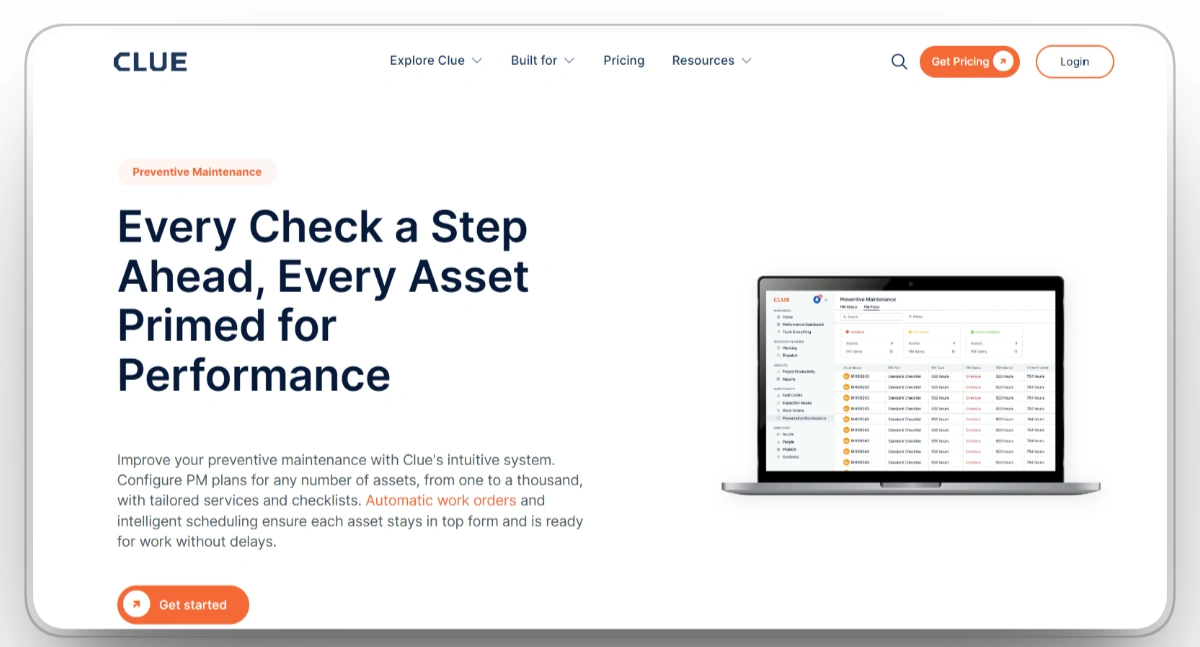
Clue is built for contractors managing large, mixed equipment fleets where preventive maintenance is only one part of a much larger operation. PM plans can be assigned to individual assets or entire equipment classes, then triggered automatically by engine hours, OEM telematics, fault codes, and other service intervals, allowing maintenance teams to respond to both scheduled and condition-based maintenance.
When maintenance is due, Clue creates the work order automatically with the correct checklist, cost codes, asset history, and intelligent scheduling that stacks the 500-hour and 2,000-hour services into one shop visit instead of two. Failed inspections generate maintenance tasks, mechanics log labor directly against the work order, and every completed service updates the equipment's maintenance record.
That connected workflow makes Clue well suited to enterprise contractors that need to standardize preventive maintenance across hundreds or thousands of assets while keeping maintenance, operations, and financial data in sync.
Our observation: Clue isn't designed to be just a maintenance system. It's built for contractors that want preventive maintenance connected to the rest of their equipment operation, making it a stronger fit for construction fleets than organizations looking for a standalone CMMS.
Our rating: 9.5/10
Mobile App
Yes, iOS and Android, so mechanics receive PM alerts, checklists, and work orders in the shop or the field.
Pros
- Provides real-time preventive maintenance data to reduce unplanned downtime.
- Automates maintenance scheduling, ensuring regular inspections and services are performed.
- Mobile access for maintenance teams to receive updates and alerts on the go.
- Customizable maintenance alerts based on equipment needs to avoid overlooked tasks.
Limitations
- Less suitable for organizations focused primarily on facilities and building maintenance.
- Designed for construction and heavy fleets, not facilities maintenance.
- Setup becomes more involved when telematics, ERP, and historical fleet data must be integrated.
Clue Reviews
Capterra: 4.6/5 (11 reviews)
G2: 4.7/5 (3 reviews)
2. Fiix
Best for: Enterprise, asset-heavy operations that want AI-assisted preventive maintenance on a proven, integration-rich CMMS.
Fiix, owned by Rockwell Automation, is a CMMS focused on preventive maintenance, asset management, and work order tracking. Preventive maintenance schedules can be automated with recurring reminders, while work orders capture labor, parts, downtime, and maintenance history for each asset. Deep asset hierarchies allow organizations to organize equipment from facilities down to individual components, and built-in analytics use historical maintenance data to support reliability analysis and repair-or-replace decisions. Integrations with ERP and other business systems help synchronize maintenance data across operations. A permanent free plan with unlimited work orders is available for smaller teams, although user access and active preventive maintenance schedules are limited.
Our observation: Fiix is most at home in industrial and manufacturing environments, where structured asset records and planned maintenance take priority over live equipment telemetry and field operations.
Our rating: 9.1/10
Mobile App
Yes, iOS and Android, with an offline mode that syncs when signal returns.
Pros
- Automates preventive maintenance with recurring schedules and work orders.
- Tracks labor, parts, downtime, and complete maintenance history.
- Uses maintenance data and analytics to support reliability decisions.
- Connects with ERP systems and offers a free plan for smaller teams.
Limitations
- Slight learning curve for new users during initial implementation.
- Integration with third-party systems can be complex and time-consuming.
- Higher pricing for smaller businesses with limited maintenance budgets.
Fiix Reviews
Capterra: 4.5/5 (628 reviews)
G2: 4.6/5 (476 reviews)
3. Limble CMMS
Best for: Lean maintenance teams that want a full preventive maintenance program live in days with an app technicians actually open.
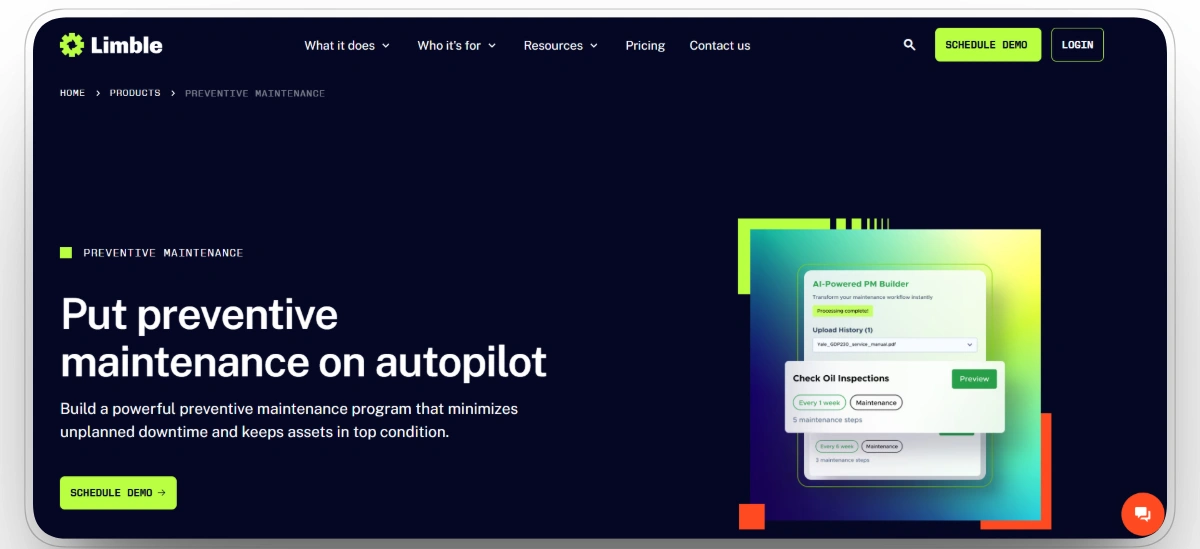
Limble CMMS organizes maintenance around a continuous flow of information rather than separate maintenance tasks. Equipment issues can be reported through QR codes, preventive maintenance automatically creates recurring work orders, technicians record labor and completed repairs in the field, and every activity updates the asset's maintenance history. Inventory usage, maintenance costs, and downtime are captured alongside the work, giving managers a single record for each asset without maintaining separate logs.
The platform also includes reporting for PM compliance, multi-site management, asset hierarchies, and cloud-based mobile access, making it suitable for organizations managing maintenance across multiple facilities.
Our observation: Limble's strength isn't a single feature but the consistency of the experience. Most maintenance tasks follow the same straightforward workflow, making the platform easy to adopt across technicians with different levels of experience.
Our rating: 9.0/10
Mobile App
Yes, iOS and Android, with QR scanning and full PM management in the field.
Pros
- Automates preventive maintenance with recurring schedules and work orders.
- Tracks labor, parts, downtime, and complete asset maintenance history.
- Provides dashboards for PM compliance, maintenance costs, and downtime.
- Supports mobile updates, QR codes, and field-based work requests.
Limitations
- Some users may face a learning curve with advanced features and workflows.
- Can be expensive for smaller businesses with limited maintenance budgets.
- Fewer integration options with third-party tools than enterprise competitors.
Limble CMMS Reviews
Capterra: 4.8/5 (755 reviews)
G2: 4.8/5 (685 reviews)
4. UpKeep
Best for: Field maintenance teams that live on their phones and want preventive maintenance managed entirely from mobile.
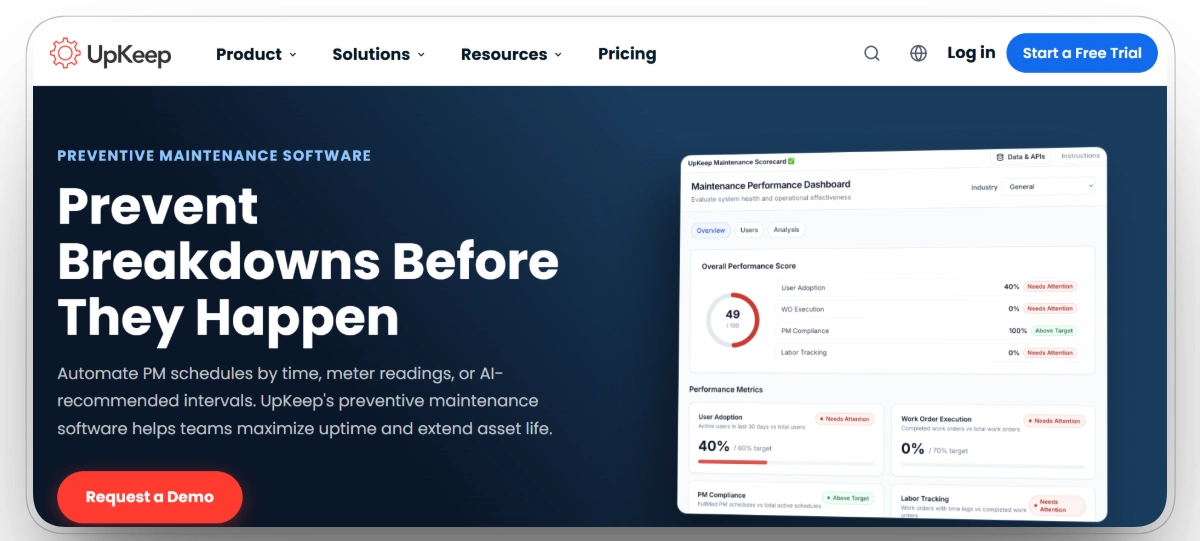
UpKeep helped define the mobile-first CMMS, and the product still puts the phone first: technicians access logs, receive PM reminders, and report issues in real time from where the work happens rather than a shop PC. Work orders, preventive maintenance schedules, inventory records, and asset information are all accessible through the mobile app, allowing field updates to flow directly into the maintenance record.
The platform also includes reporting for equipment performance and downtime, along with optional sensor integrations and condition monitoring that can be used to support preventive maintenance workflows. Its feature set remains centered on enabling maintenance activities to be managed and documented from the field while providing managers with visibility across assets and work orders.
Our observation: Years after helping popularize the mobile CMMS, UpKeep still feels designed around field execution. Most workflows begin with the technician, and the rest of the platform follows from that design choice.
Our rating: 8.7/10
Mobile App
Yes, iOS and Android, and the phone is the intended primary interface.
Pros
- User-friendly interface for easy daily maintenance management tasks.
- Mobile app for real-time updates and team communication anywhere.
- Detailed reporting to track equipment performance and reduce downtime.
- Supports preventive maintenance scheduling and digital work order management.
Limitations
- Advanced workflow automation, reporting, and enterprise integrations may require higher-tier plans or additional configuration.
- Pricing can be high for smaller businesses with limited budgets.
- Limited customization options for specific workflows and reporting needs.
UpKeep Reviews
Capterra: 4.6/5 (1,320 reviews)
G2: 4.5/5 (1,089 reviews)
5. eMaint
Best for: Multi-site enterprises that need highly configurable preventive maintenance with predictive capabilities.
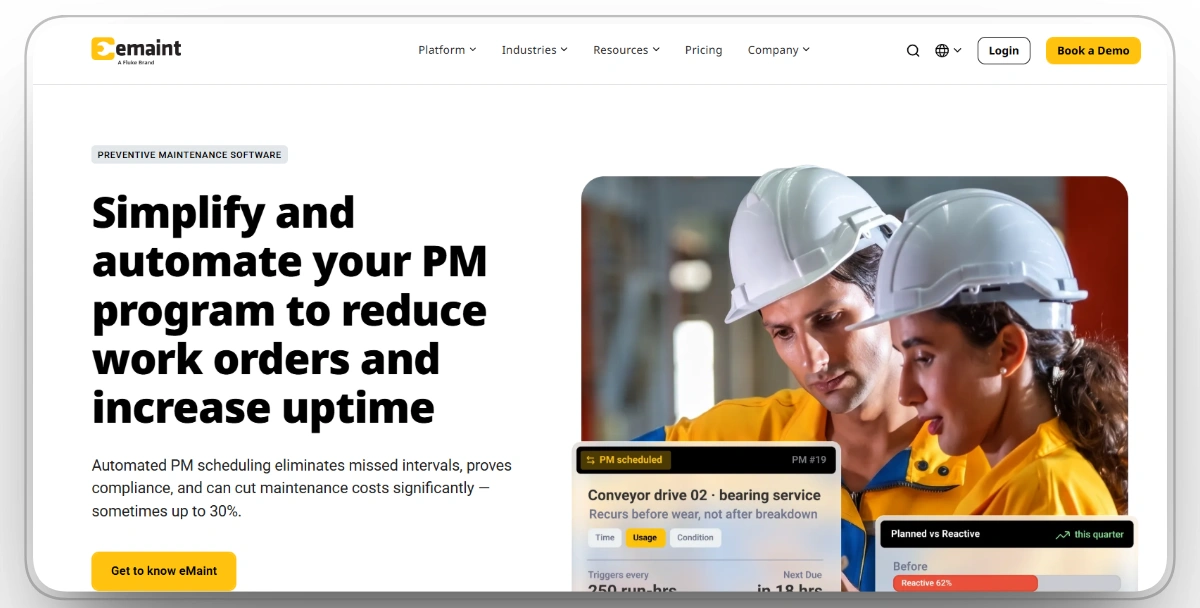
eMaint, a Fluke Reliability company, is built around configurability, allowing organizations to adapt preventive maintenance workflows to their existing processes rather than predefined templates. Preventive maintenance schedules, multi-site asset tracking, work order management, dashboards, and condition-based maintenance can all be configured to support different operational requirements, while predictive maintenance features help identify potential failures before scheduled service intervals.
The cloud platform, mobile app, MRO inventory management, and approval workflows provide a consistent system for managing maintenance activities, assets, inventory, and spending across multiple locations.
Our observation: eMaint prioritizes configurability over simplicity. The platform exposes more workflow, asset, and reporting options than many CMMS products, making it capable of supporting highly customized maintenance programs while also requiring more planning and administration during implementation.
Our rating: 8.5/10
Mobile App
Yes, iOS and Android, with cloud access for real-time updates.
Pros
- Proactive maintenance features reduce downtime and extend overall equipment life.
- Customizable workflows to fit specific construction maintenance needs efficiently.
- Mobile app and cloud-based platform for easy access and real-time updates.
- Multi-site asset management supports standardized maintenance across distributed locations.
Limitations
- Steep learning curve for advanced features and configuration.
- Can be costly for smaller businesses with tighter budgets.
- Integration issues with certain legacy tools and systems.
eMaint Reviews
Capterra: 4.5/5 (421 reviews)
G2: 4.5/5 (288 reviews)
6. Maintenance Connection
Best for: Large maintenance departments that want enterprise CMMS depth with full asset lifecycle management.
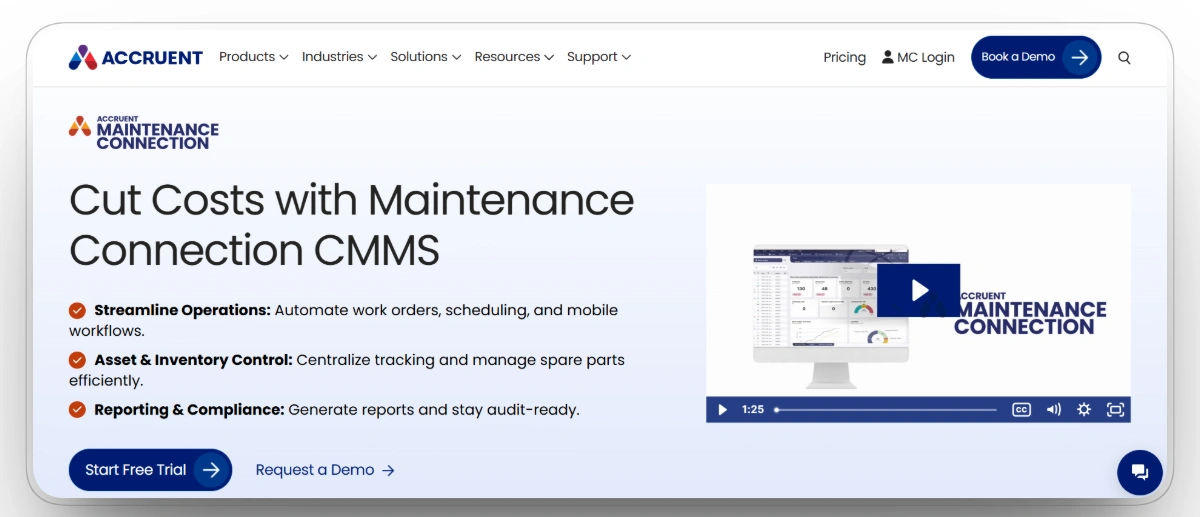
Maintenance Connection, an Accruent product, approaches maintenance as an ongoing asset management process rather than a series of individual work orders. Preventive maintenance scheduling, predictive planning, automated alerts, and asset tracking help organizations stay ahead of routine service, while lifecycle records build a long-term view of equipment performance, repair history, and maintenance costs.
Mobile access and customizable workflows keep field teams connected, and broad integration options allow maintenance data to move alongside ERP, finance, and other enterprise systems instead of remaining siloed. The result is a platform that emphasizes continuity, giving organizations the context to manage assets over years rather than simply completing the next maintenance task.
Our observation: Maintenance Connection fits large departments that need lifecycle and multi-site depth over quick deployment. Setup and customization take real effort, reporting can require configuration to bend the way teams want, and it is more platform than a small construction shop needs.
Our rating: 8.3/10
Mobile App
Yes, with mobile access for real-time work order and asset updates.
Pros
- Automates and schedules preventive maintenance to reduce unexpected downtime.
- Customizable workflows to fit specific construction maintenance needs.
- Mobile app for real-time updates and improved on-site team efficiency.
- Comprehensive asset tracking with detailed maintenance history and records.
Limitations
- Initial setup and customization can be challenging for new users.
- Pricing may be too high for smaller teams with limited budgets.
- Reporting options can be less flexible, requiring additional customization efforts.
Maintenance Connection Reviews
Capterra: 4.5/5 (444 reviews)
G2: 4.4/5 (73 reviews)
7. Eptura Asset (formerly Hippo CMMS)
Best for: Facilities-heavy small and mid-size teams that want simple, visual preventive maintenance scheduling.
Eptura Asset, the platform formerly known as Hippo CMMS, keeps maintenance management deliberately approachable without sacrificing the core capabilities organizations expect from a CMMS. Customizable preventive maintenance schedules are presented through a visual calendar that makes recurring work easy to plan and track, while the mobile app allows technicians to complete work orders, update asset information, and record maintenance activities directly from the field.
A built-in maintenance request portal lets employees submit issues without creating an account, helping maintenance teams capture and prioritize work more efficiently. Reporting provides visibility into work order completion, downtime, maintenance trends, and inventory, while integrations with Microsoft and Autodesk connect maintenance operations with broader facilities management workflows.
Our observation: Eptura Asset feels intentionally uncomplicated. It removes much of the friction from scheduling preventive maintenance and managing work requests, but it stops short of the predictive analytics, telematics, and equipment intelligence found in platforms built specifically for large construction fleets.
Our rating: 8.0/10
Mobile App
Yes, iOS and Android, with on-site task management and asset lookup.
Pros
- Customizable maintenance schedules to prevent unexpected equipment breakdowns.
- User-friendly interface, easy to navigate for all maintenance team members.
- Mobile app allows technicians to manage maintenance tasks on-site efficiently.
- Maintenance request portal simplifies issue reporting across the entire organization.
Limitations
- Advanced features have a learning curve for inexperienced users.
- Fewer integrations with other software and enterprise systems.
- Reporting features are basic and not highly customizable out of the box.
Eptura Asset (Hippo CMMS) Reviews
Capterra: 3.9/5 (197 reviews)
G2: 3.9/5 (19 reviews)
8. MPulse
Best for: Mid to large asset operations that want solid PM scheduling paired with strong spare-parts inventory tracking.
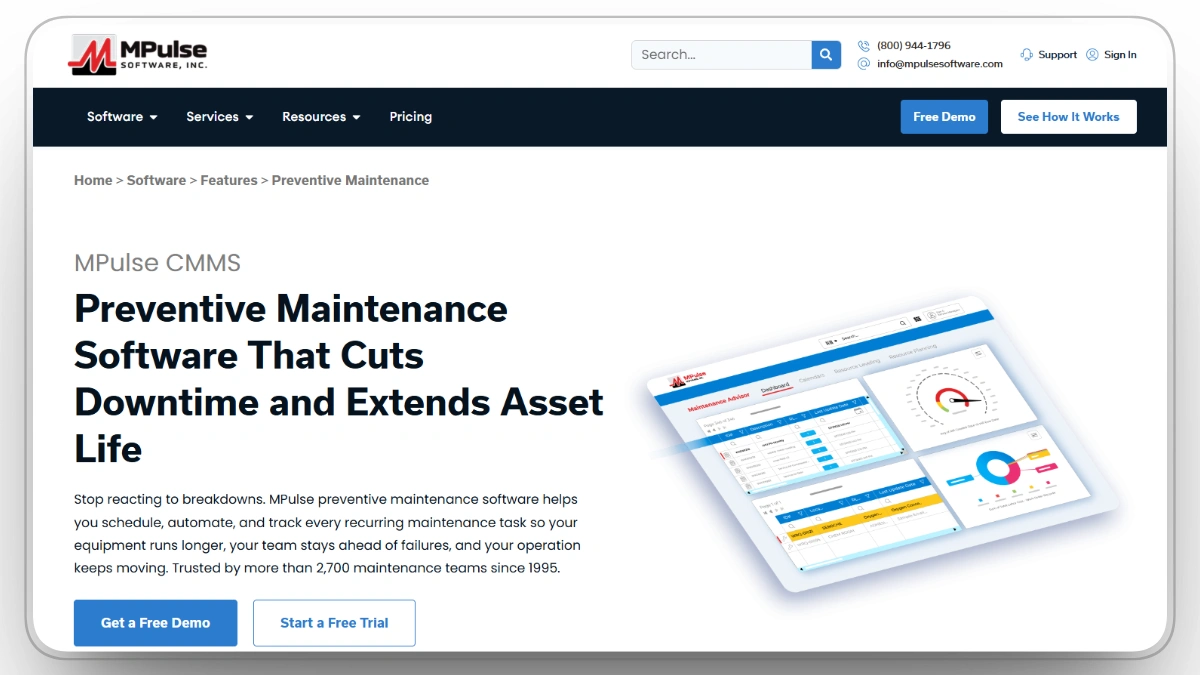
MPulse brings preventive maintenance, asset records, and inventory management into a single maintenance workflow. Automated PM scheduling keeps recurring work on track, while detailed equipment histories provide context for repairs, inspections, and service planning over time.
Spare parts inventory is integrated directly into maintenance activities, helping teams monitor stock levels, manage parts availability, and reduce delays caused by missing components. Reporting brings together maintenance performance and inventory data to support operational decisions, while mobile access and integrations keep technicians and managers connected across day-to-day operations as organizations grow.
Our observation: MPulse is a dependable pick where inventory and PM need to live together, and its parts tracking is a genuine strength. Customization and reporting flexibility are limited, integrations can require technical support, and its thin public review base means buyers should lean on a demo.
Our rating: 7.8/10
Mobile App
Yes, with mobile access for real-time updates and on-site communication.
Pros
- Automates maintenance scheduling, reducing manual tasks and ensuring timely preventive service.
- Provides detailed reports and analytics to optimize overall maintenance costs.
- Offers mobile access for real-time updates and improved on-site team communication.
- Tracks equipment history and spare parts inventory in one centralized platform.
Limitations
- New users may face a learning curve during onboarding.
- Limited customization for advanced workflows and reporting needs.
- System integrations may require additional implementation and support.
MPulse Reviews
Capterra: 4.5/5 (169 reviews)
G2:4/5 (1)
9. Asset Panda
Best for: Multi-site teams that lead with asset tracking and want preventive maintenance and barcode scanning layered on top.
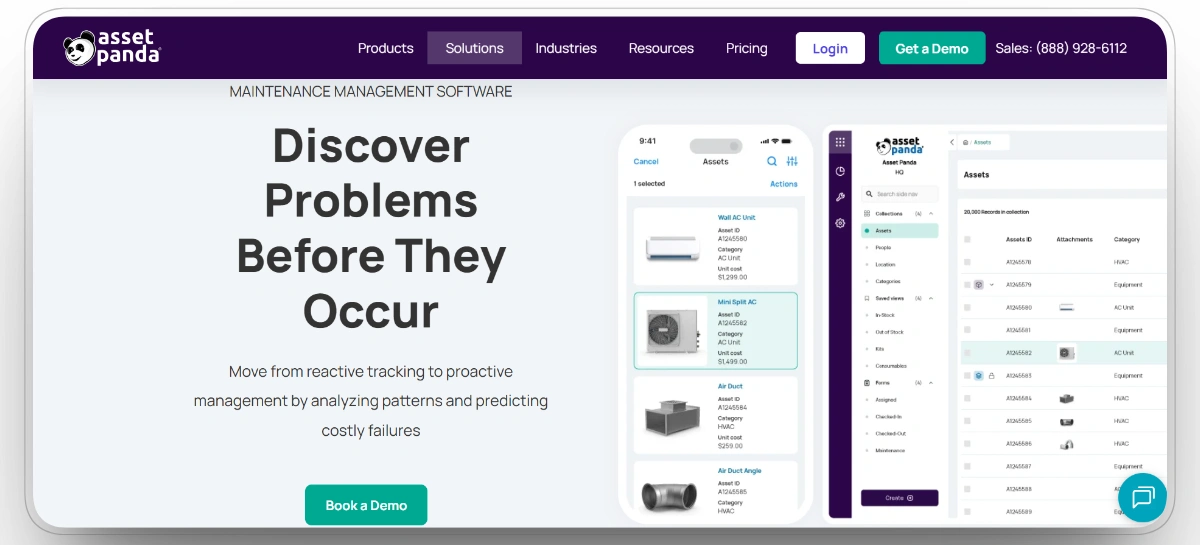
Asset Panda approaches maintenance through asset records rather than work orders alone. Every piece of equipment has a detailed profile containing maintenance history, warranty information, custom fields, and supporting documentation, with preventive maintenance schedules attached directly to each asset.
Mobile barcode scanning allows technicians to identify, update, and service equipment in the field without switching between separate systems. Because maintenance is built around the asset record itself, organizations gain a complete view of ownership, service history, warranties, and maintenance activity as equipment moves between locations and throughout its lifecycle.
Our observation: Asset Panda is one of the few platforms where asset records drive the maintenance process instead of work orders. That gives teams excellent visibility into equipment ownership, movement, warranties, and service history, although organizations with complex maintenance planning may eventually want deeper CMMS capabilities.
Our rating: 7.6/10
Mobile App
Yes, iOS and Android, with barcode scanning and on-the-go asset updates.
Pros
- Customizable asset tracking with detailed records for maintenance history and equipment warranties.
- Mobile app for real-time access and updates while on the go.
- Cloud-based solution ensures easy access and seamless syncing across multiple locations.
- Supports barcode scanning for faster asset identification and field updates.
Limitations
- Initial setup and customization can be fairly complex for new users.
- Reporting and analytics are less advanced overall compared to specialized platforms.
- Pricing may be relatively higher for smaller businesses with fewer assets.
Asset Panda Reviews
Capterra: 4.6/5 (1,368 reviews)
G2: 3.9/5 (42 reviews)
10. AssetWorks FleetFocus
Best for: Large public and private fleets that want fleet-focused preventive maintenance with lifecycle analytics.
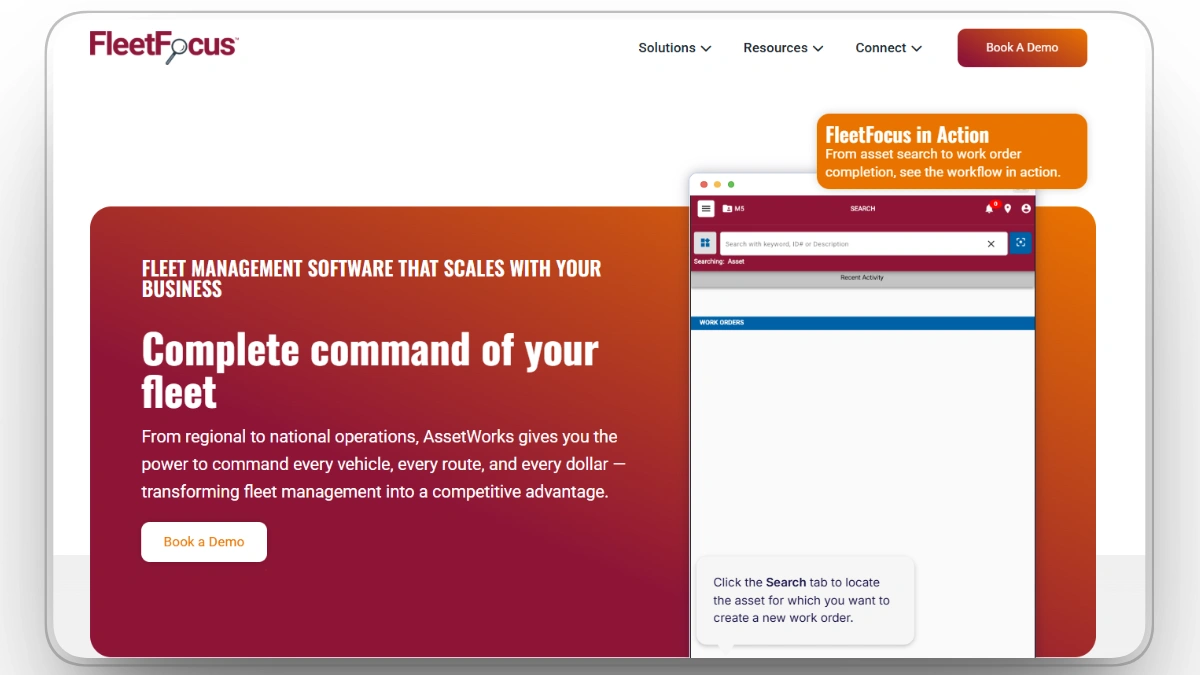
AssetWorks FleetFocus connects preventive maintenance with the broader economics of fleet ownership. Service schedules, inspections, repair history, and equipment condition all feed into lifecycle records that help organizations understand not just when an asset needs maintenance, but when it's becoming too expensive to keep.
Maintenance costs, utilization, and replacement planning sit alongside day-to-day work orders, while mobile access and integrations keep field activity synchronized with central fleet records. The result is a platform that supports both daily maintenance execution and long-term fleet investment decisions from the same data.
Our observation: AssetWorks stands out by connecting maintenance activity to financial decisions. Instead of treating work orders as the end goal, it uses maintenance history, repair costs, and asset condition to help determine whether equipment should be repaired, rebuilt, or replaced. That makes it as much a planning tool as a maintenance platform.
Our rating: 7.4/10
Mobile App
Yes, with mobile access for real-time updates and issue logging.
Pros
- Automates maintenance scheduling to prevent missed service tasks and extend equipment life.
- Integrates well with other business management tools for seamless operational data tracking.
- Mobile app allows real-time maintenance updates and issue logging for field workers.
- Provides comprehensive lifecycle reporting to support equipment replacement and budgeting decisions.
Limitations
- Some users experience a steeper initial learning curve with its interface.
- Limited customization options for advanced workflows and reports.
- Can be relatively expensive for smaller construction companies.
AssetWorks FleetFocus Reviews
Capterra: 4.2/5 (10)
G2: 4.1/5 (35 reviews)
Choosing the Best Construction Preventive Maintenance Software for Your Team
The right platform depends on the assets being maintained, how their condition changes over time, and who manages the maintenance program. Heavy equipment may require engine-hour triggers, while facilities and low-use assets may still rely on calendar-based schedules.
Best Preventive Maintenance Software by Operation Type
Best Preventive Maintenance Software by Team Role
For most contractors, the real risk is relying entirely on a scheduler that only tracks calendar dates. Heavily used equipment often requires service based on engine hours or other usage data, while calendar triggers remain useful for inspections, certifications, seasonal tasks, and low-use assets.
FAQs
What is the best construction preventive maintenance software?
The best construction preventive maintenance software depends on what you maintain. For contractors running heavy mixed fleets, Clue is the strongest option because it triggers service on real engine hours pulled from telematics and generates the work order automatically. Fiix leads for AI-assisted enterprise CMMS, and Limble CMMS leads for lean teams that want a maintenance program running in days.
What is the difference between calendar-based and meter-based preventive maintenance?
Calendar-based PM schedules service by date, such as every 90 days, while meter-based PM schedules service according to actual usage, such as every 250 engine hours. A machine working double shifts may therefore receive service sooner than one that remains mostly idle. Meter-based scheduling is generally more accurate for usage-driven construction equipment service, while calendar schedules remain important for inspections, certifications, seasonal maintenance, and components that deteriorate over time.
How does preventive maintenance software reduce equipment downtime?
It helps teams identify and address maintenance needs before they lead to equipment failure. By scheduling service, generating work orders, and keeping parts and maintenance history accessible, the software helps ensure that required work is completed on time. McKinsey reports that predictive maintenance supported by advanced analytics can reduce machine downtime by 30 to 50% and extend machine life by 20 to 40%, although actual results depend on the equipment, maintenance program, data quality, and implementation.
Can preventive maintenance software integrate with equipment telematics?
The construction-focused platforms can. Look for AEMP 2.0 and OEM telematics support so engine hours, fuel, and fault codes flow in automatically from Cat, Komatsu, John Deere, and Volvo. Clue is built around this, turning live machine data into meter-based PM triggers, while most general CMMS platforms rely on manual meter entry unless a telematics integration is configured.
How much does construction preventive maintenance software cost?
Most CMMS platforms charge per user per month, although pricing structures vary by features, users, assets, and implementation requirements. Fiix offers a permanent free plan with limitations, while many other platforms provide trials or demonstrations instead. Enterprise platforms such as eMaint, Maintenance Connection, and AssetWorks FleetFocus generally use custom pricing. Clue has published pricing starting near $4 per asset per month, although final costs depend on fleet size, modules, and implementation scope. Payback varies according to downtime costs, maintenance maturity, fleet size, and platform adoption.
What features should construction preventive maintenance software include?
Look for meter and usage-based scheduling, automatic work order generation, mechanic checklists, parts and inventory tracking, full maintenance history per asset, mobile access for the shop and field, and telematics integration for real engine hours. Combined service scheduling, stacking a 500-hour and a 2,000-hour service into one visit, is an underrated feature that cuts both downtime and labor.
What is a CMMS and do I need one for construction?
A CMMS, or computerized maintenance management system, centralizes work orders, PM schedules, asset records, parts inventory, and maintenance history in one platform. Construction fleets can benefit from a CMMS, but general platforms may require manual meter updates or additional integrations to support live equipment usage. An equipment-first platform like Clue connects telematics-fed engine hours with preventive maintenance triggers and work orders for heavy fleets.
Conclusion
Every platform on this list approaches preventive maintenance from a different angle. Fiix and Maintenance Connection offer enterprise-grade CMMS capabilities, Limble and UpKeep prioritize ease of use for field teams, eMaint excels in configurable multi-site maintenance, Eptura Asset simplifies facilities management, MPulse combines maintenance with inventory control, and Asset Panda and AssetWorks FleetFocus extend maintenance into broader asset and fleet lifecycle management.
Clue is our top preventive maintenance software for construction in 2026 because it can schedule maintenance using live engine hours rather than relying entirely on calendar intervals or manual meter updates. PMs can be triggered directly from telematics data, work orders are generated automatically, and maintenance tasks can be grouped into a single shop visit to reduce equipment downtime. Clue reports that typical implementations can be completed within approximately one to two weeks, depending on data readiness, fleet complexity, and integration requirements.
Transform Your Equipment Management

%20A%20Complete%20Overview.webp)