Friday afternoon, a Cat 336 on the interchange job crosses 500 engine hours. The reading sits in VisionLink, the PM schedule sits in a spreadsheet, and the rented compactor beside it is in neither. The shop finds out on Tuesday, after the excavator has moved to the next job.
That gap is what a construction CMMS has to close. Most CMMS lists are written for plants, where machines stay put. Construction fleets run on engine hours, move between sites and mix owned and rented iron. A repair isn't finished until its cost lands on the right job.
The best CMMS software for construction and heavy equipment keeps hours, jobsites, rentals and repair costs on one machine record. If your fleet is mostly yellow iron, start with construction equipment maintenance software built for that work, then compare the ten tools below.
What Is a Construction CMMS?
A CMMS is a computerized maintenance management system. It schedules preventive maintenance, runs work orders, tracks parts and labor, and holds the repair history for every asset.
A construction CMMS does that same job for machines that move. Three things separate it from a plant CMMS:
- It schedules by engine hours, not just dates. A dozer that ran 60 hours last week is due sooner than one that sat. Readings come from OEM telematics or from a number typed in the field.
- It follows the asset. The machine record travels from job to job, and rented units carry the same inspections and history as owned ones.
- It codes cost to a job. Labor, parts and outside repair carry a cost code, so the repair reaches job costing and shows up in cost per engine hour.
A general CMMS can be configured to do some of this. The real question is how much you build yourself and how much ships in the box.
How We Evaluated These Construction CMMS Platforms
Clue publishes this guide, and Clue is one of the ten tools on the list. To keep it useful, every entry lists real limitations, Clue's included, and we name the fleets where a different tool fits better.
Capability claims come from each vendor's own product, pricing and help pages. Ratings and reviewer quotes come from Capterra, checked on October 8, 2026, using construction and heavy-industry reviewers where available. We didn't run hands-on trials, so treat the scores as a shortlisting aid rather than a verdict. Each platform was scored on six weighted criteria built around the work an equipment manager, shop lead and controller run every week:
Construction CMMS Comparison Table
The table compares the four things that separate these tools fastest: starting price, hours-based PM, the path from repair cost to your ERP, and what verified users rate them.
Top 10 Construction CMMS Software
Here are the ten CMMS tools for construction and heavy equipment, starting with the four built for jobsite fleets.
1. Clue
Best for: Contractors with mixed owned and rented heavy fleets spread across many jobsites.
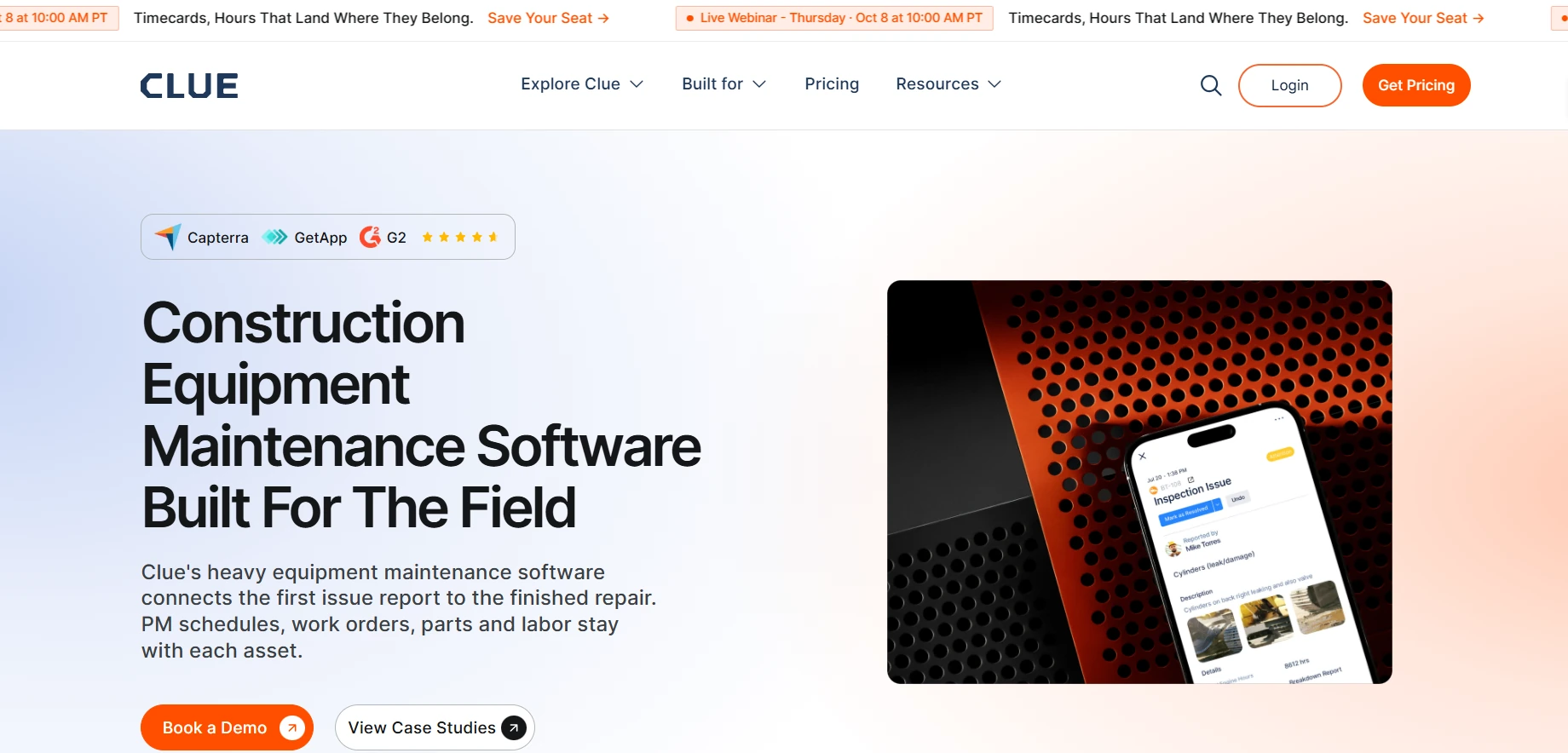
Clue is construction equipment management software built around one record per machine. Its maintenance module runs PM plans by engine hours, mileage, dates or custom intervals. Work orders start from a failed inspection, a fault code, a due PM or a manual request. Parts are tracked across warehouses, shops and jobsite trailers, and repair costs carry cost codes. The same platform runs dispatch, rentals and fleet financials, and its AI assistant answers questions such as which machines are down.
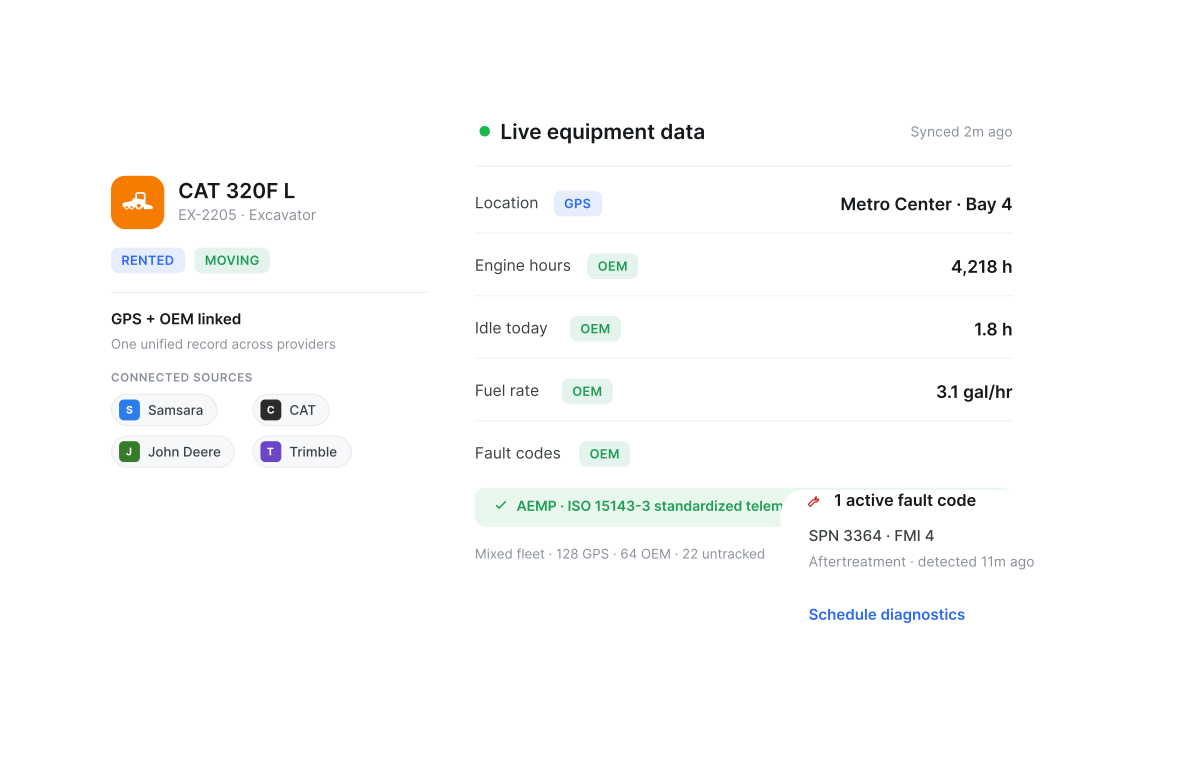
Our observation: Clue's edge is coverage. Engine hours sync through 80+ integrations, including OEM telematics from Cat, John Deere, Komatsu and Volvo. Machines with no telematics feed join the same view by hand.
Our rating: 4.8/5
Pros
- Preventive maintenance creates the work order when an interval comes due, and the PM dashboard marks each asset Good Standing, Upcoming or Overdue.
- Failed items on mobile inspections become work order tasks with photos attached. Crews can finish an inspection offline, and it syncs when signal returns.
- Rented units get the same inspections as owned ones, including on-hire and off-hire checks.
- Completed work orders push to Viewpoint Vista with cost codes mapped to Vista batch numbers.
Limitations
- No public pricing. Plans are quoted by equipment, crews and jobs, so comparing cost takes a sales call.
- Review volume is small. 11 Capterra reviews carry less weight than ratings built on hundreds.
- It is built for construction, mining and similar fleets. A manufacturer maintaining fixed plant will find a general-purpose CMMS a closer match.
- Spectrum connects through timecard exports rather than work orders, so confirm which records move for your ERP.
Reviews: Capterra 4.6/5 (11 reviews)
What users say: Clue “lets us know when we have an issue with a piece of equipment.” (Charles M.)
2. HCSS Equipment360
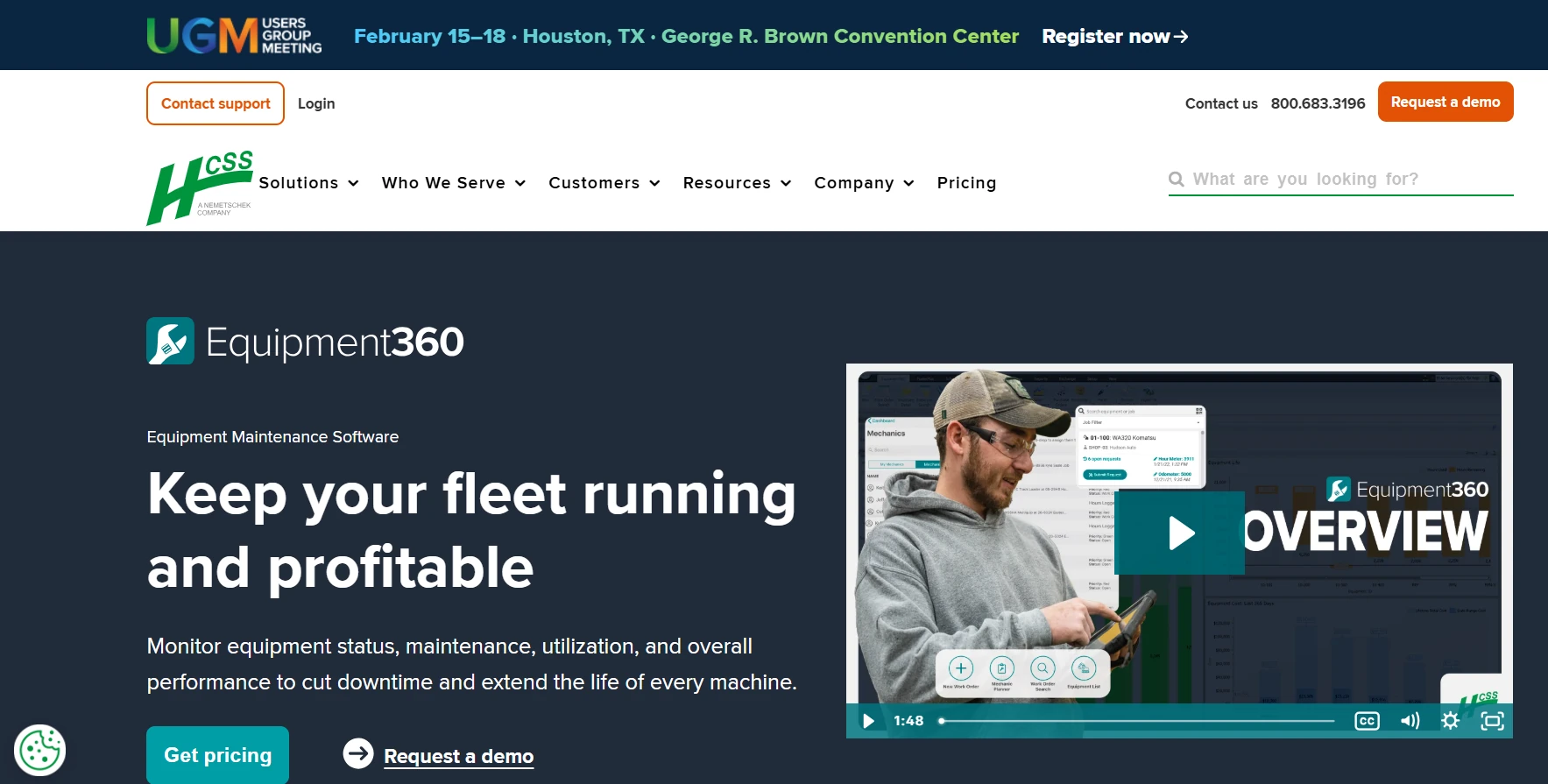
Best for: Mid-to-large heavy civil contractors already running HCSS HeavyJob or HeavyBid.
HCSS Equipment360 is HCSS's shop and fleet maintenance system for heavy and over-the-road equipment. It builds PM schedules and work orders from hour and mileage readings captured by HCSS Telematics or entered in the field, or from set dates. It also covers inspections, repair requests sent from the field, parts and invoices with reorder alerts, and mechanic time cards. A mobile app lets mechanics see assignments, enter time, add parts and upload photos. Pricing is by quote.
Our observation: Equipment360 is strongest inside the HCSS stack. HCSS says it is built for fleets of 50 to 2,000+ heavy assets.
Our rating: 4.4/5
Pros
- Inspections can open work orders automatically, so defects don't wait for re-entry.
- Mechanics log time against work orders, including pay adjustments such as per diem, and that data syncs to payroll and accounting.
- HeavyJob and HeavyBid links keep shop costs connected to estimating and job costing.
- Alerts cover certifications, warranties, work order due dates, field requests and inventory reorder levels.
Limitations
- Live equipment location inside Equipment360 depends on HCSS Telematics.
- If you don't run HeavyJob, check which accounting connectors apply. Capterra lists Sage, FOUNDATION, CMiC and Acumatica among them.
- HCSS also sells a lighter HCSS Fleet Maintenance product for smaller fleets, so confirm which one you are quoted.
- Capterra reviewers rate value for money at 2.8 out of 5 across five ratings, which makes total-cost modeling worth the effort.
Reviews: Capterra 4.1/5 (19 reviews)
What users say: “This program is great for heavy equipment.” (Riccardo F.)
3. Tenna
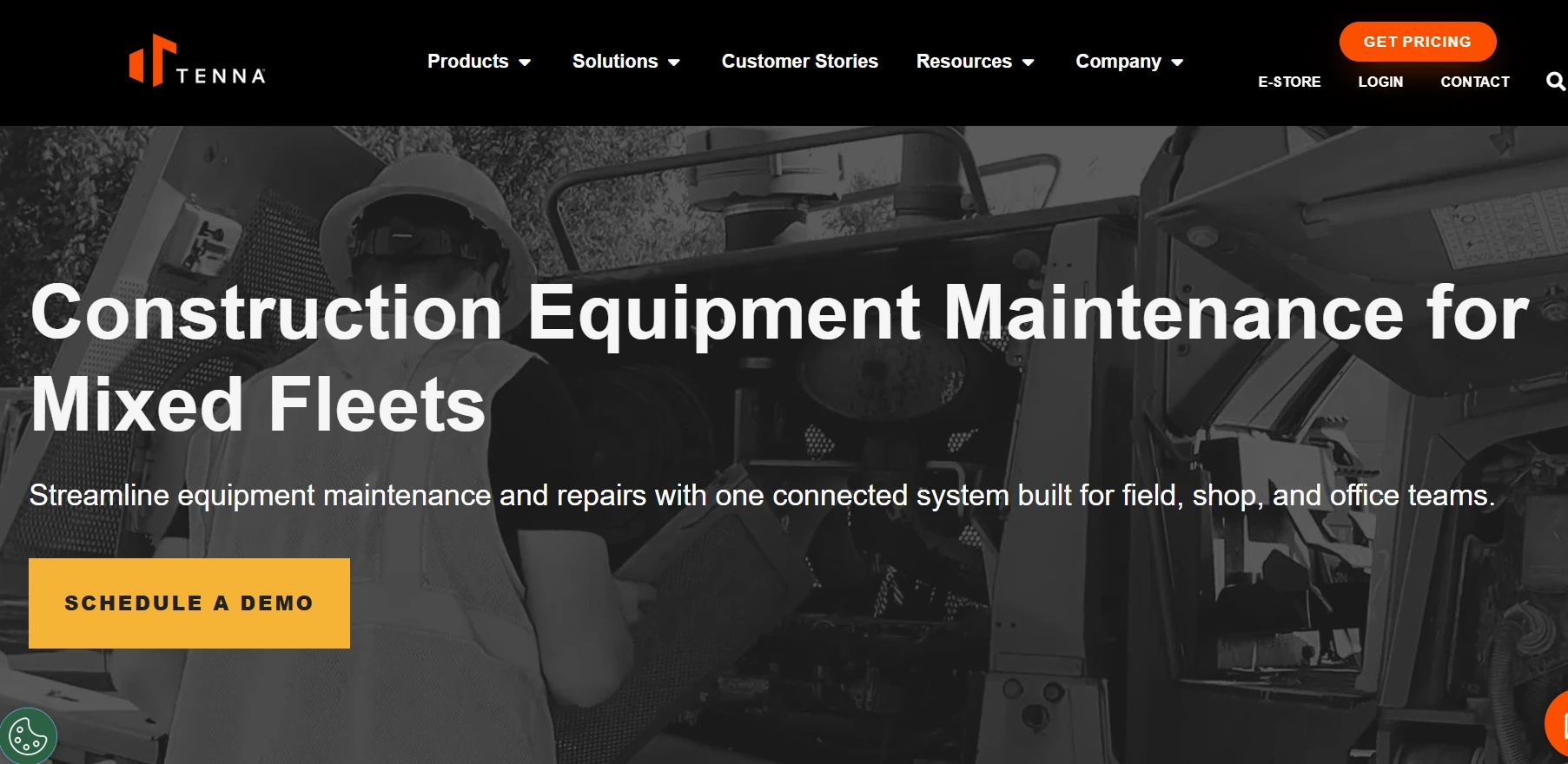
Best for: Contractors with older or smaller machines that don't report to an OEM telematics portal.
Tenna is a construction equipment platform that sells its own CAN bus, GPS, BLE and QR trackers alongside OEM telematics and AEMP integrations. Its maintenance module sets PM by calendar, engine hours or mileage, and routes field repair requests, with photos and voice notes, to mechanics. It also tracks work orders, parts requests, mechanic time cards and cost codes tied to projects.
Our observation: Tenna makes the most sense when you want tracking hardware and maintenance from one vendor, so machines with no OEM feed still get hours-based PM.
Our rating: 4.4/5
Pros
- Automated alerts tell shop staff when service comes due.
- Asset history logs keep audit trails for inspections, repairs, costs and compliance.
- ERP integrations include Viewpoint Vista, so maintenance cost can reach accounting.
- Dispatch scheduling, dash cams and asset financials run on the same platform.
Limitations
- If you already run another telematics provider, check how much of the value depends on Tenna's own trackers.
- Offline field use isn't described on its maintenance pages, so test it at a jobsite with no signal.
- Rental workflows aren't described either. Ask how rented machines are handled.
- No published pricing.
Reviews: Capterra 4.6/5 (75 reviews)
What users say: “Tenna makes asset management and maintenance tracking very easy.” (Derek C.)
4. B2W Maintain
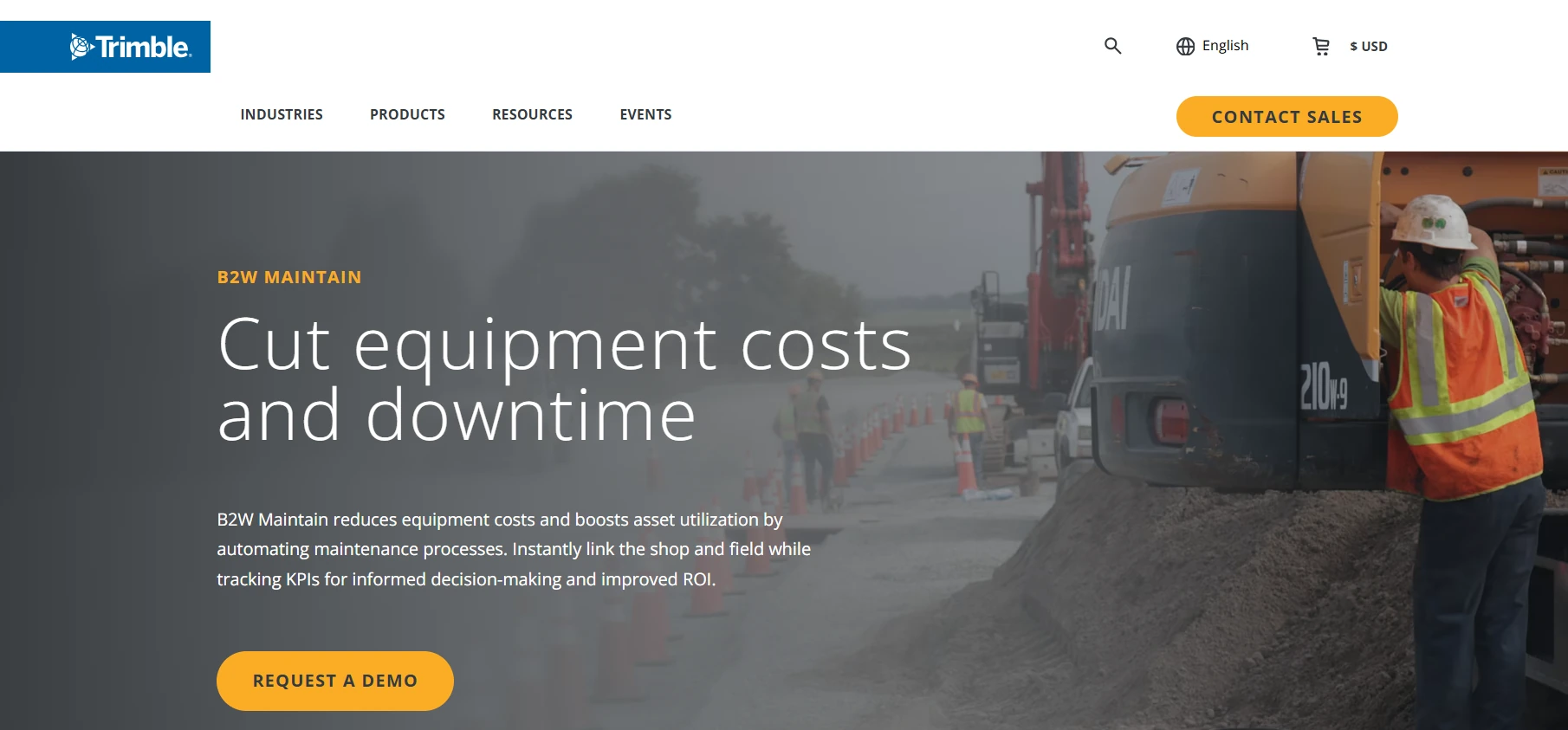
Best for: Heavy civil contractors already using B2W Estimate, Track or Schedule.
B2W Maintain is the maintenance product inside B2W Software, now a Trimble company, and it is sold within Trimble Construction One's civil equipment maintenance solution. It builds PM programs from manufacturer recommendations and triggers service from AEMP-compliant telematics. Work orders group repair items with codes, parts and estimated hours before a mechanic starts, and parts inventory ties to purchasing. Repair requests arrive from B2W Track and B2W Inform forms.
Our observation: B2W Maintain earns its place inside the wider B2W suite, where repair requests, equipment status and dispatch share one system instead of three.
Our rating: 4.1/5
Pros
- Schedule views switch between mechanic-centric and equipment-centric layouts.
- Failure and action codes group by equipment component, which helps spot repeat failures.
- Dashboards put high-priority requests and unscheduled PM on one page.
- Schedule and telematics data show equipment locations next to assigned work, which helps managers plan mechanic time.
Limitations
- It is sold within Trimble Construction One and priced by quote, so confirm the packaging for a maintenance-only purchase.
- Only seven Capterra reviews, a thin base for comparison.
- Some reviewers cite limited reporting and customization.
- Offline and rental workflows aren't described in its public materials.
Reviews: Capterra 4.4/5 (7 reviews)
What users say: “I like that everything is tracked for each machine.” (Andrew H.)
5. Fleetio
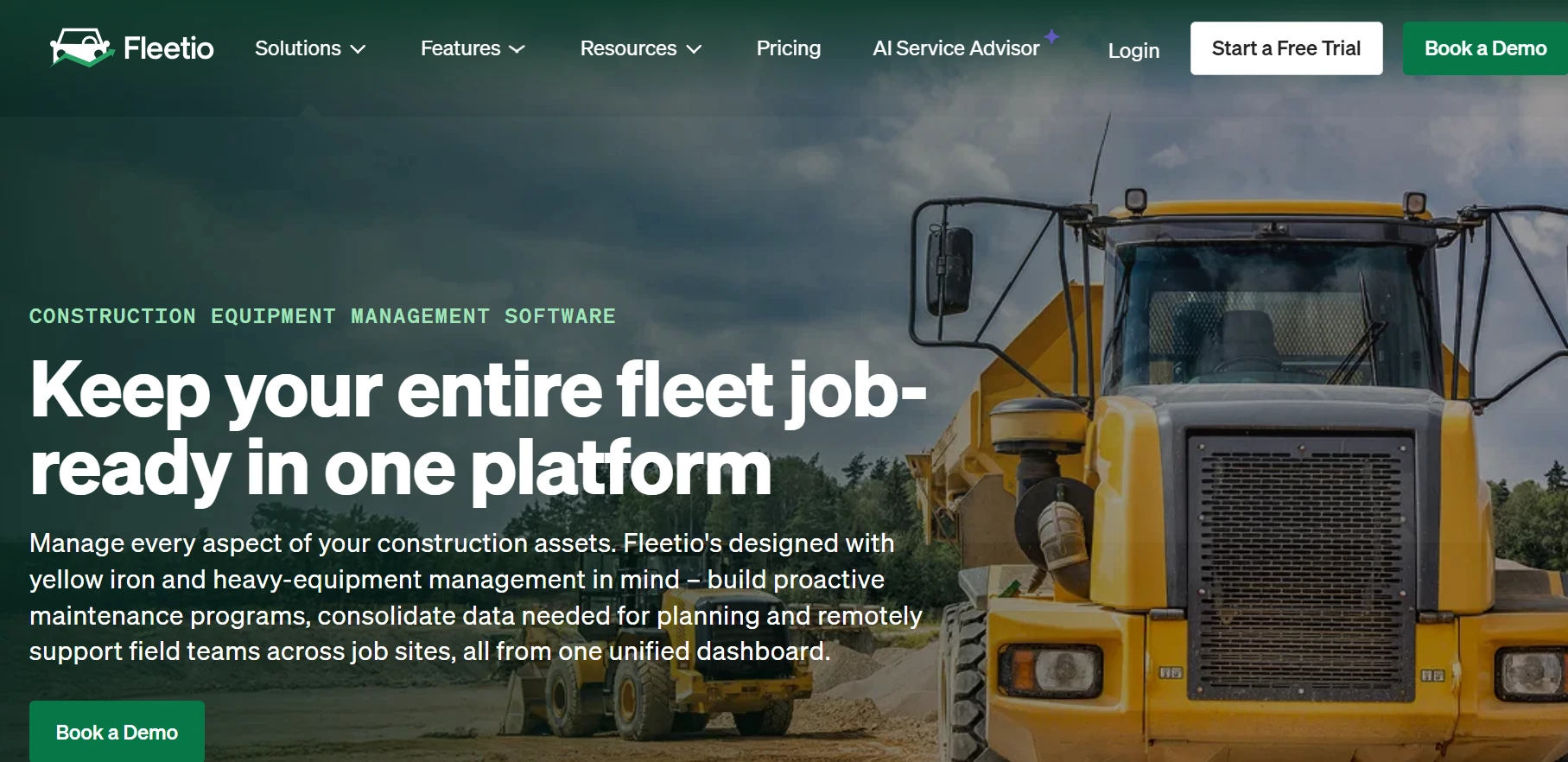
Best for: Fleets where trucks and vans outnumber off-road machines, but the yellow iron share is growing.
Fleetio is fleet maintenance software that has expanded into heavy equipment. It covers service programs and reminders, inspections with FMCSA-approved templates, issues and faults, work orders, parts inventory and fuel tracking. Engine hours and fault codes sync from Caterpillar VisionLink and John Deere Operations Center. Plans run $4, $7 and $10 per vehicle per month billed annually, with Essential at $5 billed monthly and a five-vehicle minimum.
Our observation: Fleetio is the most transparent on price here. Its heavy-equipment depth is newer, though: the John Deere integration arrived in 2025.
Our rating: 4.3/5
Pros
- Service program templates cover both wheeled and tracked machines.
- Offline inspections suit crews and DOT trucks working out of coverage.
- Unlimited users on every plan.
- NHTSA recall tracking on Professional and Premium.
Limitations
- Work orders start on the Professional plan, and service tasks with parts and labor sit on Premium.
- The native OEM integrations named on its site are Caterpillar and John Deere, so check the other brands in your yard.
- Small tools and attachments use a separate Tools add-on, starting around $0.50 per piece per month.
- Pricing is per vehicle rather than per seat, so an attachment-heavy yard adds cost fast. Larger fleets are quoted by fleet size and contract term.
Reviews: Capterra 4.7/5 (246 reviews)
What users say: “Good user interface. Good integrations. The mobile app is quite convenient.” (Donald L.)
6. MaintainX
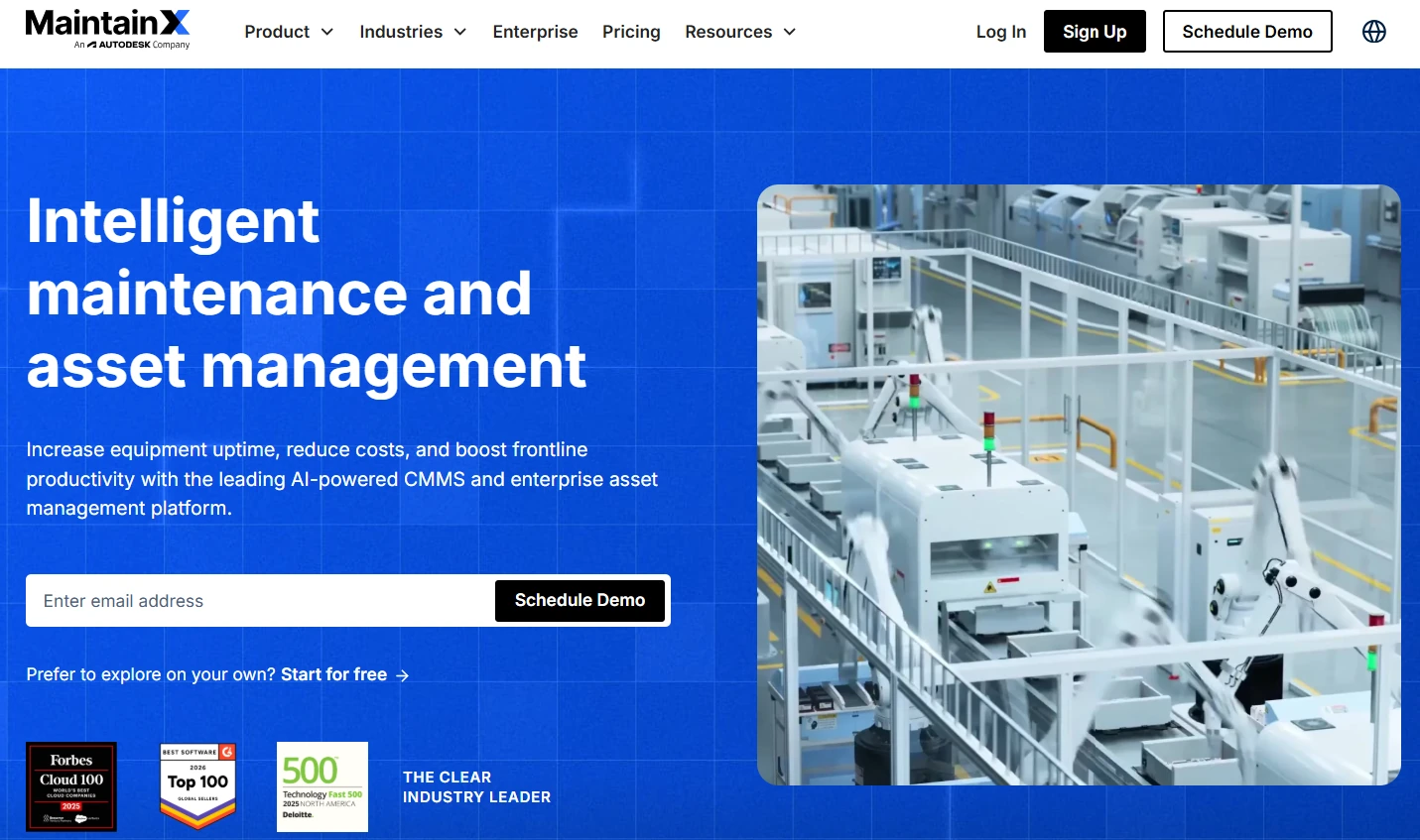
Best for: Teams that want a mobile-first CMMS and will configure the fleet specifics themselves.
MaintainX is a general-purpose CMMS used across manufacturing, facilities and fleet maintenance, built around mobile work orders and digital procedures. A free Basic tier covers the start. Essential costs $20 and Premium $65 per user per month billed annually, or $25 and $75 billed monthly, with Enterprise by quote. Autodesk agreed to buy MaintainX in May 2026 and closed the $3.6 billion deal on August 3, 2026.
Our observation: MaintainX wins on frontline usability, which matters when operators, not office staff, log most of the inspections.
Our rating: 4.3/5
Pros
- Procedures with inspection checks, signature capture and conditional logic.
- Automated corrective actions open work orders from flagged or failed inspections.
- Requester accounts are free, so foremen and operators can submit work requests without a paid seat.
- The deepest review base on this list, with 1,078 Capterra reviews behind a 4.8 rating.
Limitations
- Meter-based PM, parts inventory, time and cost tracking, offline mode and the open REST API all start on Premium at $65 per user per month. Essential runs PM on repeating schedules only.
- IoT sensor integrations and single sign-on are Enterprise-only.
- Its product pages don't describe rented equipment or job-cost coding, so expect to build that with custom fields.
- Autodesk closed the acquisition in August 2026, so ask how packaging, pricing and integrations change from here.
Reviews: Capterra 4.8/5 (1,078 reviews)
What users say: One reviewer singles out “the ease of use for the admin and users.” (Brennen L.)
7. Limble
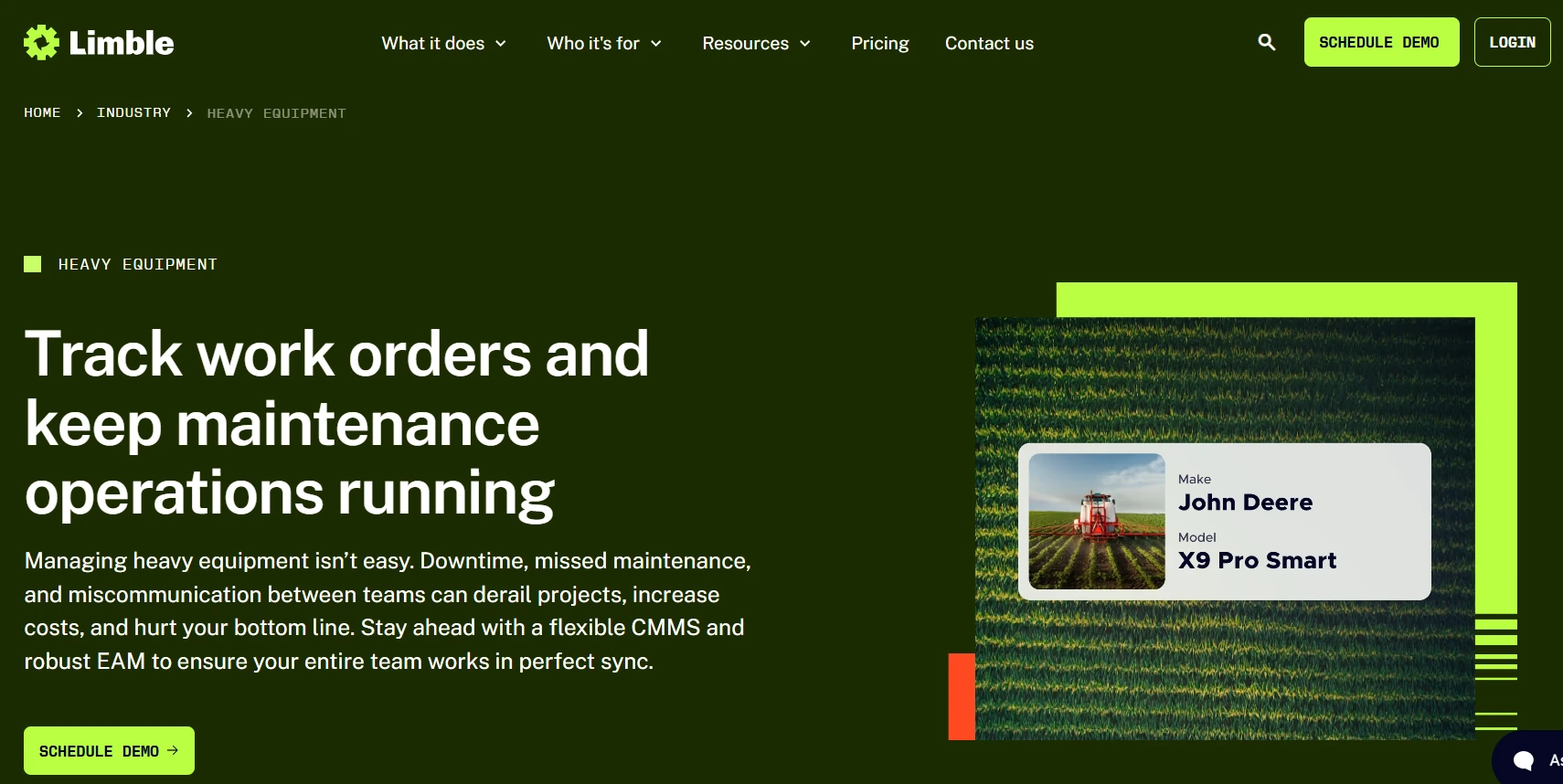
Best for: Multi-site maintenance teams that want one configurable CMMS for every location.
Limble is a general-purpose CMMS with a dedicated heavy equipment offering. Every plan includes the mobile app, unlimited assets, work orders, PMs and work requesters, custom dashboards and automatic downtime reporting. Premium+ adds offline mode, spare parts and purchasing, meter and threshold scheduling, automated corrective actions and REST API access. Enterprise adds multi-location tools and single sign-on.
Our observation: Limble rates highly for ease of use, but the features a construction fleet relies on mostly start at Premium+.
Our rating: 4.2/5
Pros
- Asset and work request QR codes on every plan, so crews can flag a problem by scanning a tag on the machine.
- An AI-powered PM builder on every plan.
- Anomaly detection and bills of materials on Premium+.
- A 99.99% guaranteed uptime SLA on all plans.
Limitations
- No public per-user prices. Estimates come from an online calculator.
- Asset geolocation and check-in/check-out are Enterprise-only, which matters for equipment that moves.
- Drag-and-drop scheduling and technician capacity tracking also sit on Enterprise.
- ERP, IoT and business system integrations may carry extra cost.
Reviews: Capterra 4.8/5 (757 reviews)
What users say: “Setting up PMs digitally and parts tracking are the best parts of the software.” (Steven P.)
8. UpKeep
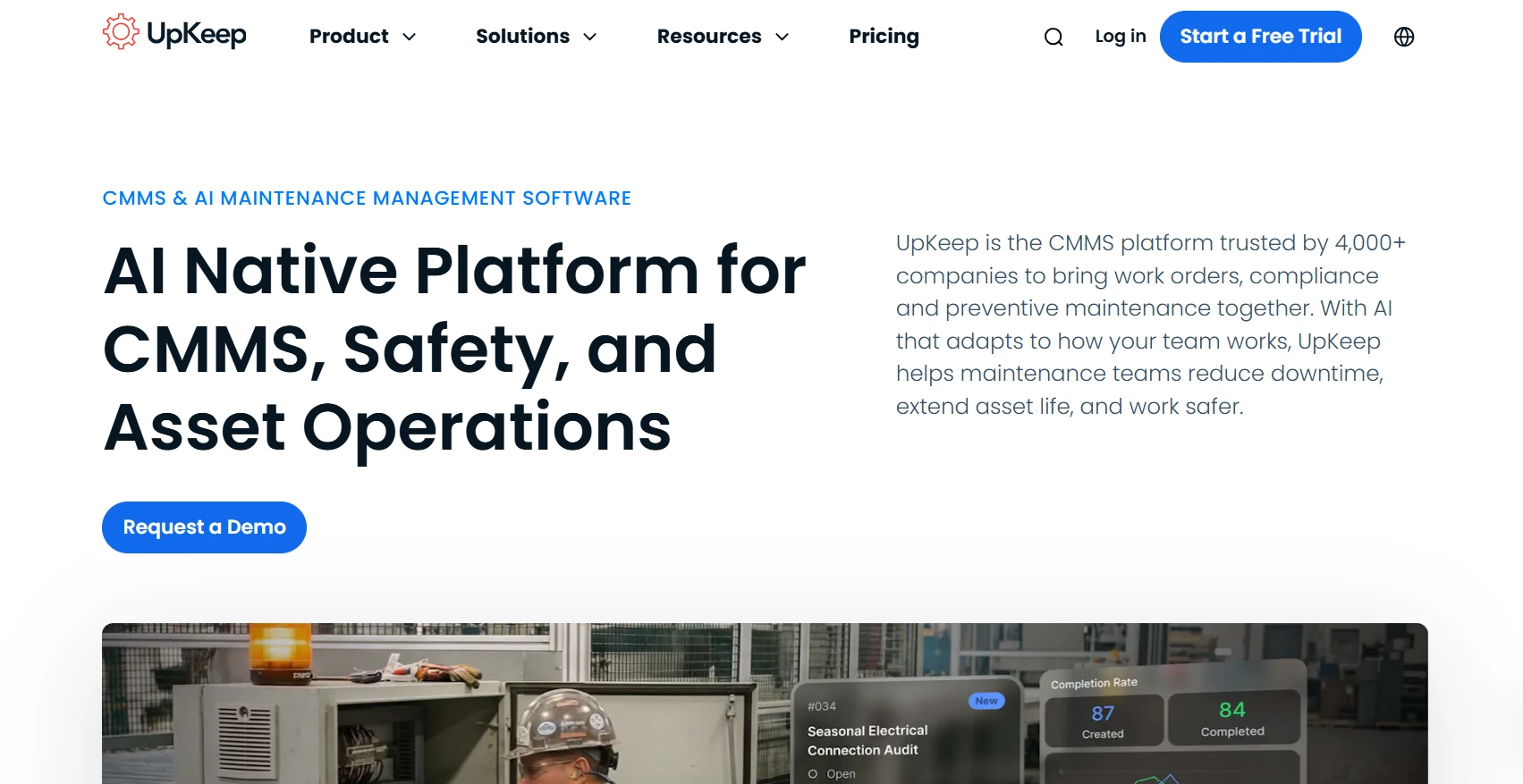
Best for: Small maintenance teams moving off paper who want a quick-to-learn mobile app.
UpKeep is a mobile-first CMMS that also sells separate Safety and Fleet products. Essential costs $24 and Premium $55 per user per month, with Professional and Enterprise by quote, and every plan includes Nova AI credits. Premium adds PM scheduling, custom checklists, parts and inventory with costing, and time and labor tracking. The higher tiers add meter readings, offline work and automation.
Our observation: UpKeep is easy to start on, but hours-based PM for heavy equipment sits two tiers up, behind a quote.
Our rating: 3.9/5
Pros
- Unlimited view-only users and requesters at no charge.
- Barcode scanning and asset management on every plan.
- Nova AI features such as voice fill and work order activity summaries.
- 24/7 live chat support, with phone support on weekdays.
Limitations
- Essential has no PM scheduling at all. PM starts on Premium.
- Meter readings and mobile offline mode both start on Professional, which is quote-only, so engine-hour PM is not a published-price feature.
- API and custom integrations are Enterprise-only.
- Implementation costs extra, starting at $1,500 for the Quickstart package and $5,000 for the Advanced package.
Reviews: Capterra 4.6/5 (1,331 reviews)
What users say: “UpKeep has become a solid backbone for shifting from reactive fixes to proactive maintenance.” (Joseph B.)
9. eMaint
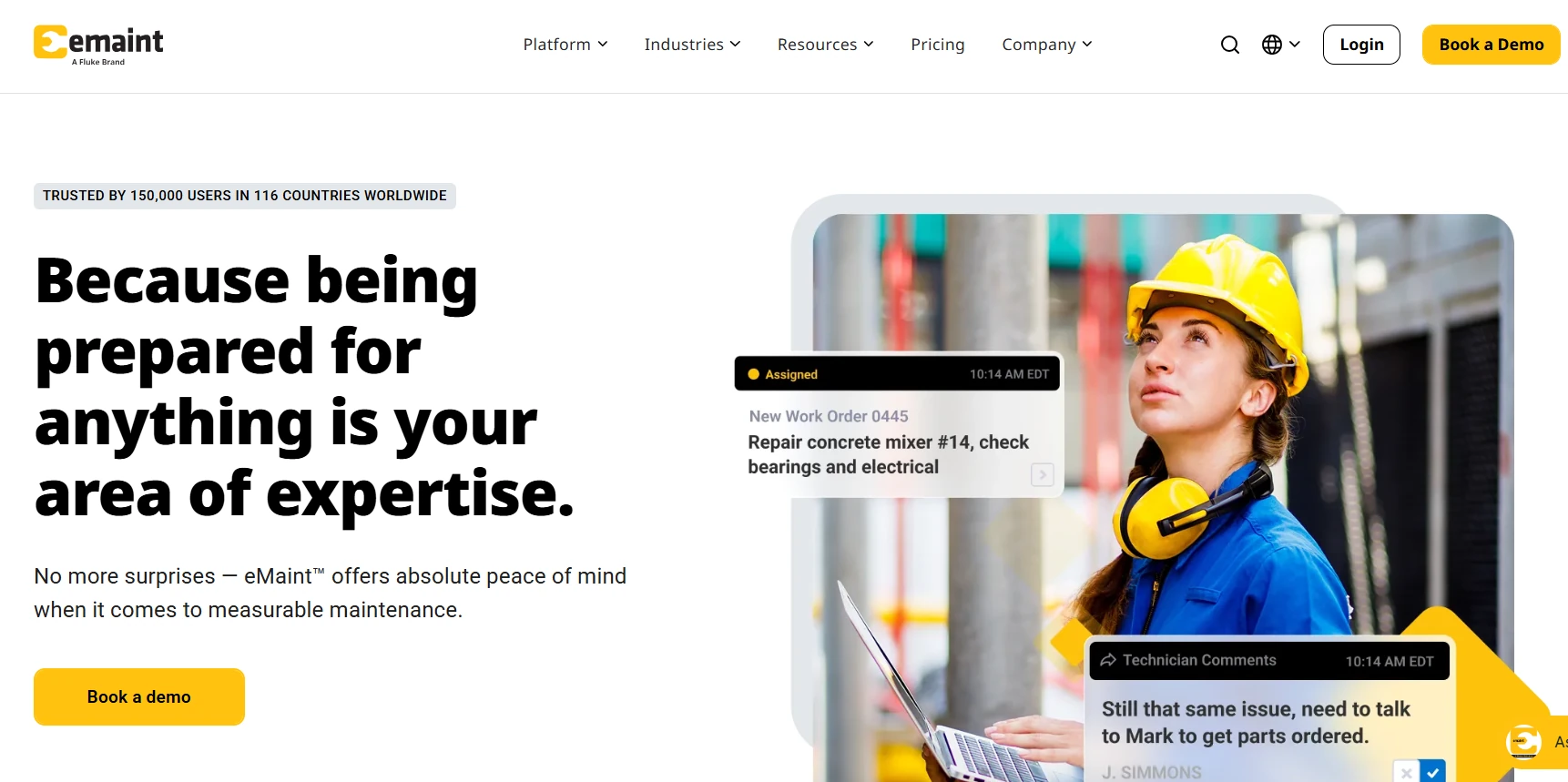
Best for: Mid-size and enterprise teams focused on asset reliability.
eMaint is a CMMS and EAM platform from Fluke Reliability for maintenance planning, work orders, parts and reporting. The Professional plan, with a three-user minimum, includes meter readings, meter and threshold scheduling and a mobile app with offline work mode. Enterprise, with a five-user minimum, adds global multi-site management, single sign-on, APIs and pre-built ERP connectors. Plans are quoted, billed as a prepaid annual commitment and fixed for the contract term.
Our observation: For contractors, eMaint's useful angle is that Clue integrates with it, so eMaint can run shop work while Clue handles telematics and fleet data.
Our rating: 4.0/5
Pros
- Fluke sensors connect for condition monitoring, with condition-based triggers on Professional.
- Calibration tracking and e-signatures.
- Parts forecasting and cycle counts.
- Assets transfer across locations, which helps when machines move between yards.
Limitations
- Renewal pricing isn't locked, so model costs beyond the first term.
- Scanning asset tags by QR code or barcode requires the Enterprise plan.
- Its industry pages cover manufacturing, facilities and fleet, not construction.
- Implementation and on-site training are paid add-ons.
Reviews: Capterra 4.5/5 (430 reviews)
What users say: “There are a lot of great features to work with.” (Victoria H.)
10. Fiix
Best for: Process-driven teams that want published prices and room to grow.
Fiix is a cloud CMMS from Rockwell Automation with a heavy equipment industry offering. The free plan covers work orders, 25 active PMs, asset management, downtime tracking, inventory and the mobile app. Basic costs $45 and Professional $75 per user per month, on monthly or annual terms, and Professional adds multi-site management, Fiix Foresight AI, purchasing and nested PMs. Enterprise is quoted.
Our observation: Fiix is the cheapest way to start, since even the free plan records meter readings, but the features fleets grow into sit on Enterprise.
Our rating: 4.0/5
Pros
- Meter readings on every plan, including the free one, so hours can trigger a PM from day one.
- QR and barcode scanning on every plan.
- No setup or hardware fees, according to its pricing page.
- Tool crib tracking from the Basic plan up.
Limitations
- Condition-based triggers and failure codes need Enterprise.
- ERP and custom API integrations are Enterprise add-ons at extra cost.
- Pass/fail inspection tasks start on Basic, not the free plan.
- Single sign-on and custom workflows also cost extra on Enterprise.
Reviews: Capterra 4.5/5 (629 reviews)
What users say: Fiix is “very easy to use for our mechanics.” (Jeff P.)
How to Choose the Right CMMS for Your Fleet
For more on that split, see how construction fleet software compares with general fleet tools.
Pilot One Real Repair Before You Sign
Pick a recent repair and trace it in each finalist, from the first warning (a fault code, hour reading or failed inspection) to the work order, parts and labor. Then find the final cost in your ERP, coded to the right job and phase. Every step that needs re-entry is where work will stall after go-live.
Put the equipment manager, a shop lead, someone from accounting and someone from IT in the pilot, and agree on pass and fail criteria before it starts. Break an integration on purpose to see whether your team finds out the same day or at month-end close. Use the pilot to check what demos usually skip:
- Meter fallback: When a machine has no telematics or an hour meter gets replaced, the schedule should accept a manual reading without breaking the interval.
- Untracked assets: A QR tag opens a service record, but it can't tell you how many hours the machine ran. Ask how manual readings show up in PM and utilization reports.
- Rented machines: The American Rental Association projects $83.5 billion in U.S. construction, industrial and tool rental revenue for 2026, up 3.6% on the year, and says the shift toward renting continues. Outside Clue, we found no public documentation of rented machines inside the maintenance record, so ask every vendor to show one.
- DOT and crane records: Under 49 CFR 396.11, drivers report defects in writing each day, and carriers certify repairs and keep reports for three months. Cranes add shift and annual inspections under OSHA 1926.1412. The defect, the repair sign-off and the photos should sit on one asset record.
Last, ask each vendor who trains mechanics and operators, and how new hires get onboarded six months after launch. Then call three references with fleets like yours.
Model the Full Cost Over Three to Five Years
General CMMS tools charge per user, Fleetio charges per vehicle, and construction-built platforms usually quote by fleet. Add implementation and data migration, integration labor (including your own IT hours), telematics or tagging hardware, training and support tiers. Then ask for a cap on renewal increases and terms for a fleet that shrinks in the off-season, and fold the result into your maintenance budget.

The Bottom Line: Which Construction CMMS Should You Choose?
The excavator that crossed 500 hours on Friday is the whole test. If the reading reaches the shop on its own and the work order carries the parts and labor, you're close. If the cost then lands on the interchange job without anyone retyping it, the software fits your fleet. If any step needs a phone call, keep looking.
For heavy iron spread across many jobsites, with rentals filling the gaps, put Clue on your shortlist and run that test with your own machines.
Frequently Asked Questions
What's the Difference Between a CMMS, Fleet Management Software and an EAM?
A CMMS runs maintenance: work orders, PM, inspections, parts and labor. Fleet management software tracks assets in motion, including location, telematics, utilization and dispatch. An EAM covers the whole asset lifecycle, from purchase to disposal. In construction these overlap heavily, so judge a tool by the workflows it runs rather than the label it uses.
Which CMMS Is Best for Heavy Equipment?
It depends on what the rest of your stack looks like. For mixed owned and rented heavy fleets across many jobsites, Clue. For shops already estimating in HCSS, Equipment360. For fleets with older machines and no OEM feed, Tenna, which sells its own trackers. For B2W Estimate and Track users, B2W Maintain. For truck-heavy fleets adding yellow iron, Fleetio. MaintainX, Limble, UpKeep, eMaint and Fiix can all run a heavy fleet, but you configure the equipment specifics yourself.
How Much Does a Construction CMMS Cost?
General CMMS tools publish per-user prices: MaintainX from $20, UpKeep from $24 and Fiix from $45 per user per month. Fleetio charges per vehicle, from $4 a month on an annual plan with a five-vehicle minimum. Construction-built platforms (Clue, HCSS Equipment360, Tenna and B2W Maintain) quote by fleet, so a list price tells you little. Budget separately for implementation, data migration, integration work, hardware and training. UpKeep, for example, starts implementation at $1,500.
Is There a Free CMMS for Heavy Equipment?
Yes, with limits. MaintainX's Basic plan and Fiix's free plan cost nothing, but MaintainX Basic allows two active repeating work orders and Fiix's free plan holds 25 active PMs. Both leave integrations to paid tiers, so a growing fleet should budget for an upgrade before connecting telematics or an ERP.
Can a CMMS Track Rented Equipment?
Some can. A rented machine needs on-hire and off-hire inspections, a cost that stops when the unit goes back, and the same maintenance record as owned iron. Clue documents rentals inside the maintenance record. We found no public documentation of that workflow from the other nine tools, so ask each vendor to demo one rented machine from on-hire to off-hire before you decide.
How Long Does It Take to Implement a Construction CMMS?
Vendor estimates run from a few weeks to about three months. MaintainX says an average site takes three weeks, UpKeep's Quickstart package finishes setup within 45 days, and eMaint frames implementation in 30-, 60- and 90-day stages. Cleaning up asset data and connecting telematics and ERP systems usually set the real pace.
What Should a Construction CMMS Integrate With?
At minimum: OEM telematics and GPS feeds, ideally through the ISO/TS 15143-3 fleet data standard known as AEMP 2.0, plus your ERP, job costing and payroll. Then ask which records move in each direction. Some connectors only push completed work orders one way, so edits made later in the ERP may not flow back.
How Is Predictive Maintenance Different From Preventive Maintenance?
Preventive maintenance follows a schedule based on hours, miles or dates. Predictive maintenance uses condition data, such as fault codes, sensor readings and repair history, to estimate when a component needs attention. A risk score helps the shop prioritize work, but it can't guarantee a failure gets caught, so most fleets run both.

Transform Your Equipment Management