Load Sheet and Game Tape
What is this?
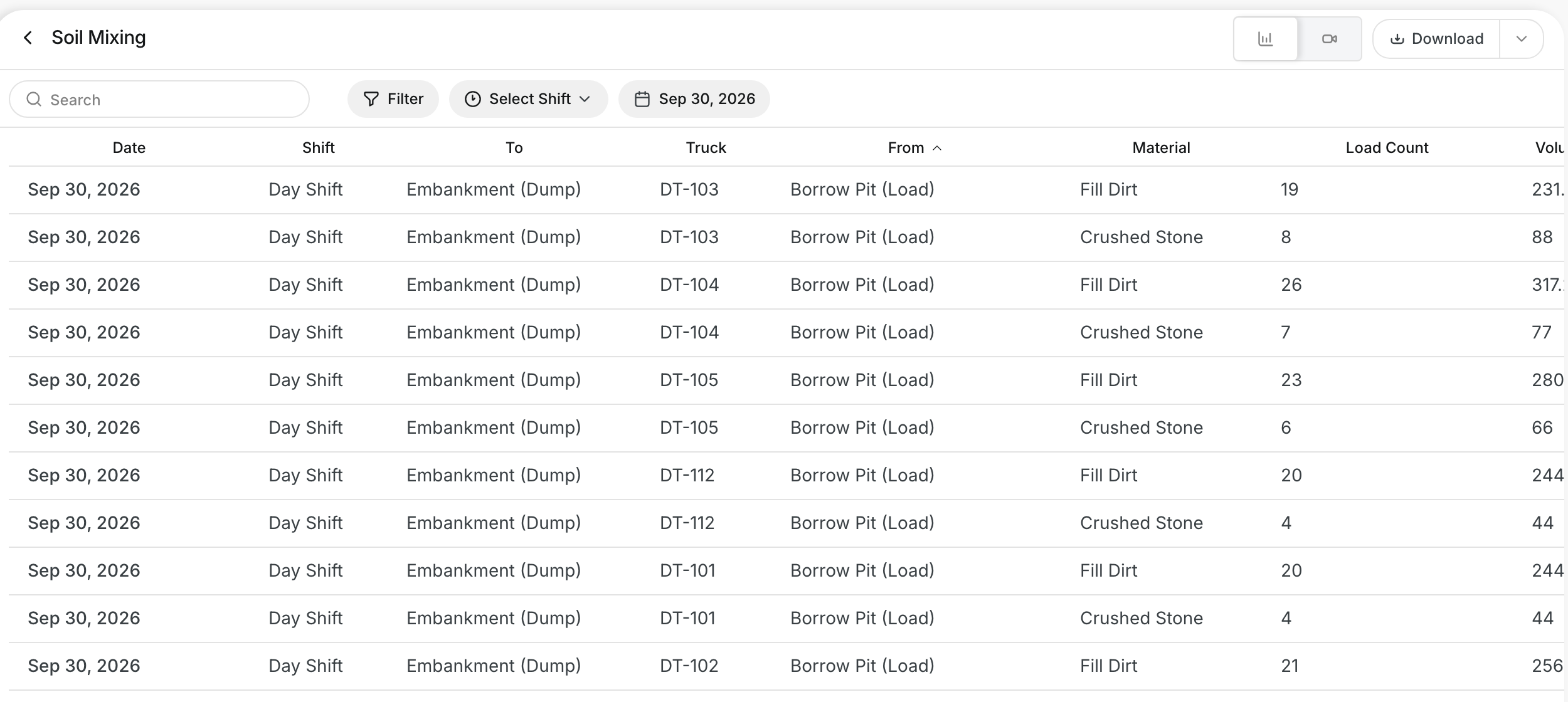
The Load Sheet lists every load for a day in one table. It groups loads by truck, material, and route. The Live Feed view is the game tape. It lists each cycle and replays the truck path on a map.
Who's this for?
- Foremen, to check load counts for each truck.
- Project managers, to confirm volumes moved by material.
- Payroll and billing staff, to back up haul tickets with real loads.
How to use it
Step 1: Open the Load Sheet
Go to Operations > Production and click your project. Click Load Sheet at the top of the page.

Step 2: Pick the day and read the table
Open the date box and pick the day. The table shows each truck with its route, material, and Load Count.
Step 3: Open the game tape
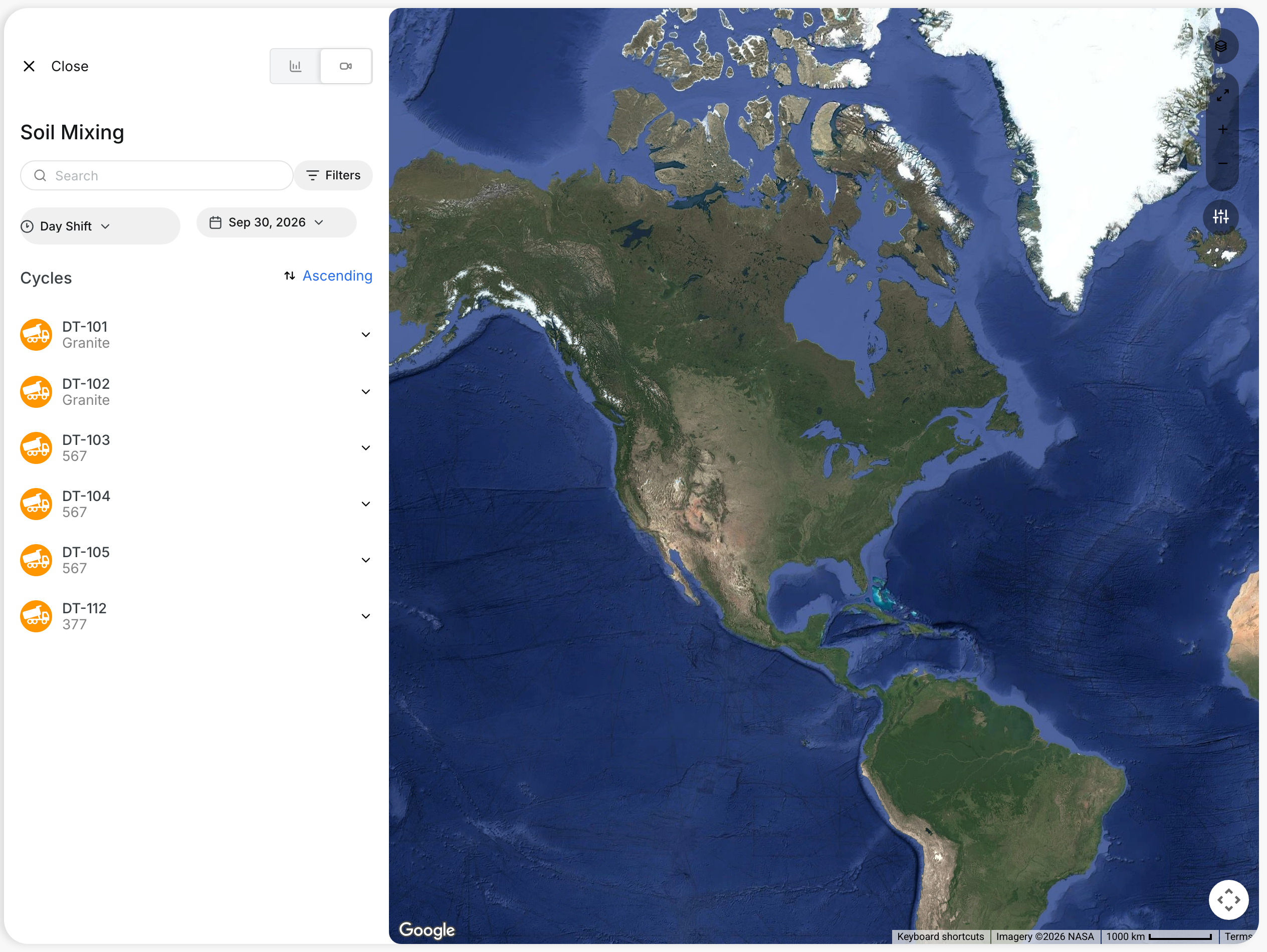
Click the video icon at the top right to open Live Feed. The Cycles list shows each truck that worked the shift.
Step 4: Open a truck
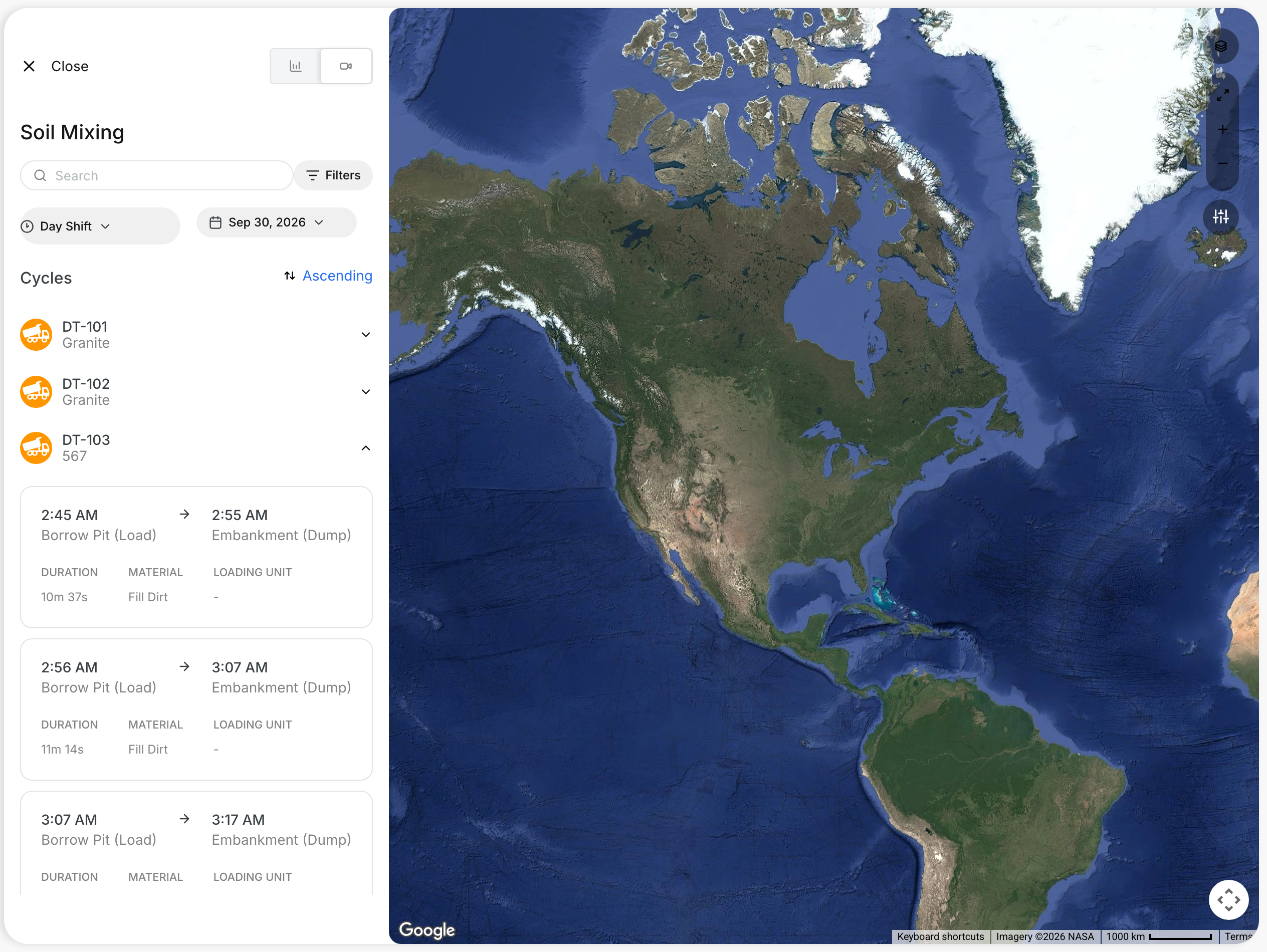
Click a truck to see its cycles. Each card shows the times, the route, DURATION, MATERIAL and LOADING UNIT.
Step 5: Replay a cycle
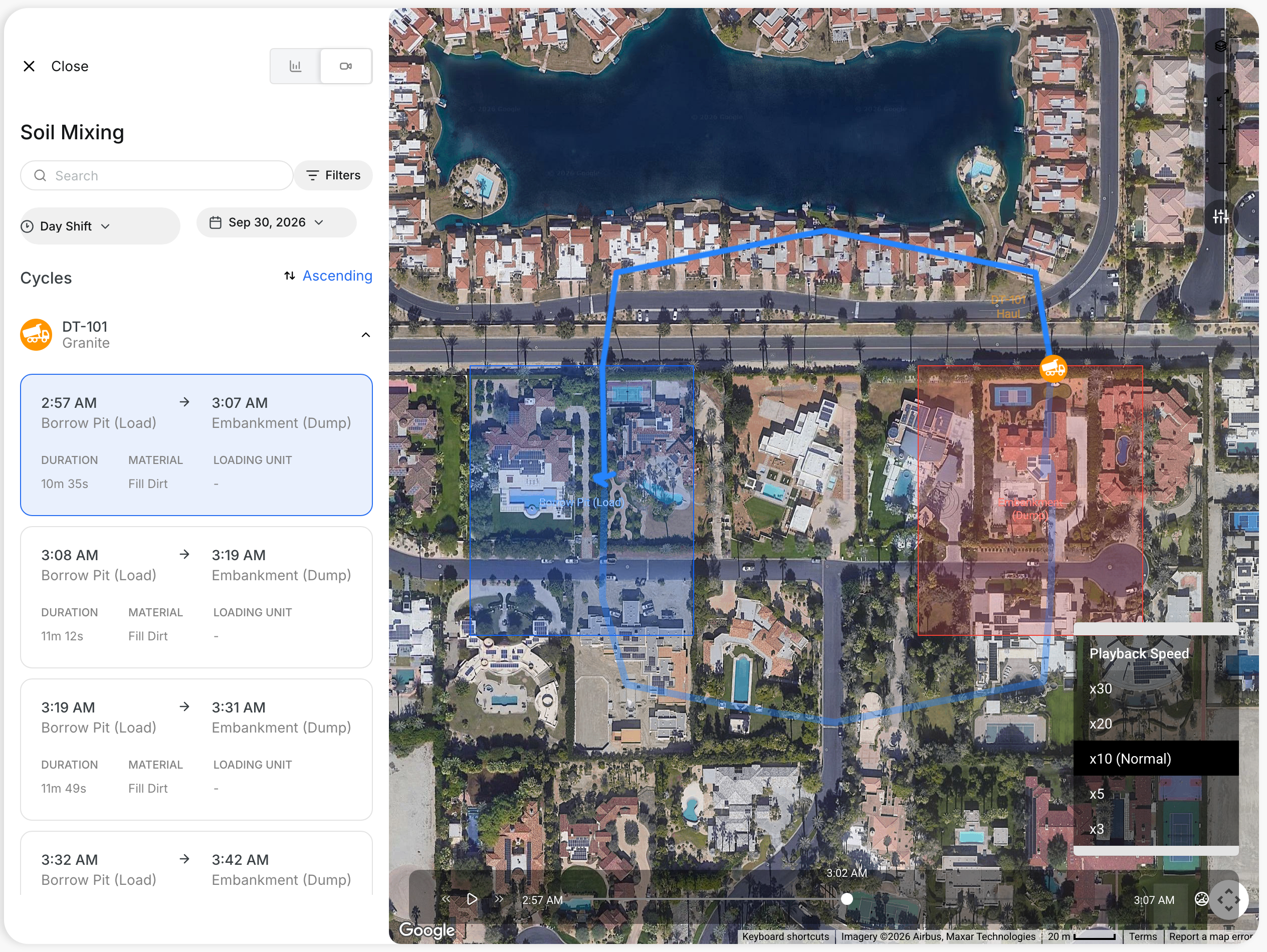
Click a card to replay that cycle on the map. Click the play button to move the truck along its path. Drag the slider to jump to a point in the cycle. The label above the slider shows the time.
The full details
- Date and Shift: the day and shift of the loads.
- From and To: the load area and the dump area.
- Truck: the truck that carried the loads.
- Material: the material in the loads.
- Load Count: the number of loads for that truck, material, and route.
- Volume (m³): the total volume of those loads.
- Loading Unit: the machine that loaded the truck, when known.
- Filter: limit the table by material, areas, or loading unit.
- Select Shift: show one shift only.
- Download: save the table as a file.
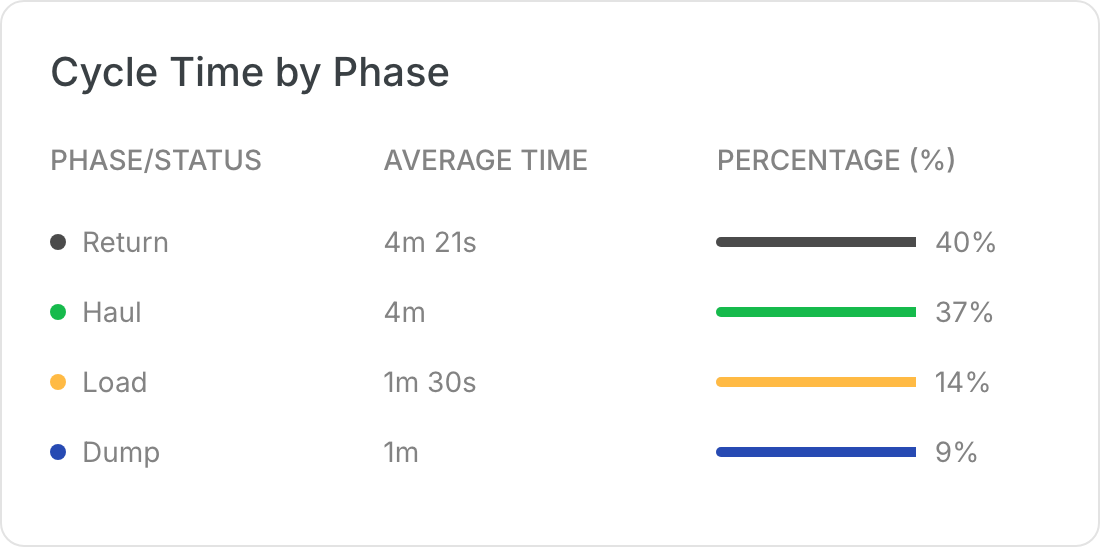
- Live Feed: cycle tiles show duration, material, and loading unit. The map colors the path by phase.
- Playback Speed: replay at x3, x5, x10 (Normal), x20, or x30.
Tips
- Use Search to find one truck fast.
- Click the speed icon next to the slider to change the playback speed.
- Pause the replay to study one point in the cycle.