Available now on Beta, This feature is in beta testing and will roll out to everyone soon.
What is this?
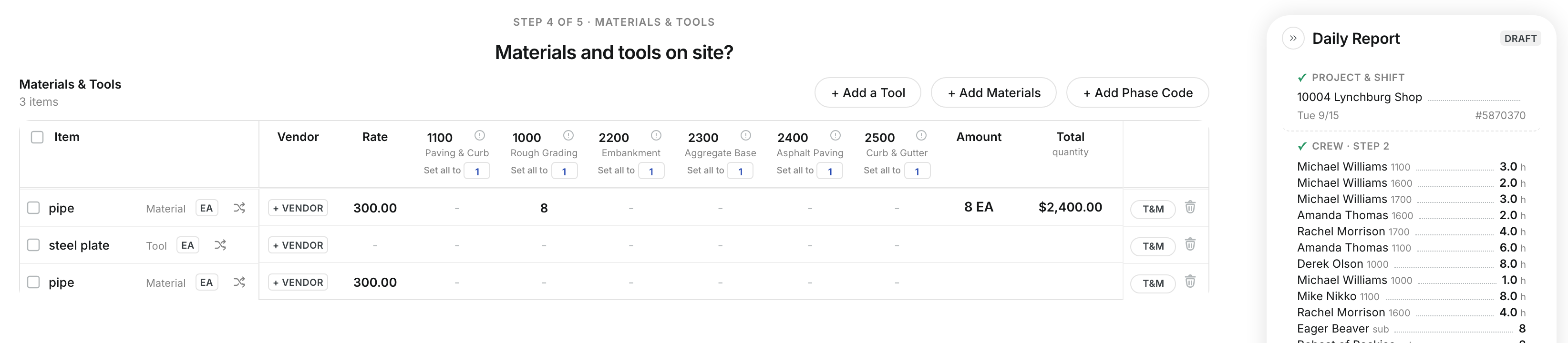
The materials and tools step logs what was used or delivered on site. Each item is a row with its unit, vendor and rate. You enter quantities by phase code, and Clue works out the amount. This step is optional.
Who's this for?
- Foreman, log materials used and tools on site.
- Project manager, see material cost by phase code.
How to use it
Step 1: Open the step
Go to Step 4 of 5 · Materials & Tools. Each row is a tool or a material.
Step 2: Enter quantities
Type the quantity under each phase code. Clue shows the Amount and the Total quantity.

Step 3: Add a tool
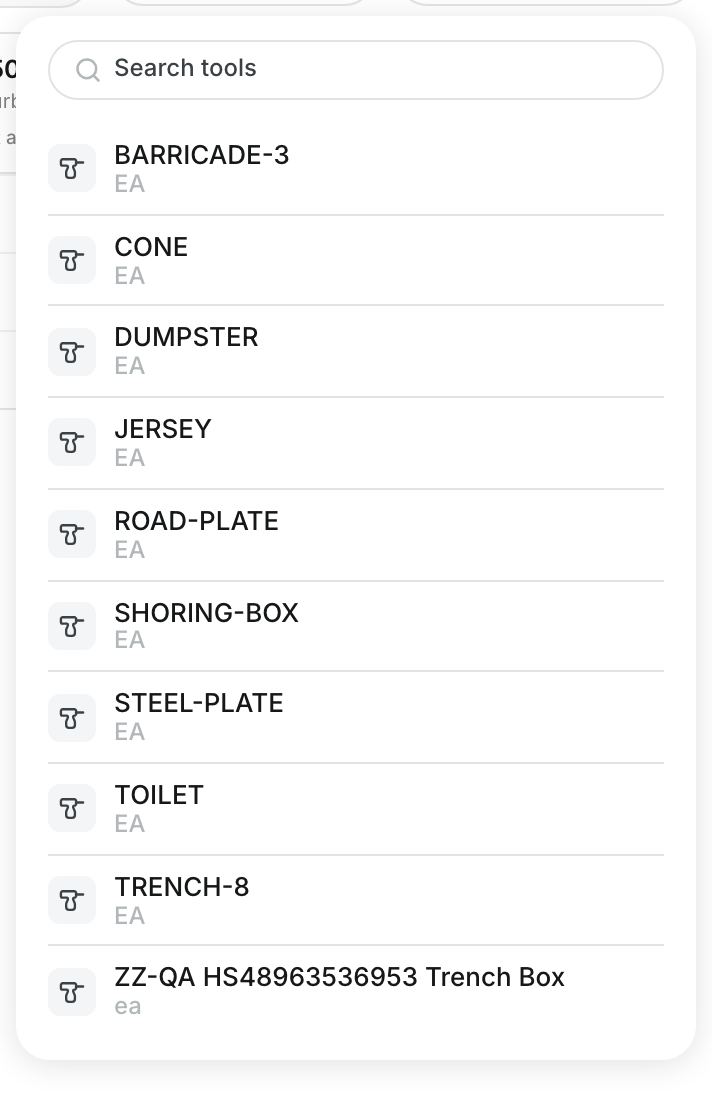
Click + Add a Tool and pick the tool from the list.
Step 4: Add materials
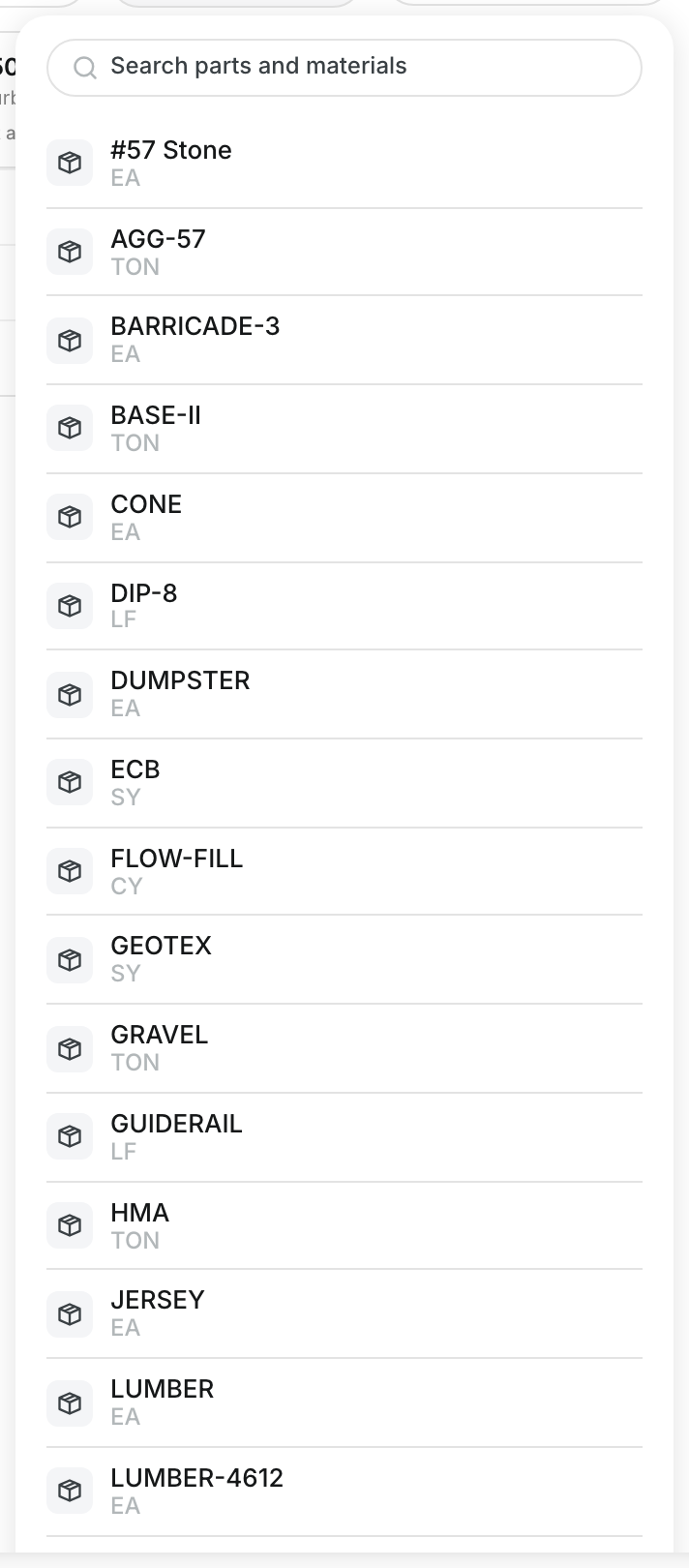
Click + Add Materials. Search parts and materials, then pick the item.
The full details
- Item: The tool or material name, marked Tool or Material.
- Unit: The unit of measure, such as EA. Click it to change the unit.
- Vendor: Who supplied the item. Click + Vendor to set it.
- Rate: The price for one unit.
- Amount: Quantity times rate.
- T&M: Marks the item as extra work.
- + Add Phase Code: Adds another phase code column.
Tips
- Skip this step on days with no materials or tools. Click Save Materials to move on.
- Set the vendor so the office can match the cost to the right bill.