Whichever Comes First Services in PM Trigger Chains
What is this?
Many trucks are serviced on two meters, for example "400 hours or 10,000 miles, whichever comes first". These services can now trigger other services, and be triggered by them, in a PM plan that uses trigger mode. Hours and miles each keep their own count. The triggered service comes due when the first meter reaches its occurrence count.
Who's this for?
Anyone who runs on-road vehicles on a service ladder.
- Fleet managers, build one A / B / C service ladder for trucks serviced on hours or miles.
- Maintenance managers, big services come due on the right cycle, not every time the small one does.
- Shop foremen and mechanics, get one work order with the right services on it.
How to use it
Step 1: Turn on the switch
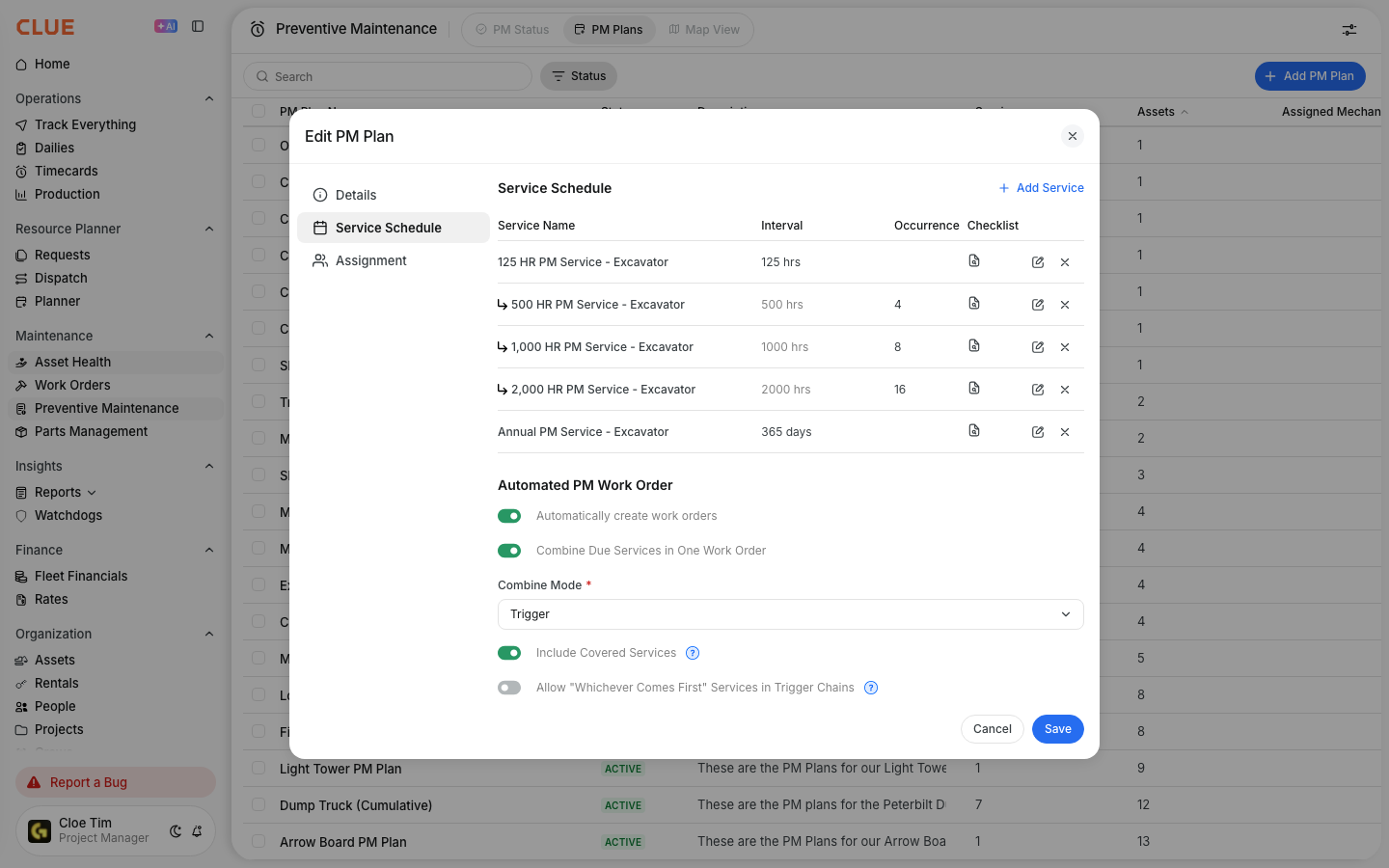
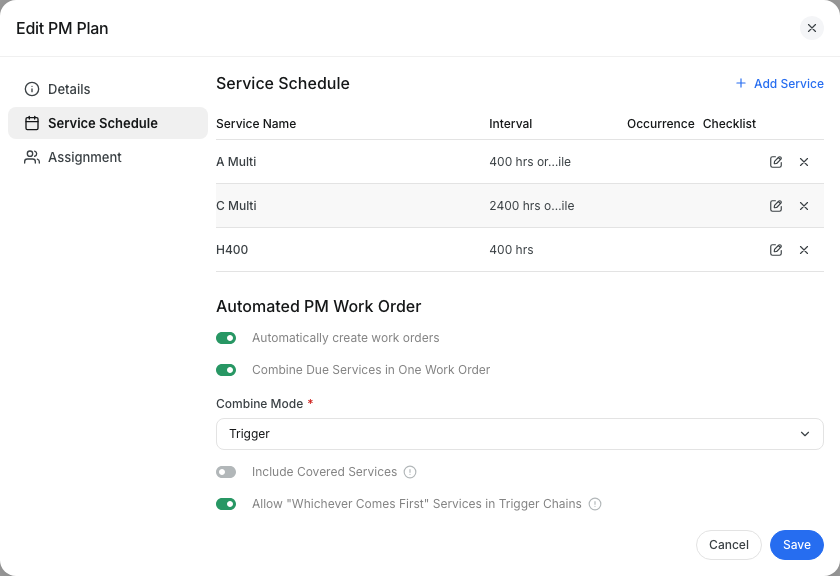
Go to Preventive Maintenance > PM Plans and open a plan. In Service Schedule, set Combine Mode to Trigger. Turn on Allow "Whichever Comes First" Services in Trigger Chains and click Save.
Step 2: Add a service with a trigger
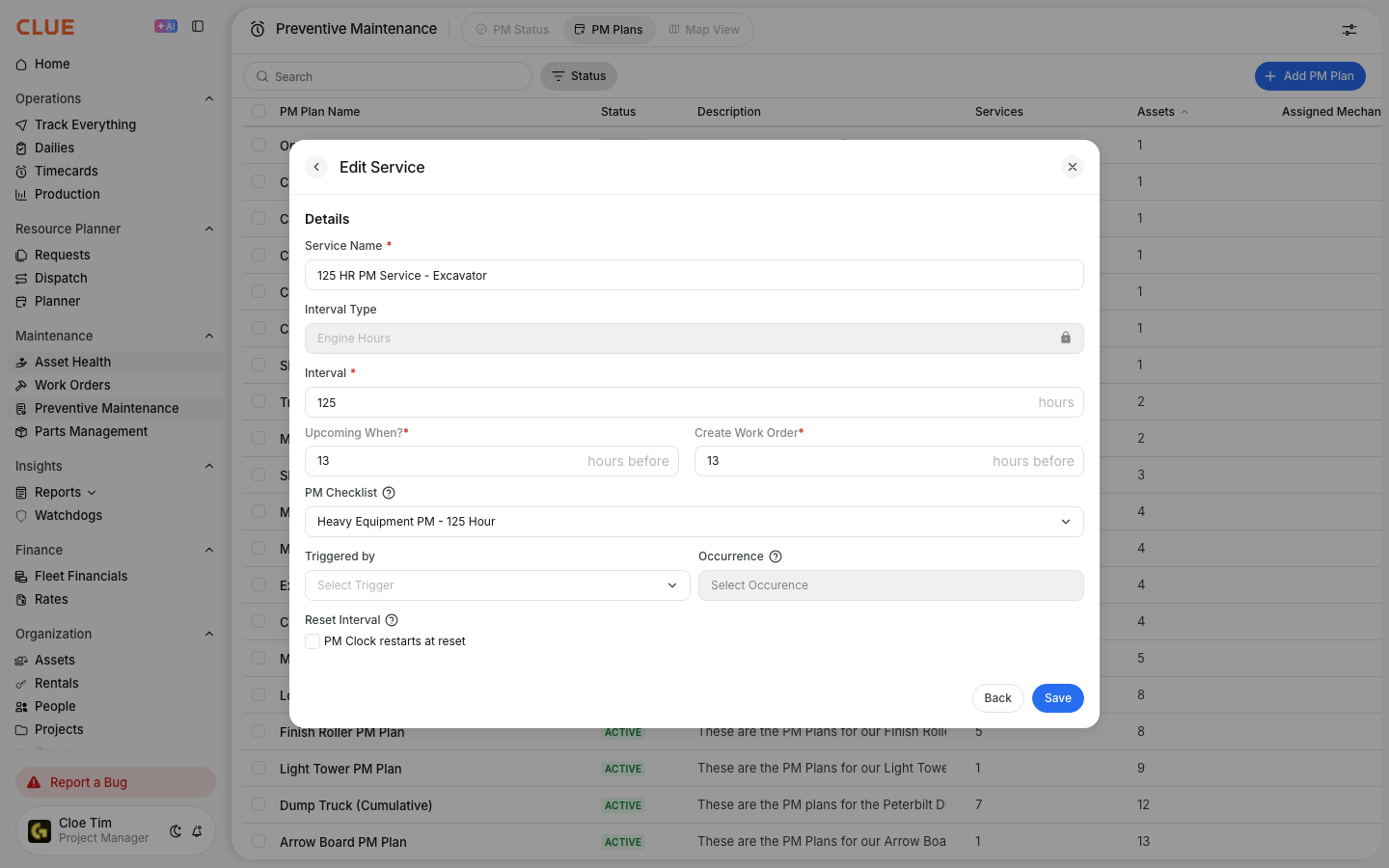
Click Add Service. Open Triggered By. Your whichever comes first services now appear in the list. Pick one and set the Occurrence.
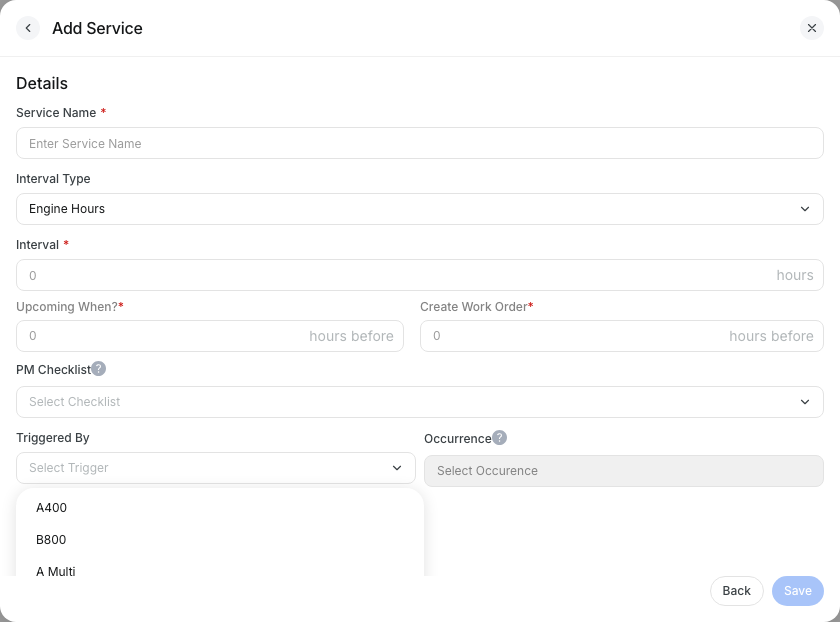
Step 3: Set the trigger on a two-meter service
Click the edit icon on a whichever comes first service. Triggered By lists only services that cover every meter it uses. Pick the trigger, set the Occurrence, and click Save.
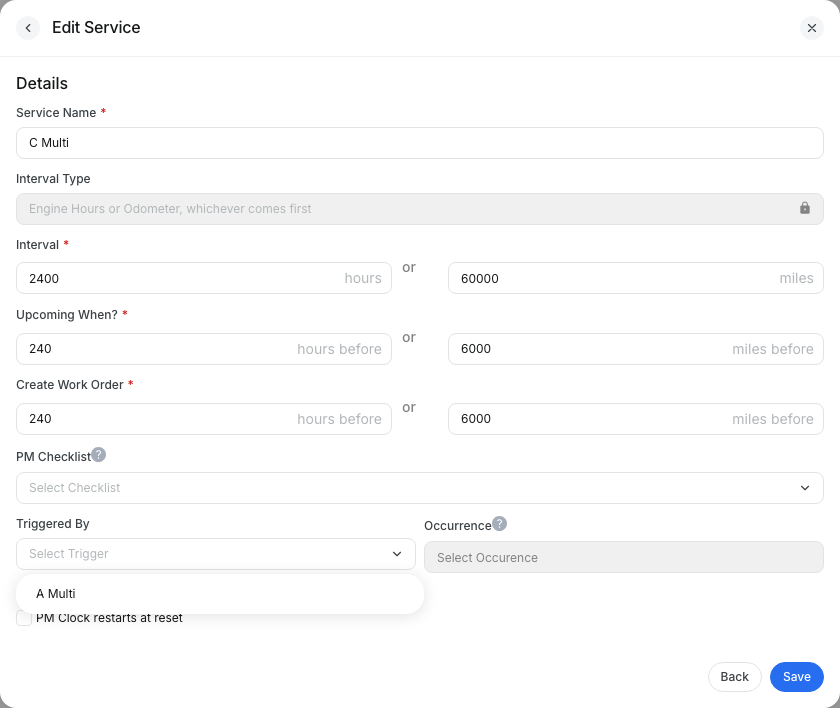
The full details
- Works on: Web app.
- Per plan: The switch is off on every plan until you turn it on.
- Only in trigger mode: The switch is available when Combine Mode is set to Trigger.
- Separate counts: Hours and miles are never added together. With an occurrence of 6, four hour cycles plus two mile cycles is not due.
- Matching meters: The trigger must cover every meter the service uses. An hours-only service cannot trigger an hours-or-miles service.
- Matching steps: Intervals must line up on every meter. 400 h / 10,000 mi and 2,400 h / 60,000 mi works, since both are 6 times bigger. If they don't line up, Clue refuses the save and tells you why.
- Missing readings: If an asset never reports one meter, the other meter still brings the service due.
- Calendar intervals: The calendar part of a service does not count trigger cycles.
Tips
- Set intervals as clean multiples on both meters before you build the chain. It saves a refused save.
- Set the occurrence to the size of the step. A 2,400 h service on a 400 h trigger uses 6.
- Your hours-only trigger chains keep working exactly as they do now.