What is this?
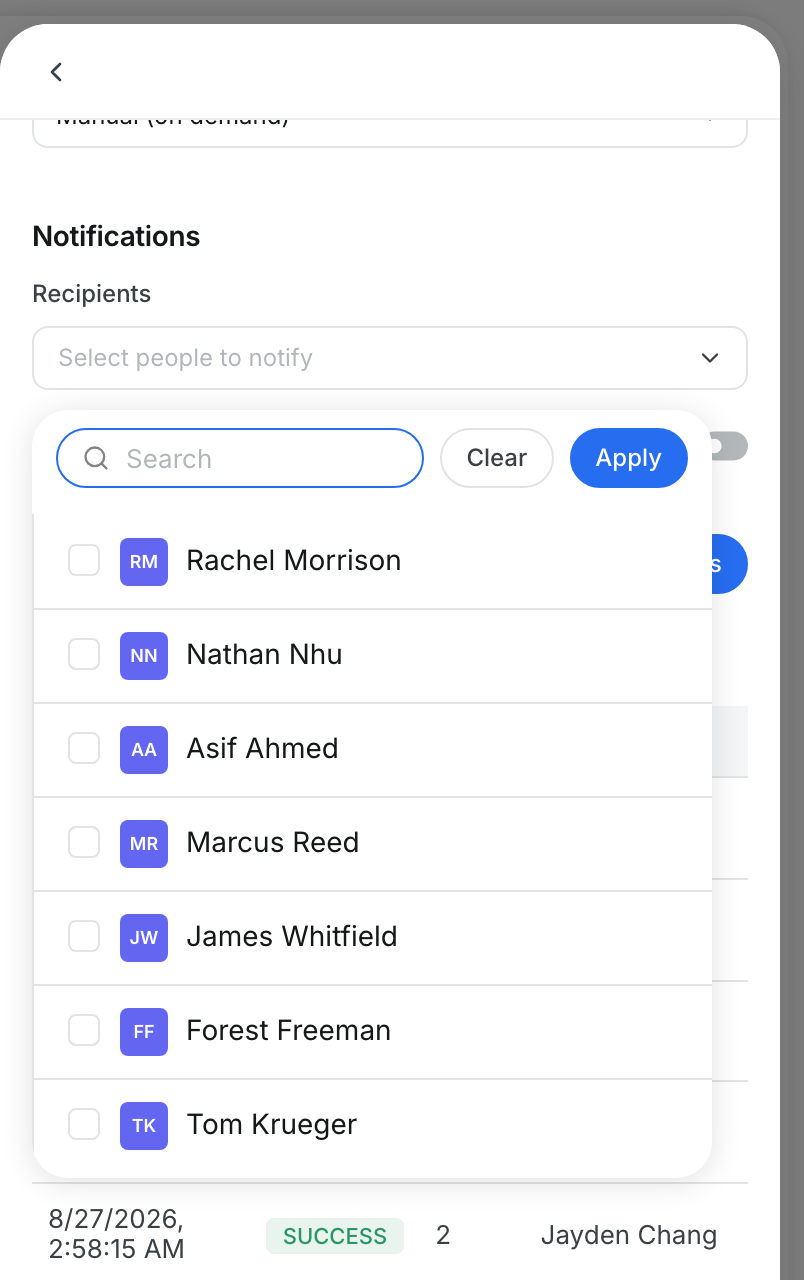
You choose which watchdogs run for your company. You also set the limits that trigger an alert, like how many idle days count. You set how severe the alerts are and how often each watchdog runs. All of this lives in the Library tab.
Who's this for?
- Fleet and equipment managers, who decide which problems are worth an alert.
- Maintenance managers, who tune limits for service and repair alerts.
- Admins, who control watchdog settings for the company.
How to use it
Step 1: Turn a watchdog on or off
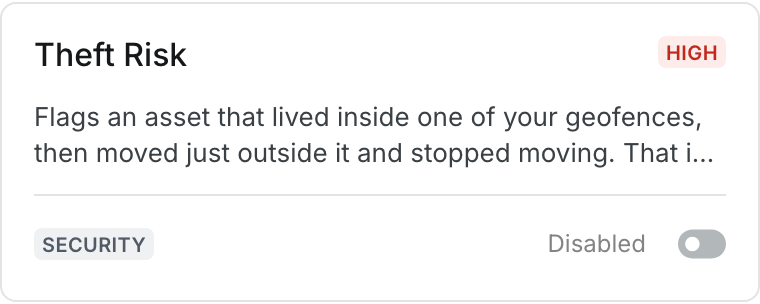
Go to Insights > Watchdogs and click Library. Use the switch on a card to set it to Enabled or Disabled.
Step 2: Open a watchdog
Click a card to open its details. How it works explains what triggers an alert and what data the watchdog needs.

Step 3: Change the limits
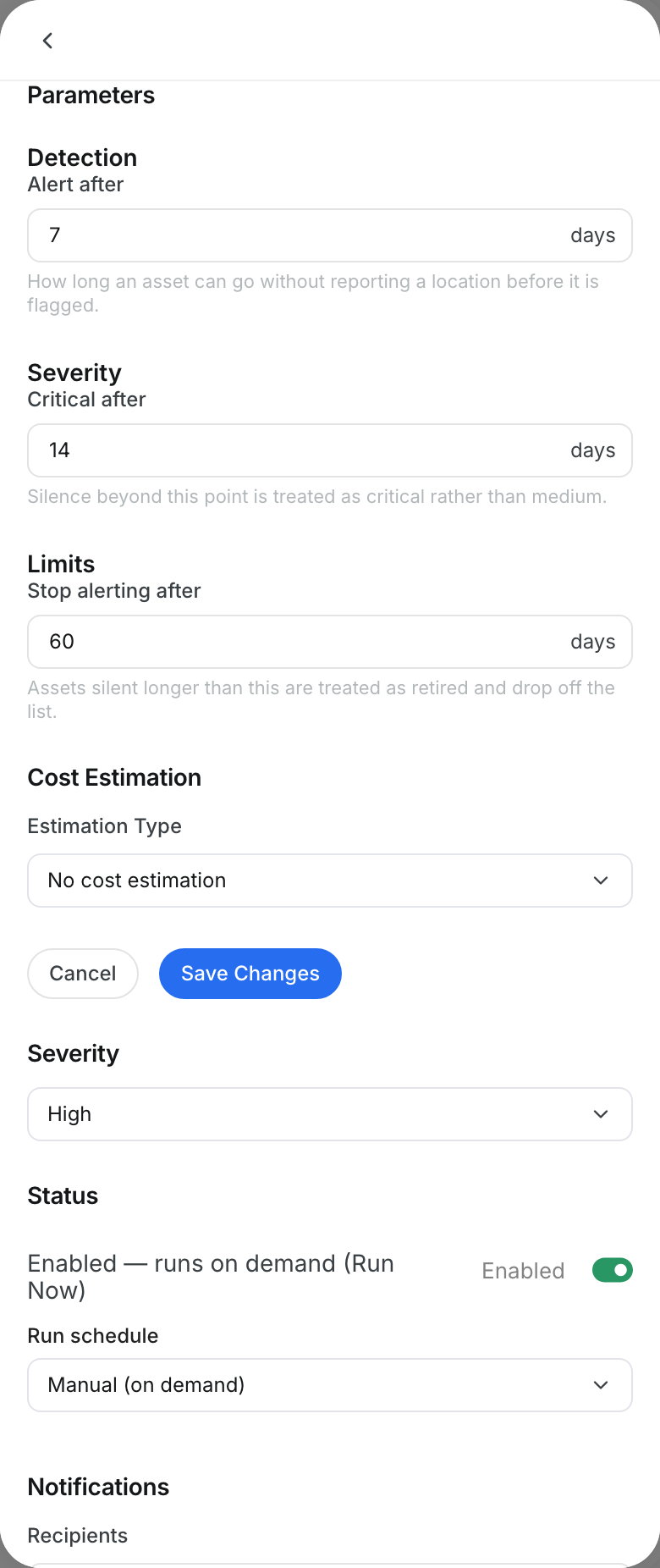
Under Parameters, click Edit. Change the values, then click Save Changes, or click Cancel to keep the old values.
Step 4: Set severity and run schedule
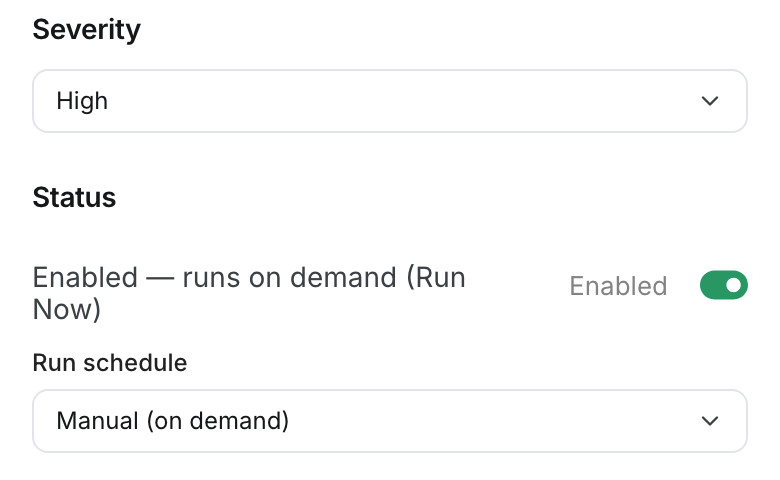
Pick a Severity for this watchdog's alerts. Then pick a Run schedule: Manual (on demand), Hourly, Daily or Weekly.
Step 5: Run watchdogs now
Click Run All Watchdogs to run every enabled watchdog. To run only some, tick their cards and click Run Selected.

The full details
- Enabled and Disabled: the filter at the top shows how many watchdogs are in each state.
- Parameters: grouped under headings such as Detection, Severity and Limits.
- Default: when you change a value, the old default shows under the field.
- Severity and Run schedule: these save as soon as you pick a new value.
- Run Now: runs one watchdog from its details. New alerts appear on the Alerts tab when the run finishes.
- Manual (on demand): the watchdog runs only when someone clicks a run button.
- Disabled watchdogs: they do not run and you cannot tick them for a run.
Tips
- Change one limit at a time. Then run the watchdog and check the new alerts.
- Use Daily for most watchdogs. Use Hourly only for issues that need fast action.
- Turn off watchdogs that do not fit your work. Fewer alerts get more attention.