Top 10 Construction Time Card Management Software in 2026


Hi, I’m Maham Ali. I write about construction equipment management, helping teams use fleet data and maintenance intelligence to improve uptime, control costs, and run smoother jobsites.
Recording hours is only one part of construction time tracking. The harder task is turning field hours into accurate payroll, reliable job costs, compliance records, and useful operational data without forcing office teams to rebuild the week from paper forms, text messages, and incomplete entries.
A reliable construction time card app should help crews record hours against the correct job, task, and cost code while giving supervisors a clear approval process. Clue takes this further for equipment-intensive contractors by connecting labor hours with equipment activity, work orders, maintenance, and existing ERP workflows. Other platforms focus more narrowly on GPS verification, crew scheduling, certified-payroll data, biometric attendance, or daily reporting.
This guide compares 10 leading construction time card software platforms for 2026 based on time-capture accuracy, field usability, payroll readiness, compliance support, integrations, offline functionality, and job-cost visibility. The goal is to help you identify the platform that best matches how your crews record time and how your back office uses that information.
How We Evaluated These Time Card Tools
A construction time card feeds three important business records: payroll, labor-compliance documentation, and job-cost reporting. The strongest tools capture the information needed for payroll, compliance, and job costing as hours are recorded, reviewed, and approved. Each platform was judged on construction time tracking instead of office timesheets, and Clue was held to the same criteria as everyone else.
Evaluation Criteria
This list prioritizes construction-focused time-card platforms while also including broader workforce and project-management products with credible construction use cases. General time trackers, spreadsheets, and paper templates can capture hours, but they often rely on manual processes for construction-specific requirements like job costing, payroll compliance, location verification, and field approvals.
Sources
- Vendor websites and time tracking product documentation
- Public information on GPS verification, geofencing, biometric capture, pay rules, and payroll integrations
- Customer reviews and ratings on Capterra, G2, and Software Advice, checked live in July 2026
- Construction workforce management and prevailing wage compliance resources
Editorial Review
This list was reviewed from the jobsite side of the problem: patchy signal, mixed crews, and a foreman with a minute to approve the day before he loses the light. The compliance stakes are concrete. On public and prevailing wage work, contractors have to file certified payroll under the Davis-Bacon Act, and a wage rule applied wrong is a documented violation, not a rounding error. A system that applies those rules at capture is the line between a clean audit and a back-pay claim.
Compare the Best Construction Time Card Software
Use this table for a quick scan before the full breakdowns below.
Below are the top 10 construction time card software platforms to consider in 2026.
1. Clue
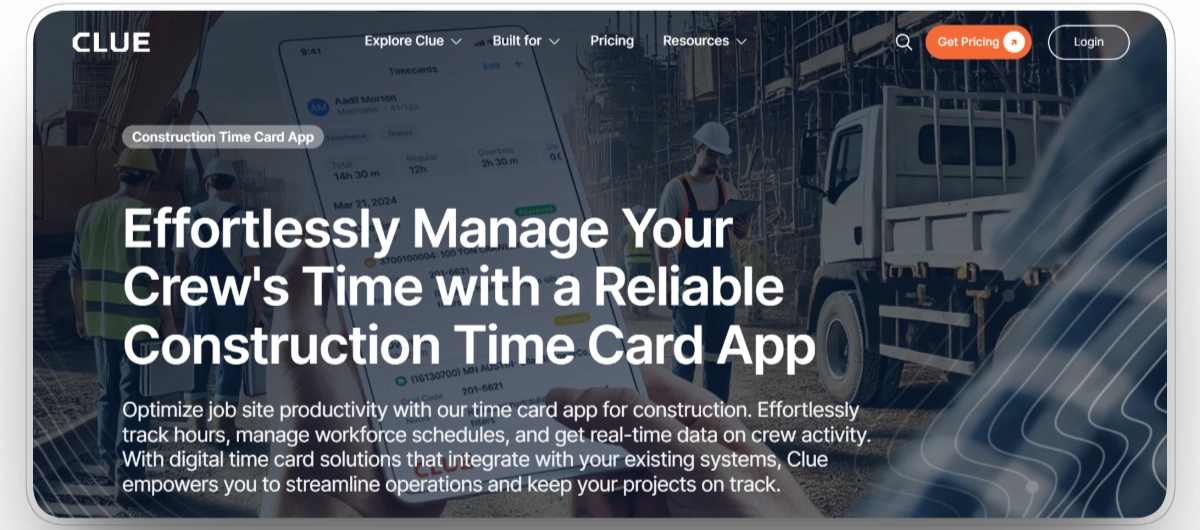
Best for: Contractors running crews and heavy equipment together who want labor hours captured against the same jobs and cost codes as their machines.
Clue connects time tracking with equipment, maintenance, inspections, work orders, and field operations. Crews, operators, drivers, and mechanics can record hours through mobile or web workflows, while supervisors can review time across jobs and crews before approval.
Clue’s main advantage is the operational context surrounding each time entry. Labor hours can be connected with jobs, work orders, equipment activity, and cost codes instead of remaining isolated inside a standalone employee clock. Approved field data can then move into ERP and payroll workflows involving systems such as Vista, Spectrum, Sage through Construct, and HeavyJob-to-ADP configurations. Contractors should confirm the exact integration and export setup required for their environment.
Our observation: Clue is best suited to equipment-intensive contractors that want labor hours connected with work orders, equipment activity, cost codes, and existing ERP workflows. Companies seeking only a basic employee time clock may find a narrower platform simpler.
Our rating: 9.4/10
Mobile App
Yes. Clue supports iOS and Android workflows for clocking in and out, recording field time, and reviewing time-card information.
Pros
- Crew, operator, driver, and mechanic time in one construction platform.
- Foreman crew entry for sites where workers do not carry devices.
- Hours can link to work orders and cost codes for accurate job costing.
- Geofence flagging surfaces off-site punches for manager review.
Limitations
- Best suited to equipment-intensive contractors rather than companies needing only a basic employee clock.
- Does not replace a complete HR, benefits, or payroll-administration system.
- Pricing is customized and is not fully published on the public pricing page.
- Full value depends on correctly configuring employees, projects, equipment, work orders, and cost codes.
Clue Reviews
Capterra: 4.6/5 (11 reviews)
G2: 4.7/5 (3 reviews)
2. Workyard
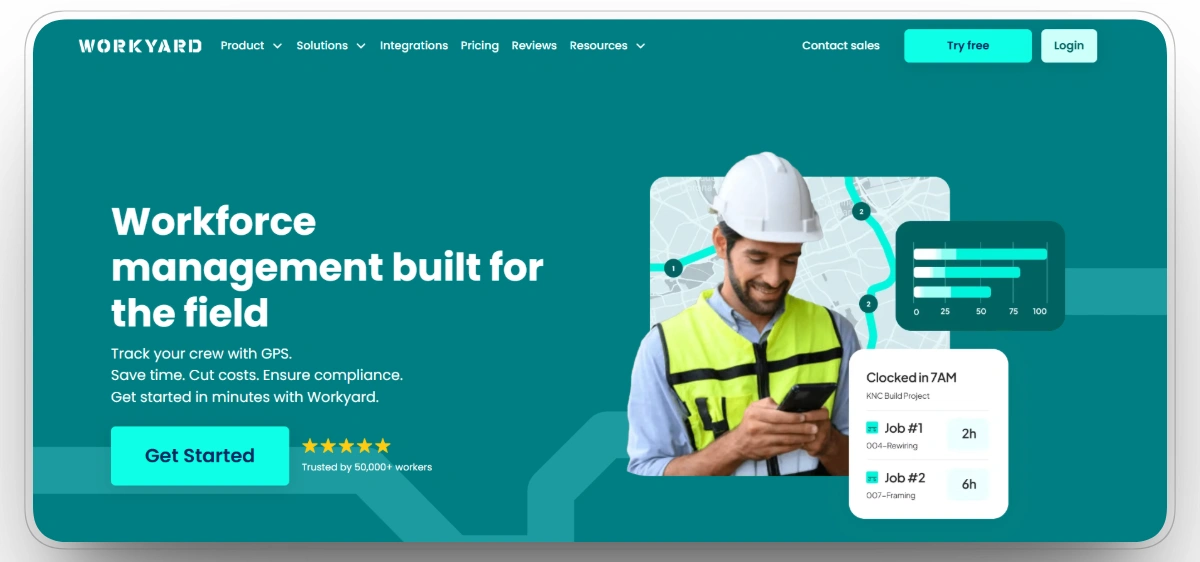
Best for: Contractors that need precise, GPS-verified labor hours feeding accurate job costs and certified payroll.
Workyard focuses on GPS-based time tracking for construction teams. It continuously records employee location throughout the workday instead of only at clock-in, distinguishes drive time from time spent on site, and allows employees to record time even without an internet connection.
The platform includes configurable federal, state, and custom overtime rules, approval workflows, job costing, offline capture, and English- and Spanish-language support. Workyard also captures and exports the worker, project, classification, and hour data required for certified-payroll workflows. Approved hours can be exported to payroll and accounting systems through its integrations, reducing manual data entry.
Our observation: Workyard is a strong option for contractors that need detailed GPS records and stronger controls against rounded, inaccurate, or incorrectly allocated labor hours. Teams wanting full HR breadth like benefits management will pair it with another system, and its base fee makes it heavier for very small crews.
Our rating: 9.2/10
Mobile App
Yes, iOS and Android, with continuous GPS and offline capture at the core.
Pros
- Continuous GPS tracking through the workday, beyond a clock-in stamp.
- Supports certified-payroll data workflows and configurable federal, state, or custom overtime rules.
- Offline capture for remote sites with poor signal.
- Job costing that ties hours to projects and budgets.
- English- and Spanish-language customer support.
Limitations
- Base fee makes it costlier for very small crews.
- Customization setup takes some upfront time.
- No full HR features like benefits administration.
Workyard Reviews
Capterra: 4.8/5 (102 reviews)
G2: 4.8/5 (50 reviews)
3. ClockShark
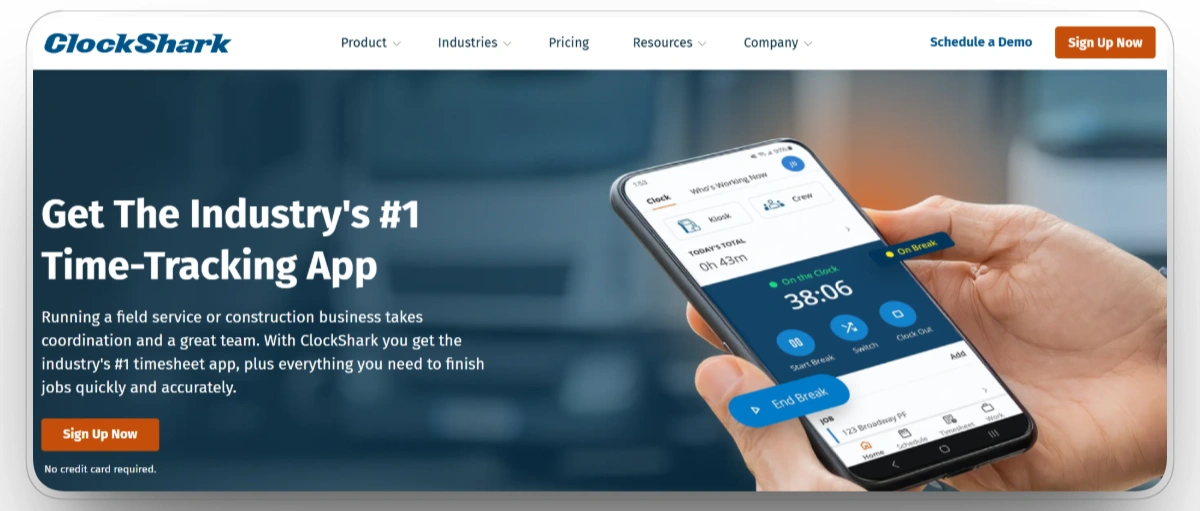
Best for: Field crews spread across multiple job sites that want GPS clock-ins and crew scheduling designed for construction.
Rather than focusing only on time tracking, ClockShark combines scheduling, crew management, and payroll preparation in one application. Its Crew Clock feature lets one foreman record hours for an entire crew, GPS captures punch locations, and geofencing highlights exceptions for review. From there, hours flow through job costing, overtime calculations, approval workflows, and integrations with QuickBooks, Sage, Foundation, ADP, Gusto, and Procore.
Job costing ties each hour to the project and task it served, overtime tracking applies itself, and approvals with edit audit trails keep foremen out of the review backlog.
Our observation: ClockShark is purpose-built for construction time tracking and scheduling. Facial recognition is available through its Kiosk Clock, while equipment maintenance and broader construction-operations management require separate systems. Facial recognition is available through its Kiosk Clock, while equipment maintenance and broader construction-operations management require separate systems.
Our rating: 9.0/10
Mobile App
Yes, iOS and Android, with GPS-stamped clock-ins and Crew Clock from any site.
Pros
- GPS and geofencing designed specifically for field crews.
- Crew Clock is convenient and lets a foreman punch in the whole crew.
- Drag-and-drop scheduling is streamlined alongside time tracking.
- Offers wide payroll and construction accounting integrations.
Limitations
- Facial recognition is available through Kiosk Clock rather than every standard mobile clock-in workflow.
- Equipment maintenance and fleet-management capabilities are limited compared with broader construction platforms.
- Companies requiring complete HR, benefits, or construction ERP functionality will need additional systems.
ClockShark Reviews
Capterra: 4.7/5 ( 1,911 reviews)
G2: 4.7/5 ( 336 reviews)
4. Busybusy
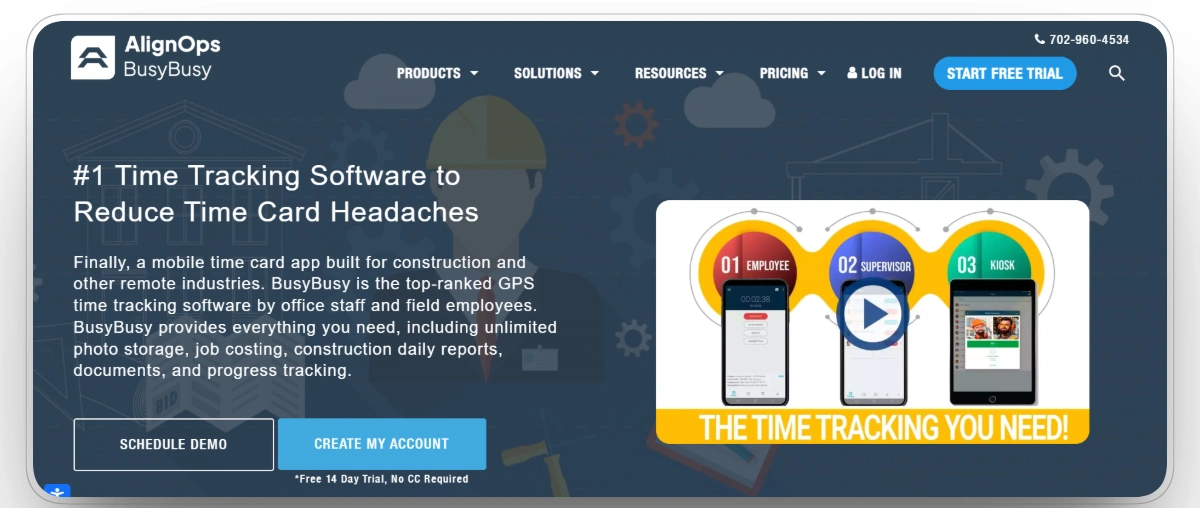
Best for: Heavy civil and equipment-heavy small to mid-size teams that want field-built time tracking with a real free plan.
Busybusy keeps the focus on making field time collection simple. Instead of layering on broad operational workflows, it concentrates on the everyday tasks crews and foremen perform: clocking in with GPS verification, submitting hours from the field, and giving the office real-time visibility instead of waiting for paper timesheets. The free plan also makes it one of the easier platforms to adopt for contractors moving away from spreadsheets.
Equipment hours can be tracked alongside labor, giving contractors a basic view of resource usage without introducing a larger fleet management system. Daily reports support job costing, payroll and accounting integrations reduce manual data entry, and approved hours flow into the back office with fewer handoffs.
Our observation: busybusy is best suited to small and mid-sized contractors looking for a straightforward, construction-focused time tracking solution. Organizations with more advanced operational or reporting requirements may eventually outgrow its simpler approach.
Our rating: 8.8/10
Mobile App
Yes, iOS and Android, with the phone as the intended primary interface.
Pros
- Built specifically for construction field crews.
- GPS records punch locations relative to assigned jobsites.
- Tracks equipment time alongside crew labor.
- Daily project reports support labor allocation and construction job-cost reporting.
Limitations
- Workers can record time offline, but managers will not receive the entries until the device reconnects and synchronizes.
- Advanced reporting and connected operational workflows are less extensive than those of larger construction-management platforms.
busybusy Reviews
Capterra: 4.5/5 (441 reviews)
G2: 4.8/5 (158 reviews)
5. ExakTime (now Arcoro Time)
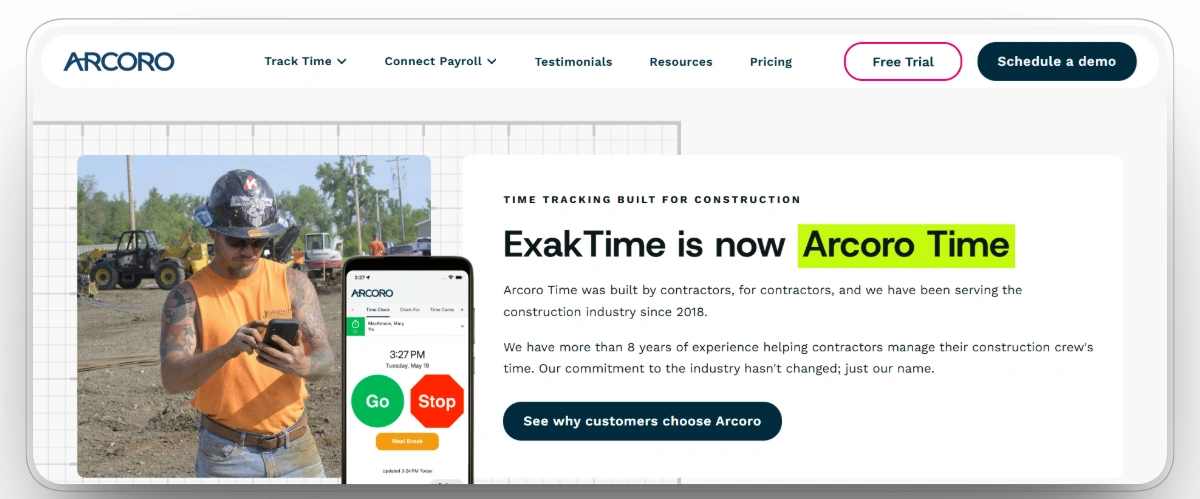
Best for: General, specialty, and government contractors that want rugged jobsite clocks, biometric options, and certified payroll at scale.
ExakTime has served construction time tracking for years and now runs as part of the Arcoro HR suite, with more than 8,500 customers. It pairs a mobile app that adds photo verification at clock-in with the rugged JobClock Hornet, a weatherproof field clock that uses key fobs and runs on LTE, which suits sites where crews share a device instead of carrying phones.
Its geofencing is among the most configurable in the category, using custom polygon boundaries instead of plain radius circles, which matters on irregular sites. Arcoro Time supports job and cost codes, configurable overtime, break tracking, GPS verification, and payroll-ready exports. It works with more than 100 payroll, accounting, and ERP systems. In supported Arcoro Payroll configurations, certified-payroll reports can be produced in WH-347 and LCP Tracker formats.
Our observation: ExakTime fits larger and government-facing contractors that need hardware, biometric add-ons, and certified payroll in one system. Arcoro Time is most relevant to contractors that need construction-specific time capture, rugged hardware, payroll integrations, and access to broader HR or payroll capabilities. Smaller teams seeking only a lightweight mobile clock may find the platform broader than necessary.
Our rating: 8.6/10
Mobile App
Yes, iOS and Android, with photo verification at clock-in, plus the rugged JobClock Hornet hardware option.
Pros
- Rugged field clock for shared-device, phone-free crews.
- Custom polygon geofencing for complex, irregular sites.
- Native certified payroll WH-347 report generation.
- Connects to 50+ leading construction accounting and ERP systems.
Limitations
- Some payroll and certified-payroll capabilities require additional Arcoro products or plan configurations.
- Rugged hardware and broader workforce features may be unnecessary for small mobile-only crews.
- Contractors should confirm which integrations are direct, export-based, or available through an additional implementation.
ExakTime Reviews
Capterra: 3.6/5 (6 reviews)
G2: 4/5 (172 reviews)
6. Connecteam
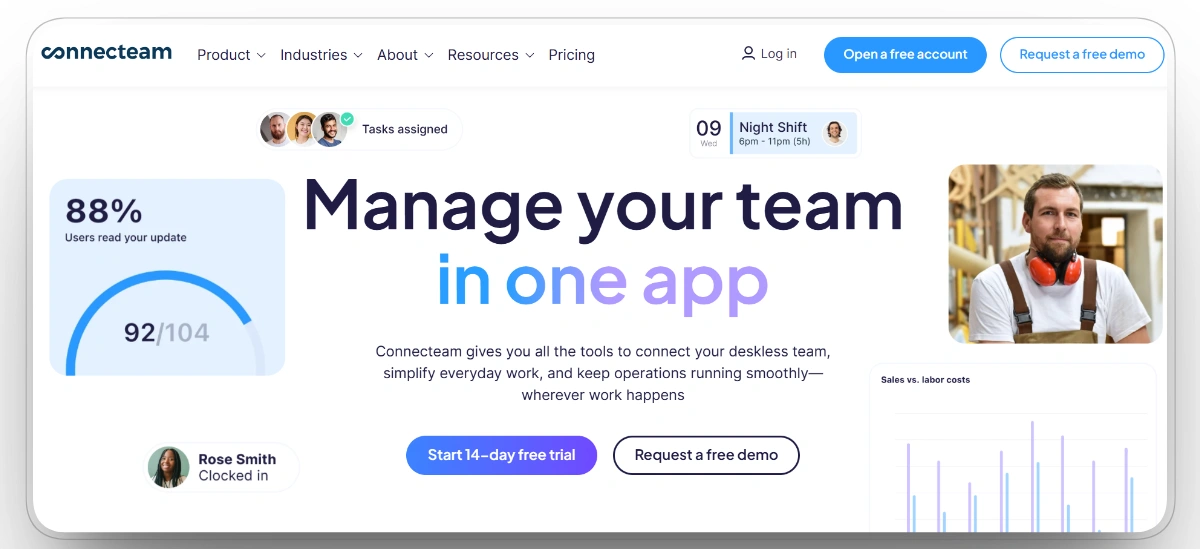
Best for: Multi-crew teams that want time tracking, scheduling, and crew communication in one mobile app.
Connecteam folds the whole deskless-workforce problem into one app: workers clock in and out, pick up shifts, read announcements, and complete forms in the same place they message the foreman. This consolidation can reduce the number of separate applications workers and supervisors use for everyday workforce tasks.
The time clock handles shifts, overtime, and job-site assignments. GPS and geofencing verify clock-ins, while kiosk mode can require a photo to help prevent buddy punching. Automated reports track labor costs and staffing, and the free tier for small teams removes one more reason to stay on paper.
Our observation: Connecteam wins on breadth and adoption, and one login replacing four apps is a real upgrade for a scattered crew. Time tracking is one module among many, so construction-specific depth like cost-code-level job costing runs thinner than in the field-first tools.
Our rating: 8.5/10
Mobile App
Yes. Field workers primarily use the iOS or Android app, while managers can administer workforce information and reports through connected management tools.
Pros
- Time, scheduling, and communication in one app.
- GPS, geofencing, and kiosk photo verification.
- Automated labor cost and staffing reports.
- Free tier for small teams.
Limitations
- Construction job costing depth is limited.
- Broad feature set can mean a learning curve.
- Deeper construction workflows may feel thin for large projects.
Connecteam Reviews
Capterra: 4.6/5 (5,303 reviews)
G2: 4.6/5 (3,505 reviews)
7. SmartBarrel
Best for: Medium to large contractors on active sites where phones are impractical and buddy punching has to end.
SmartBarrel leads with hardware. Its rugged, solar- or AC-powered, LTE-connected device mounts anywhere on a site and verifies each worker with AI facial recognition that works through hard hats, masks, and safety glasses. Workers using SmartBarrel’s mounted jobsite device do not need to download an app or carry a badge. Workers enter a phone number, the device confirms their identity, and every punch is stamped with the correct job, cost code, and location.
Jobsite hardware and location controls help verify that clock-ins are recorded at the assigned site, offline mode holds punches until service returns, and broadcast messaging pushes safety or weather alerts to everyone on the job. SmartBarrel integrates directly with Procore Timesheets, allowing verified hours and cost-code information to synchronize with connected Procore workflows. It also connects with construction systems such as Viewpoint, CMiC, Foundation, QuickBooks, and Sage.
Our observation: SmartBarrel is the strongest fit for large commercial and industrial contractors where mobile-only tools struggle to gain consistent field adoption. SmartBarrel has published a case study covering its use on a Kiewit project, illustrating how its hardware can support large and complex jobsites.
Our rating: 8.3/10
Mobile App
Yes, plus rugged mounted hardware and a kiosk mode; the device works without workers installing anything.
Pros
- AI facial verification that works through common PPE.
- Rugged, solar- or AC-powered, LTE-connected hardware.
- Direct integration into Procore Timesheets workflows.
- Offline capture and onsite broadcast messaging.
Limitations
- Custom, hardware-based pricing is typically heavier for small crews.
- Best value is on larger, multi-phase, longer-duration sites.
- Hardware deployment and custom pricing make the platform less practical for very small crews or short-duration projects.
SmartBarrel Reviews
Capterra: 4.9/5 (14 reviews)
G2: N/A
8. Procore
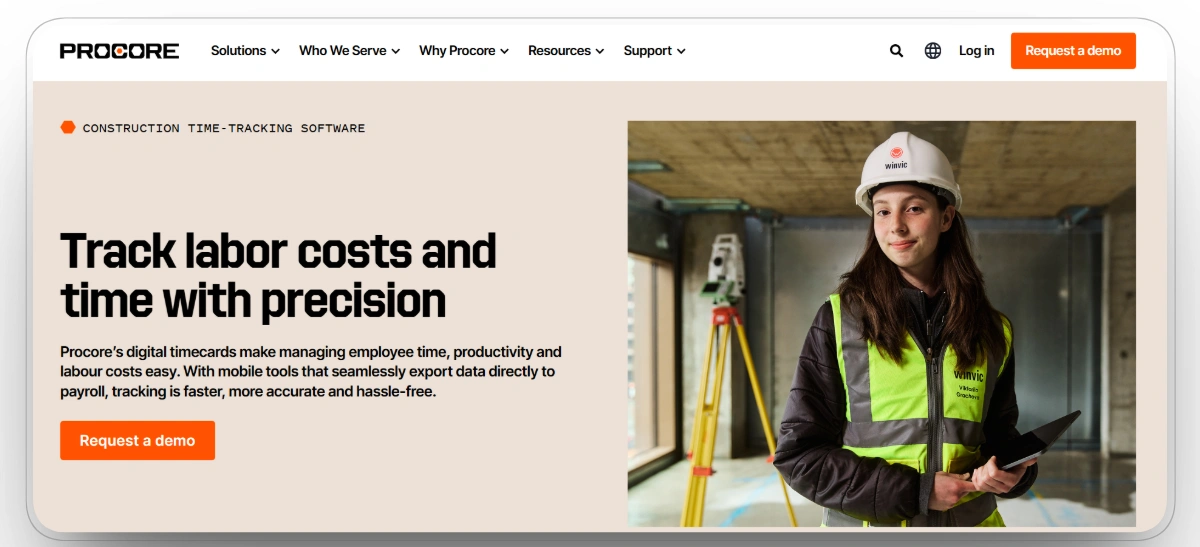
Best for: General contractors already running Procore who want field hours captured inside the platform they manage projects in.
Procore is a full construction management platform, and Timesheets is one workflow inside that ecosystem. Crews can log hours against projects and cost codes already managed in Procore, allowing time data to support labor-productivity and project-cost workflows when the required products and configurations are enabled. For contractors already running projects in Procore, that continuity is the real advantage.
Timesheets support crew entry, cost code allocation, approvals, and labor productivity reporting, while Procore generally uses an unlimited-user model, although Field Productivity is excluded from the standard unlimited-user pricing structure and may be priced according to workforce size.
Our observation: Procore is most compelling when it is already the contractor’s project system of record. Companies seeking only employee time tracking may find a dedicated time-clock platform simpler and less extensive. Companies seeking only employee time tracking may find a dedicated time-clock platform simpler and less extensive.
Our rating: 8.1/10
Mobile App
Yes, iOS and Android, with timesheets inside the wider Procore field app.
Pros
- Hours live with active construction projects, budgets, and cost codes.
- Approved time can feed Procore’s labor-productivity and project-cost workflows when the required products and configurations are enabled.
- Unlimited-user model across owners, GCs, and all subcontractors.
- Feeds labor-productivity and real-time project-budget views when the required products and configurations are in place.
Limitations
- Timesheets are less mature than purpose-built standalone time clocks.
- Value depends on already actively using Procore.
- The broader platform has a steeper initial learning curve for field crews.
Procore Reviews
Capterra: 4.5/5 (2,669 reviews)
G2: 4.6/5 (4,219 reviews)
9. Raken
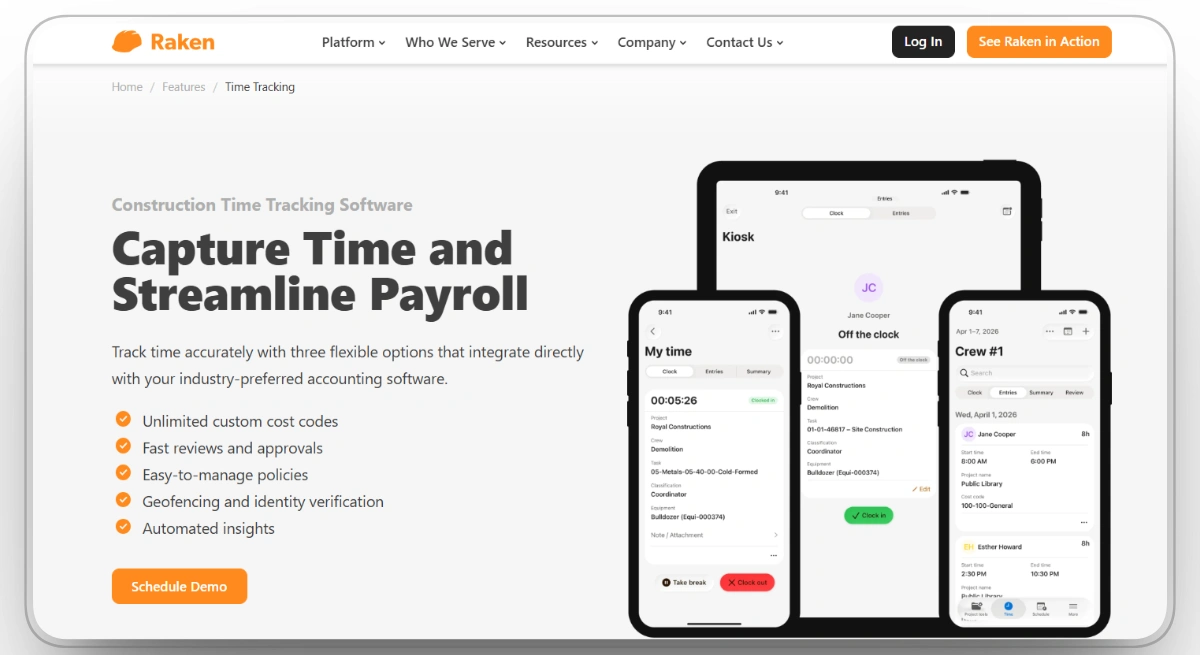
Best for: GCs and subcontractors that live in daily reports and want crew time cards captured inside them.
Raken earned its place on jobsites through daily reporting, and its time cards ride the same workflow. The foreman filling out the daily log records crew hours in the same pass, with photos and production notes attached, so labor data arrives with its context instead of as bare numbers.
Integrations with platforms like Procore and Sage push that field data into the systems the office already runs, and real-time labor cost views catch errors before they compound. For a team already using Raken for daily reporting, time tracking fits naturally into an established field workflow.
Our observation: Raken is strongest when time tracking is used alongside its daily-reporting workflows. Mobile time-card entry can work offline and synchronize later, although the live Time Clock requires an active connection.
Our rating: 7.9/10
Mobile App
Yes, iOS and Android, designed around the foreman's daily workflow.
Pros
- Time captured inside the daily report, with photos, production, and notes.
- Integrations with Procore, Sage, and other construction management systems.
- Real-time labor cost visibility from the construction field teams.
- Fast for teams already running daily field reports.
Limitations
- The live Time Clock requires an internet connection, although manual mobile time-card entry can work offline.
- The strongest value comes when time cards are used with Raken’s daily-reporting workflows.
- Companies needing deep payroll, HR, or equipment-management functionality may require additional systems.
Raken Reviews
Capterra: 4.6/5 (248 reviews)
G2: 4.6/5 (109 reviews)
10. Jibble
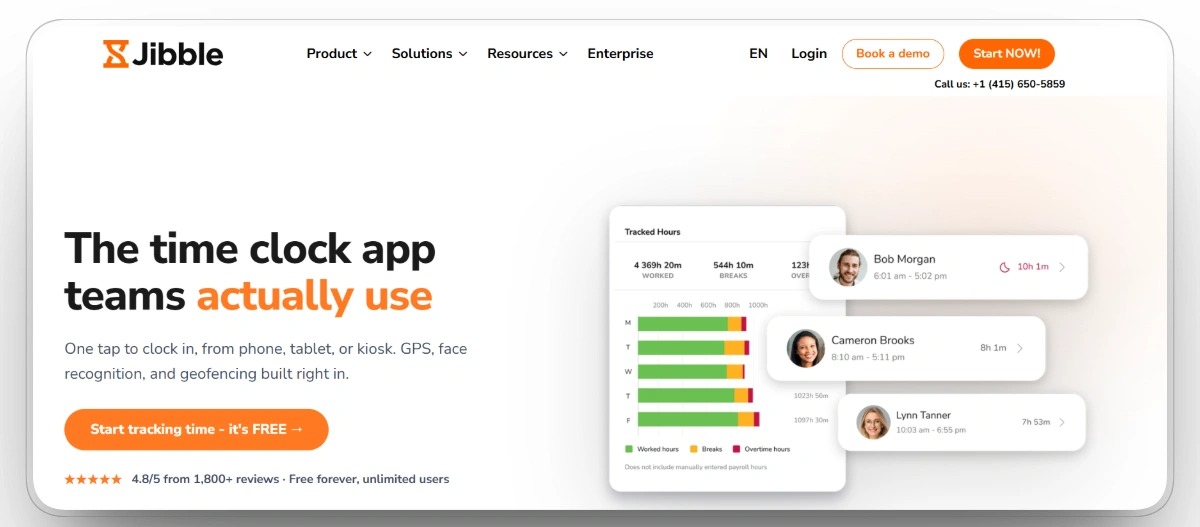
Best for: Budget-conscious teams that want punch verification, including facial recognition, on a genuinely free plan.
Jibble leads on price with something most rivals cannot match: a free plan that includes real-time tracking. Workers clock in and out on mobile, GPS verifies location, and facial recognition helps prevent buddy punching without moving those controls behind a paid tier.
That combination makes it an easy upgrade for contractors replacing paper timesheets or generic employee clocks. Automated timesheets reduce payroll administration, integrations connect hours to payroll and project tools, and managers can monitor labor spend as it accumulates.
Our observation: Jibble delivers value for small and mid-sized teams that need verified time capture without adding software costs. Its construction-specific cost coding, certified-payroll support, equipment tracking, and broader job-cost workflows are lighter than those of dedicated construction platforms.
Our rating: 7.7/10
Mobile App
Yes, iOS and Android, with GPS and facial recognition on mobile punches.
Pros
- Genuinely free plan with GPS-enabled, mobile real-time tracking.
- Facial recognition to stop costly employee buddy punching.
- GPS-stamped punches on mobile field devices.
- Integrates with payroll and construction project management tools.
Limitations
- Offline time entry is available, but construction-specific compliance, cost-code, equipment, and certified-payroll workflows are less extensive than those of specialist platforms.
- Lacks construction-specific workflows and job costing depth.
- Pricing climbs for growing enterprise teams on paid tiers.
Jibble Reviews
Capterra: 4.8/5 (1,851 reviews)
G2: 4.7/5
Choosing the Best Construction Time Card Software for Your Team
The right platform depends on what your hours have to prove, whether that is payroll accuracy, compliance under audit, or job cost truth, and on who has to capture them in the field.
Best Time Card Software by Contractor Type
What Different Teams Should Prioritize
Foremen need fast crew entry and field approvals. Payroll teams need audit trails, configurable pay rules, and clean exports. Equipment managers benefit from labor hours connected with machine activity and work orders. Compliance teams should prioritize worker verification, classification data, and certified-payroll support.
For most contractors, the greatest risk is selecting a system that crews avoid or use inconsistently. Prioritize field adoption, reliable verification, cost-code accuracy, and payroll compatibility over the length of the feature list.
FAQs
What is the best construction time card software?
It depends on what surrounds the hours. For contractors running crews and heavy equipment together, Clue is the strongest fit because operator time lands next to machine hours and cost codes in one platform. For crew-only field work, Workyard leads on GPS accuracy and certified payroll, and ClockShark leads on ease of adoption and crew scheduling.
How do GPS and biometric verification help reduce time theft on jobsites?
GPS records the location associated with a punch, while geofencing can block, flag, or warn about clock-ins outside an approved site boundary, depending on the platform’s configuration. Photo or facial verification adds identity evidence and helps reduce buddy punching. ClockShark, Arcoro Time, SmartBarrel, Connecteam, and Jibble offer different forms of photo, kiosk, or facial verification.
Can time card software handle overtime, prevailing wage, and union rules?
Some construction-focused platforms support configurable overtime, double-time, shift-differential, union, and prevailing-wage rules. The exact capability depends on the selected product, plan, payroll integration, and jurisdiction. On covered federal and federally assisted projects, contractors generally must submit weekly certified payroll. Arcoro Payroll can produce WH-347 and LCP Tracker reports in supported configurations, while Workyard exports the underlying time and classification data to connected payroll or certified-payroll software.
How much does construction time card software cost?
Pricing models vary considerably. Jibble, busybusy, and Connecteam offer free entry options for qualifying teams, while other platforms use per-user subscriptions, base fees, workforce-based pricing, hardware costs, or customized quotes. Clue uses customized pricing based on the contractor’s equipment, crew, and workflow requirements. Confirm that any quote includes the required time-card, payroll, integration, and hardware capabilities.
Do time clock apps work offline on remote sites?
Offline behavior varies by platform and workflow. Workyard, busybusy, Jibble, and SmartBarrel support offline time capture that synchronizes after connectivity returns. Raken supports offline mobile time-card entry, although its live Time Clock requires an active connection. Test clock-in, GPS, approval, and synchronization behavior on a remote project before company-wide deployment.
How do time cards connect to job costing and payroll?
Each punch is allocated to a job, cost code, or task, so labor cost builds against the budget in real time instead of surfacing at month-end. The stronger platforms then export in the exact format the back office uses. Clue supports ERP and payroll workflows involving Vista, Spectrum, Sage through Construct, and HeavyJob-to-ADP configurations. The exact data direction, mapping, and approval process should be confirmed for each contractor’s existing systems.
Conclusion
The best construction time card software is not necessarily the platform with the longest feature list. It is the one that fits how crews record hours, how supervisors approve them, and how payroll and project teams use that data. Contractors should compare field usability, GPS and identity verification, offline access, cost-code accuracy, payroll requirements, integrations, and the systems already supporting their operations.
For contractors managing both crews and heavy equipment, Clue offers a stronger operational fit by connecting labor hours with machine activity, work orders, maintenance, and cost codes. Smaller teams that only need a basic employee clock may prefer a simpler standalone tool. However, companies still reconciling labor, equipment, and payroll data across separate systems can gain better visibility and more accurate job costs by managing those records within one connected workflow.
Transform Your Equipment Management
%20and%20What%20Are%20Its%20Key%20Responsibilities.webp)
%20(1).webp)


