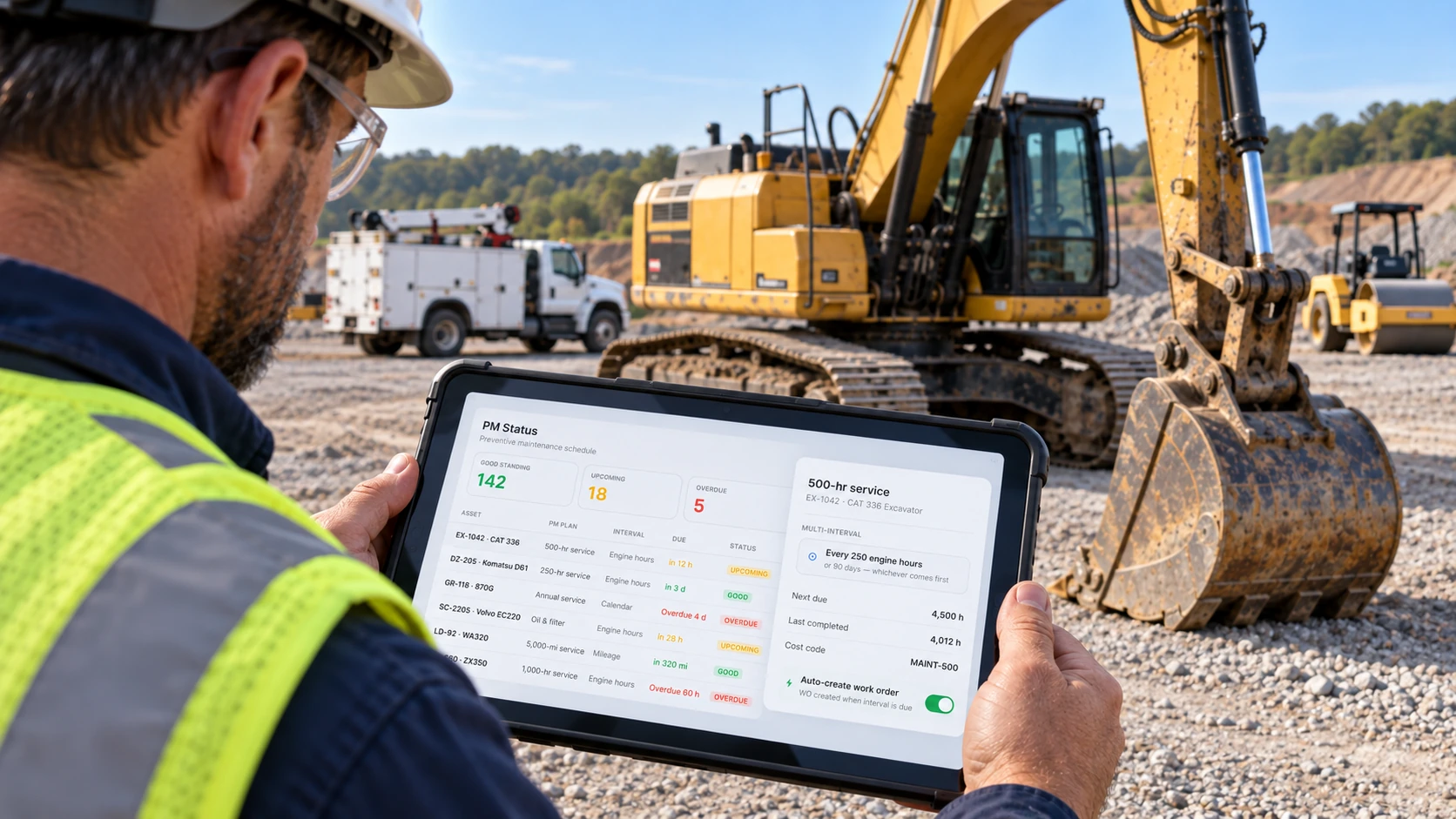
The best construction scheduling software in 2026 is Clue for contractors scheduling equipment and crews together, Oracle Primavera P6 for complex multi-million-dollar projects that need deep critical path planning, and Procore for large general contractors that want scheduling inside a full project management platform.
The right choice comes down to what your team actually schedules. Project planners scheduling tasks and dependencies need Gantt-first tools like Primavera P6 or Asta Powerproject. Field teams scheduling weekly work lean toward Outbuild or Fieldwire. Contractors whose schedules revolve around machines, operators, and maintenance windows need a platform built on construction equipment management software, which is where Clue stands out, because a project schedule fails the moment the excavator it depends on is down for service or double-booked on another site.
This guide compares the 10 best construction scheduling software platforms in 2026 across scheduling depth, construction fit, field usability, integrations, and verified review data, so you can pick the tool that matches how your projects actually run.
How We Evaluated These Scheduling Tools
A construction schedule is only as good as the resources behind it. The strongest scheduling tools do more than draw a Gantt chart. They connect tasks to the crews, equipment, and materials each task needs, flag conflicts before they cause downtime, and keep the office and field working from the same plan.
Each platform was reviewed against construction-specific scheduling criteria, not generic project management use cases. Clue was evaluated alongside every other vendor using the same scoring framework, so the comparison stays consistent, practical, and fair.
Evaluation Criteria
We deliberately excluded generic task managers and calendar apps. They can hold a list of dates, but they do not model crews, equipment availability, weather-driven rescheduling, or trade sequencing, so they score poorly on construction fit even where their interfaces are polished.
Sources
- Vendor websites and construction scheduling product documentation
- Public information on Gantt, CPM, lookahead, dispatch, and resource scheduling features
- Customer reviews and ratings on G2 and Capterra, checked live in July 2026
- Construction technology resources covering scheduling and field workflows
Editorial Review
This list was reviewed from a construction scheduling perspective, with a focus on how each platform handles task sequencing, resource conflicts, field updates, and the gap between the plan on paper and the equipment and crews that have to execute it. The stakes are real: McKinsey Global Institute research found that large construction projects typically take 20% longer to finish than scheduled and run up to 80% over budget, and scheduling breakdowns are a major driver of both.
Compare the Best Construction Scheduling Software
Use this table to quickly compare all 10 options before reviewing the full breakdowns below.
Below are the 10 best construction scheduling software platforms to consider in 2026.
1. Clue
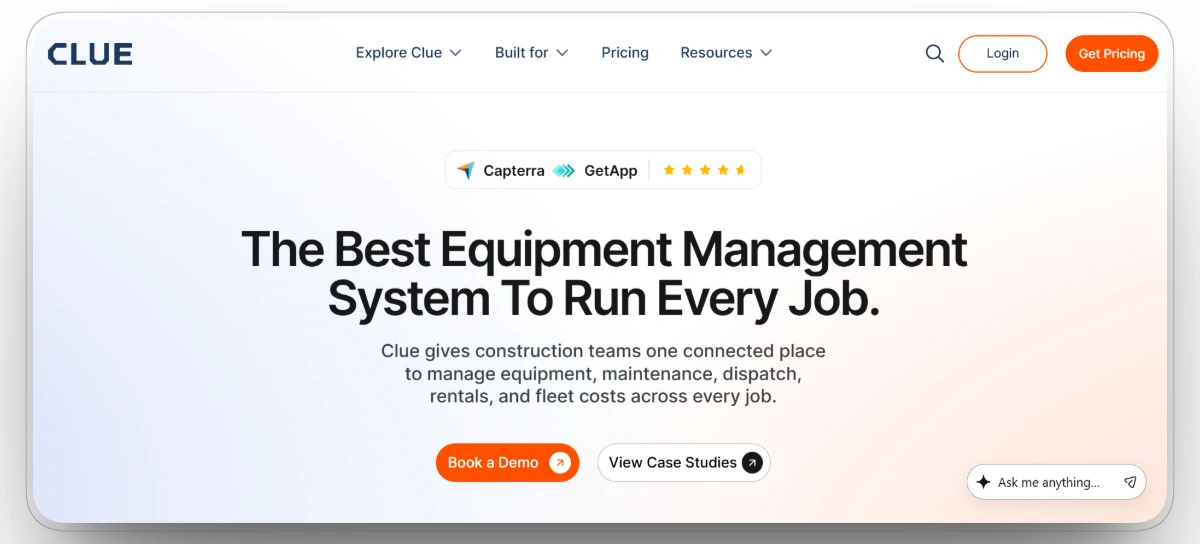
Best for: Heavy civil, infrastructure, and fleet-heavy contractors that need project schedules, equipment availability, and maintenance windows running on the same data.
Clue is built around the way construction schedules actually break: one excavator going down can erase a perfectly planned week. It schedules machines and crews together on live fleet data, so dispatchers see location, engine hours, fault codes, rental status, and maintenance due dates before committing a machine to a job. A dozer with an overdue service never lands on a critical path activity, and a machine booked on another site never gets promised twice.
The workflow closes the loop between office and field. Crews request equipment from the mobile app, schedulers assign machines and operators from a drag-and-drop dispatch board, and operators confirm arrivals and log status from the jobsite. Because preventive maintenance runs in the same system, service windows appear directly in the schedule, and work orders block a machine from new assignments until the repair is closed out. Contractors including Walsh Group, Skanska, VINCI, Graham, and Pulice Construction run their fleets on Clue, with more than 600,000 assets managed on the platform.
Our observation: Clue is strongest when the real scheduling constraint is equipment, not tasks. Teams that only need a Gantt chart for task sequencing will find dedicated CPM tools deeper on that front, but no CPM tool tells you whether the machine behind activity 4210 is actually available, serviced, and on site.
Our rating: 9.5/10
Mobile App
Yes, iOS and Android, with field workflows for equipment requests, inspections, work orders, and schedule confirmations.
Pros
- Purpose-built for heavy construction equipment and multi-job scheduling
- Scheduling, maintenance, rentals, and cost data in one system with no double entry
- Works with existing telematics hardware instead of forcing a rip-and-replace
- Fast implementation, typically one to two weeks from contract to live dashboard
- Transparent asset-based pricing that starts near $4 per asset per month
Limitations
- Not a CPM task-scheduling engine, so teams running deep critical path programs will pair it with a planning tool like Primavera P6
- Initial setup requires syncing existing equipment data and connecting telematics systems, which takes coordination with the Clue team
- Requires some setup to organize fleet and telematics data.
Clue Reviews
Capterra: 4.6/5 (11 reviews)
G2: 4.7/5
2. Oracle Primavera P6
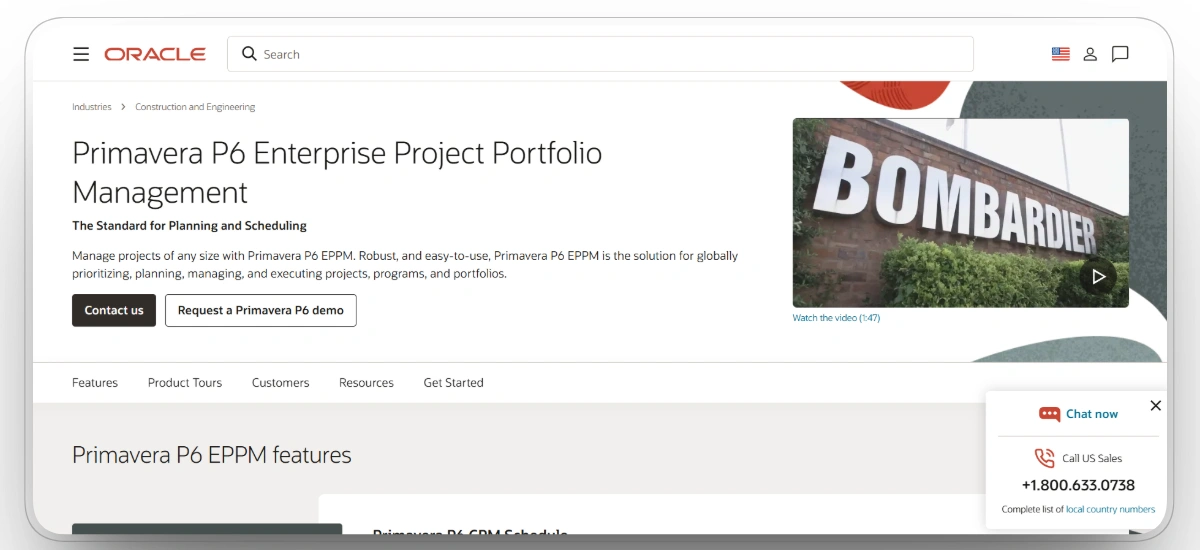
Best for: Complex, multi-million-dollar mega projects that need deep critical path method planning.
Oracle Primavera P6 is the industry standard for enterprise construction scheduling. Its critical path method engine identifies the longest sequence of dependent activities in a plan, so planners know exactly which delays will push back the entire project finish date. Schedulers can manage tens of thousands of activities across a portfolio, run baselines, and model resource loading at a depth no lighter tool matches.
That depth is also the tradeoff. P6 assumes a trained scheduler is at the controls, and the interface reflects decades of enterprise heritage rather than modern field usability. It plans the work in extraordinary detail, but it does not manage the machines, crews, or maintenance realities behind those activities.
Our observation: Primavera P6 is the right call when contracts require formal CPM schedules, detailed baseline management, resource loading, and defensible delay analysis. It offers exceptional scheduling depth, but its complexity and limited field usability make it less practical for teams that need crews, equipment managers, and supervisors to participate directly in everyday scheduling.
Our rating: 9.2/10
Mobile App
Limited. P6 is desktop and web-first, with field access typically handled through companion or third-party tools.
Pros
- The most trusted CPM engine for complex heavy civil and infrastructure work
- Required or preferred by many public owners and large GCs
- Powerful baseline comparison for delay and claims analysis
- Scales to portfolio-level planning across many concurrent projects
Limitations
- Steep learning curve that usually requires a dedicated scheduler
- Expensive licensing for smaller contractors
- Weak field usability, with no simple crew-facing mobile experience
- No native equipment condition, maintenance, or dispatch awareness
Oracle Primavera P6 Reviews
Capterra: 4.4/5 (182 reviews)
G2: 4.4/5
3. Procore
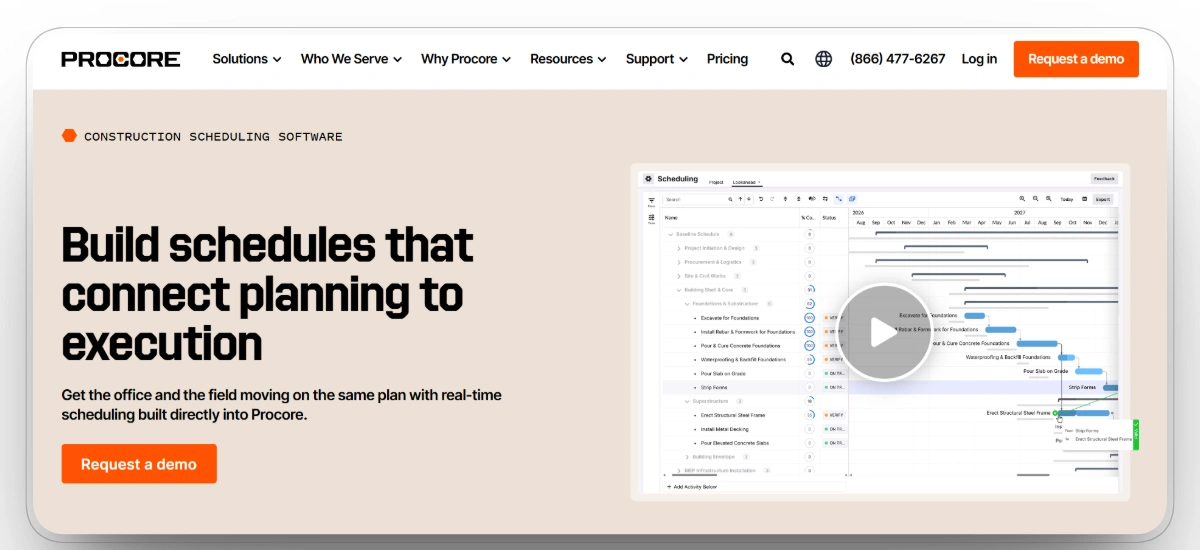
Best for: Large general contractors and enterprises that want scheduling connected to the full project record.
Procore integrates scheduling with project timelines, task dependencies, RFIs, submittals, and financial tracking in one platform. Teams can import Primavera or Microsoft Project schedules or build them natively, then link resources to activities so assignments adjust when task dates move. Because schedules live next to drawings, field communication, and cost data, schedule decisions reflect actual project commitments instead of a stale export.
Procore is an all-in-one project management platform first, which means its scheduling is broad rather than specialized. Smaller teams that only need scheduling often find the platform heavier and more expensive than the problem they are solving.
Our observation: Procore fits best when scheduling needs to remain connected to the complete project record across contractors, owners, field teams, and other stakeholders. Its broad project management capabilities provide strong visibility, but its scheduling tools are not as specialized as dedicated CPM, lookahead, or equipment scheduling platforms.
Our rating: 9.0/10
Mobile App
Yes, iOS and Android, covering schedules, field data, and resource planning.
Pros
- Keeps schedule, documents, and field updates in one system of record
- Strong visibility for office and field stakeholders on large jobs
- Massive integration marketplace connects specialized tools
- Well suited to multi-stakeholder commercial projects
Limitations
- Broad project management focus rather than a specialized scheduling engine
- Can feel complex and overwhelming for small teams
- No published pricing, with quotes based on construction volume
- Reviewers report meaningful annual price increases at renewal
Procore Reviews
Capterra: 4.5/5 (2,665 reviews)
G2: 4.6/5
4. Autodesk Build
Best for: Enterprises and heavy commercial jobs that want schedules linked to drawings, BIM, and cost.
Autodesk Build, part of Autodesk Construction Cloud, connects high-level project schedules to on-site task lists, sheets, and 3D Building Information Modeling. Schedulers can import Primavera or Microsoft Project files, share them with field teams, and tie activities to the exact model elements and drawings the work refers to. For design-heavy commercial projects, that link between schedule and model is the main draw.
The platform is deep and organized, but the learning curve is steep, and cost management in particular takes real onboarding time. It is built for enterprises with multiple teams that need to track everything, not for small crews that want a simple timeline.
Our observation: Autodesk Build makes the most sense for contractors already working within the Autodesk ecosystem, where schedules can be connected to models, drawings, tasks, and project costs. It is a powerful option for large, design-heavy projects, but teams with simpler scheduling requirements may struggle to justify its onboarding demands and platform complexity.
Our rating: 8.8/10
Mobile App
Yes, iOS and Android, with field access to schedules, sheets, and tasks.
Pros
- Best-in-class link between schedule, drawings, and BIM
- Centralized platform for large multi-team commercial projects
- Customizable insight dashboards for project health
- Bridge feature shares data across projects without sacrificing security
Limitations
- Steep learning curve with a long onboarding process
- Expensive for smaller contractors
- Scheduling is collaborative viewing and tasking more than a full CPM engine
- No equipment condition or maintenance awareness
Autodesk Build Reviews
Capterra: 4.5/5 (4 reviews)
G2: 4.4/5
5. Buildertrend
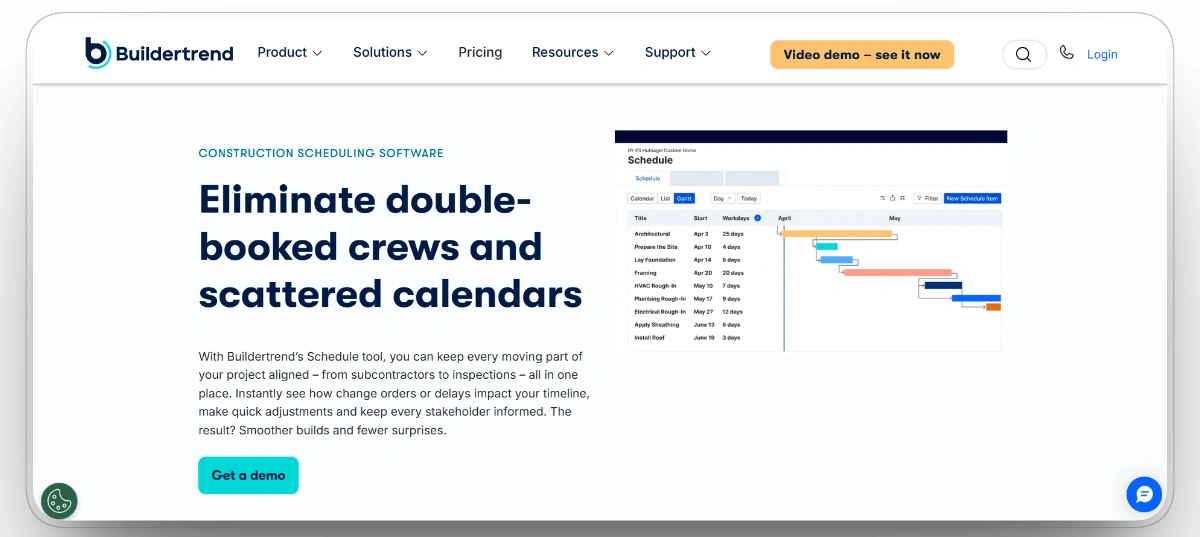
Best for: Home builders and remodelers scheduling work through predictable residential phases.
Buildertrend is built around residential construction workflows, where schedules follow defined phases like site prep, framing, and finishing. Its visual timeline helps builders sequence trades, coordinate subcontractors, and give clients visibility into timing through dedicated client and subcontractor portals, so everyone sees exactly what work is scheduled and when.
For builders managing multiple homes, Buildertrend shows how crews and resources spread across projects, making it easier to shift a trade partner or share equipment between nearby sites. It is not designed for heavy civil work or large industrial machinery.
Our observation: Buildertrend earns its place for residential contractors because scheduling, subcontractor coordination, client communication, selections, and change orders live in one system. It is particularly effective for home builders managing repeatable project phases, but commercial, industrial, and heavy civil teams will quickly reach the limits of its scheduling and resource-management depth.
Our rating: 8.6/10
Mobile App
Yes, iOS and Android, for builders, subs, and field updates.
Pros
- Intuitive scheduling matched to residential phases
- Reduces client confusion about timing and delays
- Connects schedule changes to budgets and change orders
- Well suited to running many homes at once
Limitations
- Not designed for heavy equipment fleets or complex industrial work
- Limited CPM depth and conflict detection
- Per-month pricing climbs as feature tiers increase
- Light analytics for utilization or resource optimization
Buildertrend Reviews
Capterra: 4.5/5 (2,486 reviews)
G2: 4.2/5
6. Outbuild
Best for: Field crews planning weekly work with lookahead scheduling.
Outbuild connects the master schedule with short-interval planning in one platform. Foremen build lookahead plans that focus crews on the exact tasks planned for the next 2 to 4 weeks, while planners keep those weekly commitments tied back to the master schedule so nothing drifts. Offline mobile access keeps the plan usable on jobsites with poor connectivity.
Outbuild draws on lean construction principles, tracking planned percent complete and the reasons work did not happen, which gives teams a feedback loop most Gantt tools lack. It is a newer player, so its review base and integration ecosystem are still growing.
Our observation: Outbuild is one of the strongest options for connecting the master schedule with the weekly plans crews are expected to complete in the field. Its lean planning workflows and accountability metrics provide meaningful operational value, although teams needing deep CPM analysis, equipment scheduling, or broader project management functionality will still require additional software.
Our rating: 8.5/10
Mobile App
Yes, with offline support for field planning and updates.
Pros
- Bridges the office master schedule and field weekly plans
- Lean planning metrics create accountability for commitments
- Modern, fast interface with a short learning curve
- Priced accessibly compared with enterprise planning suites
Limitations
- Smaller review base and younger product than legacy tools
- Integration ecosystem still maturing
- No equipment, maintenance, or dispatch management
Outbuild Reviews
Capterra: 4.8/5 (15 reviews)
G2: 4.7/5
7. HCSS Dispatcher
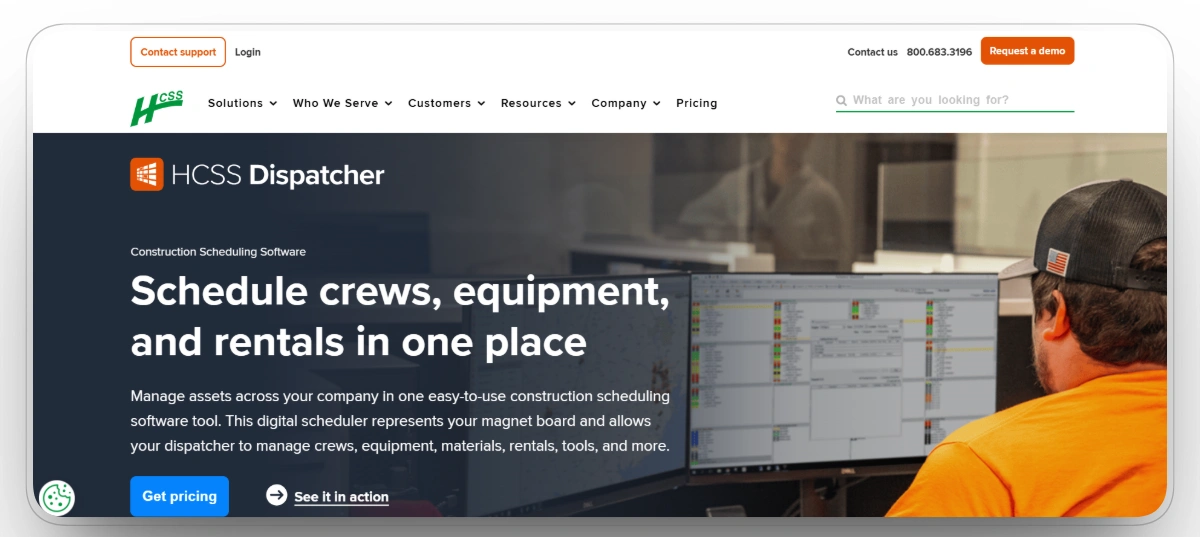
Best for: Heavy civil contractors scheduling crews, equipment, and rentals from a central board, especially those already running HeavyBid or HeavyJob.
HCSS Dispatcher is the digital version of the magnet whiteboard heavy civil back offices have used for decades. Schedulers assign crews, equipment, materials, and rentals through a point-and-click board that shows where every resource sits across projects, with up to 200 locations per board and map views showing jobs and resources geographically. Because it belongs to the HCSS suite, it shares data with HeavyBid estimating, HeavyJob field tracking, and Equipment360 maintenance, a major draw for contractors already in that ecosystem.
For teams weighing the HCSS approach against a modern equipment-first platform, Clue publishes a direct comparison: Clue vs HCSS Equipment360.
Our observation: HCSS Dispatcher works best for traditional heavy civil scheduling teams that organize work around centralized crew, equipment, and rental dispatch boards. Its familiar structure and connection to the broader HCSS ecosystem are major strengths, but the workflows can feel rigid, and its overall value is significantly higher for contractors already using other HCSS products.
Our rating: 8.4/10
Mobile App
Yes, with schedule updates pushed to employees and field access to equipment status.
Pros
- Familiar layout for teams moving off whiteboards
- Strong fit inside the HCSS ecosystem
- Handles crew, equipment, and rental coordination together
- Long track record with heavy civil contractors
Limitations
- Workflows are rigid compared with modern cloud tools
- Significant upfront license cost compared with per-user SaaS pricing
- Value depends heavily on adopting the wider HCSS suite
HCSS Dispatcher Reviews
Capterra: 4.3/5 (14 reviews)
G2: 4.6/5
8. Fieldwire
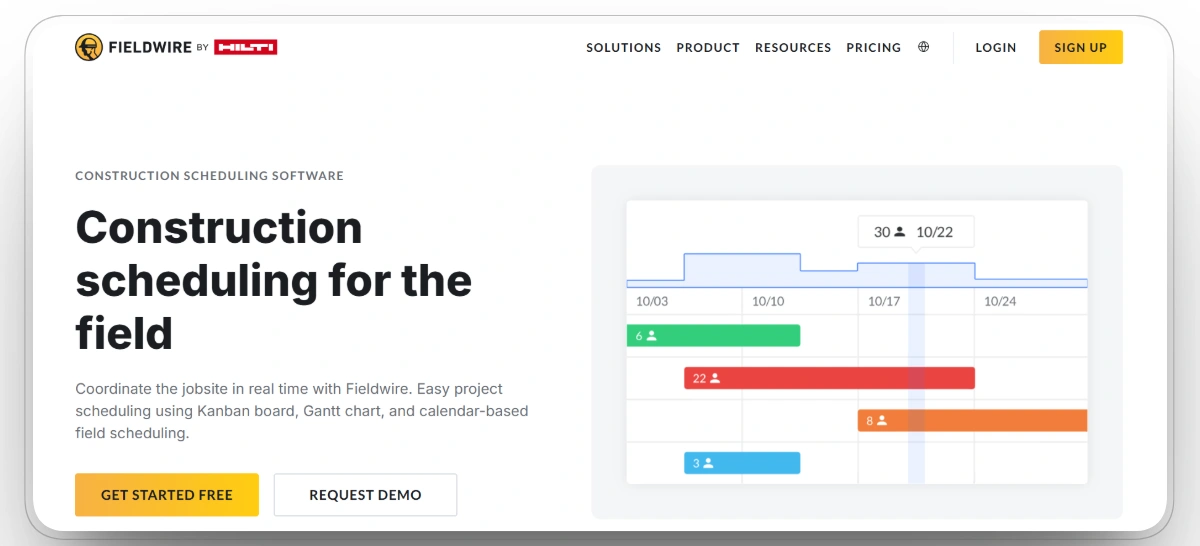
Best for: Documentation-heavy and inspection-heavy jobs where scheduling happens against drawings.
Fieldwire approaches scheduling from the field management side. Tasks are pinned directly to locations on digital blueprints, assigned to crews, and tracked to completion with photos and notes. Its Gantt view lets superintendents shift deadlines with a click and drag, while plan markup keeps every scheduled task tied to the exact spot on the drawing where the work happens.
Fieldwire is a field coordination tool first. It handles short-term task scheduling well, but it is not built for master scheduling, resource loading, or fleet coordination across multiple projects.
Our observation: Fieldwire is most useful when scheduling means assigning dated tasks against drawings, locations, punch lists, and inspections. It is accessible for superintendents and field crews, but it does not provide the master scheduling, resource loading, equipment visibility, or critical path capabilities required for more complex project planning.
Our rating: 8.2/10
Mobile App
Yes, iOS and Android, with offline plan access.
Pros
- Scheduling stays connected to the drawings crews build from
- Easy adoption for superintendents and foremen
- Strong for punch lists, inspections, and installation work
- Affordable entry point with a free tier
Limitations
- No master scheduling, resource loading, or equipment coverage
- Limited custom fields and reporting
- Per-user cost adds up beyond small teams
Fieldwire Reviews
Capterra: 4.6/5 (98 reviews)
G2: 4.5/5
9. Asta Powerproject
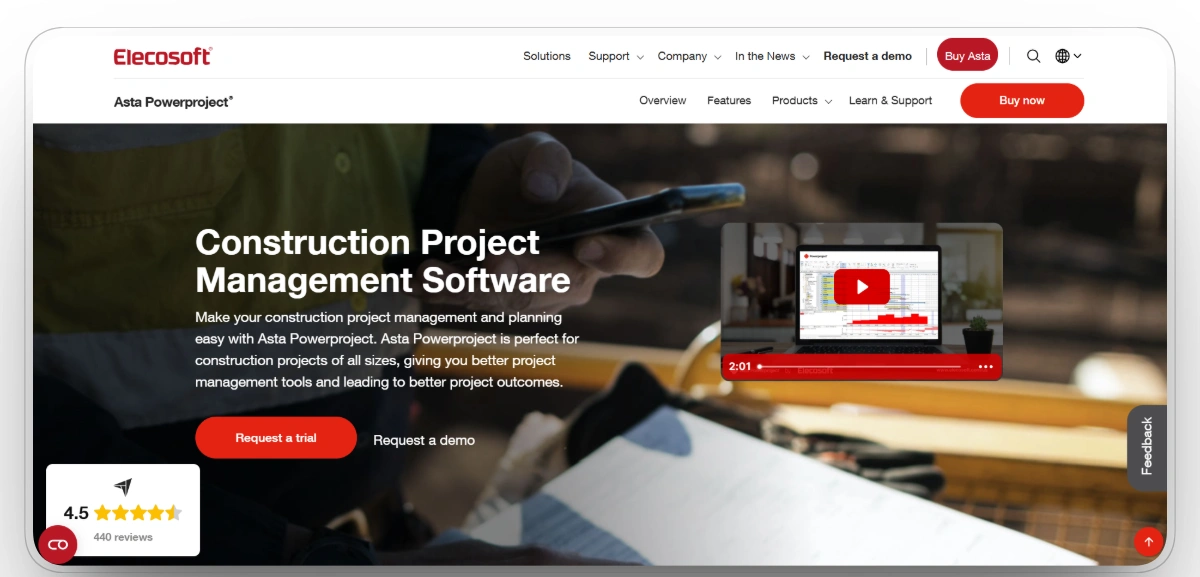
Best for: Professional project planners who need construction-specific Gantt charts and 4D planning.
Asta Powerproject by Elecosoft is a dedicated construction planning tool known for high-quality, construction-specific Gantt charts. Planners get CPM scheduling, baselines, progress lines, and resource management in a package many find faster to work in than Primavera for building projects. Its 4D planning capability links the schedule to a 3D model timeline, so teams can visualize the build sequence over time.
Powerproject is widely used in the UK and Europe and has a growing North American base. Like other planner-first tools, it manages activities and resources on paper rather than live field or equipment data.
Our observation: Asta Powerproject is a capable Primavera alternative for professional planners who want serious construction-specific CPM scheduling without the full complexity of an enterprise platform. Its Gantt tools and 4D planning capabilities are strong, but its smaller North American presence and lighter field collaboration ecosystem reduce its suitability for some contractors.
Our rating: 8.1/10
Mobile App
Yes, a site progress app supports field updates against the plan.
Pros
- Faster day-to-day planning than heavier enterprise tools
- 4D visualization improves sequencing conversations
- Familiar format for owners and planners in many markets
- One-time and subscription licensing options
Limitations
- Smaller North American footprint than Primavera or Procore
- Field collaboration is lighter than modern cloud-first tools
- No equipment condition, dispatch, or maintenance awareness
Asta Powerproject Reviews
Capterra: 4.5/5 (34 reviews)
G2: 4.2/5
10. ProjectManager
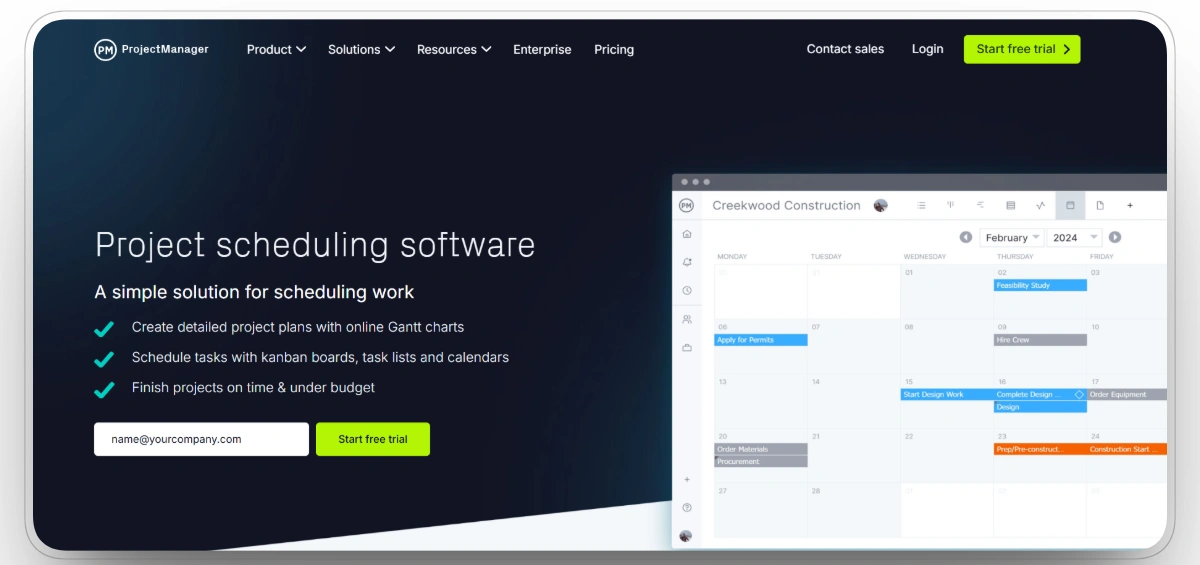
Best for: Small to large teams that want simple drag-and-drop Gantt scheduling with built-in time tracking.
ProjectManager offers approachable Gantt charts with dependencies, baselines, and critical path highlighting, plus timesheets that show how many hours workers spend on a specific task. Teams can switch between Gantt, board, list, and calendar views, so office planners and field leads can each work in the format they prefer.
It is a general project management tool with genuine construction adoption rather than construction-native software. That keeps it flexible and affordable, but it also means no construction-specific concepts like trades, equipment, or lookaheads out of the box.
Our observation: ProjectManager is a practical middle ground for contractors that find Primavera too complex and spreadsheets too limited. Its approachable Gantt charts, time tracking, and multiple work views make it useful for mixed teams, but it lacks the construction-specific workflows, equipment intelligence, and planning depth offered by more specialized platforms.
Our rating: 7.9/10
Mobile App
Yes, iOS and Android, for task updates and time tracking.
Pros
- Fast to learn compared with enterprise CPM tools
- Time tracking built into the scheduling workflow
- Transparent per-user pricing
- Flexible enough for office and field teams
Limitations
- Not construction-native, with no trade or equipment concepts
- Limited lookahead and lean planning support
- Reporting depth trails enterprise planning suites
ProjectManager Reviews
Capterra: 4.1/5 (339 reviews)
G2: 4.4/5
Choosing the Best Construction Scheduling Software for Your Team
The right platform depends on what you are actually scheduling and who feels the pain first when the schedule slips.
Best Scheduling Software by Contractor Type
Best Scheduling Software by Team Role
For most construction teams, the biggest risk is not choosing the wrong scheduling platform. It is running the schedule in one system while the equipment and crews that have to execute it live in spreadsheets, whiteboards, and phone calls that the schedule never sees.
FAQs
What is the best construction scheduling software?
The best construction scheduling software depends on what your team schedules most. For contractors whose schedules revolve around heavy equipment, Clue is the strongest option because it connects scheduling with live GPS, maintenance status, rentals, and utilization data. Oracle Primavera P6 leads for complex CPM-driven mega projects, while Procore suits large general contractors that need the schedule anchored to the broader project record.
What should construction scheduling software help contractors do?
Construction scheduling software should help contractors sequence tasks, assign the crews and equipment behind those tasks, spot conflicts before they cause downtime, and update the plan from the field as conditions change. The strongest platforms keep the office, shop, and jobsite working from the same live schedule instead of separate spreadsheets and whiteboards.
What is the difference between construction scheduling and project management software?
Project management software covers the full project record, including documents, RFIs, budgets, and communication, with scheduling as one module. Construction scheduling software specializes in the timeline itself: task sequencing, critical path, dependencies, lookaheads, and the resources each activity needs. Many contractors run both, with a platform like Clue or Primavera P6 handling scheduling depth and a platform like Procore holding the project record.
Can scheduling software account for equipment maintenance and breakdowns?
Only if it is connected to equipment data. Most Gantt-based tools schedule tasks without knowing whether the machine behind a task is available or down for service. Equipment-aware platforms like Clue pull maintenance windows, fault codes, and rental status directly into scheduling decisions, so a machine with an overdue service never gets committed to a critical activity.
What is lookahead scheduling in construction?
Lookahead scheduling breaks the master schedule into short windows, usually 2 to 4 weeks, so foremen can commit crews to specific, achievable tasks. It comes from lean construction planning and is the core strength of tools like Outbuild. Lookaheads catch constraints like missing materials or unavailable equipment before they stall the week.
How much does construction scheduling software cost?
Pricing depends on the platform type. Per-user tools like ProjectManager typically run in the $10 to $30 per user per month range. Equipment-focused scheduling like Clue starts near $4 per asset per month. Enterprise platforms like Primavera P6, Procore, and HCSS Dispatcher use quote-based or license pricing that runs significantly higher. Compare software cost against what schedule slippage already costs in idle crews, rentals, and delay claims.
Who uses construction scheduling software?
Schedulers, project managers, superintendents, foremen, dispatchers, equipment managers, and shop teams all use construction scheduling software, each from a different angle. Planners build and maintain the master schedule, field leaders manage weekly commitments, and equipment teams make sure the machines behind the schedule are available and serviced.
Conclusion
A construction schedule is a promise, and every platform on this list protects that promise from a different failure point. Primavera P6 and Asta Powerproject protect it at the planning stage, Procore and Autodesk Build protect it across the project record, Outbuild and Fieldwire protect it in the field week by week, and Buildertrend and ProjectManager keep smaller teams and clients aligned, and HCSS Dispatcher keeps heavy civil resource boards running.
Clue is our number one pick for 2026 because it protects the schedule where it most often breaks: the equipment. When scheduling decisions run on live maintenance, rental, utilization, and location data from the same system, machines show up serviced and on time, and the plan on paper starts matching the work on the ground. Contractors typically live on the platform within two weeks, using the telematics hardware they already own.

Transform Your Equipment Management