What is this?
Your company can make the Requested Delivery Time a required field on asset requests. With the setting on, a Create New Request for equipment cannot be submitted without a time of day. Coordinators always know when the crew needs the machine. The delivery date is always required. This setting adds the time of day.
Who's this for?
Anyone who requests equipment or plans its delivery.
- Equipment managers and coordinators, get every asset request with a delivery time, so drop-offs can be booked right away.
- Dispatchers, plan transport around the time the equipment is needed.
- Foremen and field supervisors, add the time when they request equipment, on the web or on a phone.
- Company administrators, turn the requirement on or off for the whole company.
How to use it
Step 1: Turn on the setting
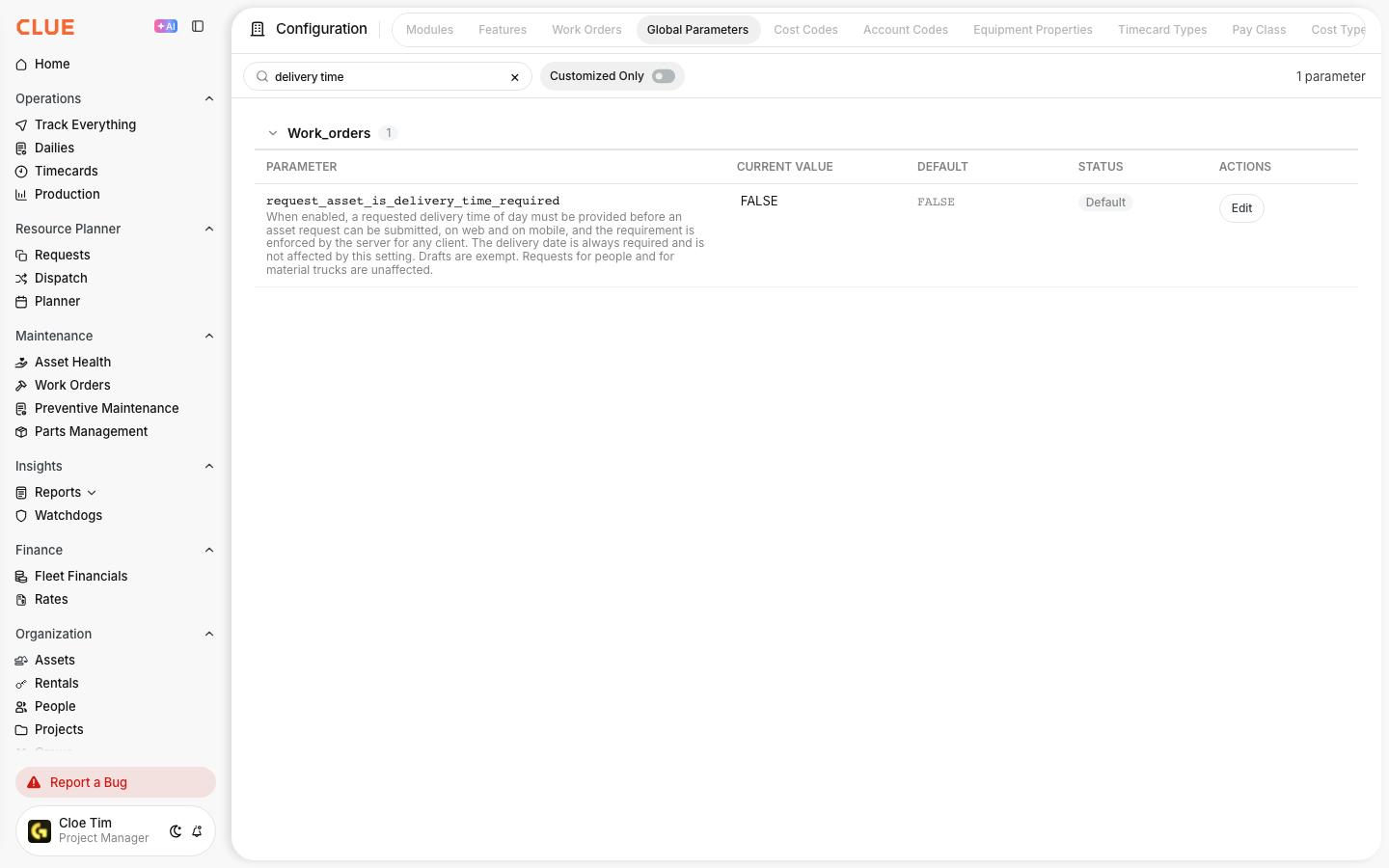
Open Configuration and select the Global Parameters tab. Search for delivery time, click Edit, choose TRUE and save.
Step 2: Start a new request
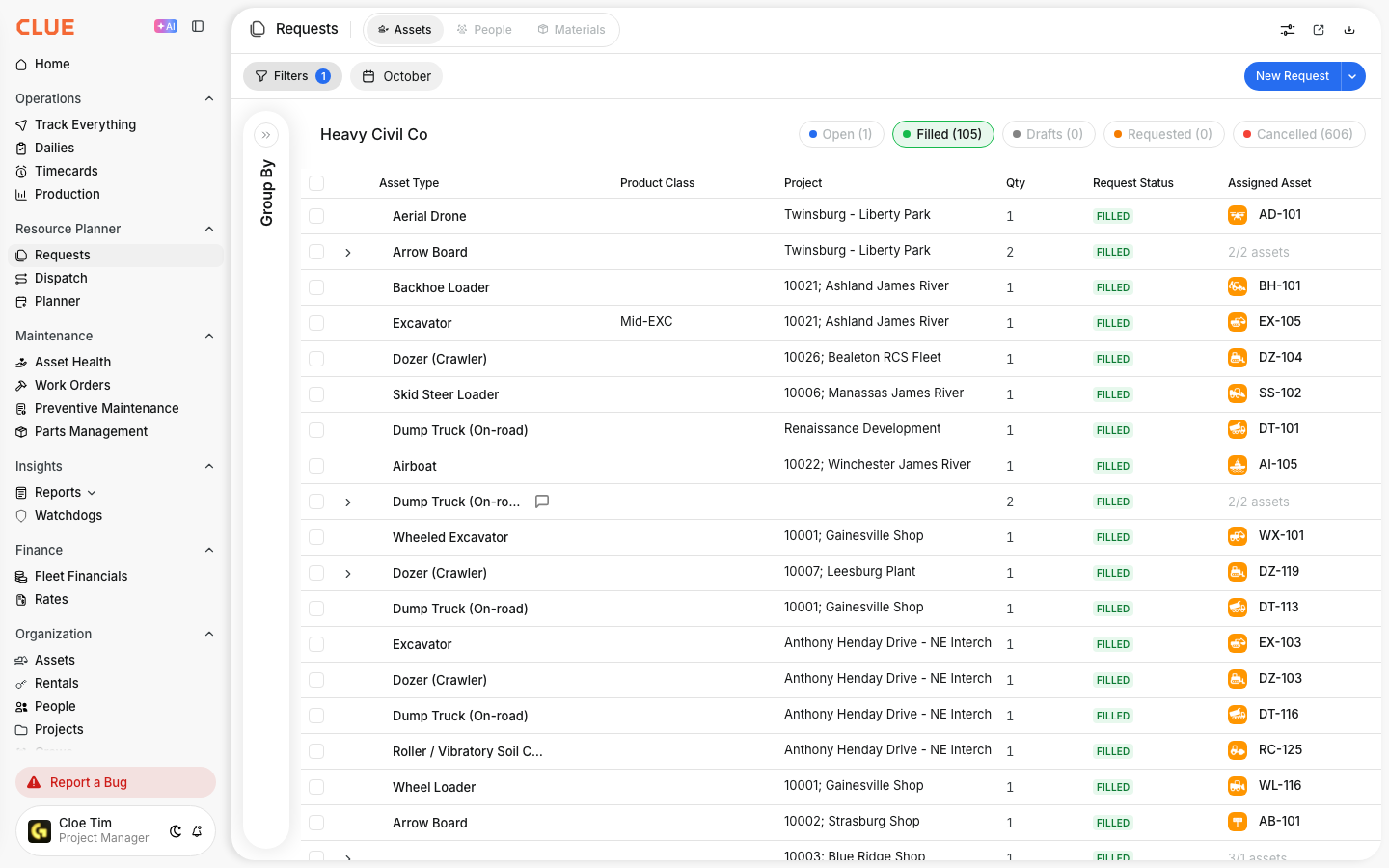
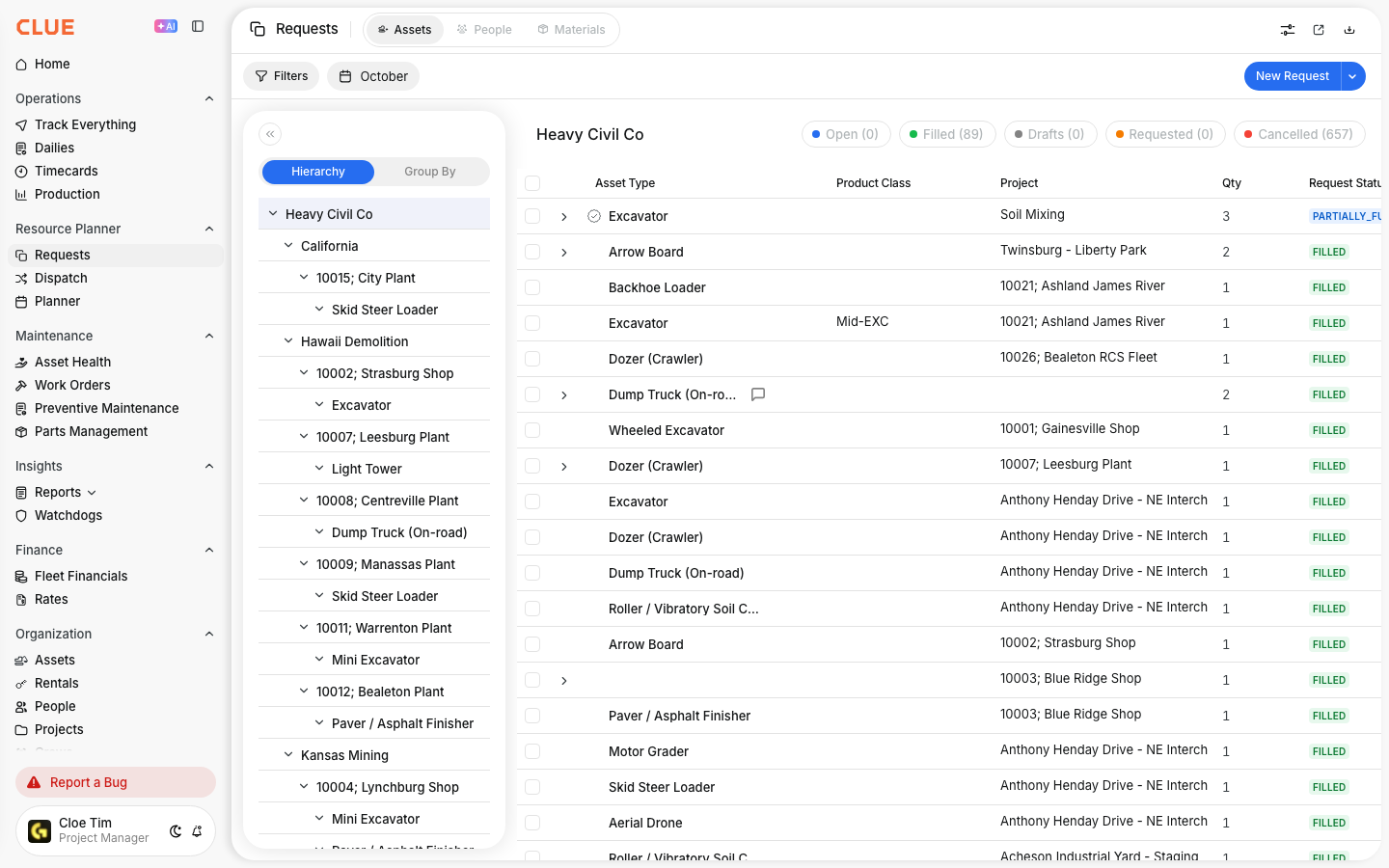
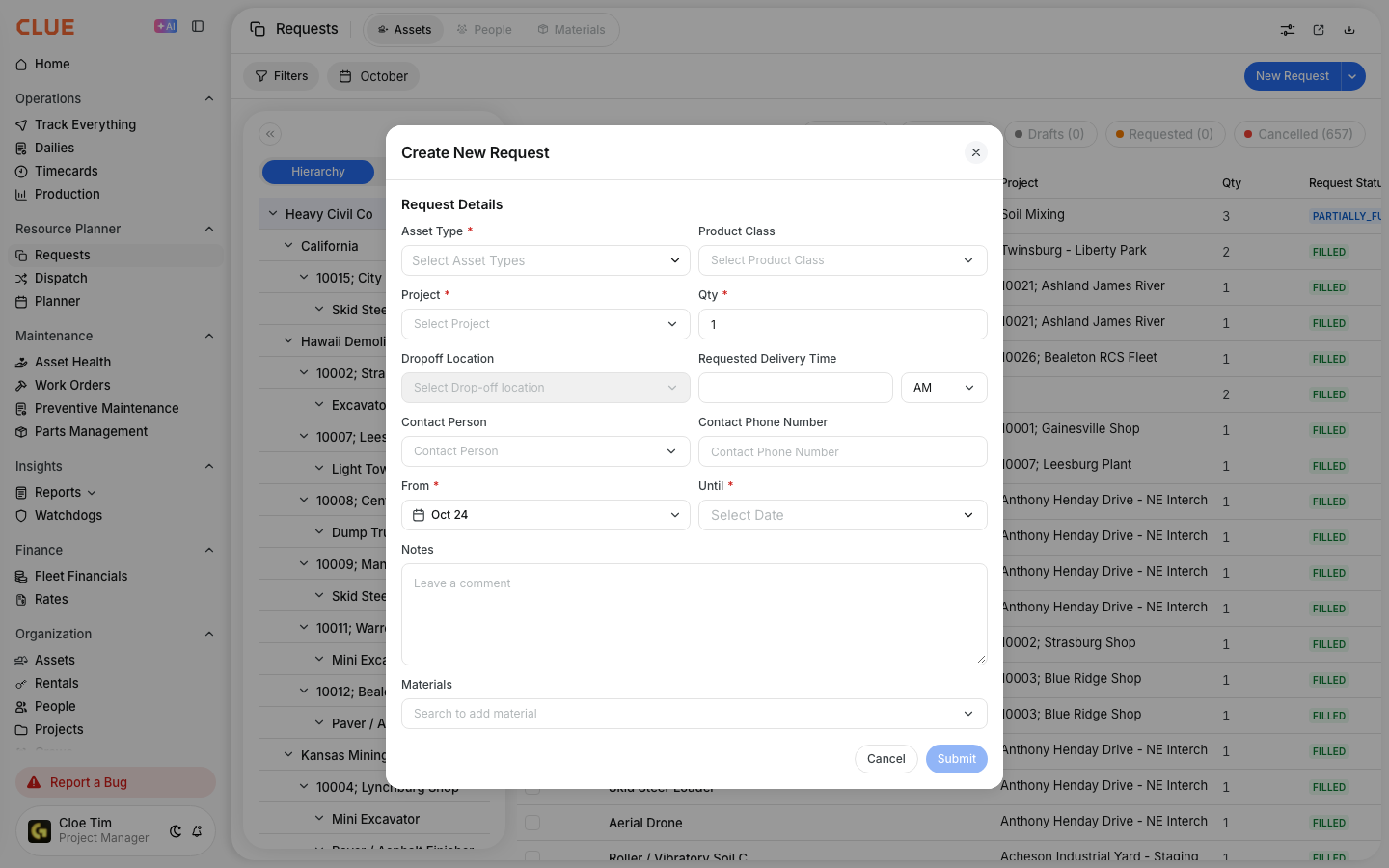
Go to Resource Planner > Requests. Stay on the Assets tab and click New Request.
Step 3: Fill in the request
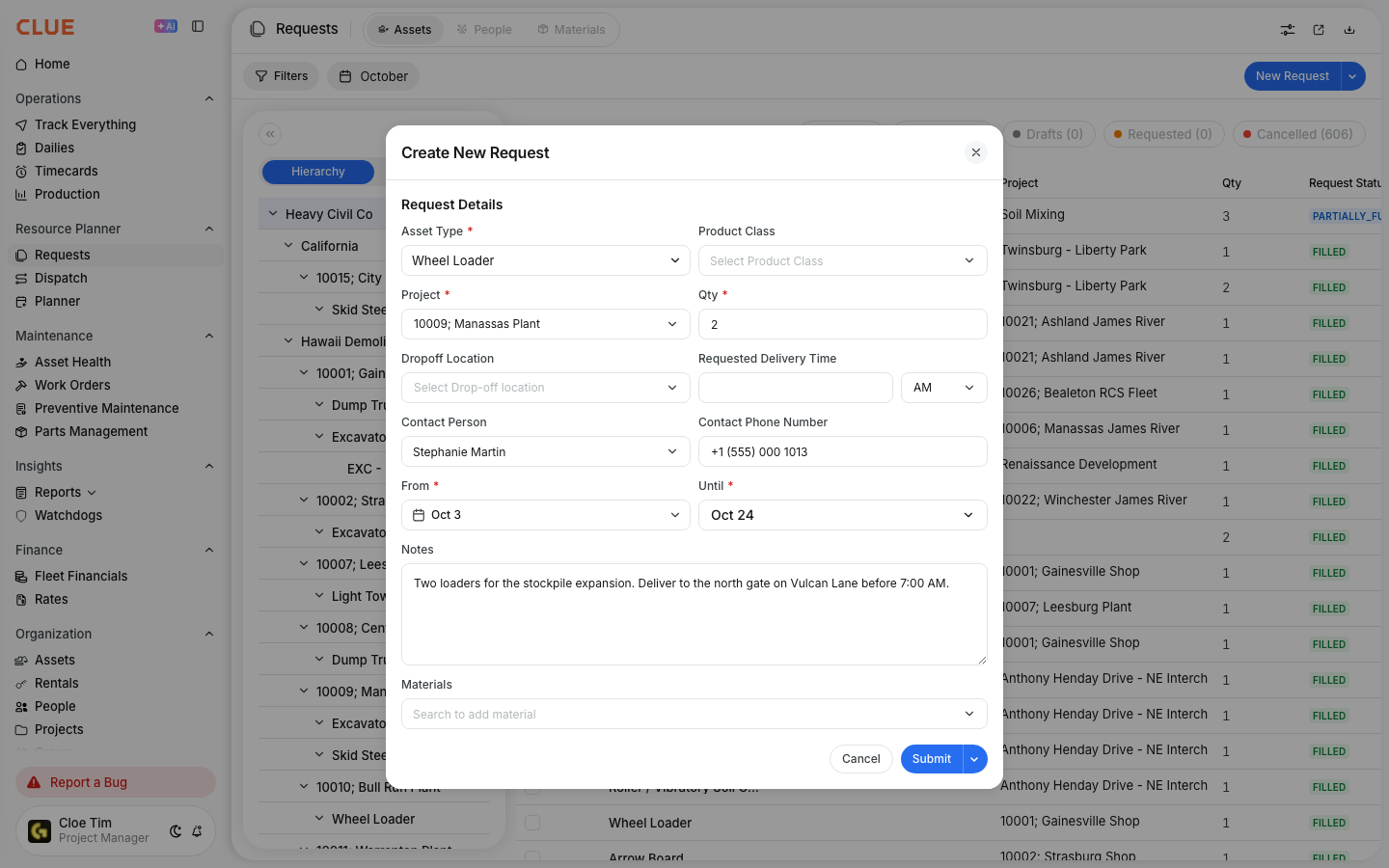
The Create New Request form opens. With the setting on, Requested Delivery Time has a red star, like Asset Type and Project.
Step 4: Enter the delivery time
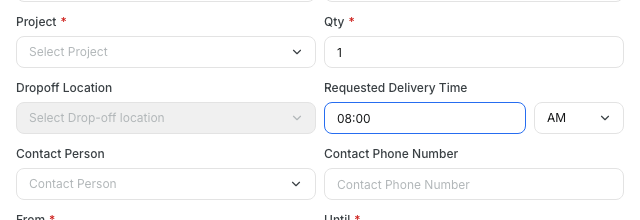
Type the time in Requested Delivery Time and pick AM or PM. Then click Submit.
The full details
- Works on: Web app and mobile app, on the Create New Request form for assets.
- Default: Off. When off, the field stays visible and optional.
- Who can change it: Users with permission to change company settings.
- Drafts: A draft can be saved without a time. The time is needed when the draft is submitted.
- Existing requests: They are not checked again. An open request that has a delivery time cannot have it cleared.
- Not covered: People requests, material requests and Request Individual Asset.
- Double check: Clue checks the rule again when the request is submitted, whichever app sent it.
- Contact details: A separate company setting makes Contact Person and Contact Phone Number required. The web and mobile apps both follow it.
Tips
- If Submit stays grey, look for an empty field with a red star. Once everything else is filled in, the form shows This field is required under the missing one.
- Turn on the contact details setting at the same time if your coordinators also call the site before a drop-off.
- Tell your crews before you switch it on, so nobody is surprised by the new required field.