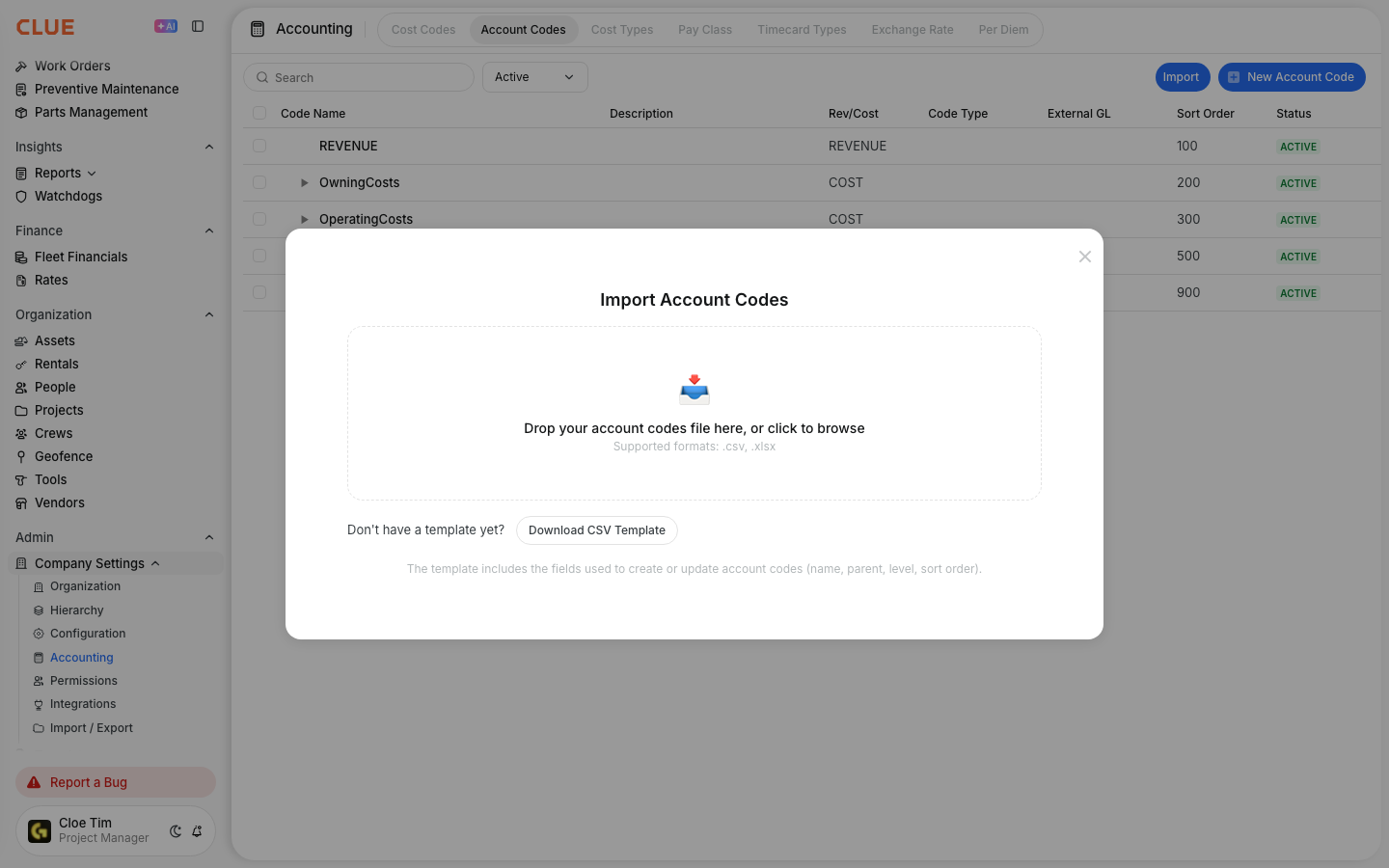
Import Pay Classes from a File
What is this?
You can create all your pay classes at once from a spreadsheet. Download the template, fill in one pay class per row, and upload it. Clue checks every row and shows you a preview before anything is saved. Only new pay classes are created. Pay classes you already have are never changed.
Who's this for?
- Payroll and accounting admins, who can load the company's pay classes and hourly rates straight from a payroll spreadsheet.
- System admins setting up Clue, who can create every pay class in one upload instead of one by one.
- Operations managers, who can add a batch of new pay classes for a new agreement or job type.
How to use it
Step 1: Choose Pay Class
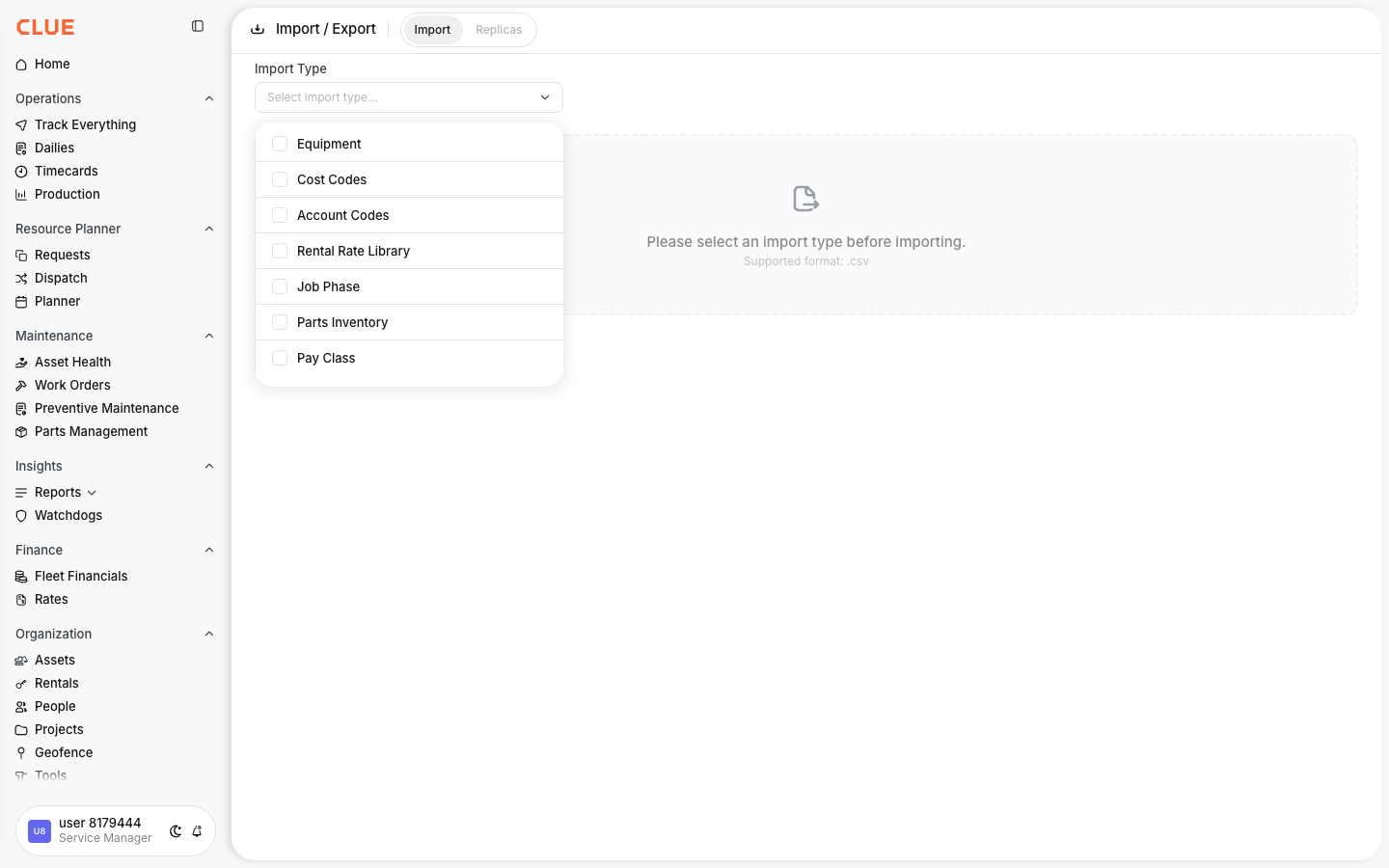
Go to Company Settings > Import / Export. On the Import tab, open Import Type and select Pay Class.
Step 2: Fill in the template and upload it
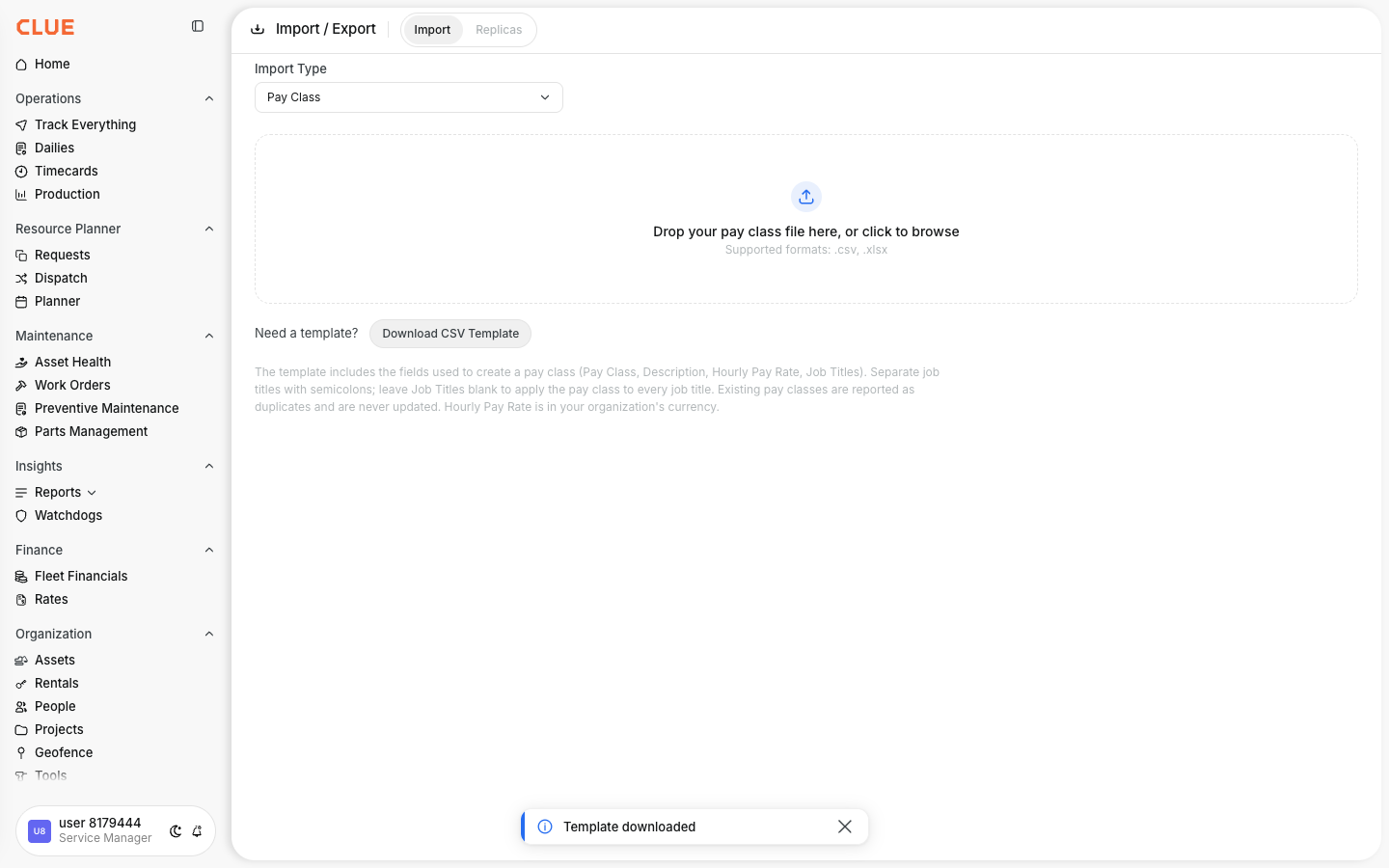
Click Download CSV Template. Add one pay class per row. Then drop your file on the upload area, or click it to browse.
Step 3: Review and import
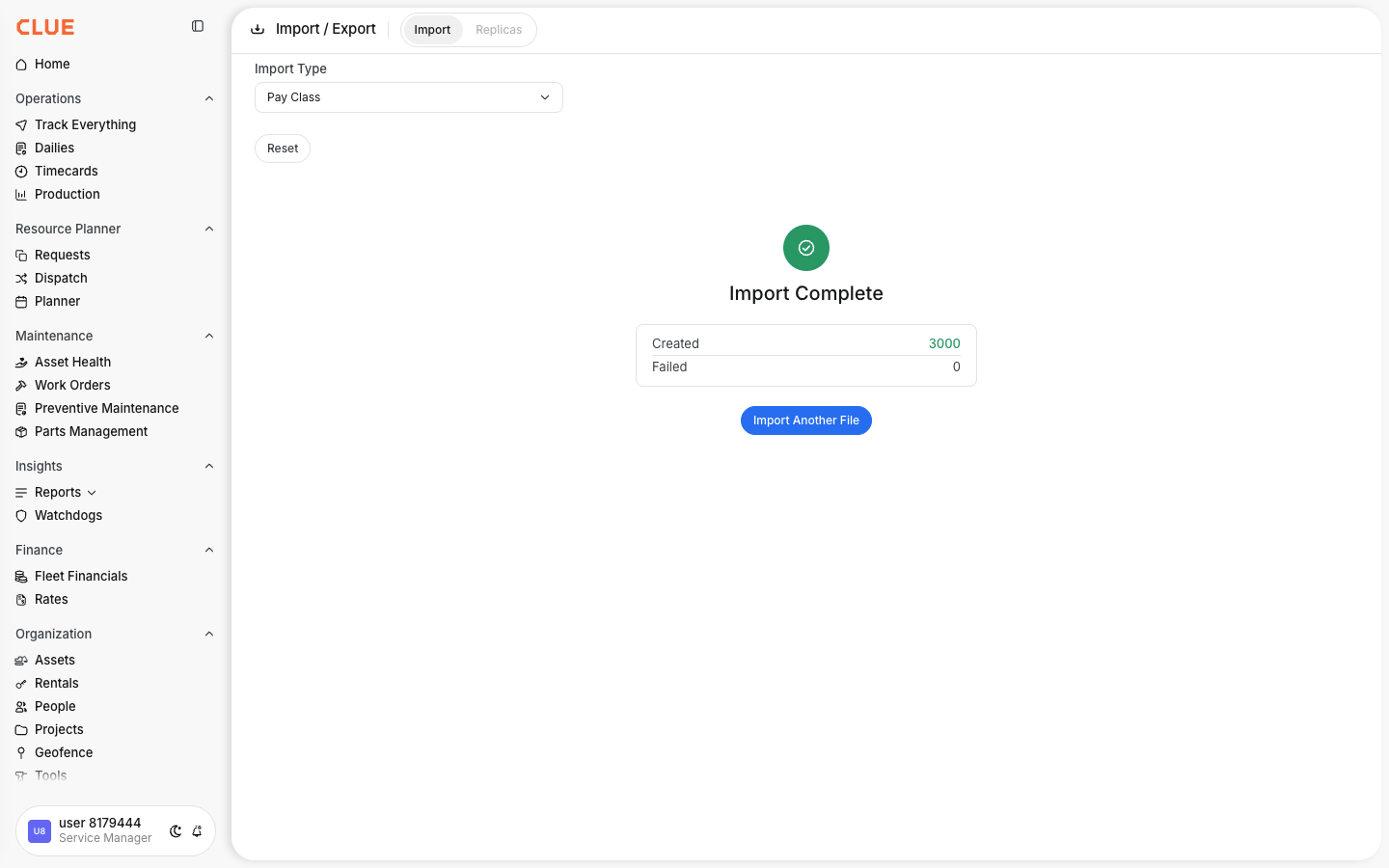
Each row is marked New or Errors, with the reason for every error. Fix a value in the table and click Validate Changes, or correct your file and upload it again. When you're ready, click Import Rows. Clue shows how many pay classes were created and lists any that failed.
The full details
- Works on: Web app.
- Who can use it: People allowed to create codes in your company. Others don't see Pay Class in the list.
- File types: CSV or Excel (.xlsx), up to 3,000 rows.
- Pay Class: Required. Up to 50 characters.
- Description: Optional. Up to 200 characters.
- Hourly Pay Rate: Optional. A number of 0 or more with up to 2 decimals. Blank means 0. It uses your company's currency.
- Job Titles: Optional. Separate names with a semicolon. Leave it blank to make the pay class available for every job title.
- Existing pay classes: Skipped, never updated or reactivated. Names match regardless of capital letters, extra spaces and accents.
- Repeat rows: If a name appears twice in your file, only the first row is kept.
Tips
- Keep the template's column headers exactly as they are, in English, even if you use Clue in another language.
- Check job title spelling against your company's job titles. A title Clue can't find stops that row.
- Uploading the same file twice is safe. Nothing new is created the second time.
- To change the rate on a pay class you already have, edit it on the Pay Class page.