Assigning assets to projects helps your team track where equipment is working and which job it belongs to. It also keeps project records cleaner for planning, reporting, and utilization review.
Overview
When an asset is linked to a project, CLUE can use that assignment across other parts of the system. This helps your team see what equipment is on each job and keeps project-based tracking more accurate.
Methods of Assignment
There are a few ways to assign an asset to a project in CLUE. You can do it from the project record, from the asset record, or as part of a dispatch.
From Project Detail
Use this option when you are already in the project record and want to add equipment directly to that job.
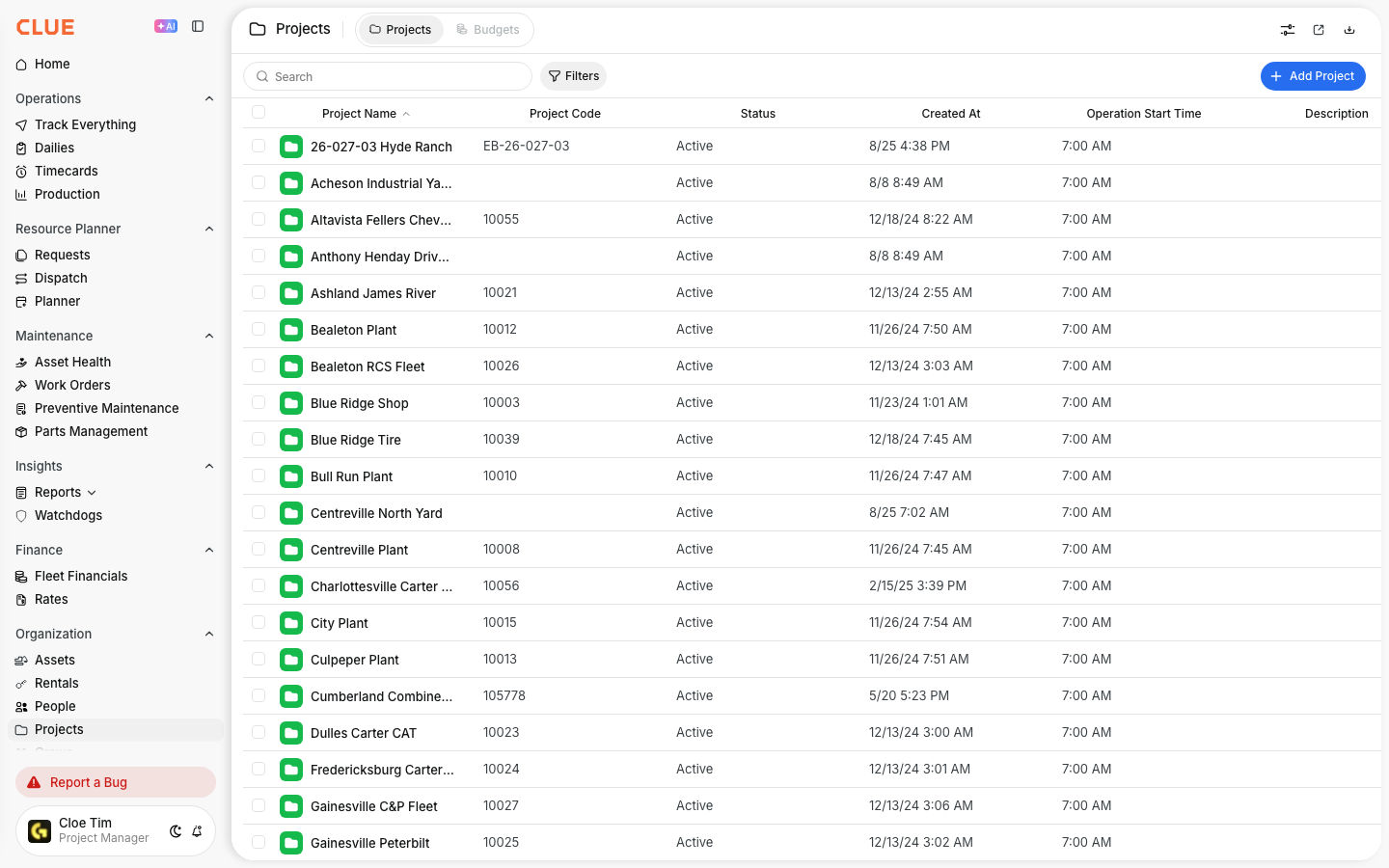
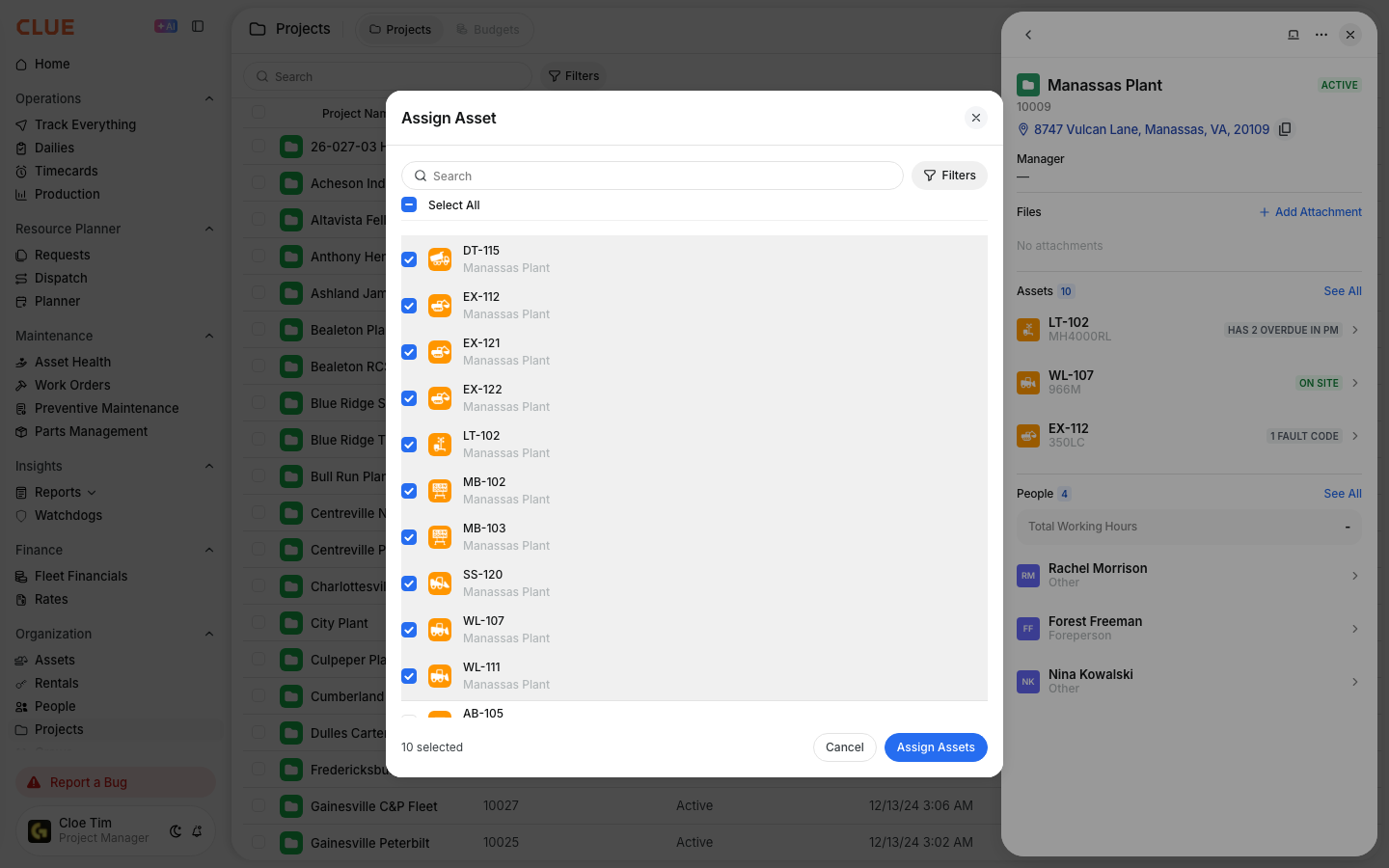
Go to Directory > Projects and select the project. In the Assigned Assets section, click Add Asset or the plus icon, search for the asset, and save your changes.
From Asset Detail
Use this option when you are already looking at the asset and want to update its current project.
Go to Directory > Assets and select the asset. Find the Project field, choose the project from the dropdown, and save the change.

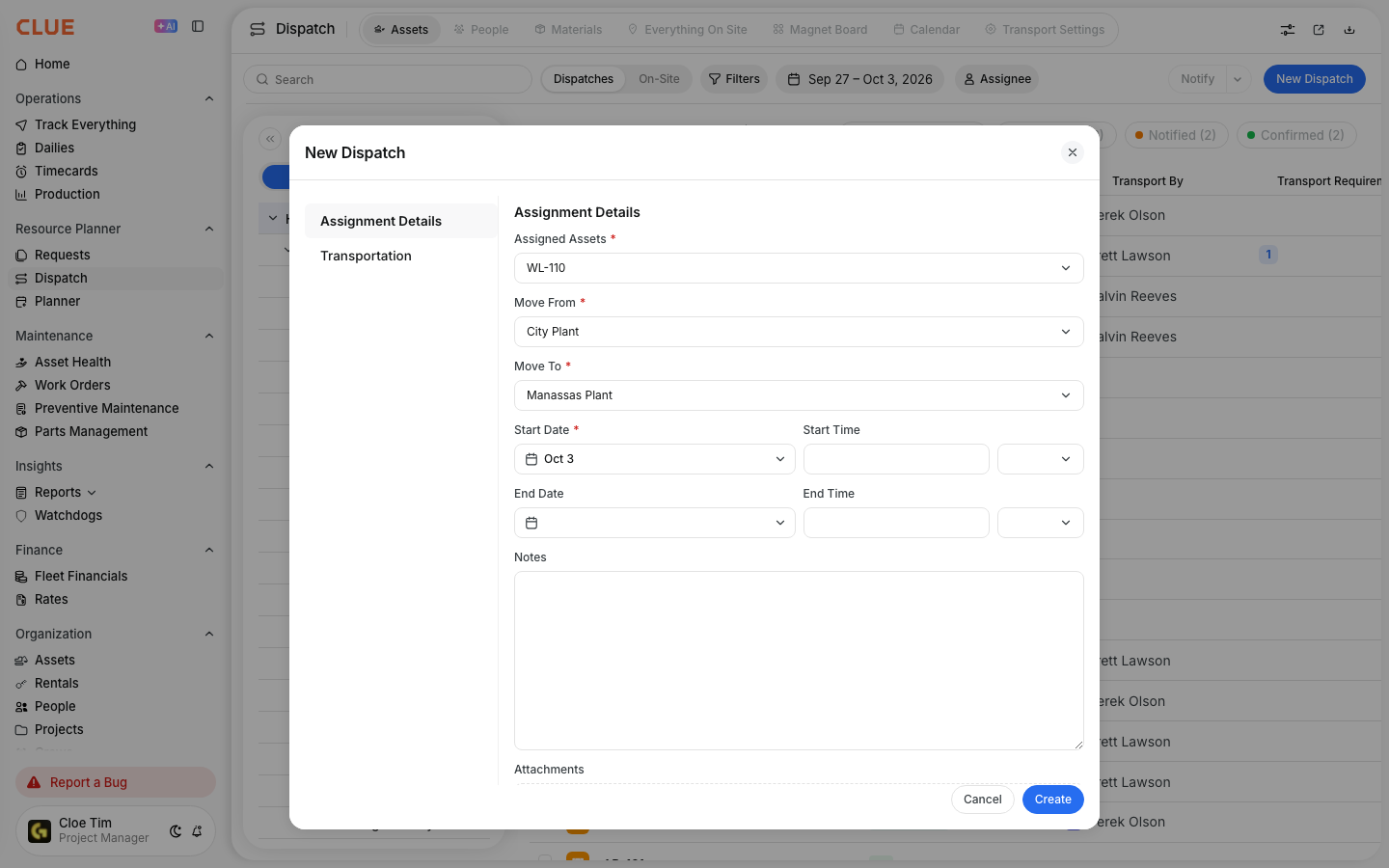
Via Dispatch
Dispatch is the better option when the asset is being moved from one job to another as part of a scheduled change.
Creating a dispatch assigns the asset to the destination project automatically. If the move needs transport details or timing, use Dispatching Assets to Projects.
Viewing Assigned Assets
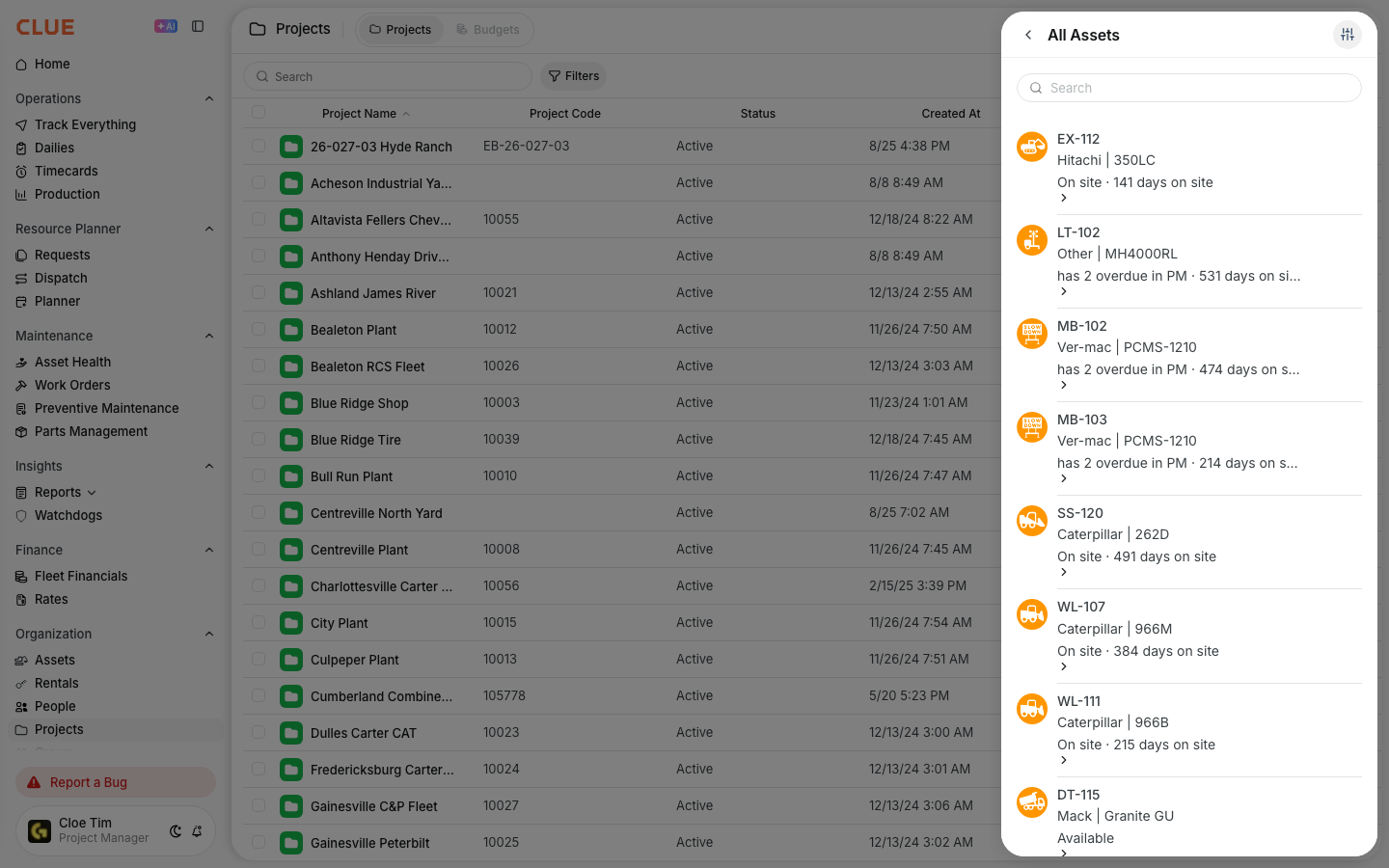
Once assets are assigned, you can review them from the project detail page. This gives your team a simple way to check what equipment is tied to that job right now.
On the project record, you can see:
- the list of assigned assets
- asset types and counts
- assignment dates
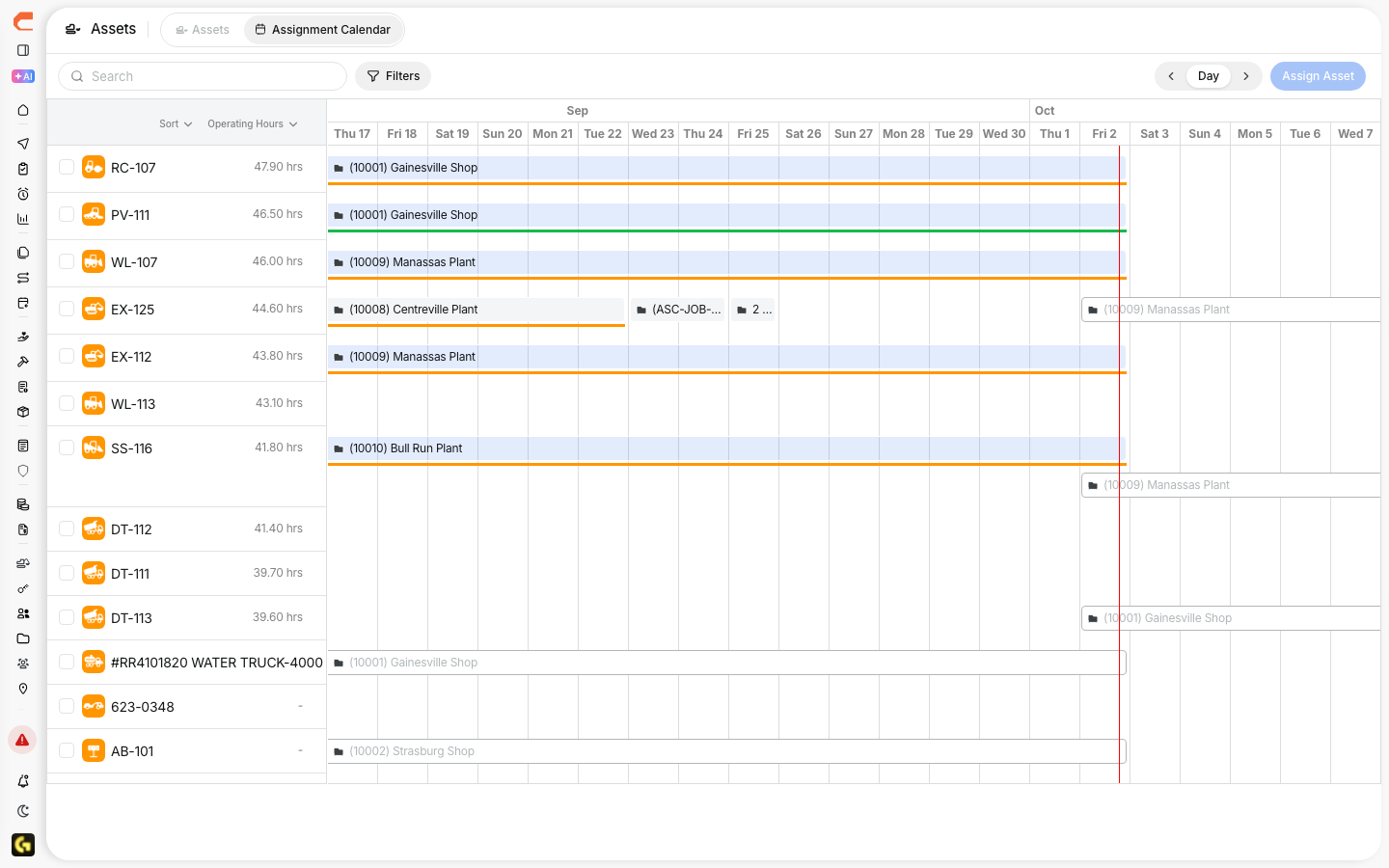
If you want to review where an asset has been assigned over time, use the Assignment Calendar.
Impact of Assignments
Project assignments affect more than just the project record. They also help shape reporting, dispatch context, and project-based tracking in other parts of CLUE.
Assignments affect:
- Reports - costs and hours can be tied back to the project
- Dispatch - the asset’s current project is easier to understand during moves
- Track Everything - assets can be filtered by project on the map
Tips
A few simple habits can keep project assignments more accurate. The main goal is to make sure the project on the asset record matches where the equipment is actually working.
- keep assignments current as equipment moves
- use dispatch for temporary moves between projects
- review unassigned assets regularly so nothing gets missed