Set operation hours on a project to show when work is expected to happen at that site. CLUE uses these hours to support scheduling, alerts, and project-based utilization tracking.
Overview
Project operation hours help CLUE understand the normal working window for a job site. Once they are set, the system can use that schedule in reporting, planning, and after-hours monitoring. If the project has not been created yet, start with Creating a New Project first.
Setting Operation Hours
Open the project record first, then update the schedule section with the work hours for that site. If you need help finding the project, go to Managing the Projects Directory before making changes.
Step 1: Open the project
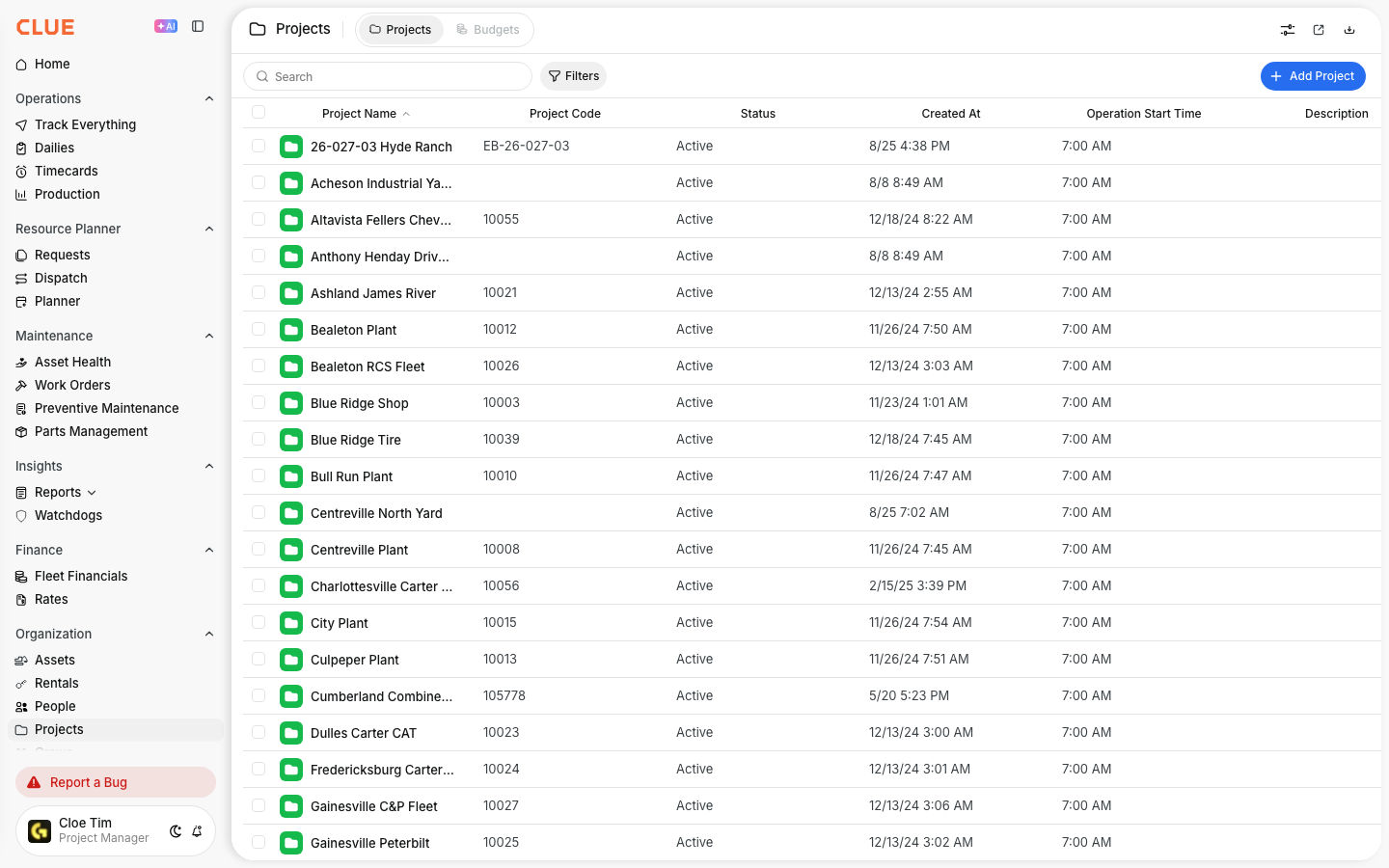
Go to Directory > Projects and select the project you want to update.
Step 2: Find the schedule section
In the project record, find the Operation Hours or Schedule section.
Step 3: Set the start time
Enter the time the work day normally begins, such as 7:00 AM.
Step 4: Set the work days
Choose the days the project normally operates, such as Monday through Friday.
Step 5: Save the changes
Save the project so CLUE can use the updated operation hours in scheduling and reporting.
Configuration Options
Operation hours are usually made up of a few basic settings. Keep them close to the real job site schedule so alerts and reports stay useful.
- Start Time - when the work day begins
- End Time - when the work day ends
- Work Days - which days of the week the project is active
- Timezone - the local timezone for that project
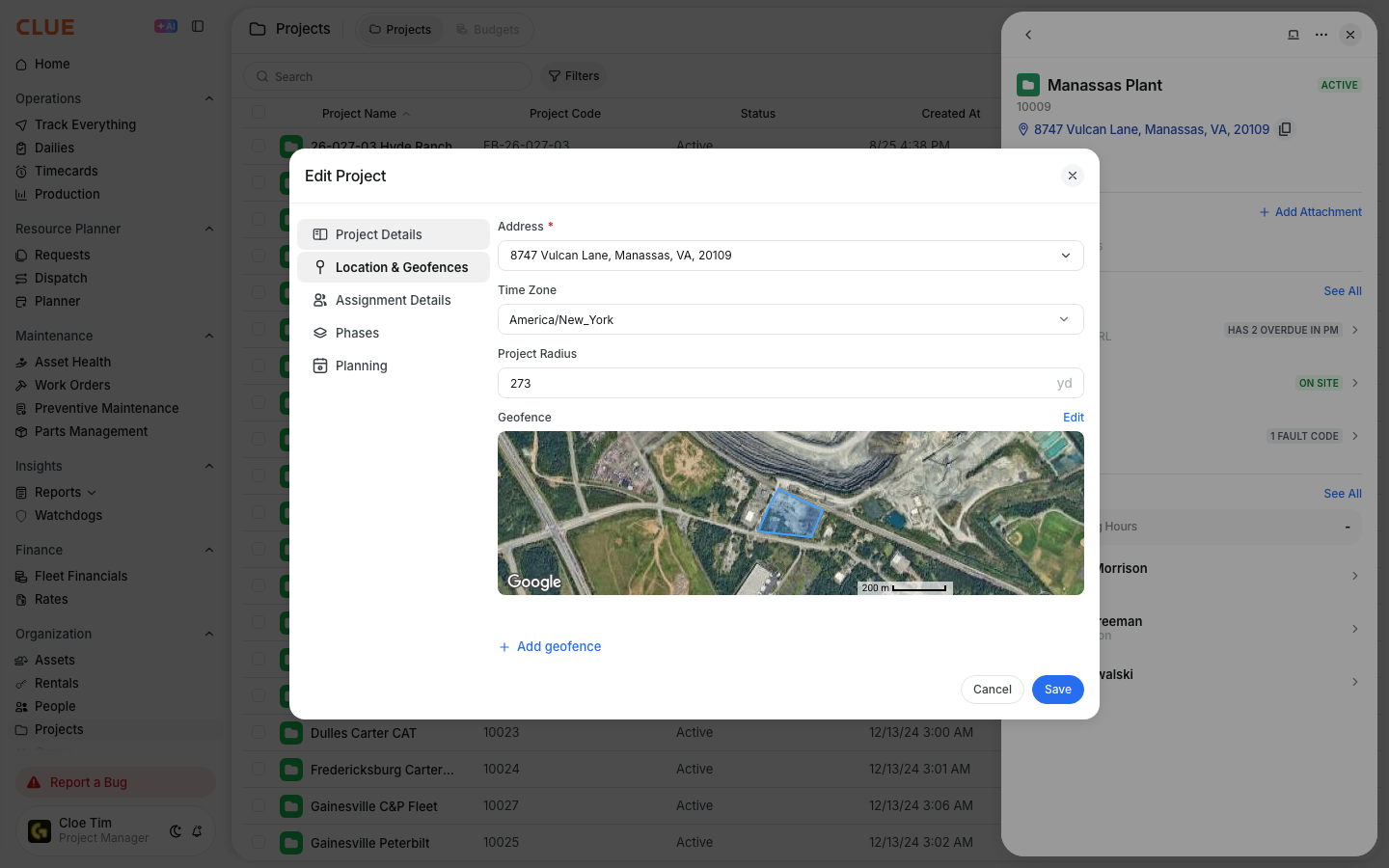
If the project also uses a site boundary, pairing operation hours with Creating a New Geofence can make location-based alerts and site tracking more useful.
How Operation Hours Are Used
Once operation hours are set, CLUE can use them in a few different parts of the platform. This helps the system separate normal project activity from exceptions that may need attention.
After-Hours Alerts
Operation hours can support alerts when equipment moves or is used outside the normal project schedule. This is useful for catching after-hours activity or weekend use that should be reviewed. If you also monitor site boundaries, Understanding Geofence Alerts fits well with this workflow.

Utilization Calculations
Project operation hours can also support utilization reporting by helping separate work done during normal hours from activity outside that window. If your team reviews project usage often, this works well with Understanding the Asset Utilization Report.
Scheduling
Dispatch and planning workflows can use project hours when teams are setting up assignments and looking at available work windows. If resources are being moved to the job, Using the Dispatch Board is the next natural step.
Tips
A few simple habits make project hours more useful and easier to trust over time.
- Set hours that match the real site schedule
- Update the project when shifts change
- Adjust for seasonal work patterns when needed
- Review project hours if after-hours alerts seem off
- Keep the project location and schedule accurate so dispatch, alerts, and reporting stay aligned