New at CLUE: Attach Google Earth Files to Your Projects
Telematics and Asset Tracking
October 2, 2026


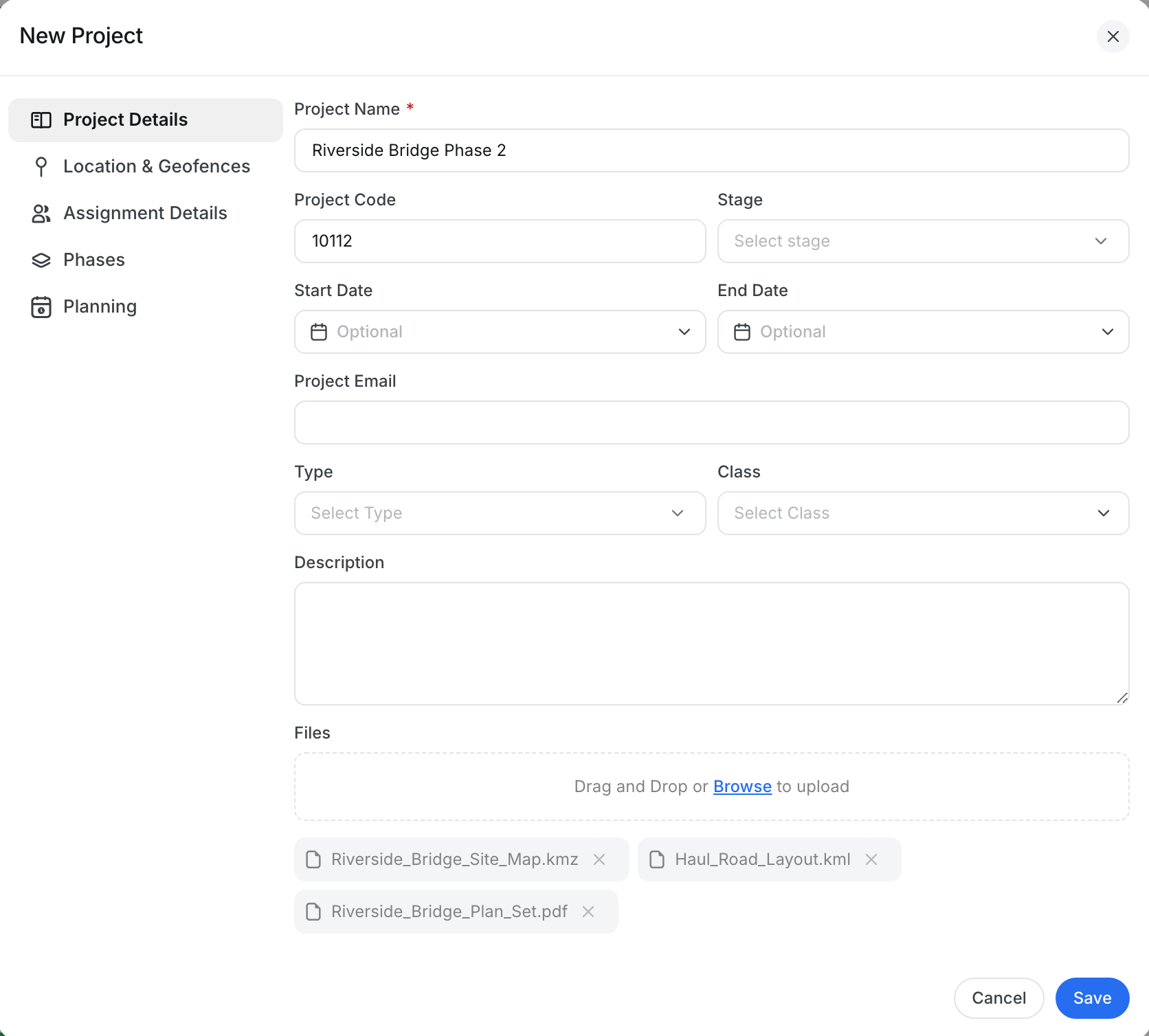
Keep your job-site maps with the job. You can now attach Google Earth files (.kmz and .kml) to a project, alongside your PDFs, photos and spreadsheets, and your team can download them anytime.
What’s New?
- Attach .kmz and .kml files to new and existing projects
- Download them anytime, even if Google Earth isn’t installed on your computer
- If you add a file type CLUE doesn’t support, only that file is left out and you’ll see which one
Go to Projects, click Add Project (or open an existing project), and drop the file into Files. To turn a KML/KMZ file into geofences, use Geofences > Import KML/KMZ.
Request a Demo Today to
See Our Latest Features in Action!
See Our Latest Features in Action!
Oops! Submission failed. Please try resubmitting the form.

.png)
.png)

