Reason Codes for Repairs
Reason Codes for Repairs lets your team record why a repair was needed when a work order is closed. This helps turn repair history into cleaner data that is easier to review, report on, and use when planning future maintenance.
Who Is This For?
This feature is useful for teams that want more consistent repair data across the fleet.
- Equipment Managers can use reason codes to spot repeat failure patterns and make better repair-versus-replace decisions.
- Shop Managers can use them to see what is driving repair work and where shop time is being spent.
- Operations and Reliability Teams can use standardized reason code data to improve Preventative Maintenance (PM) planning and reduce repeat failures over time. If repair reasons keep pointing to missed services, it is a good time to review Using Preventative Maintenance (PM) Schedules.
Why It Matters?
Free-form notes are useful, but they are hard to group in reports. One mechanic may write "belt broke" while another writes "v-belt failure" for the same problem. When everyone uses different wording, the data becomes harder to compare and harder to trust.
Using standardized reason codes makes it easier to:
- report on common repair reasons across the fleet
- spot repeat problems by component and cause
- compare failure patterns across equipment types
- use cleaner data in reporting, reliability review, and PM planning
If your team already uses Creating and Managing Work Orders to track repairs from start to finish, reason codes make those work orders more useful later on when you need to review trends instead of individual jobs.
How to Set It Up
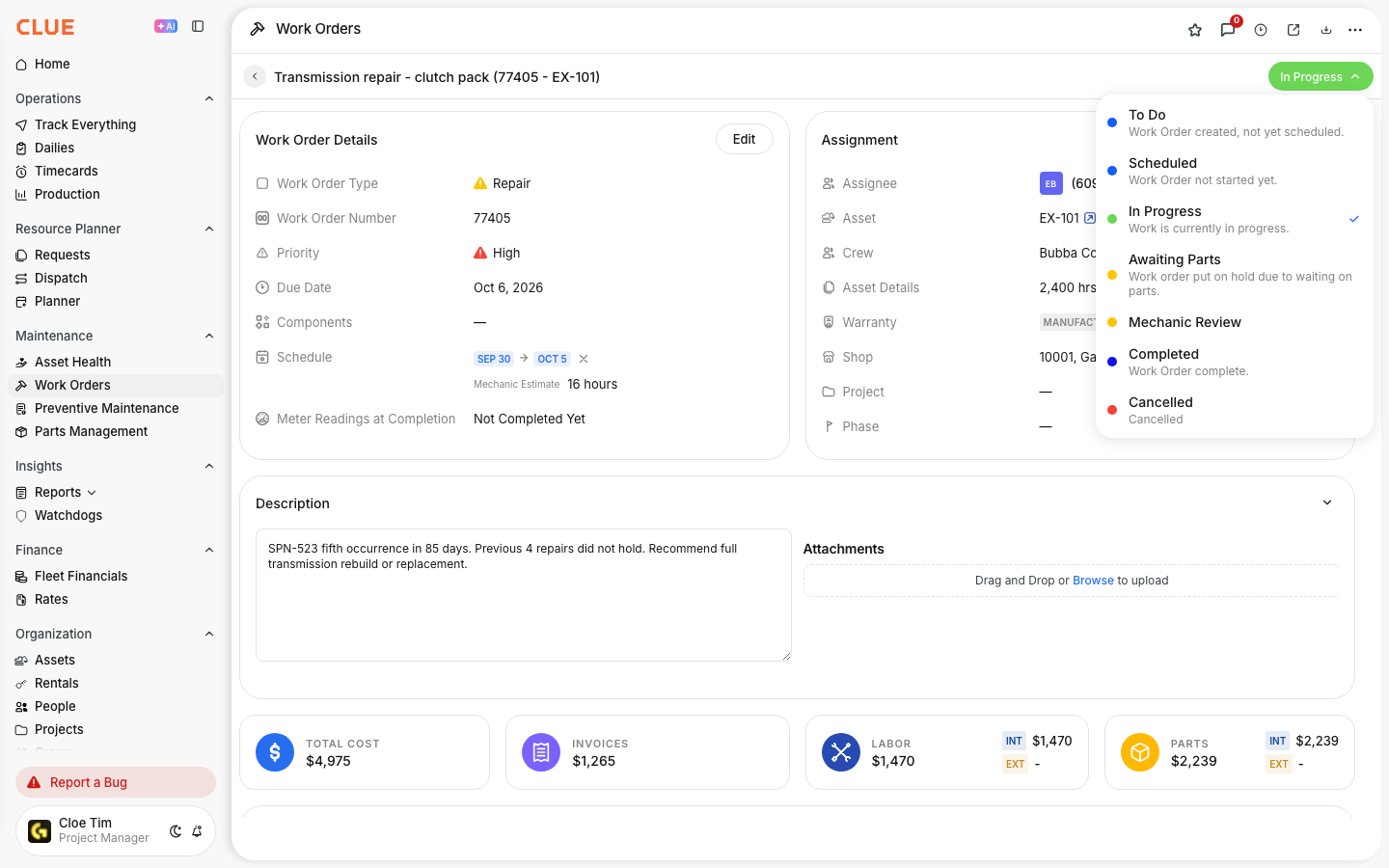
CLUE supports two ways to handle repair reasons when a work order is closed. You can leave the field as free-form text, or you can switch to a predefined list of standard codes.
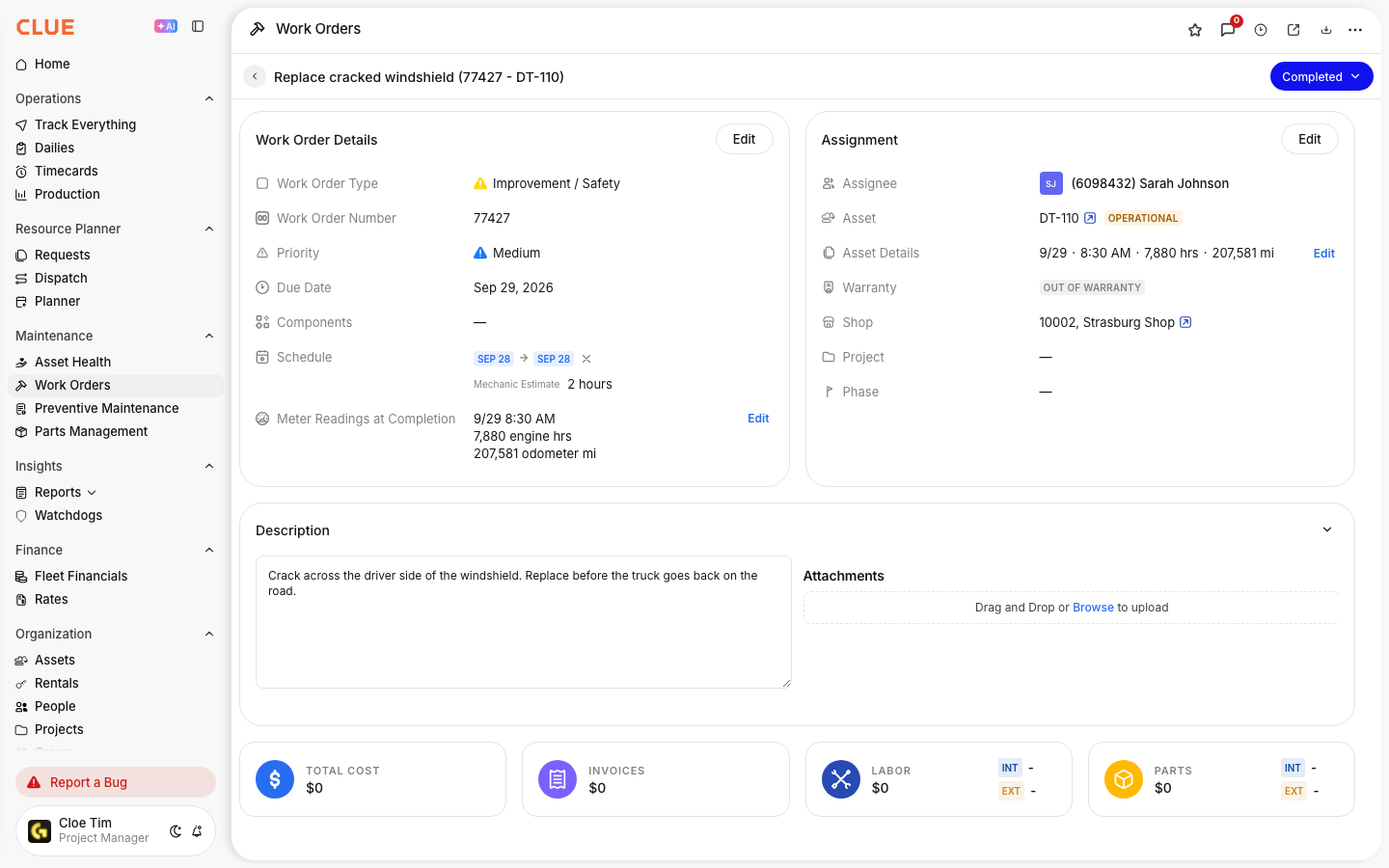
Default - Free-Form
By default, the repair reason field is an open text field. Mechanics can put anything they want into this field when closing a work order. This can work for smaller teams where one foreman reviews each work order and can interpret different wording. For larger teams we recommend looking at predefined lists as described below.
Custom - Predefined List
Your CLUE organization owner or administrator can replace the free-form text field with a predefined list of reason codes. Once the list has been set up, mechanics will only be able to choose from the predefined list when they close a work order. They can still add notes if more context is needed.
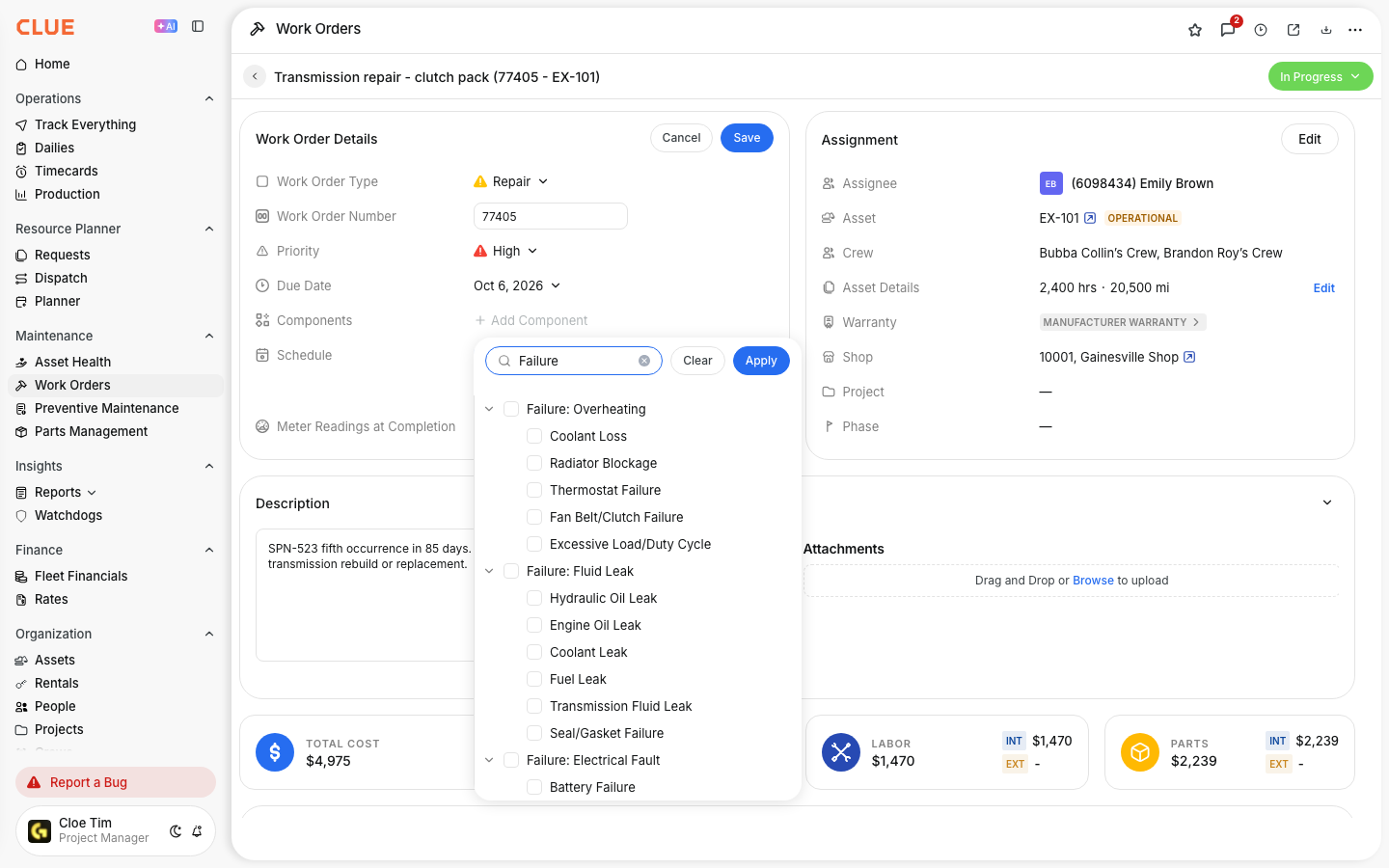
Common examples you can use include:
- Normal Wear
- Operator Error
- Manufacturing Defect
- Environmental
- Lack of Preventive Maintenance
- Accidental Damage
- Unknown
Key Behaviors and Limitations
There are a few important things to know before you start using a custom predefined list.
- Reason codes work and display on both the web and mobile platforms when closing a work order.
- The default setup is a free form text field unless your CLUE organization owner configures a custom list.
- Only a CLUE organization system owner or administrator can change the reason code list. Standard users cannot edit the list.
- Standardized codes can be filtered and grouped in reports, while free-form entries are much harder to analyze consistently. If your team reviews repair trends often, using a predefined list of reason codes fits in naturally with CLUE's reporting workflows.
Tips
Keep your setup simple so mechanics can use CLUE quickly and consistently. A short list is usually better than a long one.
- Keep your list of predefined reason codes to about 7 to 10 codes so it stays easy to use.
- Always include Unknown so mechanics do not have to guess. If you find that Unknown is being used often, speak with your team to see if additional reason codes need to be added to your predefined list.
- Review reason code data each quarter and adjust the list if one code is too broad.
- If Lack of Preventive Maintenance shows up often, review your PM setup and intervals.
- Train your mechanics on what each code means before you switch from free-form text to a standardized list.