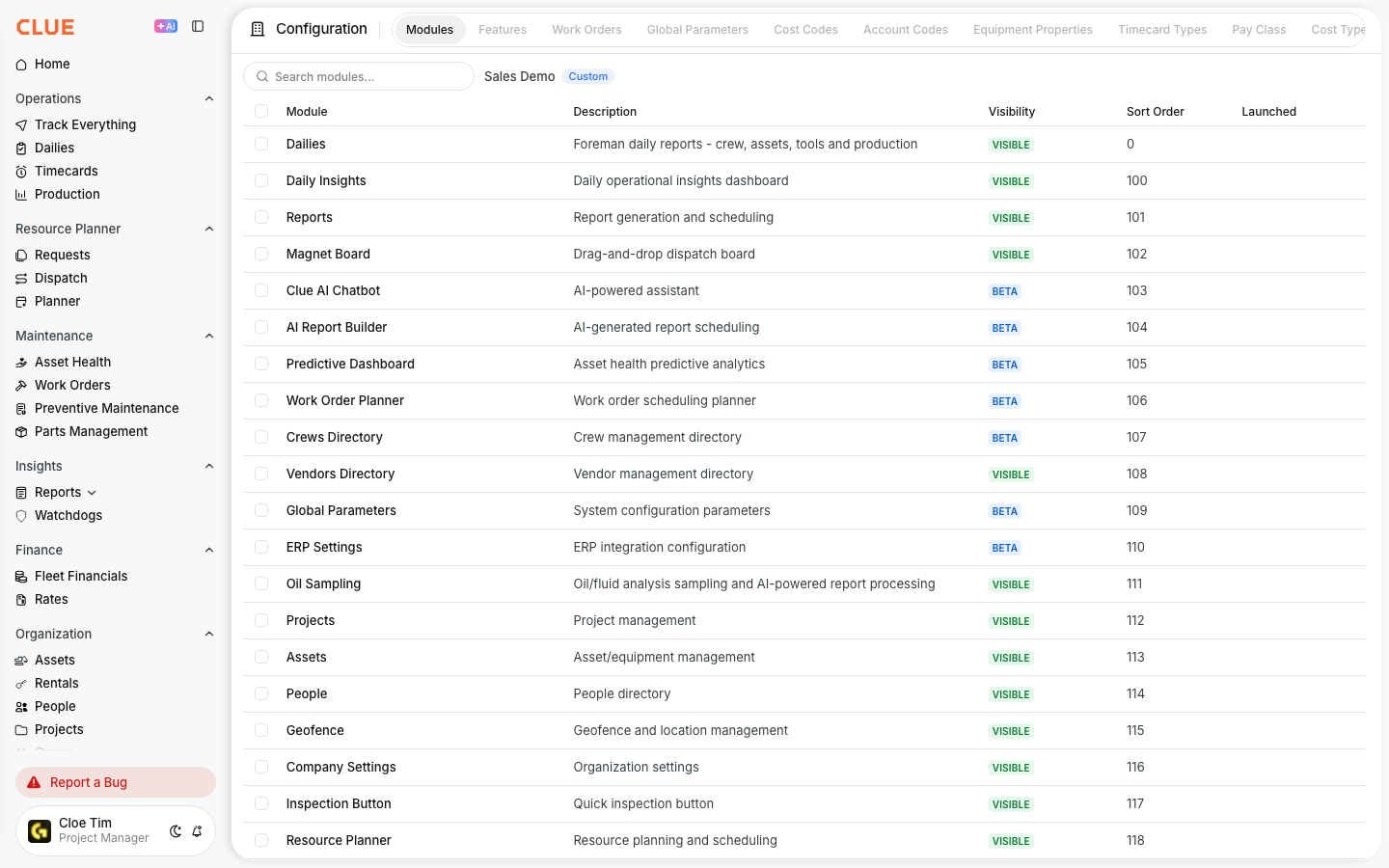
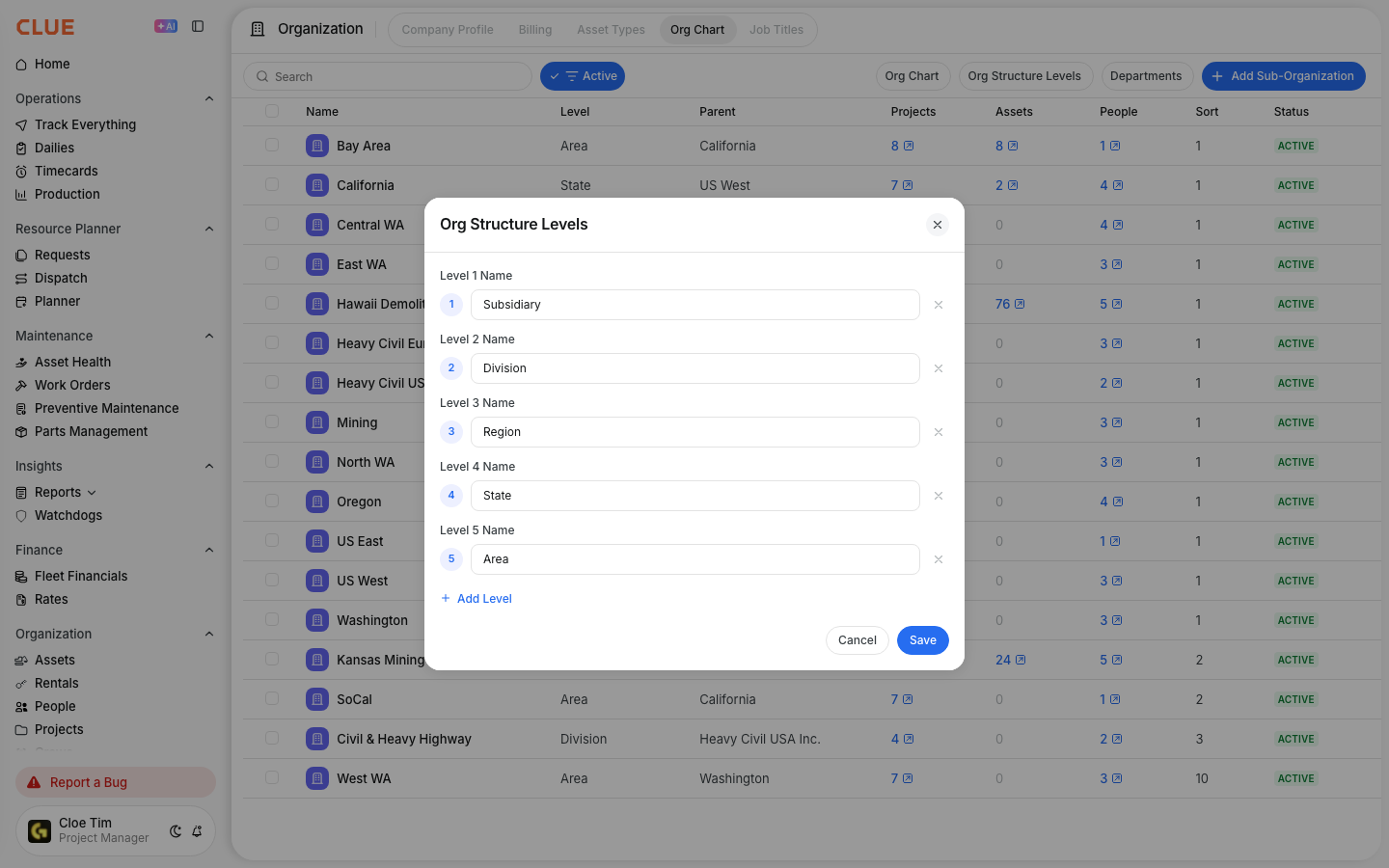
Product Updates, Roadmap and Feature Requests
This article provides information on how you can keep up-to-date with what is new in CLUE and how to create your own feature requests. Our product roadmap page is the main place to see releases, feature requests, product improvements, and fixes we've made. It also works well alongside the CLUE Learning Center when your team wants to learn how a new feature works.
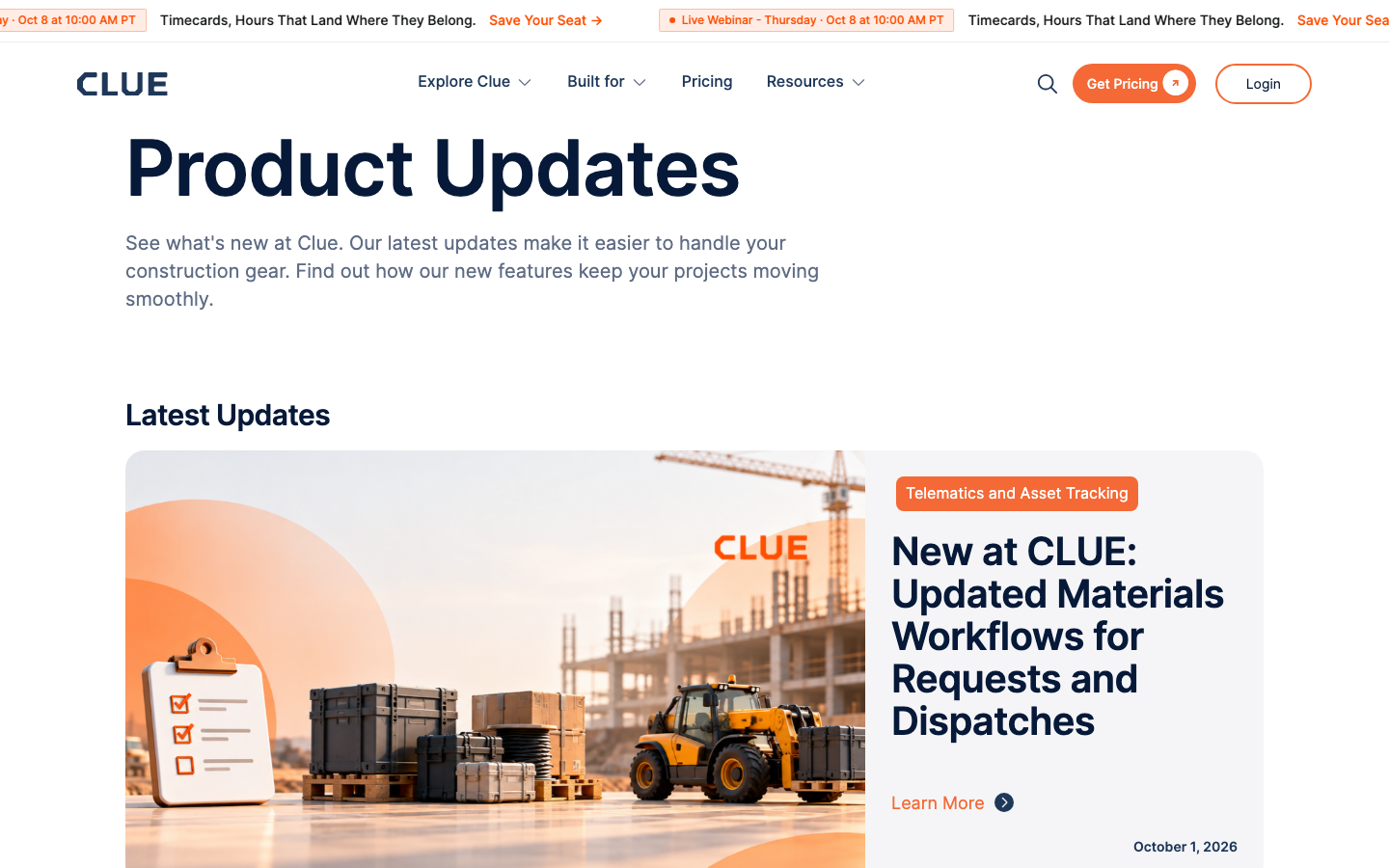
The Product Updates page is where CLUE publishes new releases and improvements. The current public page shows recent updates and groups them by category, so it is easy to scan what changed and open the full update when you need more detail.
This page is useful when you want a quick view of what has shipped, what may affect your workflow, and which updates are worth sharing with your team. It also fits naturally with Navigating the CLUE Dashboard and the CLUE Learning Center when a new release changes the way your team works in the app.
How to Use It
Use the updates page as your first stop when you want to check what is new in CLUE. Then, if a release affects your team, use the related training article to understand the workflow in more detail.
1. Browse Product Updates
Open the Product Updates page and scroll through the latest releases.
Each update can be opened on its own, and the public page also groups updates by category so you can focus on the areas that matter most to your team, such as maintenance, tracking, safety, or cost management.
2. View the Roadmap
If your team is using the roadmap view in the product updates experience, use it to see what is being planned, designed, or built next.
This is helpful when you want to understand what may be coming soon and set expectations before a feature is released.

3. Suggest a New Feature
If feature requests are available in your product updates view, use that option to submit ideas to the product team. Keep the request clear and specific. A short title plus an explanation of the request and how you'd like to see it function works best.

4. Subscribe to Updates
Subscribe if you want product news delivered automatically instead of checking the page manually.
CLUE's public updates page includes a newsletter signup so users can stay up to date on features and releases. This is a good option for managers, administrators, or champions who want to keep the rest of the team informed.
Tips
A few simple habits make this page more useful. The goal is to help your team spot changes quickly and connect new releases to the right training or rollout steps.
- Check Product Updates regularly if your team relies on new features in CLUE.
- Review the related training guide(s) after a release so the team knows how to use the new features, and not that they just exist. This is where the CLUE Learning Center becomes a very helpful resource!
- Share relevant updates with the people who will be using them, instead of sending notes about every release to everyone.
- Use Navigating the CLUE Dashboard as a supporting link when an update changes where something appears in the sidebar or menu.