PM Statuses Explained
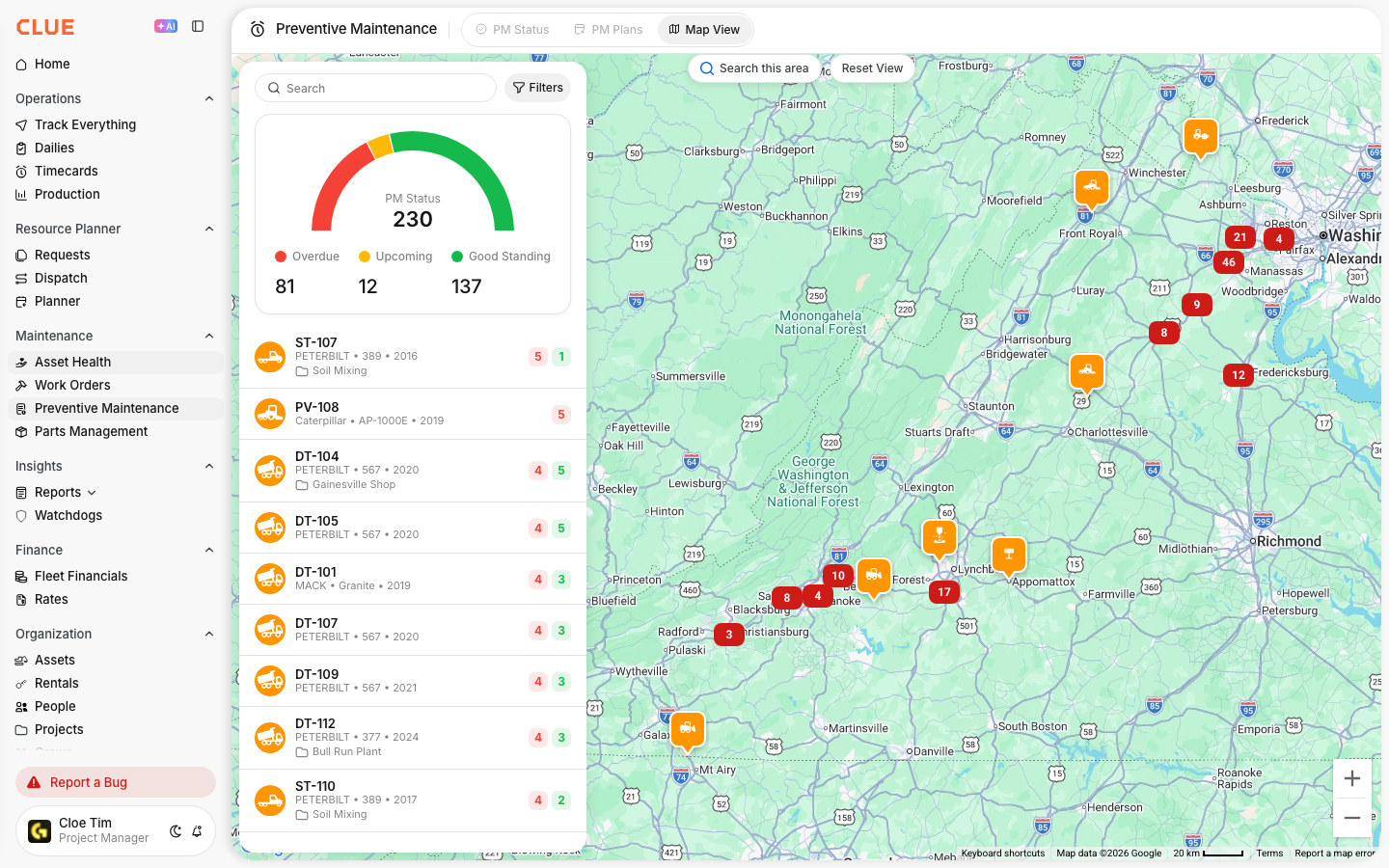
PM statuses show how close an asset is to its next service. They help your team see what is in good shape, what is coming up soon, and what needs attention now.
Overview
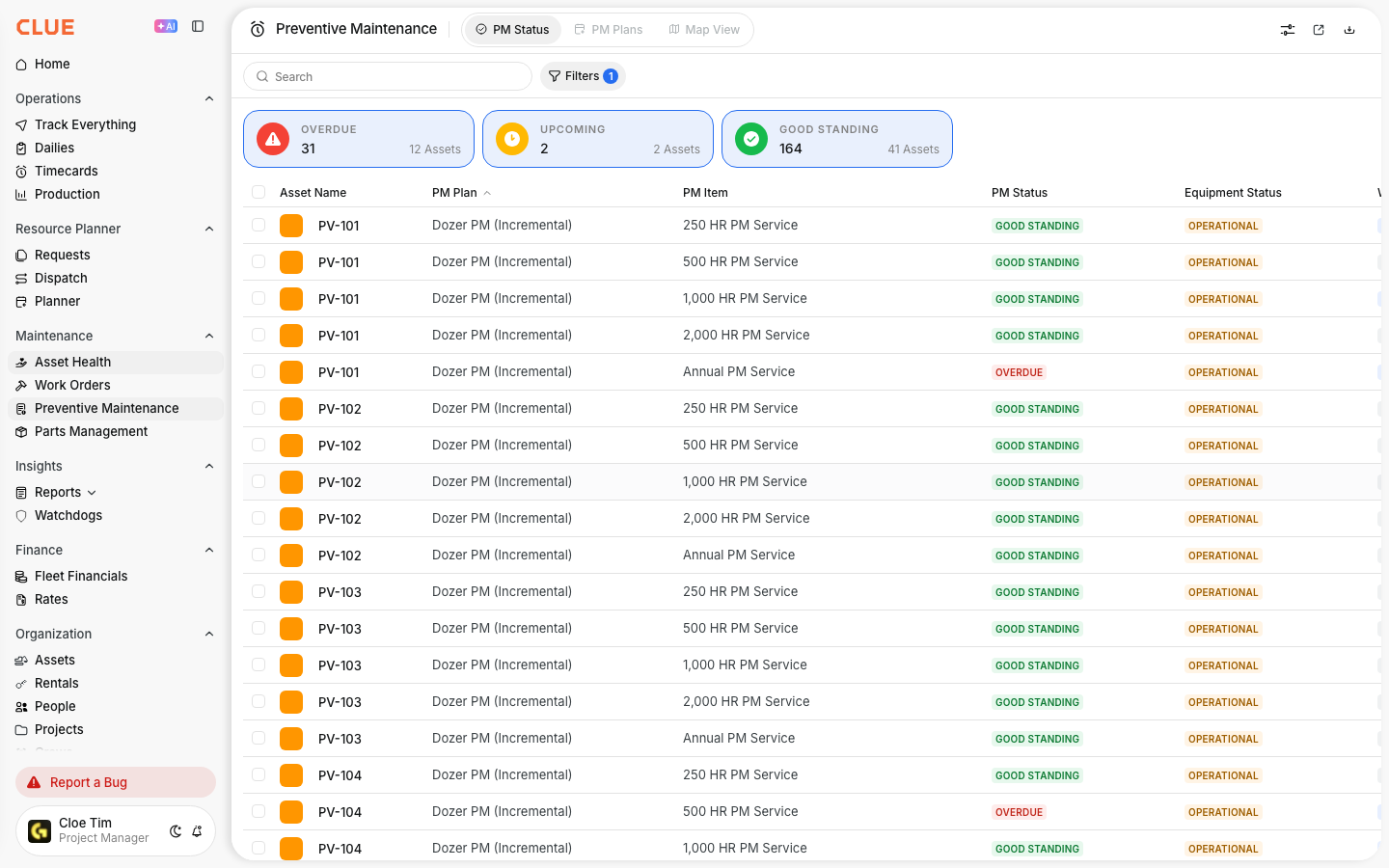
CLUE uses three PM statuses to show where each asset stands in its service cycle. This makes it easier to prioritize work and stay ahead of missed maintenance.
This view works well with Viewing PM Status for Your Fleet, Understanding Preventive Maintenance, and Creating a New PM Plan if your team is already managing service intervals in CLUE.
The Three PM Statuses
Each status gives your team a quick way to understand how urgent a PM item is. The color and label make it easier to decide what should be scheduled first.
Good Standing
This means the asset is not due yet for that PM service. There is still enough time or usage left before the next service is needed.
- service is not due yet
- no immediate action is needed
- normal operation can continue
Upcoming
This means the asset is getting close to its service interval. It is a signal to start planning the work before it becomes overdue.
- service will be due soon
- schedule the work order early
- order parts if needed
Overdue
This means the asset has passed its service interval. The PM item should be handled as soon as possible.
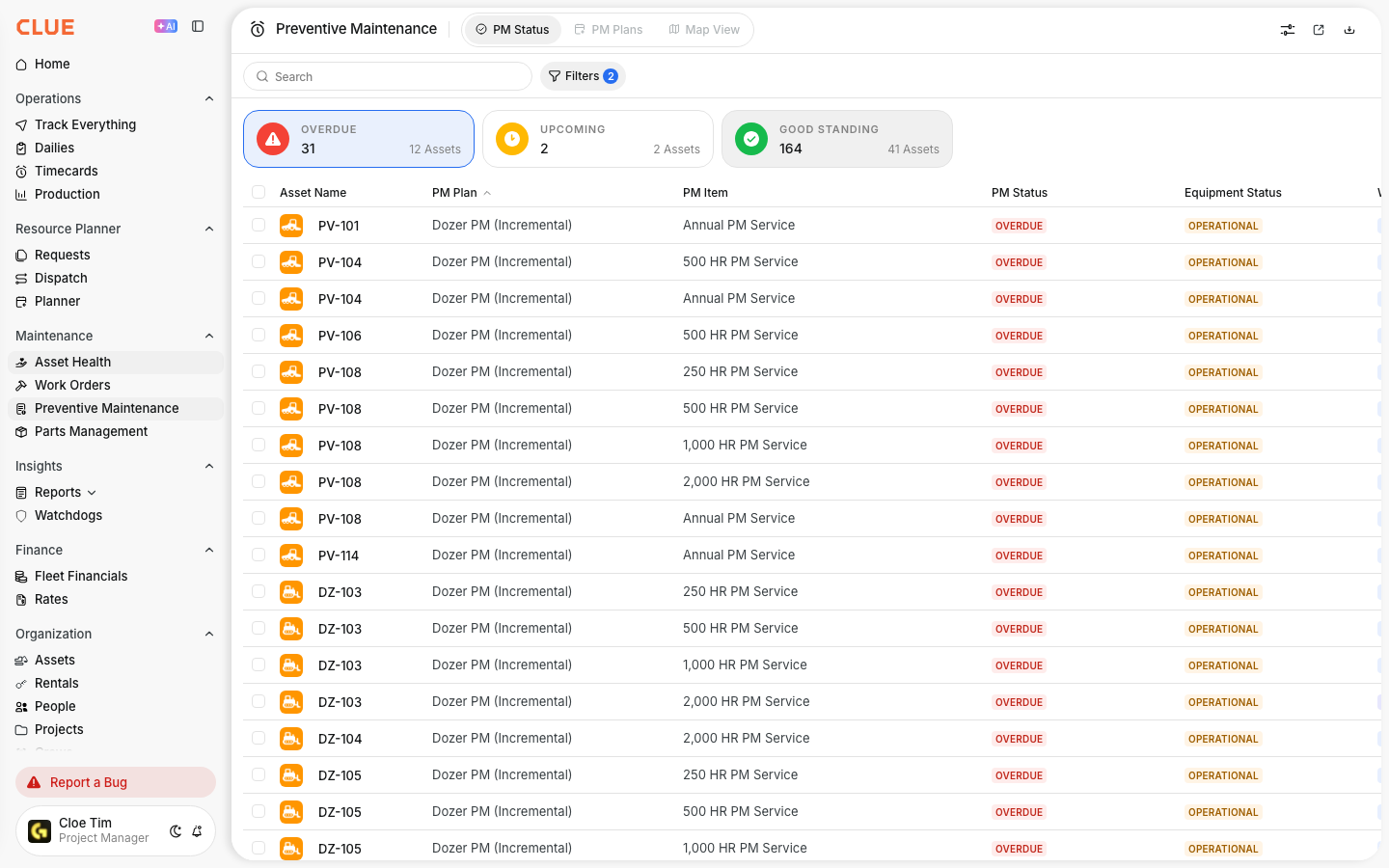
- service is now past due
- create or schedule the work order right away
- review whether the asset should stay in operation until service is done
How Status is Calculated?
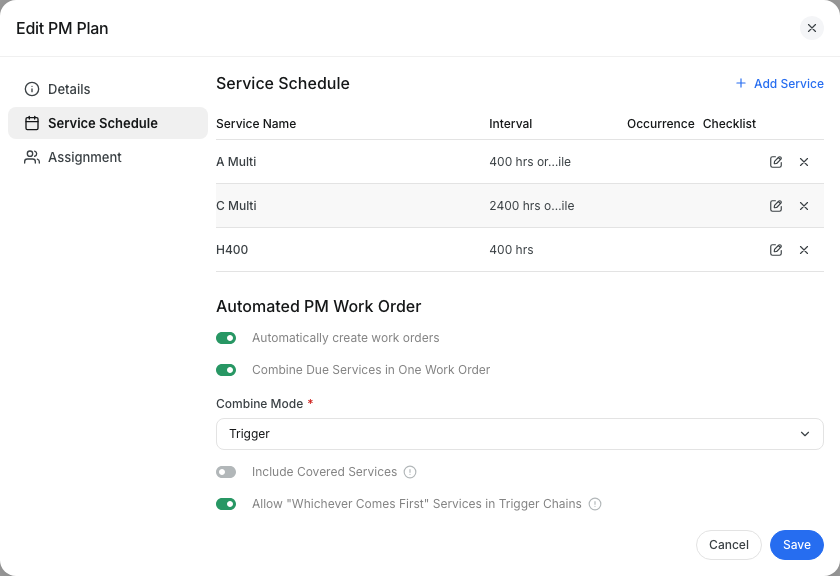
PM status is based on the type of interval used on the PM plan. CLUE can track service by time or by usage, depending on how the equipment is maintained.

Status can be based on:
- Calendar PMs - days since the last reset compared with the interval
- Hour-based PMs - engine hours since the last reset compared with the interval
- Mileage PMs - miles since the last reset compared with the interval
This is a good place to add internal links to Setting PM Intervals and Resetting PM Counters if you want users to understand where the status values come from.
Status Thresholds
The status changes based on how much of the interval has been used. These thresholds help CLUE decide when a PM item moves from safe to upcoming and then to overdue.
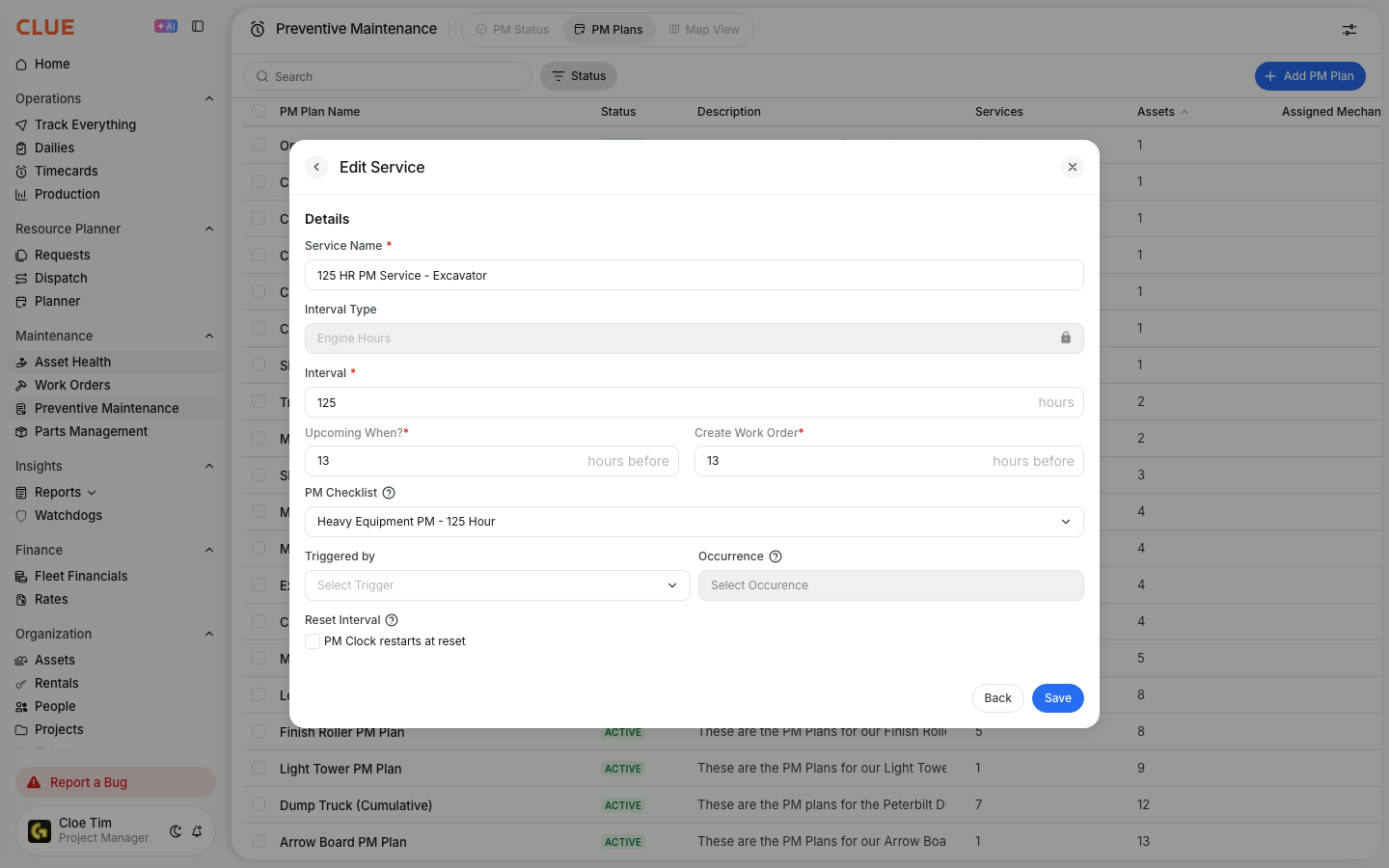
Typical thresholds are:
- Good Standing - more than 20% of the interval is still remaining
- Upcoming - less than 20% of the interval remains
- Overdue - the interval has been fully passed
Your admin may adjust how early the Upcoming status appears, depending on how your team wants to plan service work.
Responding to Statuses
Each status should lead to a different kind of action. The goal is to catch PM work early enough that it can be scheduled before it becomes urgent.
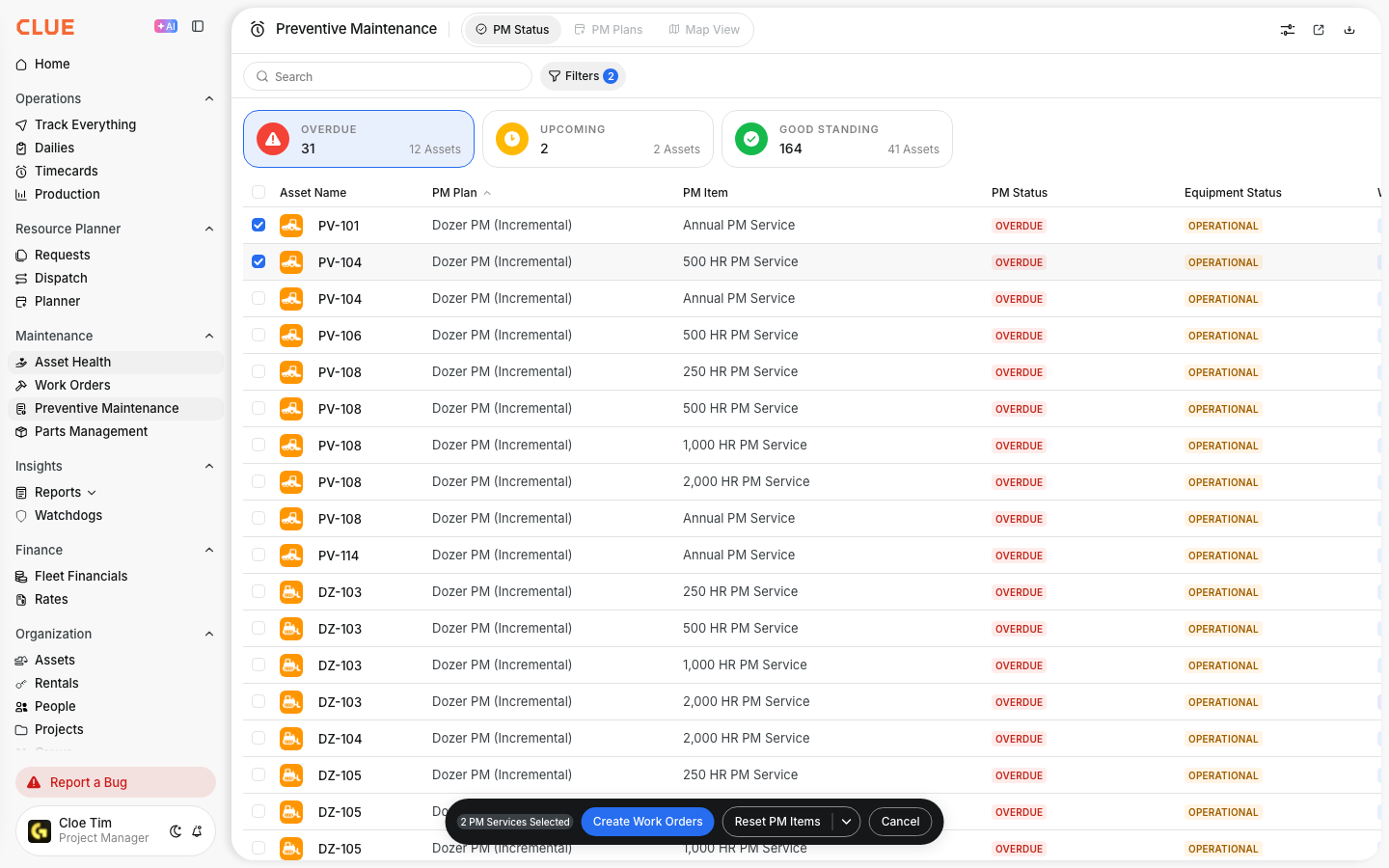
A simple way to respond is:
- Good Standing - no action needed, just keep monitoring
- Upcoming - plan the service, create the work order, and prepare parts
- Overdue - create the work order immediately and prioritize the service
This section also creates natural internal link opportunities for Creating a New PM Plan, Viewing PM Status for Your Fleet, and Creating and Managing Work Orders.
Tips
A quick daily review of PM statuses helps your team stay ahead of service work. It is usually easier to deal with an upcoming PM item than an overdue one.
- review PM Status each day
- watch Upcoming items before they turn overdue
- set alerts for status changes if your team uses them
- use Home dashboard widgets to keep overdue PMs visible
- check Viewing PM Status for Your Fleet when you need the full list view