What is this?
Import with AI reads an equipment schedule and builds the Planner project for you. Upload a PDF or an Excel file. Clue finds the project, the phases and the equipment, and shows you a preview.
You check the preview, then create the project in one click. No retyping.
Who's this for?
- Project managers, turn the schedule you already have into a plan.
- Estimators, load a bid schedule to see what the job needs.
- Office staff, bring in schedules from customers and partners quickly.
How to use it
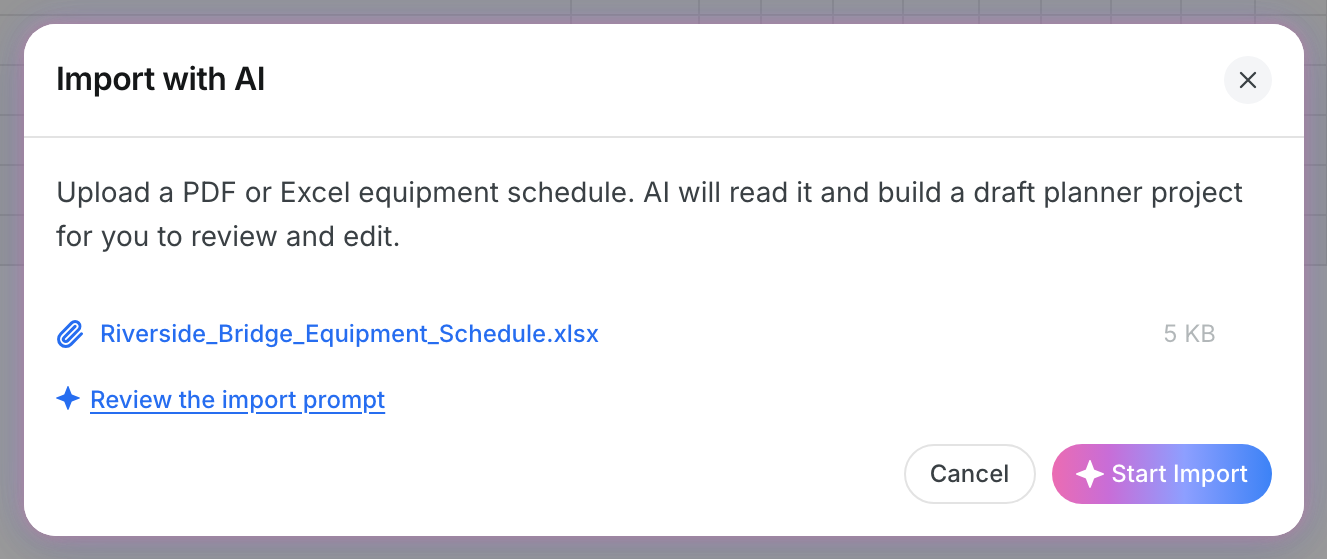
Step 1: Open Import with AI
Click the arrow next to New Project at the top right. Click Import with AI.

Step 2: Upload your schedule
Drag your file into the window, or click Browse. You can use a PDF or an Excel file. Click Start Import. Clue reads the file and matches the equipment against your fleet.
Step 3: Check the preview and create
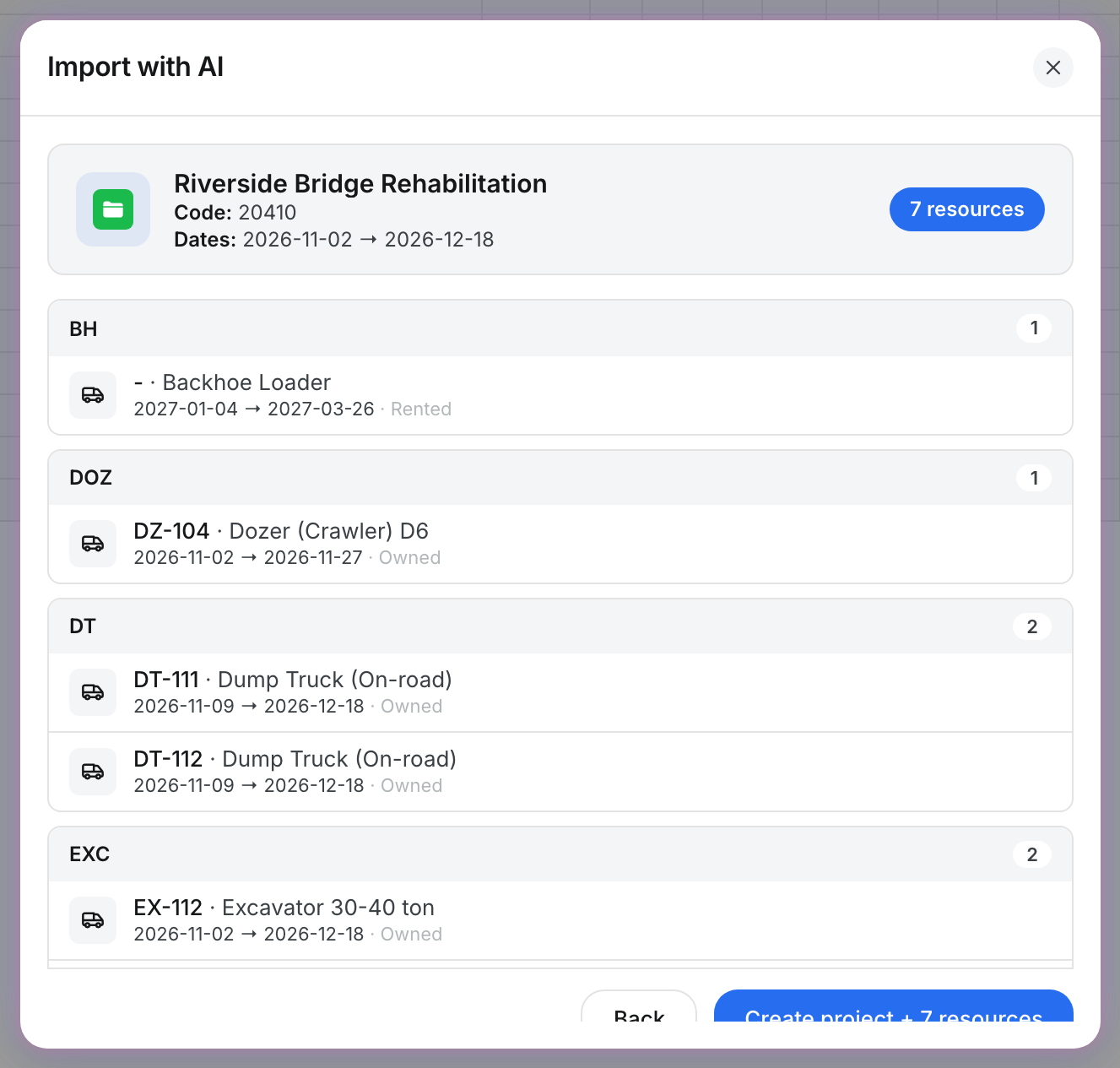
The preview shows the project name, code and dates, and each resource grouped by class. If the file holds more than one project, tick the ones you want.
Leave Auto-assign matched equipment on to assign the machines Clue found in your fleet. Switch it off to create the requests only. Click Create project. When the import finishes, click Done. The new project shows in the Planner.
The full details
- Works on: Web app.
- File types: PDF, XLSX and XLS. One file at a time.
- Existing projects: If a project in the file already exists, Clue reuses it. The result shows each project as Created, Reused or Failed.
- Back: returns to the upload step without creating anything.
- Import rules: Users who can update projects see Review the import prompt. Use it to add instructions for this import, or save them for every import in your company.
Tips
- Schedules with clear column headers, such as equipment number, description, start date and end date, give the best result.
- Include your unit numbers. Clue uses them to match the right machines in your fleet.
- Check the dates in the preview before you create the project.
- If a file has pages you do not need, such as a cover page, add a one-time instruction in Review the import prompt.