Managing Timecard Entries
Managing timecard entries helps your team keep labor records accurate before payroll and reporting are finalized. In CLUE, the Timecard Entries view lets you review submitted time, make corrections, and approve or reject entries when your workflow requires it.
Overview
The Timecard Entries view shows individual time records submitted by employees. This is the best place to review hours, check project or work order links, and fix mistakes before time moves further through your approval process. If your team also reviews time at a higher level, this fits naturally with Reviewing Team Timecards.
Accessing Timecard Entries
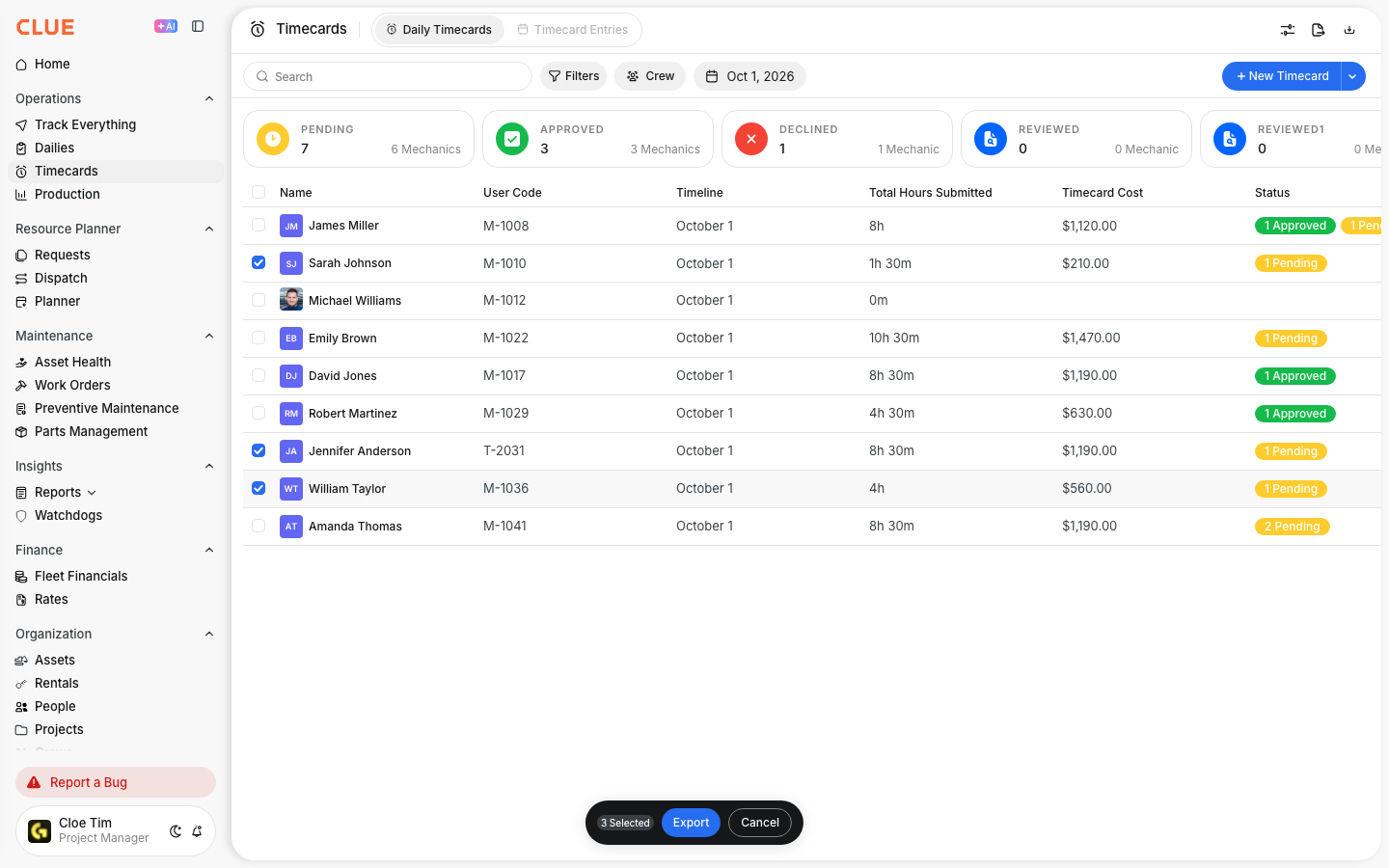
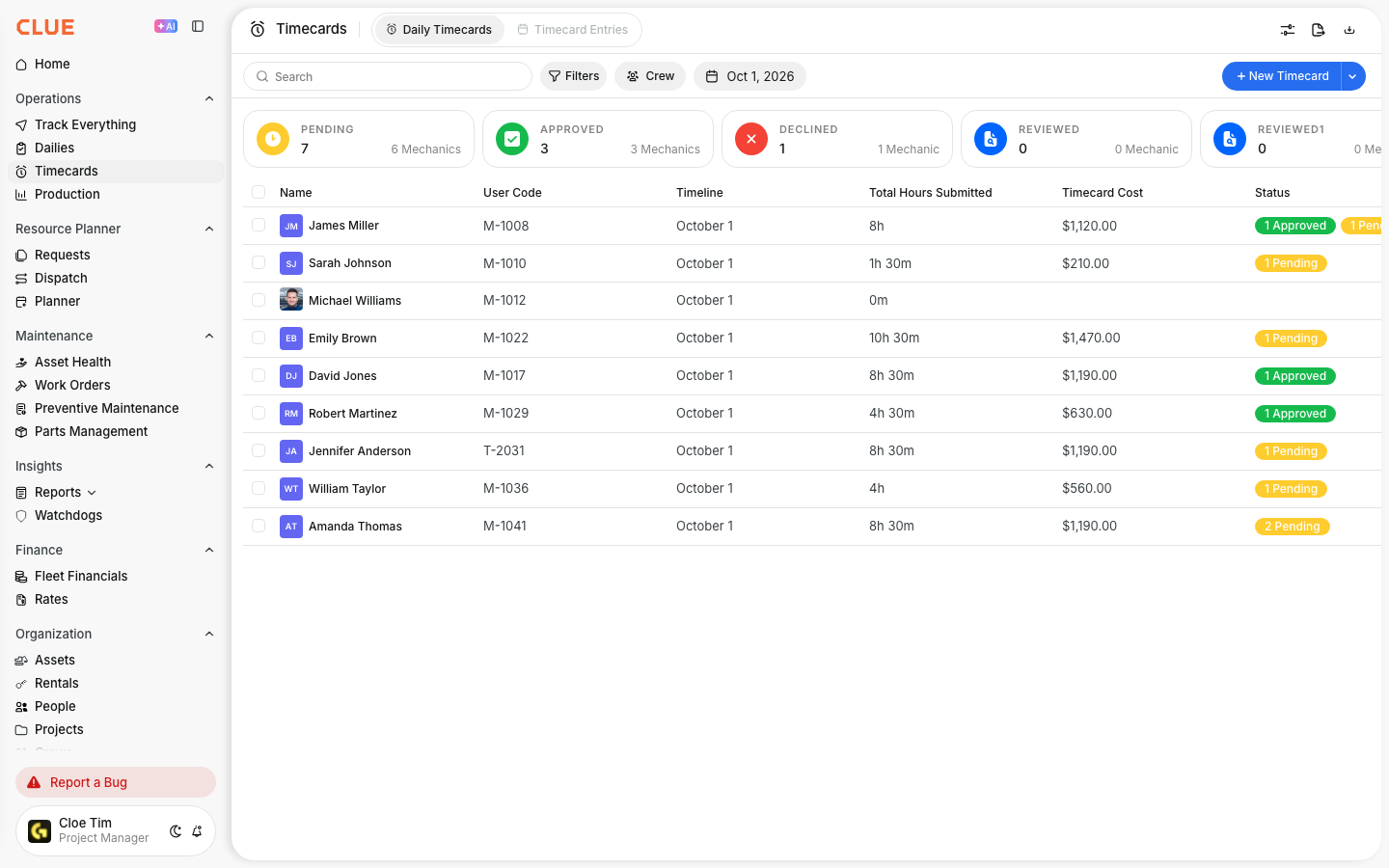
Start by opening the Timecards area from the main menu. From there, switch to the tab that shows individual entries instead of summary views.
Go to Main Menu > Timecards.
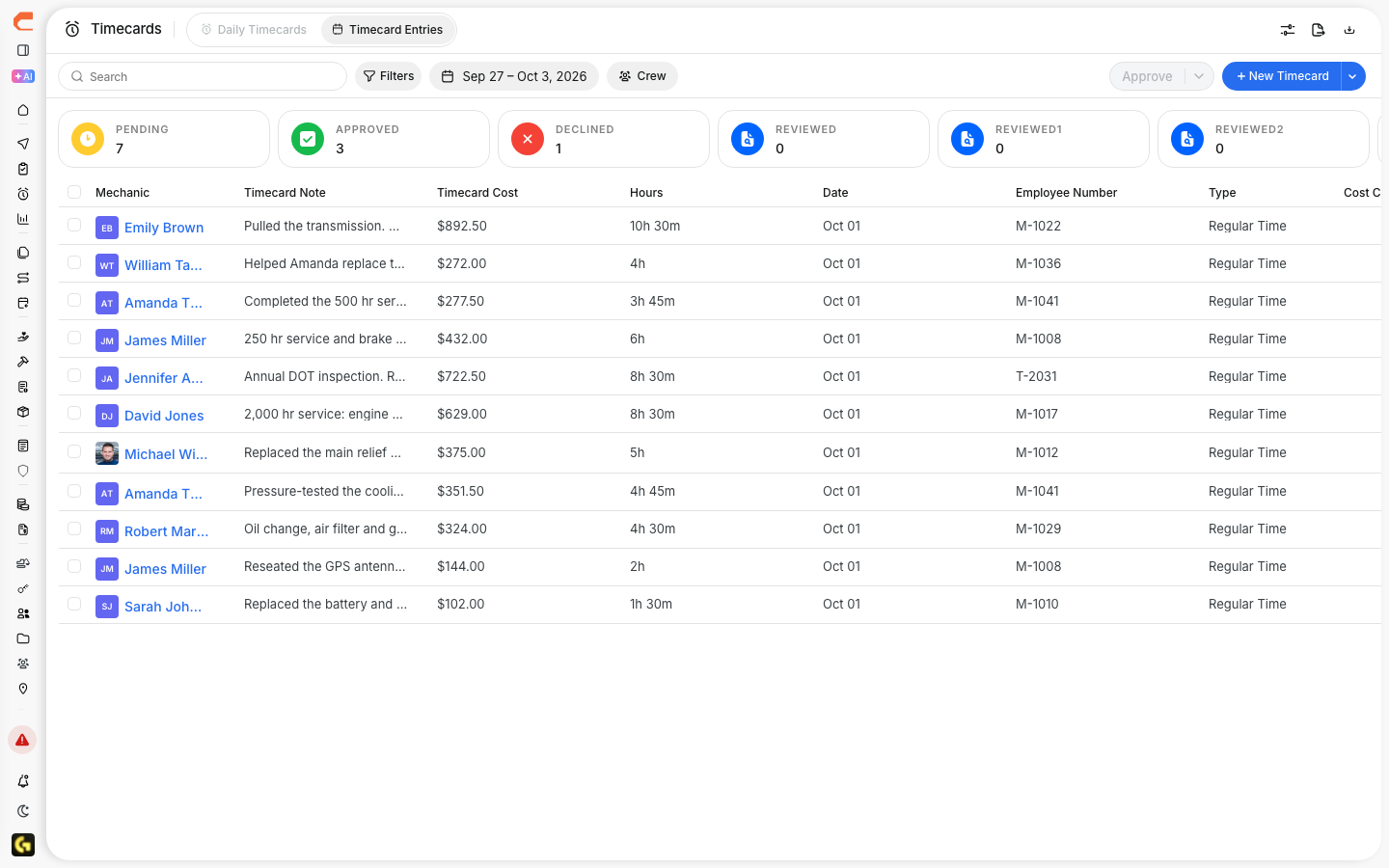
Then click the Timecard Entries tab.

Understanding the Entries View
The entries view shows one record at a time, which makes it easier to review the details behind each submitted time entry. This is useful when you need to check accuracy before approving time or sending it to payroll.
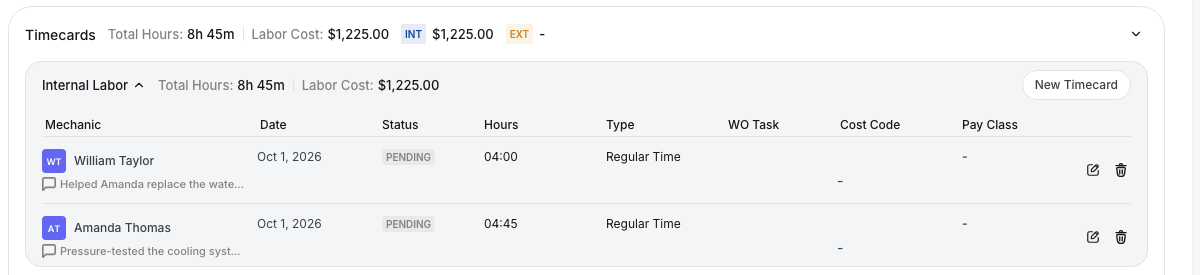
Each entry can show:
- Employee name - who submitted the time
- Date - when the work happened
- Hours - how much time was entered
- Project - the job site or cost center
- Work Order - if the time is linked to maintenance work
- Status - such as Pending, Approved, or Rejected
If your team logs labor directly to repairs, this also connects with Adding Labor to Work Orders.
Editing an Entry
If a time entry needs to be corrected, open the record and update the fields before approval. This helps keep labor hours, project coding, and work order links accurate.
Step 1: Open the entry
Click a timecard entry to open its details.

Step 2: Make changes
Update the fields that need to be corrected.
You may need to:
- adjust hours
- change the project assignment
- link the time to a different work order
- add or update notes

Step 3: Save the entry
Save your changes so the updated time record is stored correctly in CLUE.
Approving Entries
If your organization uses an approval workflow, entries can be reviewed and either approved or rejected after you check the details. This helps keep payroll and labor reporting cleaner.
Review the entry for accuracy, then click Approve or Reject.
If you reject the entry, add a short comment so the employee or manager knows what needs to be fixed.

Filtering Entries
When there are a lot of time records to review, filters make it easier to find the right entries quickly. Use them to narrow the list before editing or approving.
You can filter entries by:
- date range
- employee
- project
- approval status
If the goal is payroll export after review, the next step is usually Exporting Timecards for Payroll.

Tips
A few simple habits can make timecard review faster and help catch mistakes before payroll cutoff.
- review entries each week before payroll closes
- check for hours that look too high or too low
- make sure the project matches where the work was actually done
- approve entries promptly so payroll stays on schedule