Reviewing Team Timecards
Reviewing team timecards helps managers catch missing hours, fix coding mistakes, and keep payroll and job costing accurate. In CLUE, managers can review team entries, filter by person or date range, and approve or reject time before it moves forward.
Timecard management
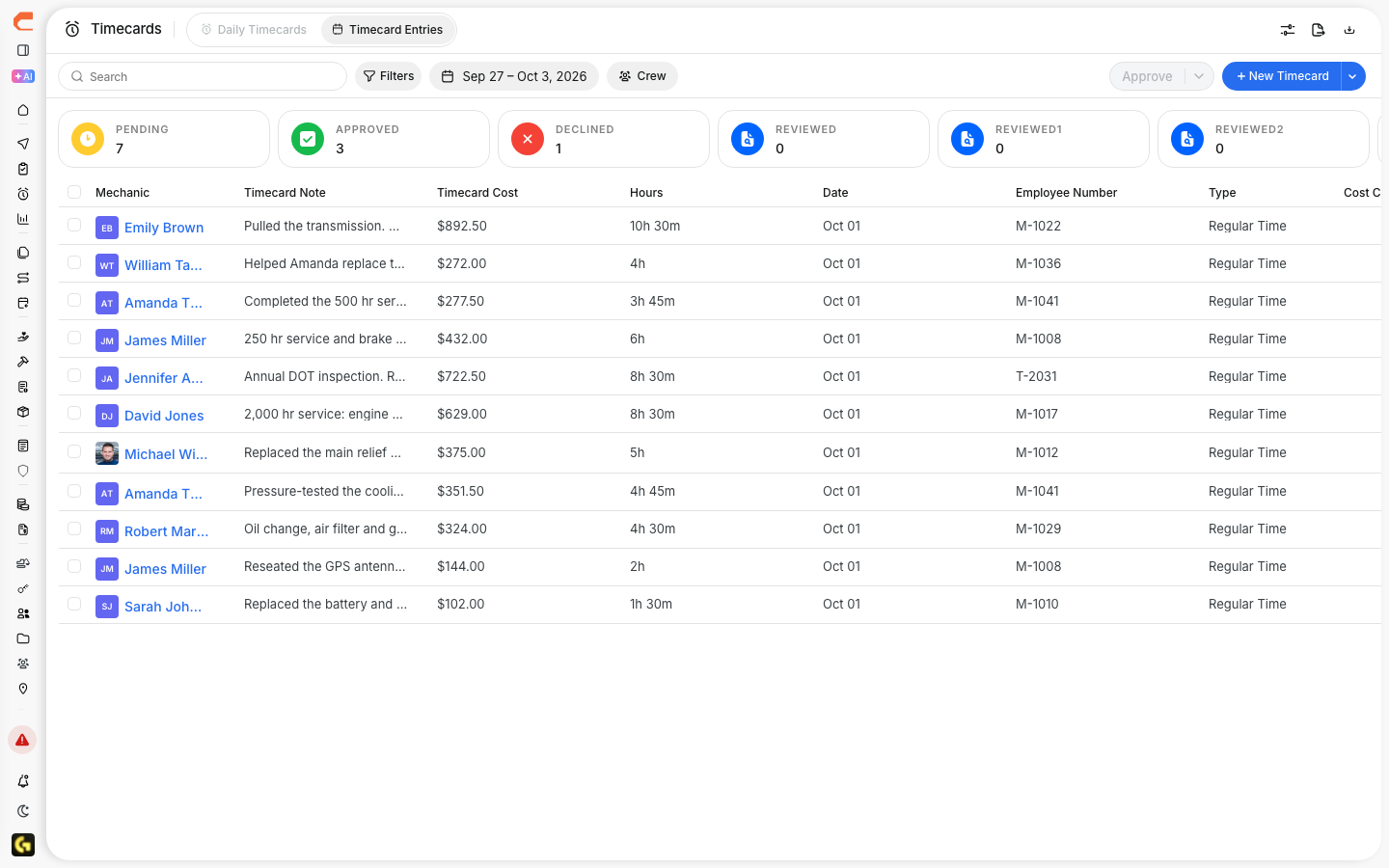
Use the Timecards area when you need to review labor submitted by your team. If you need to look at individual entries in more detail, Managing Timecard Entries is the best next article to open.
Overview
Managers and supervisors can use this view to check submitted hours across their team. This helps you catch missing time, review unusual entries, and make sure labor is charged to the right project or work order before payroll is processed.
Manager View Access
To review team timecards, you need the right permissions in CLUE. If you cannot see team time entries or approval actions, contact your administrator to confirm your access.
Viewing Team Timecards
Start in the Timecards area, then use filters to narrow the view to the people or dates you need. If your team is still entering hours, Logging Time with Timecards is the right place to start before reviewing submissions.
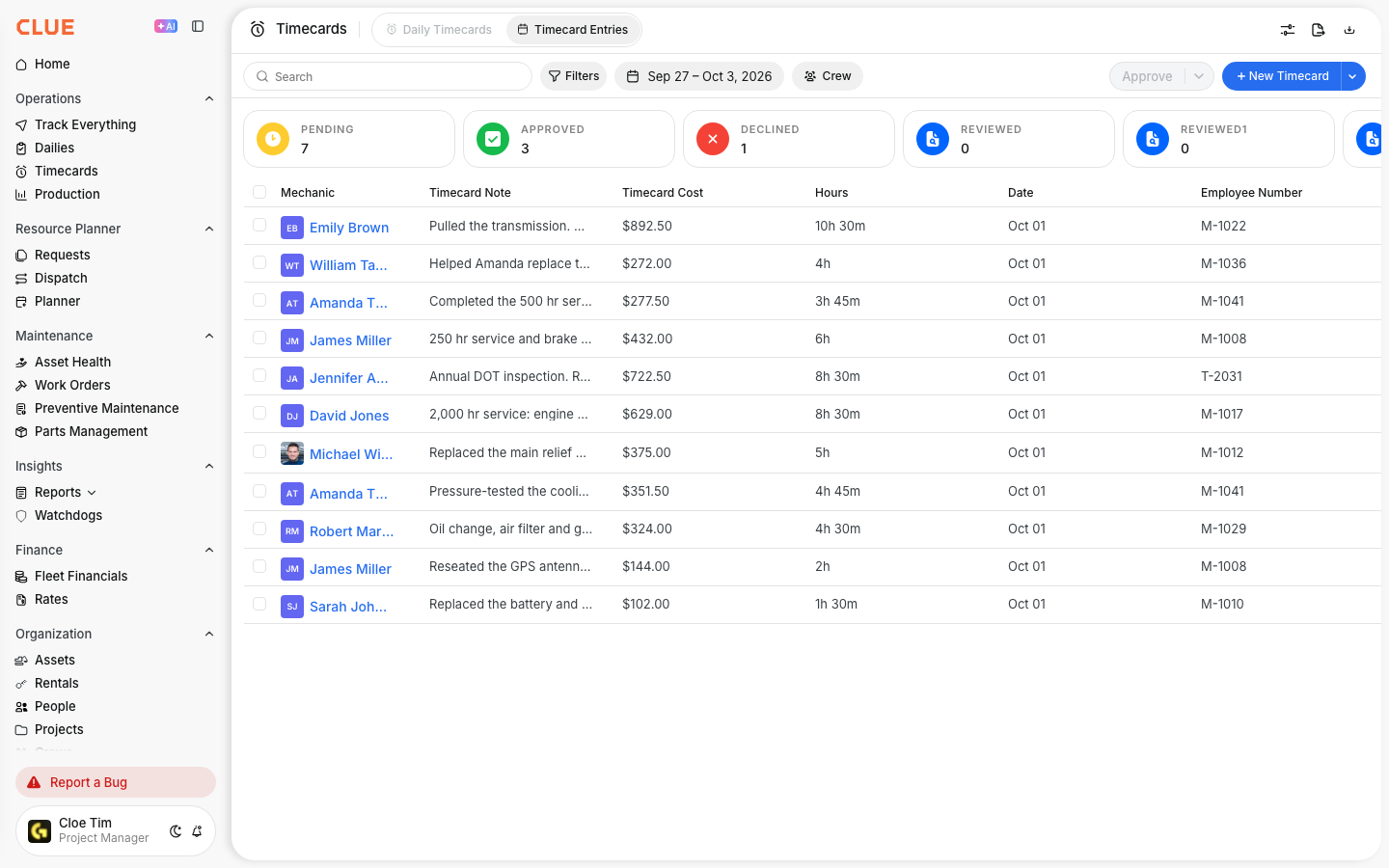
Step 1: Open Timecards
Go to Main Menu > Timecards.
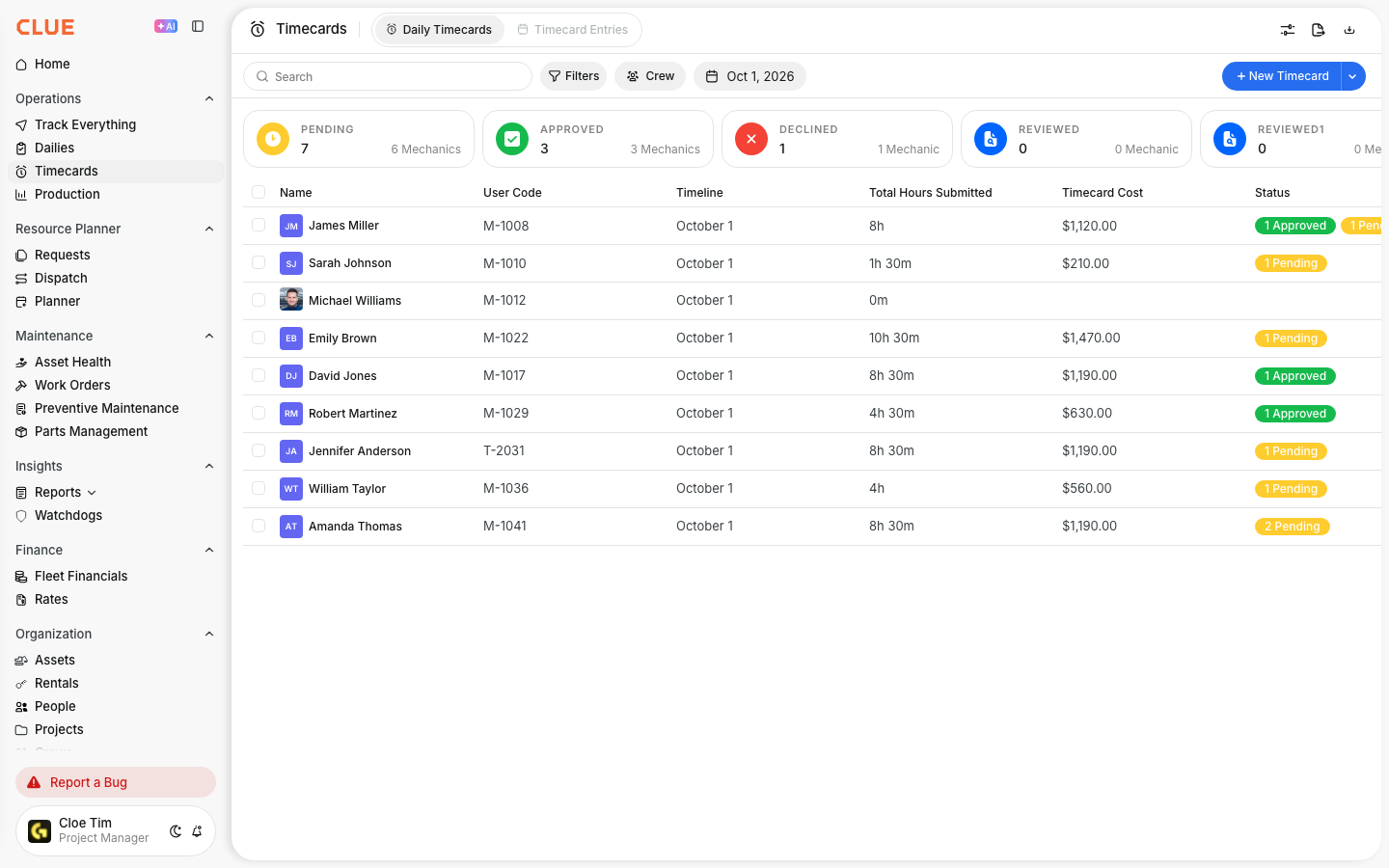
Step 2: Apply filters
Use filters to review:
- specific team members
- your crew or department
- a date range, such as the current pay period.

What to Review
When reviewing team timecards, focus on the entries that are most likely to cause payroll or costing problems. CLUE’s timecard guidance points managers toward gaps, unusual hours, and coding accuracy.
Check for:
- Missing entries - days with no time logged
- Unusual hours - overtime, short days, or overlapping time
- Project accuracy - time charged to the correct job
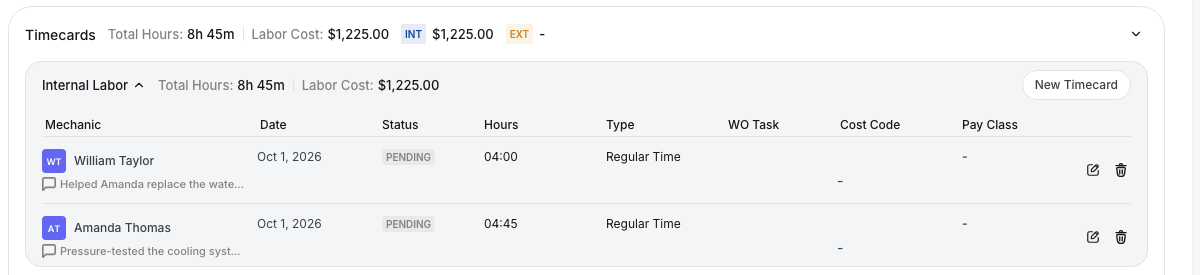
- Work order links - maintenance labor tied to the correct work order. If mechanics are logging labor through repairs, this works naturally with Recording Labor Time on Work Orders.
Approval Workflow
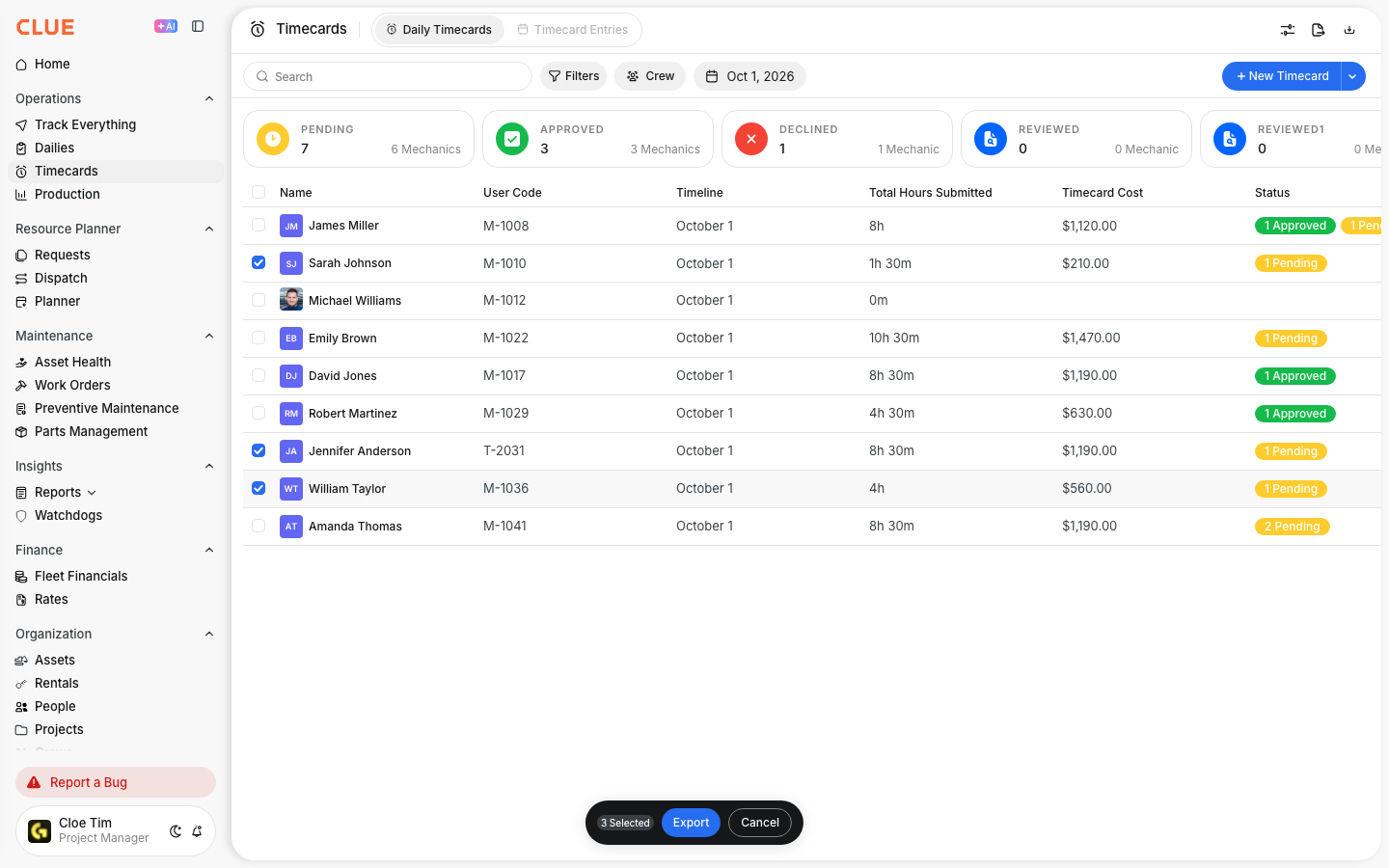
If your company uses timecard approvals, managers can review submitted entries and decide whether they should move forward. CLUE’s approval workflow supports reviewing details, approving correct entries, and rejecting entries that need changes.
In the approval flow, you can:
- review pending entries
- open an entry to see more detail
- approve entries that are correct
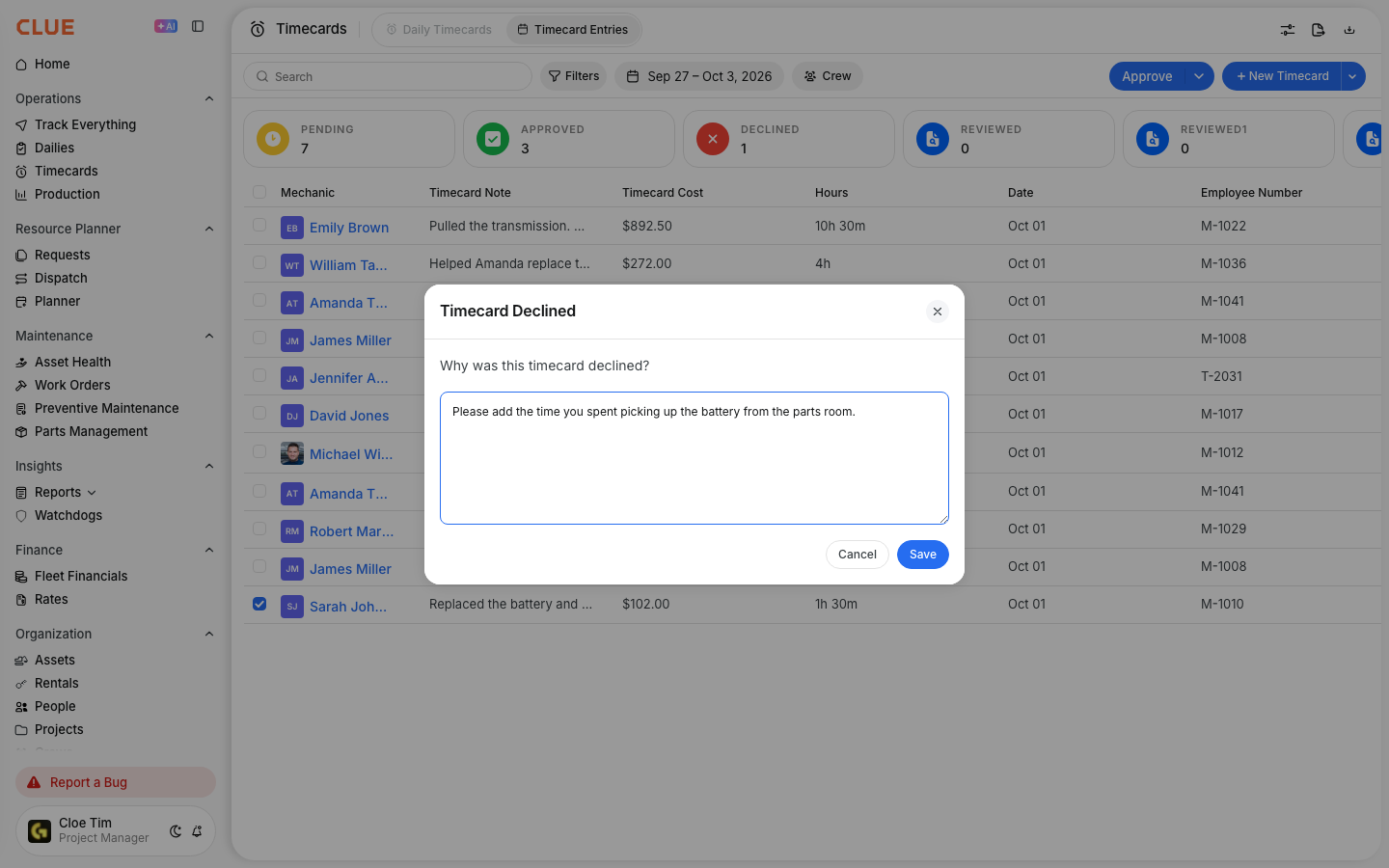
- reject entries that need to be fixed
- bulk approve multiple entries if that option is available in your setup.


Handling Corrections
When an entry is not correct, reject it with a clear note so the employee knows what to fix. Once the correction is made, review the updated entry again and approve it if it is ready. If managers need to edit the entry directly, Managing Timecard Entries is the best related article here.
Tips
Review timecards often so problems are easier to fix while details are still fresh. CLUE’s timecard guidance recommends daily review, quick approvals, and following up early when the same issues keep showing up.
- Review entries daily when possible
- Finish approvals before the payroll deadline
- Follow up with employees who regularly submit incomplete or incorrect time
- Use filters to focus on your team, project, or pay period
- If the hours came from maintenance work, compare the timecard with the linked work order before approving it.