Managing Parts Orders
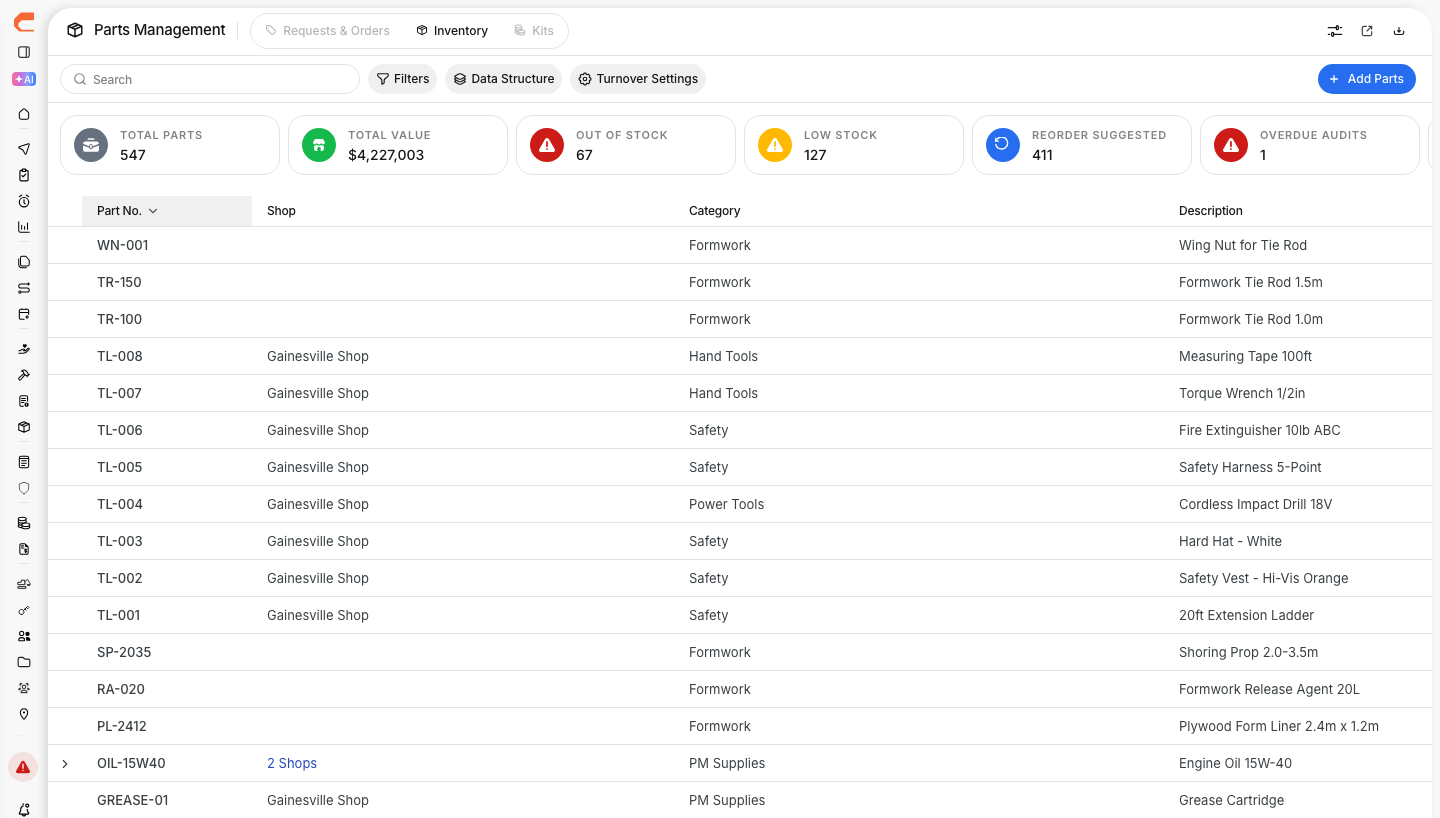
Use the Orders view to track parts from request through delivery. It helps your team see what has been requested, what is already on order, and what has been received, so repair work does not get held up waiting on parts.
Overview
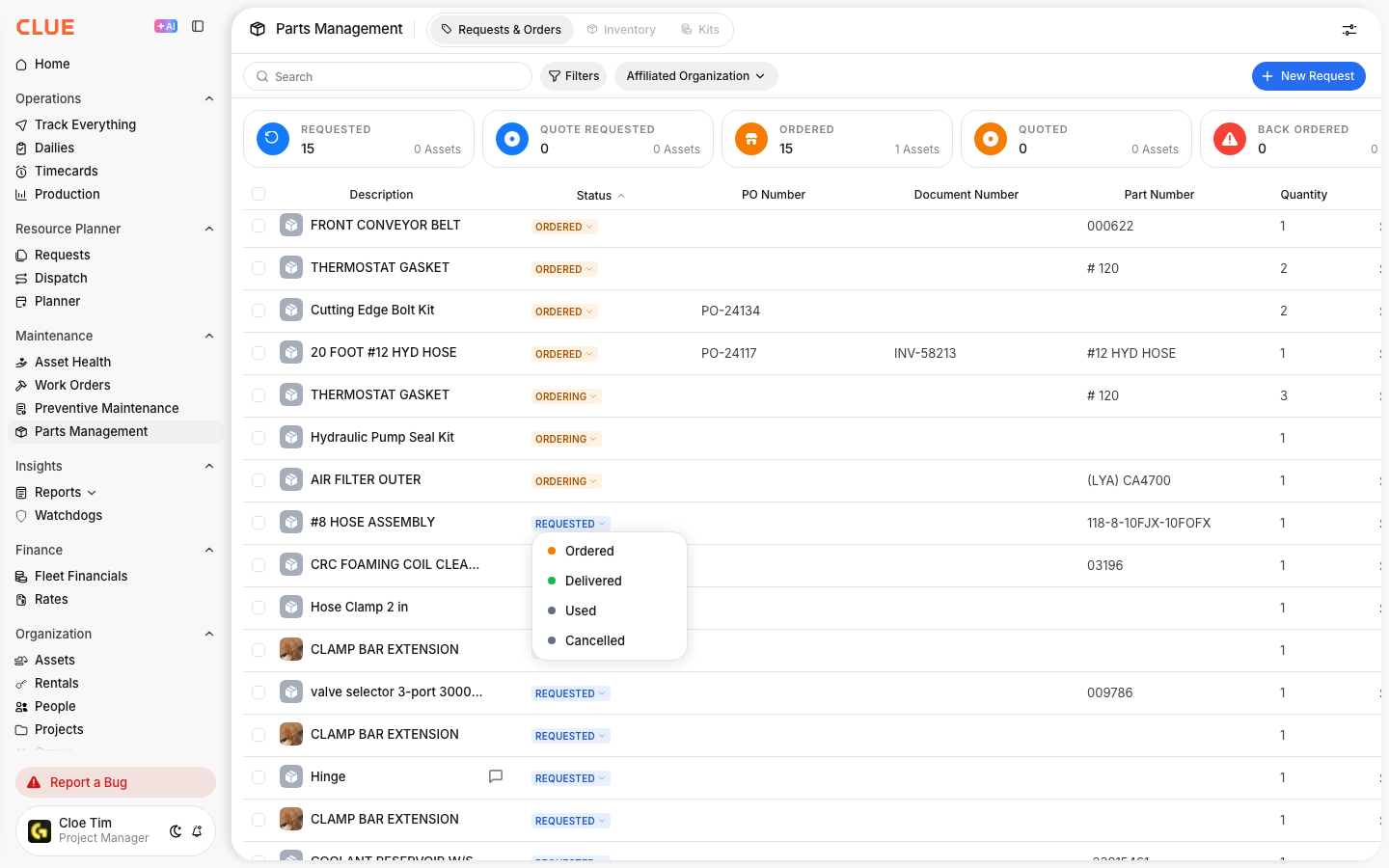
The Orders view is where you follow parts after the request has been made. It shows order status, delivery progress, and the details your team needs to follow up on open items. If the part has not been requested yet, start with Creating Parts Requests.
Accessing Parts Orders
Open Parts Management first, then go to the tab that shows active requests and orders. This is the same area used to track requests, open orders, and received parts.

- Go to Maintenance > Parts Management
- Click the Requests & Orders tab.
Order Statuses
Order status shows where each part order is in the process. Reviewing status often helps the shop know what is still pending and what is ready to use.
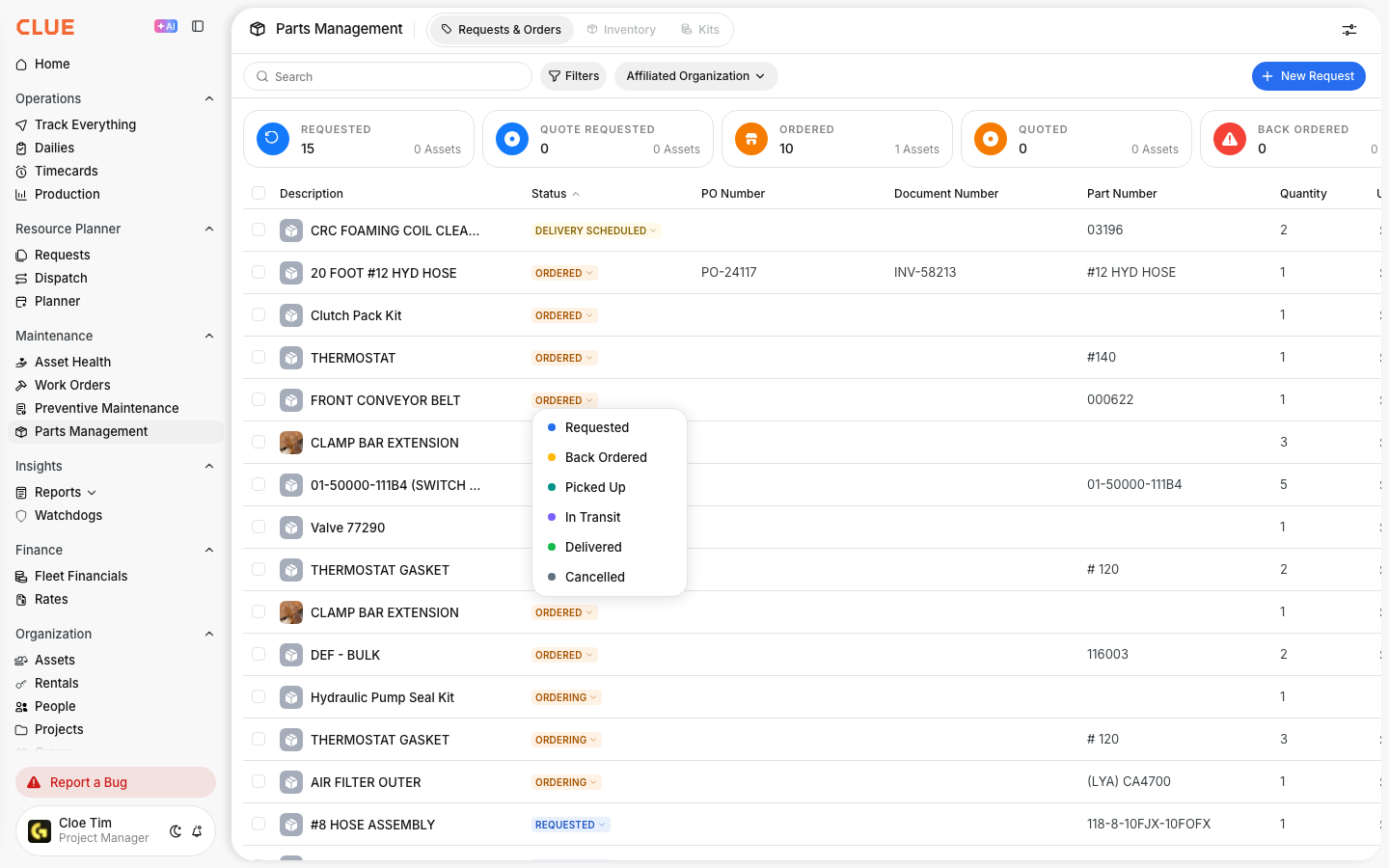
Requested
The order has been submitted, but it has not been confirmed yet.
Ordered
The order has been confirmed with the vendor and is waiting to ship.
Shipped
The parts are in transit.
Received
The parts have arrived and have been checked in. Once they are received, they can move into inventory and be used on repairs.
Cancelled
The order was cancelled and is no longer active.
Viewing Order Details
Open any order when you need more than the status. The order detail view gives you the main information needed to confirm what was ordered, where it is coming from, and what repair it is tied to.

You can review:
- the parts included in the order
- quantities and costs
- vendor information
- tracking number, if one has been added
- the related work order.
If the part is tied to a repair, this usually works best alongside Adding Parts to Work Orders, so the part cost and the repair stay connected in the same record.
Updating Order Status
Keep the order status current as parts move through the process. That helps mechanics, foremen, and purchasing teams all see the same information without chasing updates somewhere else.
- Open the order
- Change the status as the part moves through the process
- Add notes about delivery, delays, or other issues.
If a part is still not available, it can also help to check Viewing Parts Inventory before ordering again, especially for items that may already be in stock at another location.
Receiving Parts
When the parts arrive, update the order right away so stock levels stay accurate. This helps the shop know the part is available and prevents repeat orders for the same item.

- Open the order
- Verify the quantities received
- Mark the order as Received
- The parts are added to inventory automatically.
If the received part needs to go straight onto a repair, the next step is usually Adding Parts to Work Orders.
Tips
A few small habits make parts tracking more reliable. The main goal is to keep order status, inventory, and repair records in sync.
- Update statuses as soon as something changes
- Add tracking numbers when they are available
- Follow up on overdue orders before they delay repair work
- Check inventory before placing a new order
- Keep parts linked to the work order so cost tracking stays accurate.