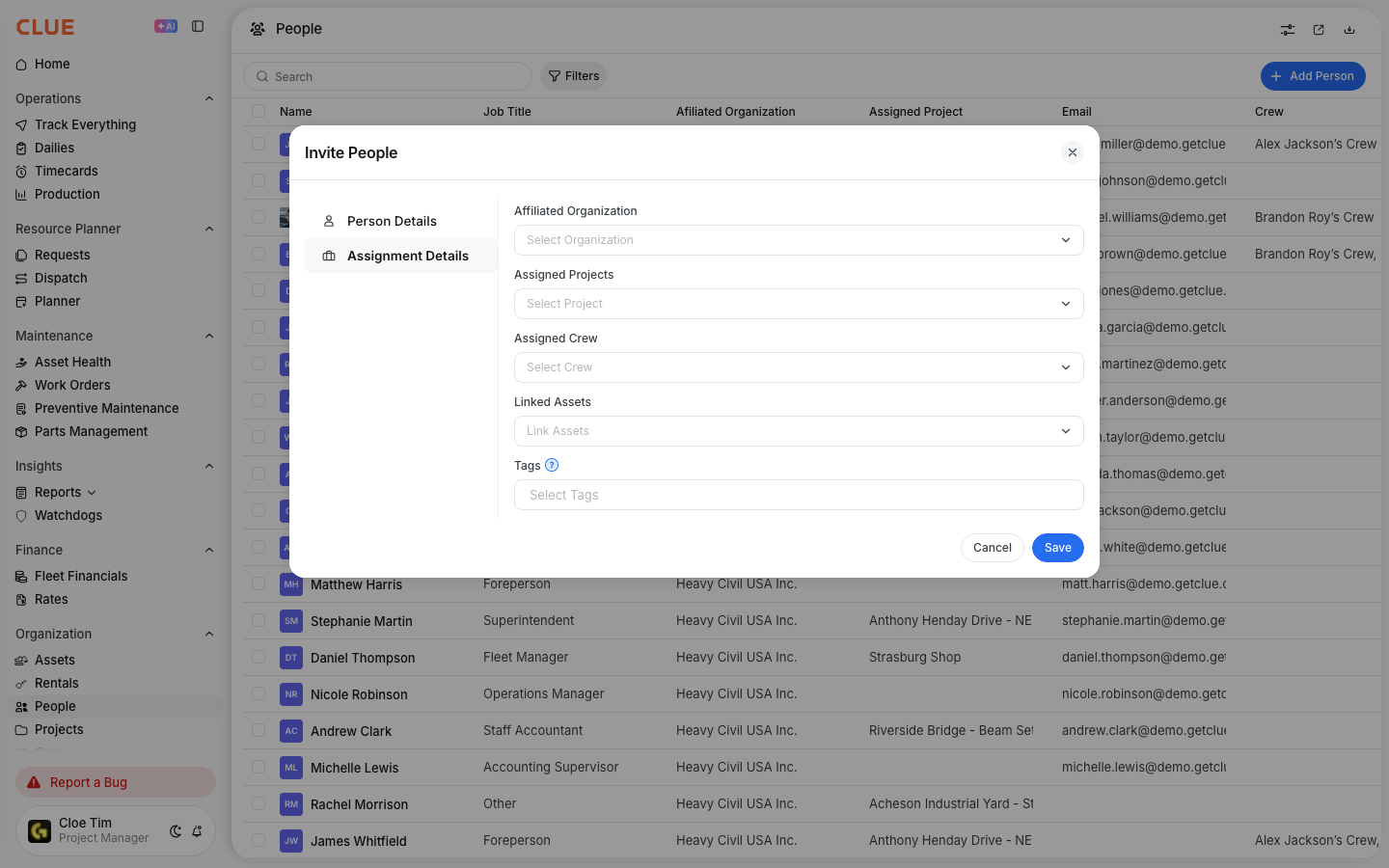
Link people to assets so CLUE can track who operates a machine, who shares it, or who is responsible for it. This helps keep operator assignments clear and makes it easier to connect people, equipment, and work history in one place.
People directory
You can manage these links from either the person record or the asset record. Both paths update the same relationship, so your team can work from the view that makes the most sense. This also fits naturally with Managing the People Directory, Managing Your Asset Directory, and Asset Assignment History: User Tracking.
Types of links
Each link type helps define how that person is connected to the asset. Use the option that best matches how your team works in the field.
- Primary Operator - the main person assigned to the asset
- Secondary Operator - a backup operator or shared user
- Responsible Person - the person accountable for that asset
Linking from People
Use the person record when you want to assign assets to one person and manage their equipment relationships in one place. This is usually the easiest option when updating assignments for a specific employee or operator.
Step 1: Open People
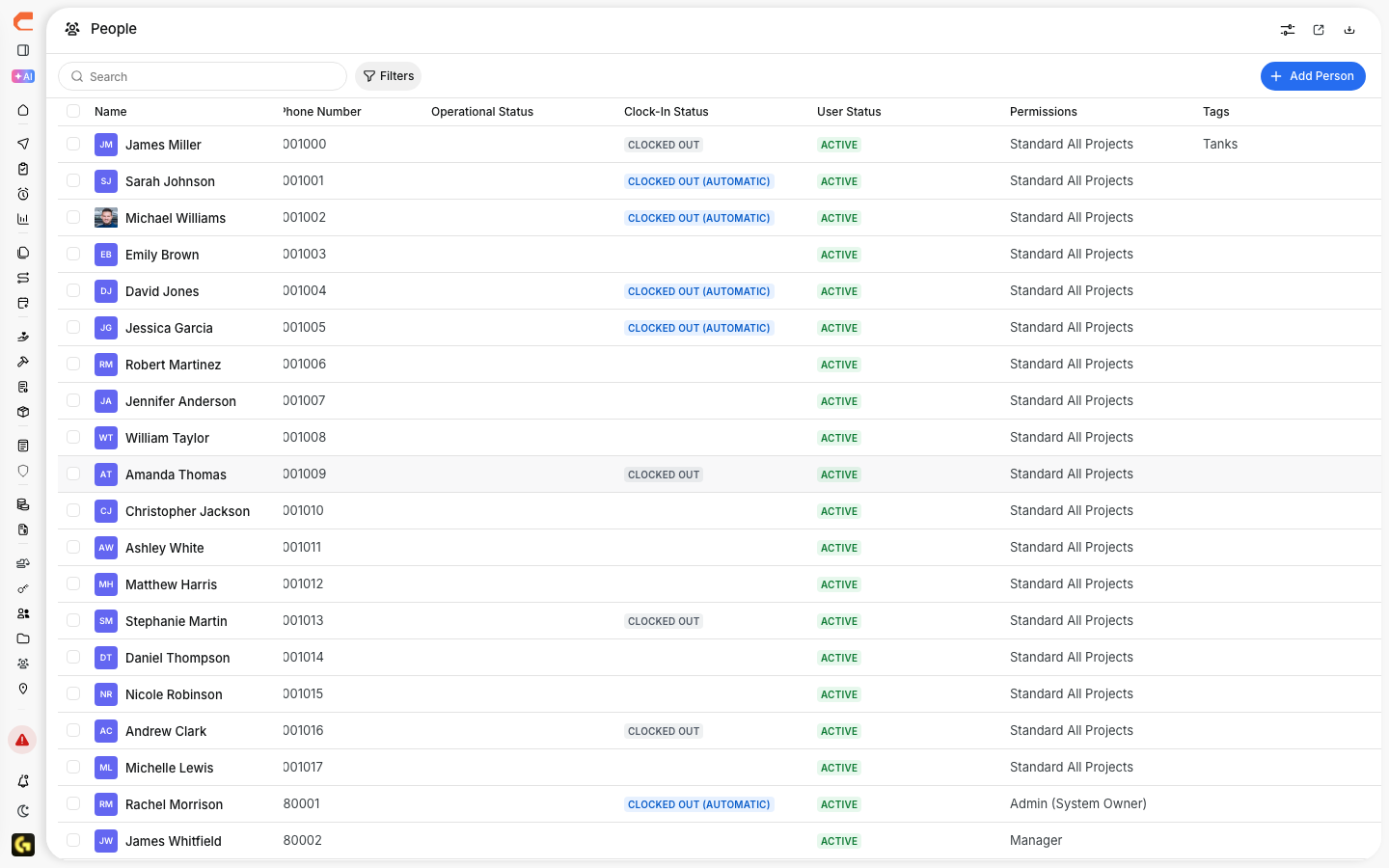
Go to Directory > People and click the person’s name.
This opens the person detail view, where you can review their profile, assignments, and linked assets. This is also a strong internal linking spot for Managing the People Directory.

Step 2: Find Assigned Assets
In the person record, go to the Assigned Assets section.
This section shows the assets already linked to that person and gives you the option to add more.

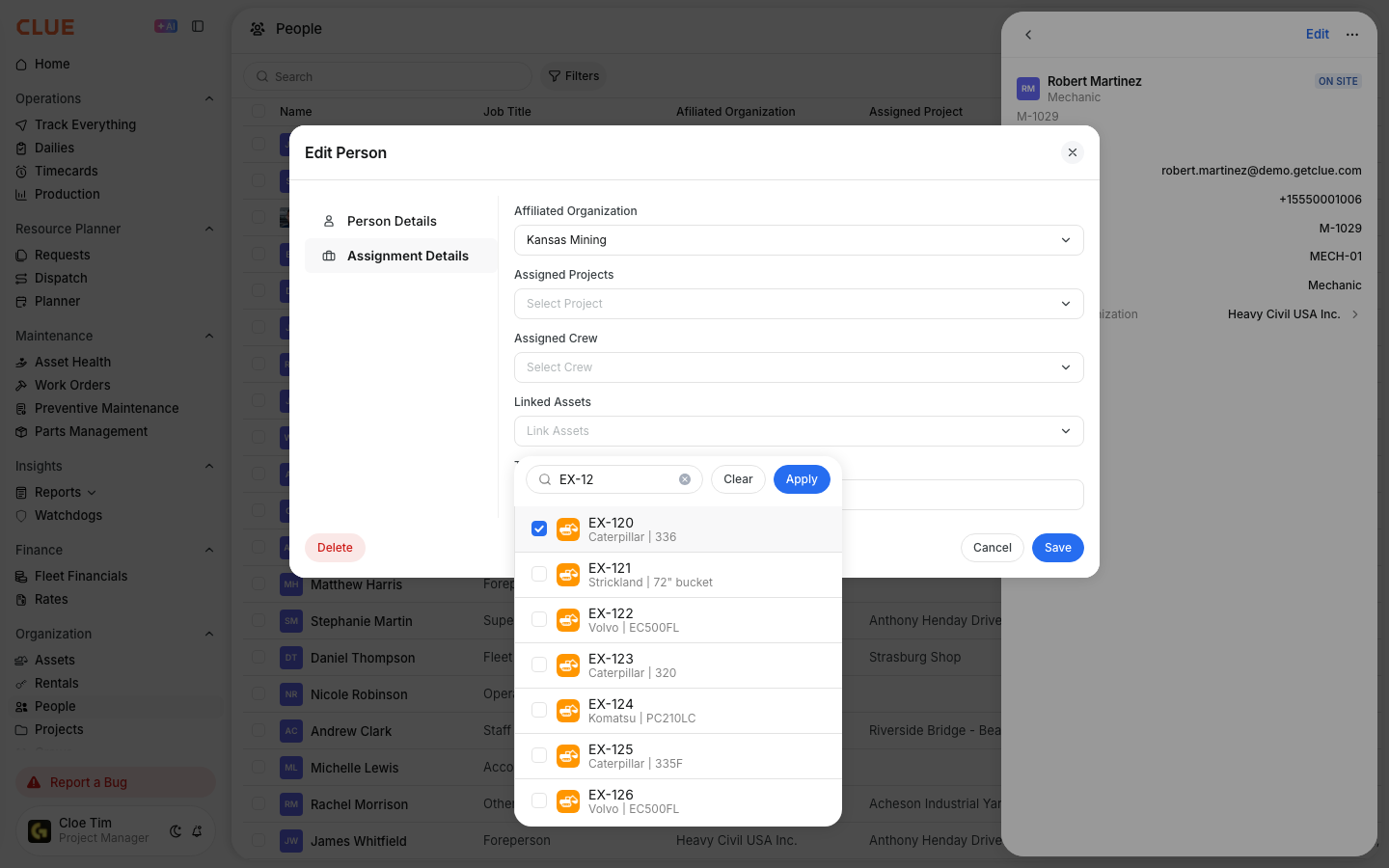
Step 3: Click Add Asset
Click Add Asset to create a new link.
From there, you can choose the asset and define the relationship type for that person.
Step 4: Select the asset and relationship type
Choose the asset you want to link, then select the relationship type.
Use the relationship type to show whether the person is the main operator, a secondary operator, or the person responsible for that asset.
Linking from Assets
Use the asset record when you want to manage the people connected to one machine. This is useful when the update starts from the equipment side instead of the person side.
Step 1: Open Assets
Go to Directory > Assets and open the asset you want to update.
This opens the asset detail view, where CLUE shows profile details, assignment information, and operator links. This is a natural place to link to Managing Your Asset Directory.
Step 2: Find Assigned Operators
In the asset record, go to Assigned Operators.
This section shows the people currently linked to that asset and lets you add or update the list.
Step 3: Add the person
Add the person you want to link to the asset.
Once saved, CLUE keeps that relationship on the asset record and can use it in related workflows.

Benefits
Linking people to assets gives the team a clearer view of who is using what equipment and who is responsible for it. It also makes asset history easier to review over time.
Main benefits include:
- seeing who is using which equipment
- helping support work order assignments
- tracking operator history on the asset over time
- making current and past operator relationships easier to review in Asset Assignment History: User Tracking
Tips
A few simple habits make these links more useful. The goal is to keep assignments current so the rest of the system stays accurate.
- Update links when operators change equipment
- Use clear relationship types so the assignment means the same thing across the team
- Review linked operators when checking asset history or project changes
- Connect this workflow to Creating and Managing Work Orders and Asset Assignment History: User Tracking if your team also uses operator links during maintenance review or history checks