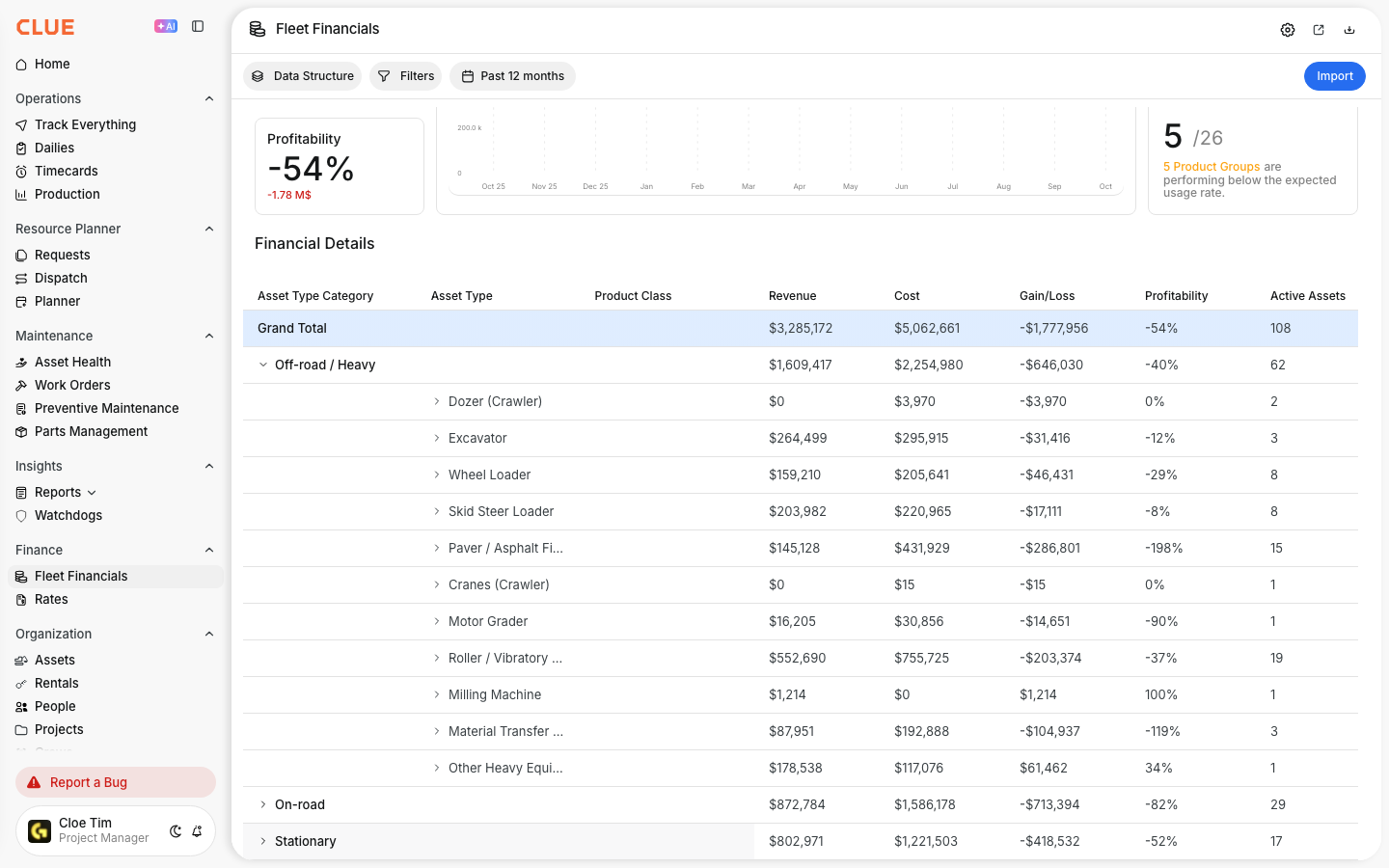
Fleet Financials: Uploaded Files and Clue Data
What is this?
Fleet Financials shows two kinds of numbers. The files you upload come from your accounting system. Clue also records costs and revenue from your work orders, timecards and rates as they happen.
For each month and account that your uploaded file covers, Fleet Financials uses your file only. Clue's own amounts for those months stay out of the totals, so nothing counts twice. Clue's amounts after the last date in your file still show until your next upload.
Who's this for?
- Finance and fleet managers, to see one set of numbers that matches the books.
- Equipment managers, to see recent work order costs before the next upload arrives.
- Admins, to choose whether Clue's recorded amounts show in the totals at all.
How to use it
Step 1: Open the settings
Go to Finance > Fleet Financials. Click the gear icon at the top right.

Step 2: Choose what the totals show
Find Show Provisional Data. Provisional data is what Clue recorded that is not in your uploaded file yet. Turn it off to see only the numbers from your uploaded files. Your change saves automatically.

Step 3: Keep the overwrite option off
Leave Allow provisional writes to overwrite ERP-source rows off. When it is on, Clue's amounts also count for months your file covers. The same cost can then count twice.

The full details
- Which dates a file covers: every month and account in the file, up to the last date in the file or the upload day, whichever comes first.
- Files with months only: a file with a year and month but no day covers the whole month.
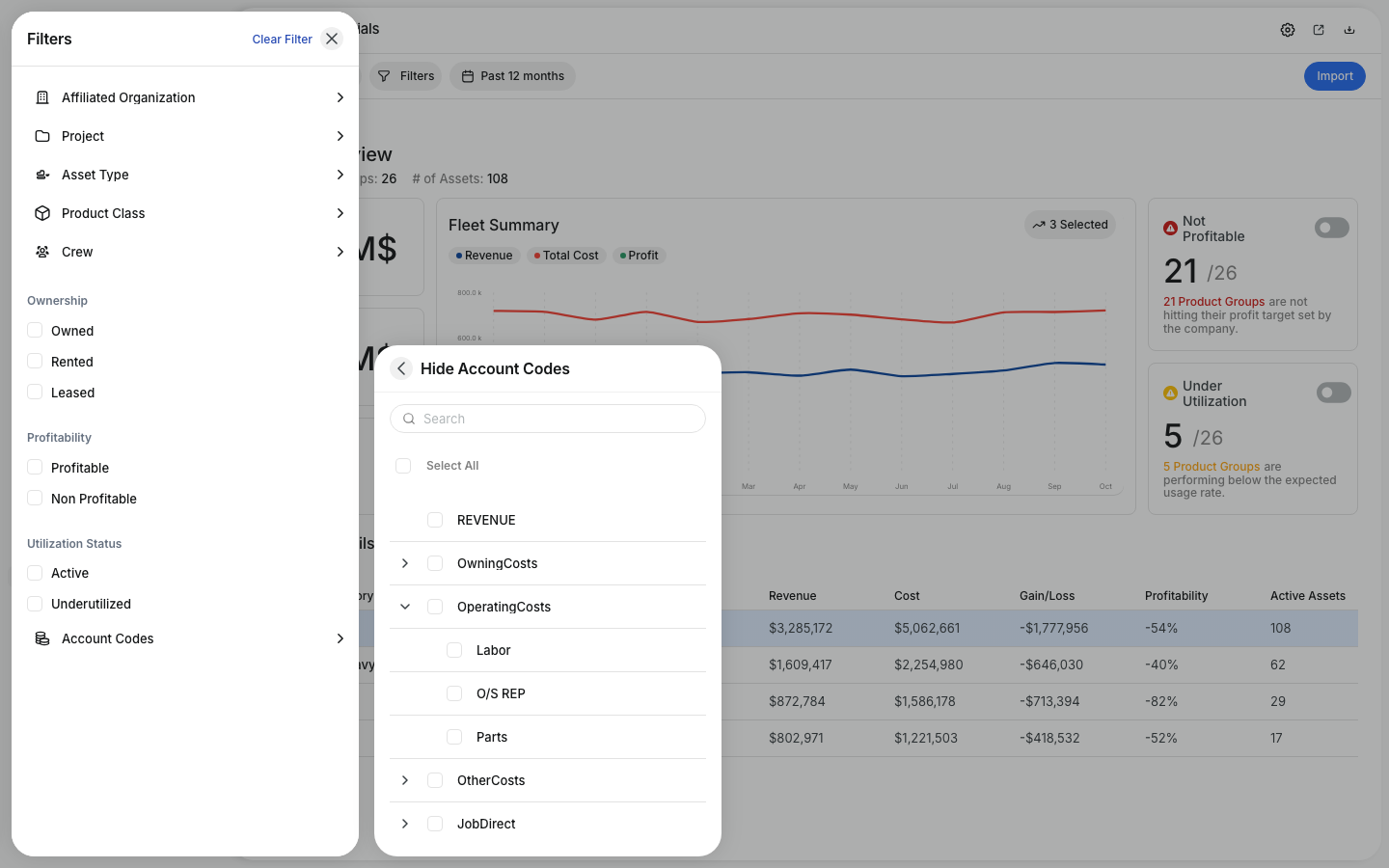
- Which accounts a file covers: an account in your file covers the same account, its parent account and its sub-accounts. A file with Parts does not cover Labor.
- Late entries: a cost Clue records later for a covered date also stays out of the totals.
- Undo an upload: Clue's amounts for those months come back, unless another upload also covers them.
- Show Provisional Data: on by default. It applies to every Fleet Financials total for your company.
- Who can change it: users with permission to update Fleet Financials settings.
- Works on: web app.
Tips
- Upload your file soon after each month closes. The gap with Clue's recorded amounts stays short.
- For a board report that must match your books exactly, turn Show Provisional Data off first.
- Use the same account names in your file as in your account codes. A row under a parent account covers all its sub-accounts.