Choose Your Learning Path
New to Clue? Start here.
Pick the role that matches your job. Each path gives you the right articles, in the right order, so you get up and running fast.
Operators and Field Crew
Inspections, fuel reports, timecards, and the mobile app. About 30 minutes.
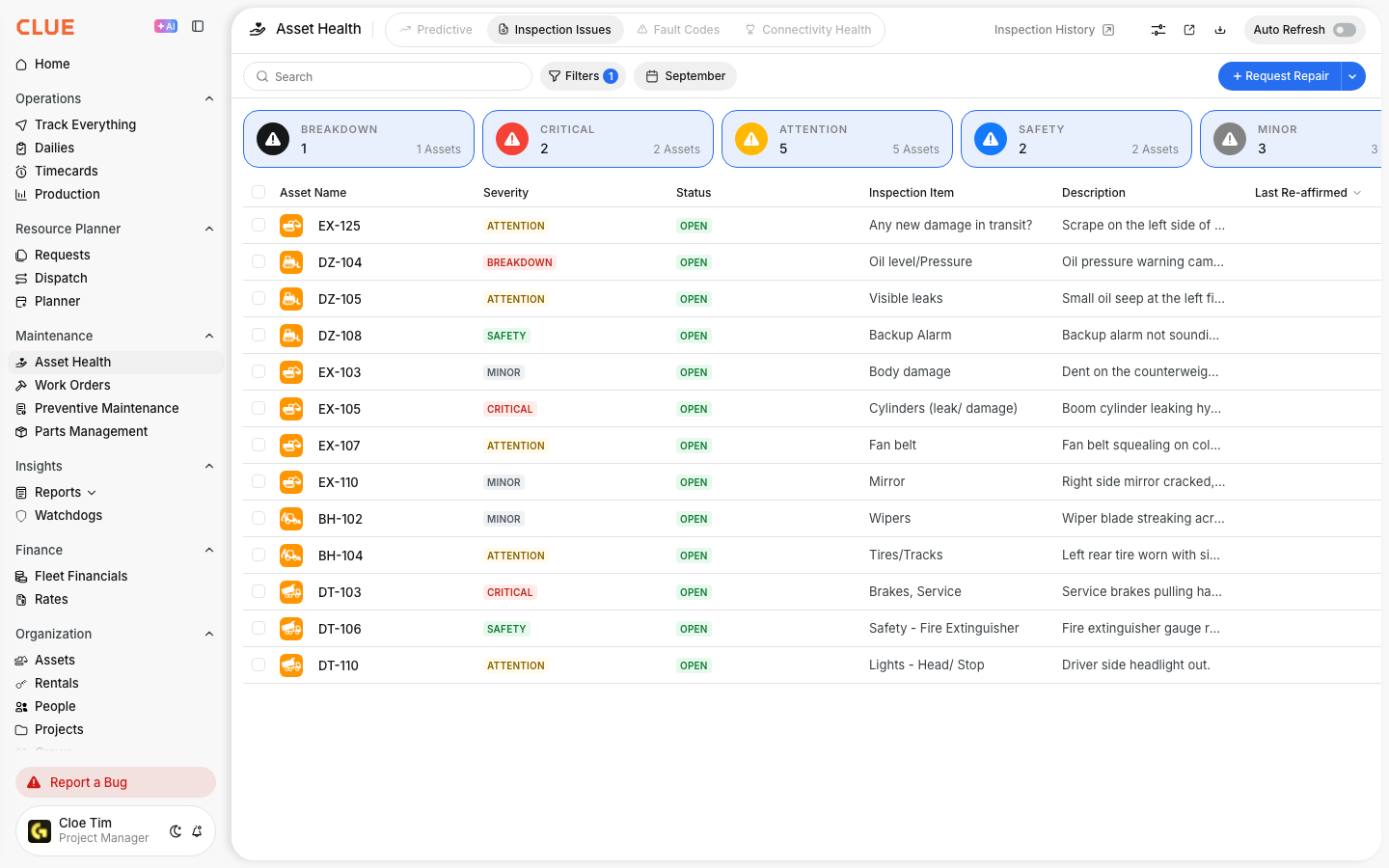
Mechanics
Work orders, parts, labor time, reason codes, and voice input. About 45 minutes.

Fuelers and Oilers
Fuel reports, fluid inspections, tank levels, and issue reporting. About 20 minutes.
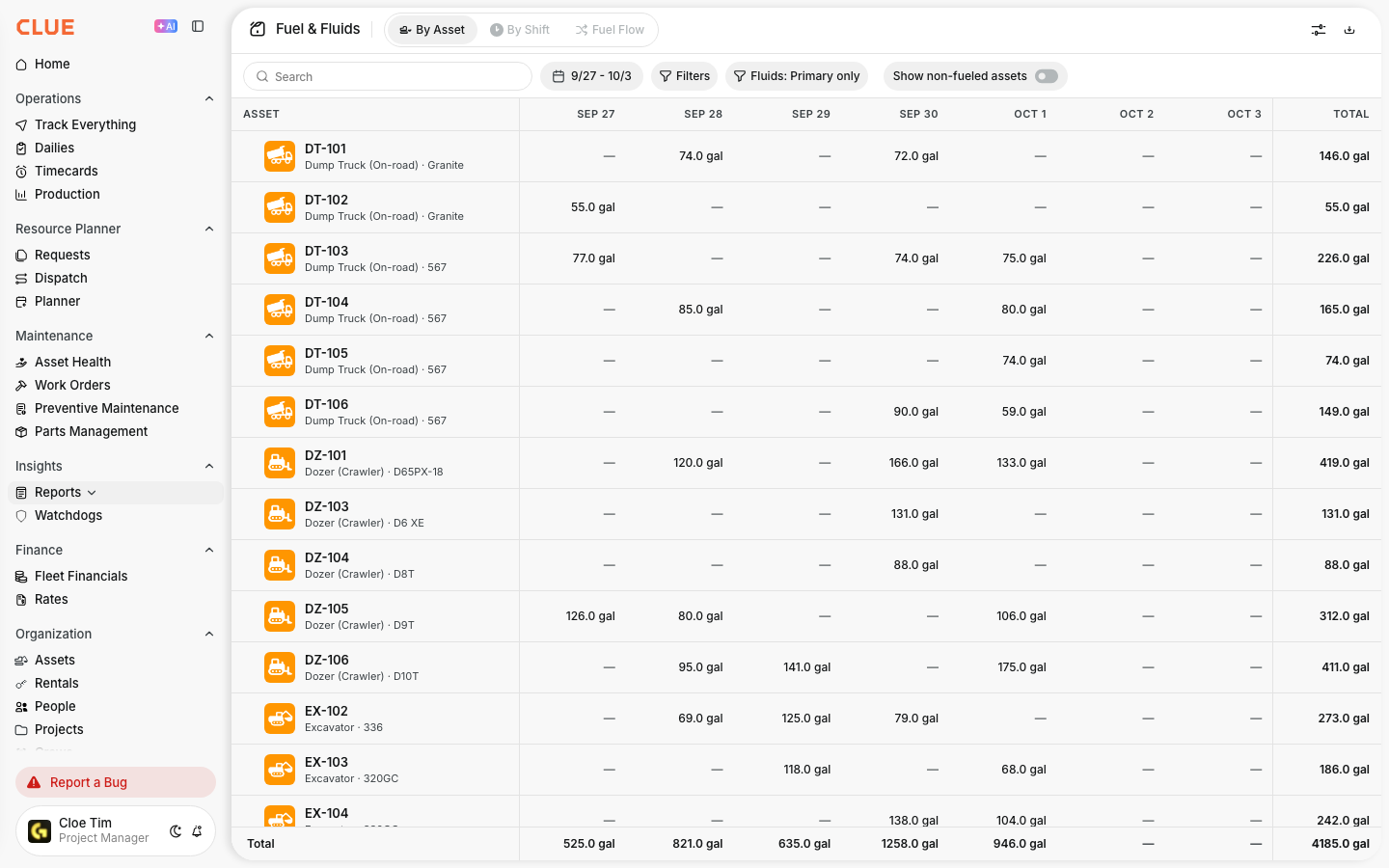
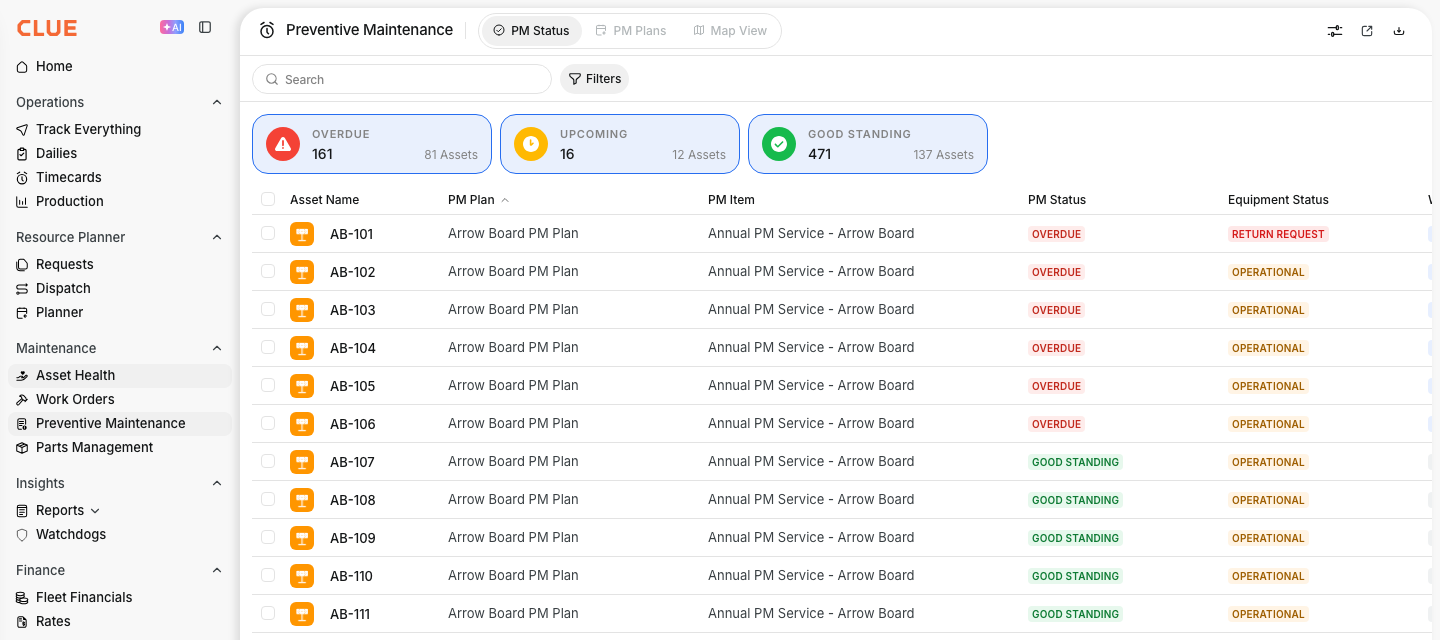
Shop Foremen
Work order management, timecard approval, PM scheduling, and inspection triage. About 60 minutes.

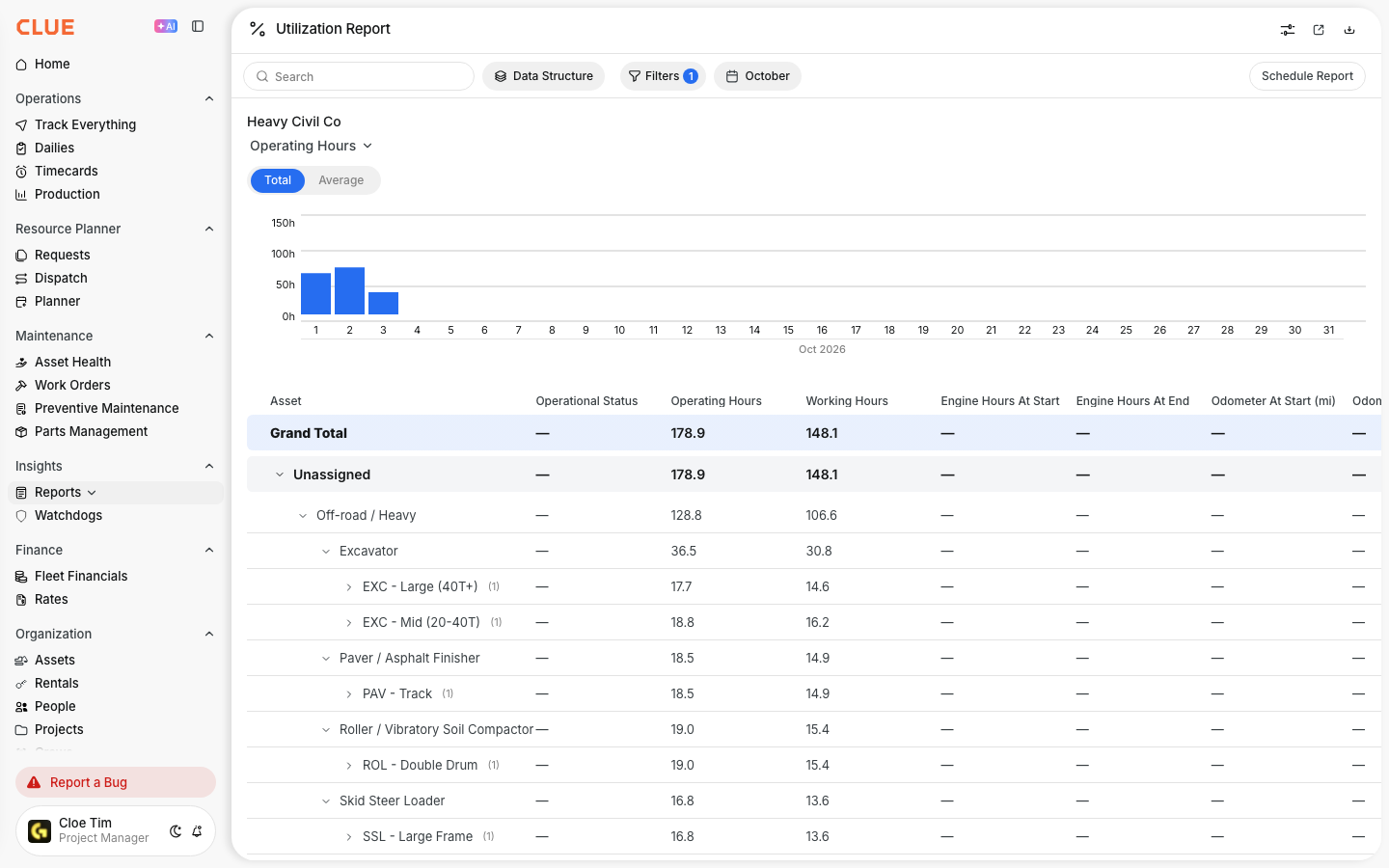
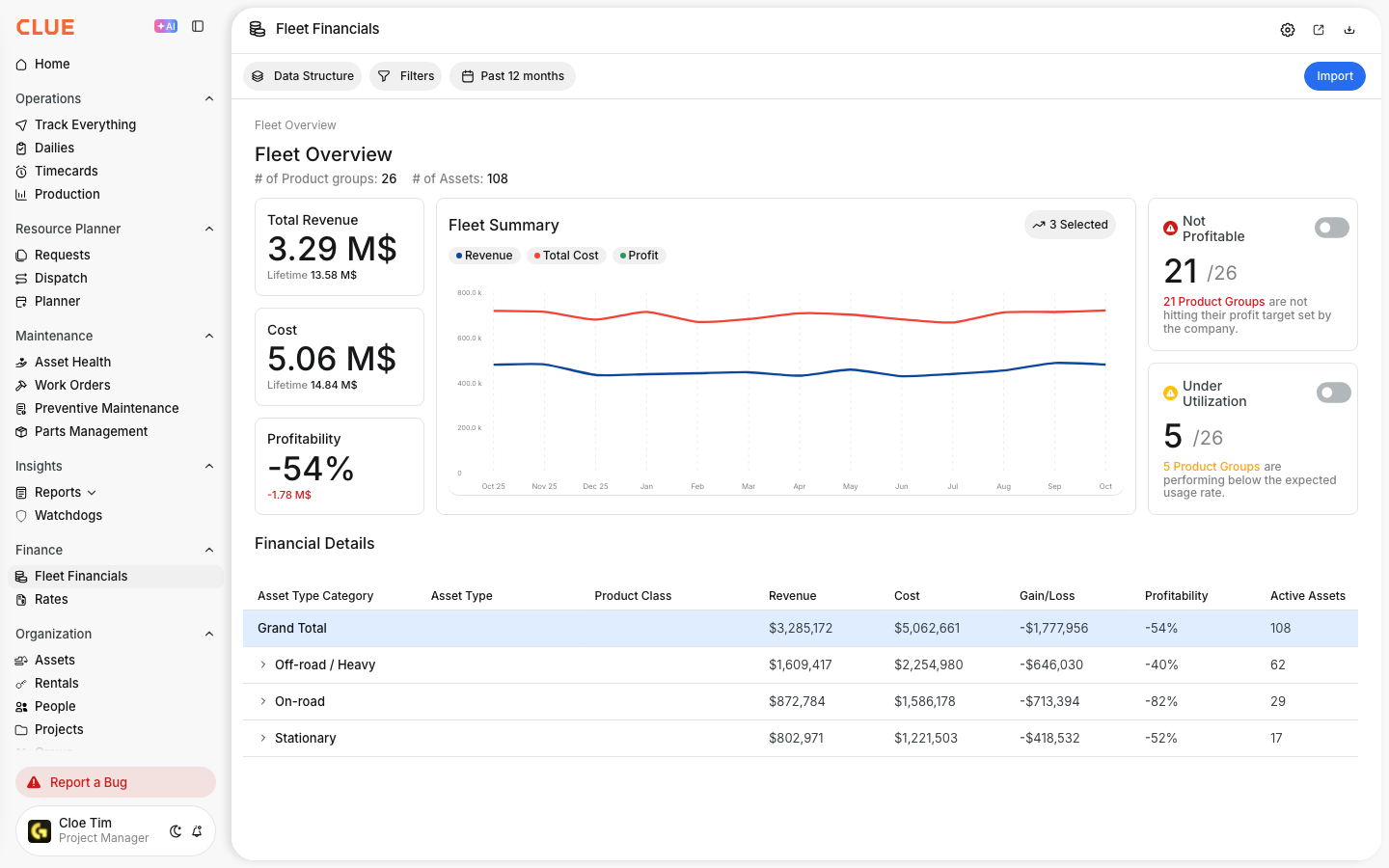
Equipment Managers
Fleet financials, PM plans, utilization reports, dashboards, and reliability analysis. About 90 minutes.
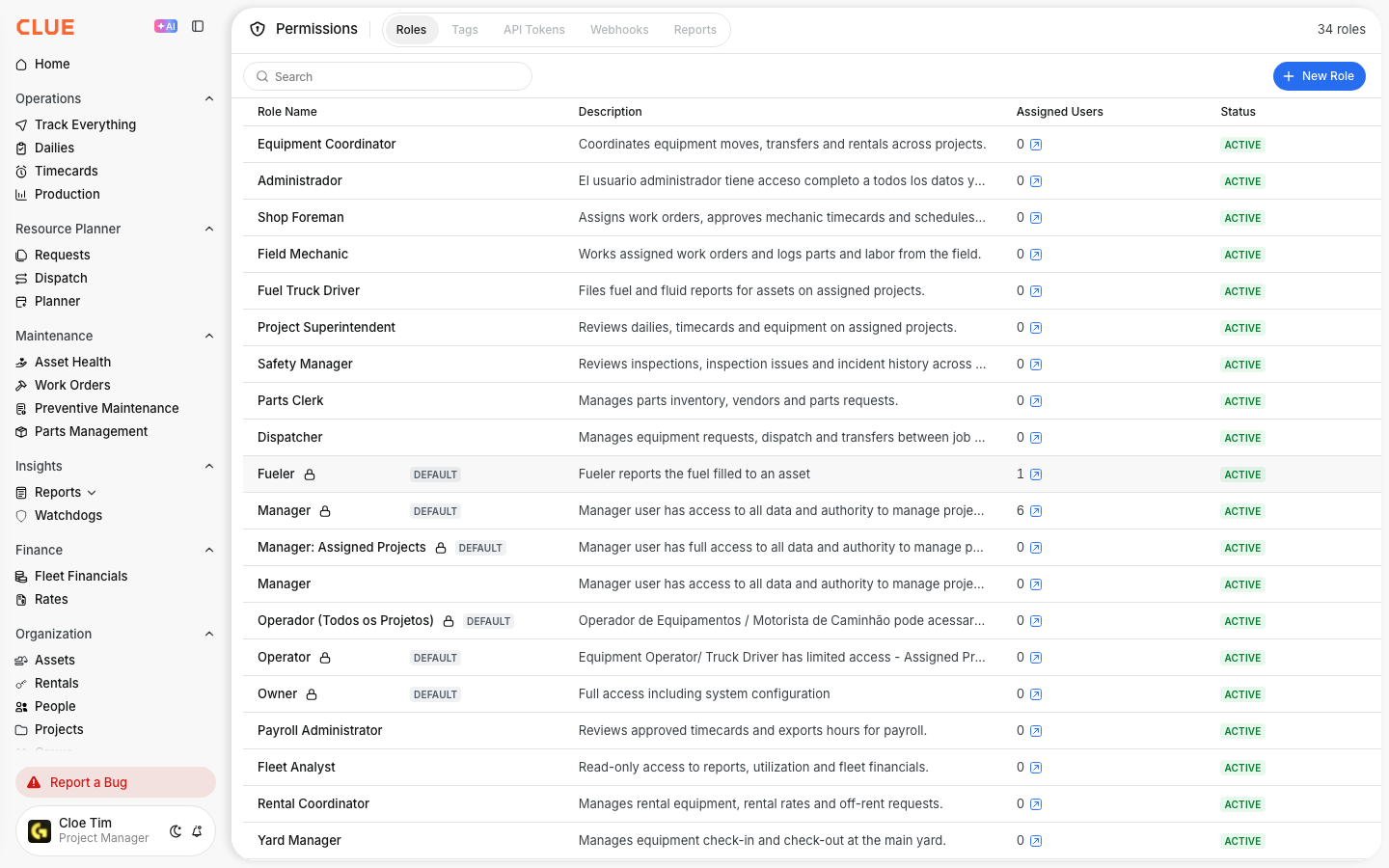
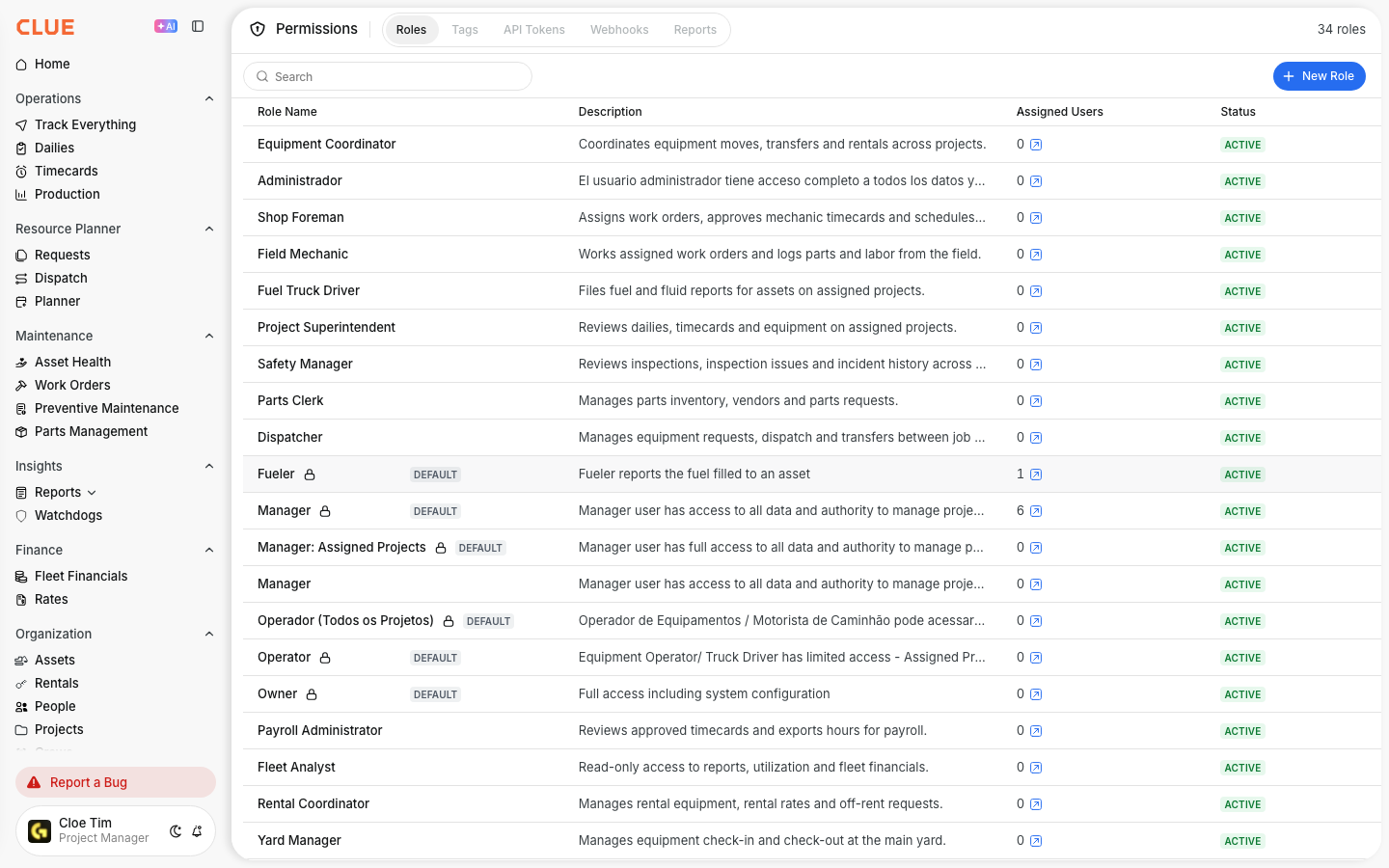
System Admins
Org setup, permissions, modules, SSO, Vista integration, and change management. About 60 minutes.
Not sure which path?
Start with the First Time Login Guide and Navigating the CLUE Dashboard. Then pick the path that fits your daily work.