Crews help you organize people into working teams inside CLUE. This makes it easier to plan labor, dispatch groups together, and keep team assignments consistent across projects and daily operations.
What Are Crews?
A crew is a group of people who usually work together. This could be a maintenance team, a field crew on a project, or a shift-based group that follows the same schedule. Crews are used to make planning and dispatch easier when the same people often move as a team.

Assigning to a Crew
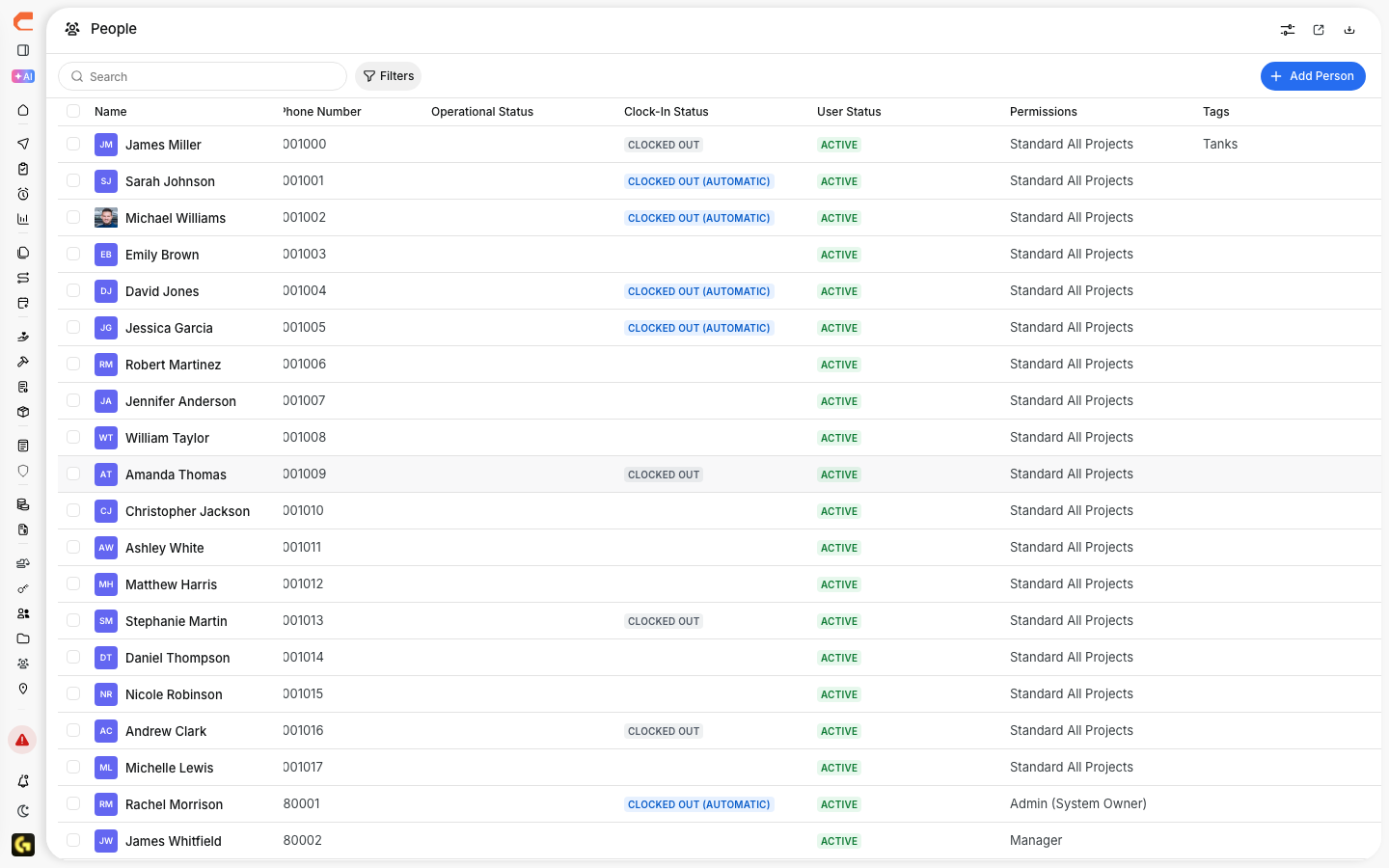
You can assign a person to a crew from the People directory. This is the best place to manage team structure and keep crew assignments up to date.
Go to Directory > People.
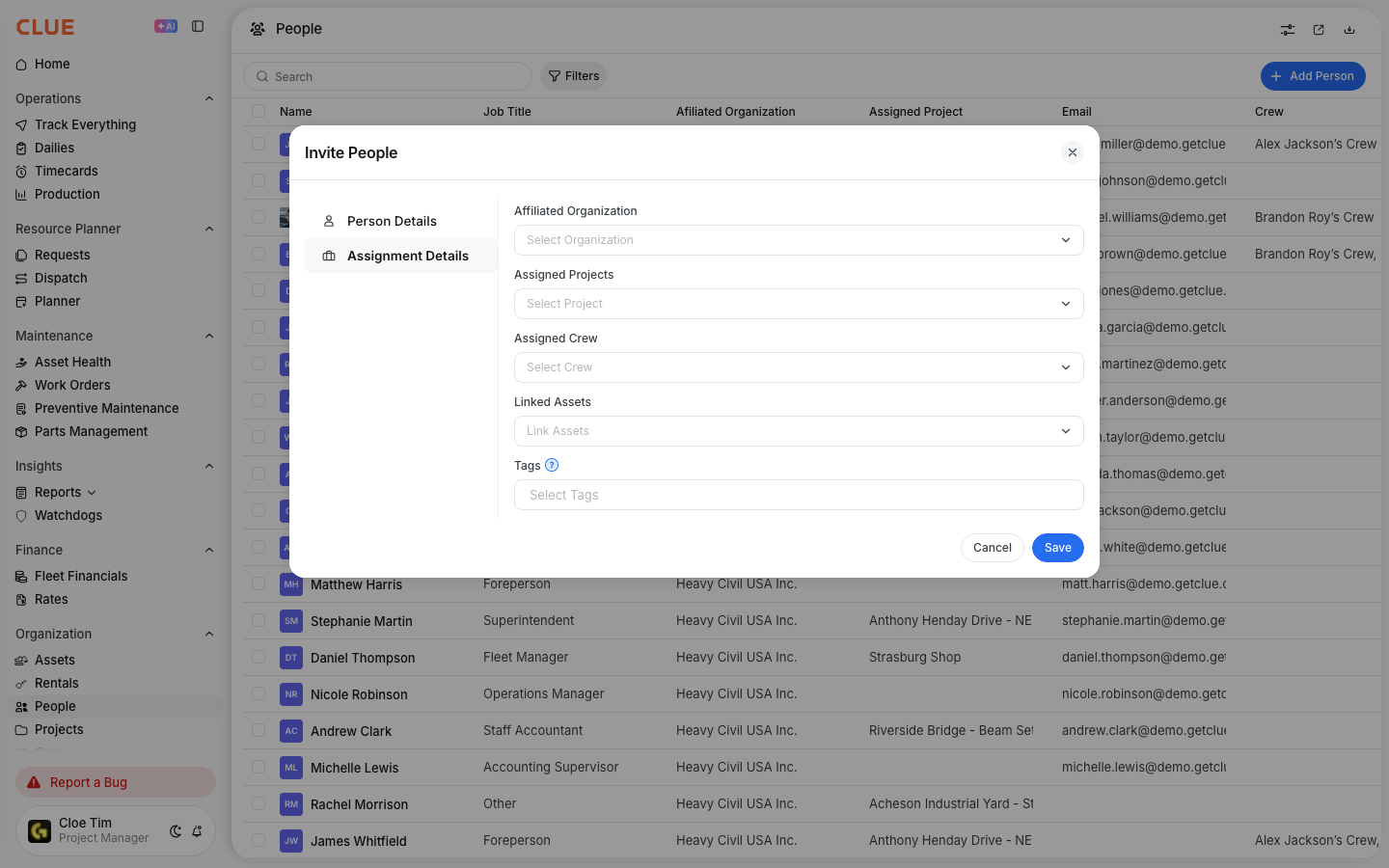
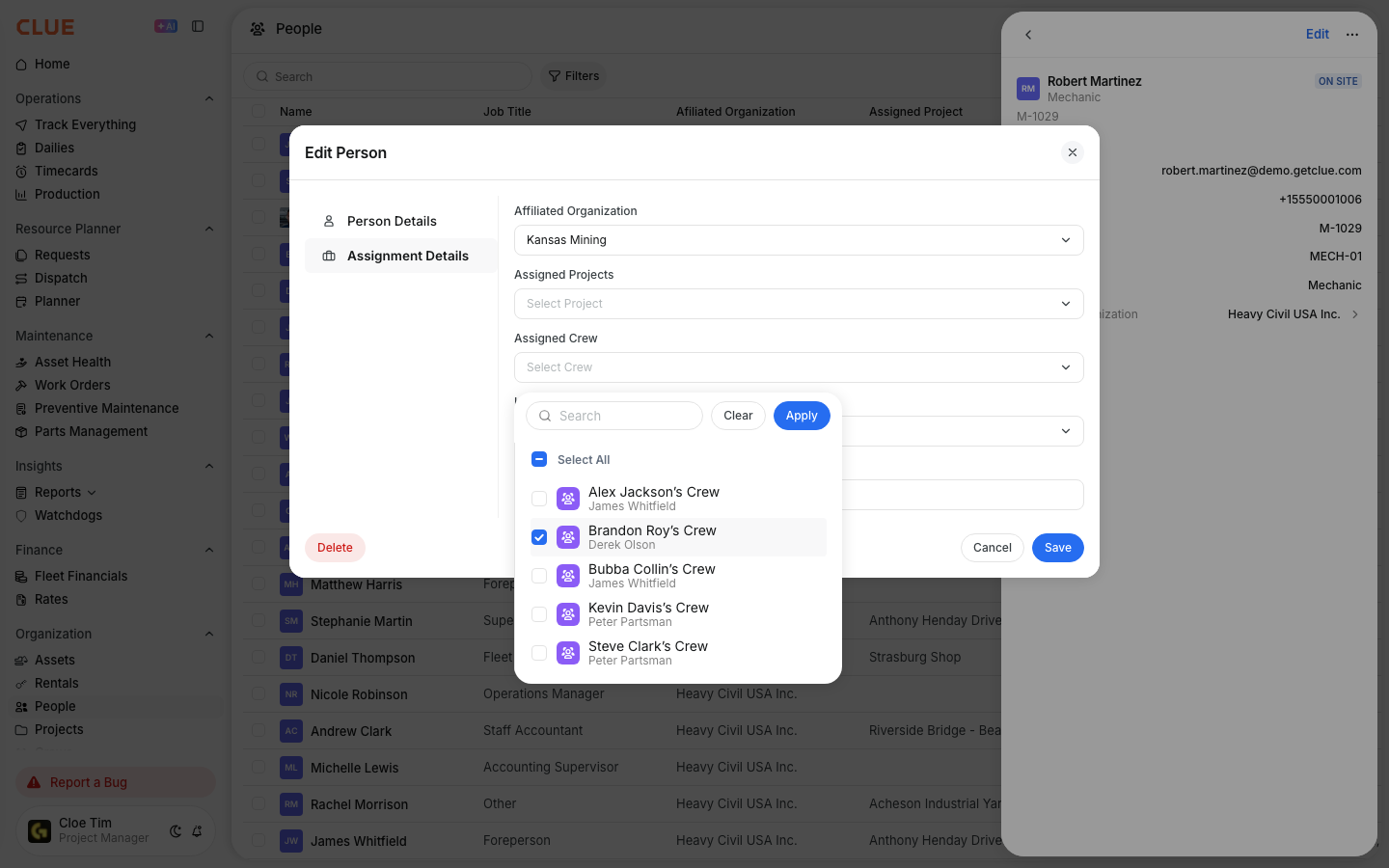
Click the person’s name to open their record. Then find the Crew field, choose an existing crew or create a new one, and save the change.
Benefits of Crews
Crews make it easier to manage people as a group instead of one person at a time. This is especially useful when the same team is scheduled, dispatched, or reviewed together.
Using crews helps with:
- Dispatch - send a whole crew to a project more quickly
- Scheduling - review availability by team instead of by person
- Communication - keep team coordination clearer when people work as one group
Crews are also useful when working in Dispatching People to Projects, since grouped teams are easier to move and track on the dispatch board.

Tips
A few simple habits can make crews easier to manage over time. Clear crew names and regular cleanup help keep assignments useful as projects and teams change.
- name crews by function, like Excavation Team A or Field Service Team
- assign a crew lead when one person is responsible for coordination
- review crew assignments as projects or staffing change