

CMiC
Transform your construction management with CMiC ERP, a comprehensive enterprise resource planning solution designed for the construction industry. CMiC ERP streamlines project management, financials, and operations, providing real-time data and advanced analytics. Enhance efficiency, reduce costs, and improve decision-making with CMiC ERP.
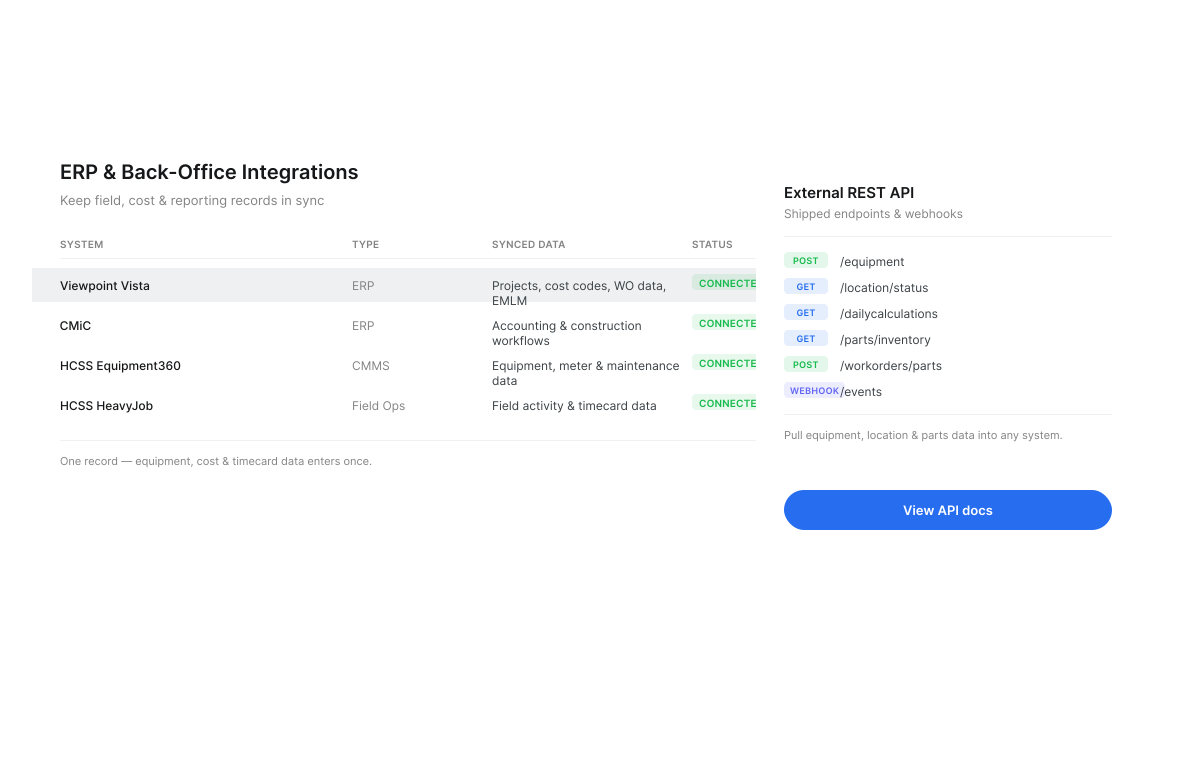
Power Up with CMiC
Integrating Clue with CMiC ERP offers numerous benefits for construction management. This powerful combination streamlines equipment tracking, automates maintenance scheduling, and ensures real-time data synchronization. By unifying asset management and providing comprehensive insights, it enhances operational efficiency, reduces downtime, and keeps projects on budget and on schedule. For more details, you can explore CMiC's integration capabilities
How the CMiC integration works
Clue connects directly to your CMiC instance through the CMiC REST API and synchronises every hour. There are no CSV exports, no scheduled file drops and no middleware to maintain. Once your CMiC credentials are in place, your equipment list, your jobs and your job phases stay continuously aligned between the two systems without anyone re-keying them.
Because Clue reads CMiC as the system of record for job structure, the equipment data Clue collects from telematics, inspections and work orders lands against the same job and phase codes your finance team already uses. That is what makes the equipment cost and utilisation reporting in Clue reconcilable with what CMiC shows.
What syncs today
- Equipment — your full CMiC equipment master flows into Clue, including equipment code, make, model and status. Clue keys each asset on its CMiC identifier, so renaming an asset in CMiC never creates a duplicate in Clue.
- Jobs — CMiC jobs become Clue projects, carrying job name, job code, status and address. Archived jobs are automatically excluded, so Clue only ever shows work that is actually live.
- Job Phases — phase structure comes across with the job, so equipment time and cost can be attributed at the phase level rather than lumped against the job.
Available as optional add-ons
The following are built and available. They are switched on per customer during onboarding rather than enabled by default, so you only take what you need:
- Departments → Sub-organisations — mirror your CMiC department structure in Clue, and optionally auto-assign equipment and jobs to the right division or region.
- Employees → Users — provision Clue users from your CMiC employee records instead of maintaining a separate list.
- Cost codes and financial data — bring CMiC cost codes into Clue so equipment charges line up with your existing cost structure.
- Custom fields and endpoints — if your CMiC instance exposes data specific to how you operate, it can be mapped into Clue.
CMiC x Clue Capabilities
What this changes day to day
Your equipment list stops drifting. Most contractors running CMiC maintain a second equipment list somewhere else — a spreadsheet, a telematics portal, a maintenance system. Every one of those drifts from CMiC within months. With the integration live, CMiC stays the master and Clue follows it hourly.
Job costing gets the usage data it was missing. CMiC knows what a job should cost. Clue knows how many hours the excavator actually ran, when it was serviced and what the repair cost. Connecting them means equipment cost per job stops being an estimate.
Nobody re-keys a job number again. When jobs and phases flow automatically, field crews pick from a list that is already correct, instead of typing a code from memory into a form.








From the people who use it every day
What contractors say
“It was probably taking the better part of a day to combine all the data from the telematics.”
Derek Wolfe, Equipment Manager, George Igel Co.
“The big thing with Clue is that we’re able to bridge the gap between our field, our operators in our shop, and other departments.”
Brent Scarbrough & Company
“There were entire teams dedicated to approving spreadsheets one by one.”
Fort McKay First Nation
“The biggest difference has been the user friendliness.”
William A. Hazel
“It exposes dead cost or overhead that maybe we don’t know about because it gets lost in those three different systems.”
Moss Utilities
“Clue’s real-time data capability has completely changed the way we manage our assets.”
Darrin Sheriff, Director of Maintenance and Purchasing
“Clue allows us to effectively control our operations: financially, effectively and safely.”
Joseph Yammine, Project Manager, Graham
“QR codes have been a game changer for us with regards to operator inspections.”
Ben Benoit, Operations Manager
“It’s a single pane of glass where you see everything across your fleet, from the field to the phone to the computer.”
Abe Sharaf, Corporate Equipment Engineer
“Our field guys were tired of having a new product, a new something to learn each time.”
Rob Judge, Sr. Procurement & Program Manager
“Our equipment is in far better shape since we started using Clue, for sure.”
Jake Farley, Equipment Manager, Silver Star Construction


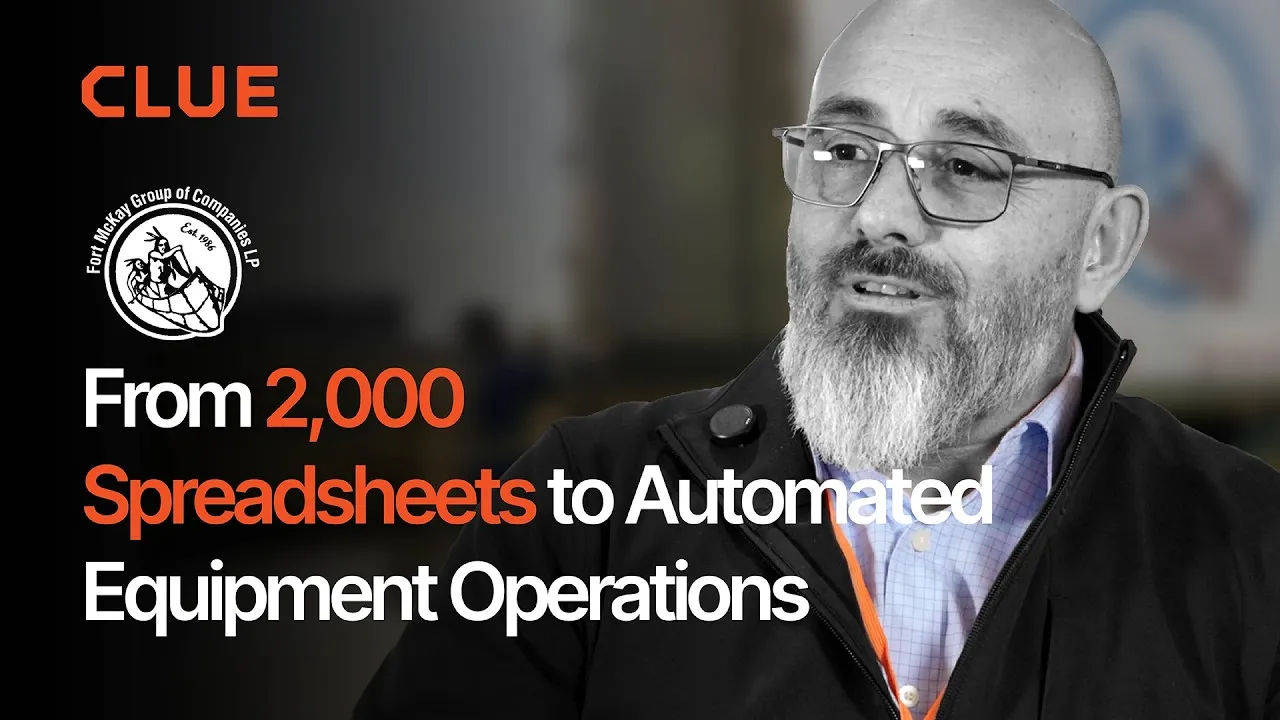










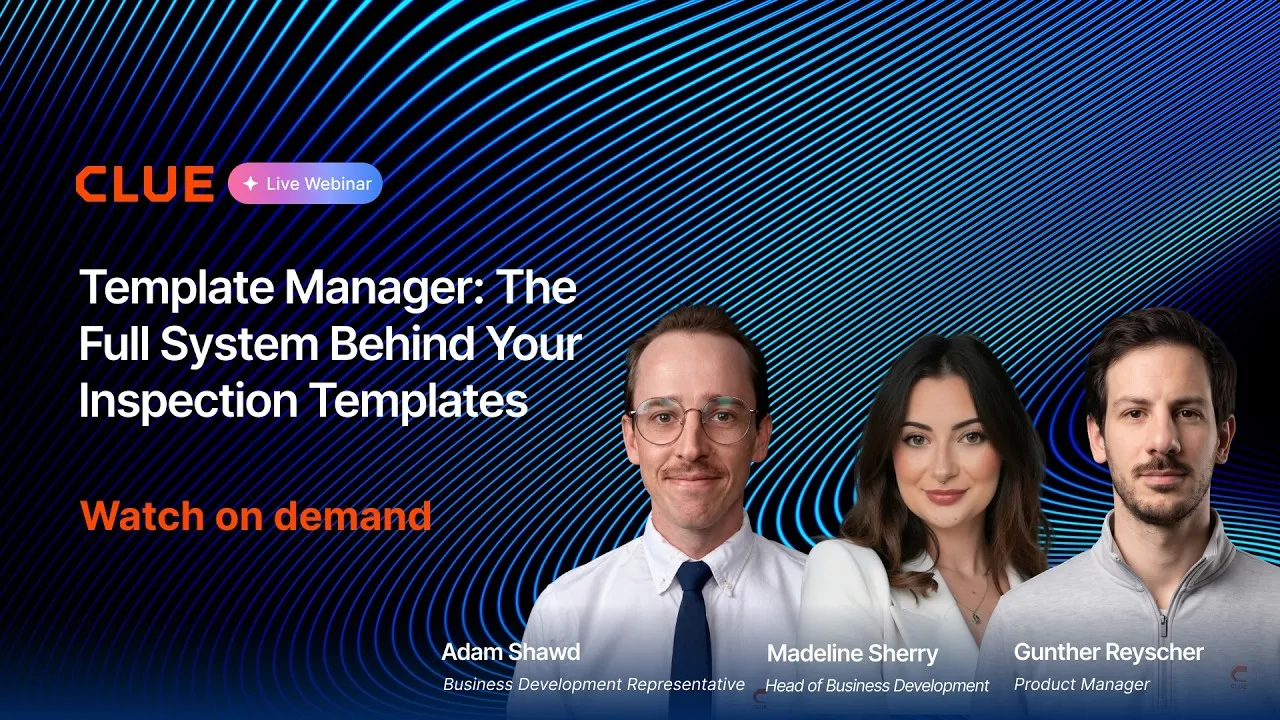
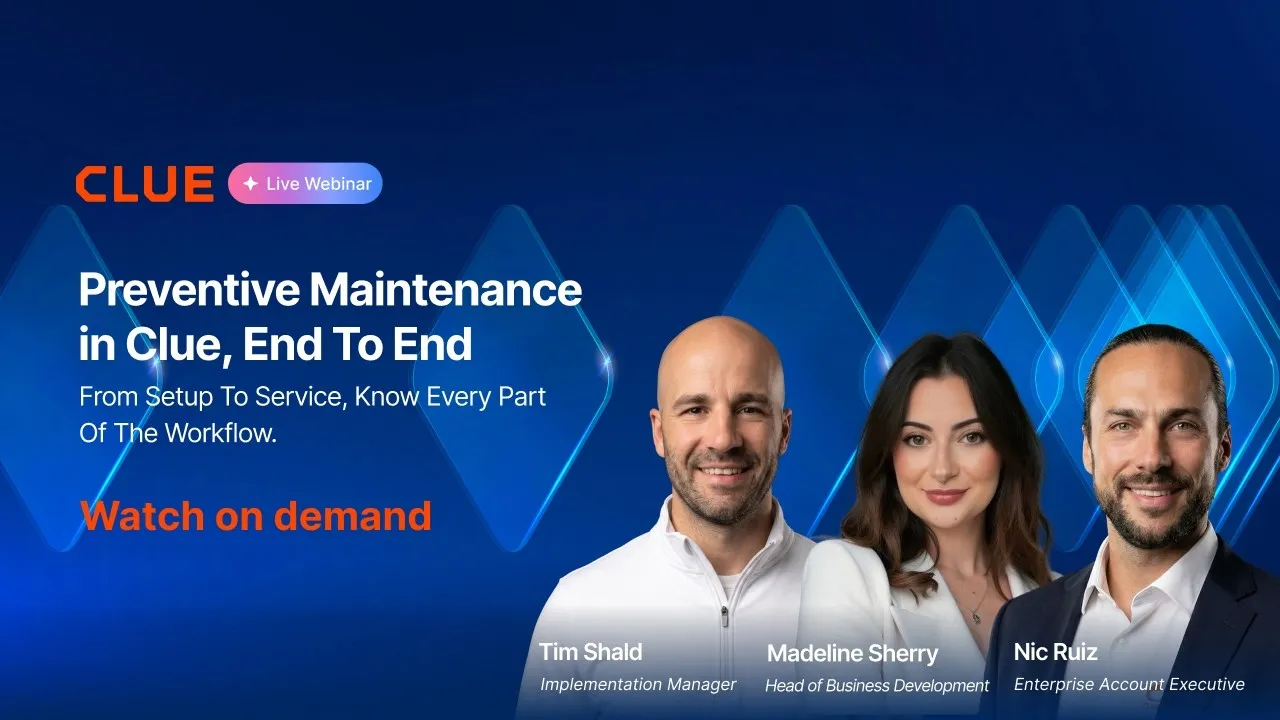
Asset Directory in Clue: Saved Views, Bulk Edits & Meters


Parts Management in Clue: Requests, Delivery Tracking & Inventory
Template Manager in Clue: Inspection Templates, AI Import & Shared Categories
Preventive Maintenance in Clue: Build a PM Plan, Automate Work Orders
Work Orders in Clue: Repair History, Parts, and Labor Costs
Built for every role
Solutions for every team.
Field, shop, and office teams use the same system. Equipment managers, fleet managers, operations leaders, CFOs, and executives see equipment details for their work.

Equipment Manager
“It's a single pane of glass where you see everything across your fleet, from the field to the phone to the computer.”
Abe Sharaf
Equipment Manager, Pulice Construction
Read Pulice’s story

Fleet Manager
“Imagine receiving 2,000 spreadsheets that needed to be approved individually in an email. There were entire teams dedicated to that. Now the system is fully automated, completely automated from beginning to end.”
Julio Lopez
Fleet Manager, Fort McKay Group
Read Fort McKay’s story

CFO
“You went from doing two services a day to six services a day. That right there is priceless to me.”
Darrin Sheriff
Director of Maintenance & Purchasing, Palmetto Corp
Read Palmetto’s story

VP of Operations
“The big thing with Clue is that we're able to bridge the gap between our field, our operators in our shop, and other departments. Everybody's bought into Clue now.”
Eric Sellman
COO, Brent Scarbrough & Co
Read Brent Scarbrough’s story

Executive
“We had 20 different logins between all our different softwares and web platforms. Now all that information pulls into one spot and we're able to see it in a single place.”
John Igel
CEO, George Igel Co.
Read Igel’s story

Operations Manager
“The operator's in control of his own destiny. That was a huge reason why not only did I buy into it, but I'm also investing into it for the future.”
Ben Benoit
Operations Manager, Onshore Companies
Read Onshore’s story