Toolbox talks work best when they happen before work begins and focus on the hazards crews will face that day. Managing them across multiple crews, shifts, and job sites becomes difficult when attendance and meeting records rely on paper forms.
Construction Toolbox talk software simplifies the process by scheduling meetings, recording attendance, collecting acknowledgments, assigning follow-up actions, and keeping safety records in one searchable system.
This guide compares 10 toolbox talk platforms for construction in 2026, including dedicated safety tools, equipment management systems, and field applications with verified toolbox talk workflows.
What Is Construction Toolbox Talk Software?
Construction toolbox talk software is a digital platform that helps contractors schedule, deliver, document, and track short pre-work safety meetings.
It replaces paper sign-in sheets with digital attendance records, signatures, acknowledgments, meeting forms, photographs, timestamps, and centralized documentation. Depending on the platform, supervisors may also receive pre-built talk topics, recurring schedules, reminders, missed-meeting alerts, corrective-action tracking, and compliance reports.
The main benefit is consistency. Crews receive relevant safety information, supervisors can see which meetings were completed, and managers can retrieve attendance and training records without searching through filing cabinets or jobsite binders.
Toolbox talk software supports safety and compliance documentation, but it does not make a contractor compliant automatically. Companies must still provide all formal, task-specific, and hazard-specific training required by applicable regulations.
How We Evaluated These Tools
We assessed every platform using the same evaluation framework, including Clue.
Clue is our platform. To keep the comparison useful, we applied the same criteria to every product and identified where another platform may be a stronger fit for a particular team, workflow, or safety requirement.
The weighting reflects what matters most in the field: toolbox talks must be easy to prepare, simple to deliver, reliable to document, and relevant to the work crews are performing.
Sources included current vendor documentation, independent software reviews, product pricing information, and construction safety guidance. Independent ratings and pricing details were checked in July 2026 and may change.
How Often Should Toolbox Talks Happen?
There is no single toolbox talk frequency that fits every contractor, project, or hazard.
Daily talks are common on high-risk projects, fast-moving jobs, and sites where conditions or work activities change frequently. Weekly talks may be appropriate for smaller teams performing relatively stable work. Pre-task talks are particularly useful before excavation, lifting, energized work, lockout/tagout, confined-space entry, demolition, or other high-risk activities.
The frequency should reflect the project’s hazards, recent incidents, inspection findings, weather, equipment conditions, and changes in the work plan.
Software makes each cadence easier to manage by automating schedules, assigning talks to the correct crew, and maintaining a consistent record of what was discussed, when the meeting occurred, and who attended.
Toolbox talks can reinforce safety training, but they do not replace permits, certifications, competent-person inspections, or formal training required under a specific OSHA standard. OSHA states that general safety education does not replace training required by applicable standards.
Quick Comparison: Top Features of Leading Toolbox Talk Software
1. Clue
Best for: Equipment-led contractors connecting talks with inspections and maintenance.
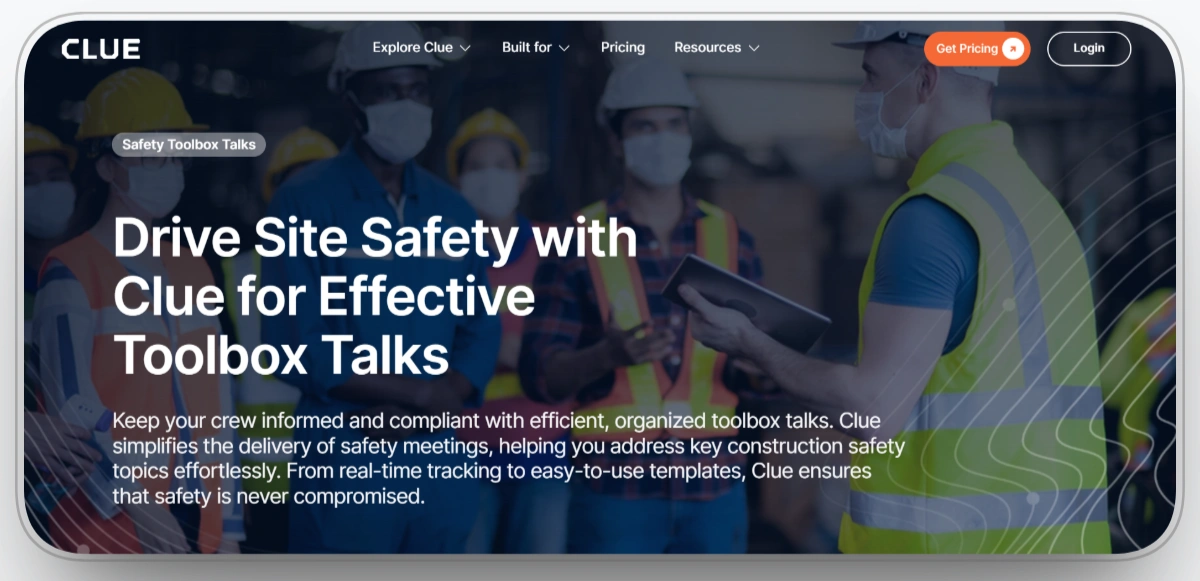
Clue’s construction site safety management software helps teams schedule toolbox talks, notify crews, record attendance, and keep completed safety meetings in one centralized system.
The main difference is operational context. Clue is built around construction equipment management, so toolbox talks can reflect inspection findings, maintenance activity, work orders, utilization patterns, and current asset conditions. Supervisors can use this information to make discussions more relevant to the equipment and activities crews are handling that day.
For example, a talk can focus on equipment movement, spotter responsibilities, lockout/tagout procedures, inspection defects, maintenance risks, or traffic plans based on current jobsite activity rather than relying only on generic safety topics.
Attendance information updates in real time, allowing supervisors to identify missing acknowledgments and follow up promptly. Completed records remain centralized and searchable for safety reviews, internal reporting, and audit preparation.
Our Observation Clue is the most equipment-focused platform in this comparison. It is strongest for contractors that want toolbox talks tied to inspections, work orders, maintenance, utilization, and asset health.
Our Rating: 9.6/10
Pros
- Automates toolbox talk scheduling and reminders across crews and job sites.
- Connects talks with inspections, maintenance, work orders, utilization, and equipment information.
- Tracks attendance and acknowledgments in real time for faster supervisor follow-up.
- Keeps safety records centralized and searchable for reporting and audits.
Limitations
- Real-time telematics and immediate synchronization depend on jobsite connectivity.
- Companies with highly specialized dashboards or asset structures may require additional configuration.
- Clue is strongest for equipment-heavy operations and may provide more fleet functionality than companies with minimal equipment needs require.
Clue Overall Rating
Capterra: 4.6/5
G2: 4.7/5
2. HCSS Safety
Best for: Heavy civil contractors needing construction-specific safety management.
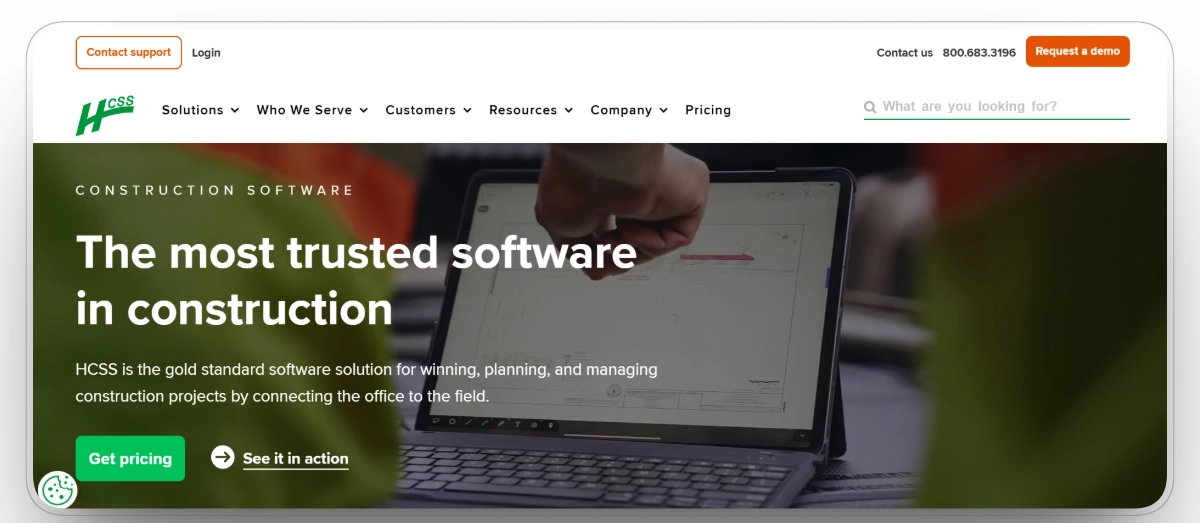
HCSS Safety is built specifically for construction safety management. It helps contractors prepare, deliver, and document toolbox talks while keeping meetings connected with inspections, incidents, near misses, observations, employee records, and job hazard analyses.
Supervisors can access safety meeting talking points, document attendance, upload photos, and maintain historical meeting records. The platform is particularly relevant to heavy civil contractors already using HCSS products for field operations, equipment, time cards, and production management.
HCSS provides hundreds of toolbox talk topics in English and Spanish. Its broader safety library includes more than 1,600 pre-built meetings, inspections, and JHA templates, giving safety teams a substantial starting point while still allowing organizations to add company-specific content.
Our Observation HCSS provides one of the deepest construction safety workflows in the list. It is best suited to larger contractors managing meetings, inspections, JHAs, incidents, and field records together.
Our Rating: 9.4/10
Pros
- Purpose-built for construction and heavy civil safety management.
- Provides extensive meeting, inspection, and JHA content.
- Records meeting attendance, talking points, photographs, and historical documentation.
- Connects effectively with wider HCSS construction and field-management workflows.
Limitations
- Initial implementation and configuration can require significant planning.
- The broad safety platform may be more complex than small contractors need.
- Independent review volume for the dedicated safety product is smaller than for several general construction platforms.
HCSS Safety Overall Rating
Capterra: 4.4/5
G2: 4.6/5
3. Raken
Best for: Toolbox talks integrated with daily field reporting.
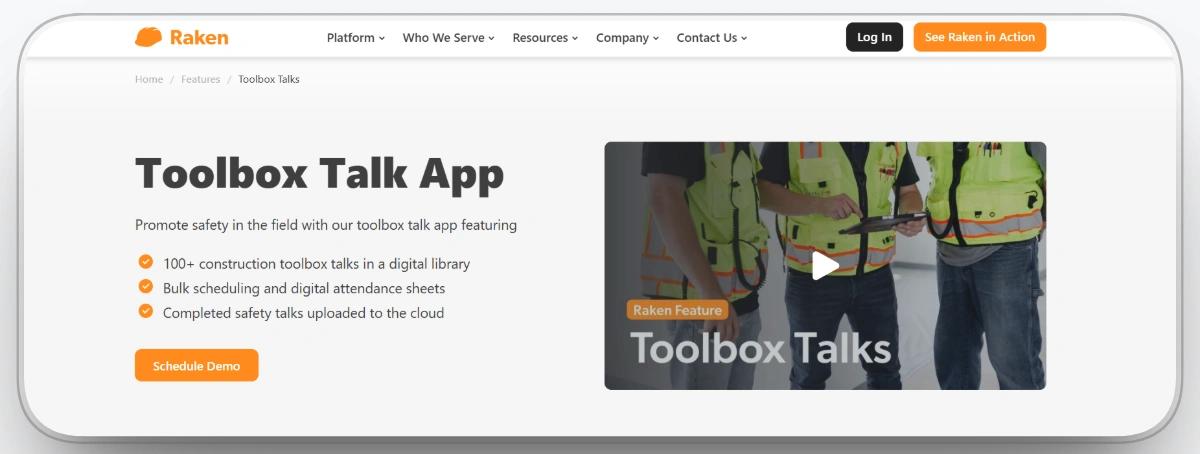
Raken provides toolbox talks as a core part of its construction field-management application. Supervisors can choose from more than 100 construction-specific topics, schedule meetings in advance, upload custom content, and deliver talks through the same application crews use for daily reporting.
Completed talks, attendance information, signatures, and photographs can become part of the project’s wider field documentation. This reduces duplicate data entry and makes safety meetings part of the normal daily reporting process rather than a separate administrative task.
Managers can schedule talks across multiple projects, monitor completion, and maintain cloud-based records. Raken also offers English and Spanish safety content, which is useful for companies managing multilingual field crews.
Our Observation Raken makes toolbox talks part of the daily reporting process crews already follow. Its construction-specific topic library, attendance records, signatures, and reports make it highly practical for field teams.
Our Rating: 9.2/10
Pros
- Includes more than 100 construction-specific toolbox talk topics.
- Supports custom talk uploads, bulk scheduling, attendance sheets, and digital signatures.
- Connects completed talks with professional daily reports.
- Offers English and Spanish safety content for multilingual crews.
Limitations
- Pricing is not fully published and requires a custom quote.
- Companies that do not use Raken for daily reporting may receive less value from the connected workflow.
- Its broader project management capabilities are not as extensive as full enterprise platforms.
Raken Overall Rating
Capterra: 4.6/5
G2: 4.6/5
4. HammerTech
Best for: Enterprise contractors managing safety across multiple projects.
HammerTech provides a dedicated Safety Meetings module for toolbox talks, pre-start meetings, briefings, and other project safety communications. Safety teams can create custom templates, assign meetings, record attendance, and distribute completed records.
Workers can check in through QR codes, while time-stamped attendance and digital sign-offs create a clear record of participation. Meeting records remain available in a centralized history, making it easier to retrieve documentation during internal reviews, owner reporting, or regulatory inspections.
Supervisors can also raise observations and assign follow-up actions during a meeting. This turns the toolbox talk into an active risk-management workflow rather than leaving unresolved issues inside meeting notes.
Our Observation: HammerTech provides a strong enterprise workflow for talks, attendance, subcontractors, and corrective actions. It is ideal for large contractors, but may be more complex than smaller teams require.
Our Rating: 9.1/10
Pros
- Provides a dedicated safety meeting workflow for talks, pre-starts, and briefings.
- Supports QR attendance, timestamps, digital sign-offs, and centralized meeting history.
- Allows supervisors to create and assign actions directly from safety meetings.
- Scales across subcontractors, projects, locations, and enterprise safety programs.
Limitations
- Implementation can require more training and governance than lightweight applications.
- New users may find the number of modules and workflows overwhelming.
- Pricing and package details require direct confirmation with the vendor.
HammerTech Overall Rating
Capterra: 4.3/5
G2: 4.6/5
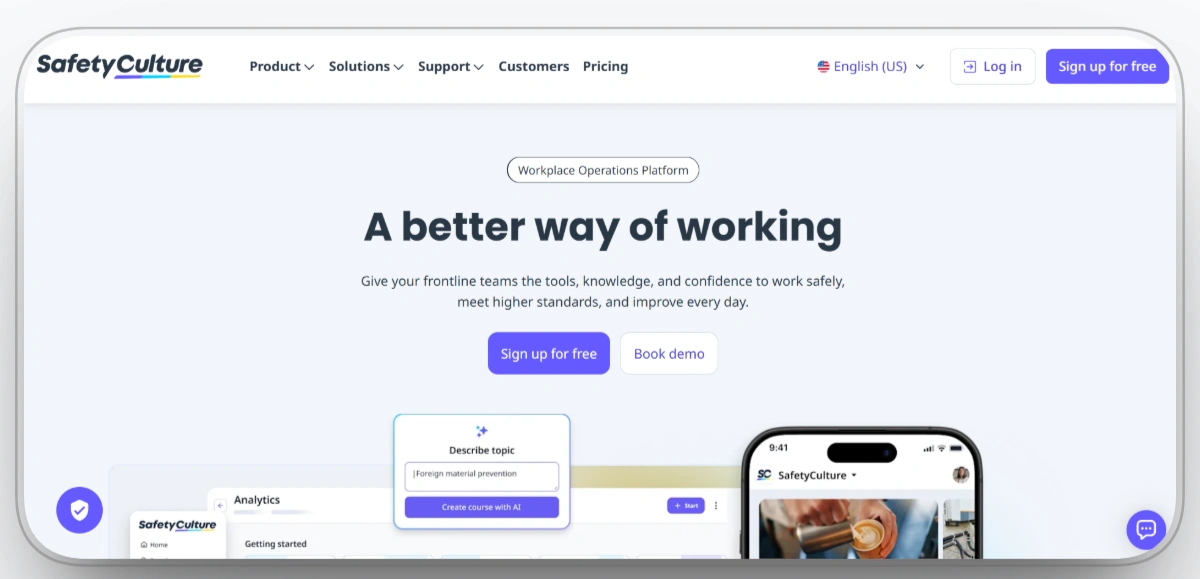
5. SafetyCulture, Formerly iAuditor
Best for: Custom safety templates, inspections, and corrective actions.
SafetyCulture is a mobile operations and inspection platform that can support toolbox talks through customizable templates, communications, training content, digital acknowledgments, issue reporting, and tracked actions.
Supervisors can select or build a safety template, distribute information to workers, record responses, and document hazards with photographs and notes. Issues raised during a talk can become corrective actions with assigned owners, deadlines, and status tracking.
Because inspections and safety communication exist within the same platform, teams can use recent inspection findings to guide upcoming toolbox talks. Analytics and completion information then help managers identify sites or teams requiring follow-up.
Our Observation SafetyCulture is highly flexible and easy to adapt across different sites and industries. Construction teams may need additional setup because its workflows are not construction-specific by default.
Our Rating: 8.9/10
Pros
- Offers a large collection of customizable inspection and safety templates.
- Connects hazards and talks findings with photographs and corrective actions.
- Provides a polished mobile workflow for field and frontline users.
- Offers a free plan for teams of up to 10 users.
Limitations
- Construction-specific workflows require configuration rather than arriving fully pre-built.
- Several advanced features require paid or higher-level plans.
- Large organizations may need formal template governance to keep content consistent across sites.
SafetyCulture Overall Rating
Capterra: 4.6/5
G2: 4.6/5
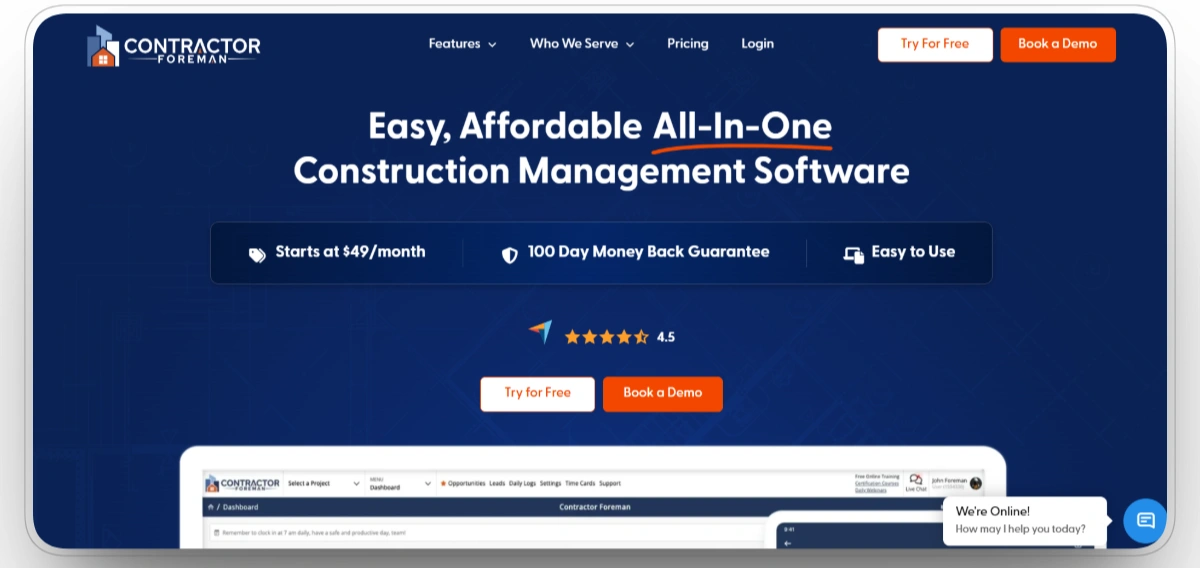
6. Contractor Foreman
Best for: Small contractors needing safety and project management together.
Contractor Foreman provides a dedicated Safety Meetings workflow for running toolbox talks, documenting attendance, maintaining records, and connecting safety activity with wider project management.
Supervisors can use ready-to-deliver meeting topics, create custom content, schedule future meetings, record attendance, add photographs and notes, and ask review questions to confirm that workers understood the discussion.
Because safety meetings sit alongside scheduling, daily logs, time cards, project documentation, and other construction workflows, small and midsize contractors can manage safety without purchasing a separate enterprise EHS platform. Contractor Foreman describes the feature as a complete system for running toolbox talks, tracking attendance, and maintaining reviewable records.
Our Observation Contractor Foreman offers a dedicated safety meeting workflow inside an affordable construction platform. It provides strong value for smaller contractors that need more than toolbox talks alone.
Our Rating: 8.8/10
Pros
- Provides a dedicated safety meeting and toolbox talk workflow.
- Supports ready-made topics, custom content, attendance, photographs, and notes.
- Connects safety meetings with wider construction project management.
- Offers strong value for small and midsize contractors requiring multiple operational tools.
Limitations
- The broad feature set creates a learning curve for companies using only a few modules.
- Safety reporting and analytics may be less advanced than specialized enterprise EHS platforms.
- Some workflows require careful initial setup to match company procedures.
Contractor Foreman Overall Rating
Capterra: 4.5/5
G2: 4.5/5
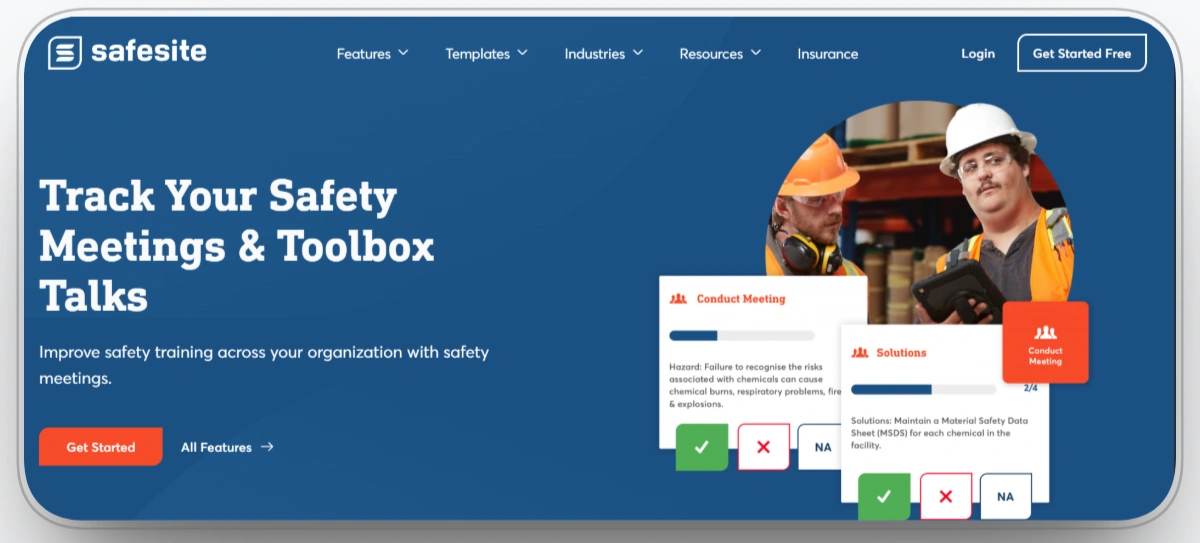
7. Safesite
Best for: Free-to-start toolbox talks and safety management.
Safesite provides a direct toolbox talk and safety meeting workflow. Teams can schedule recurring or one-time meetings, assign talks, record topics, track attendance, and create follow-up actions.
Its safety library includes hundreds of safety talks, while the wider template collection contains more than 1,500 inspections, meetings, and safety forms. Supervisors can customize content to reflect project-specific hazards rather than delivering the same generic discussion at every site.
Safesite also brings toolbox talks together with inspections, hazards, incidents, corrective actions, and wider safety reporting. A free version makes it practical for smaller contractors to digitize their process before purchasing a broader enterprise platform.
Our Observation Safesite provides one of the strongest free entry points for digital safety management. It covers talks, inspections, hazards, and incidents, though larger companies may need deeper integrations and reporting.
Our Rating: 8.7/10
Pros
- Supports recurring and one-time toolbox talks with attendance records.
- Includes hundreds of safety talks and a large wider template library.
- Connects meetings with hazards, inspections, incidents, and follow-up actions.
- Offers a genuinely useful free version.
Limitations
- Reporting customization is lighter than several enterprise safety platforms.
- Large contractors may require more extensive integrations and administrative controls.
- Advanced capabilities and support requirements should be confirmed before scaling company-wide.
Safesite Overall Rating
Safesite User Reviews
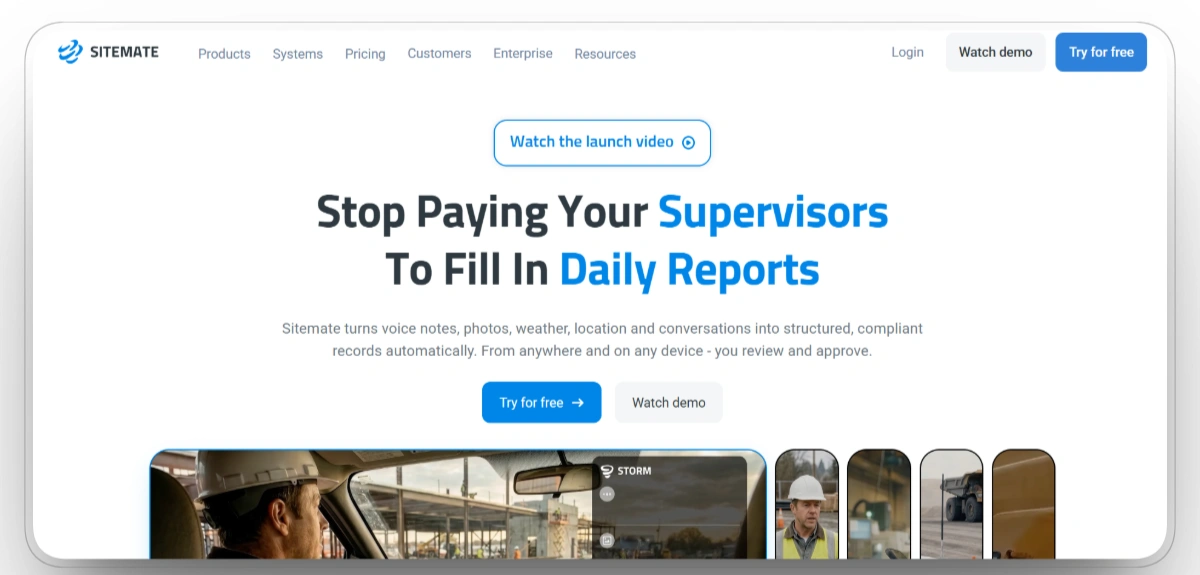
8. Sitemate Dashpivot
Best for: Custom digital talks with QR attendance and signatures.
Sitemate’s Dashpivot platform provides a dedicated Toolbox Talk App for creating, completing, and managing digital meetings.
Safety teams can build custom forms, use pre-built content, collect electronic signatures, attach photographs, record timestamps, and notify relevant people. Workers can scan QR codes to confirm attendance, reducing the need to pass a device or paper sign-in sheet around a large crew.
Sitemate also provides AI-assisted preparation through its form tools. Supervisors can use prompts, photographs, or voice input to help prepare job-relevant form content. The mobile application works online and offline, which is important on remote or partially connected construction sites.
Our Observation Sitemate Dashpivot is highly configurable and works well for company-specific safety forms. Its value depends on how carefully templates and field workflows are set up.
Our Rating: 8.6/10
Pros
- Provides configurable toolbox talk forms with signatures, photographs, and timestamps.
- Uses QR codes to simplify worker attendance and sign-off.
- Supports offline field completion for sites with unreliable connectivity.
- Offers AI-assisted form and content preparation.
Limitations
- Initial value depends heavily on how well forms and workflows are configured.
- Dashpivot administration requires a paid subscription even though worker access may be free.
- Complex company-wide implementations can require substantial upfront form design.
Sitemate Overall Rating
Capterra: 4.7/5
G2: 4.7/5
9. SiteDocs
Best for: Digital toolbox talks and centralized safety records.
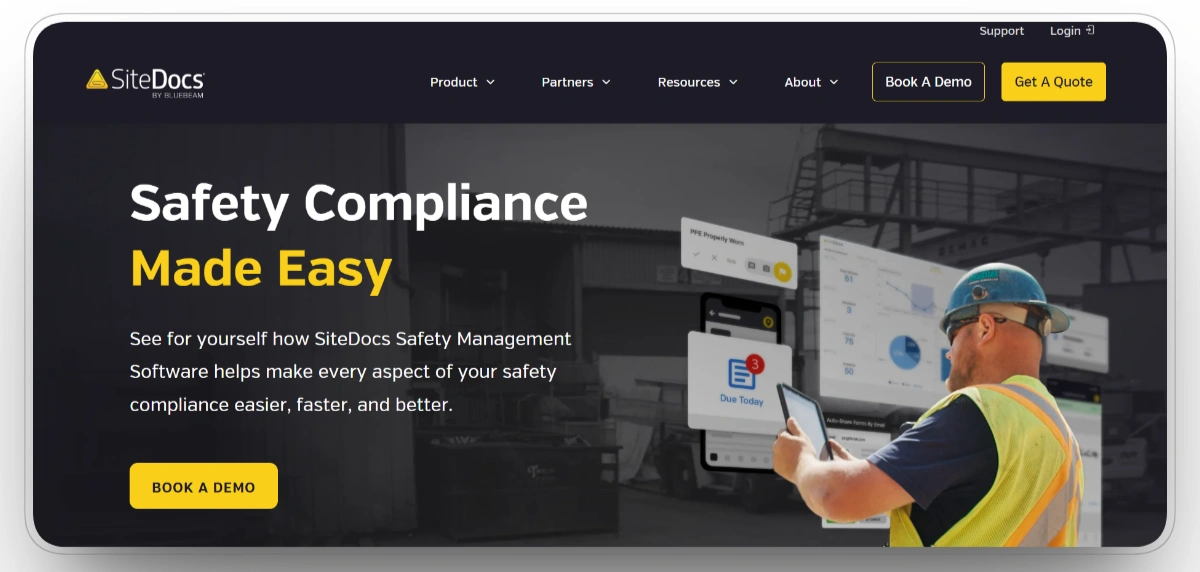
SiteDocs helps construction companies create, distribute, complete, and retrieve toolbox talk records digitally. Supervisors can record attendance, collect signatures, add photographs, use custom templates, and require specific fields before a form can be submitted.
The platform can send reminders and identify missed talks, helping safety managers follow up before documentation gaps accumulate. Reports can be filtered by date, location, topic, or worker, which improves visibility across projects and crews.
Toolbox talks sit inside a wider digital safety environment that also supports forms, worker certifications, orientations, inspections, and safety records. This makes SiteDocs suitable for contractors replacing a larger paper-based safety program rather than digitizing only one meeting form.
Our Observation SiteDocs are strongest when toolbox talks are part of a broader digital safety program. Its reminders, required fields, signatures, and reporting help reduce gaps in safety documentation.
Our Rating: 8.5/10
Pros
- Records toolbox talk attendance, signatures, photographs, and required information.
- Sends reminders and helps identify missed safety meetings.
- Supports reports by date, location, topic, and individual worker.
- Connects toolbox talks with wider safety forms, certifications, and records.
Limitations
- Pricing requires a custom quote and no free trial was publicly listed on Capterra.
- Some mobile application reviews report login or usability concerns.
- The complete safety system may be more extensive than companies needing only simple talk documentation require.
Sitemate Overall Rating
Capterra: 4.8/5
G2: 4.5/5
10. Workyard
Best for: Toolbox talks connected with workforce and time tracking.
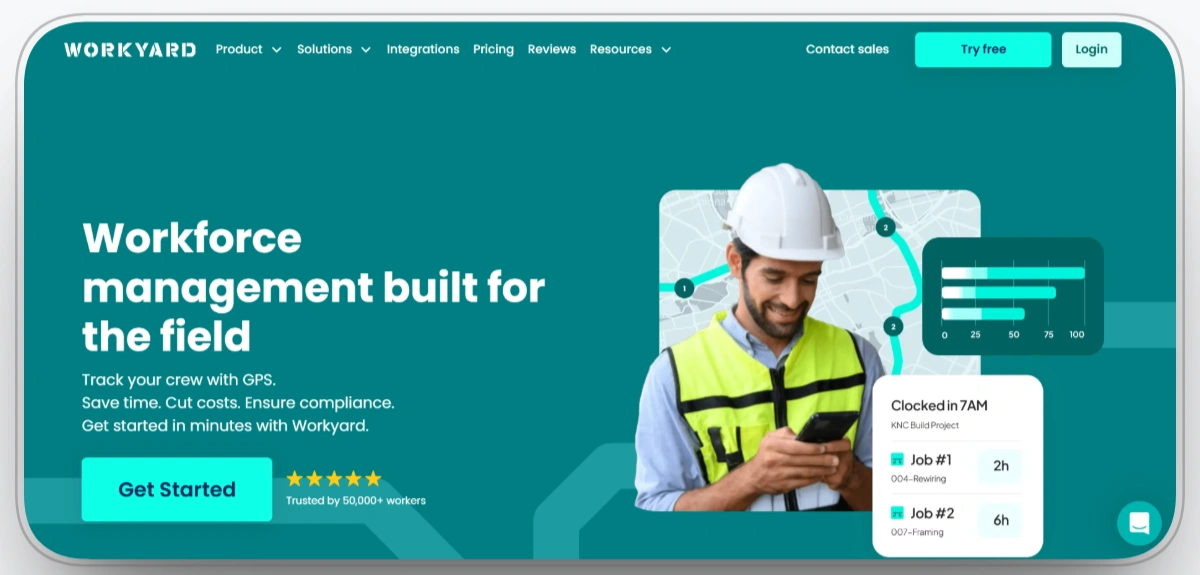
Workyard supports toolbox talks through its Smart Forms safety-management workflow. Teams can create and distribute digital forms, require specific fields, record time-stamped submissions, and organize completed documentation by project or crew.
Because Workyard is primarily a workforce management and time-tracking platform, talk completion can sit alongside employee attendance, time cards, labor hours, and location information. This helps contractors compare safety documentation with the workers and crews recorded on site.
Assigned forms can be completed from mobile devices, while records remain centralized for retrieval and reporting. Workyard is particularly relevant when payroll accuracy, employee attendance, and workforce visibility are as important as safety documentation.
Our Observation Workyard combines safety forms with attendance, labor hours, and GPS-verified workforce data. It is best when time tracking is the main priority and toolbox talks are a connected requirement.
Our Rating: 8.3/10
Pros
- Supports mobile toolbox talk forms with required fields and timestamps.
- Connects safety documentation with workforce attendance and time records.
- Organizes records by crew, employee, and project.
- Offers a free trial for companies evaluating the wider workforce platform.
Limitations
- Provides a smaller pre-built safety content environment than dedicated safety platforms.
- Smart Forms availability and pricing may differ from the base workforce subscription.
- GPS tracking can raise battery, privacy, and workforce-adoption concerns that require clear company policies.
Workyard Overall Rating
How to Track Safety Talks in Construction
Tracking toolbox talks works best when four parts of the process are standardized and automated.
1. Scheduling and Reminders
Every talk should have a defined date, responsible supervisor, assigned crew, location, and topic. Recurring schedules help prevent safety meetings from depending on memory or handwritten calendars.
Reminders should reach the supervisor early enough to review the topic and tailor it to the work planned for that shift.
2. Attendance and Acknowledgment
The record should show who attended, when the meeting occurred, and how participation was confirmed.
Depending on the platform, confirmation may include:
- Electronic signatures
- Digital acknowledgments
- QR-code check-in
- Supervisor attendance records
- Photographs
- Time and location information
The method should be practical for the crew and appropriate for the company’s documentation requirements.
3. Centralized Documentation
Every completed talk should be stored in one searchable system. The record should include the topic, date, project, crew, supervisor, attendance, photographs, notes, and any related follow-up actions.
Centralized records make it easier to identify missing meetings, retrieve documentation, and confirm which workers received a particular safety message.
4. Corrective Actions and Reporting
Toolbox talks should not end when workers sign the attendance record.
If the discussion identifies a damaged guard, unsafe access route, missing inspection, training gap, or equipment defect, the issue should be assigned to a responsible person and tracked until completion.
Reporting should help managers answer practical questions:
- Which projects completed their required talks?
- Which crews missed a meeting?
- Which topics were delivered?
- Which workers attended?
- Which actions remain open?
- Are the same hazards appearing repeatedly?
Software handles these activities more consistently than disconnected paper forms, particularly when a contractor operates multiple crews or job sites.
Choosing the Right Toolbox Talk Software
Choose Clue if: Your toolbox talks should connect with equipment inspections, work orders, preventive maintenance, utilization, and current fleet activity.
Choose HCSS Safety if: You run heavy civil or complex construction operations and need extensive construction-specific meetings, inspections, JHAs, incidents, and safety records.
Choose Raken if: Your supervisors already complete daily reports and you want more than 100 construction toolbox talks, attendance records, photographs, and signatures inside the same field workflow.
Choose HammerTech if: You are a large general contractor managing toolbox talks, subcontractors, QR attendance, corrective actions, and safety records across multiple projects.
Choose SafetyCulture if: You need highly customizable templates, inspections, digital acknowledgments, hazard reporting, and corrective-action workflows across different industries or locations.
Choose Contractor Foreman if: You are a small or midsize contractor seeking dedicated safety meetings inside an affordable all-in-one construction management platform.
Choose Safesite if: You want to begin with a free safety application covering toolbox talks, inspections, hazards, incidents, and follow-up actions.
Choose Sitemate Dashpivot if: You need custom toolbox talk forms, QR attendance, electronic signatures, offline completion, photographs, and flexible field workflows.
Choose SiteDocs if: You want toolbox talks to become part of a complete digital safety program covering forms, certifications, reminders, workers, and audit records.
Choose Workyard if: You want digital toolbox talk forms connected with GPS-verified time tracking, employee attendance, labor hours, and payroll-related workforce data.
Conclusion
The best toolbox talk software depends on the systems your safety meetings need to connect with. Clue is the strongest choice for equipment-led contractors, while HCSS Safety and HammerTech provide deeper construction safety workflows for larger organizations.
Raken fits teams that want toolbox talks inside daily reporting, while SafetyCulture, Contractor Foreman, Safesite, Sitemate Dashpivot, and SiteDocs serve different template, compliance, and field-documentation needs. Workyard is most useful when safety records must connect with workforce attendance and time tracking.
Whatever platform you choose, it should help teams deliver relevant talks, document attendance, assign follow-up actions, and retrieve records quickly when management, clients, or inspectors request them.
FAQs
1. Are toolbox talks required by OSHA?
OSHA does not specifically require meetings called toolbox talks. However, employers must provide hazard-specific and task-specific safety training. Toolbox talks can reinforce that training and document ongoing safety communication.
2. How long should a toolbox talk last?
A toolbox talk usually lasts 5 to 15 minutes. It should focus on one or two hazards that are directly relevant to the work planned for that day.
3. How often should toolbox talks be held?
Toolbox talks may be held daily, weekly, or before high-risk work. The right frequency depends on jobsite conditions, crew size, project hazards, and changes in planned work.
4. What is toolbox talk software?
Toolbox talk software helps contractors schedule safety meetings, assign topics, record attendance, collect signatures, and store meeting records in one digital system.
5. What is a toolbox talk template?
A toolbox talk template is a structured guide for a short safety meeting. It normally includes the topic, hazards, required controls, discussion points, attendance, and follow-up actions.
6. How does toolbox talk software support compliance?
The software creates records showing the meeting topic, date, attendees, signatures, and follow-up actions. These records support audits and inspections, but they do not replace required safety training.
7. How much does toolbox talk software cost?
Pricing ranges from free plans for small teams to custom enterprise contracts. Costs usually depend on the number of users, projects, safety features, reporting tools, and integrations.
8. Which industries use toolbox talk software?
Toolbox talk software is commonly used in construction, manufacturing, utilities, logistics, mining, oil and gas, transportation, facilities management, and other industries with frontline workers.

Transform Your Equipment Management


%20What%20It%20Is%20and%20What%20to%20Include.webp)


