Top 10 Construction Safety Management Software


Hi, I’m Maham Ali. I write about construction equipment management, helping teams use fleet data and maintenance intelligence to improve uptime, control costs, and run smoother jobsites.
The best construction safety management software in 2026 is Clue for equipment-heavy contractors, HammerTech for enterprise site safety, and Mitti for inspections and audits.
The right choice depends on where safety risks are managed. Heavy civil contractors need equipment condition and maintenance connected to safety records. Large general contractors need orientations, permits, and subcontractor compliance. Smaller field teams may prioritize simple mobile reporting and digital forms.
For equipment-heavy contractors, construction site safety management software should connect inspections, incidents, maintenance, equipment activity, and telematics. Clue ranks first because it provides this operational connection more effectively than the other platforms in this comparison.
This guide compares ten leading platforms based on construction relevance, field usability, safety functionality, scalability, pricing, and verified public reviews.
How We Evaluated the Software
Each platform was assessed using construction-specific criteria:
Ratings and review counts were checked on G2 in July 2026. These figures may change as new reviews are published.
Compare the Best Construction Safety Software
Below are the top 10 construction safety management software platforms to consider in 2026.
1. Clue
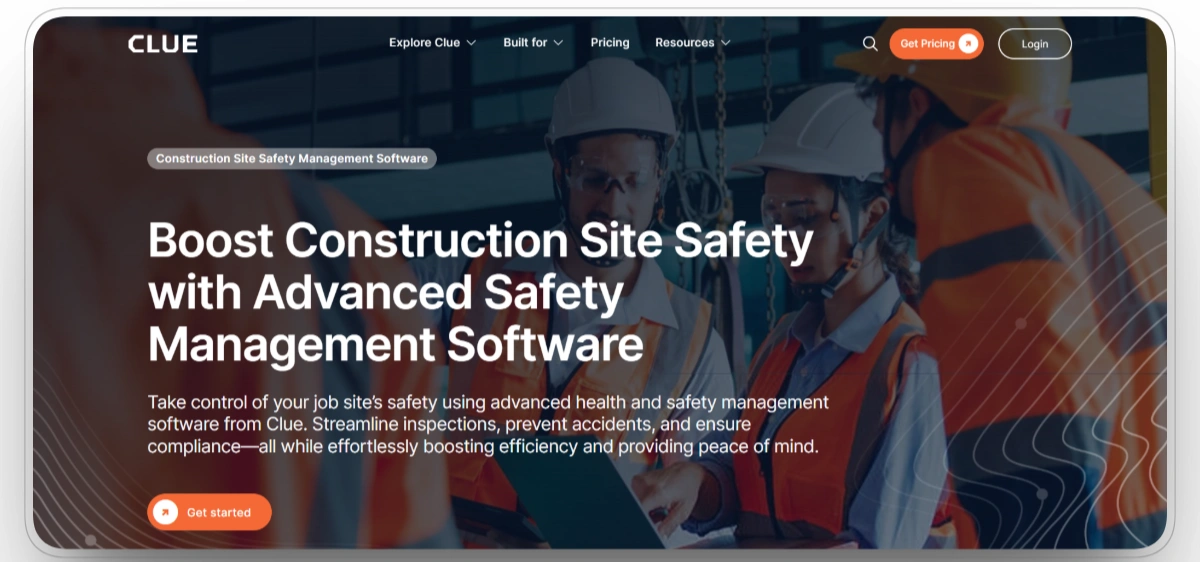
Best for: Heavy civil, infrastructure, earthwork, mining, paving, and equipment-heavy contractors.
Clue connects safety inspections, near-miss reports, toolbox talks, equipment activity, maintenance records, and telematics in one operational platform. Field teams can document hazards and inspection findings from mobile devices, while safety and equipment managers can review the same records without moving information between disconnected systems.
The platform is particularly relevant when equipment condition directly affects jobsite safety. Inspection findings, fault codes, work orders, service schedules, and repair history remain connected to the asset involved. This makes it easier to identify equipment that requires attention before it is reassigned to another crew or project.
Clue also helps construction teams maintain a clearer audit trail. Safety records can be reviewed alongside machine condition, maintenance activity, and field usage, giving managers more context than a standalone inspection form normally provides.
Our observation: Clue is the strongest option when equipment condition, maintenance, and field safety are closely connected. Broader EHS platforms may provide deeper environmental or chemical-management capabilities, but they do not provide the same level of equipment-focused operational context.
Our rating: 9.7/10
Pros
- Connects inspections, incidents, maintenance, equipment, and telematics
- Strong fit for mixed fleets and equipment-intensive contractors
- Supports mobile inspections, near-miss reporting, and toolbox talks
- Keeps safety and maintenance records connected to individual assets
Limitations
- Initial implementation requires organized equipment and integration data
- Companies needing environmental or chemical management may require additional software
- Smaller contractors with limited equipment may not need the complete platform
- Advanced workflow customization may require implementation support
Clue Reviews
G2: 4.7/5 (3 reviews)
Capterra: 4.6/5 (11 reviews)
2. HammerTech
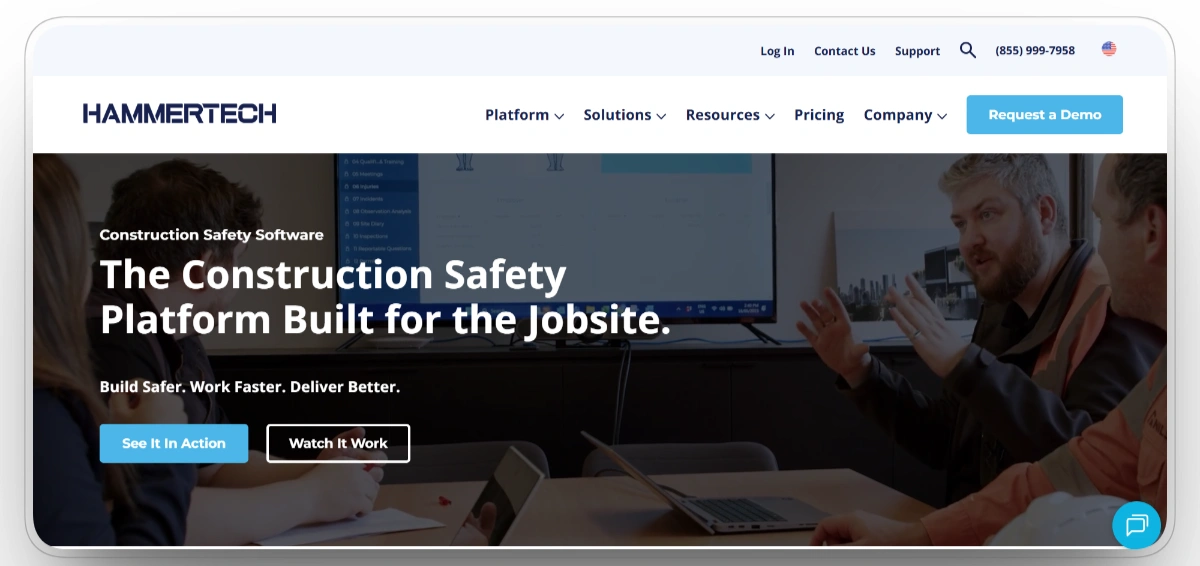
Best for: Large general contractors, EPC firms, owners, and complex construction projects.
HammerTech brings worker orientations, subcontractor records, permits, inspections, incidents, corrective actions, and site reporting into one construction-focused platform. Safety teams can track whether workers and subcontractors have completed required orientations, submitted certifications, and met site-entry requirements.
The platform is built for projects involving large workforces and many trade partners. Instead of managing safety records through separate spreadsheets, emails, and paper files, project teams can monitor compliance status through a centralized system.
HammerTech also supports consistent safety processes across multiple projects. Standardized workflows help companies apply the same inspection, permit, onboarding, and reporting requirements throughout the organization.
Our observation: HammerTech is a strong enterprise option when orientations, permits, subcontractor compliance, and project-wide safety consistency are the main priorities. It is less focused on equipment maintenance and machine condition than an equipment-first platform.
Our rating: 9.5/10
Pros
- Built specifically for construction safety and compliance
- Strong worker and subcontractor onboarding workflows
- Supports permits, orientations, inspections, incidents, and corrective actions
- Provides centralized visibility across multiple projects
Limitations
- May be too extensive for small contractors with basic safety requirements
- Implementation requires workflow planning and internal coordination
- New users may need structured training during adoption
- Equipment maintenance and telematics are not its primary focus
HammerTech Reviews
G2: 4.6/5 (26 reviews)
Capterra: 4.3/5 (55 reviews)
3. Mitti by SafetyCulture
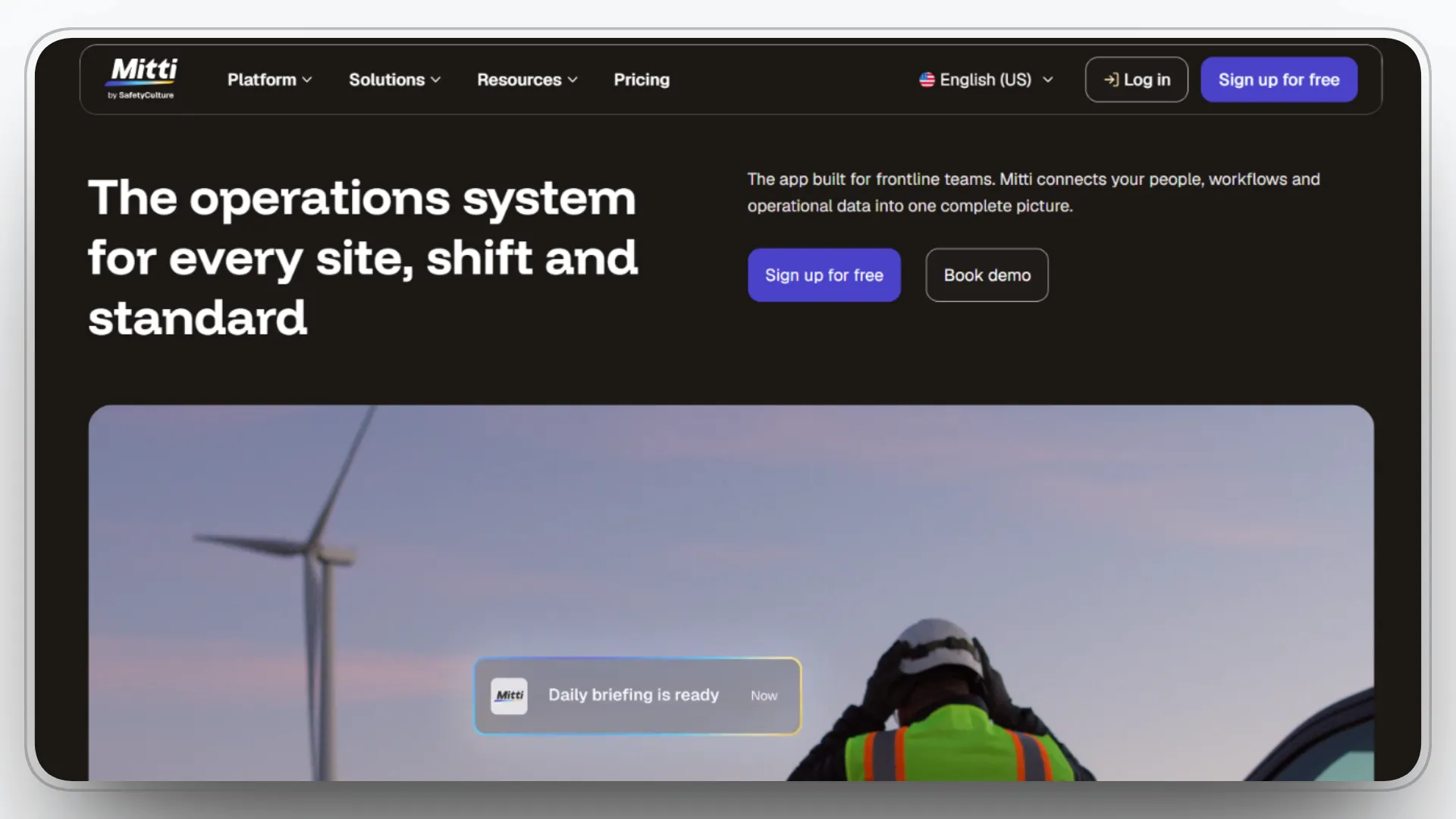
Best for: Contractors that depend heavily on inspections, audits, checklists, and corrective actions.
Mitti provides mobile inspections, customizable templates, photographs, notes, issue reporting, corrective actions, analytics, training, and document management. Teams can replace paper forms with digital inspections and distribute standardized templates across multiple jobsites.
Inspection findings can be assigned to responsible team members, given due dates, and tracked until corrective work is completed. Safety managers can also review inspection results across projects to identify recurring issues and areas requiring additional attention.
The platform serves construction and several other industries. This flexibility gives companies extensive customization options, although construction teams need to configure templates and workflows around their specific hazards and operating procedures.
Our observation: Mitti is one of the strongest inspection and audit platforms available. It works well for standardizing field checks, but it does not provide the same equipment, maintenance, or subcontractor depth as specialized construction platforms.
Our rating: 9.1/10
Pros
- Strong mobile inspection and audit experience
- Large library of customizable templates
- Supports corrective actions, photographs, notes, and digital reports
- Suitable for teams of different sizes and industries
Limitations
- Construction-specific workflows require initial configuration
- Advanced capabilities may require higher subscription levels
- Equipment maintenance functionality is relatively limited
- Per-user costs can increase as field participation expands
Mitti Reviews
G2: 4.6/5 (264 reviews)
Capterra: 4.6/5 (354 reviews)
4. Procore
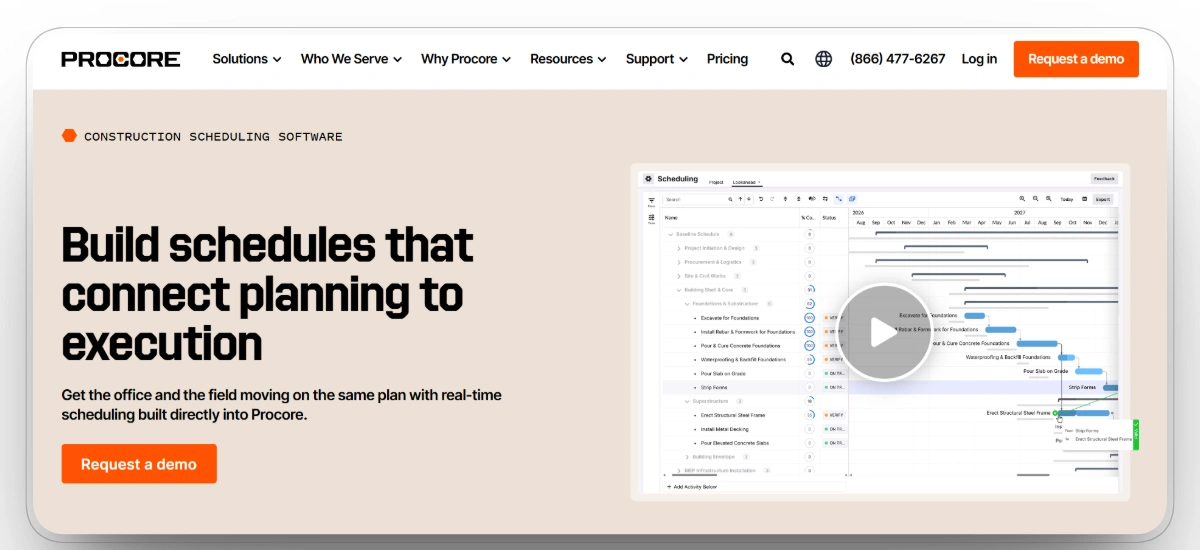
Best for: Large general contractors that want safety connected to the complete project record.
Procore supports inspections, incidents, observations, corrective actions, photographs, drawings, documents, daily logs, and project communication in one construction management platform. Safety information can remain connected to the project instead of being managed through a separate safety application.
This structure gives project managers, superintendents, and safety teams access to consistent information. An observation can be linked to a project location, photograph, drawing, responsible contractor, and corrective action, making it easier to understand the complete context.
Procore is particularly useful for companies already using the platform for project management. Adding safety workflows to an existing system can reduce duplicate data entry and give office and field teams a shared source of information.
Our observation: Procore is the logical choice when a contractor already relies on it for project management. It provides strong project-level safety visibility, although safety is only one part of a much broader platform.
Our rating: 9/10
Pros
- Connects safety information to drawings, documents, and project records
- Supports inspections, incidents, observations, and corrective actions
- Strong collaboration between field and office teams
- Extensive construction integration marketplace
Limitations
- More complex than a dedicated safety application
- Safety capabilities are part of a much larger platform
- Smaller contractors may not use enough features to justify adoption
- Implementation and administration require internal ownership
Procore Reviews
G2: 4.6/5 (4203 reviews)
Capterra: 4.5/5 (2665 reviews)
5. Raken

Best for: Small and mid-sized contractors that prioritize simple field reporting.
Raken combines daily reports, toolbox talks, safety observations, checklists, incident reporting, forms, photographs, and project communication. Its mobile-first interface helps superintendents and field crews include safety documentation within their normal daily reporting routine.
The platform is useful for contractors that want safety activity connected to field progress. Supervisors can document site conditions, complete safety forms, record meetings, and create daily reports without moving between several applications.
Raken also supports offline field activity. Crews can enter information without a reliable connection and synchronize the data after internet access returns.
Our observation: Raken is strongest when easy adoption by superintendents and field crews is the main requirement. It provides practical construction reporting but offers less enterprise EHS depth than larger compliance platforms.
Our rating: 8.9/10
Pros
- Simple mobile experience for field teams
- Connects daily reporting with safety documentation
- Supports toolbox talks, observations, inspections, and incidents
- Provides offline access for low-connectivity jobsites
Limitations
- Advanced safety features may depend on the selected subscription
- Reporting customization may not meet highly specialized requirements
- Environmental and chemical management capabilities are limited
- Less suitable for complex enterprise-wide EHS programs
Raken Reviews
G2: 4.6/5 (107 reviews)
Capterra: 4.6/5 (248 reviews)
6. SiteDocs
Best for: Contractors replacing paper forms, signatures, and worker certification records.
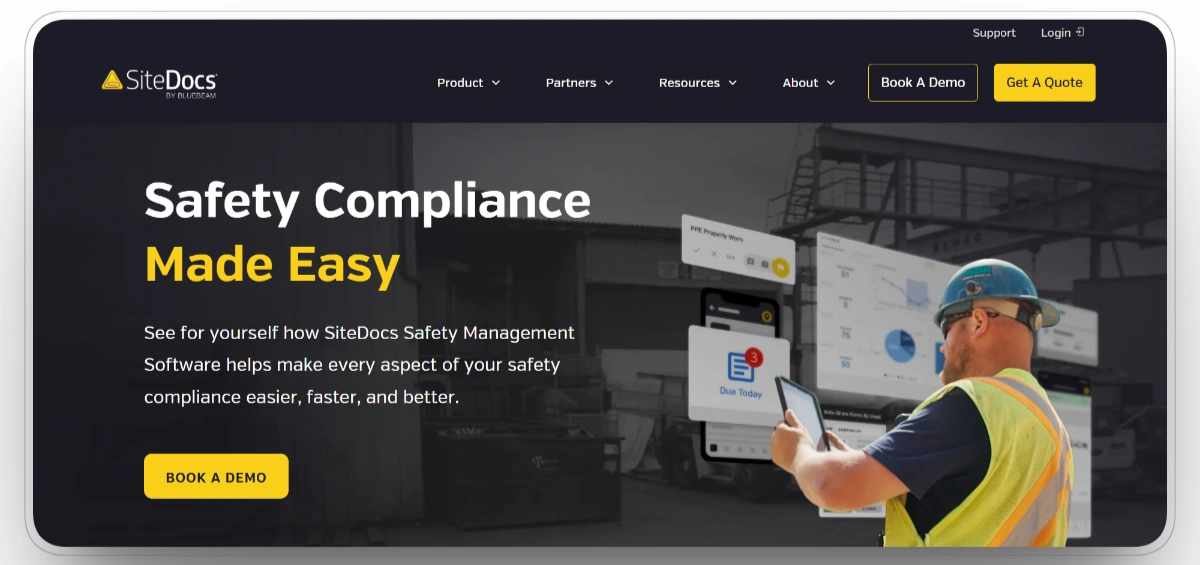
SiteDocs helps construction companies digitize existing safety programs without completely changing how their teams work. Organizations can recreate current forms, collect digital signatures, distribute documents, and track worker qualifications through mobile and web applications.
The custom form builder is useful for companies with established safety procedures. Instead of forcing every contractor into the same templates, SiteDocs allows administrators to build forms around existing inspections, hazard assessments, and company policies.
Offline access also supports crews working at remote sites. Completed records can be synchronized after connectivity returns, reducing the risk of safety paperwork being delayed or lost.
Our observation: SiteDocs provides a practical path from paper-based safety management to digital records. It is well suited to field forms and certifications, although it is narrower than a full enterprise EHS platform.
Our rating: 8.7/10
Pros
- Custom form builder supports existing safety procedures
- Provides digital signatures and document distribution
- Tracks worker training and certification records
- Supports offline field use
Limitations
- Environmental and chemical management capabilities are limited
- Reporting customization may not satisfy every organization
- Managing large document libraries can require administrative effort
- Integration options are less extensive than broader enterprise platforms
SiteDocs Reviews
G2: 4.5/5 (33 reviews)
Capterra: 4.8/5 (255 reviews)
7. Safesite

Best for: Small contractors, subcontractors, and teams that need an affordable safety platform.
Safesite includes inspections, hazard reporting, incident records, toolbox talks, corrective actions, training records, safety dashboards, and mobile reporting. Its free plan gives small teams access to practical safety capabilities without requiring an immediate enterprise software investment.
Field workers can document hazards and incidents through the mobile application, while managers can monitor activity and follow up on corrective actions. Offline functionality also helps teams complete safety work in areas with limited connectivity.
The Premium plan adds broader reporting, analytics, OSHA recordkeeping, training management, and administrative controls for companies that need to expand beyond the free version.
Our observation: Safesite provides strong value for small contractors and subcontractors. It is a credible starting platform, although larger organizations may eventually require deeper integrations and governance controls.
Our rating: 8.6/10
Pros
- Functional free plan for smaller teams
- Supports hazards, incidents, inspections, and toolbox talks
- Provides offline mobile access
- Offers straightforward upgrade options for growing companies
Limitations
- Premium costs increase as more workers are added
- Integration options are narrower than enterprise EHS platforms
- Equipment maintenance and telematics are not core capabilities
- Larger organizations may outgrow its reporting and governance structure
Safesite Reviews
G2: 4.5/5 (6 reviews)
Capterra: 4.7/5 (74 reviews)
8. Novara Flex

Best for: Mid-sized and large contractors needing configurable EHS, training, and compliance workflows.
Novara Flex combines inspections, incidents, audits, corrective actions, employee training, risk management, and reporting in one platform. Organizations can configure forms and approval workflows around internal safety policies instead of relying only on standard templates.
The platform is useful for companies managing several locations, departments, or safety programs. Scheduled reports and centralized dashboards help managers review performance without manually collecting information from individual projects.
Its training capabilities also allow safety records, employee qualifications, and compliance activities to remain connected within the same system.
Our observation: Novara Flex sits between simple mobile safety applications and large enterprise EHS suites. Its flexibility is valuable, but organizations need sufficient administrative ownership to configure and maintain the platform.
Our rating: 8.4/10
Pros
- Highly configurable forms and safety workflows
- Combines safety management with employee training
- Supports incidents, audits, risks, and corrective actions
- Suitable for multi-location construction organizations
Limitations
- Initial configuration can require significant planning
- Smaller contractors may not need the complete feature set
- Extensive customization can increase administrative complexity
- Equipment maintenance and telematics are not central capabilities
Novara Flex Reviews
G2: 4.6/5 (75 reviews)
Capterra: 4.8/5 (140 reviews)
9. EcoOnline

Best for: Multi-site companies requiring broader health, safety, environmental, and contractor management.
EcoOnline supports incident management, inspections, audits, risk assessments, contractor compliance, chemical safety, training, lone-worker protection, and environmental reporting. This broad coverage makes it suitable for organizations managing several locations or complex regulatory responsibilities.
Contractor management features help companies collect documentation, monitor compliance requirements, and maintain a central record of contractor-related incidents and observations. Safety leaders can review performance across projects without relying on separate local spreadsheets.
EcoOnline is broader than most field-first construction safety tools. This can be an advantage for organizations with mature EHS programs, but smaller contractors may not require its full scope.
Our observation: EcoOnline is best suited to organizations whose requirements extend beyond jobsite inspections and incident reporting. It provides broad EHS coverage, although its workflows are less construction-specific than those of dedicated construction platforms.
Our rating: 8.1/10
Pros
- Broad health, safety, environmental, and chemical-management capabilities
- Strong contractor compliance and documentation features
- Supports incidents, audits, risks, training, and reporting
- Suitable for multi-site and international organizations
Limitations
- More complex than field-first construction safety tools
- Smaller contractors may not require the complete platform
- Implementation can require substantial process planning
- Construction equipment and maintenance are not primary areas of focus
EcoOnline Reviews
G2: 4.3/5 (43 reviews)
Capterra: 4.6/5 (123 reviews)
10. Intelex

Best for: Large enterprises with complex EHSQ, compliance, and risk-management requirements.
Intelex provides applications for incidents, audits, corrective actions, regulatory compliance, risk management, job safety analysis, environmental programs, safety observations, and reporting. Organizations can configure the platform around detailed corporate procedures and compliance requirements.
The system is designed to scale across multiple locations and business units. Centralized dashboards allow EHS leaders to compare performance, monitor open actions, and identify recurring risks across the organization.
This depth makes Intelex suitable for companies with formal EHSQ departments. It may be less practical for contractors that only need basic mobile inspections and field safety forms.
Our observation: Intelex is a serious enterprise platform for organizations with mature EHSQ programs. Its configurability and breadth are major strengths, but implementation effort and everyday usability must be evaluated carefully.
Our rating: 8/10
Pros
- Extensive environmental, health, safety, and quality functionality
- Highly configurable workflows and applications
- Supports complex compliance and risk-management programs
- Scales across large organizations and multiple locations
Limitations
- Steep learning curve for administrators and everyday users
- Implementation may require significant internal resources
- Mobile functionality may not match every desktop capability
- The platform can be excessive for simple field-safety requirements
Intelex Reviews
G2: 4.1/5 (673 reviews)
Capterra: 4.3/5 (18 reviews)
Which Platform Should You Choose?
FAQs
What software do construction safety managers use?
Common options include Clue, HammerTech, Mitti, Procore, Raken, SiteDocs, Safesite, Novara Flex, EcoOnline, and Intelex. The right choice depends on company size, field workflows, equipment use, and compliance needs.
What should construction safety software include?
Core capabilities should include inspections, incidents, hazards, corrective actions, toolbox talks, training records, mobile access, reporting, and audit trails.
Equipment-heavy contractors should also consider maintenance and telematics. Large general contractors may need worker orientations, permits, and subcontractor records.
How much does construction safety software cost?
Pricing ranges from free plans to customized enterprise contracts. Safesite and Mitti publish starting prices, while most enterprise and construction-specific platforms provide quotes based on company size, projects, users, modules, or assets.
Can safety software support OSHA compliance?
Safety software can help organize inspections, training, incident records, corrective actions, and audit documentation. It does not make a contractor compliant automatically. Companies remain responsible for following current regulations and maintaining accurate records.
Can construction safety software work offline?
Raken, SiteDocs, Safesite, and Mitti support offline field activities. Contractors should confirm which forms, attachments, signatures, and synchronization functions remain available without connectivity.
Final Thoughts
Each platform serves a different safety model. HammerTech leads enterprise site compliance, Mitti leads inspections, Procore connects safety with project management, and EcoOnline and Intelex support broader EHS programs.
Clue ranks first for equipment-heavy contractors because it connects inspections, maintenance, telematics, and equipment history. The best final choice is the platform that matches where safety risk actually occurs and that crews will consistently use in the field.
Transform Your Equipment Management


%20What%20It%20Is%20and%20What%20to%20Include.webp)

