New at CLUE: Available Assets in Map View


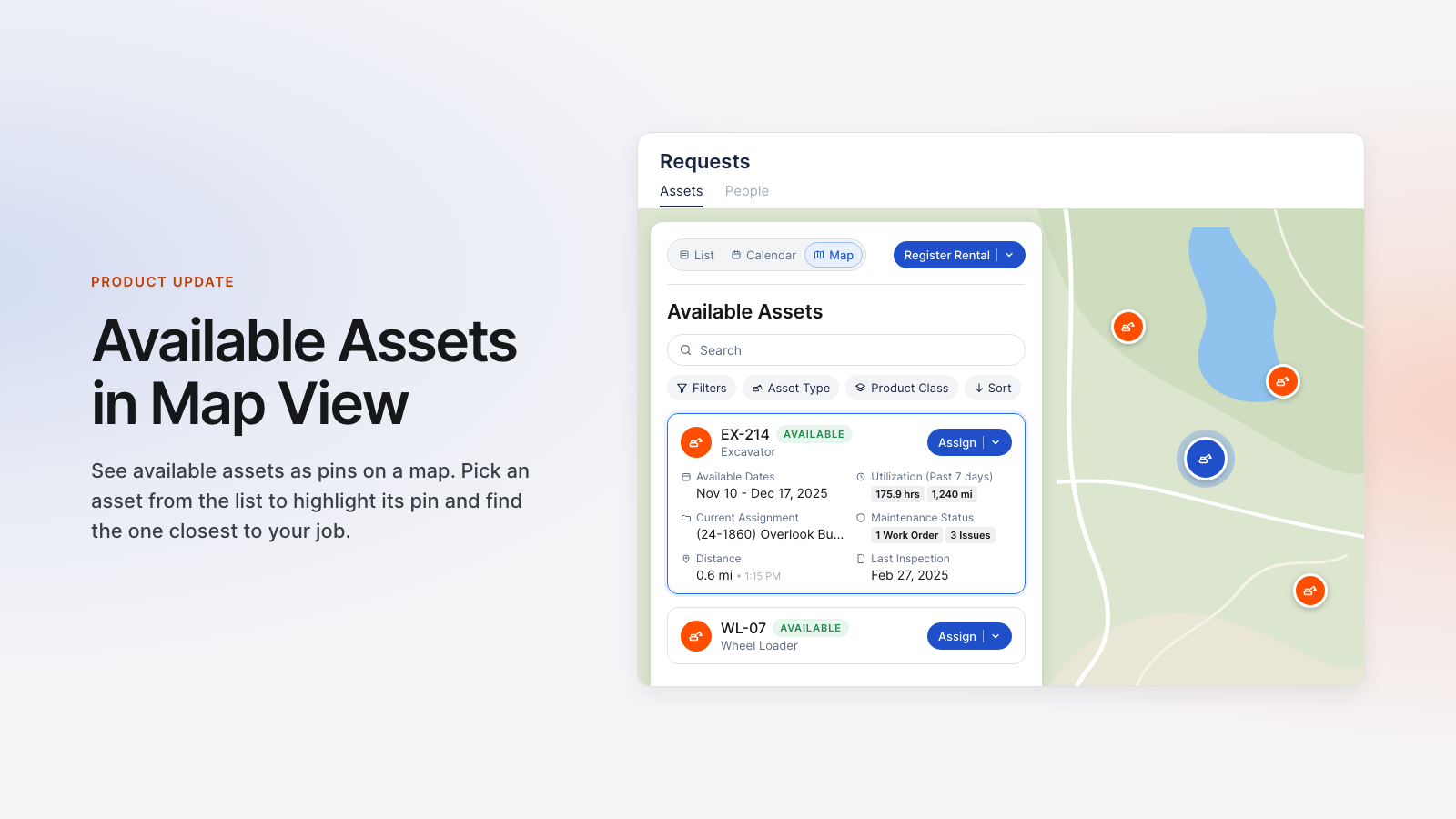
We’re excited to introduce a new feature that lets equipment managers view the location of available assets directly on a map, simplifying the process of identifying assets close to a requested project.
What’s New?
- Map View Integration: Available assets now appear on an interactive map, helping you easily locate nearby assets for any project.
- Automatic Pin Placement: Assets are displayed with pins on the map, showing their precise locations based on the latest available data (latitude, longitude, and asset status).
- Highlighted Asset Selection: When selecting an asset from the list, the corresponding pin on the map is highlighted, improving navigation and tracking.
- Advanced Filtering: The map view includes filtering options to narrow down the asset list by location, availability, and other criteria, making it easier to find the right asset for your needs.


Request a Demo Today to See Our Latest Features in Action!
Oops! Submission failed. Please try resubmitting the form.


