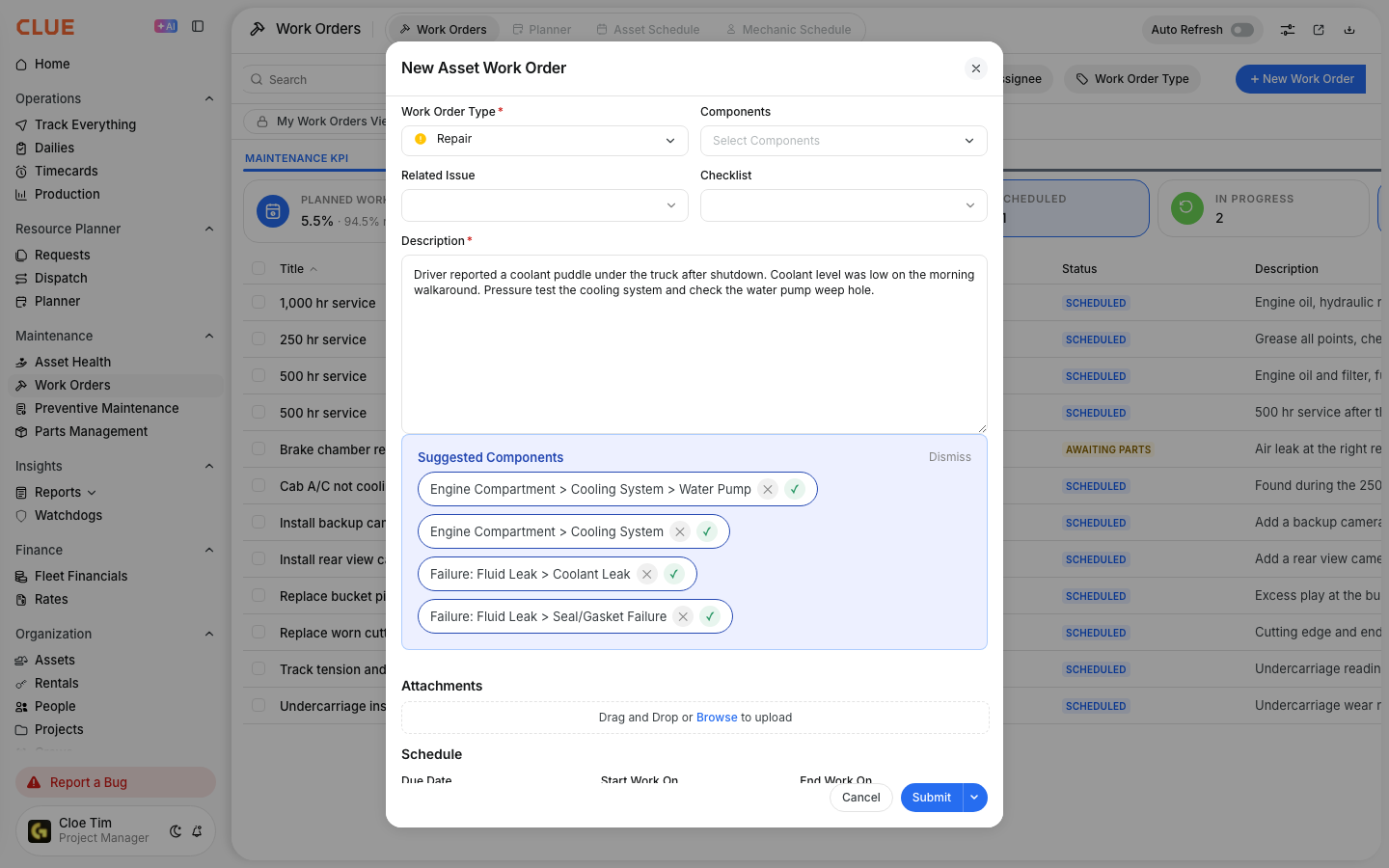
Work Order Permissions and Approval Workflows
Permissions control who can update, approve, or override work orders in CLUE. Approval workflows handle the review of timecards and parts requests so the right people stay involved at each step. CLUE uses permissions to control what each role can do on a work order. Depending on the role, a user may be able to change the status, edit details, cancel a work order, approve time, or review parts requests.
This helps your team keep maintenance records controlled while still letting foremen, mechanics, and managers handle the parts of the workflow that belong to them.
Who is This For?
This setup is mainly for the people who manage work order flow, time approval, and parts control. It is most useful for teams that want clear rules around who can change maintenance records and approve related activity.
- Shop Foremen can change work order status, review time, and manage the work order through its full lifecycle
- Parts Managers can review and approve parts requests before ordering
- Administrators are able configure which roles can edit work orders, change statuses, approve time, and manage parts requests
How to Use It
Work order permissions and approvals usually follow the same pattern: a user performs an action, then the right reviewer approves or updates it based on their role. The sections below show the main parts of that workflow.
1. Work Order Status Overrides
Users with the right permission can change a work order status from the work order detail view. This is useful when more work is needed, when a job should be paused, or when a work order should no longer move forward.

For example, a foreman may move a completed work order back to In Progress or cancel a work order that is no longer needed. Logged labor, parts, and other record history stay tied to the work order. This is a good internal link opportunity for Work Order Workflow and Understanding Work Order Status.
2. Editing Work Order Details
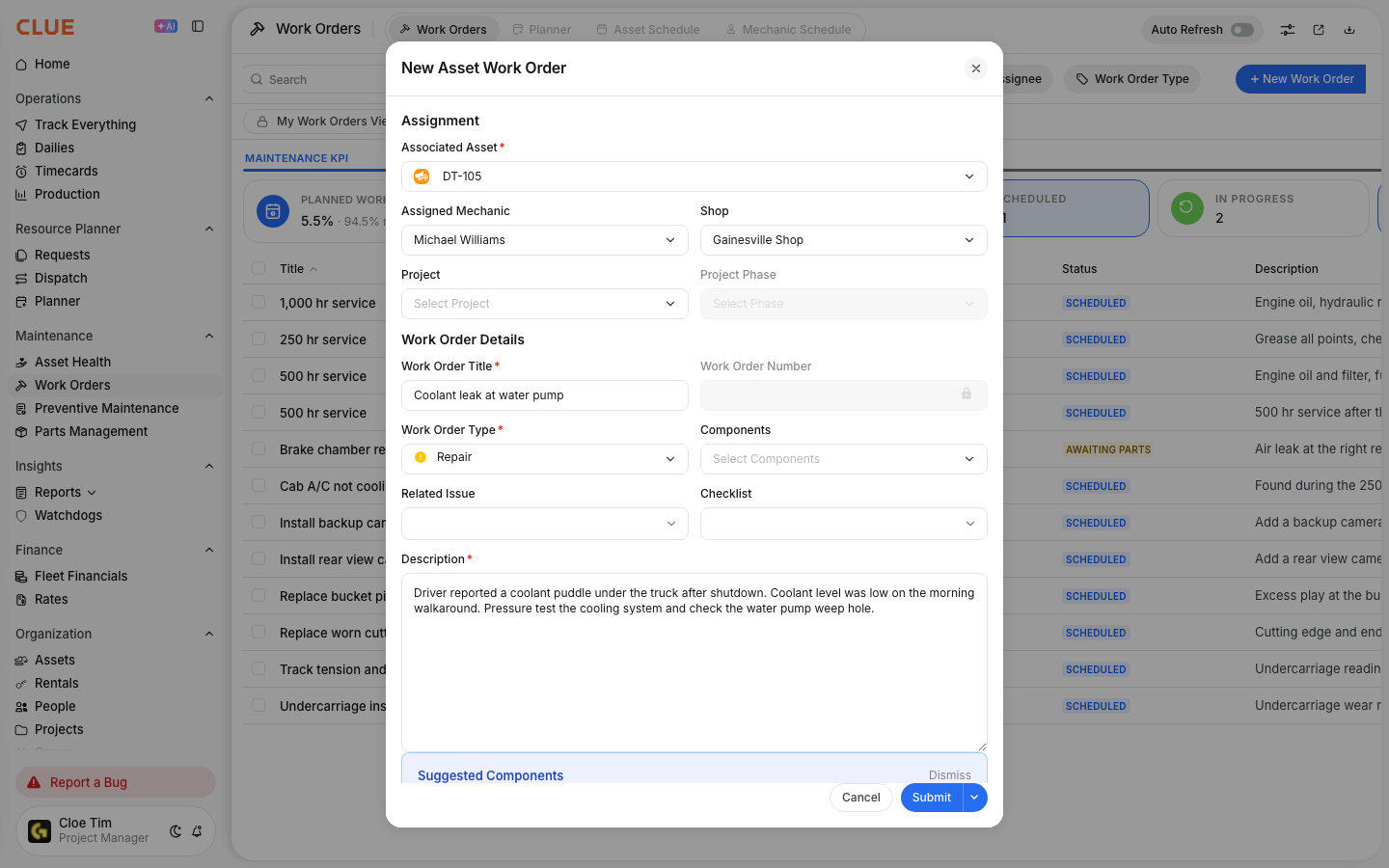
Users with the right permission can also edit work order details, such as the description, assignee, and schedule. As labor, parts, and invoices are added, maintenance costs update on the work order automatically.

This makes it easier to keep the work order current as the job changes. It also pairs well with Updating a Work Order, Adding Labor to Work Orders, and Adding Invoices and Attachments.
3. Timecard Approval
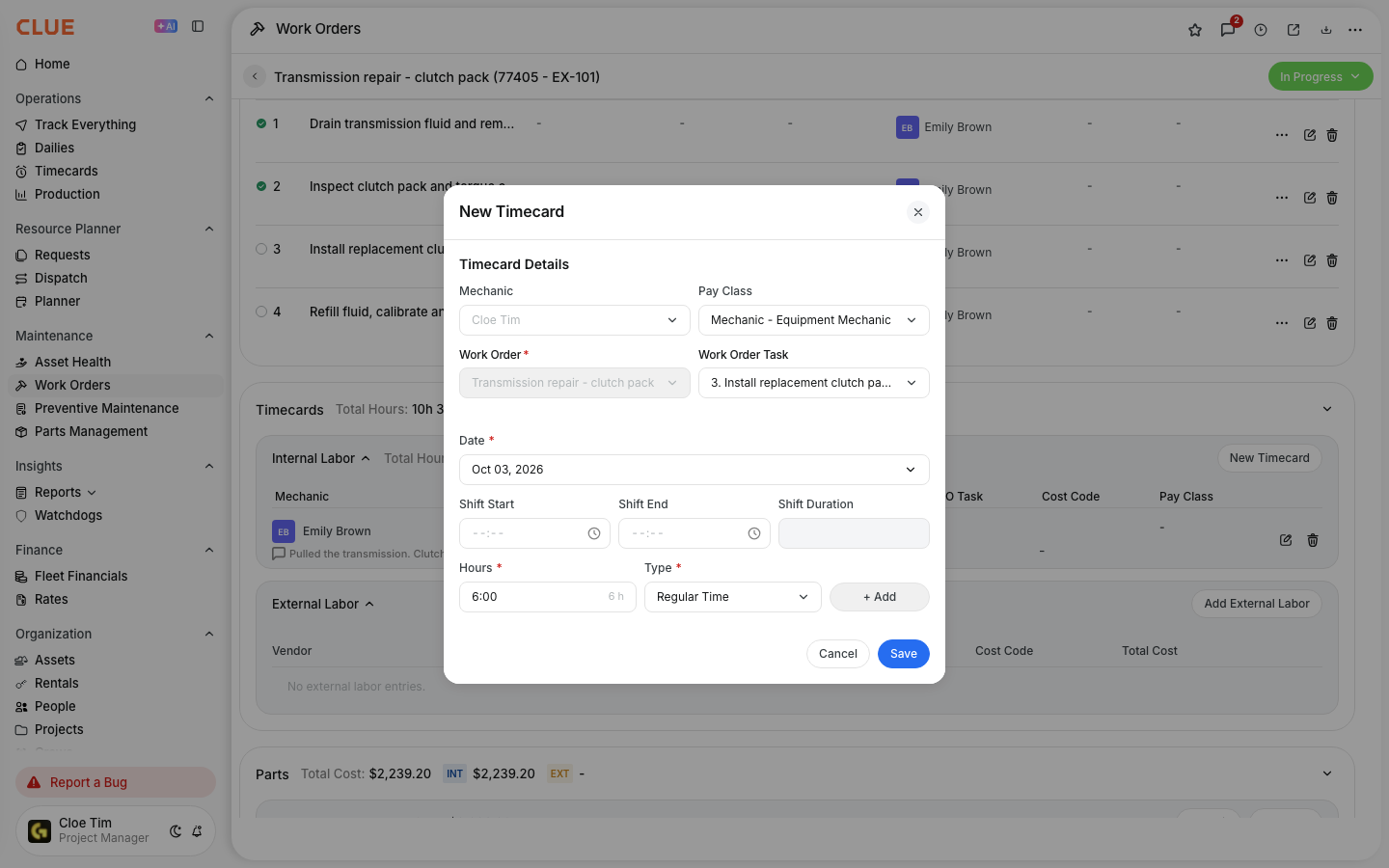
When mechanics log time against a work order, those entries can go through an approval step before they are finalized. Managers or foremen can review submitted hours, approve valid entries, or reject entries that need correction.

4. Parts Request Approval
If your team uses parts request workflows, a requested part can route to the person responsible for review before it turns into a purchase action. This helps control cost, quantity, and ordering decisions before the request moves forward.

5. Configuring Permissions
Permissions are managed by role so each job title only sees the actions it should have. Admins can use the company permissions setup to decide which roles can edit work orders, change status, approve timecards, and manage parts requests.
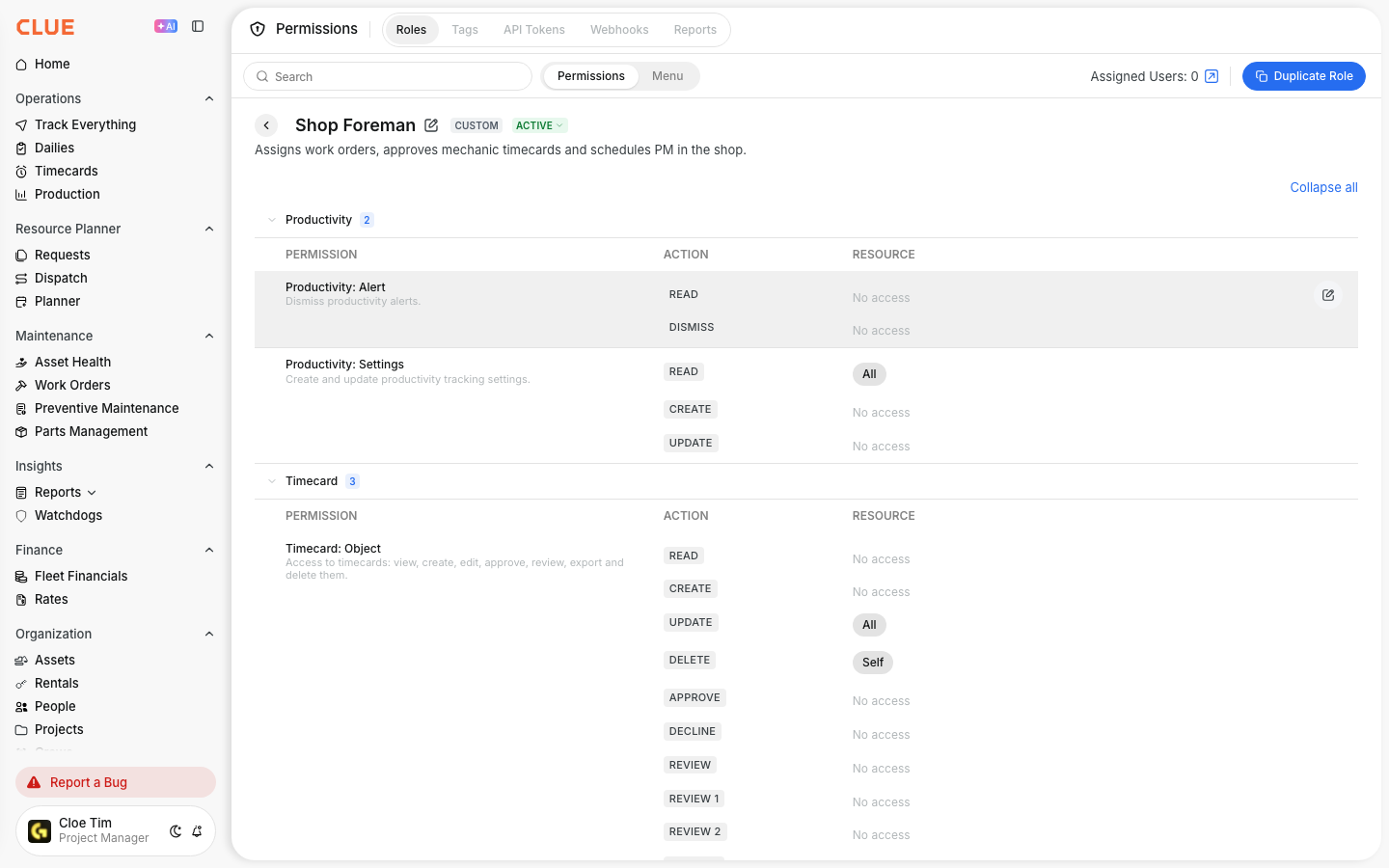
This is the best place for an internal link to Understanding Permissions and Roles because it explains how role-based access is set up across CLUE.
The Full Details
This workflow combines work order permissions with approval steps for related activity. The exact actions available to each user depend on role and company setup.
- Works on web app and mobile app
- Permission-based actions change status, edit work orders, cancel work orders, approve timecards, and manage parts requests
- Status changes are allowed based on role permissions
- Cancelled work orders stay in history with their logged records
- The timecard flow starts when a mechanic logs time, a reviewer checks it, and then approves or rejects
- The parts flow starts when a user requests a part, a reviewer checks it, and then approves, changes, or rejects it
- An audit trail is provided which shows status changes and edits on the work order
Tips
A few simple rules can make permissions and approvals easier to manage. The goal is to keep control where it matters without slowing down normal work in the shop.
- Keep the cancel permission limited to foremen or higher roles
- Review timecards daily so issues and errors can be caught and fixed earlier and easier
- Use a status like On Hold or Waiting for Parts instead of cancelling a work order when the job is still active
- Make sure approvers know which requests need same-day review
- Check your permission settings whenever a new role is added or changed