Work Order Estimating and Budgets
Work Order Estimating and Budgets is a built-in capability that lets your team set a time estimate on a repair job before work begins and track actual labor hours against that estimate as the job progresses. Before a major repair starts, the foreman sets the expected time in hours or days directly on the work order. As mechanics log their hours, the system accumulates actual time and compares it against the original estimate in real time. This gives shop managers and equipment managers visibility into whether a job is running over budget before it finishes, and not after.
Who Is This For?
- Shop Managers use work order estimates to manage bay scheduling and avoid situations where a job ties up a mechanic or workstation longer than planned.
- Equipment Managers use budget vs. actual data to evaluate repair cost patterns across the fleet and make more informed repair vs. replace decisions.
- Foremen set the initial estimate when opening a work order and use the running comparison to flag jobs that are trending over time before the overrun becomes a problem.
How to Use It
1. Set the Estimate
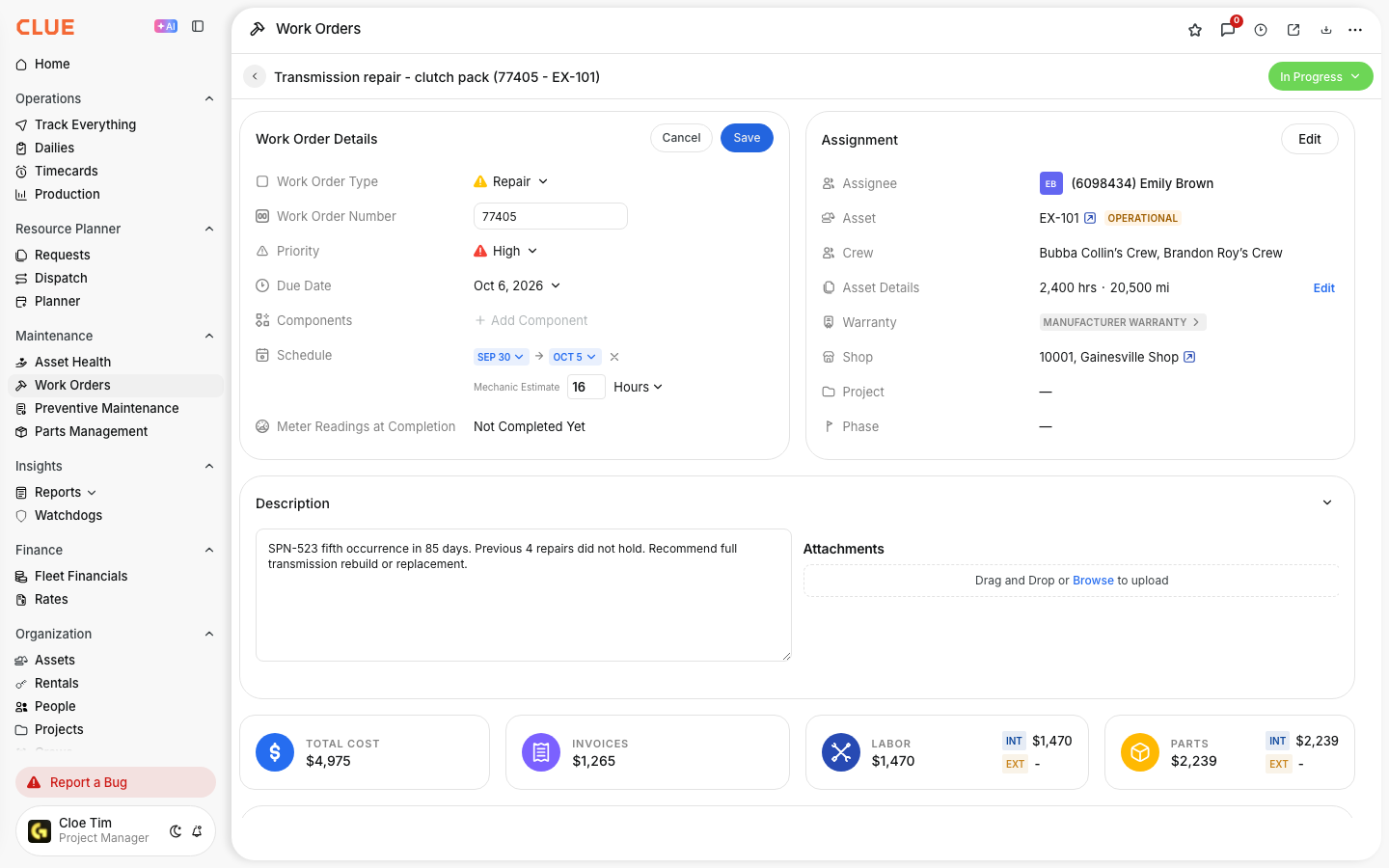
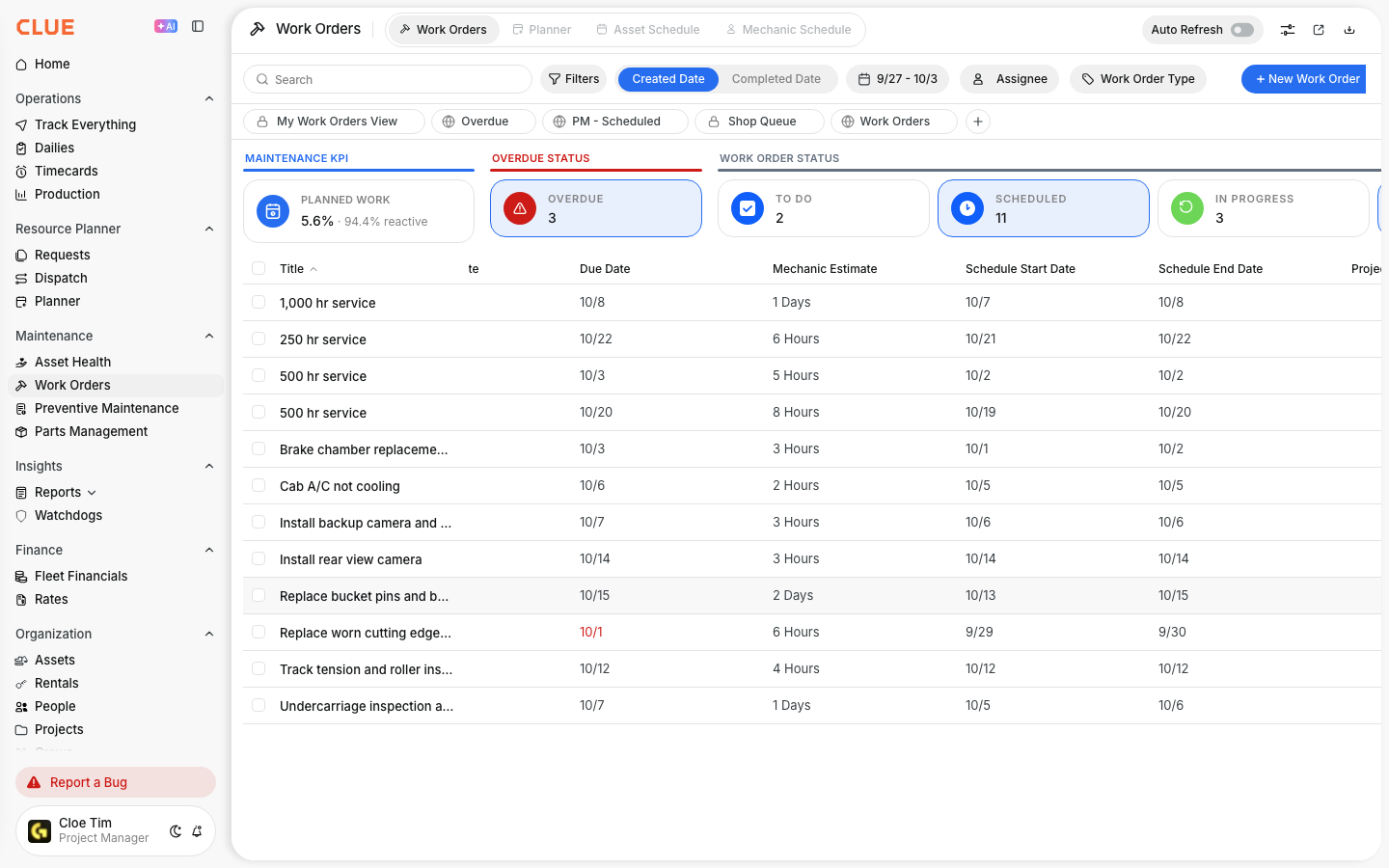
When creating or editing a work order, enter the estimated time in hours or days. This is the foreman's best assessment of how long the job should take based on the scope of the repair.
2. Track Actual Time vs. Estimated Time
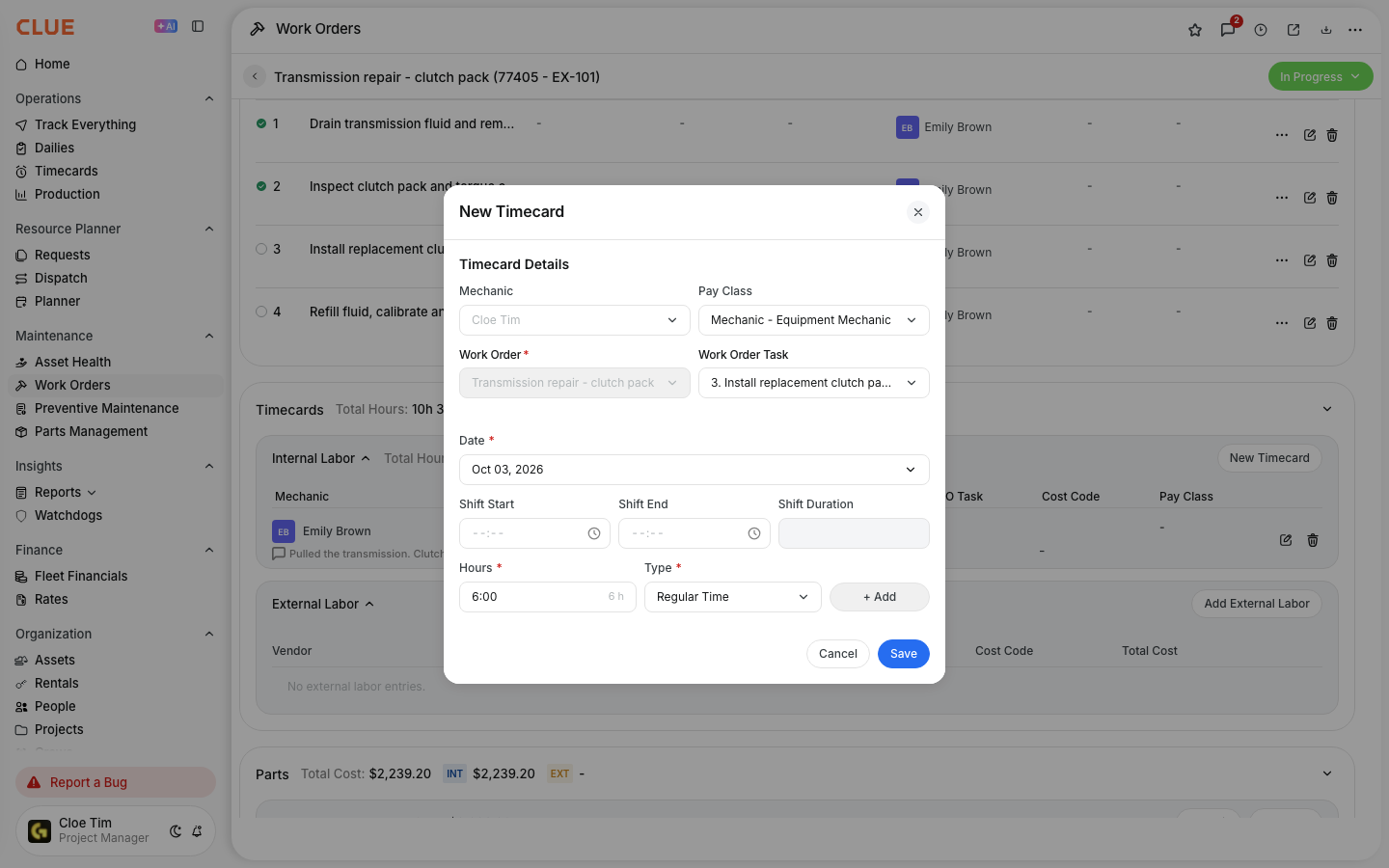
As mechanics log labor on the work order, the actual hours value accumulates automatically from the timecard entries. You can compare the running total against the original estimate at any point during the job. If a 16-hour repair is already at 14 hours and only halfway done, you know early enough to take action.

3. Custom Cost Budget Field
If your team needs to track estimated parts costs and sublet costs in addition to labor hours, a custom field for work order cost budget can be enabled by your CLUE organization administrator. This gives you a complete view of your budget vs. actual cost, covering estimated labor plus estimated parts cost compared against actual totals. Contact your organization administrator to enable this if it is not already available on your work orders.
Key Behaviors and Limitations
- Only available within the web interface. At this time work order estimating and budget tracking is only available on the web. It is not currently available on the mobile apps.
- Estimated time is a built-in field. The time estimate field is standard on all work orders and does not require any configuration to use. Set the value in hours or days when creating or editing a work order.
- Cost budget is a custom field. The cost budget field is not enabled by default and requires that your CLUE organization owner or administrator to activate it. If you need this field and it's not visible on your work orders, reach out to your organization administrator.
- Actual hours roll up automatically. Labor hours logged by mechanics through timecard entries on the work order accumulate automatically. There is no manual step required to update the total actual hours.
- Vista sync carries estimates and actuals. If your organization uses Viewpoint Vista, work order estimates and actual hours carry through when work orders sync to Vista.
Tips
- Estimate every major repair. Even a rough number gives you a baseline to measure against. A work order with no estimate gives you no early warning when a job start to run long.
- Review overruns weekly. If the same type of job consistently takes twice the estimate, the estimate is wrong. Adjust it based on what the actual values are telling you so your future planning can be improved over time.
- Use estimates for bay scheduling. A 40-hour engine rebuild occupies a bay and a mechanic for a full week. Knowing that upfront allows the shop to plan around it and avoid bottlenecks.
- Use the cost budget field for major repairs. For high-cost jobs where parts and sublet work are involved, enabling the cost budget field gives you a more complete picture of what a repair is actually costing versus what was planned. This data feeds directly into equipment maintenance cost tracking over time.
- Connect overrun patterns to your reporting. Consistently overrun work orders are a signal worth investigating. Use CLUE's Reporting and Analytics to identify which asset types or repair categories are regularly exceeding estimates and use that data to improve planning accuracy.