Viewing PM Status for Your Fleet
Use the PM Status view to see which equipment is due soon, which items are overdue, and which assets are still in good standing. It gives your team one place to review service needs across the fleet and act before maintenance gets missed.
Overview
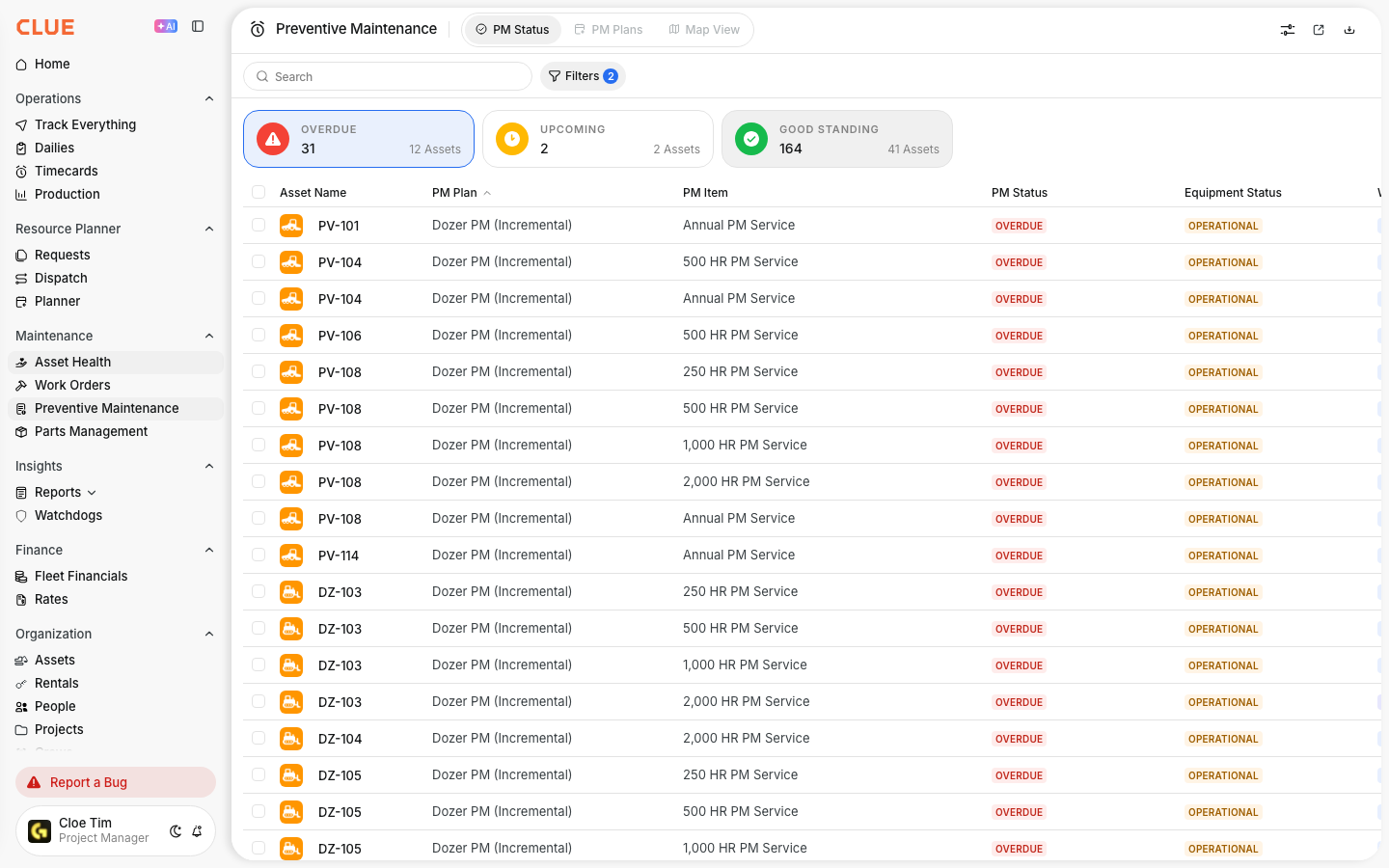
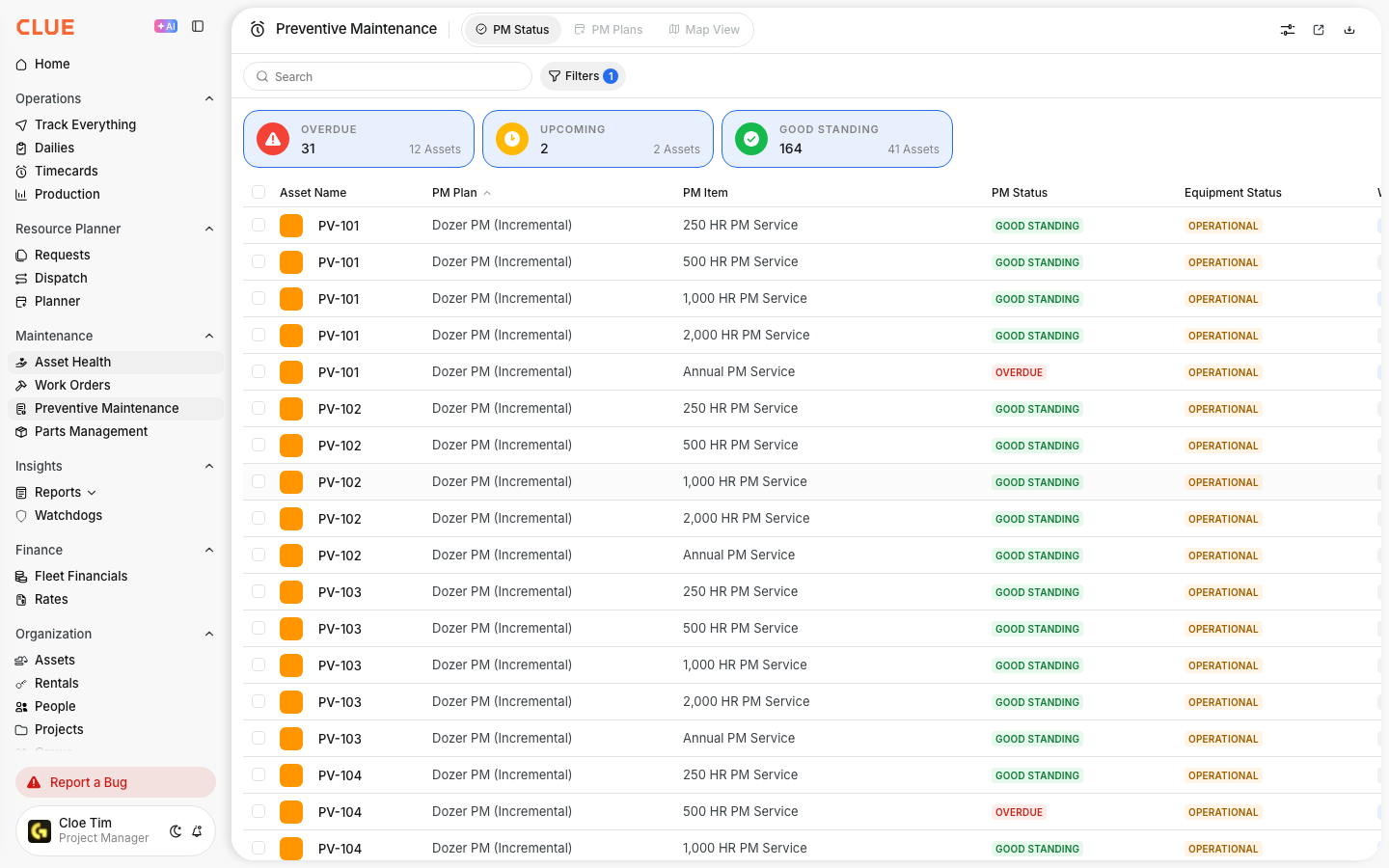
The PM Status view shows the current maintenance status of your fleet. It helps you see what needs service now, what is coming up soon, and whether a PM work order has already been created for that item.
This view works especially well with Understanding Preventive Maintenance, Creating a New PM Plan, and Understanding PM Status vs PM Plans if your team is already managing service intervals and PM setup in CLUE.
Accessing PM Status
You can open PM Status from the Preventive Maintenance section. Once you are there, the PM Status tab gives you the current due view for the fleet.
To get there:
- go to Preventive Maintenance
- click the PM Status tab
PM Status Columns
The table shows the main details your team needs to review PM activity. This makes it easier to decide what should be scheduled first and what can wait.
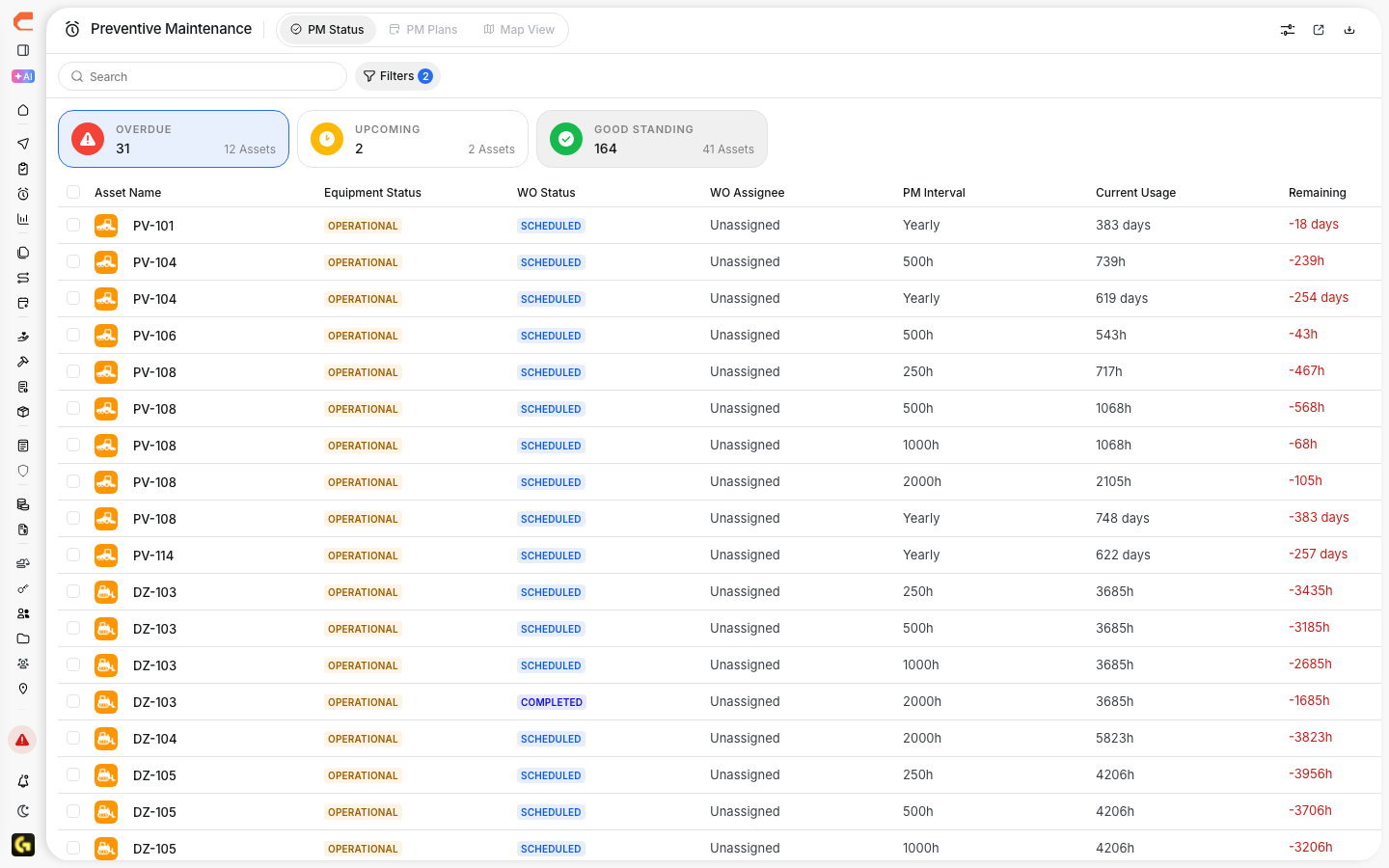
Common columns include:
- Asset - the equipment name
- PM Plan - the service plan assigned to that asset
- PM Item - the specific service item
- Status - Good Standing, Upcoming, or Overdue
- Interval - how often the service is due
- Current Usage - the current hours, miles, or days
- Remaining - how much time or usage is left until service is due
- WO Status - whether a work order already exists for that PM item
This section also creates a natural internal link opportunity to Creating a New PM Plan and Setting PM Intervals when users need to understand where those values come from.
Status Indicators
The status colors help your team understand how urgent each PM item is. A quick look at the status makes it easier to prioritize the right service work first.
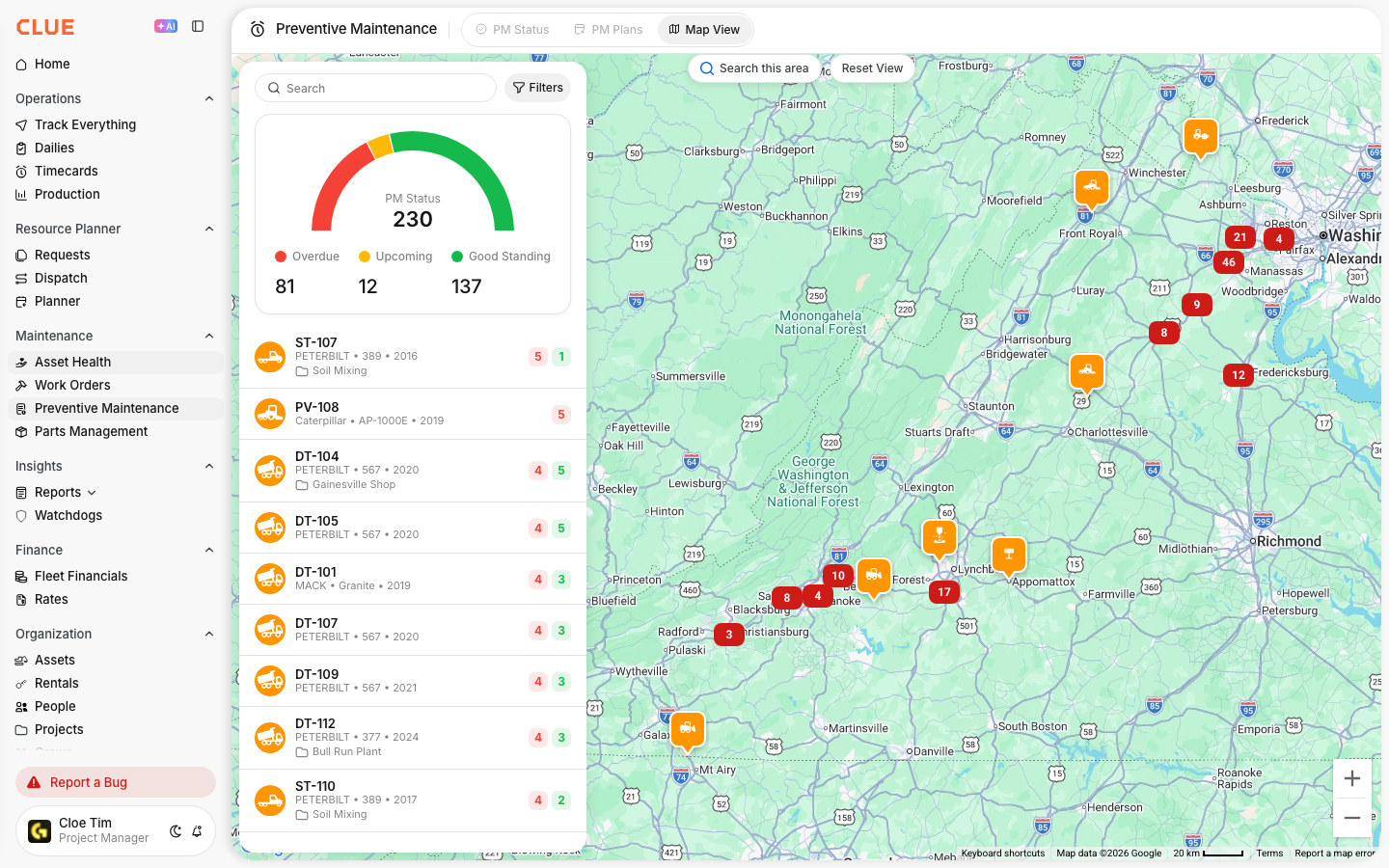
The main statuses are:
- Good Standing - the asset is not due yet
- Upcoming - the asset will need service soon
- Overdue - the service is already past due
This is a strong place to link to PM Statuses Explained if you want a separate article that goes deeper into how each status should be handled.
Creating Work Orders from PM
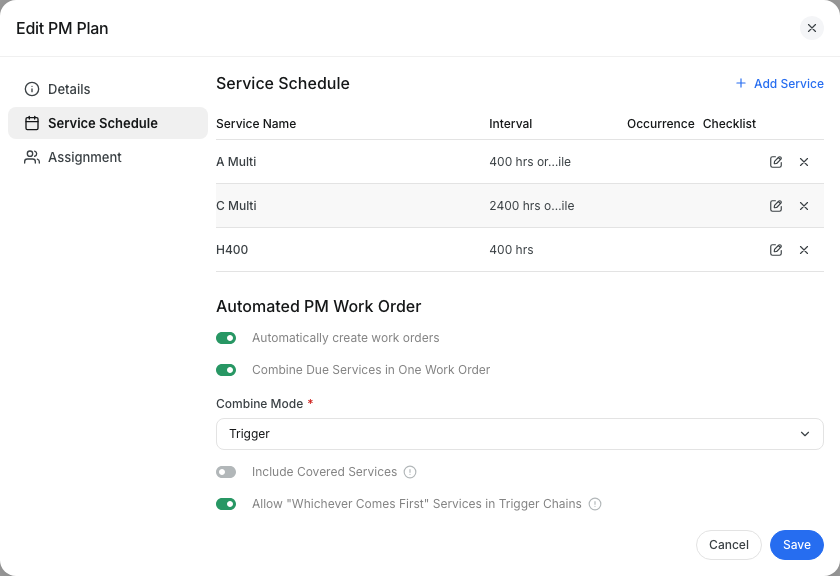
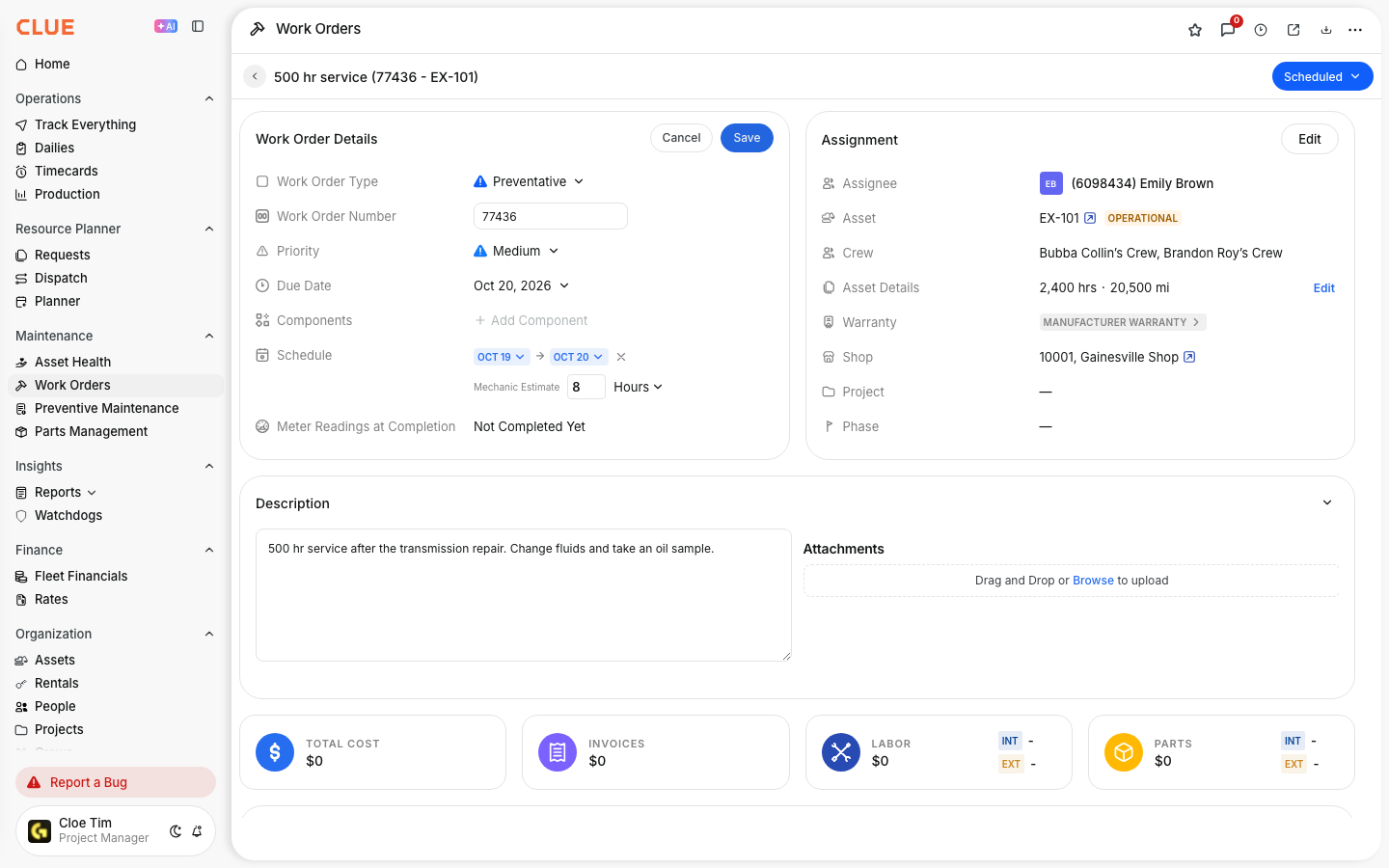
Once a PM item is due, you can create a work order from the PM Status view. This helps turn a due service item into scheduled maintenance without re-entering the same details by hand.
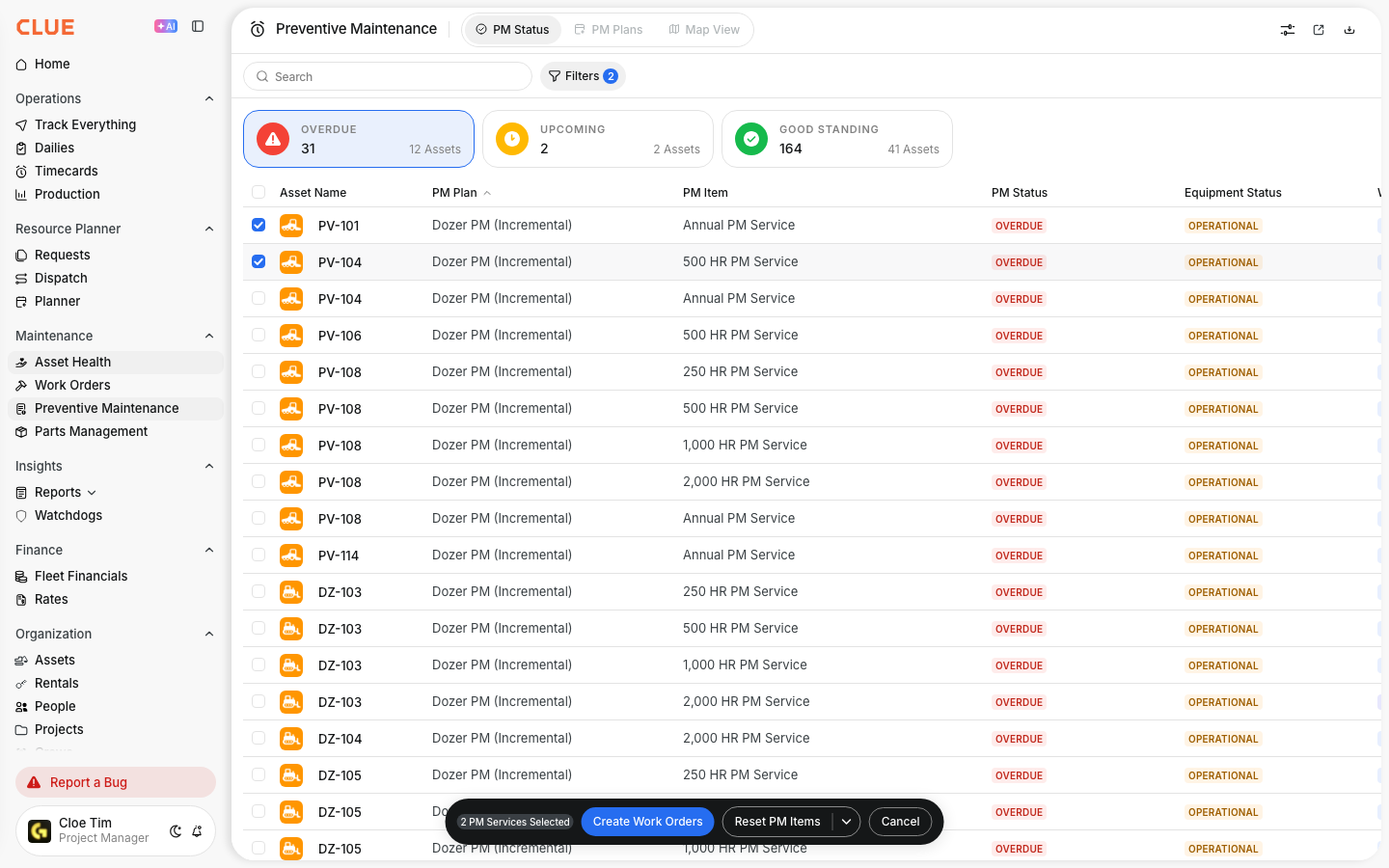
To create a PM work order:
- select the PM items that need service
- click Create Work Order
- review the PM details that auto-fill
- assign and schedule the work order
This also connects naturally with Creating and Managing Work Orders and Work Order Workflow if the next step is to assign the job and move it through the shop.
Filtering PM Status
Filters help you narrow the list so you can focus on the items that matter right now. This is useful when reviewing only overdue work, one equipment group, or one PM plan.

You can filter by:
- Status - show only Overdue or Upcoming items
- Asset Type - narrow the list by equipment category
- PM Plan - show items from a specific service plan
This is also a good internal link opportunity for Asset Types and Categories if users need help understanding how equipment groups affect filtering.
Tips
A simple review routine makes PM Status much more useful. The goal is to catch work early, stay ahead of overdue service, and avoid creating last-minute maintenance problems.
- review Overdue items daily
- schedule Upcoming items before they become overdue
- use bulk actions when several PM items need attention at once
- compare PM Status with PM Plans when something looks off
- check reset values after service so the next interval is accurate
- use the download button to export PM Status to Excel, and the share button to send the view to a manager or planner
- open a row to see the progress toward the service limit and the last reset date