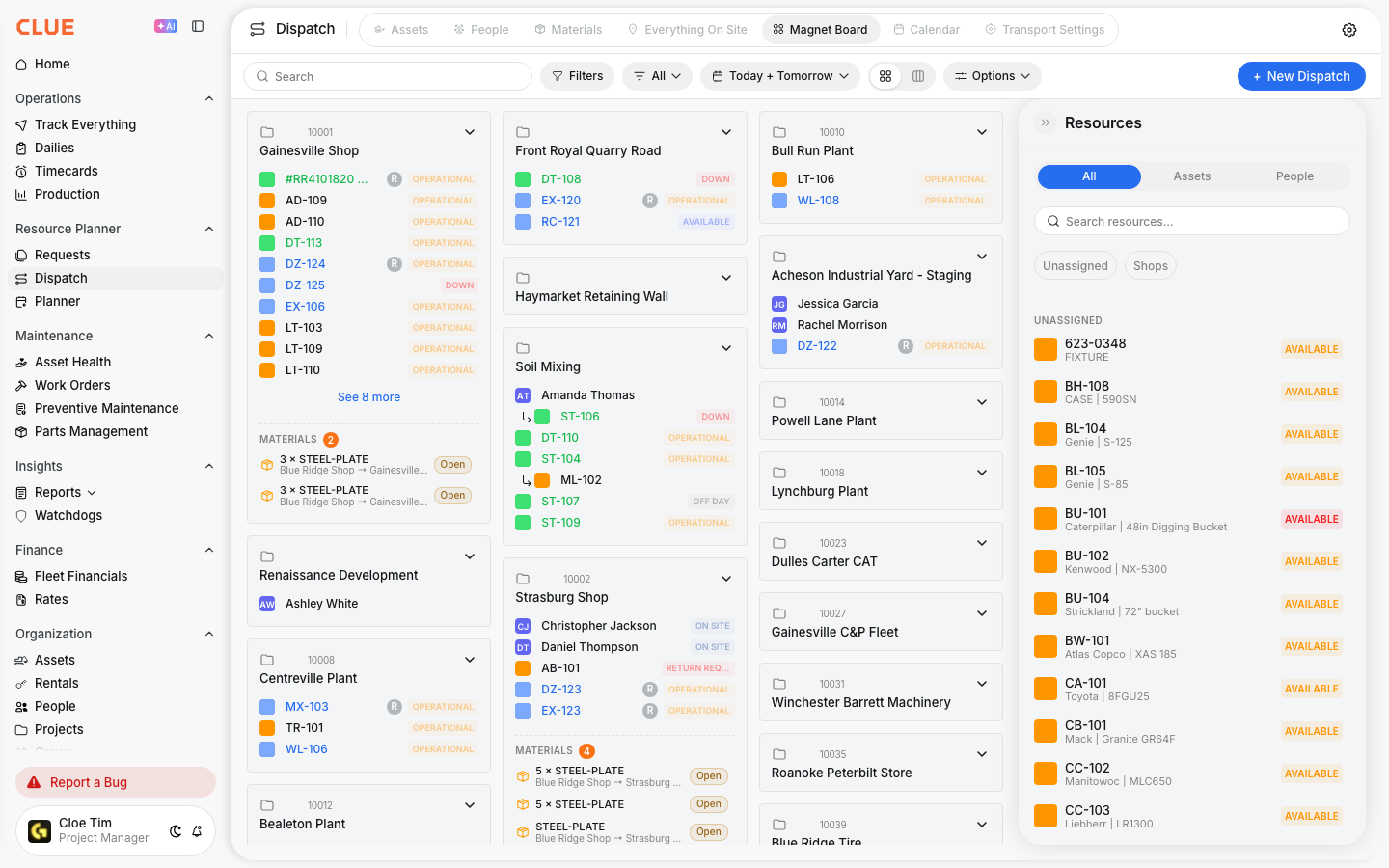
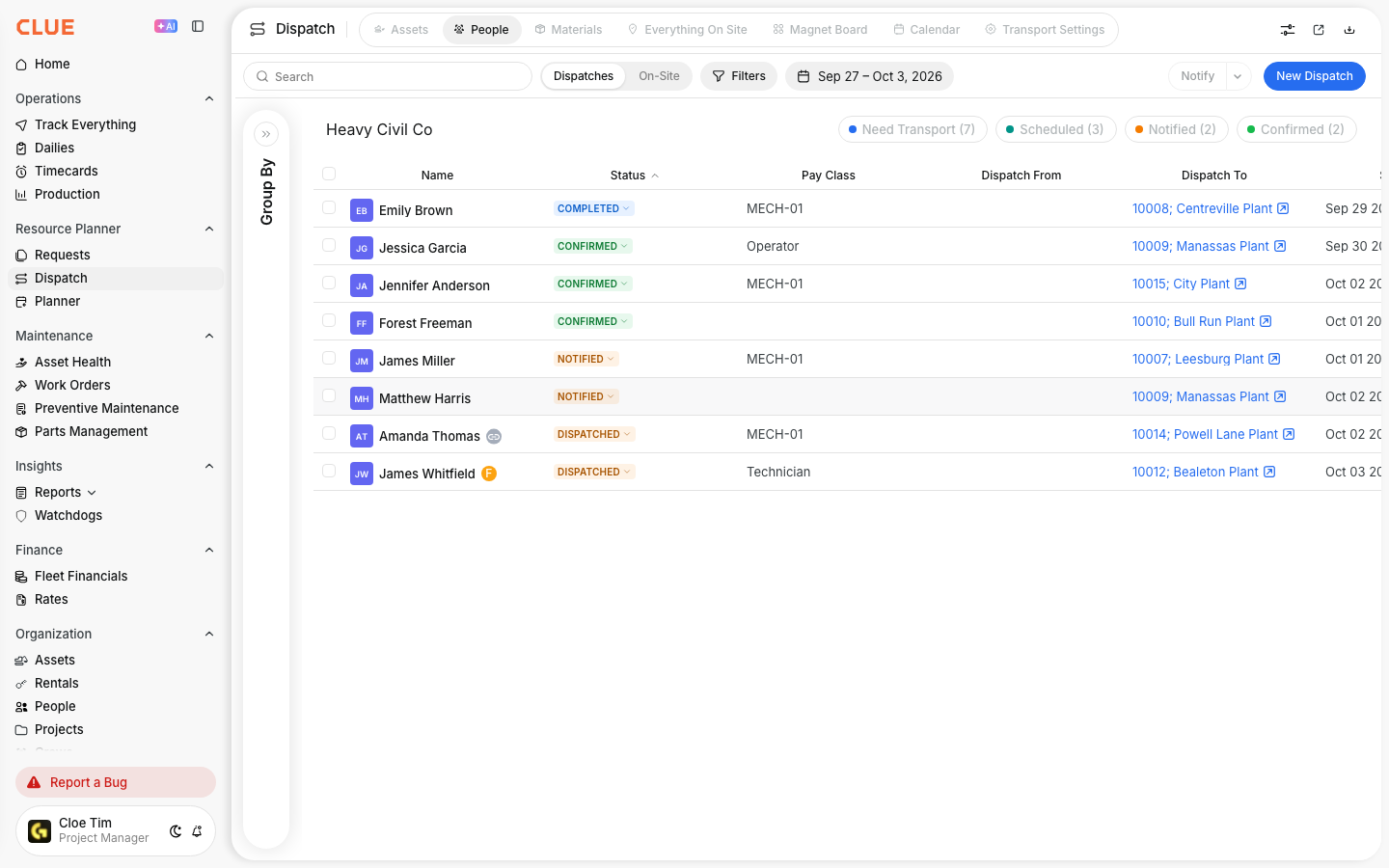
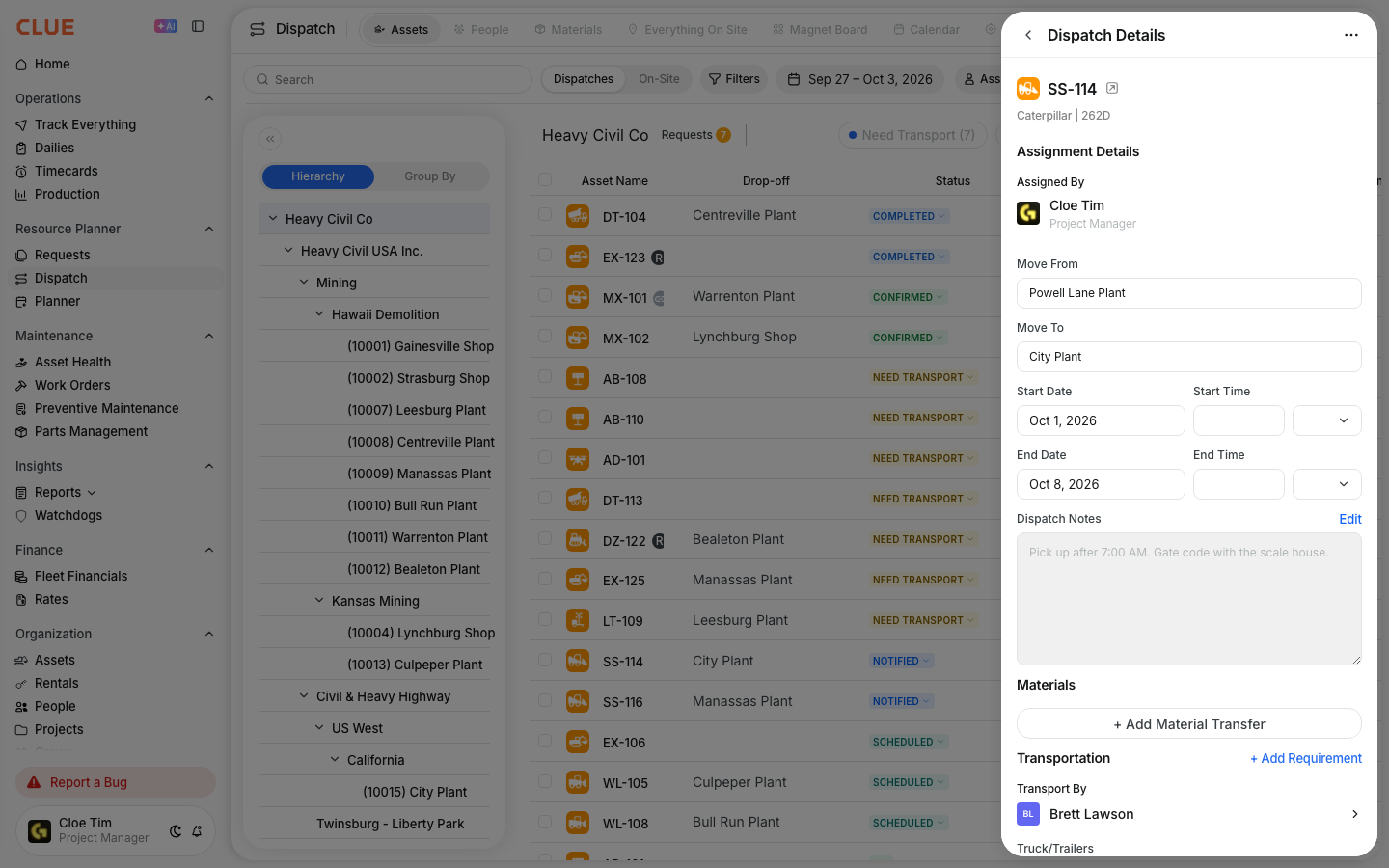
Use Everything On Site to see the people and equipment connected to one project in a single view. It helps your team check what is assigned, what is physically there, and whether the site has what it needs before more resources are sent out.
Overview
The Everything On Site view shows all resources at a selected project, including both equipment and people. It is useful for site reviews, daily planning, and checking project coverage without switching between separate dispatch views.
This view works well with Creating a New Dispatch, Dispatching Assets to Projects, and Dispatching People to Projects because it gives you one place to review the result after resources have been assigned.
Accessing Everything On Site
You can open this view from the main Dispatch page in Resource Planner. Once you switch to the tab, you can choose a project and review everything tied to that location.
Step 1: Open Dispatch
Go to Resource Planner → Dispatch.
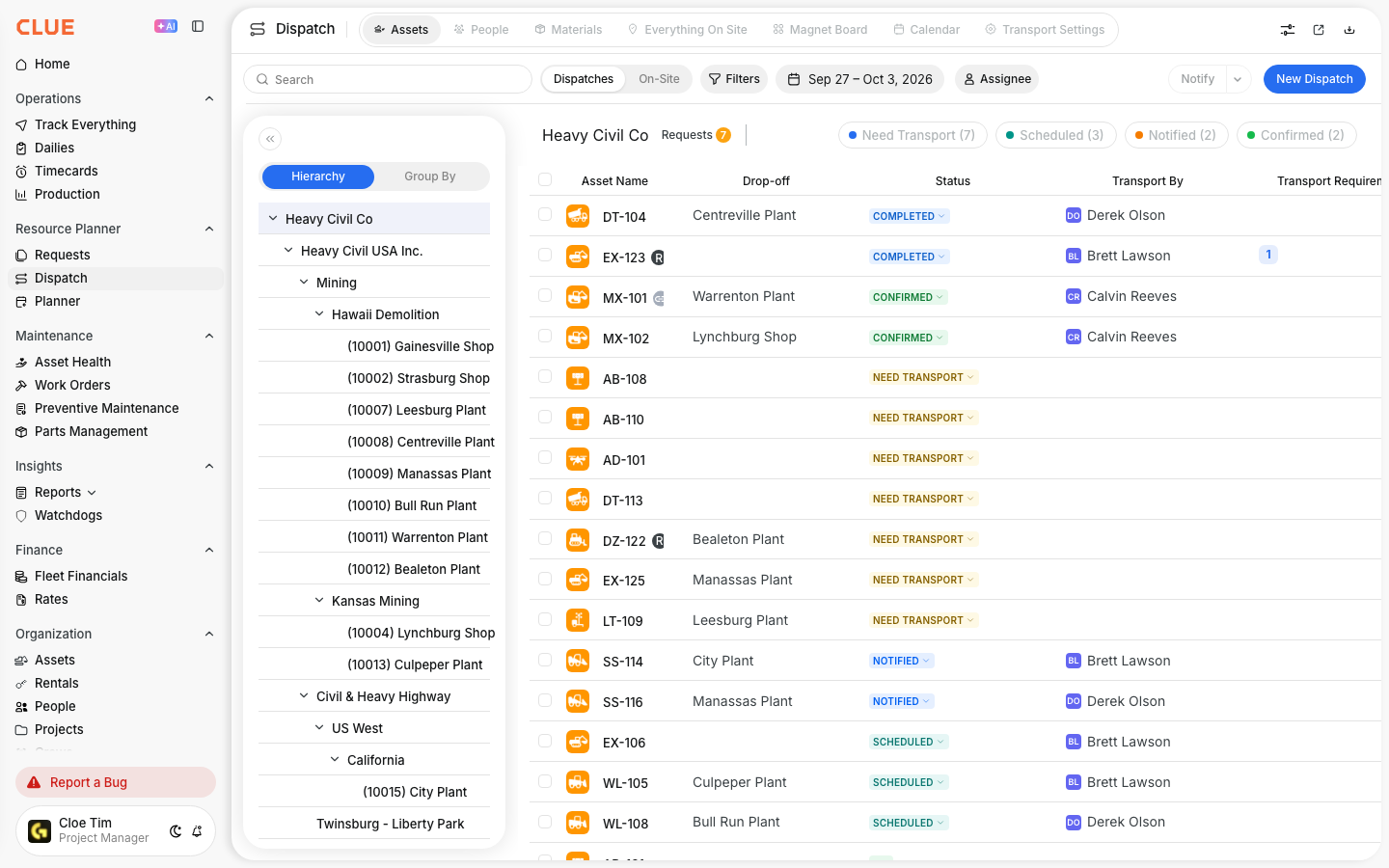
Step 2: Open the Everything On Site tab
Click Everything On Site at the top of the page.
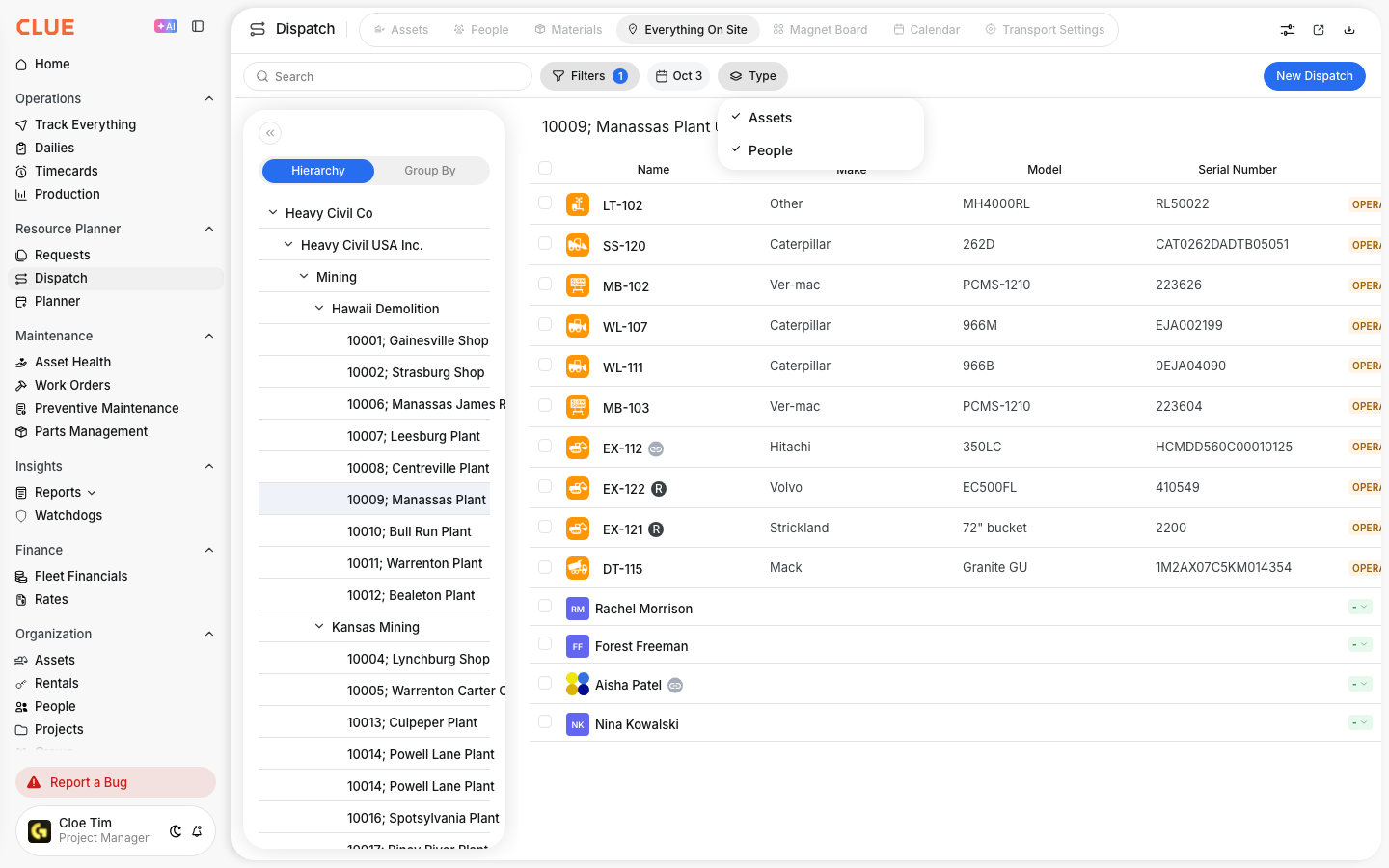
Step 3: Select a project
Choose the project you want to review from the dropdown list.
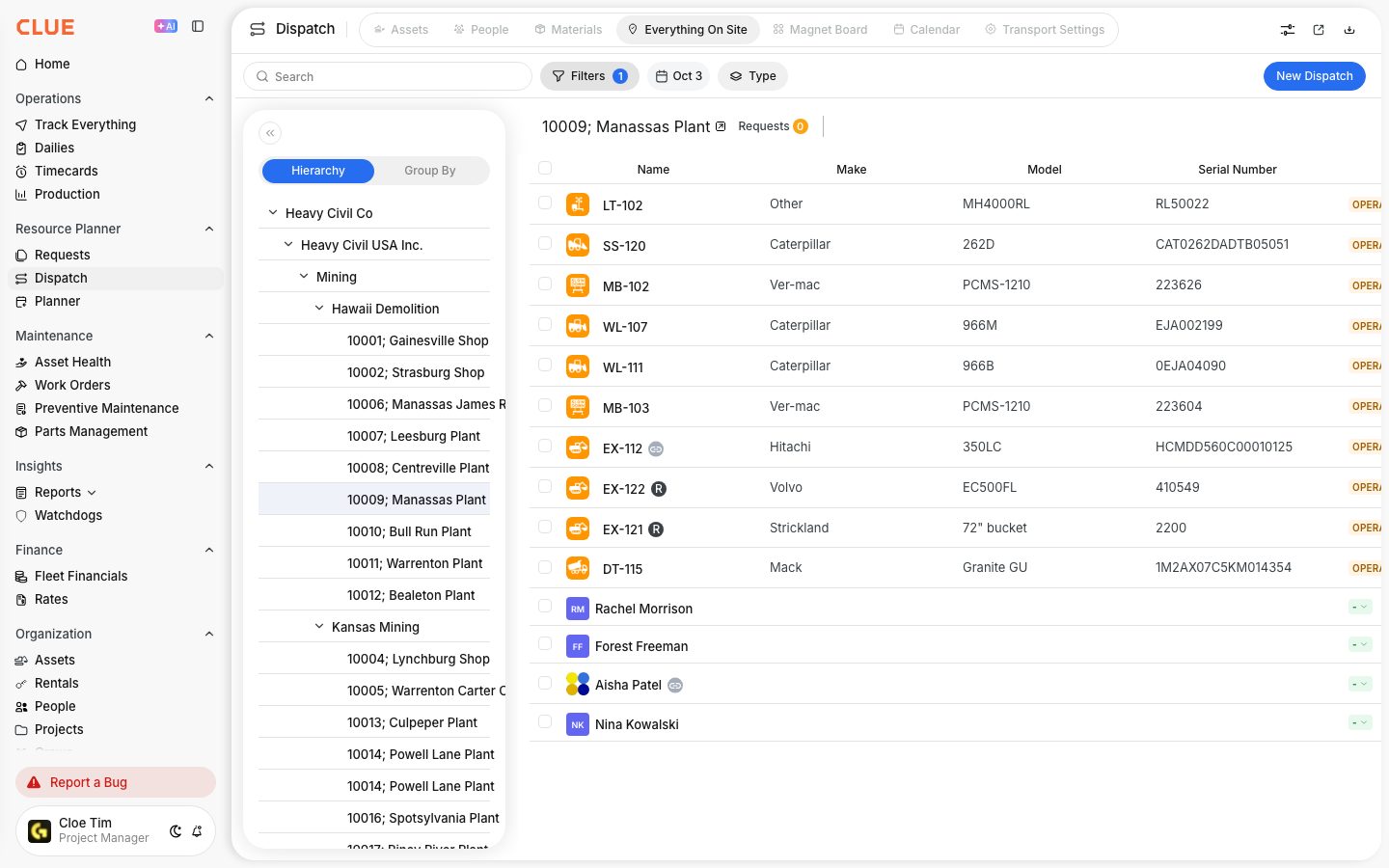
What You'll See
Once a project is selected, the page shows the resources tied to that location. This makes it easier to review project coverage without checking separate equipment and people lists.
For the selected project, you can review:
- Assets - equipment assigned to the project or detected at that location
- People - crew members dispatched to that site
- Counts - total resources by type or group
- Assignment dates - when resources arrived or when they are scheduled to be there
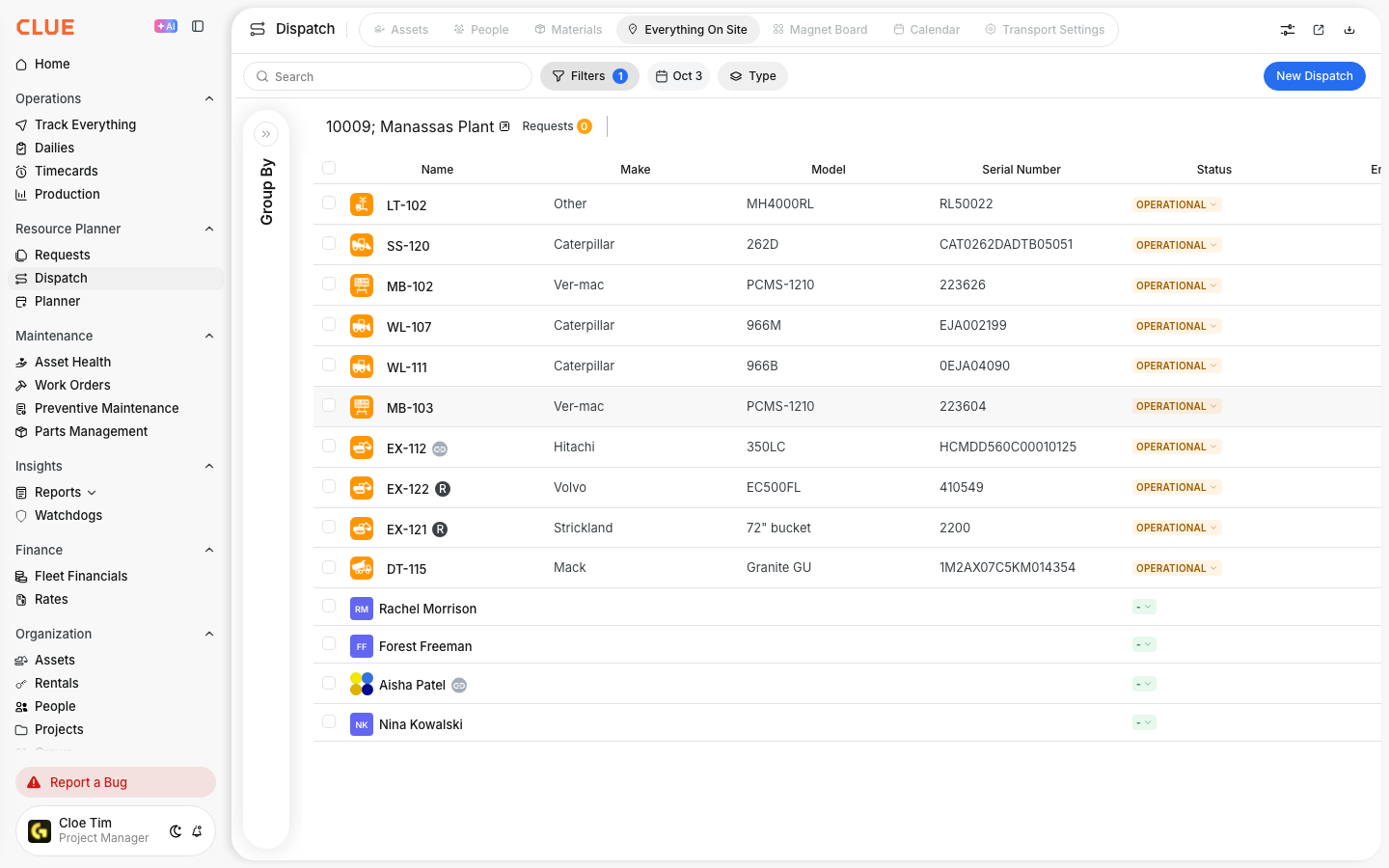
Understanding Resource Status
Resources can appear in different ways depending on how they were assigned or detected. This helps your team compare planned dispatches with what is actually happening in the field.
Common status views include:
- Dispatched - officially assigned through Dispatch
- On Site (GPS) - physically detected at the location through tracking
- Both - assigned in dispatch and also confirmed on site by GPS
This makes it easier to spot differences between the dispatch plan and the live field picture in Track Everything.
Use Cases
This view is most useful when your team needs a quick answer to what is at a site right now. It helps operations, dispatch, and project teams work from the same view of the job.
Common uses include:
- Site audits - confirm what people and equipment are at the job
- Resource planning - check whether the site has enough support
- Cost allocation - review resource commitment by project
- Safety and compliance - confirm the right equipment or crew is on site
Tips
A quick review of Everything On Site can help prevent over-dispatching and make site planning more accurate. It is especially useful before sending more people or equipment to a busy project.
- compare Dispatched and On Site (GPS) to find mismatches
- review the site before creating another dispatch
- use it during daily project check-ins
- keep project assignments updated so the view stays useful
- pair it with Using the Track Everything Map when you need live location detail