Tire Pressure Monitoring: Auto-Detection and Fault Code Alerts
CLUE tracks tire pressure for your Samsara-connected vehicles automatically. The mobile apps read PSI for all four tires every two minutes when the engine is running, learns each vehicle's normal range, and generates fault codes when something is wrong. There's no sensors to install and no manual checks to perform!
Who is This For?
- Fleet Managers who want to catch tire issues before they cause a breakdown or blowout.
- Mechanics who need to know which tire needs attention before the truck arrives at the shop.
- Safety officers who require documented tire health data for compliance and incident prevention.
How to Use It
1. Open Asset Details for a Samsara Vehicle
Find the vehicle in your fleet list and open its Asset Details page. Locate the tire icon in the metrics row at the top, after the DEF level reading.

2. Tap the Tire Icon to See Live PSI Readings
After tapping on the tire icon a card appears showing all four tire positions from an above view. Each tire shows its current PSI reading. The color of the dot tells you the status at a glance, green is within normal range, orange is 10-20% below baseline, and red is more than 20% below baseline or has an active fault code.


2. Check Fault Codes For Any Alerts
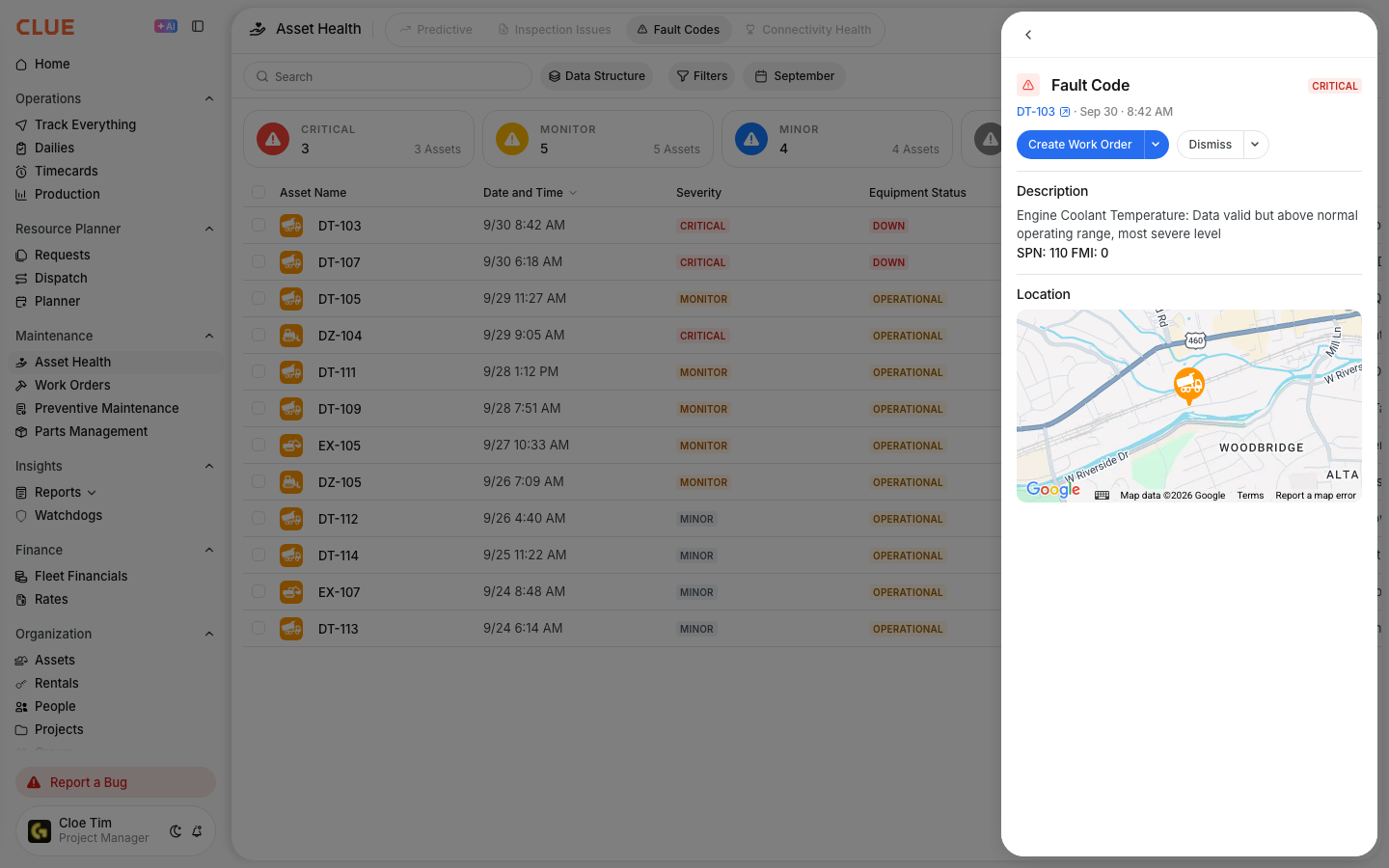
When CLUE detects a tire problem, it automatically generates a fault code. You will see it in the Fault Codes section of Asset Details. No manual review is required, CLUE catches it and flags it for you!

How Fault Codes are Generated
CLUE runs four detection checks every hour and automatically creates fault codes. Here is what each check looks for:
- Acute Underinflation: Any tire that drops below 80% of its learned baseline. When this occurs CLUE generates a high-severity fault code immediately.
- Slow Leak: A single tire loses pressure steadily over 24 hours while its axle partner stays stable. This isolates a real leak from temperature-driven changes, that would affect both tires equally.
- Cross-Axle Imbalance: Two tires on the same axle differ by more than 15%. This flags uneven wear or a hidden slow leak that has not yet crossed the underinflation threshold.
- Chronic Underinflation: A 7-day rolling average that sits below 80% of baseline. This catches vehicles that run perpetually low and never triggers the acute check.
Fault codes are automatically deduplicated. If an open fault code of the same type already exists for that vehicle, no new one fault codes are created within 24 hours. This helps keep your fault code list stay clean.
The Full Details
- Requires: Samsara telematics with OBD-exposed TPMS. This generally covers 20-25% of most fleets, predominantly newer Ford trucks. No extra hardware or add-ons are needed.
- Works on: Web app and mobile apps (iOS and Android).
- Reading frequency: Every 2 minutes when the engine is running.
- Baseline learning: CLUE learns each vehicle's normal range over 7 days. No fault codes will fire during this learning period. The baselines will refresh monthly.
- Fault code frequency: Checks are performed on an hourly basis. CLUE opens one fault code per type, per vehicle at a time.
- Enable: The feature is off by default. Please contact your CLUE organization administrator to turn it on.
- Permissions: Any user who has permissions to view Asset Details can see tire pressure data. No extra permissions aside from that are needed.
Tips
- A dash next to the tire icon indicates no tire pressure data is available for that vehicle. This means either the asset is not Samsara-connected or its OBD does not expose TPMS information.
- The slow leak check compares a tire against its axle partner, not against an absolute threshold. This means cold mornings will not trigger false alerts.
- All four checks run in order of severity. If a vehicle has multiple issues, CLUE generates a fault code for each one separately.