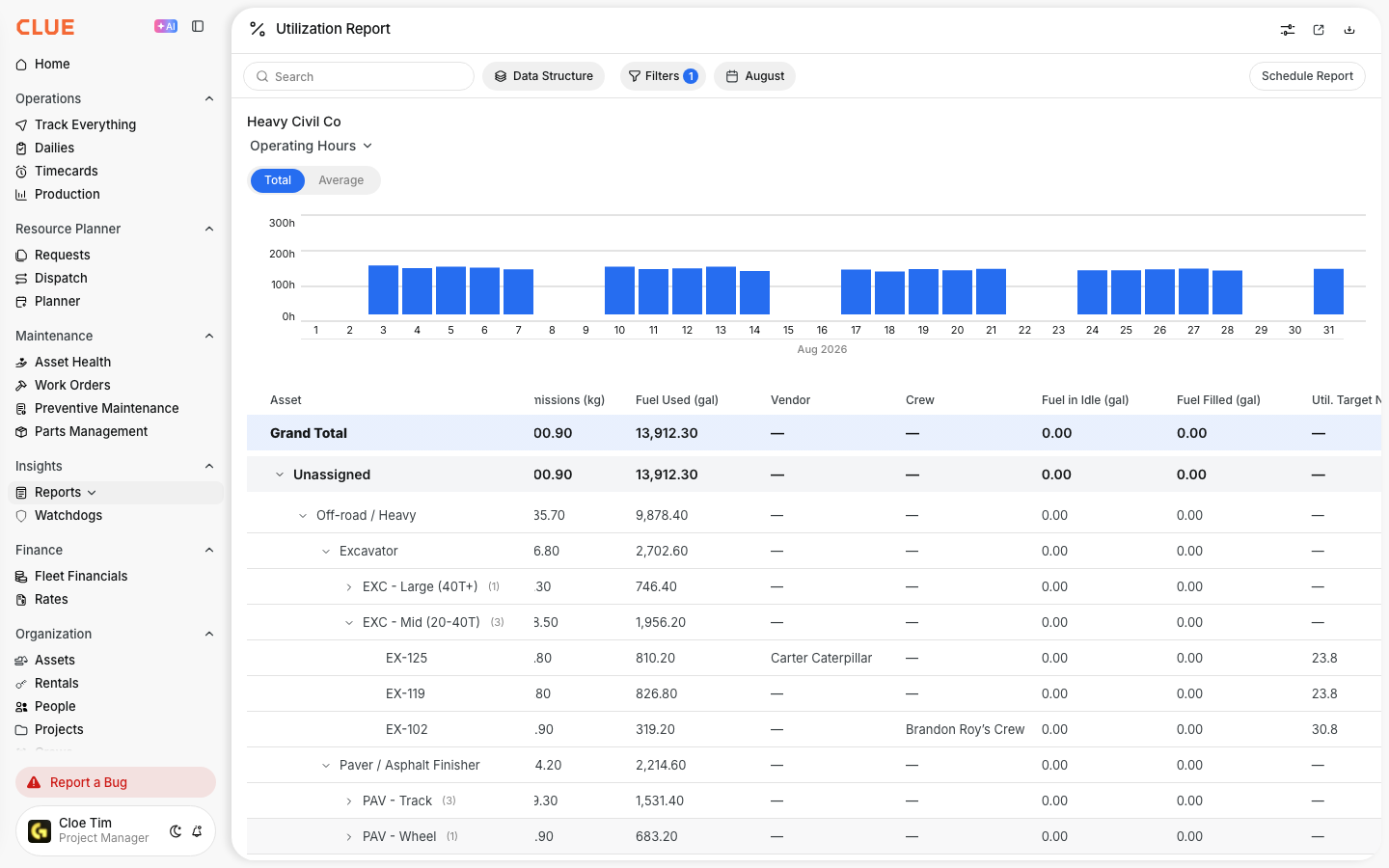
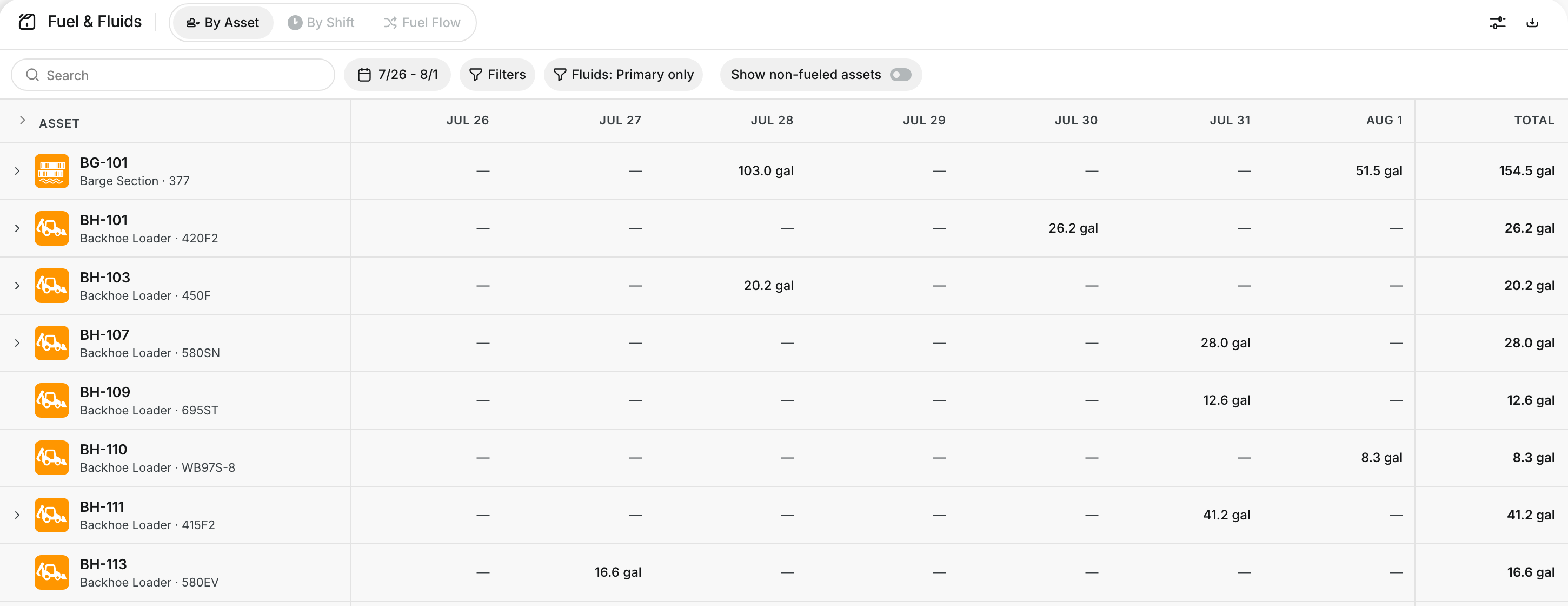
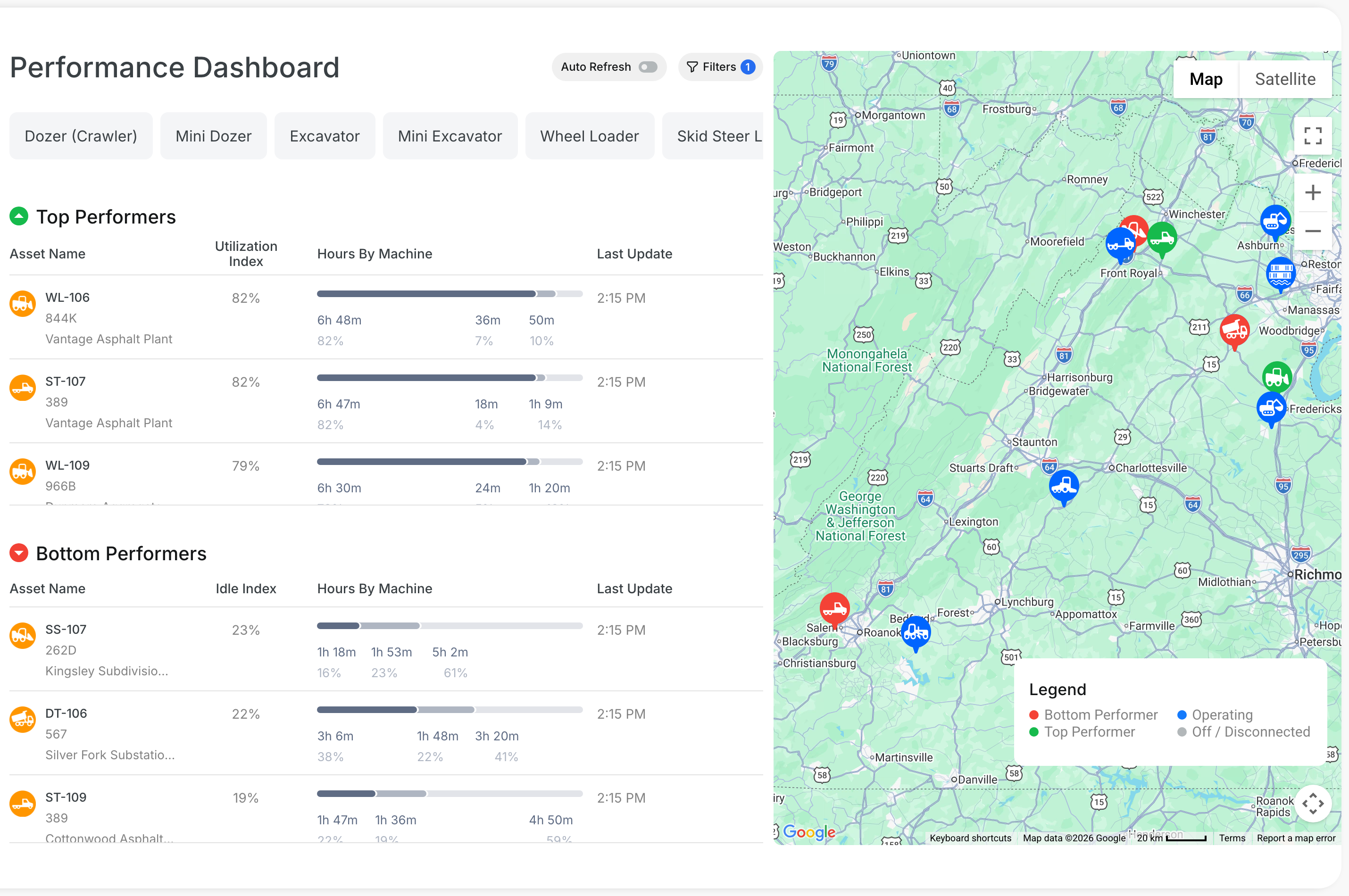
Use the AI Report Builder when you need a custom report but do not want to build it field by field. You can describe what you want in plain language, and CLUE turns that request into a report query and visualization.
Overview
The AI Report Builder is part of CLUE’s reporting tools in Insights. It is designed to help teams create custom reports faster by using natural language instead of manual report setup.
This is especially useful when you want a quick answer from report data, such as asset activity, work order history, or fuel usage, without building the report from scratch. It fits naturally with Understanding Fleet Reports and Managing Scheduled Reports if your team also uses saved and recurring reports.
Accessing AI Report Builder
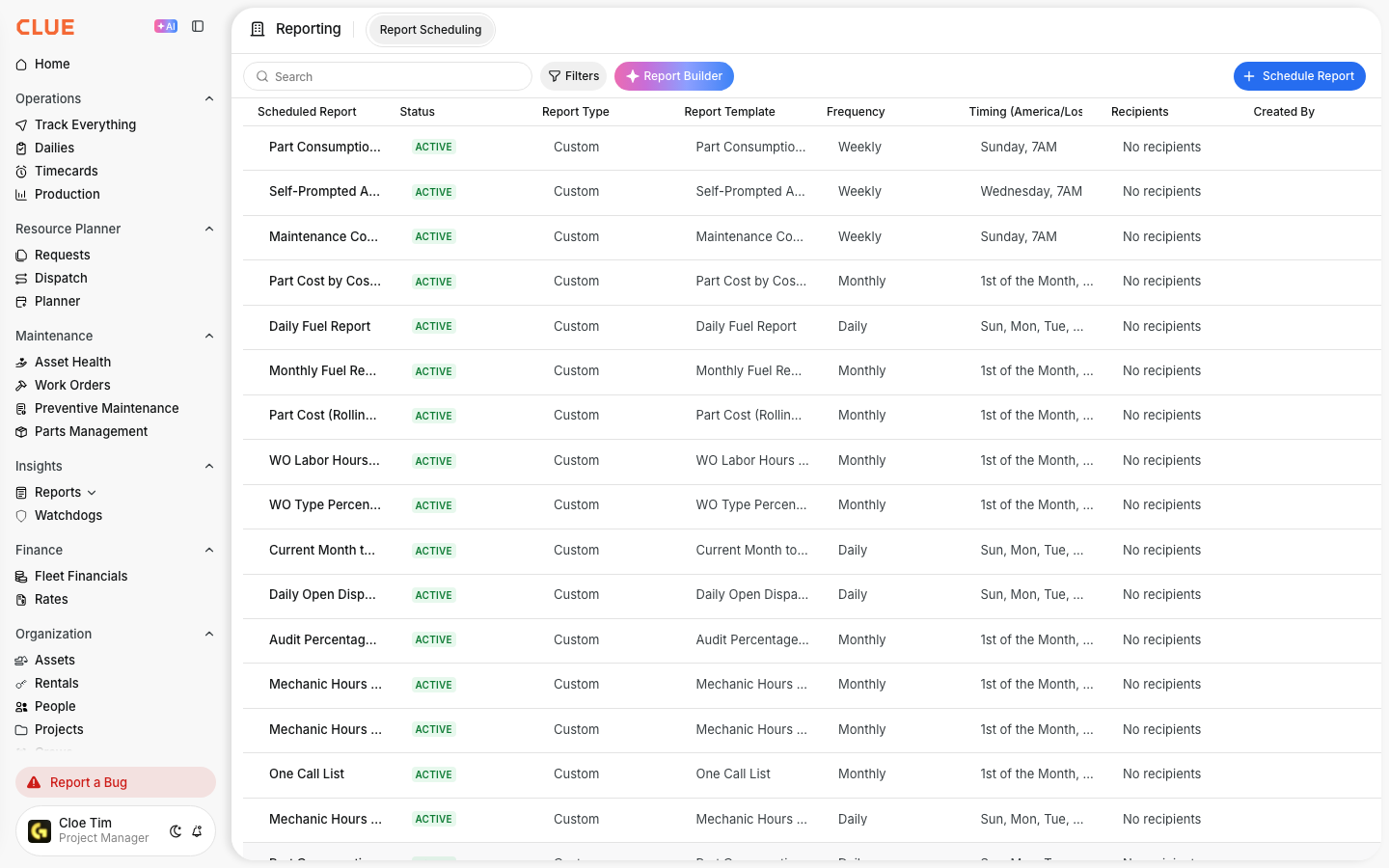
You can open the AI Report Builder from the main reporting area in CLUE. Start in Insights, then go to Reports and look for the AI or custom report option.
To get there:
- go to Insights → Reports
- open AI Report Builder or Custom Report
Creating a Report
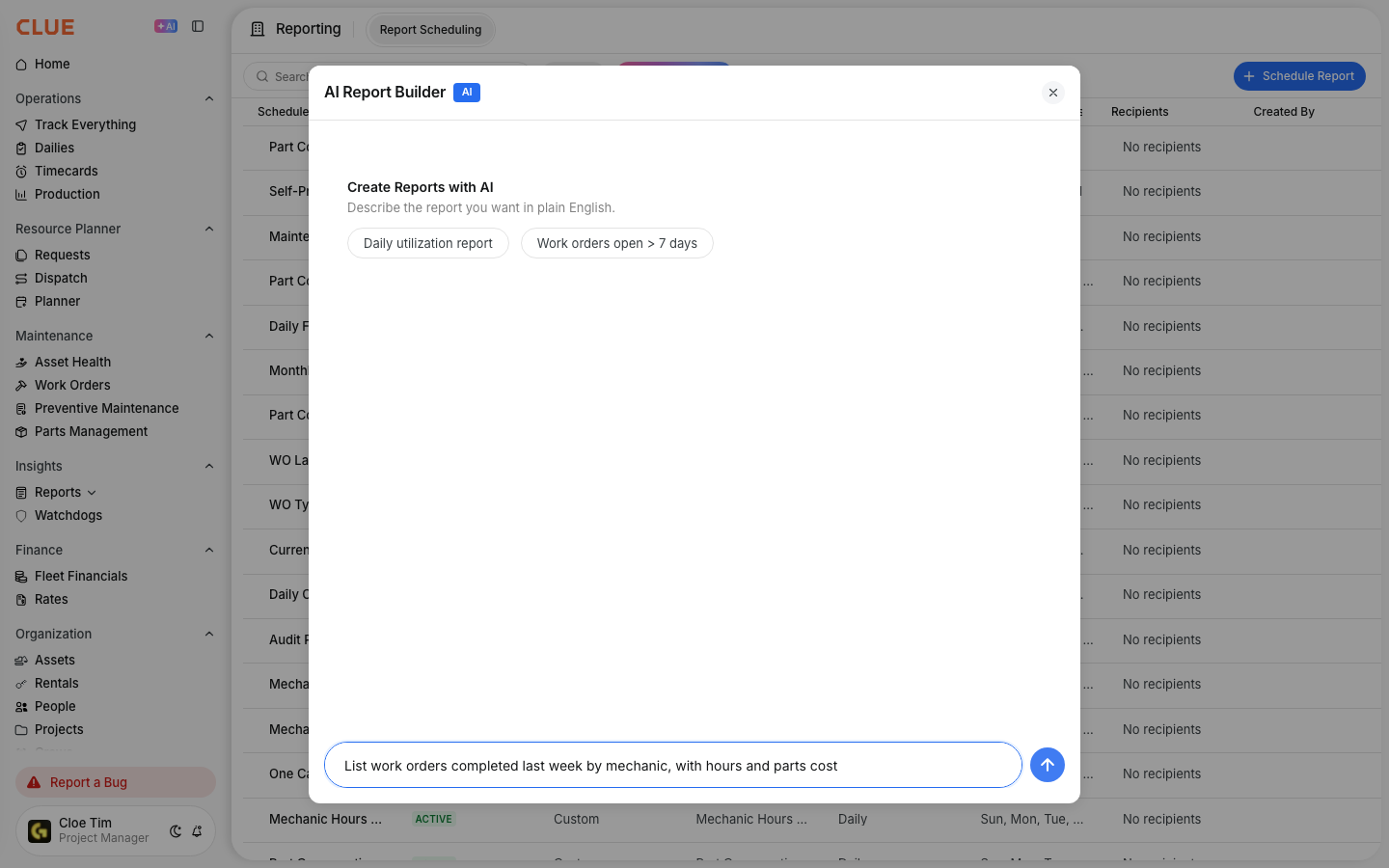
The report builder works best when you describe the result you want in clear, simple language. The AI reads your request, builds the query, and returns a report based on the data you have access to.
A few example prompts from CLUE include:
- Show me all assets that were idle more than 4 hours yesterday
- List work orders completed last week by mechanic
- Compare fuel usage by project this month
After you enter the prompt:
- the AI interprets the request
- CLUE generates the results
- you review the output and adjust it if needed
Refining Results
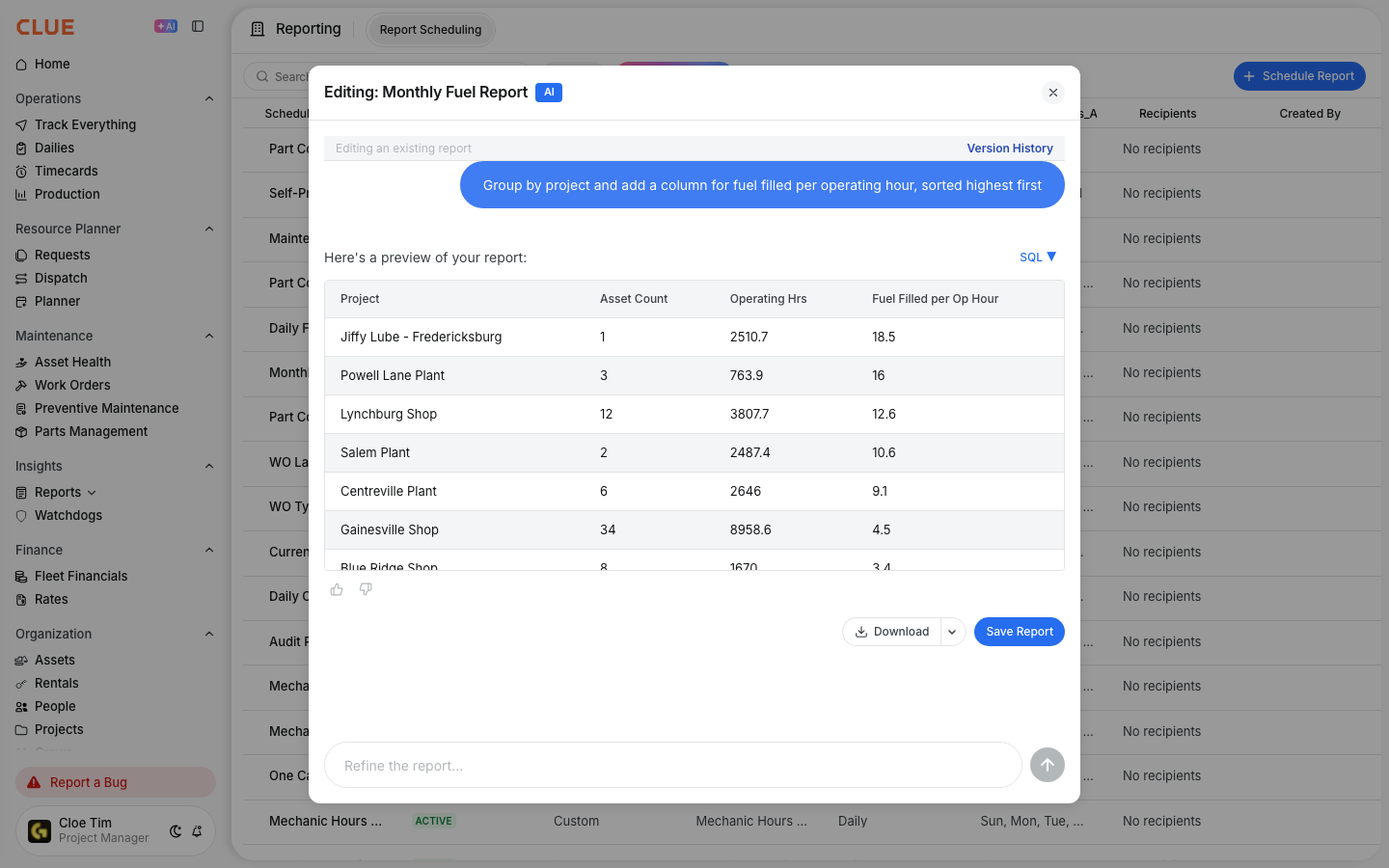
If the first result is close but not exactly what you need, you can revise the request and run it again. Small changes in wording often help the AI return a better report.
Useful ways to refine a request include:
- add more detail
- use exact date ranges
- name the fields you want to see
- keep the wording close to CLUE terms like assets, work orders, projects, or fuel usage
Saving Custom Reports
Once the report gives you what you need, you can save it for later use. That makes it easier to return to the same report without rewriting the prompt each time.
To save a report:
- click Save or Bookmark
- give the report a name
- open it later from your saved reports list
Saved reports work well when your team reviews the same data regularly and may later want to turn that report into a recurring process with Creating Scheduled Reports.
Best Practices
The AI Report Builder works better when the request is direct and specific. Starting simple usually gives better results than asking for too much in one prompt.
A few good habits:
- be specific about the time period
- use CLUE terms your data already uses
- start with a simple question, then add detail if needed
Limitations
The AI Report Builder is useful for many report questions, but it does have limits. Some requests may need a simpler prompt or a more standard report instead.
According to CLUE, it may not handle:
- very complex multi-step analysis
- data outside your permissions
- non-standard wording or unclear terms
Tips
A little trial and error is normal when using AI for reports. Different wording can return better results, especially when the request is close but not quite right the first time.
- try different phrasing if the first result misses the mark
- save reports you use often
- share saved reports with teammates when the same view is useful across the team