Understanding PM Status vs PM Plans
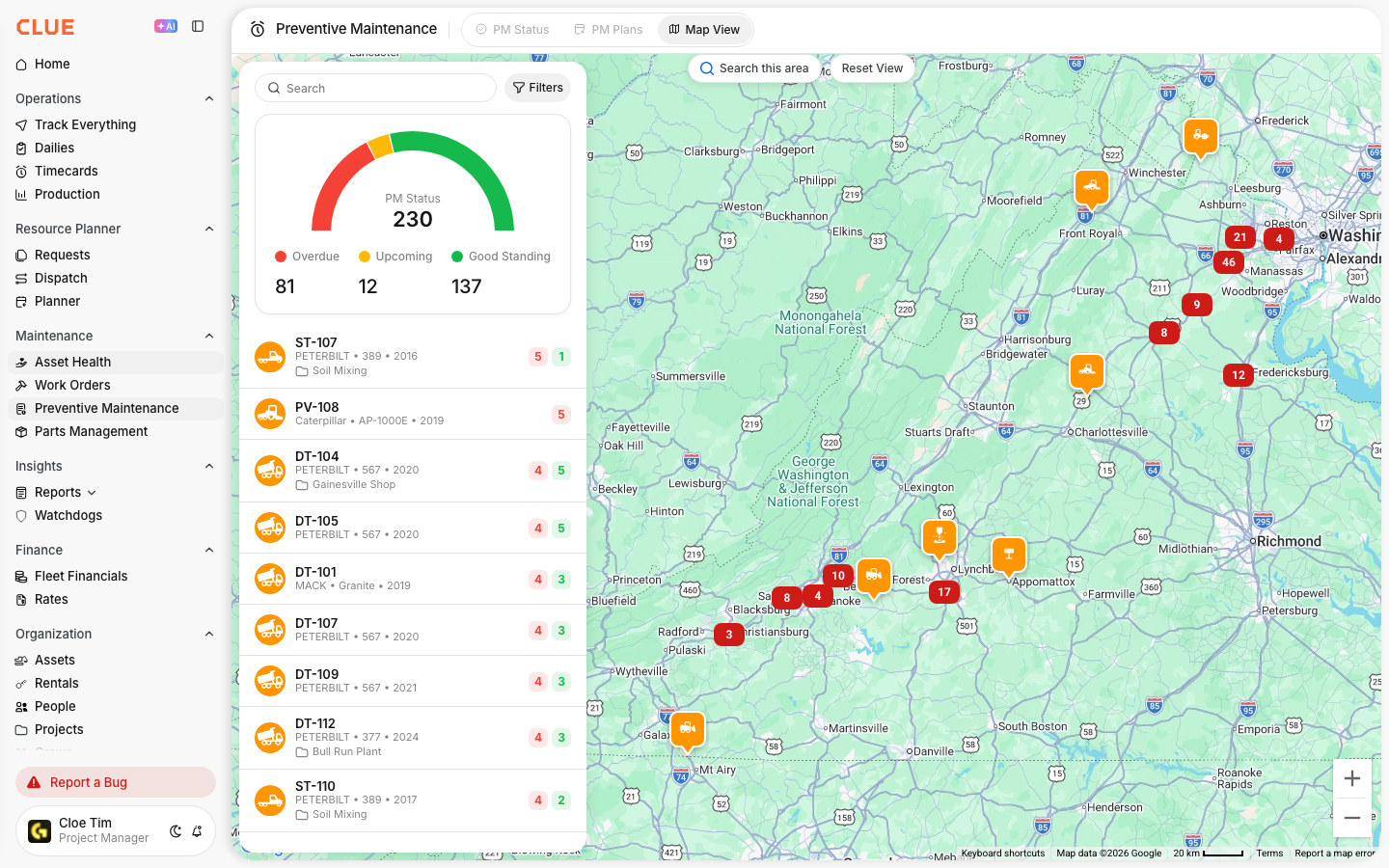
CLUE splits preventive maintenance into two views: PM Status and PM Plans. One shows what is due right now, and the other defines the service schedule behind it.
PM Status
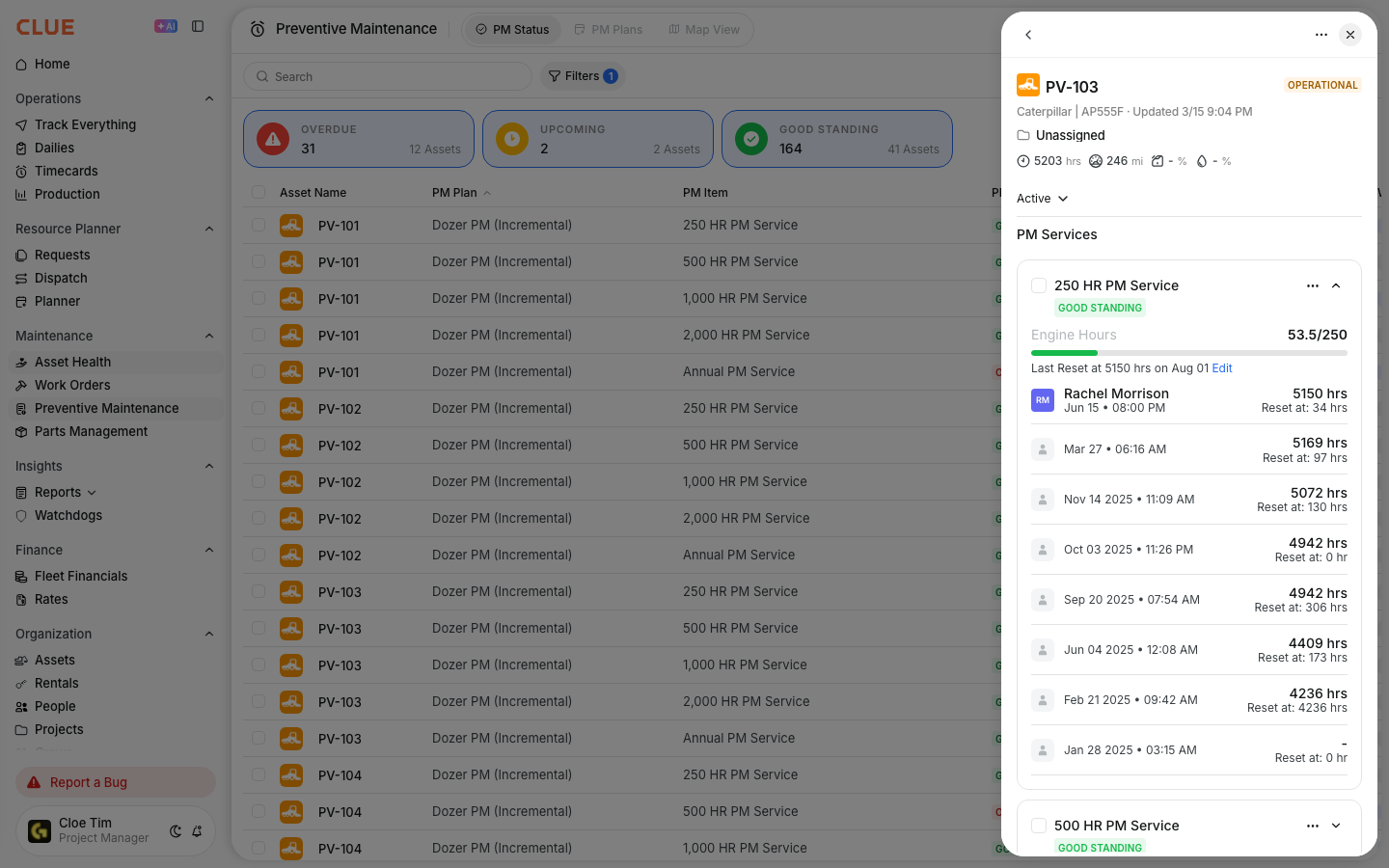
Use PM Status when you want to see what needs attention now. This view is focused on current maintenance activity across the fleet.
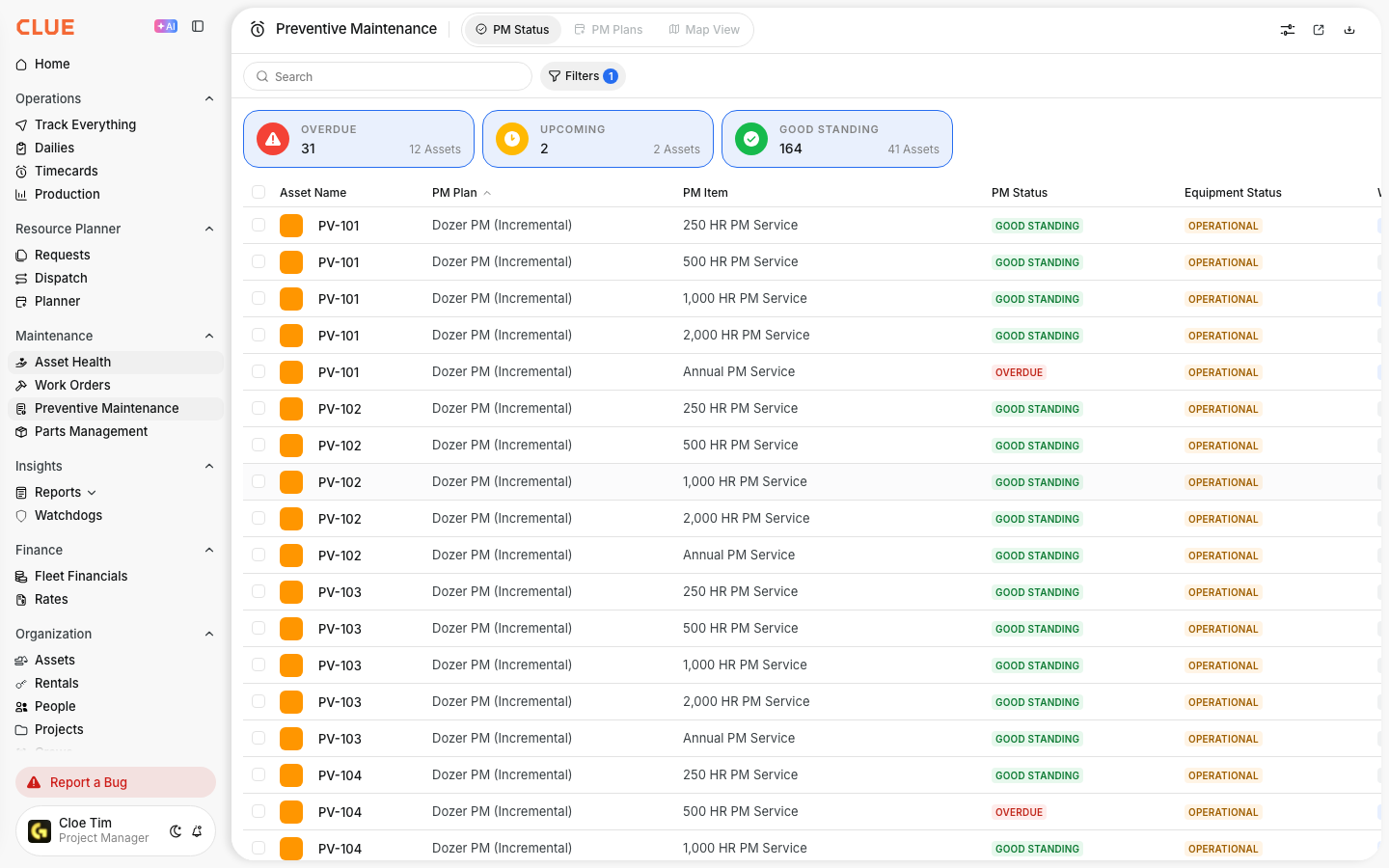
In PM Status, you can see:
- which assets need service now
- what is coming up soon
- what is already overdue
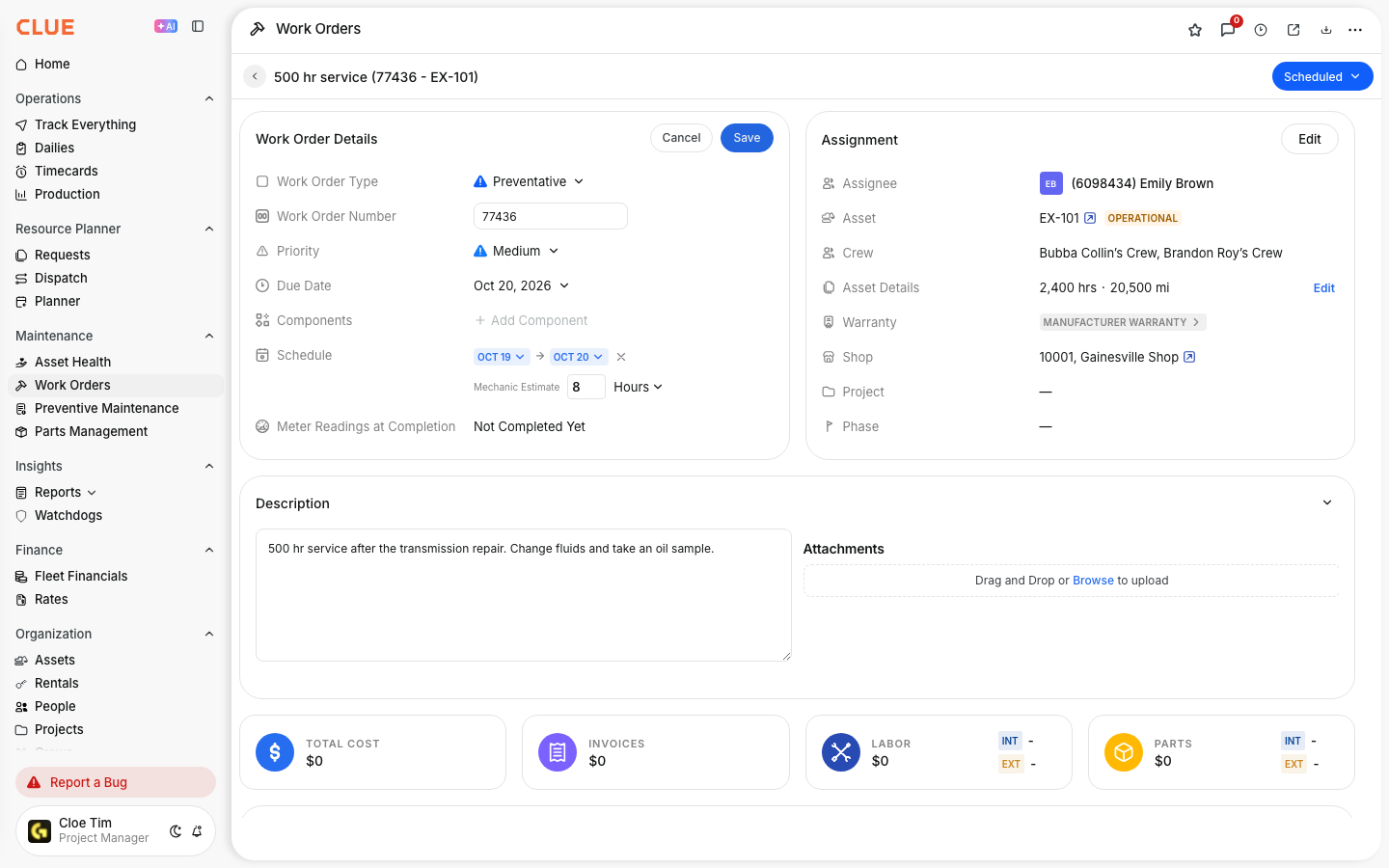
- whether a work order has been created for that PM item
If you need the day-to-day maintenance view, go to Viewing PM Status for Your Fleet.
PM Plans
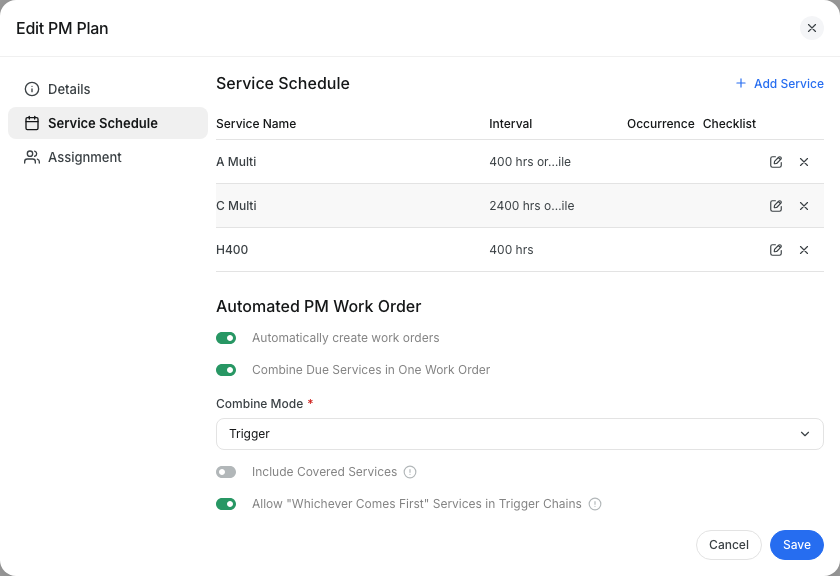
Use PM Plans when you need to set up or change the maintenance schedule. This view is where you define the service rules that CLUE uses for each asset.

In PM Plans, you can manage:
- plan names and descriptions
- service intervals, such as hours, days, or miles
- the PM items inside each plan
- which assets use each plan
If you need to build a new schedule, start with Creating a New PM Plan. If you need to adjust the service trigger, see Setting PM Intervals.
How They Work Together?
PM Status and PM Plans work together as part of the same workflow. First, you define the schedule in PM Plans. Then CLUE uses that setup to track what is due in PM Status.
The workflow usually looks like this:
- Create a PM plan with the right service intervals
- Assign assets to that plan
- CLUE calculates when each asset is due
- PM Status shows the current due dates and status
- After service is completed, the counters reset and tracking continues
If you want a full overview of this process, Using PM Schedules is the best next article to open.
Quick Reference
Use this as a simple rule:
- Need to see what is due? Go to PM Status
- Need to create or change a service schedule? Go to PM Plans
- Need to add assets to a plan? Go to PM Plans
- Need to create a work order for due service? Start in PM Status