Understanding Fault Code Severity
Fault codes from telematics are not all the same priority. CLUE uses severity levels to help your team decide what needs immediate action, what should be scheduled soon, and what can wait for the next service window.
Overview
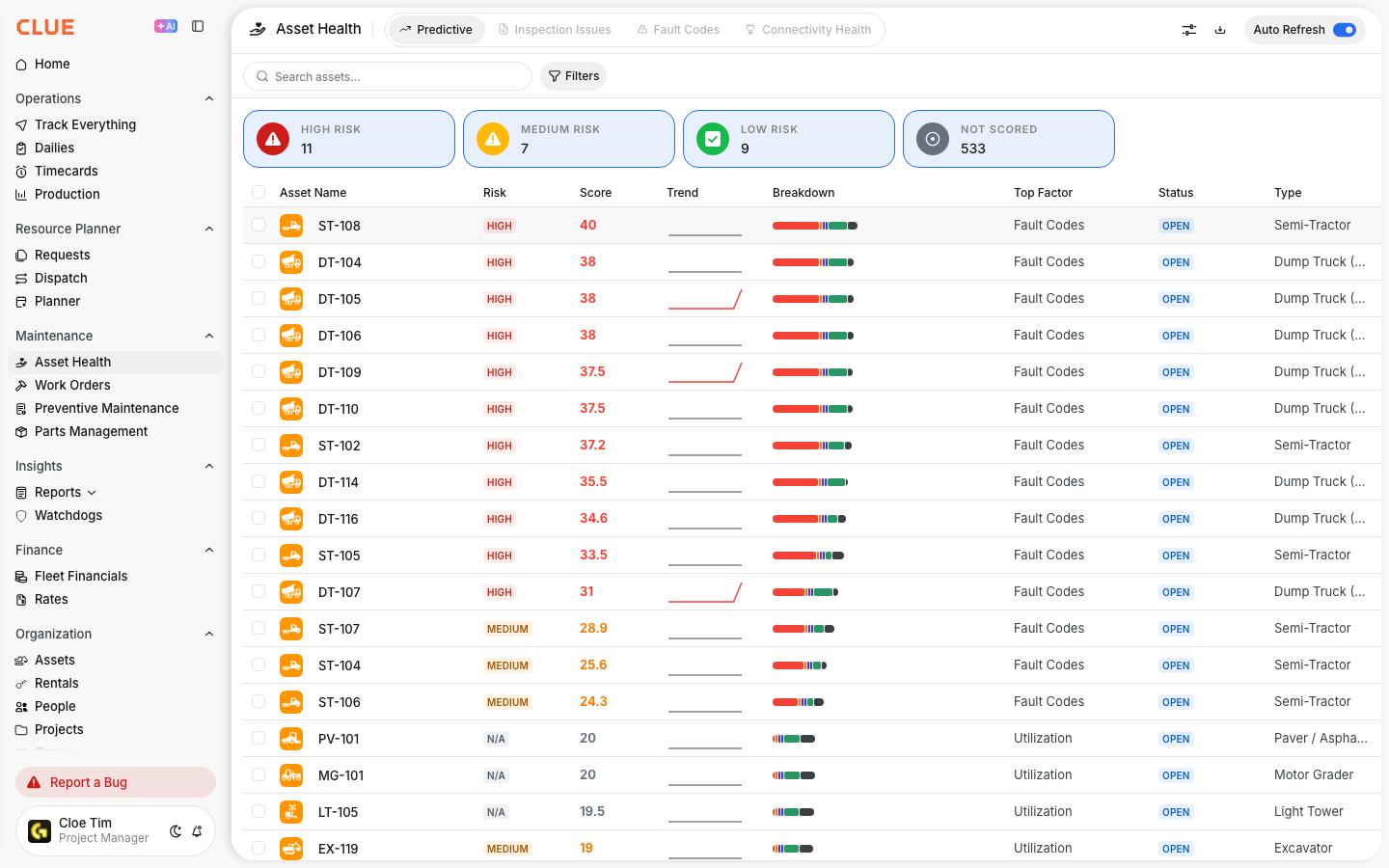
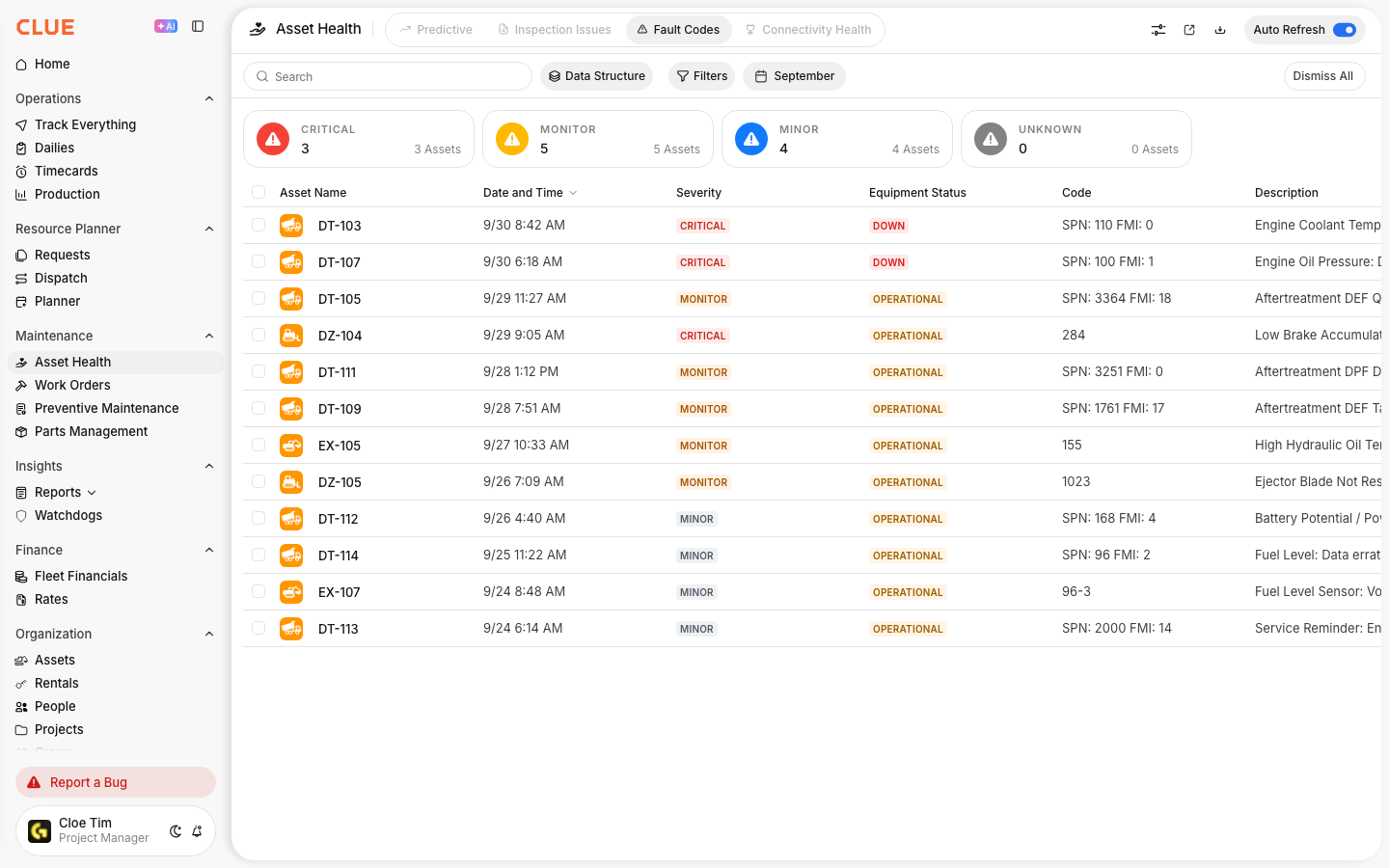
Severity helps your team respond faster and more consistently when a fault code comes in. In CLUE, fault codes are grouped by level so you can quickly see which issues are most urgent. If you need the full dashboard view first, start with Understanding Fault Codes.
Severity Levels
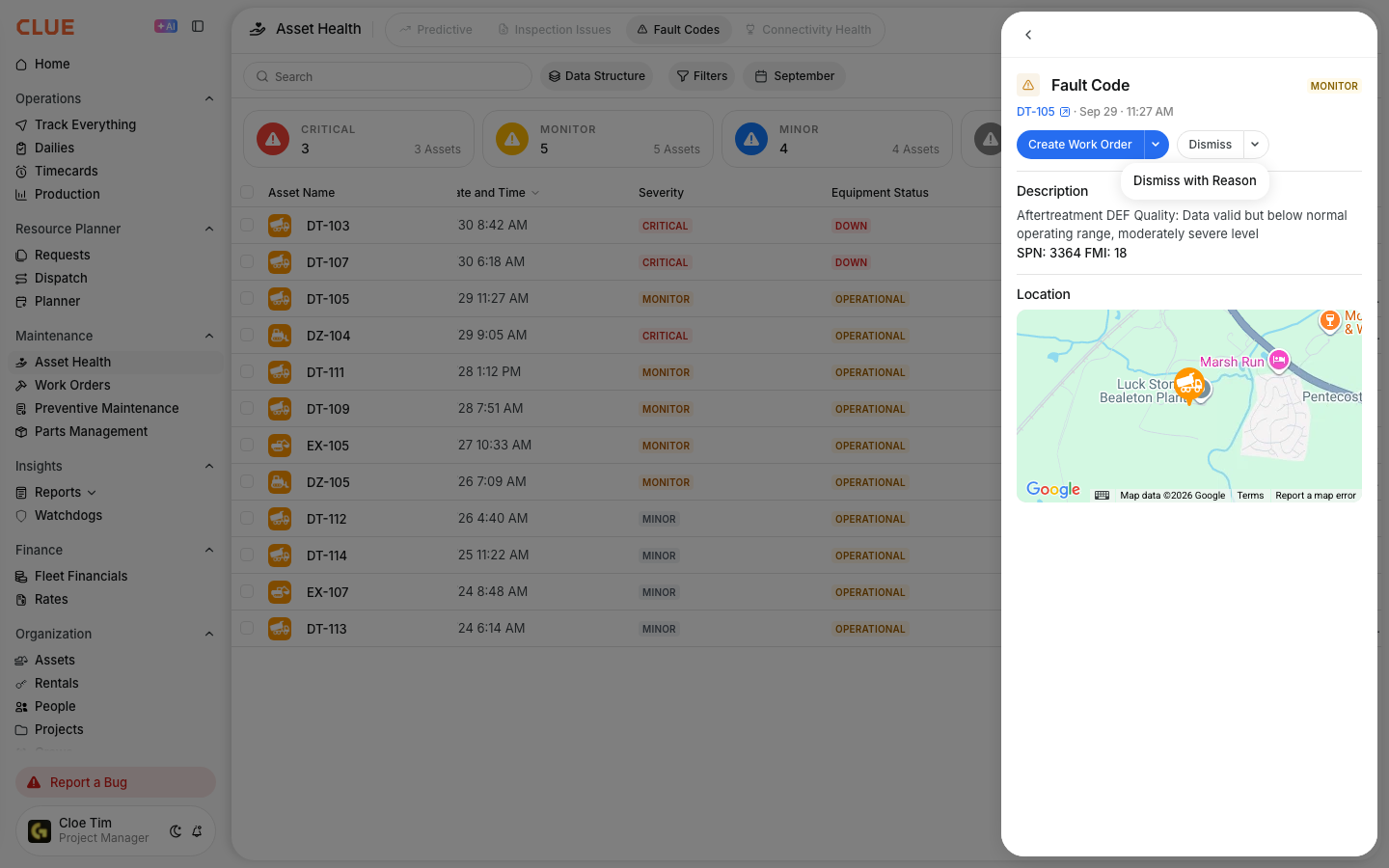
Each severity level points to a different kind of response. Review the code, check the affected asset, and then decide whether the equipment should stop, be scheduled soon, or wait until the next service.
Critical (Red)
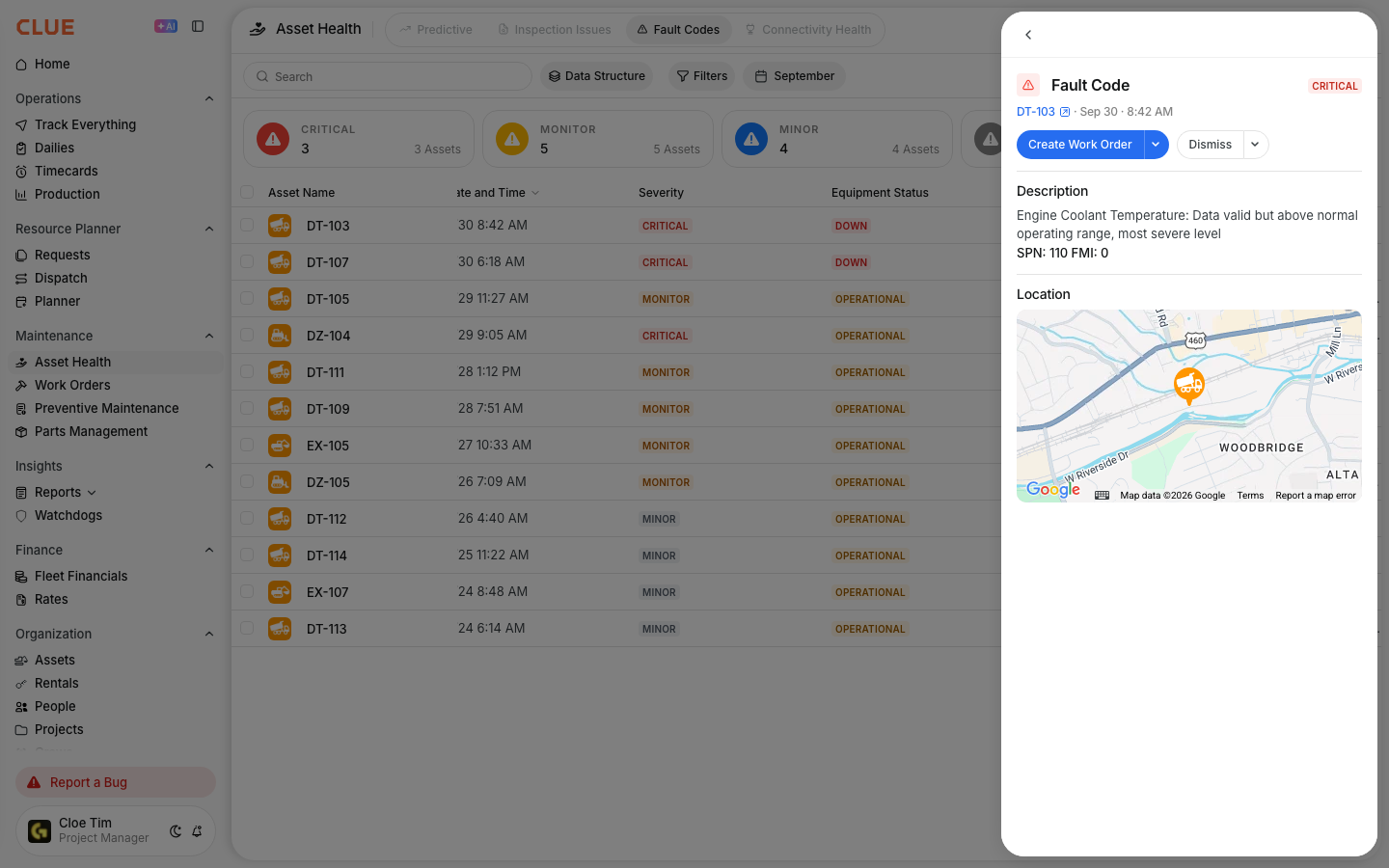
Critical fault codes need immediate attention. These codes can point to a safety risk, major equipment damage, or a condition where the machine should not keep operating. Common examples include engine overheating, low oil pressure, and brake system faults.
Monitor / Warning (Yellow)
Warning or Monitor fault codes need attention soon, but they do not always mean the machine has to stop right away. These codes may affect performance and can become more serious if they are ignored. Examples include check engine alerts, low DEF, and filter restriction warnings.

Minor / Informational (Blue)
Minor or Informational fault codes are lower priority. These usually point to advisories or small issues that can be handled during the next planned service if nothing else changes. Examples include service reminders or calibration-related messages.
Responding to Fault Codes
The right response depends on the severity. CLUE’s learning content recommends treating critical codes as immediate issues, scheduling warning codes soon, and rolling minor codes into planned service where appropriate. If the code needs repair work, continue to Create Work Orders from Inspection Issues and Fault Codes so the issue stays linked to the asset and the maintenance record.
- Critical - stop the equipment, inspect it right away, and create an urgent work order
- Warning - schedule service soon and keep an eye on the asset
- Minor - add it to the next scheduled service or maintenance review.
Tips
A few simple habits can make fault code review more useful over time. If your team is also reviewing operator-reported issues, Reviewing Inspection Issues fits naturally with this workflow because it uses the same severity mindset across inspection issues and fault codes.
- Never ignore Critical fault codes
- Keep fault codes linked to work orders so the repair history stays complete
- Watch for repeat codes on the same asset or component
- If the same code keeps coming back, review your fault code rules so the team handles it the same way every time.