Reviewing Inspection Issues
Inspection Issues show problems reported during operator inspections. Use it to review open issues, sort by severity, and move repair items into work orders before they turn into bigger failures.
Overview
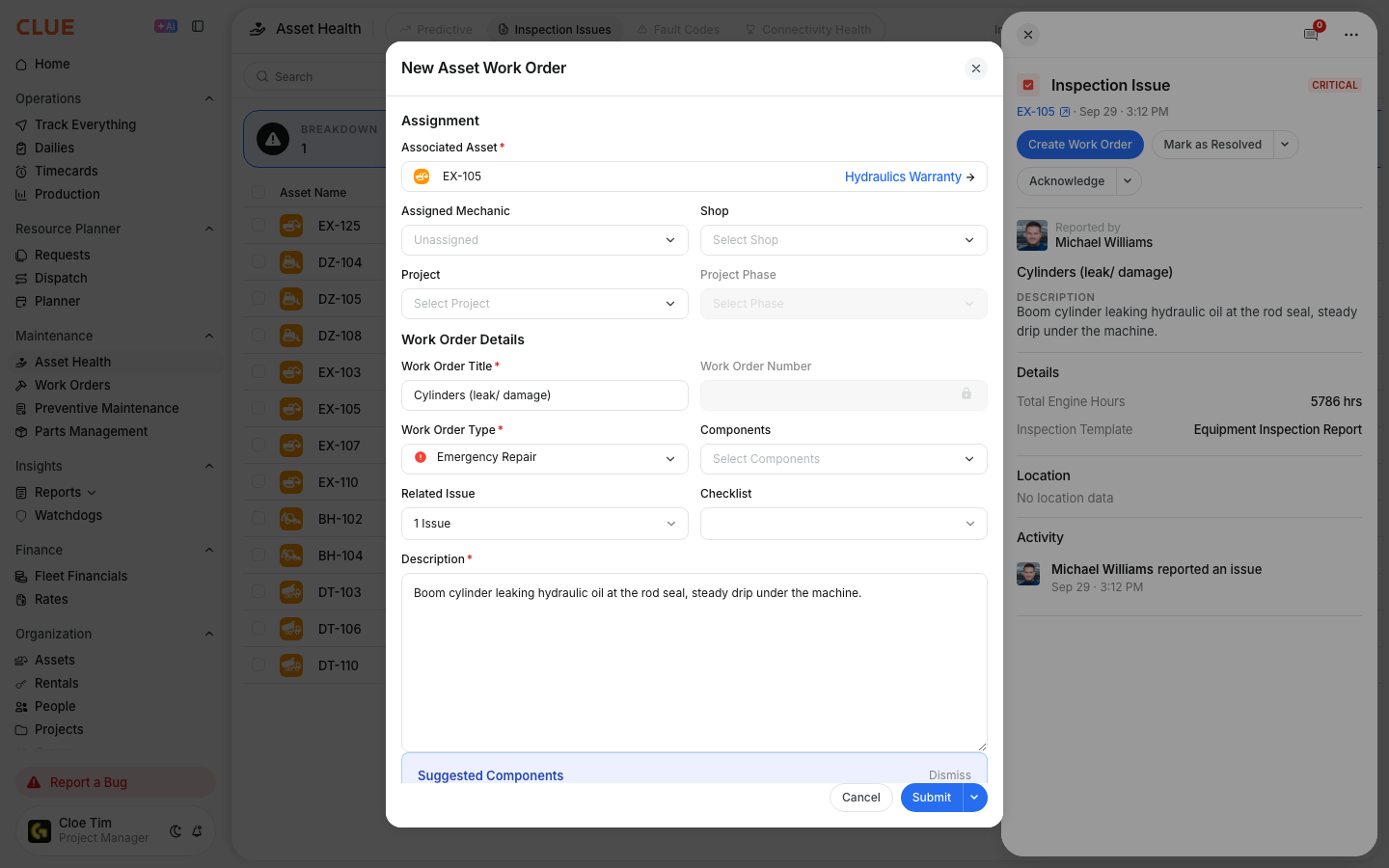
Inspection Issues helps you track problems found in the field during pre-trip and equipment inspections. It gives supervisors and maintenance teams one place to review what was reported, decide what needs attention first, and keep issues from getting missed. If an issue needs repair, you can move it into Creating Work Orders from Issues so the problem stays linked to the work order.
Inspection Issues Dashboard
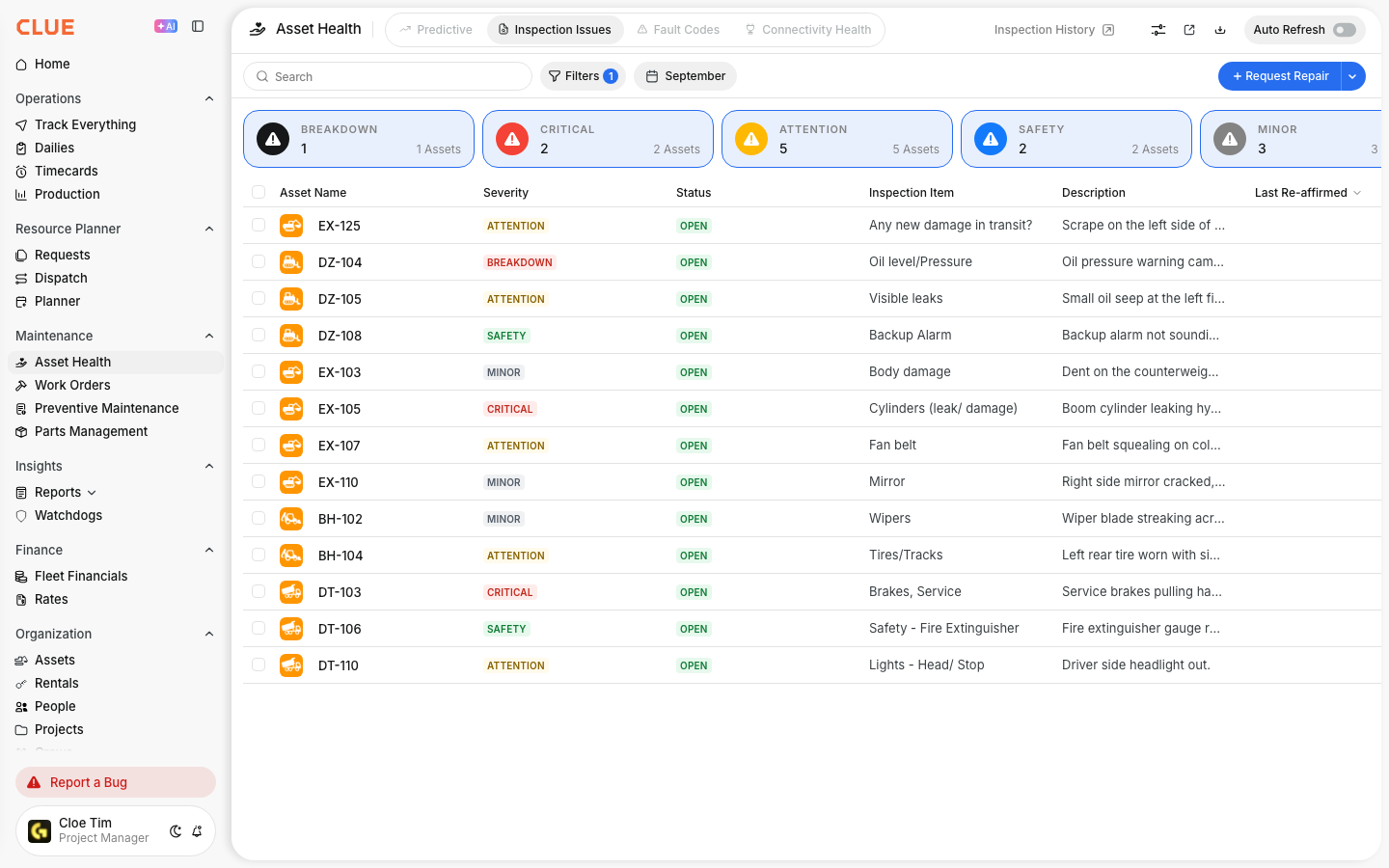
Open the dashboard from Maintenance > Inspection Issues. This page shows issues reported from inspections and gives you tools to search, filter, share, export, and resolve them. If you also review telematics alerts, Understanding Fault Code Severity fits naturally with this workflow because it helps you compare inspection issues and fault-based issues the same way.
Header Actions
The header actions help you find the right issues faster and manage them in bulk. Use these tools when the list gets long or when you need to focus on one group of issues.

- Search - find issues by asset name or issue description
- Date Filter - filter by month or a custom date range
- Filters - narrow the list with more filtering options
- Share - share the current view
- Download - export the list to Excel
- Mark as Resolved - resolve selected issues in bulk.
Severity Summary Cards
The severity cards give you a quick view of what needs attention first. Click any card to filter the table and focus on that severity level.
- Breakdown - the equipment cannot operate
- Critical - serious issue that needs immediate attention
- Attention - issue should be addressed soon
- Safety - safety-related issue
- Minor - lower-priority maintenance item.
If your team needs a clearer rule for what should be handled now versus later, use Understanding Fault Code Severity alongside this page so everyone is working from the same priority logic.
Issues Table
The issues table shows the main details for each reported problem. Use it to understand what was reported, where it came from, and whether it is still open. For a broader maintenance picture, these issue records also connect well with Viewing Asset Work History because inspection issues become part of the asset’s full history.
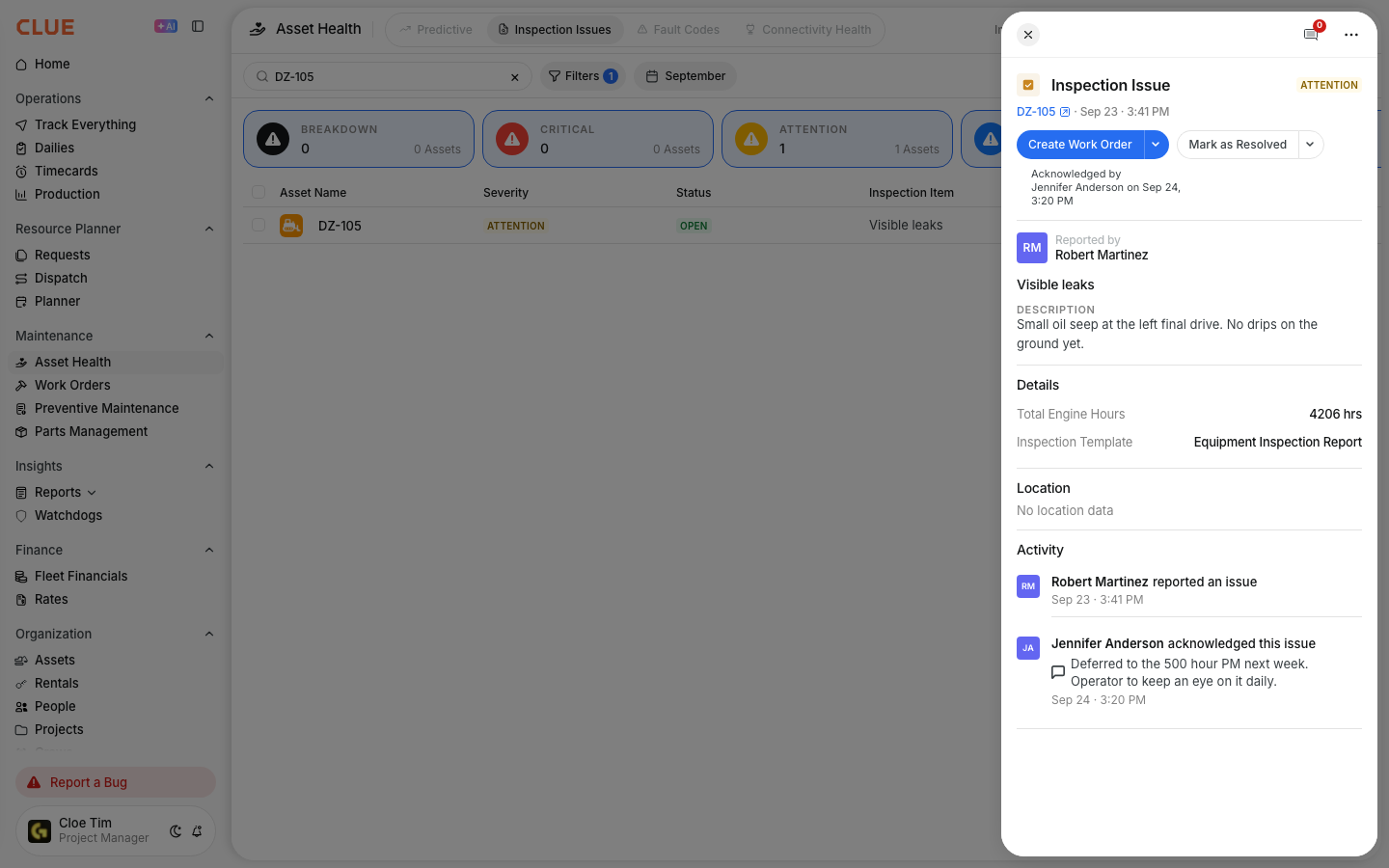
The table includes:
- Asset Name - the equipment with the issue
- Severity - how urgent the issue is
- Status - whether the issue is open or closed
- Inspection Item - the item that was checked
- Description - details about the problem
- Current Project - where the asset is assigned now
- Report Project - where the issue was originally reported.
Tips
Review this page often so small problems do not turn into bigger repairs. The highest value usually comes from catching urgent items early and linking repair work back to the issue record.
- Review Critical and Breakdown issues every day
- Create work orders for issues that need repair using Creating Work Orders from Issues
- Use Download when you need to share or keep inspection records
- Filter by date to review recent inspection activity
- Keep issues linked to repairs so reporting and asset history stay complete.